Tennessee Annual Minutes
About this form
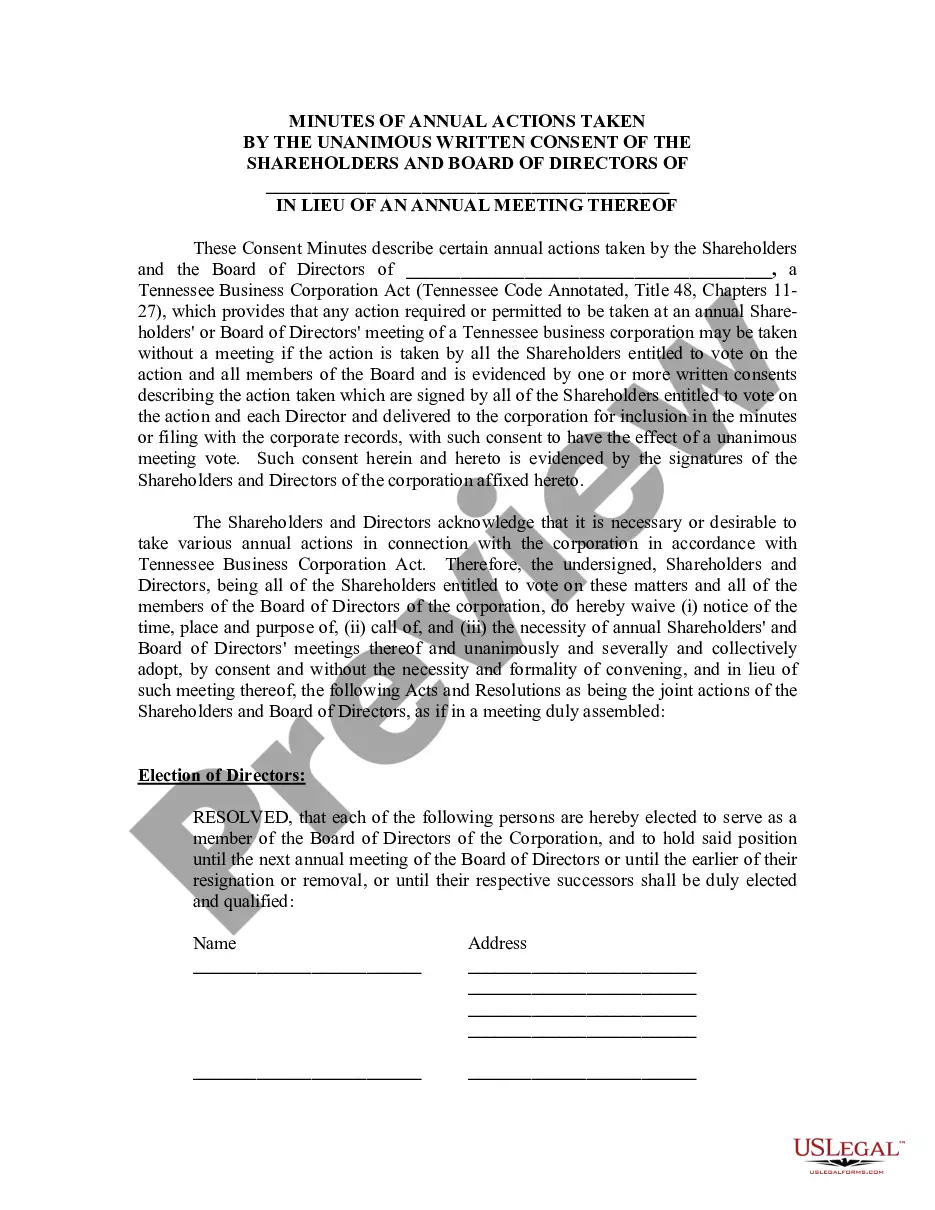
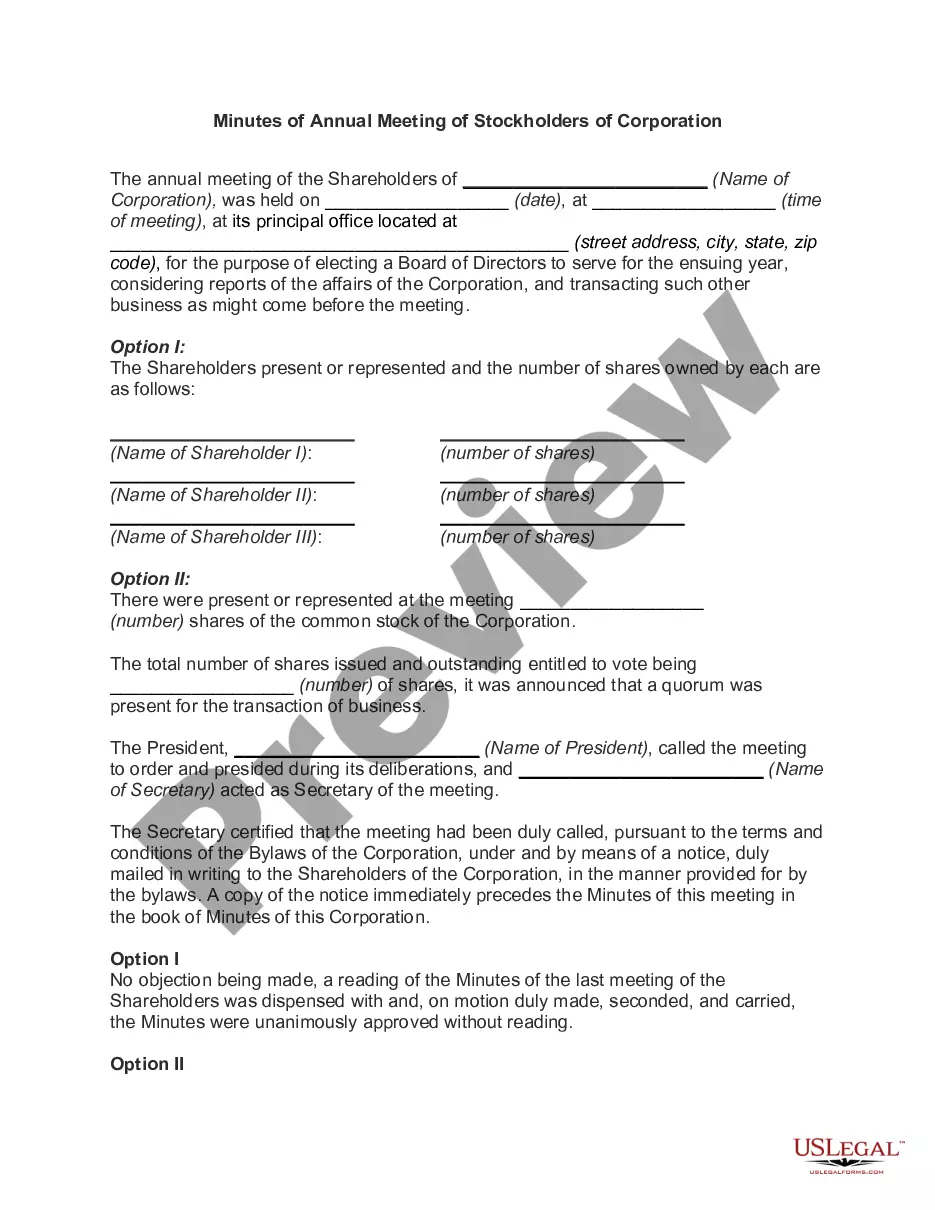
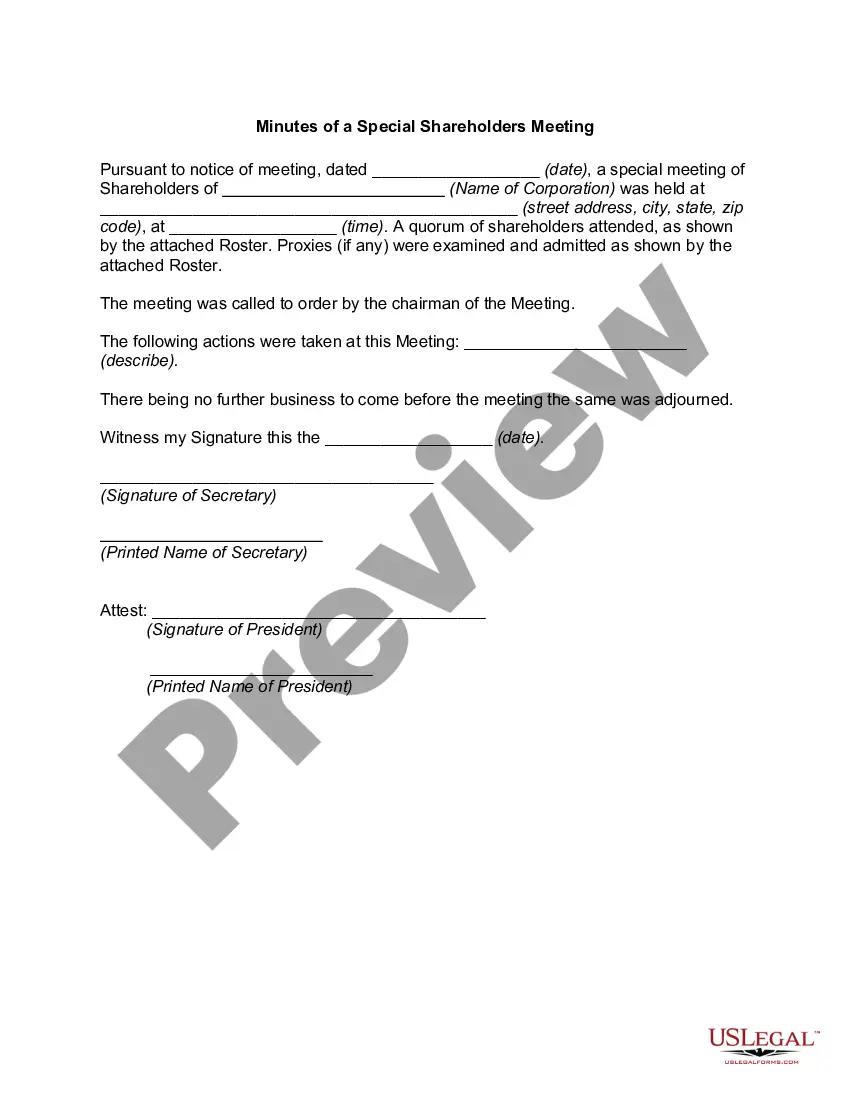
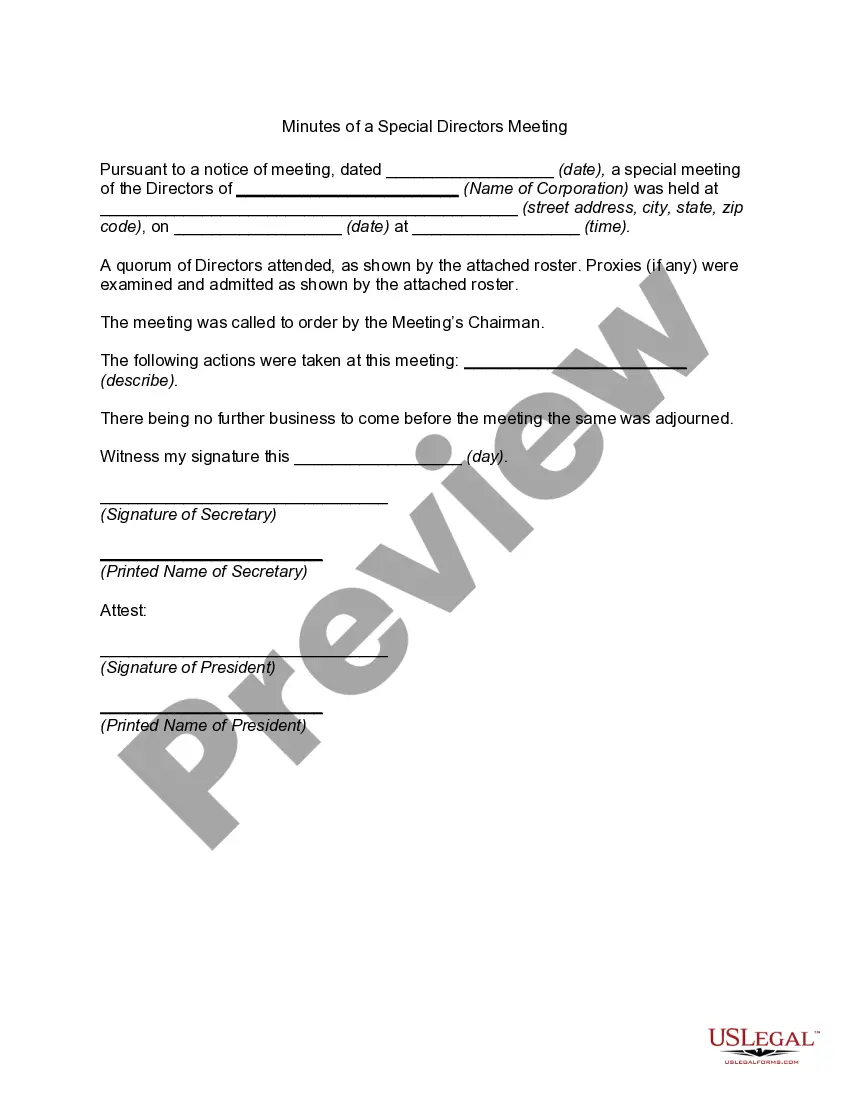
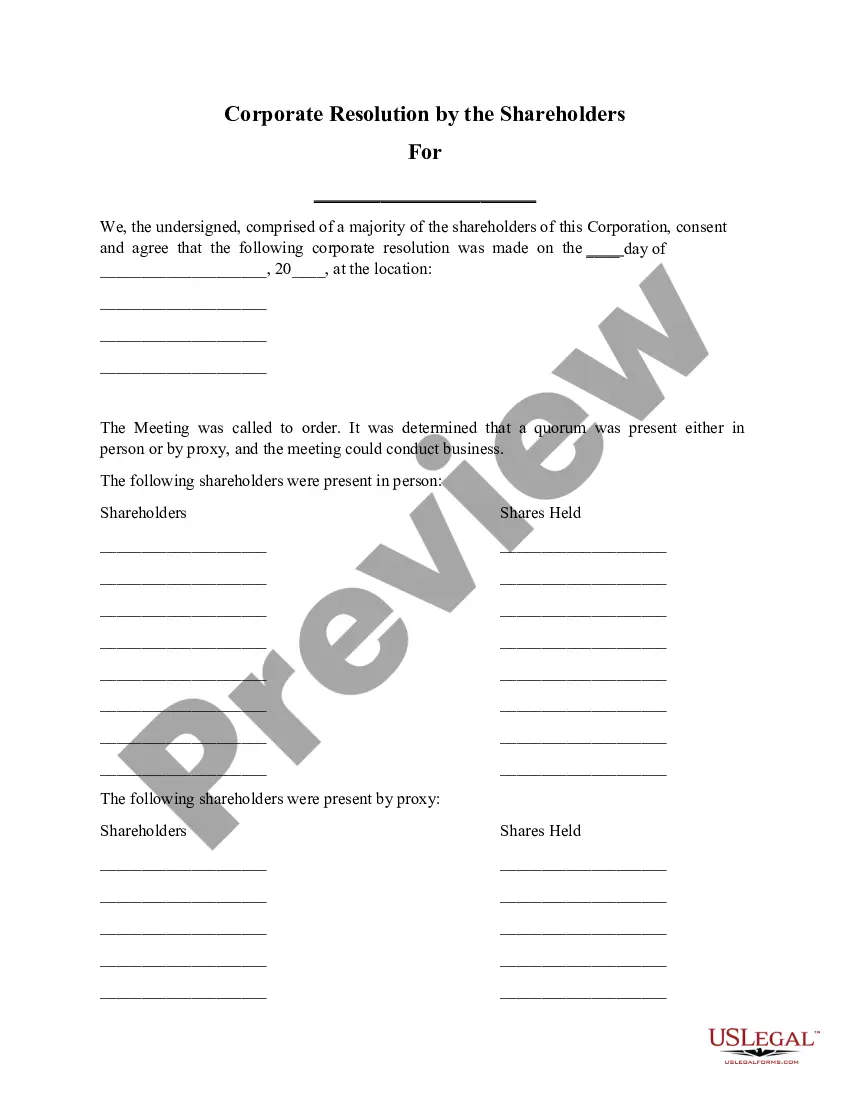
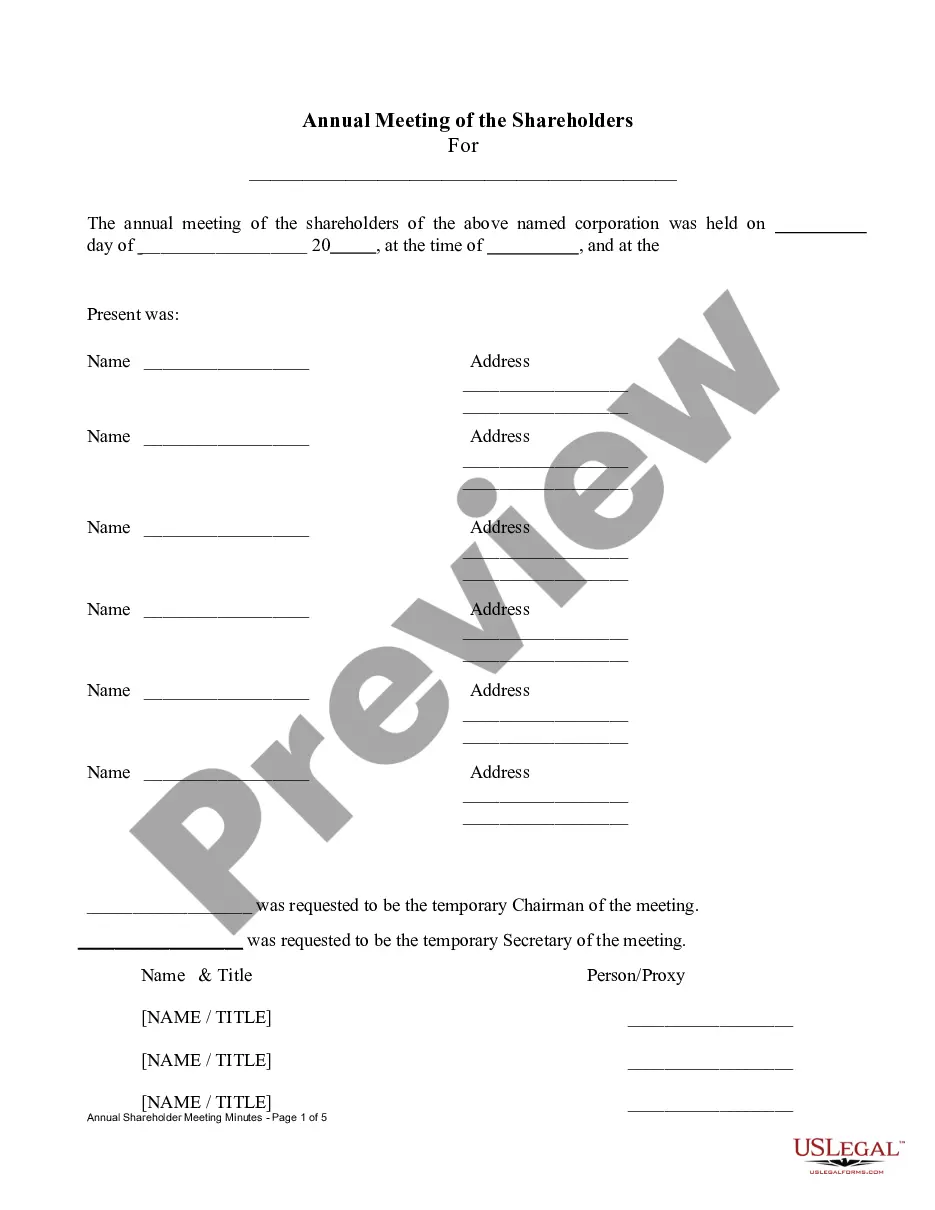
The Annual Minutes form is a legal document used by corporations to officially record the actions taken by shareholders and directors over the course of a year. Unlike other corporate forms, this document allows for decisions to be made without a formal meeting, as long as all parties involved provide unanimous written consent. This helps streamline the process of maintaining corporate records while ensuring compliance with Tennessee law regarding corporate governance.
Key components of this form
- Unanimous consent statement from shareholders and directors.
- Election of directors to the board with their names and addresses.
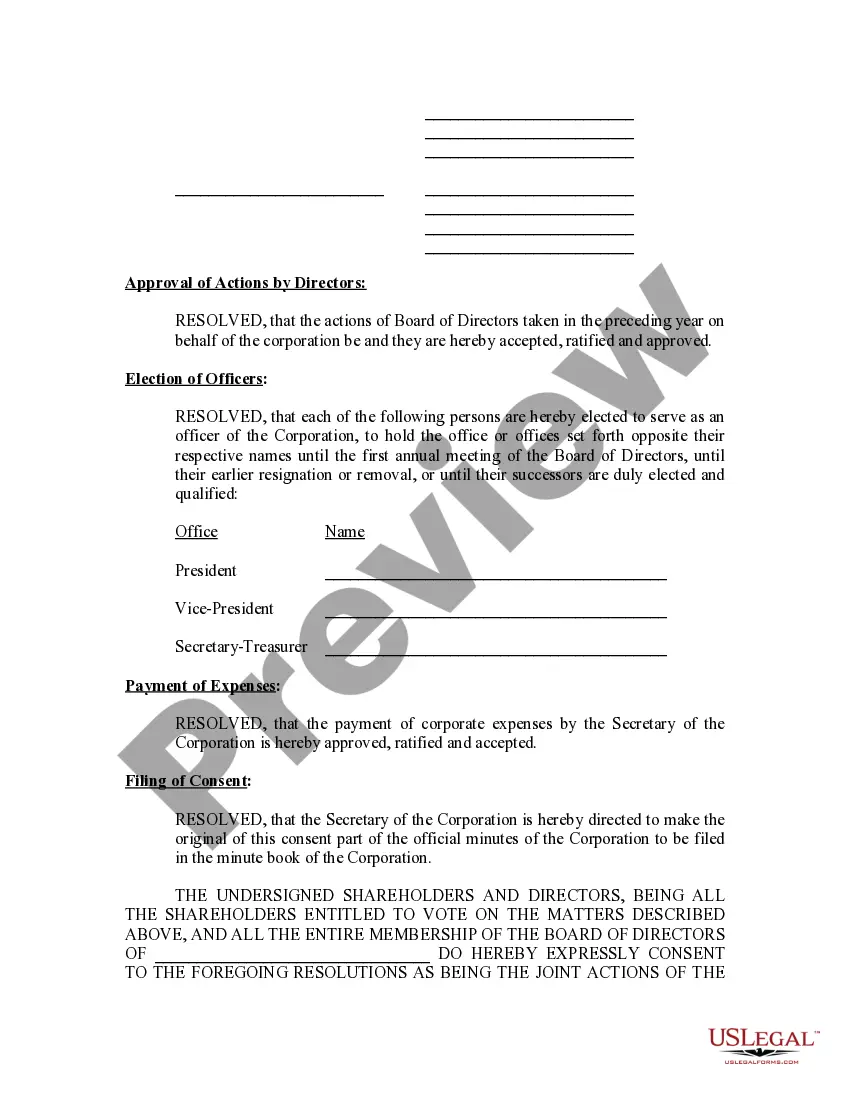
- Approval of actions taken by directors in the prior year.
- Election of corporate officers with designated positions.
- Authorization for the payment of corporate expenses.
- Filing instructions for incorporating the consent into official corporate minutes.
When to use this form
This form should be used during the annual review of corporate governance activities. It is particularly relevant when a corporation needs to document decisions made by shareholders and directors without conducting a formal annual meeting. Scenarios include electing officers, approving past decisions, and addressing any administrative updates in the company structure.
Who should use this form
This form is intended for:
- C Corporations and S Corporations based in Tennessee.
- Shareholders who need to document unanimous decisions.
- Board members responsible for corporate governance and compliance.
- Corporate secretaries managing official records.
Steps to complete this form
- Identify the corporation and its shareholders along with board members.
- Clearly document the actions being approved, such as officer elections and ratification of past activities.
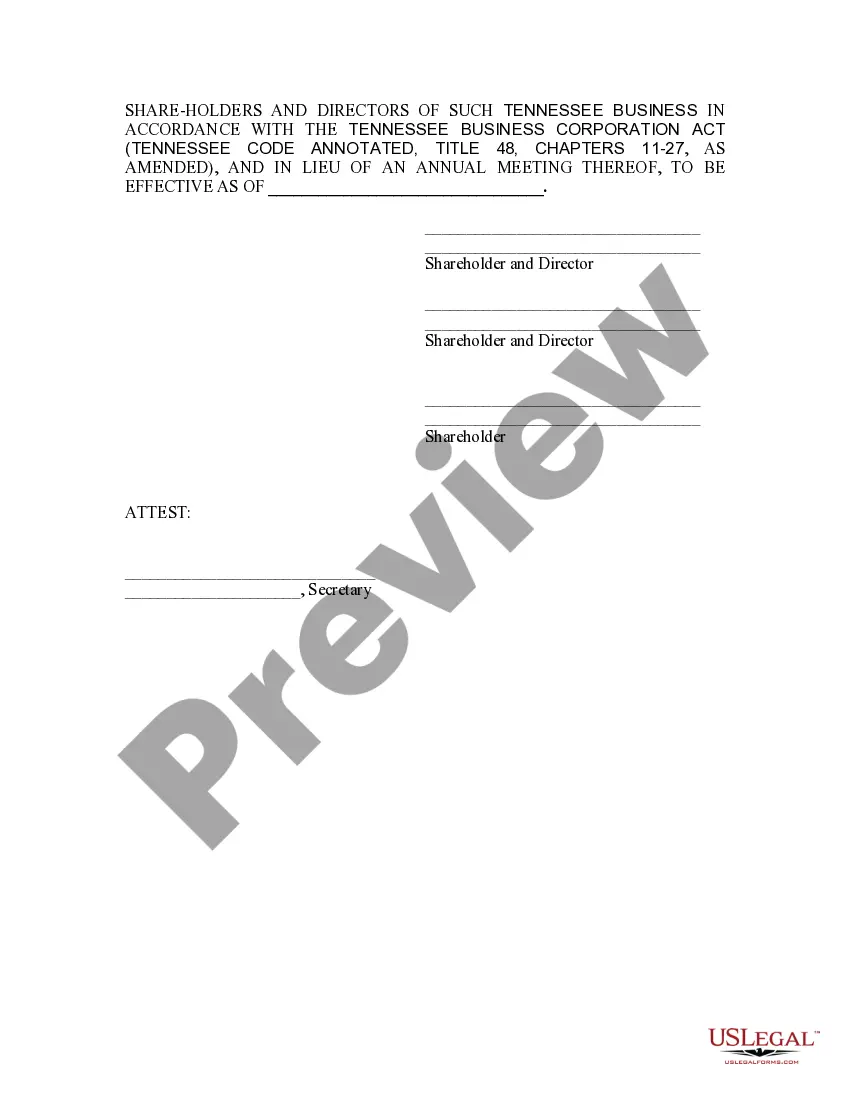
- Ensure all relevant parties sign the consent to demonstrate unanimous agreement.
- File the signed document with the corporate records to keep an official record of the actions taken.
- Include the effective date of the consent in the appropriate section.
Is notarization required?
This form does not typically require notarization unless specified by local law, making it easier to manage corporate documentation efficiently.
Get your form ready online
Our built-in tools help you complete, sign, share, and store your documents in one place.
Make edits, fill in missing information, and update formatting in US Legal Forms—just like you would in MS Word.
Download a copy, print it, send it by email, or mail it via USPS—whatever works best for your next step.
Sign and collect signatures with our SignNow integration. Send to multiple recipients, set reminders, and more. Go Premium to unlock E-Sign.
If this form requires notarization, complete it online through a secure video call—no need to meet a notary in person or wait for an appointment.
We protect your documents and personal data by following strict security and privacy standards.

Make edits, fill in missing information, and update formatting in US Legal Forms—just like you would in MS Word.

Download a copy, print it, send it by email, or mail it via USPS—whatever works best for your next step.

Sign and collect signatures with our SignNow integration. Send to multiple recipients, set reminders, and more. Go Premium to unlock E-Sign.

If this form requires notarization, complete it online through a secure video call—no need to meet a notary in person or wait for an appointment.

We protect your documents and personal data by following strict security and privacy standards.
Avoid these common issues
- Failing to obtain unanimous consent from all shareholders and directors.
- Not including the effective date, which may lead to confusion about when decisions were made.
- Neglecting to file the consent in the corporation's official minute book after completion.
Benefits of using this form online
- Convenient downloadable format for easy access and use.
- Editability allows for customization to fit specific corporate needs.
- Reliability of using a template created by licensed attorneys ensures legal compliance.
Legal use & context
- This form serves as a legally binding document representing decisions of shareholders and directors.
- Utilizing written consent in lieu of a meeting is permissible under Tennessee law.
- It should be accurately maintained within corporate records to ensure compliance and accountability.
Looking for another form?
Form popularity
FAQ
If you've incorporated as a business As an LLC, LLP, S-Corp or C-Corp, you must file an annual report, normally with your state's Secretary of State. This applies no matter how big or small your business is. Typically, sole proprietors and partnerships do not have to file an annual report.
An annual report is a business's yearly report required by the states for which entities are registered to do business. Annual reports are typically filed electronically, in many cases by a registered agent who can complete the required documents on your company's behalf.
An Annual report is a filing that details a company's activities throughout the prior year. Annual reports are intended to give state governing authorities information regarding the names and addresses of directors or managing members of a corporation or LLC as well as the company and registered agent address.
What Is an Annual Report? In Tennessee, an annual report is a regular filing that your LLC must complete every year. The report is essentially updating your registered agent address and paying a $50 fee per member (with a minimum of $300 and a maximum of $3,000).
A Request for Copy of Documents may be obtained using one of the following methods: Paper Submission: A blank Request for Copy of Documents form may be obtained by going to sos.tn.gov and entering SS-4461 in the search bar; by emailing the Secretary of State at TNSOS.CERT@tn.gov, or by calling (615) 741-6488.
For assistance with your annual report submission, or if you do not want to submit online, please contact Business Services at (615) 741-2286 or TNSOS.CORPINFO@tn.gov.
For many businesses, filing annual reports is among them. If you operate your business as an LLC or corporation (depending on the state in which your company is registered), you may need to publish an annual report to keep in good standing with the state.