South Dakota Acknowledgment for an individual
Understanding this form
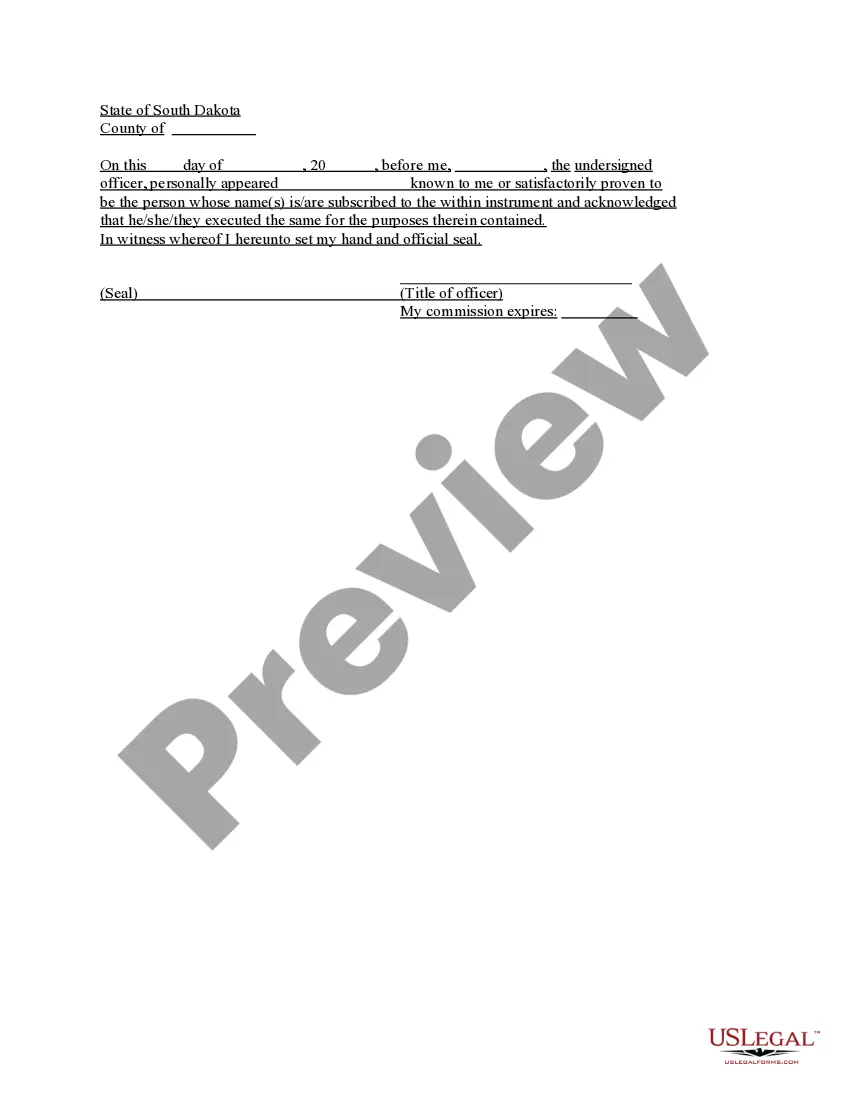
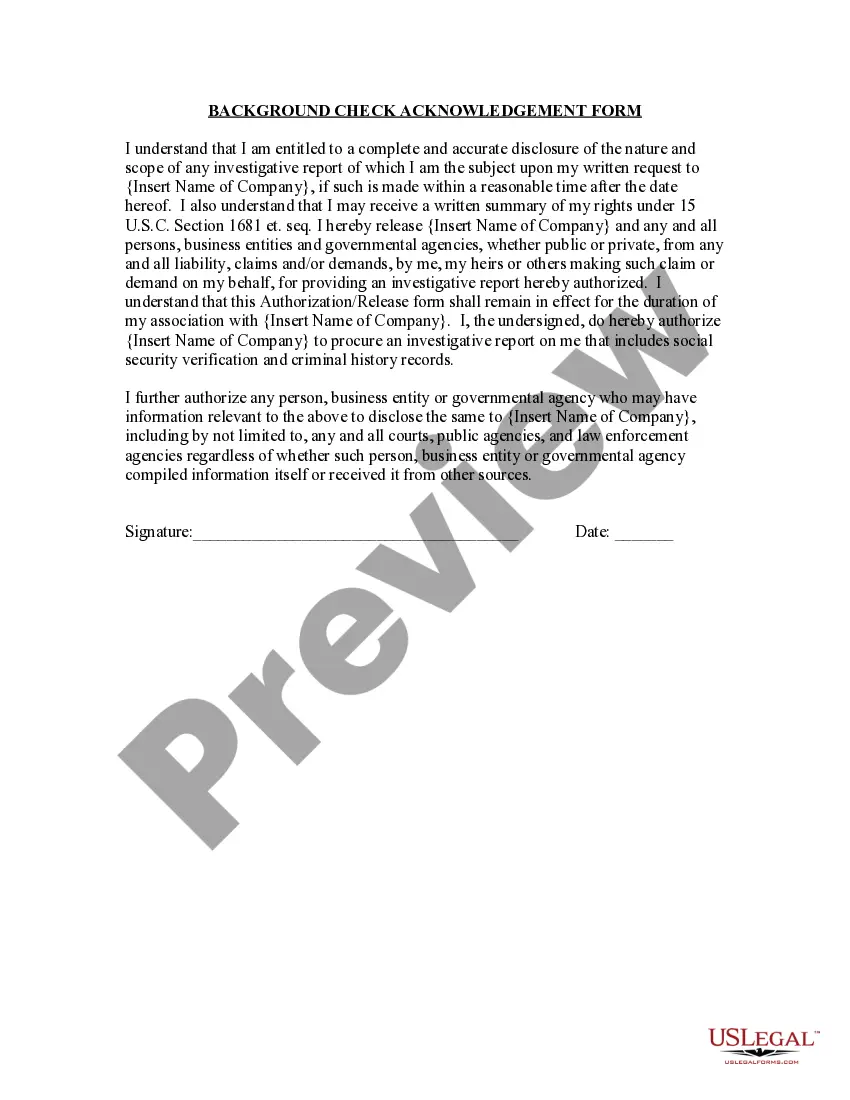
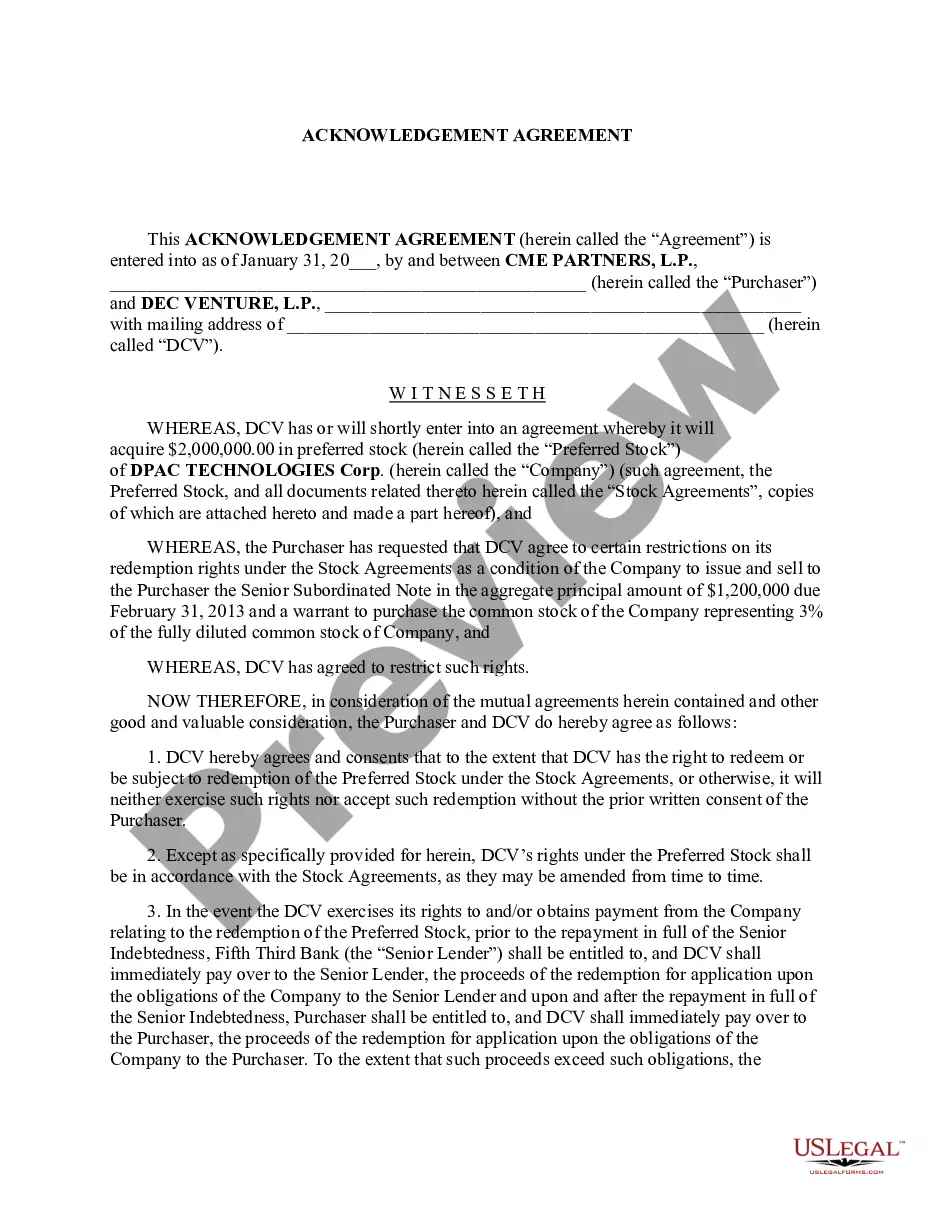
The Acknowledgment for an Individual is a legal document that certifies that a specific individual has acknowledged signing a legal instrument, verifying their identity through a notary or authorized officer. This form differs from similar instruments such as affidavits or deeds, as it focuses solely on the acknowledgment of signatures rather than the content of the document being acknowledged.
What’s included in this form
- Date of acknowledgment
- Name of the individual making the acknowledgment
- Name of the officer or notary taking the acknowledgment
- Description of the document being acknowledged
- Signature of the officer or notary and official seal
When to use this document
This form is commonly used in situations where an individual needs to formally acknowledge their signature on a document, such as contracts, legal agreements, or other official records. It is essential in transactions requiring verification of the signer's identity and intent, particularly in real estate and legal matters.
Intended users of this form
- Individuals executing legal documents that require acknowledgment
- Notaries or authorized officers who need to validate signatures
- Legal professionals assisting clients with document execution
How to prepare this document
- Identify the date on which the acknowledgment is made.
- Clearly write the name of the individual whose signature is being acknowledged.
- Specify the name of the officer or notary performing the acknowledgment.
- Describe the document that is being acknowledged.
- Collect the signature of the officer or notary and affix the official seal.
Does this document require notarization?
Yes, this form must be notarized to be legally valid. US Legal Forms offers integrated online notarization, available 24/7 through secure video calls, ensuring that your document is notarized safely without the need for travel.
Get your form ready online
Our built-in tools help you complete, sign, share, and store your documents in one place.
Make edits, fill in missing information, and update formatting in US Legal Forms—just like you would in MS Word.
Download a copy, print it, send it by email, or mail it via USPS—whatever works best for your next step.
Sign and collect signatures with our SignNow integration. Send to multiple recipients, set reminders, and more. Go Premium to unlock E-Sign.
If this form requires notarization, complete it online through a secure video call—no need to meet a notary in person or wait for an appointment.
We protect your documents and personal data by following strict security and privacy standards.
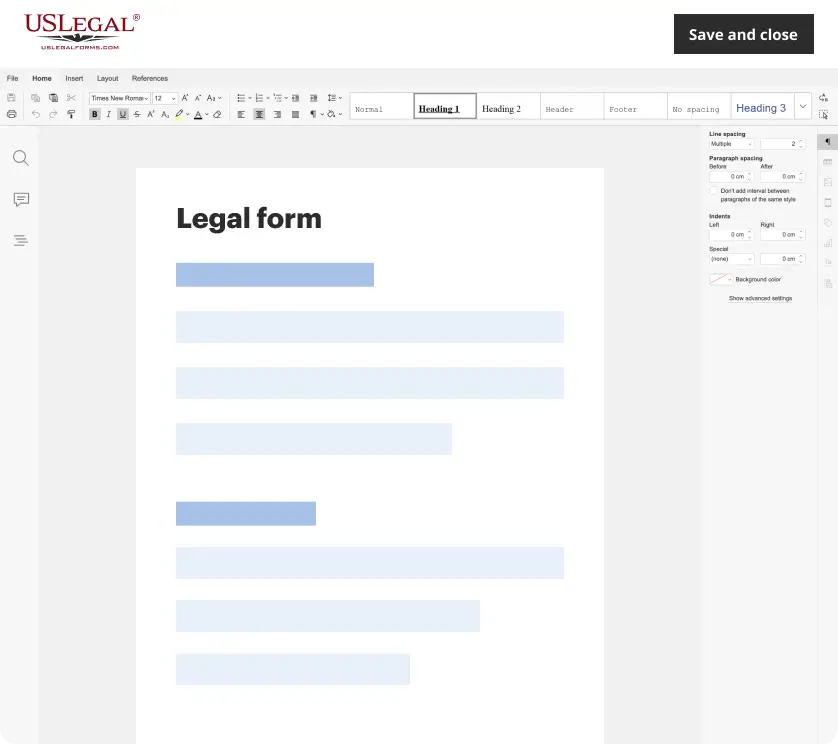
Make edits, fill in missing information, and update formatting in US Legal Forms—just like you would in MS Word.
Download a copy, print it, send it by email, or mail it via USPS—whatever works best for your next step.
Sign and collect signatures with our SignNow integration. Send to multiple recipients, set reminders, and more. Go Premium to unlock E-Sign.

If this form requires notarization, complete it online through a secure video call—no need to meet a notary in person or wait for an appointment.
We protect your documents and personal data by following strict security and privacy standards.
Typical mistakes to avoid
- Failing to include the date of acknowledgment.
- Neglecting to sign and seal the document properly.
- Not clearly identifying the document being acknowledged.
- Entering incorrect names of the individuals or officers involved.
Benefits of completing this form online
- Convenience of downloading and printing the form anytime.
- Editability allows users to fill in details before printing.
- Access to forms drafted by licensed attorneys enhances reliability.
Looking for another form?
Form popularity
FAQ
An acknowledgment is a formal declaration before an authorized official such as a notary, by a person who has signed a document, that the document is his or her act. The person acknowledging the document must personally appear before the notary.
Step 1: Require Personal Appearance. Step 2: Check Over The Document. Step 3: Carefully Identify The Signer. Step 4: Record Your Journal Entry. Step 5: Complete The Notarial Certificate. A Last Note: Never Give Advice.
With a few exceptions, notarized documents contain five notary-specific elements: venue, the notary certificate, commission expiration date, notary signature, and notary seal. This article covers the venue.
When taking an acknowledgment, the notary must ask the signer in a verbal ceremony the following questions: (1) Are you acknowledging to me that this is your signature?; (2) Are you acknowledging to me that you signed this document for the purposes stated therein?; (3) Are you acknowledging to me that you signed this
What Is An Acknowledgment? The purpose of an acknowledgment is for a signer, whose identity has been verified, to declare to a Notary or notarial officer that he or she has willingly signed a document.The signer may either sign the document before appearing before you, or in your presence.
The certificate of a notary public, justice of the peace, or other authorized officer, attached to a deed, mortgage, or other instrument, setting forth that the parties thereto personally appeared before him on such a date and acknowledged the instrument to be their free and voluntary act and deed. Read v.
For an acknowledgment, the signer must always: Be positively identified by the Notary. The Notary must always identify the signer for an acknowledgement; whether the signer personally knows the Notary, presents an ID document, or is identified by a credible witness depends on the circumstances.
When you see (here insert the name and character of the officer) next to a blank as shown below, it means you should insert Your name, Notary Public in the blank.