South Carolina Notice of Furnishing by Corporation
Understanding this form
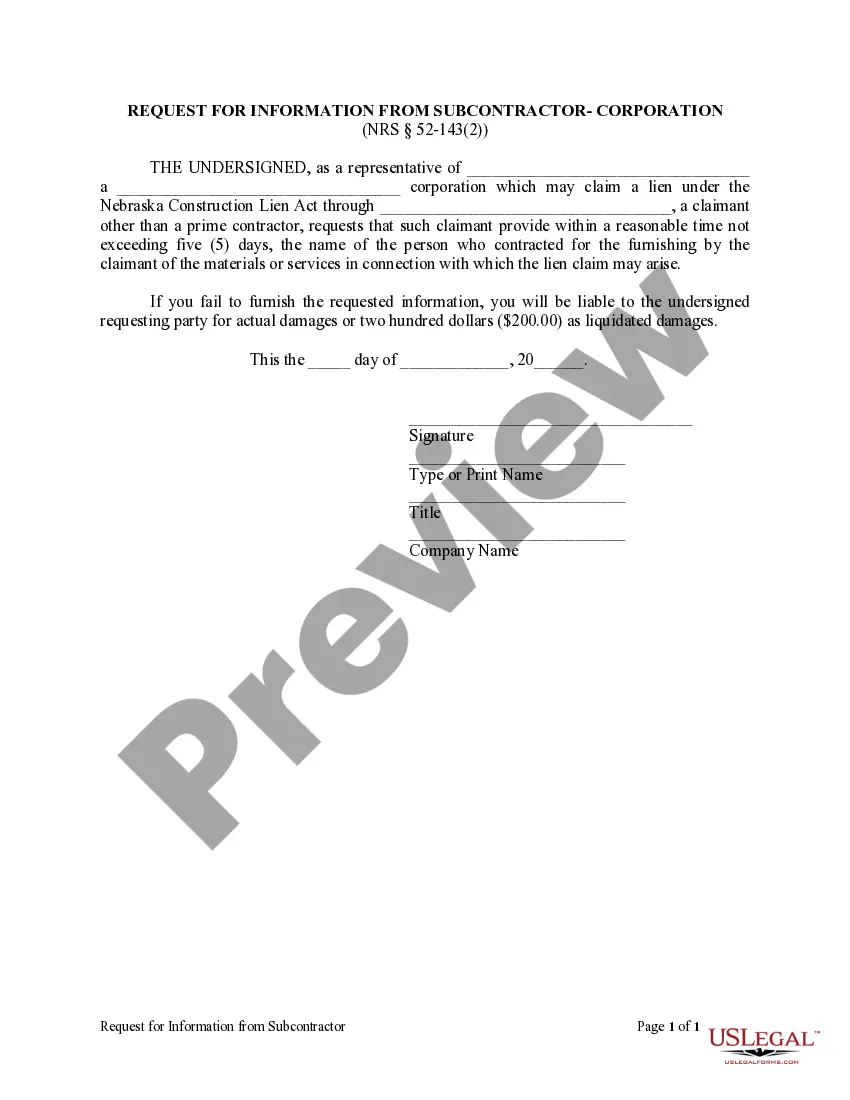
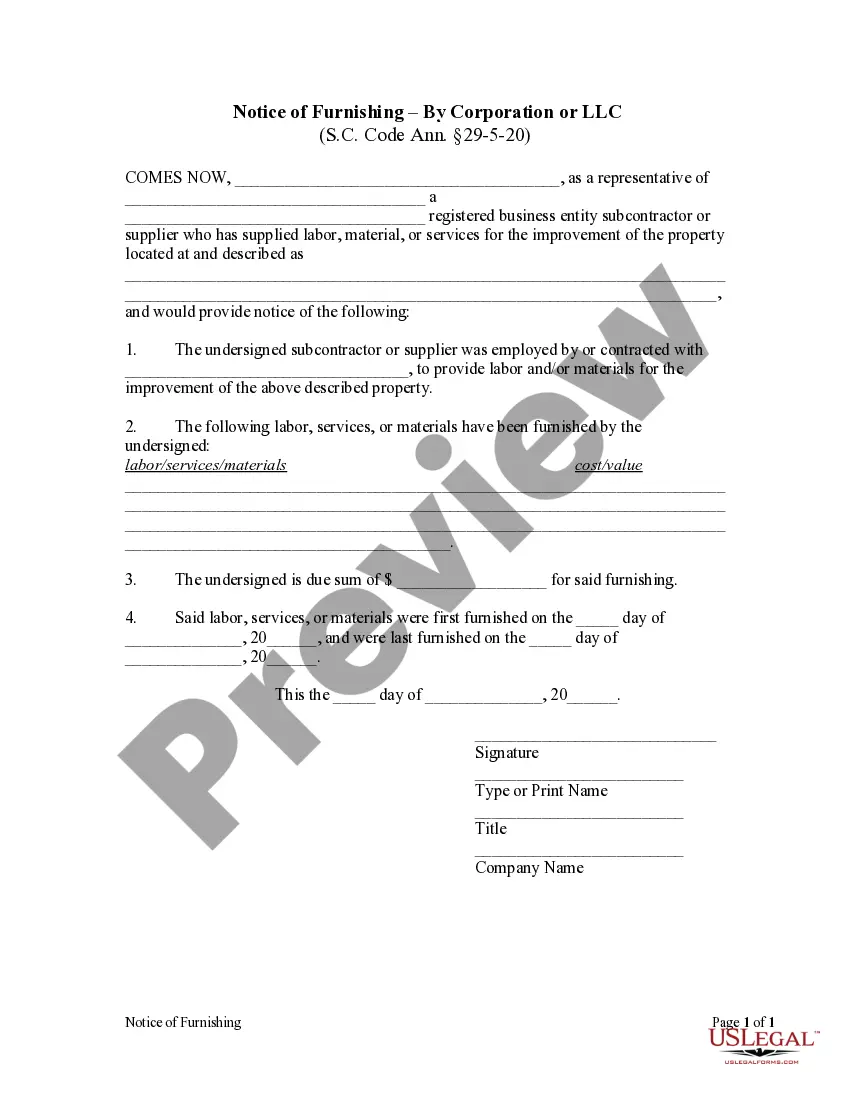
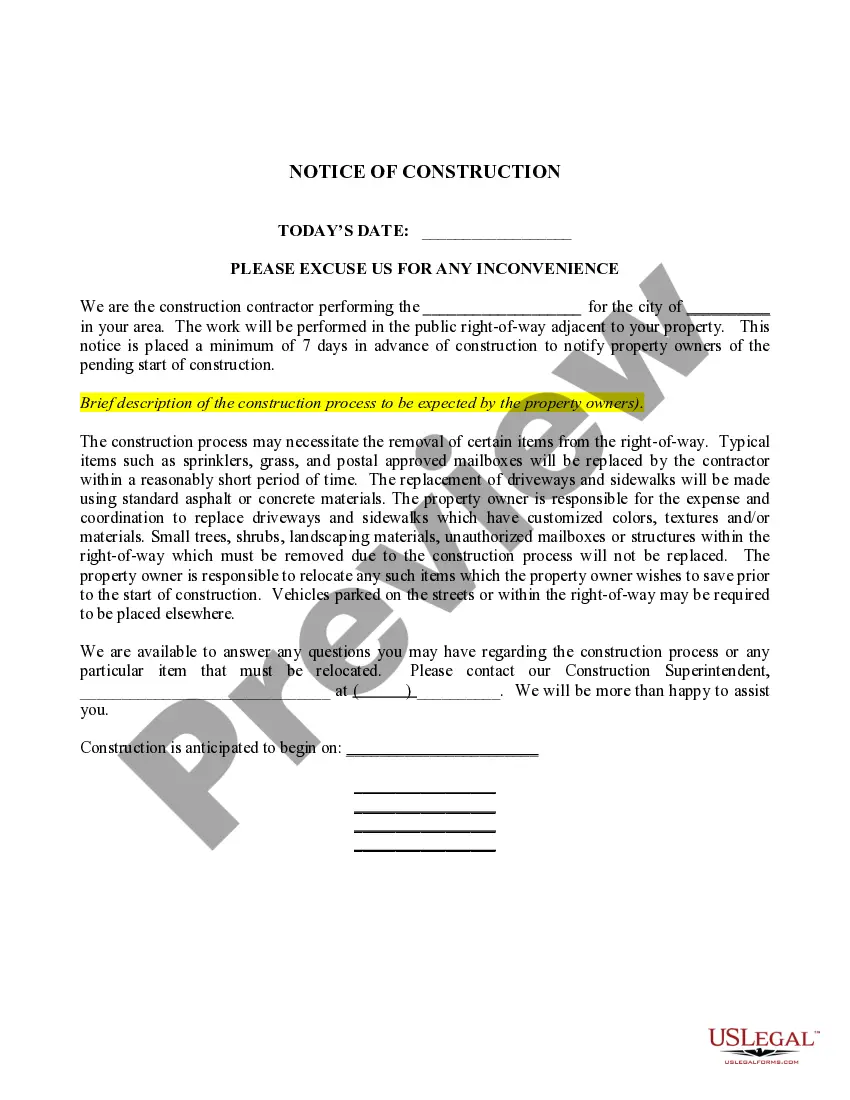
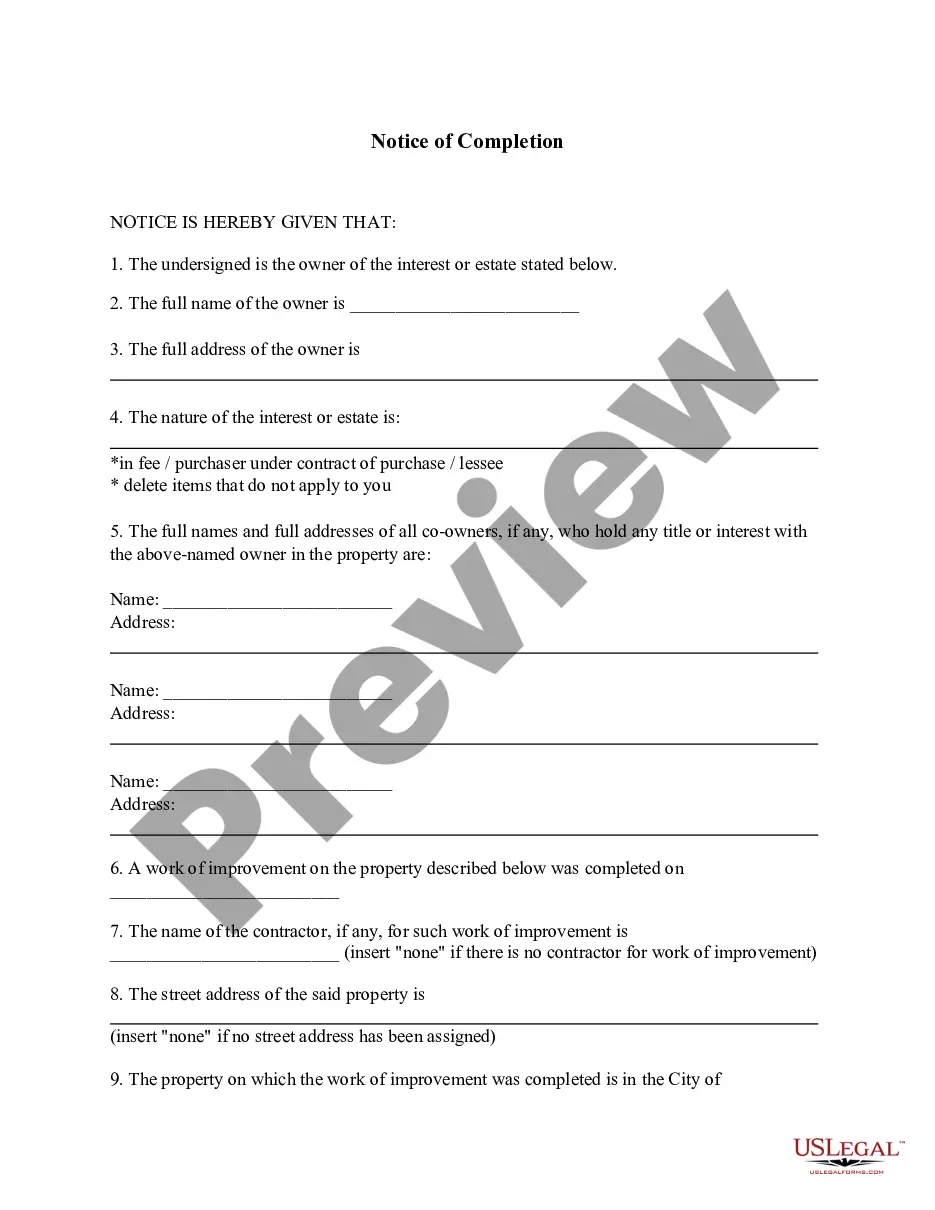
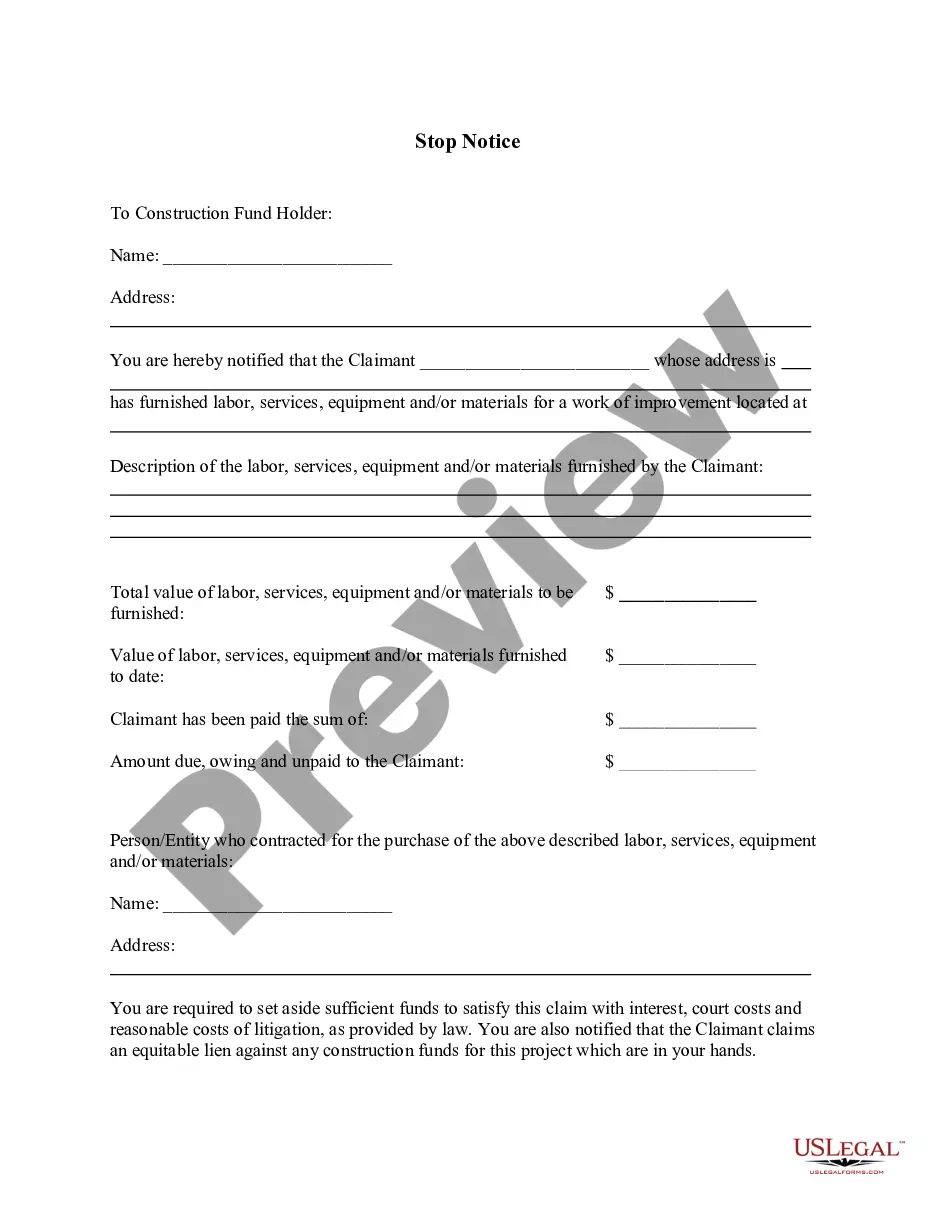
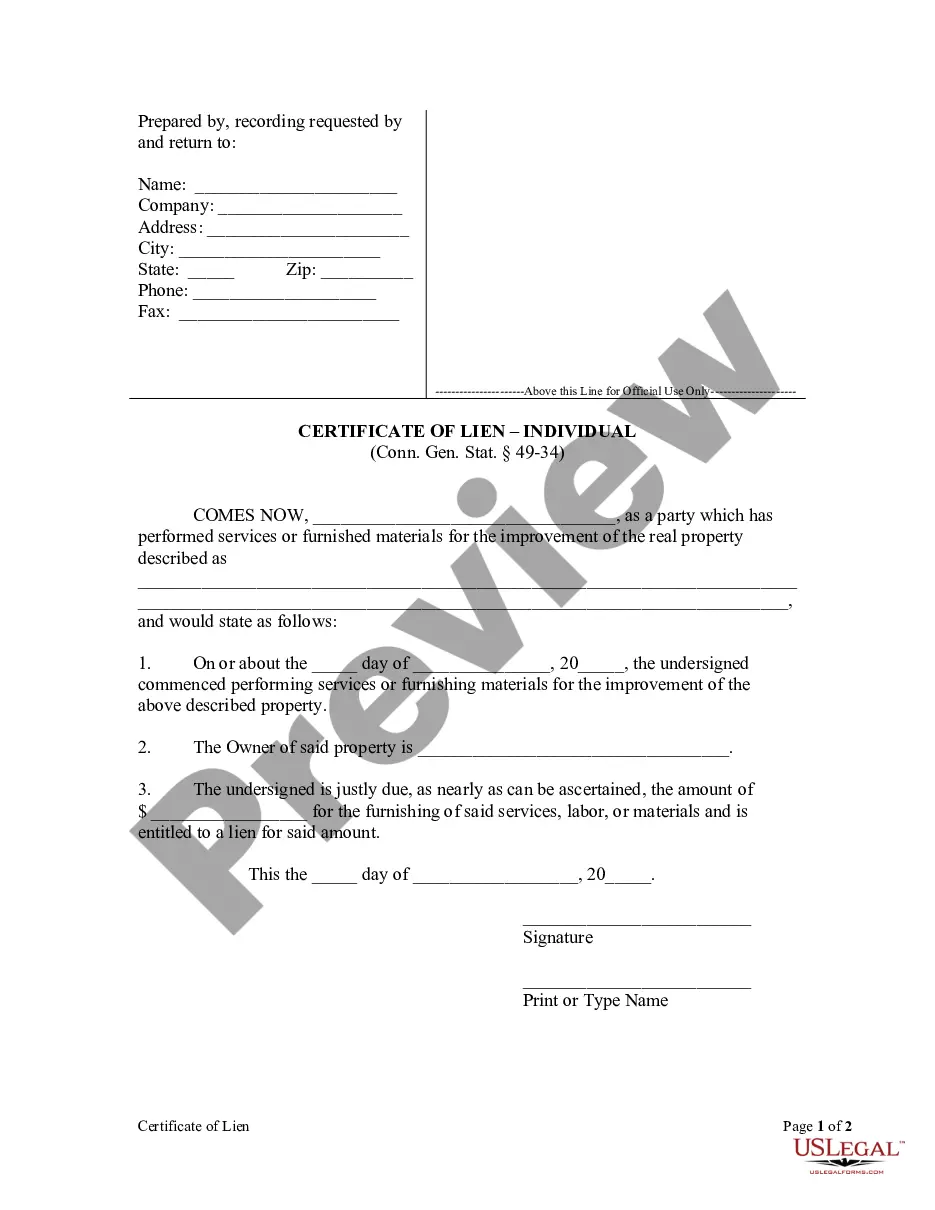
The Notice of Furnishing by Corporation is a legal document that provides formal notification from a subcontractor or supplier to a contractor. It serves to protect the rights of suppliers and subcontractors by establishing a public record of the labor, materials, or services provided for a property improvement project. Unlike general lien documents, this form specifically outlines the contributions made by the corporation and the amounts owed, ensuring compliance with relevant laws.
Form components explained
- Identification of the representative and the corporate subcontractor or supplier.
- Description of the property where the labor or materials were supplied.
- Details of the contractor that the subcontractor or supplier was hired by.
- A breakdown of labor, services, or materials provided, including associated costs.
- Dates when the services or materials were first and last furnished.
- Signature of the representative and details such as name and title.
Situations where this form applies
This form should be utilized when a corporate subcontractor or supplier has provided labor or materials for a construction project and needs to inform the contractor of their contributions formally. It is particularly important when seeking to assert a lien on the property, as it establishes a record that helps ensure that payment obligations are recognized and can prevent potential disputes regarding owed amounts.
Who can use this document
- Subcontractors providing labor or materials on corporate projects.
- Suppliers delivering products or services related to property improvements.
- Representatives of corporations involved in construction contracts.
How to complete this form
- Identify and fill in the name of the representative and the corporation.
- Provide a clear description of the property being improved.
- Specify the contractor with whom the corporation had a contract.
- Detail the labor, services, or materials provided, including their total cost or value.
- Enter the date when the first and last services or materials were provided.
- Have the representative sign the form and print their name and title.
Notarization guidance
This form does not typically require notarization unless specified by local law. Always check local regulations to ensure compliance.
Get your form ready online
Our built-in tools help you complete, sign, share, and store your documents in one place.
Make edits, fill in missing information, and update formatting in US Legal Forms—just like you would in MS Word.
Download a copy, print it, send it by email, or mail it via USPS—whatever works best for your next step.
Sign and collect signatures with our SignNow integration. Send to multiple recipients, set reminders, and more. Go Premium to unlock E-Sign.
If this form requires notarization, complete it online through a secure video call—no need to meet a notary in person or wait for an appointment.
We protect your documents and personal data by following strict security and privacy standards.

Make edits, fill in missing information, and update formatting in US Legal Forms—just like you would in MS Word.

Download a copy, print it, send it by email, or mail it via USPS—whatever works best for your next step.

Sign and collect signatures with our SignNow integration. Send to multiple recipients, set reminders, and more. Go Premium to unlock E-Sign.

If this form requires notarization, complete it online through a secure video call—no need to meet a notary in person or wait for an appointment.

We protect your documents and personal data by following strict security and privacy standards.
Mistakes to watch out for
- Failing to include complete details about the property or services provided.
- Not providing the accurate dates of service.
- Omitting the signature of the representative which may render the notice invalid.
- Not sending the notice via certified or registered mail as required.
Benefits of using this form online
- Convenience of downloading and filling out the form at any time.
- Editable format allows you to customize the form to fit your specific needs.
- Legally reliable templates created by licensed attorneys.
- Easy access to electronic filing options if needed.
Legal use & context
- The notice establishes a formal record of the subcontractor's claim for payment.
- It serves to protect the subcontractorâs rights under lien laws specific to South Carolina.
- This form is crucial for ensuring that payments are secured in cases of dispute or non-payment.
Key takeaways
- The Notice of Furnishing by Corporation is essential for corporate subcontractors and suppliers in the construction industry.
- Accurate completion of this form helps protect financial interests and ensures compliance with state laws.
- This document must be timely submitted to provide the necessary legal protections for payment claims.
Looking for another form?
Form popularity
FAQ
Employee instructions Complete the SC W-4 so your employer can withhold the correct South Carolina Income Tax from your pay. If you have too much tax withheld, you will receive a refund when you file your tax return.
Introduction. In addition to federal income taxes, U.S. citizens are liable for various state taxes as well. While some states do not levy a state income tax, all states assess some form of tax, such as sales or use taxes. And some of these taxes will require you to submit a separate state tax form each year.
South Carolina Fillable Forms is a FREE product and is only for filing your South Carolina return. South Carolina Fillable Forms provides the option to fill out your return online and mail it to the SCDOR OR to submit your return the SCDOR electronically.
200bPay online using our free secure tax portal, MyDORWAY at dor.sc.gov/pay. Use the proper SC form. Make sure that the form you use is for the correct tax year. Include all Social Security Numbers (SSN) on the SC return and verify they are correct.
If you qualify for a paper copy of a tax form based on these criteria, you can email your paper form request to forms@dor.sc.gov or call 1-844-898-8542 to speak to a representative. You will need to provide your name, address, and the form you are requesting.
If you qualify for a paper copy of a tax form based on these criteria, you can email your paper form request to forms@dor.sc.gov or call 1-844-898-8542 to speak to a representative. You will need to provide your name, address, and the form you are requesting. Generally, multiple copies cannot be provided.
File SC1040, including all federal taxable income, and attach SC1040TC to claim a credit for taxes paid to another state.