New Hampshire Assignment to Living Trust
Overview of this form
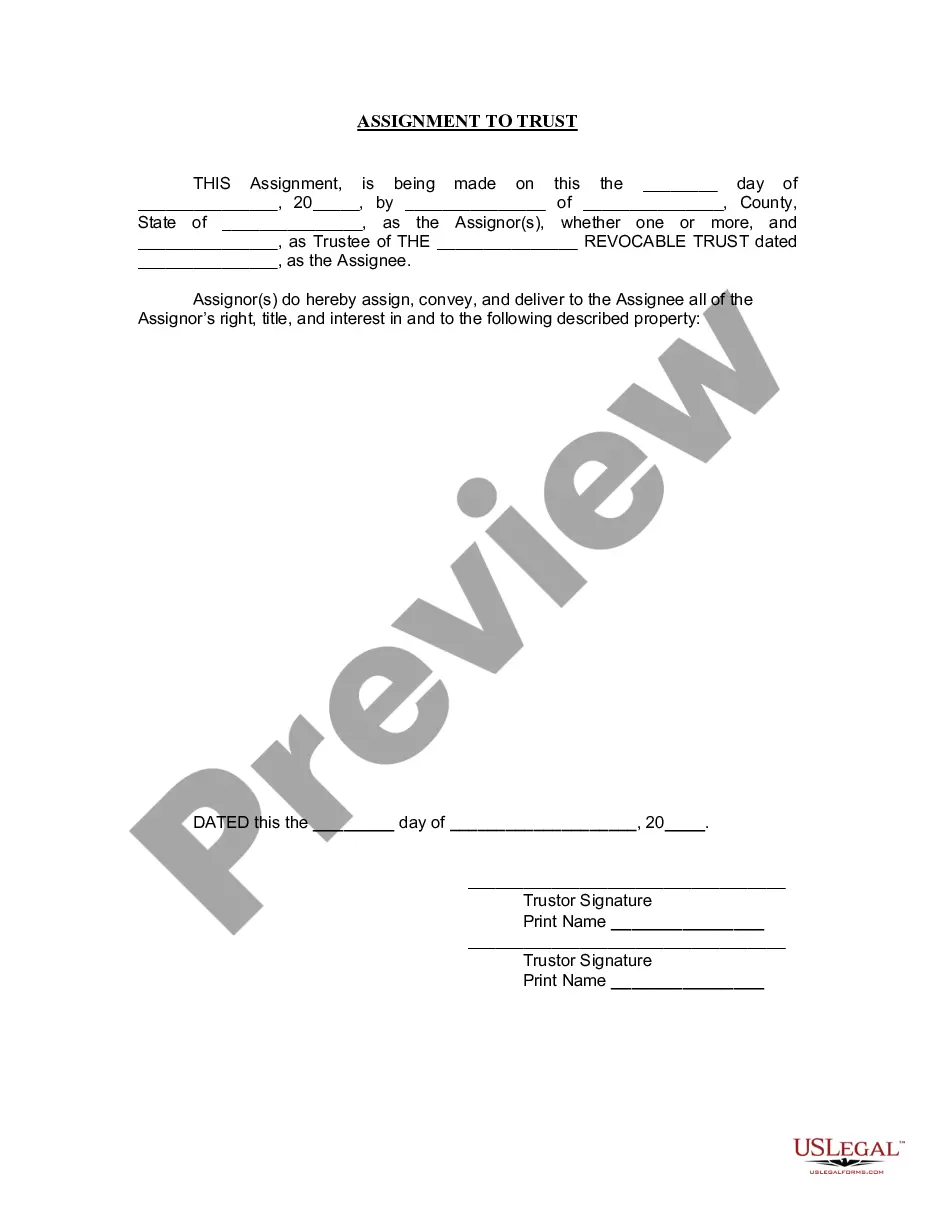
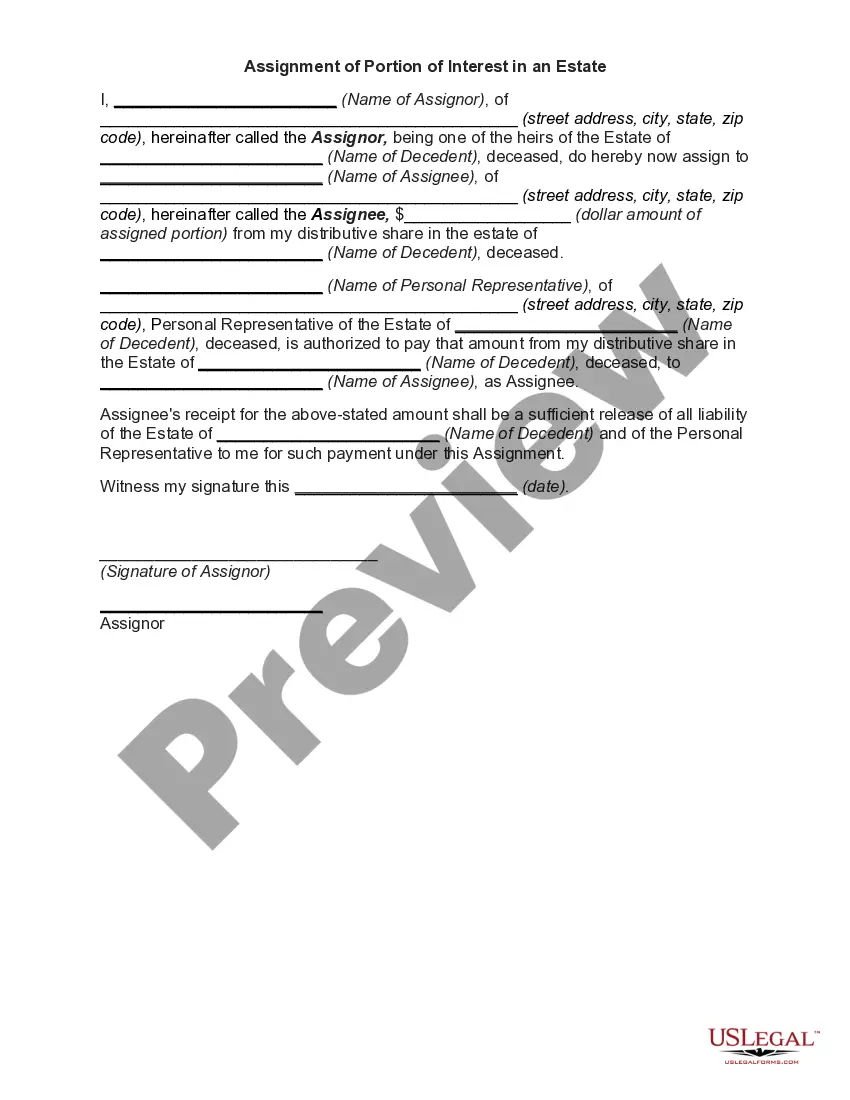
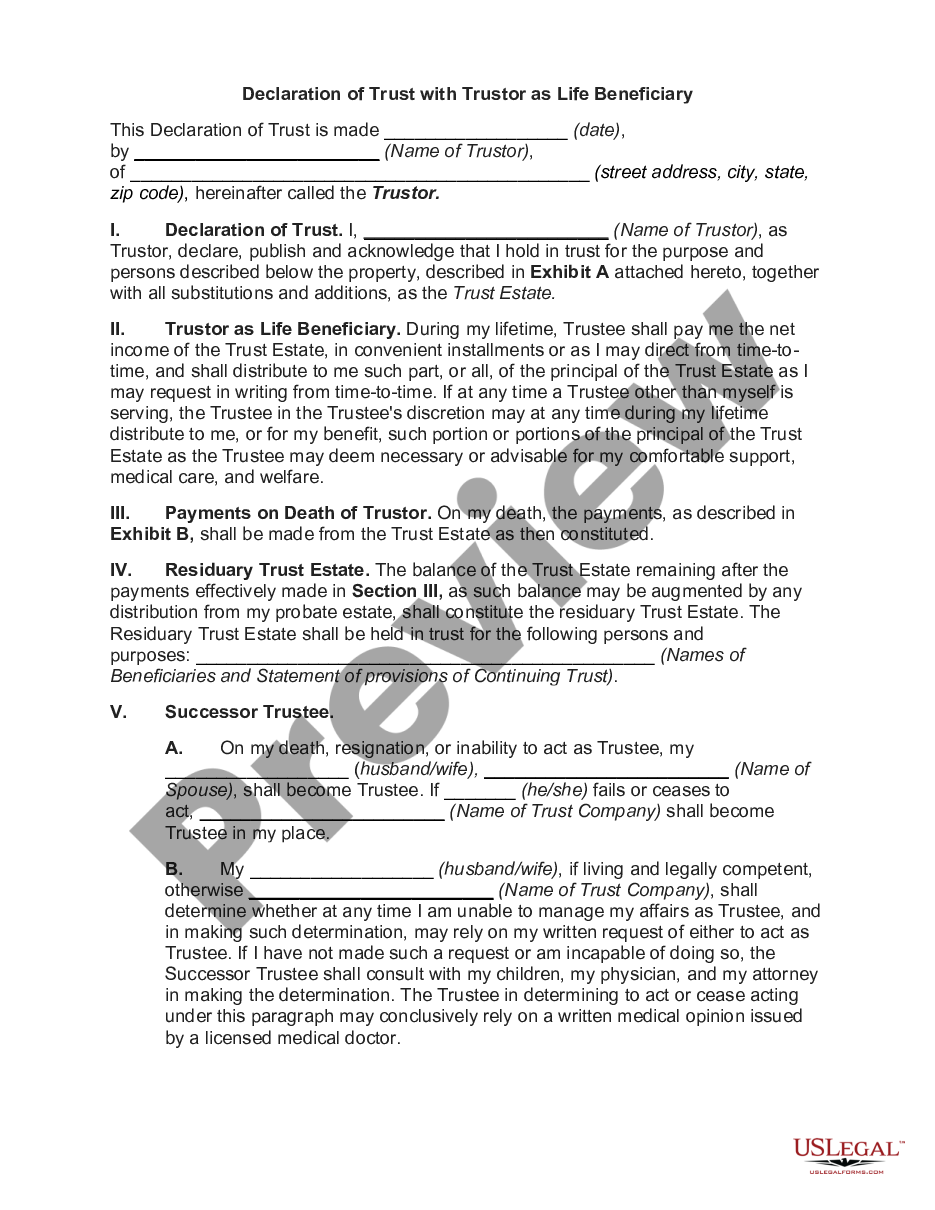
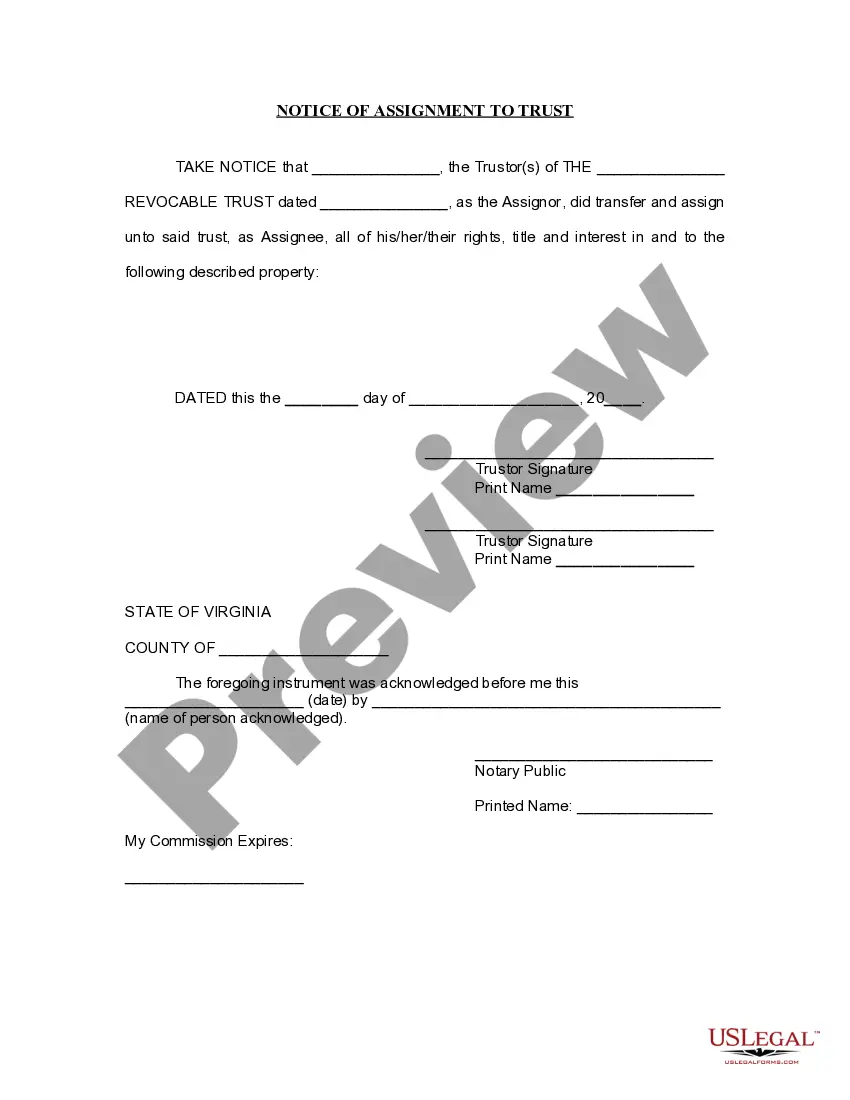
The Assignment to Living Trust is a legal document used to transfer ownership of specific property into a Living Trust. This transfer assigns all rights, title, and interest of the property to the trust, which is created during the lifetime of the trustor. The primary purpose of this form is to facilitate estate planning, ensuring that assets are managed according to the trust's terms and avoiding the probate process. Unlike a simple property deed, this assignment specifically designates property to a trust structure, providing clarity and legal protection for the assets involved.
Key components of this form
- Date of assignment
- Names and addresses of the Assignor(s) and Trustee
- Identification of the property being assigned
- Signature of the Assignor(s)
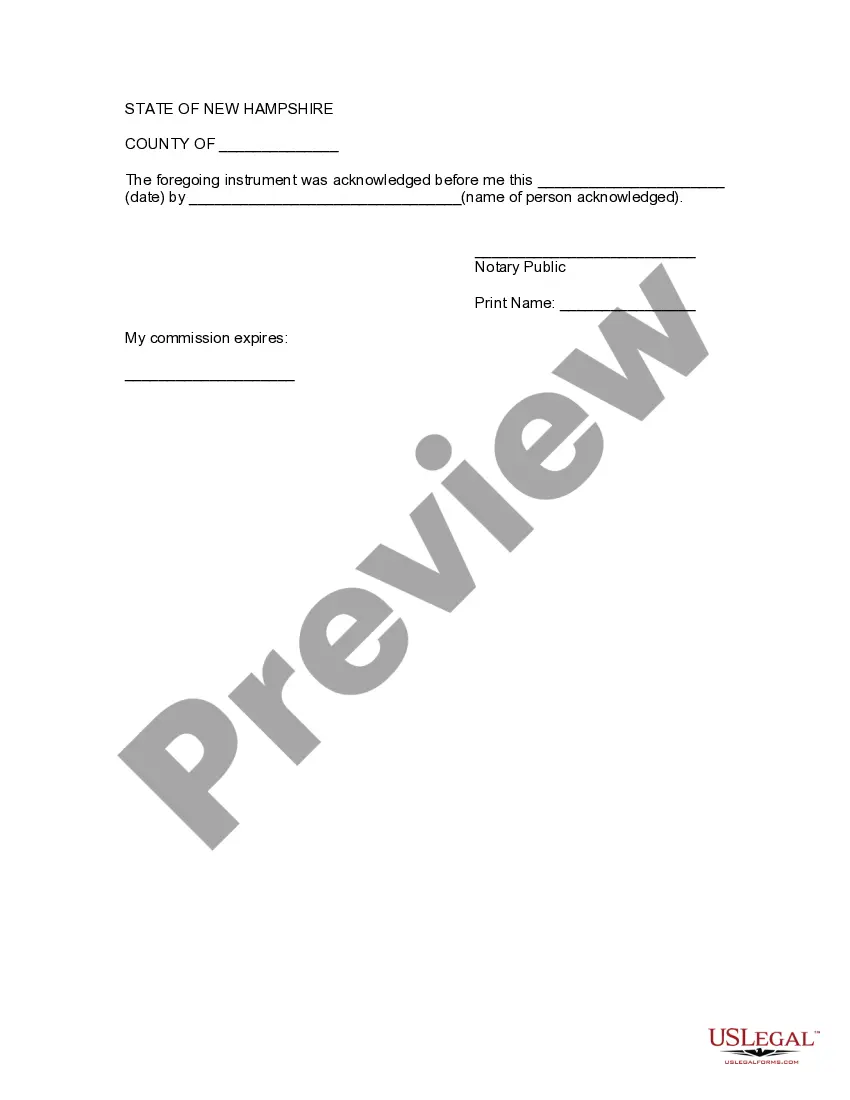
- Notary acknowledgment section

Situations where this form applies
This form is typically used when an individual wants to place their property into a Living Trust, which is a common step in estate planning. You may need this form if you are preparing for the transfer of your real estate, bank accounts, investments, or other personal property into your trust to ensure it is managed and passed on according to your wishes. Using this form can provide peace of mind, knowing your assets are structured to avoid probate and to be handled in accordance with your directives.
Who needs this form
- Individuals creating a Living Trust
- Owners of real estate or valuable personal property
- Trustees responsible for managing trust assets
- Anyone involved in estate planning who wants to ensure their property is legally assigned to a trust
Instructions for completing this form
- Identify the date on which the assignment is made.
- Provide the full names and addresses of the Assignor(s) who is transferring the property.
- Enter the name of the Trustee and the correct title of the Living Trust.
- Specify the property being assigned; include all relevant details.
- Ensure the Assignor(s) sign the form in the presence of a notary public.
Is notarization required?
This form needs to be notarized to ensure legal validity. US Legal Forms provides secure online notarization powered by Notarize, allowing you to complete the process through a verified video call, available anytime.
Get your form ready online
Our built-in tools help you complete, sign, share, and store your documents in one place.
Make edits, fill in missing information, and update formatting in US Legal Forms—just like you would in MS Word.
Download a copy, print it, send it by email, or mail it via USPS—whatever works best for your next step.
Sign and collect signatures with our SignNow integration. Send to multiple recipients, set reminders, and more. Go Premium to unlock E-Sign.
If this form requires notarization, complete it online through a secure video call—no need to meet a notary in person or wait for an appointment.
We protect your documents and personal data by following strict security and privacy standards.

Make edits, fill in missing information, and update formatting in US Legal Forms—just like you would in MS Word.

Download a copy, print it, send it by email, or mail it via USPS—whatever works best for your next step.

Sign and collect signatures with our SignNow integration. Send to multiple recipients, set reminders, and more. Go Premium to unlock E-Sign.

If this form requires notarization, complete it online through a secure video call—no need to meet a notary in person or wait for an appointment.

We protect your documents and personal data by following strict security and privacy standards.
Mistakes to watch out for
- Failing to accurately describe the property being assigned.
- Notary section left blank or incorrectly filled out.
- Omitting signatures from all Assignor(s).
- Using outdated forms not reflecting current legal requirements.
Why complete this form online
- Convenience of downloading and filling out the form at your own pace.
- Editable format allows for easy customizations as needed.
- Access to reliable templates reviewed by licensed attorneys.
- Time-saving as no need to visit a lawyer for basic templates.
Looking for another form?


Form popularity
FAQ
Qualified retirement accounts 401ks, IRAs, 403(b)s, qualified annuities. Health saving accounts (HSAs) Medical saving accounts (MSAs) Uniform Transfers to Minors (UTMAs) Uniform Gifts to Minors (UGMAs) Life insurance. Motor vehicles.
A living trust is an important part of your estate plan. Most people can create a living trust without an attorney using software or an online service.
When you create a DIY living trust, there are no attorneys involved in the process. You will need to choose a trustee who will be in charge of managing the trust assets and distributing them.You'll also need to choose your beneficiary or beneficiaries, the person or people who will receive the assets in your trust.
Trusts Are Not Public Record. Most states require a last will and testament to be filed with the appropriate state court when the person dies. When this happens, the will becomes a public record for anyone to read. However, trusts aren't recorded.
A revocable living trust isn't subject to the same kind of rules as a will; it should be valid in any state, no matter where you signed it.If you acquire real estate in your new state, you'll probably want to hold it in the trust, so that it doesn't have to go through probate at your death.
Trusts created during your lifetime, known as living trusts, do not go into the public record after you die. With rare exceptions, trusts remain private regardless of whether you have an irrevocable or revocable trust at the time of your death.
Trusts aren't recorded anywhere, so you can't go to the County Recorder's office in the courthouse to ask to see a copy of the trust. However, if real estate is involved, the trust may be recorded in the local office of the county clerk.
No. Trust does not need to be filed in California. Trusts are private documents and usually there are compelling reasons not to file the trust.
Assuming you decide you want a revocable living trust, how much should you expect to pay? If you are willing to do it yourself, it will cost you about $30 for a book, or $70 for living trust software. If you hire a lawyer to do the job for you, get ready to pay between $1,200 and $2,000.