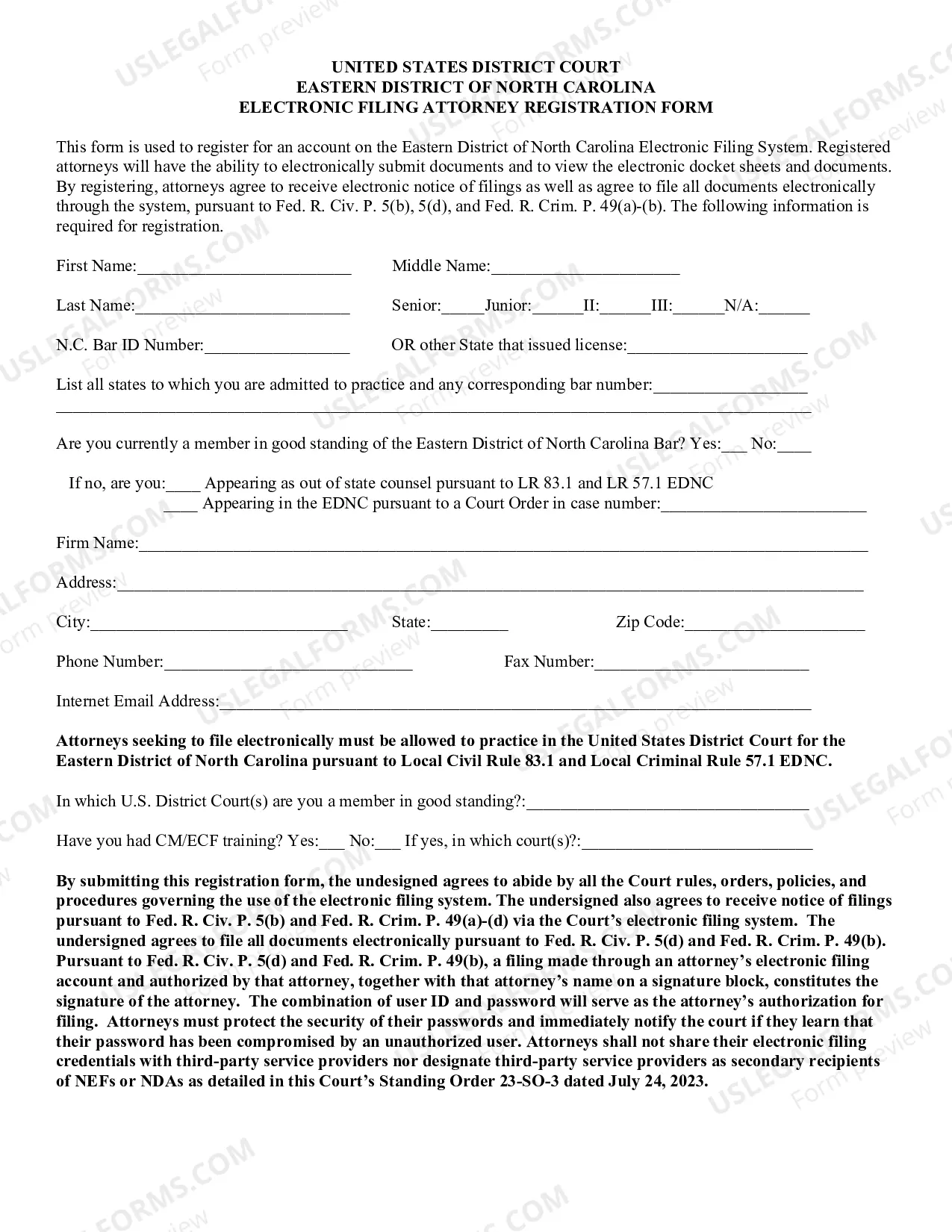
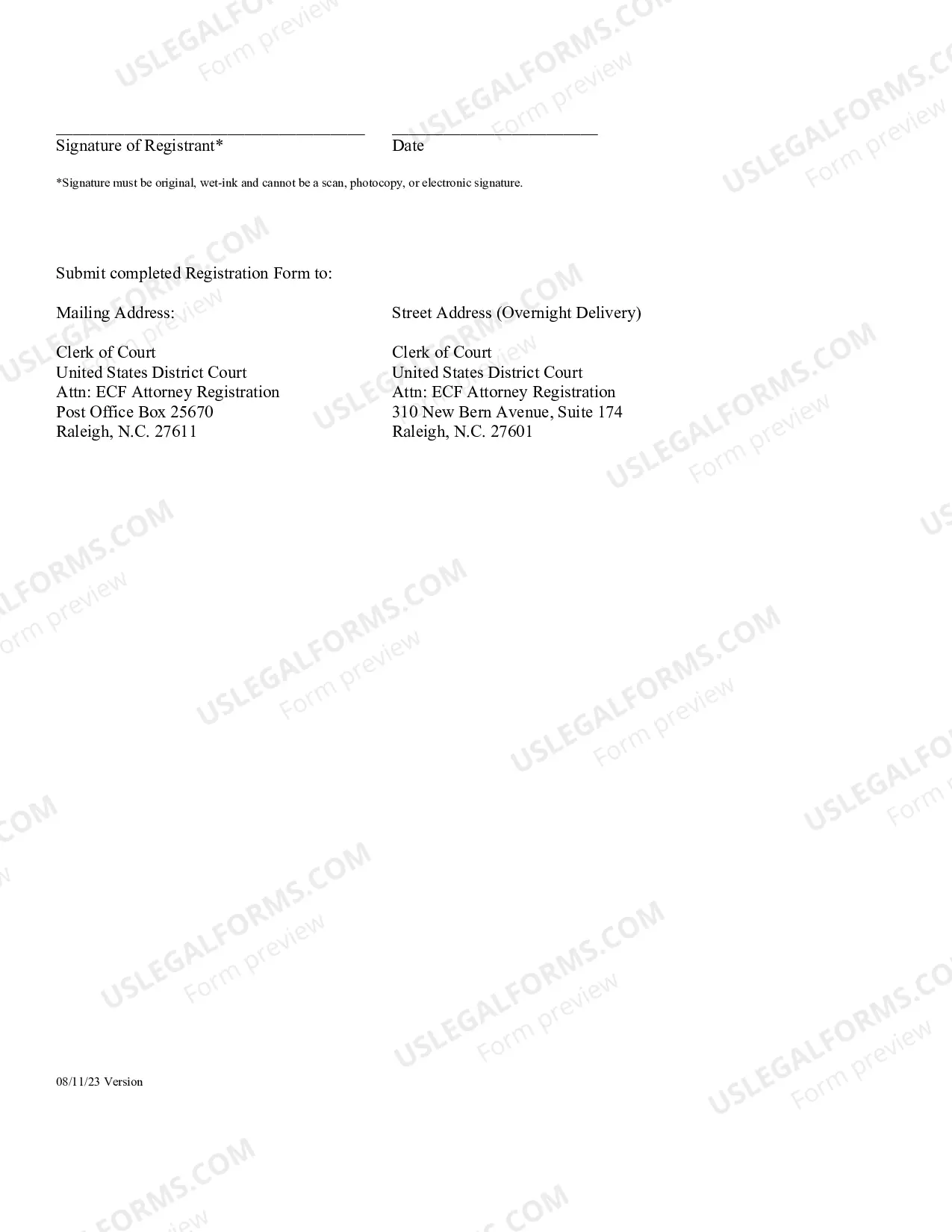
North Carolina CM/ECF Registration Form
Description
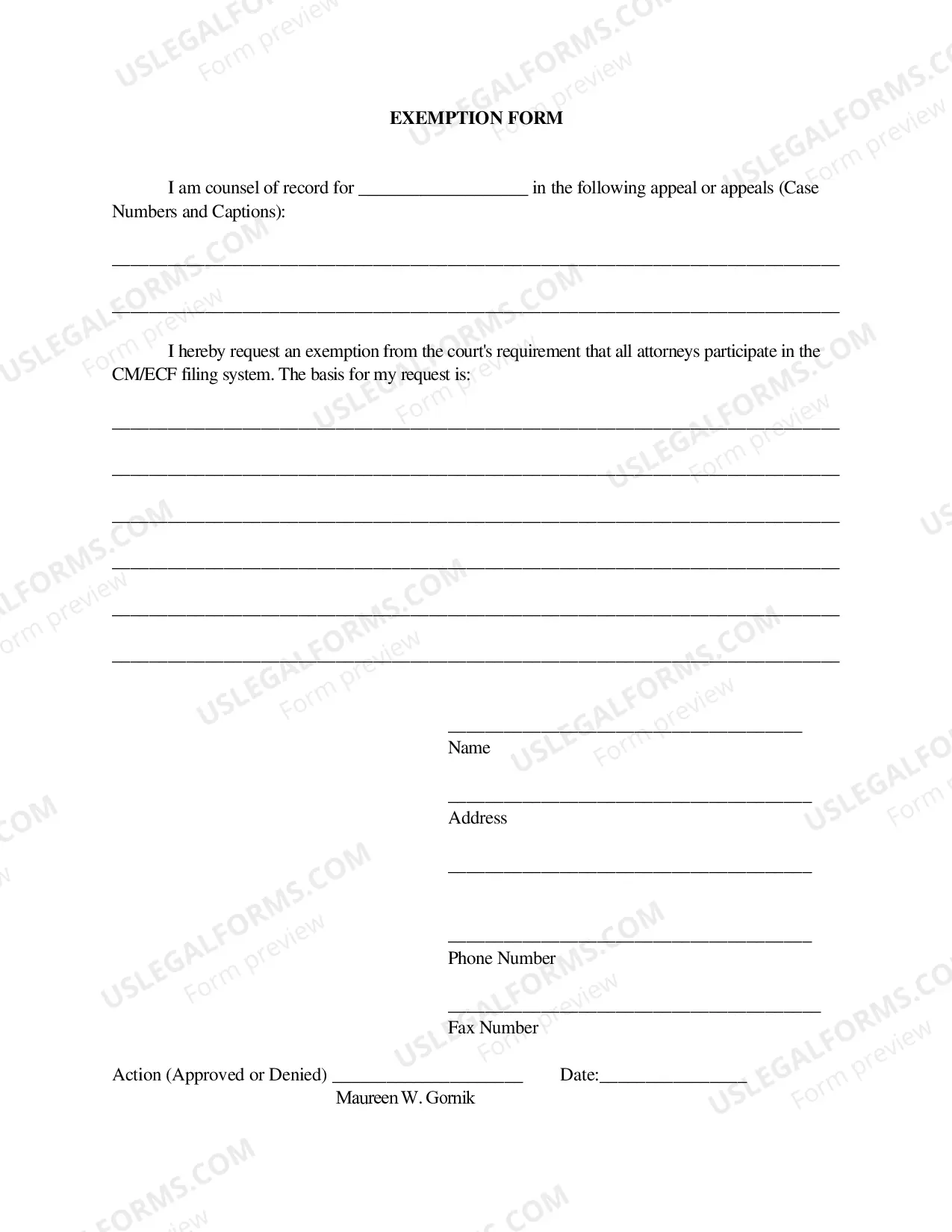
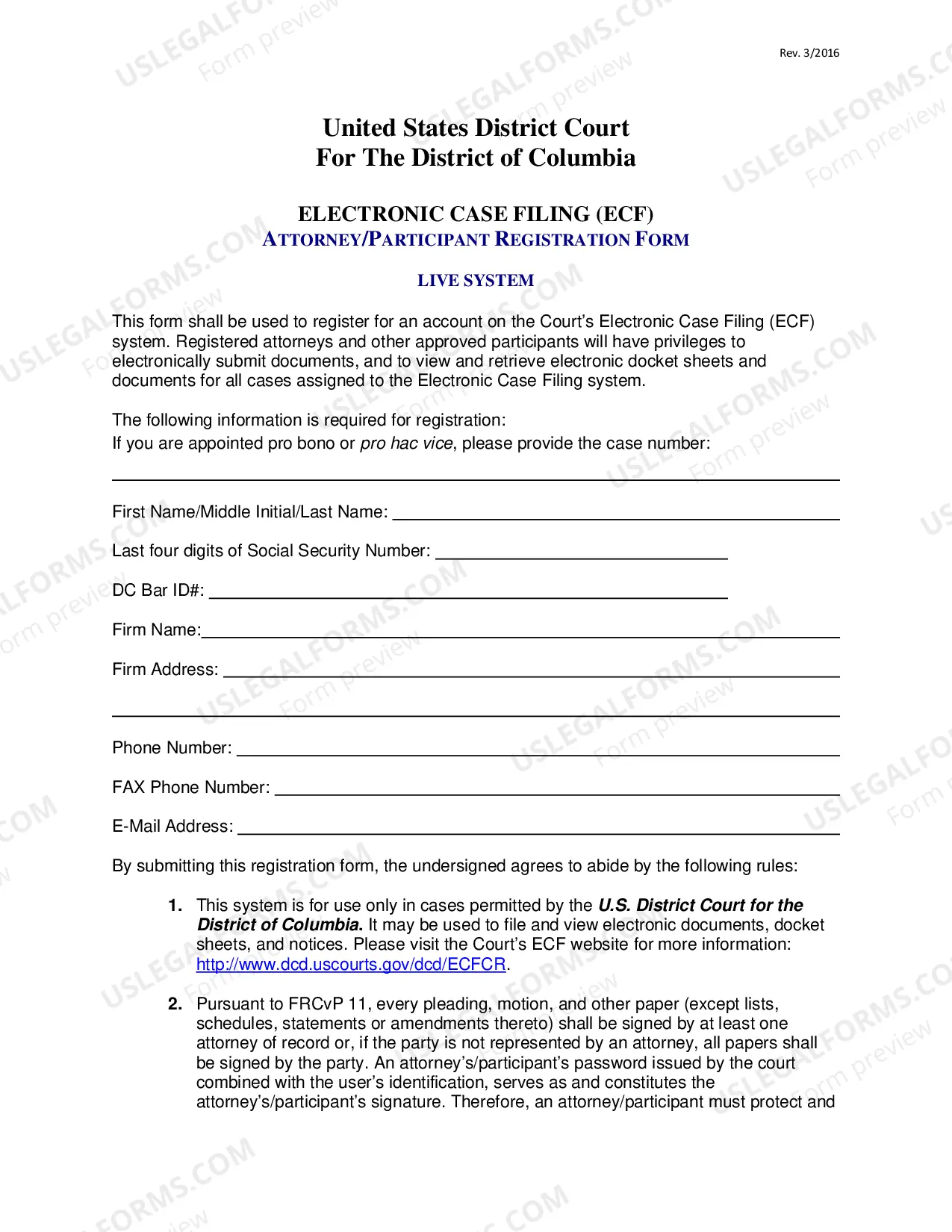
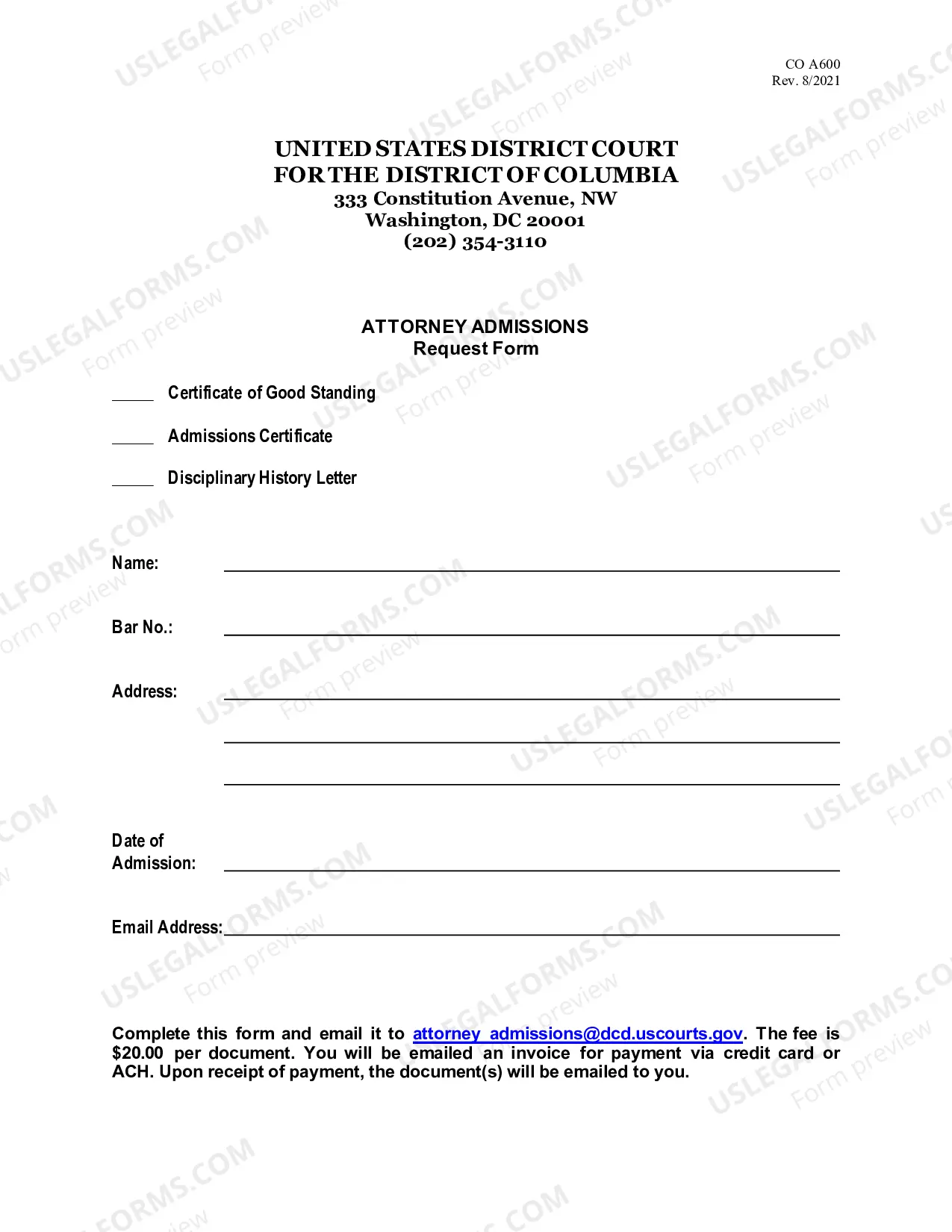
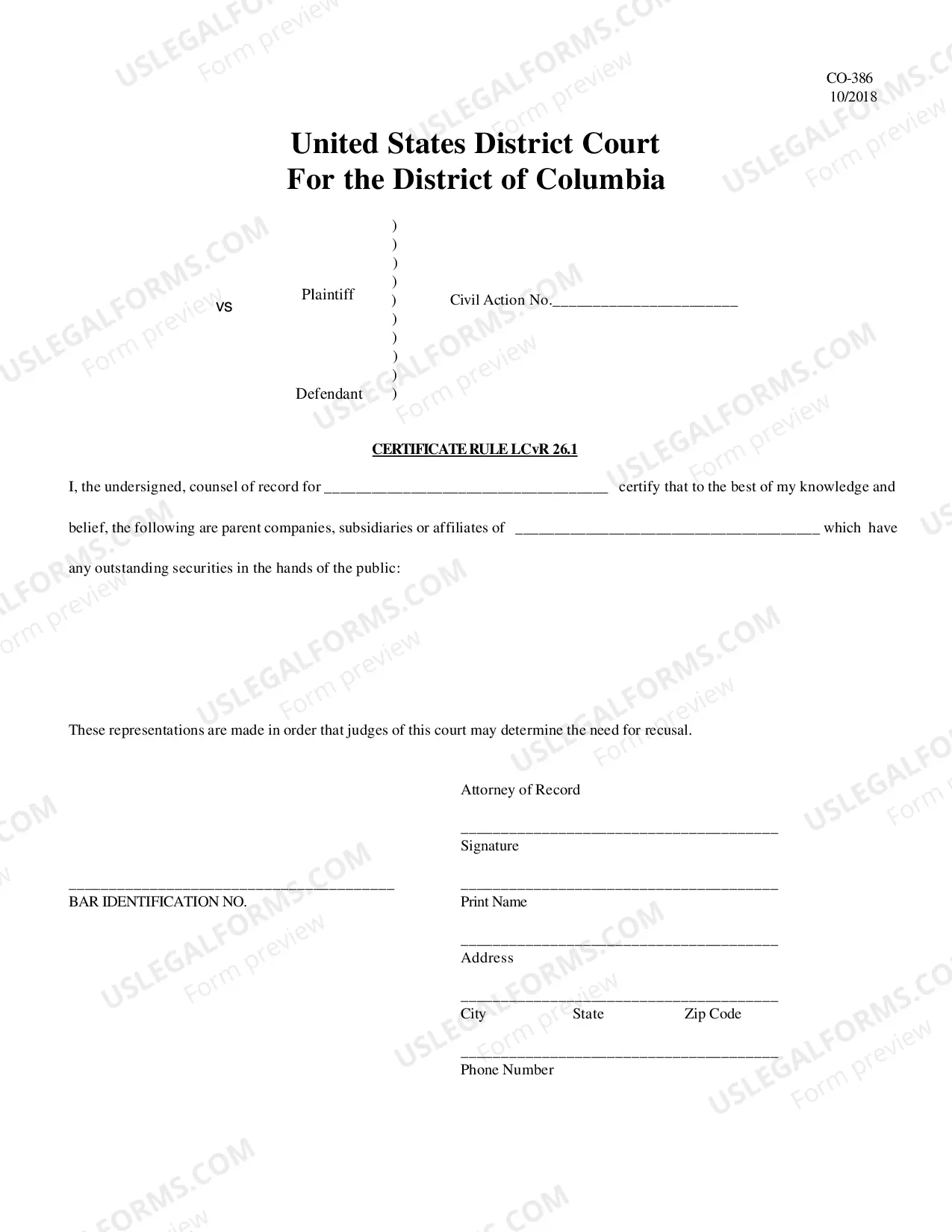
Get your form ready online
Our built-in tools help you complete, sign, share, and store your documents in one place.
Make edits, fill in missing information, and update formatting in US Legal Forms—just like you would in MS Word.
Download a copy, print it, send it by email, or mail it via USPS—whatever works best for your next step.
Sign and collect signatures with our SignNow integration. Send to multiple recipients, set reminders, and more. Go Premium to unlock E-Sign.
If this form requires notarization, complete it online through a secure video call—no need to meet a notary in person or wait for an appointment.
We protect your documents and personal data by following strict security and privacy standards.

Make edits, fill in missing information, and update formatting in US Legal Forms—just like you would in MS Word.

Download a copy, print it, send it by email, or mail it via USPS—whatever works best for your next step.

Sign and collect signatures with our SignNow integration. Send to multiple recipients, set reminders, and more. Go Premium to unlock E-Sign.

If this form requires notarization, complete it online through a secure video call—no need to meet a notary in person or wait for an appointment.

We protect your documents and personal data by following strict security and privacy standards.
Looking for another form?
How to fill out North Carolina CM/ECF Registration Form?
Managing legal documents necessitates focus, accuracy, and utilizing correctly-prepared templates. US Legal Forms has been assisting individuals nationwide for 25 years, so when you select your North Carolina CM/ECF Registration Form template from our collection, you can be confident it complies with federal and state regulations.
Interacting with our service is straightforward and swift. To acquire the required document, all you will need is an account with an active subscription. Here’s a concise guide for you to locate your North Carolina CM/ECF Registration Form within moments.
All documents are designed for multiple uses, like the North Carolina CM/ECF Registration Form you see on this page. If you require them in the future, you can complete them without further payment - simply open the My documents tab in your profile and finalize your document whenever you need it. Experience US Legal Forms and prepare your business and personal paperwork swiftly and in full legal compliance!
- Ensure to thoroughly review the form content and its alignment with general and legal requirements by previewing it or examining its description.
- Seek an alternative official template if the one you opened does not suit your circumstances or state laws (the tab for that is located in the corner of the top page).
- Log in to your account and save the North Carolina CM/ECF Registration Form in your desired format. If this is your first visit to our website, click Buy now to continue.
- Create an account, choose your subscription plan, and pay with your credit card or PayPal account.
- Choose the format in which you want to save your form and click Download. Print the blank version or upload it to a professional PDF editor for a paperless submission.
Form popularity
FAQ
To register a boat trailer in North Carolina, start by gathering the necessary documents, including proof of ownership and any identification required. Complete the North Carolina CM/ECF Registration Form accurately and submit it along with the required fees to your local DMV or registration office. Following these steps will help ensure your trailer is registered correctly and promptly.
To receive a valid registration document for your boat trailer, you must submit the completed North Carolina CM/ECF Registration Form. Additionally, you will need proof of ownership and payment of any applicable fees. Once the documents are reviewed and accepted, you will obtain your registration document.
Filing a motion in North Carolina court involves several steps. First, you must prepare the motion document, which outlines your request and relevant legal basis. You will then need to submit the motion, along with the North Carolina CM/ECF Registration Form if you are filing electronically, to the court clerk's office for processing.
Yes, boat trailers do require a license tag in North Carolina. This registration ensures that your trailer is legally recognized and can be used on public roads. To register your trailer, you will need to complete the North Carolina CM/ECF Registration Form, along with providing necessary documentation and fees.
The clerks are responsible for all clerical and record-keeping functions of the district and superior court. They also carry out certain judicial functions. Under North Carolina law, clerks are ex officio judges of probate.
Filing the Documents Take the original and two (2) copies of the Motion to the Civil Division of the Clerk of Superior Court's office in the county where your case is filed. The Clerk will stamp each Motion ?filed,? place the original in the Court file and return two (2) copies of the ?filed? document to you.
Honorable Thomas D. Schroeder, Chief Judge ? John S. Brubaker, Clerk of Court.
PACER (Public Access to Court Electronic Records) is the service through which the public can view case dockets and documents. CM/ECF (Case Management Electronic Case Files) is the system that allows filing users to submit documents to the court electronically.
The U.S. District Court for the Middle District of North Carolina has jurisdiction over 24 counties: Alamance, Cabarrus, Caswell, Chatham, Davidson, Davie, Durham (excluding that portion of Durham County encompassing the Federal Correctional Institution, Butner, North Carolina), Forsyth, Guilford, Hoke, Lee, Montgomery
The clerk of superior court is elected in all 100 counties in a partisan election to a four-year term. Each clerk has a number of assistants and deputies, which varies by county depending on the volume of business.