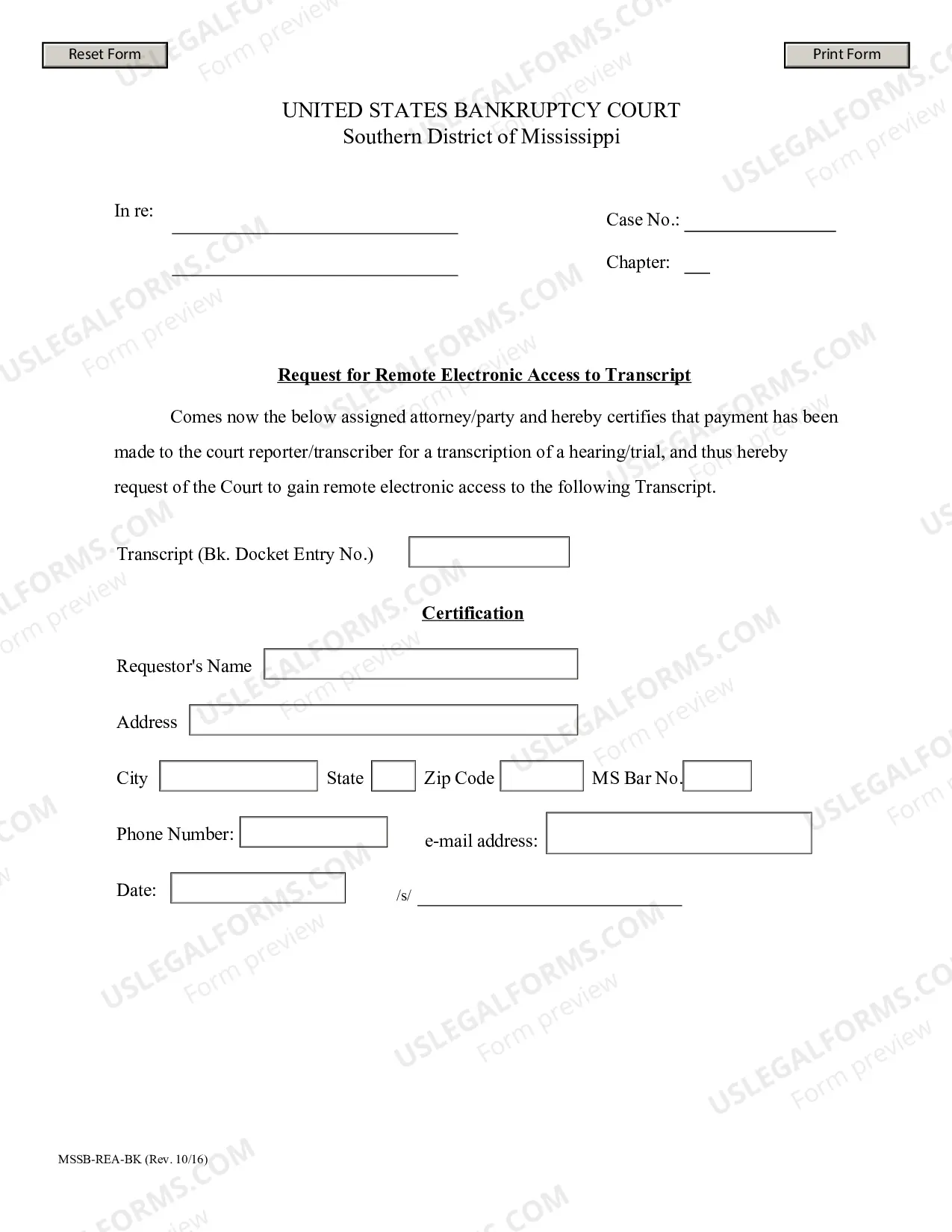
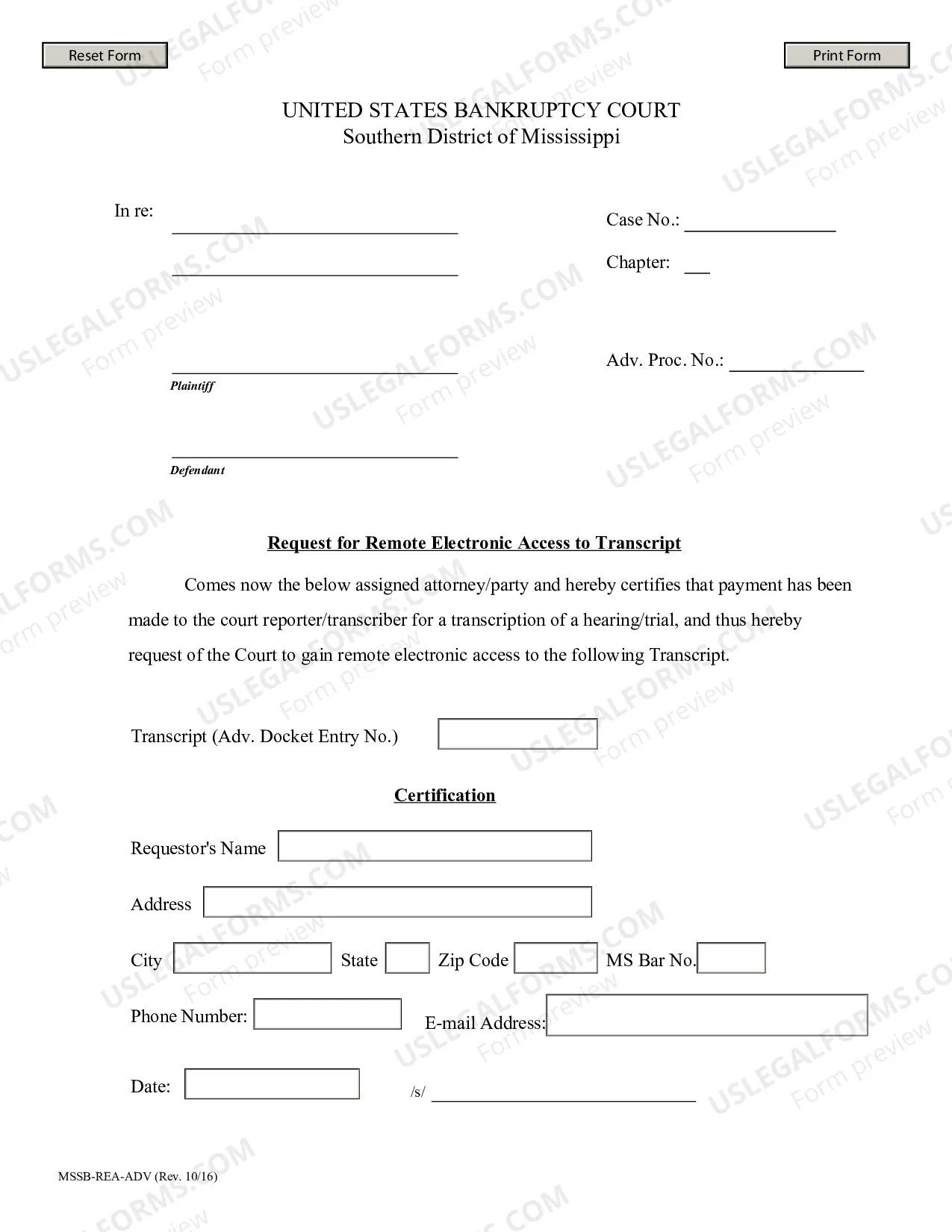
The Mississippi Request For Remote Electronic Access To Transcript (Bankruptcy) is an online service that enables creditors and other interested parties to access bankruptcy transcript information. This service is offered by the Mississippi Office of the Clerk of the Court for the U.S. District Court for the Southern District of Mississippi. There are two types of Mississippi Request For Remote Electronic Access To Transcript (Bankruptcy): transcript and eTranscriptPlus. Transcript is a web-based service that allows creditors and other interested parties to view, print, and save bankruptcy transcript information. Creditors and other interested parties can access bankruptcy transcripts from the Mississippi Office of the Clerk of the Court's website. eTranscriptPlus is an enhanced version of transcript that allows creditors and other interested parties to view, print, save, and download bankruptcy transcript information. This service allows users to download bankruptcy transcripts in a variety of formats, including PDF, Word, Excel, and HTML. Creditors and other interested parties can access bankruptcy transcripts using the Mississippi Office of the Clerk of the Court's website.
Mississippi Request For Remote Electronic Access To Transcript (Bankruptcy)
Description
Get your form ready online
Our built-in tools help you complete, sign, share, and store your documents in one place.
Make edits, fill in missing information, and update formatting in US Legal Forms—just like you would in MS Word.
Download a copy, print it, send it by email, or mail it via USPS—whatever works best for your next step.
Sign and collect signatures with our SignNow integration. Send to multiple recipients, set reminders, and more. Go Premium to unlock E-Sign.
If this form requires notarization, complete it online through a secure video call—no need to meet a notary in person or wait for an appointment.
We protect your documents and personal data by following strict security and privacy standards.

Make edits, fill in missing information, and update formatting in US Legal Forms—just like you would in MS Word.

Download a copy, print it, send it by email, or mail it via USPS—whatever works best for your next step.

Sign and collect signatures with our SignNow integration. Send to multiple recipients, set reminders, and more. Go Premium to unlock E-Sign.

If this form requires notarization, complete it online through a secure video call—no need to meet a notary in person or wait for an appointment.

We protect your documents and personal data by following strict security and privacy standards.
Looking for another form?



How to fill out Mississippi Request For Remote Electronic Access To Transcript (Bankruptcy)?
Creating official documents can be quite stressful unless you possess readily available fillable templates. With the US Legal Forms online repository of formal paperwork, you can be assured of the forms you acquire, as they all align with federal and state laws and have been validated by our experts.
Acquiring your Mississippi Request For Remote Electronic Access To Transcript (Bankruptcy) from our collection is as easy as pie. Existing users with an active subscription simply need to Log In and click the Download button after locating the appropriate template. Subsequently, if necessary, users can access the same document from the My documents section of their account. However, even if you are new to our service, signing up with a valid subscription will only take a few moments. Here’s a concise guide for you.
Haven’t you utilized US Legal Forms yet? Subscribe to our service today to access any formal document swiftly and effortlessly whenever you need it, and maintain your paperwork organized!
- Document compliance verification. You should carefully review the contents of the form you wish to ensure it meets your requirements and adheres to your state regulations. Examining your document and reviewing its overall description will assist you in doing just that.
- Alternative search (optional). If there are any discrepancies, search the library using the Search tab at the top of the page until you find an appropriate blank, and click Buy Now when you locate the one you require.
- Account creation and form purchase. Set up an account with US Legal Forms. After account confirmation, Log In and choose your most suitable subscription option. Make a payment to proceed (PayPal and credit card methods are available).
- Template download and further usage. Select the file format for your Mississippi Request For Remote Electronic Access To Transcript (Bankruptcy) and click Download to store it on your device. Print it to manually complete your documents, or utilize a feature-rich online editor to prepare an electronic copy more quickly and efficiently.