Mississippi General Partnership Package
About this form package
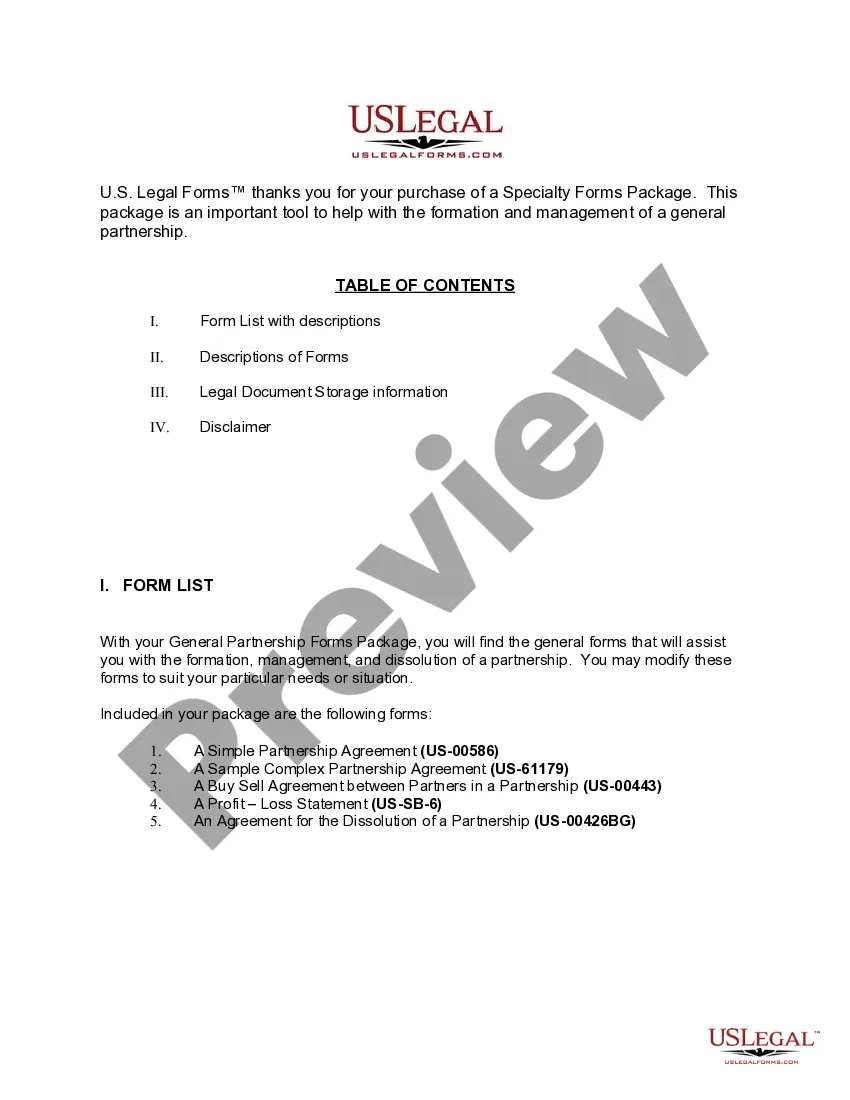
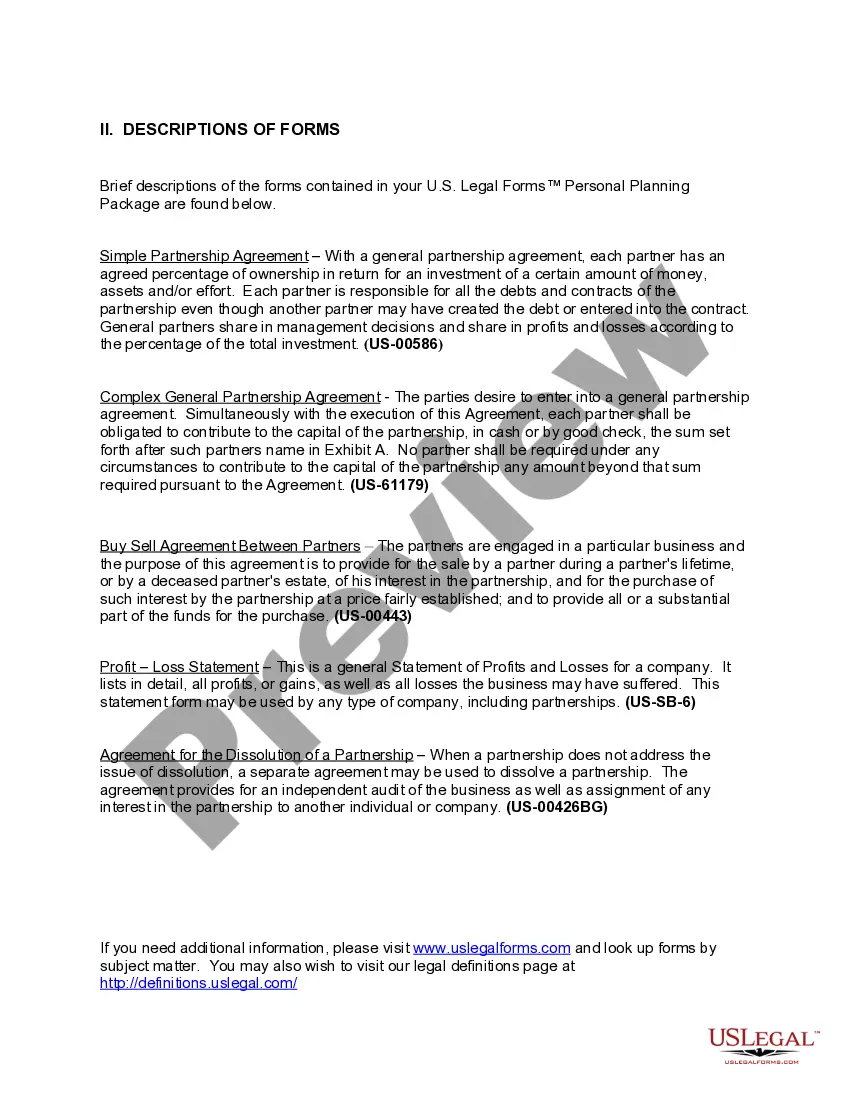
The Mississippi General Partnership Package is designed to assist individuals in forming, managing, and dissolving partnerships in Mississippi. This package includes essential legal forms that are tailored for general partnership agreements, making it easy for partners to navigate their legal obligations. By using this package, users can save both time and money compared to purchasing forms individually, all while ensuring they adhere to state-specific requirements.
Documents contained in this package
- Agreement for the Dissolution of a Partnership
- I.R.S. Form SS-4 (to obtain your federal identification number)
- Buy Sell Agreement Between Partners of a Partnership
- Sample Business Plan Template
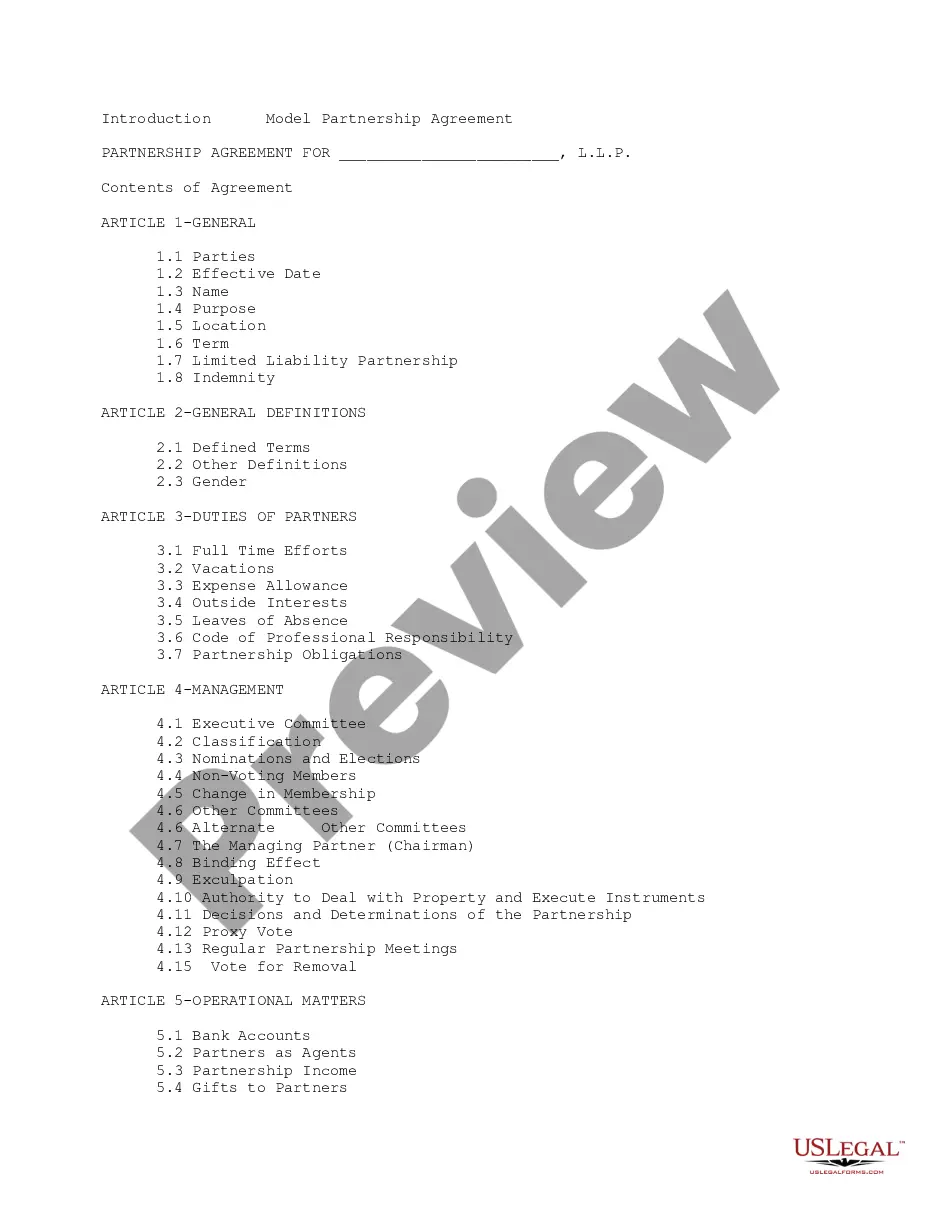
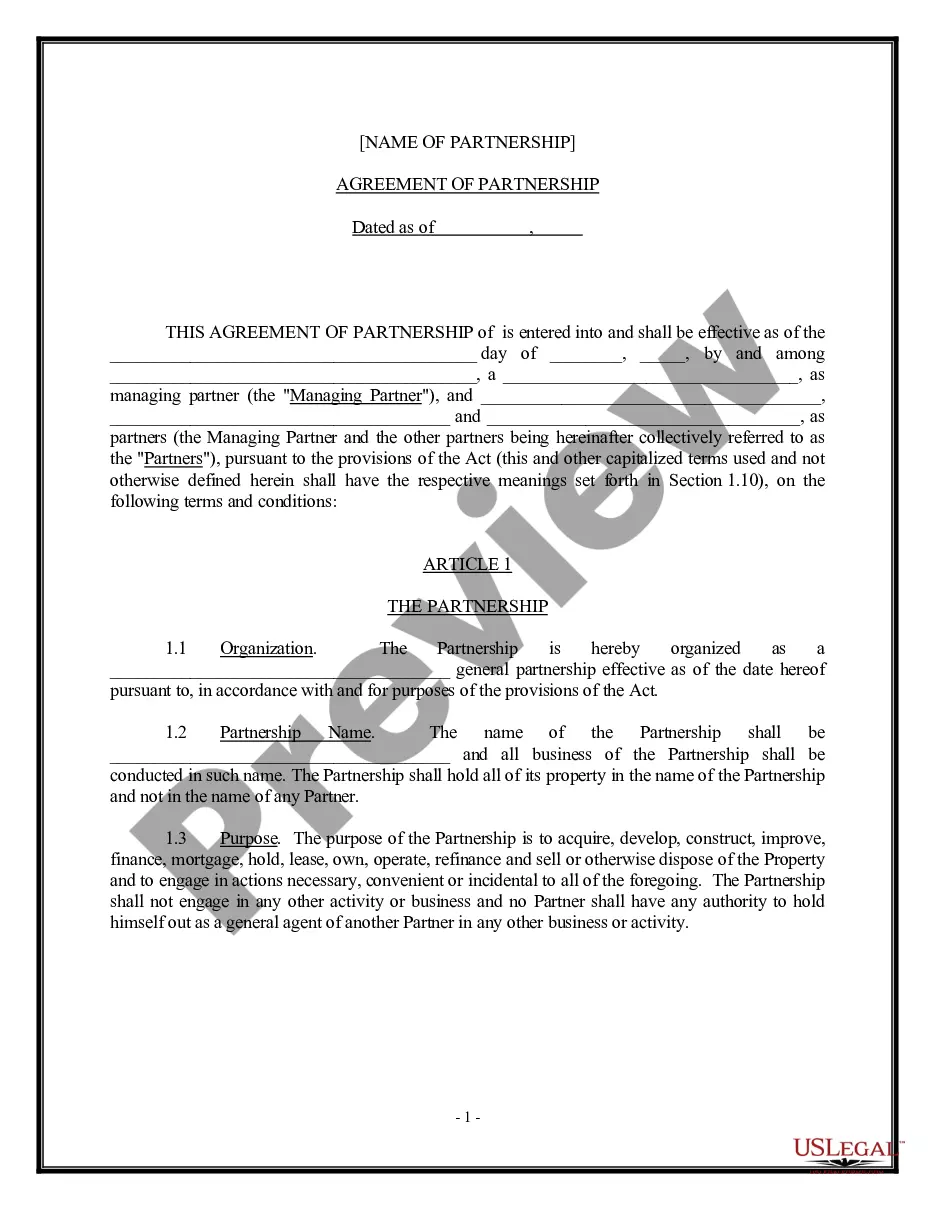
- Simple Partnership Agreement
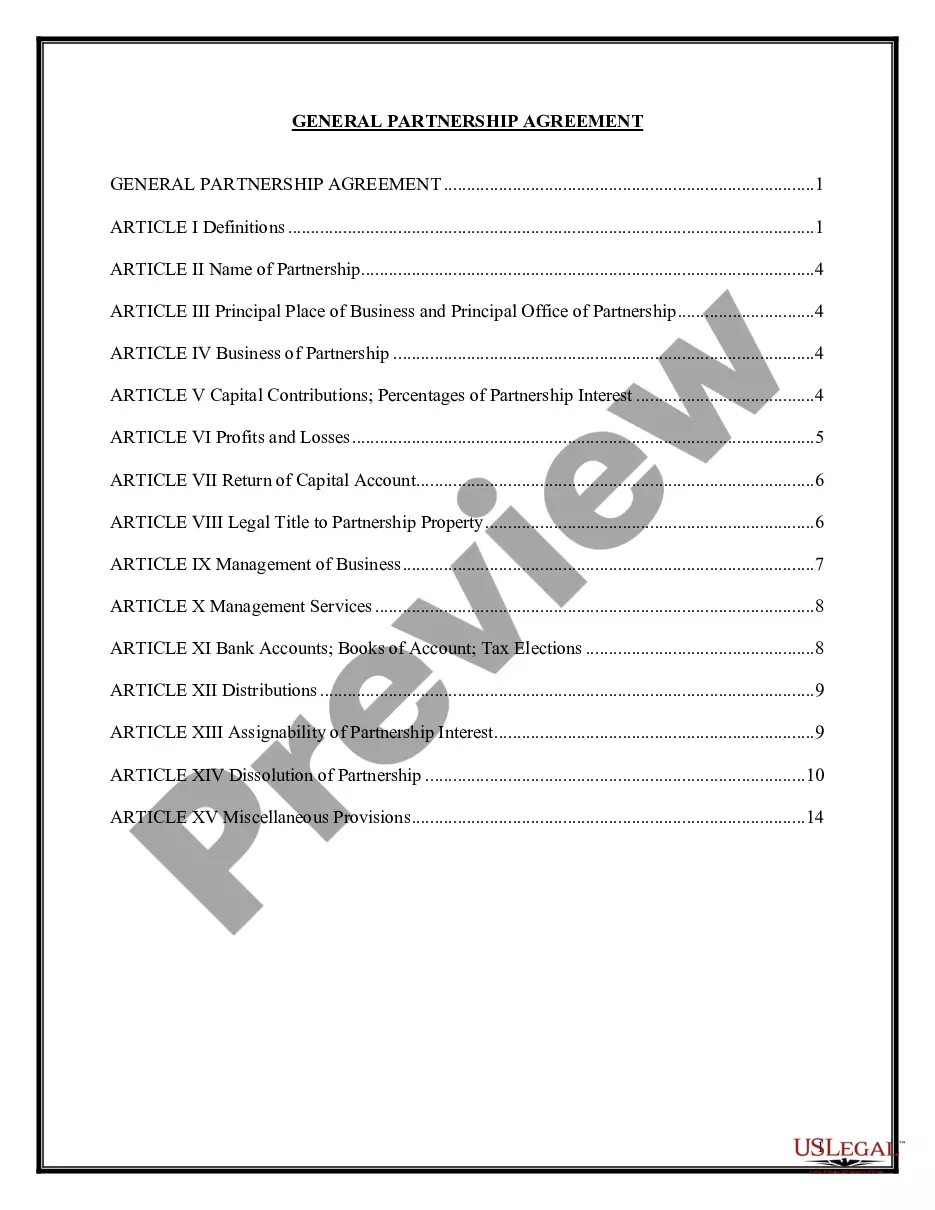
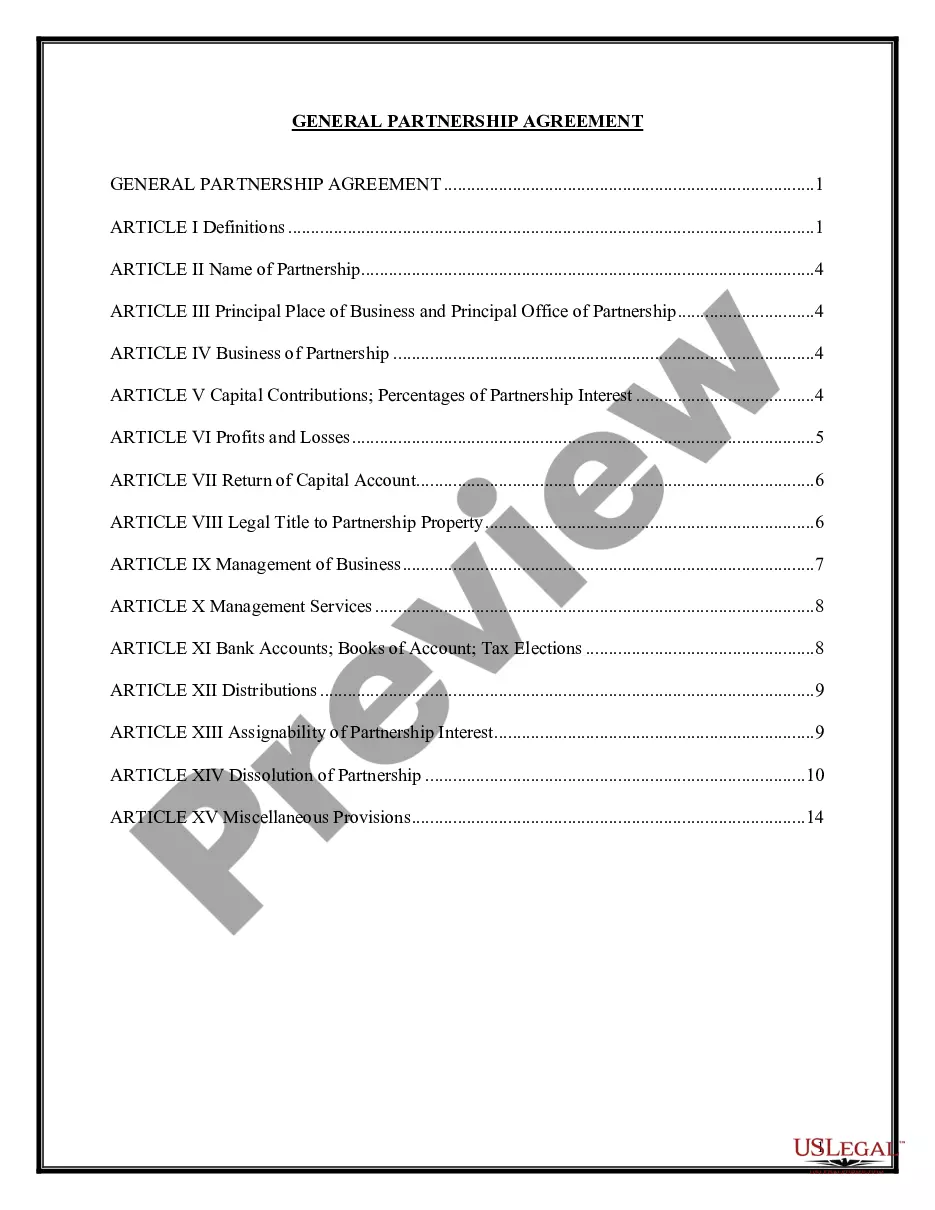
- General Partnership Agreement - Complex
- Checklist for Starting Up a New Business
- Profit and Loss Statement
- Business Startup Costs
- Employment or Work Application - General
- Stand Alone Confidentiality and Noncompetition Agreement with Employee
- Self-Employed Independent Contractor Employment Agreement - General
When this form package is needed
This package is suitable for a range of scenarios, including:
- Starting a new partnership and needing a formal agreement.
- Managing ongoing partnership operations and financial distributions.
- Addressing changes in partnership, such as buyouts or addition of new partners.
- Dissolving a partnership and ensuring legal compliance throughout the process.
Intended users of this form package
- Business partners intending to form a general partnership.
- Existing partnerships looking to update agreements or account for changes.
- Partners seeking to outline financial responsibilities and profit-sharing arrangements.
- Individuals involved in the dissolution of a partnership.
Instructions for completing these forms
- Review the included forms that pertain to your partnership needs.
- Identify the parties involved and their agreed contributions to the partnership.
- Enter relevant details such as partnership name, financial contributions, and profit distribution.
- Complete any additional agreements, such as the buy-sell agreement, if applicable.
- Sign and date the necessary documents, ensuring all parties have copies for their records.
Notarization guidance for this package
Forms in this package typically do not require notarization unless required by local law. However, some agreements may need to be notarized for added legal assurance. It is advised to review each form carefully for specific requirements.
Get your form ready online
Our built-in tools help you complete, sign, share, and store your documents in one place.
Make edits, fill in missing information, and update formatting in US Legal Forms—just like you would in MS Word.
Download a copy, print it, send it by email, or mail it via USPS—whatever works best for your next step.
Sign and collect signatures with our SignNow integration. Send to multiple recipients, set reminders, and more. Go Premium to unlock E-Sign.
If this form requires notarization, complete it online through a secure video call—no need to meet a notary in person or wait for an appointment.
We protect your documents and personal data by following strict security and privacy standards.

Make edits, fill in missing information, and update formatting in US Legal Forms—just like you would in MS Word.

Download a copy, print it, send it by email, or mail it via USPS—whatever works best for your next step.

Sign and collect signatures with our SignNow integration. Send to multiple recipients, set reminders, and more. Go Premium to unlock E-Sign.

If this form requires notarization, complete it online through a secure video call—no need to meet a notary in person or wait for an appointment.

We protect your documents and personal data by following strict security and privacy standards.
Typical mistakes to avoid
- Failing to include all partners in the agreement.
- Leaving blank spaces in important sections of the forms.
- Not specifying the terms of profit and loss distribution.
- Neglecting to sign or date the documents correctly.
Why complete this package online
- Convenience of downloading and customizing forms from anywhere.
- Editability allows for tailored agreements that meet specific partnership needs.
- Access to forms prepared by licensed attorneys, enhancing reliability.
- Cost-effective solution, saving up to 40% compared to purchasing forms separately.
Legal use & context
- These forms provide a legal basis for establishing partnerships under Mississippi law.
- Proper completion and filing of these documents helps avoid future disputes among partners.
- The agreements should reflect the true intentions of the partners for maximum enforceability.
Quick recap
- The Mississippi General Partnership Package provides critical legal forms for partnership management.
- Included forms cater to formation, operation, and dissolution of partnerships.
- Using these forms helps ensure compliance with Mississippi laws while saving on costs.
Looking for another form?
Form popularity
FAQ
STEP 1: Name your Mississippi LLC. STEP 2: Choose a Registered Agent in Mississippi. STEP 3: File the Mississippi LLC Certificate of Formation. STEP 4: Create a Mississippi LLC Operating Agreement. STEP 5: Get an EIN.
Please be aware that Mississippi will not accept the federal extension form as an extension for your Mississippi tax return. However, if you expect to owe income taxes, you should submit your payment with payment voucher Form 80-106.
Partnership - If no tax is due, Mississippi recognizes a valid federal extension. If a payment is needed file Form 83-180, Application for Automatic Six-Month Extension for Corporate Income and Franchise Tax Return, to request an automatic six-month extension.
To form a Mississippi LLC, the Certificate of Formation is filed with the Secretary of State, along with the state filing fee of $50.
You will need to register with the Mississippi Secretary of State's online filing system to get the Name Reservation application form. The filing fee is $25. You don't have to use your LLC's official legal name registered in your Certificate of Formation when you do business out in the real world.
To form the business entity of your choice, please visit the Business Formation and Services home page of the Secretary of State's website at www.sos.ms.gov. You may review a PowerPoint demonstration of our online filing system as a guide for the filing process.
LLC registrants are required to complete and submit a Certificate of Formation with the Secretary of State. There is a $50 filing fee that is about $50 that must be paid upon submission of the documents. Fees can change, check with the Secretary of State for the most recent fees.
Business Licenses The state of Mississippi doesn't have a general business license; however, many cities require a business license to operate.While this isn't a license on the business, licensing is required in order to operate.