Kentucky Quitclaim Deed from Corporation to LLC
What is this form?
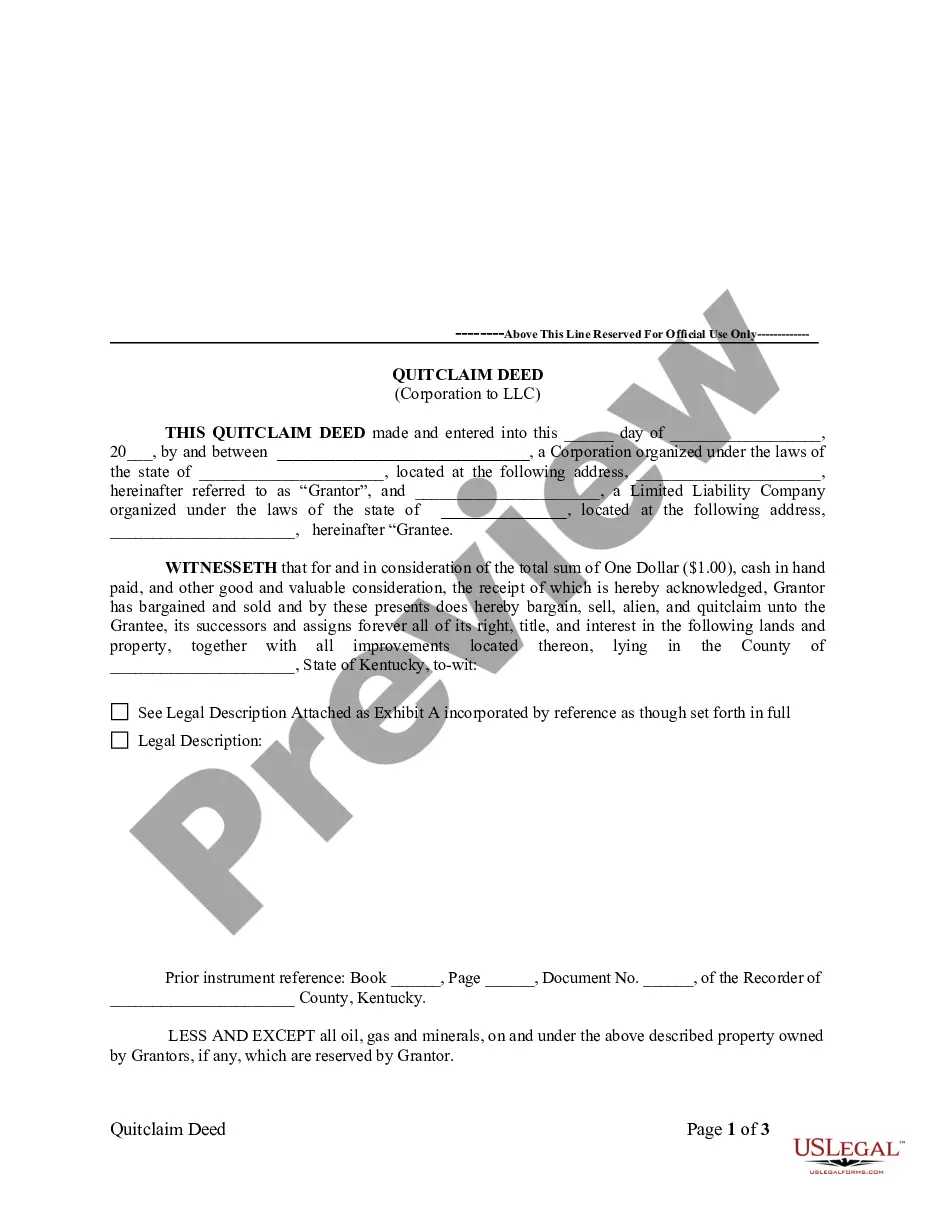
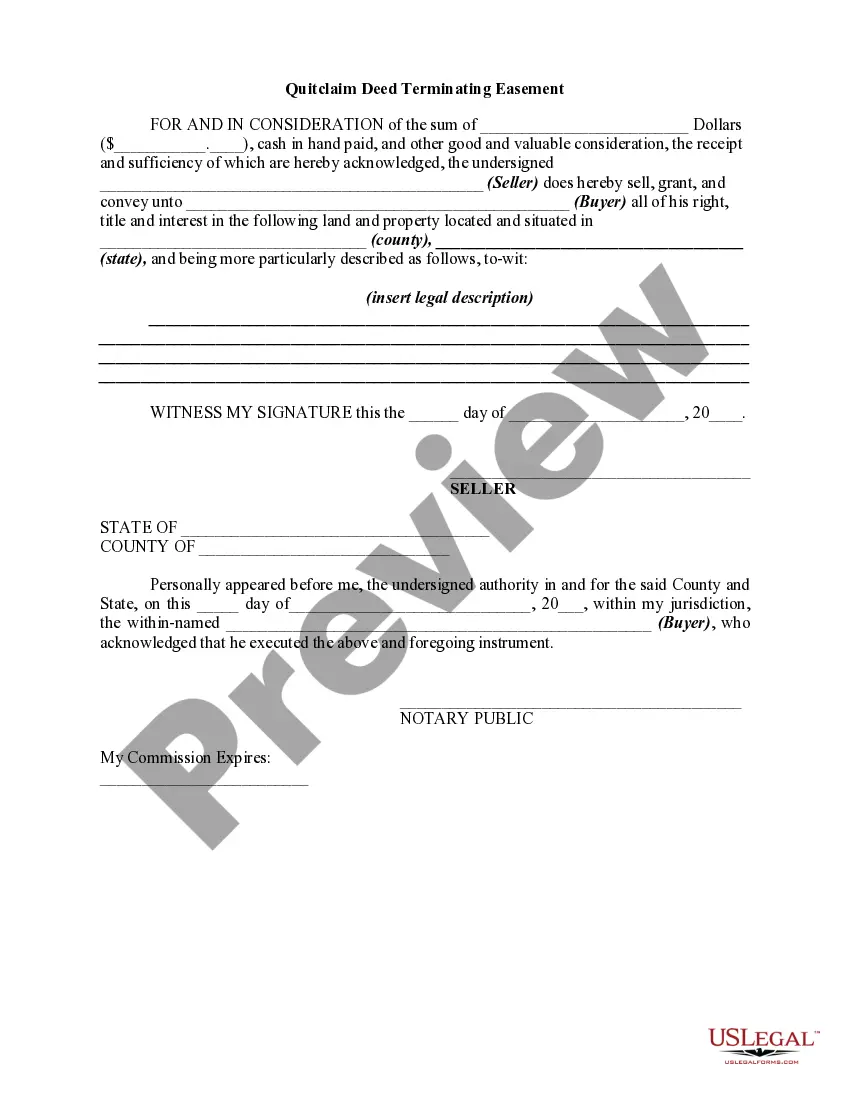
The Quitclaim Deed from Corporation to LLC is a legal document that transfers ownership of real property from a corporation (the Grantor) to a limited liability company (the Grantee). Unlike other deed types, a quitclaim deed does not guarantee that the Grantor holds clear title to the property; it merely conveys any interest the Grantor may have. This form is commonly used in business transactions where property needs to be transferred between entities, offering a simple method for the transaction.
What’s included in this form
- Identification of the Grantor: Full legal name of the transferring corporation.
- Identification of the Grantee: Full legal name of the receiving limited liability company.
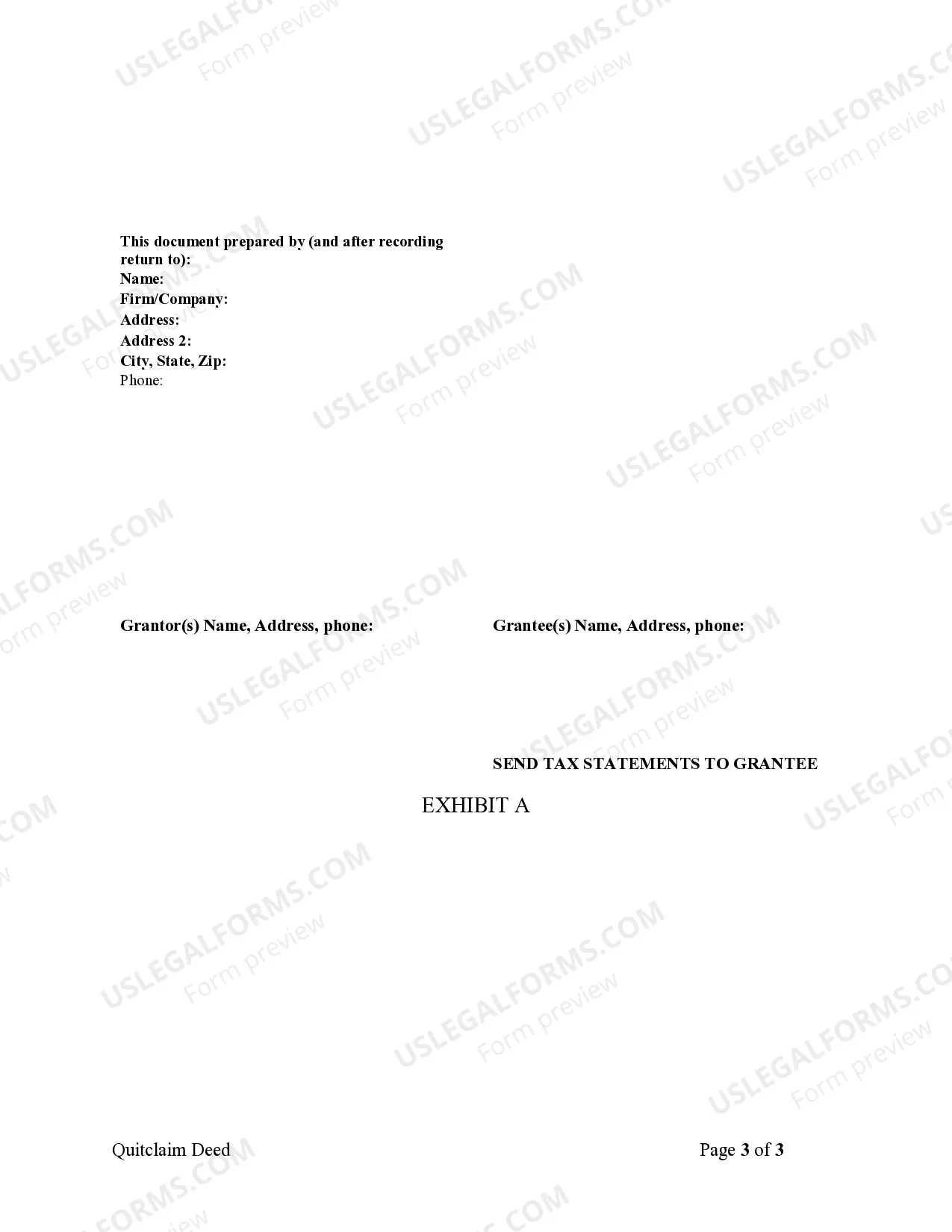
- Property description: Detailed legal description of the property being transferred.
- Consideration: A statement regarding the payment made for the property, typically a nominal amount.
- Reservation of rights: Notation that certain rights (like minerals) may be reserved by the Grantor.
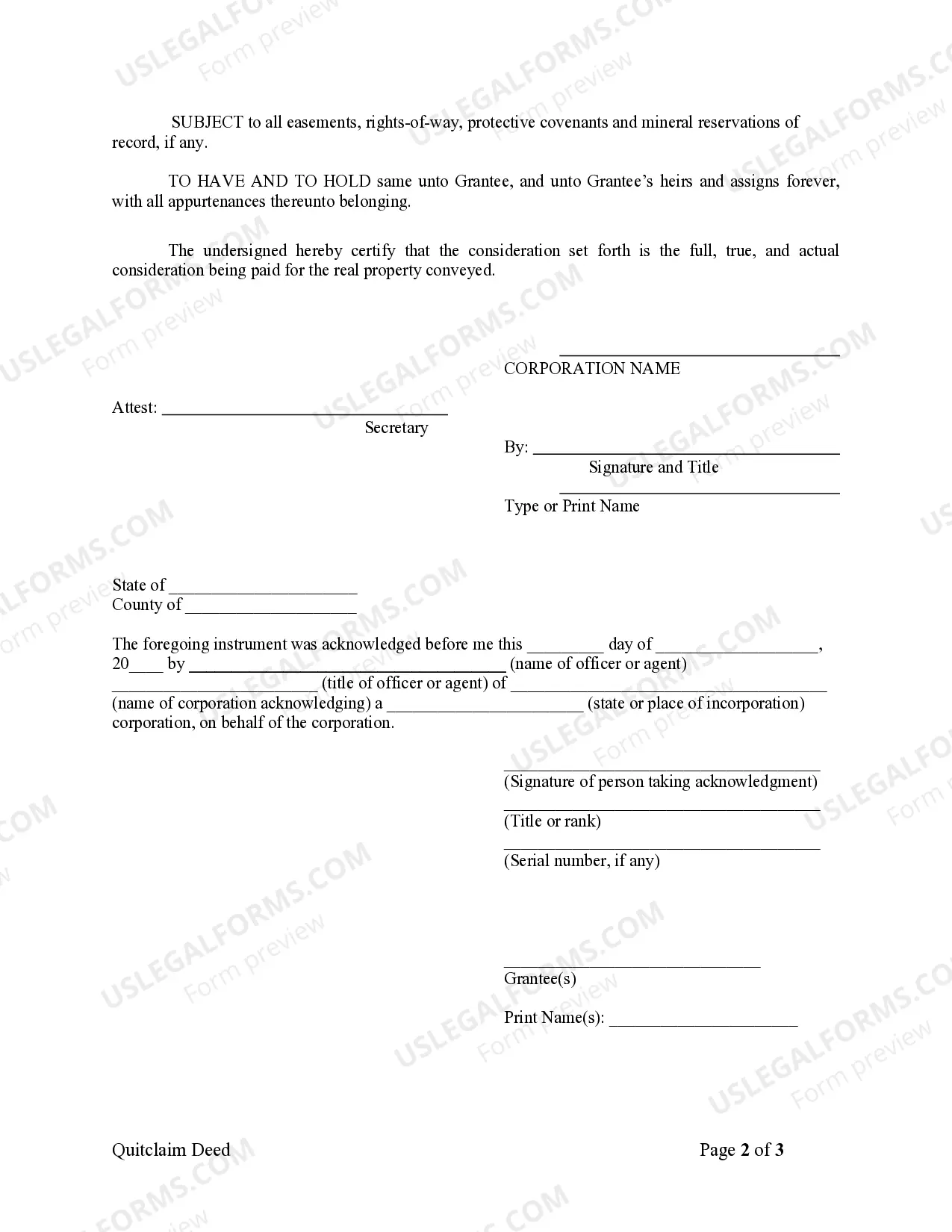
- Signatures and notarization: Spaces for the authorized representatives to sign and date the deed.


When to use this document
This form is used when a corporation wants to transfer property to a limited liability company. Common scenarios may include business restructuring, asset division, or property being transferred as part of a sale or negotiation meant to consolidate holdings into the LLC. If an existing corporation is transitioning assets to an LLC for liability protection or operational efficiency, this document is appropriate.
Intended users of this form
- Corporations looking to transfer real estate to their LLCs.
- Limited liability companies that are acquiring property from a corporation.
- Business owners and legal representatives involved in asset management and restructuring.
- Attorneys who are assisting clients with property transfers between business entities.
How to prepare this document
- Identify the parties involved by entering the full legal names of the Grantor and Grantee.
- Provide the property address and attach a legal description as necessary.
- Enter the date of the transfer in the designated space.
- Specify the consideration amount, often set at One Dollar or another nominal figure.
- Ensure signatures are obtained from authorized representatives of both the corporation and LLC.
Notarization requirements for this form
This form must be notarized to be legally valid. US Legal Forms provides secure online notarization powered by Notarize, allowing you to complete the process through a verified video call.
Get your form ready online
Our built-in tools help you complete, sign, share, and store your documents in one place.
Make edits, fill in missing information, and update formatting in US Legal Forms—just like you would in MS Word.
Download a copy, print it, send it by email, or mail it via USPS—whatever works best for your next step.
Sign and collect signatures with our SignNow integration. Send to multiple recipients, set reminders, and more. Go Premium to unlock E-Sign.
If this form requires notarization, complete it online through a secure video call—no need to meet a notary in person or wait for an appointment.
We protect your documents and personal data by following strict security and privacy standards.

Make edits, fill in missing information, and update formatting in US Legal Forms—just like you would in MS Word.

Download a copy, print it, send it by email, or mail it via USPS—whatever works best for your next step.

Sign and collect signatures with our SignNow integration. Send to multiple recipients, set reminders, and more. Go Premium to unlock E-Sign.

If this form requires notarization, complete it online through a secure video call—no need to meet a notary in person or wait for an appointment.

We protect your documents and personal data by following strict security and privacy standards.
Common mistakes to avoid
- Failing to include the legal description of the property, leaving it unclear what is being transferred.
- Not obtaining necessary signatures from authorized individuals within the corporation or LLC.
- Omitting a reservation for minerals or rights if applicable, which can lead to disputes later.
- Not properly notarizing the document when required under state law.
Benefits of using this form online
- Accessibility: Downloadable forms save time and can be completed at your convenience.
- Editability: Users can customize the document to fit specific scenarios and legal requirements.
- Reliability: Forms are drafted by licensed attorneys ensuring they meet legal standards.
- Cost-effective: Online services eliminate the need for costly in-person consultations.
Looking for another form?
Form popularity
FAQ
1Step 1: Find your KY quitclaim form.2Step 2: Gather the information you need.3Step 3: Enter the information about the parties.4Step 4: File the deed in the County Clerk's office of the county where the property is located, along with the consideration certificate.