Kansas Closing Statement
Understanding this form
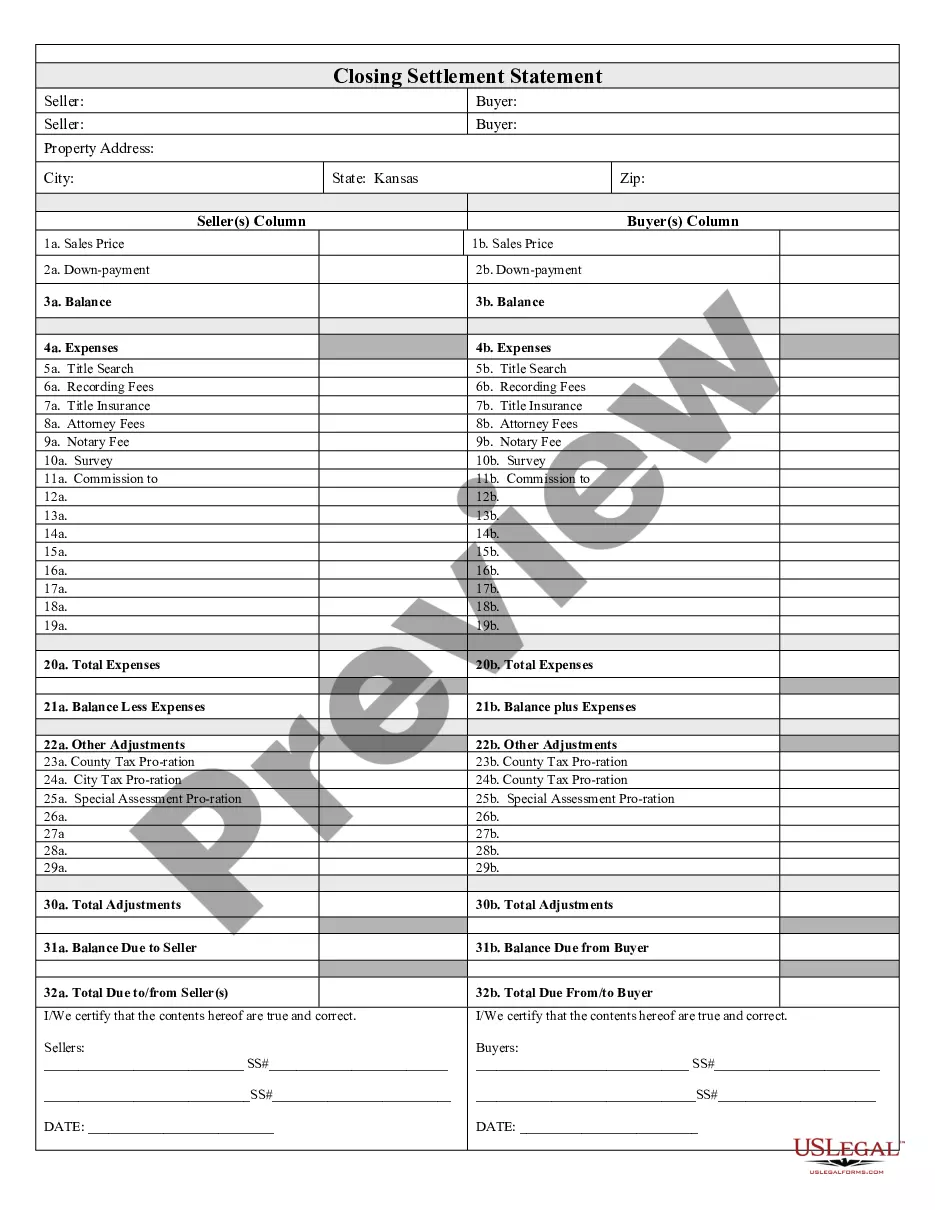
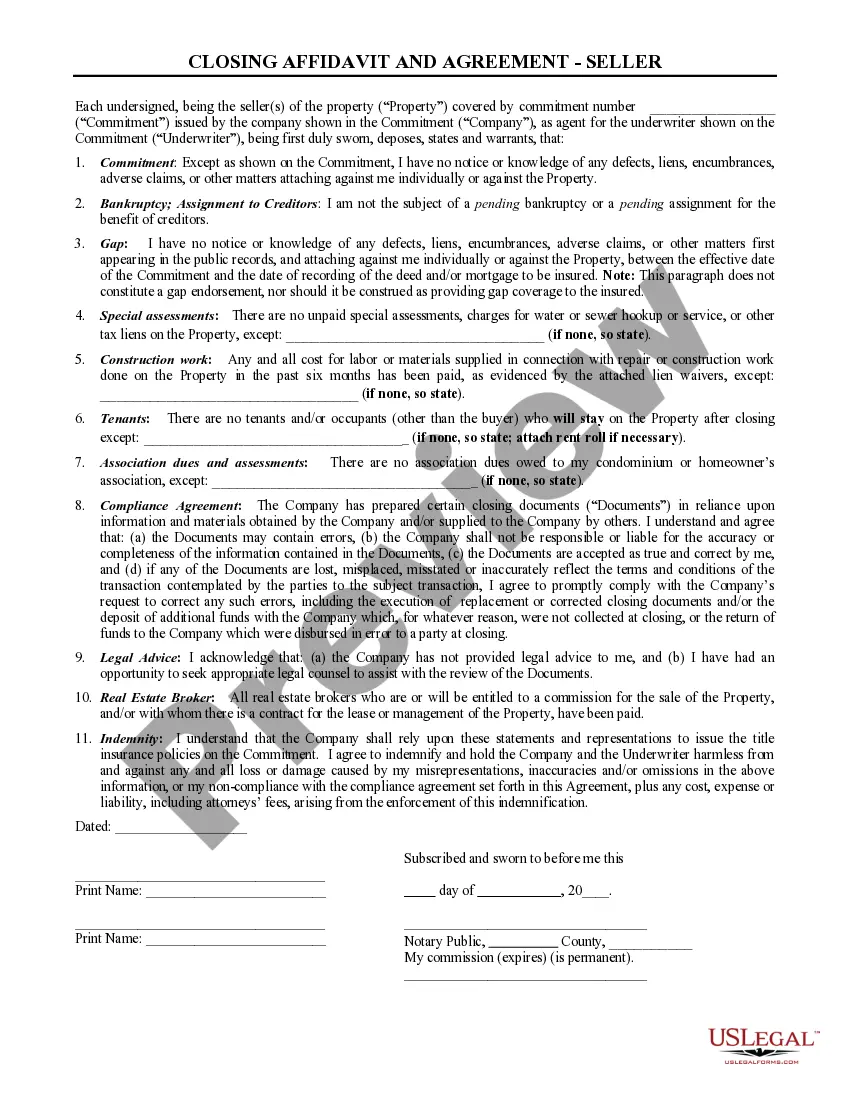
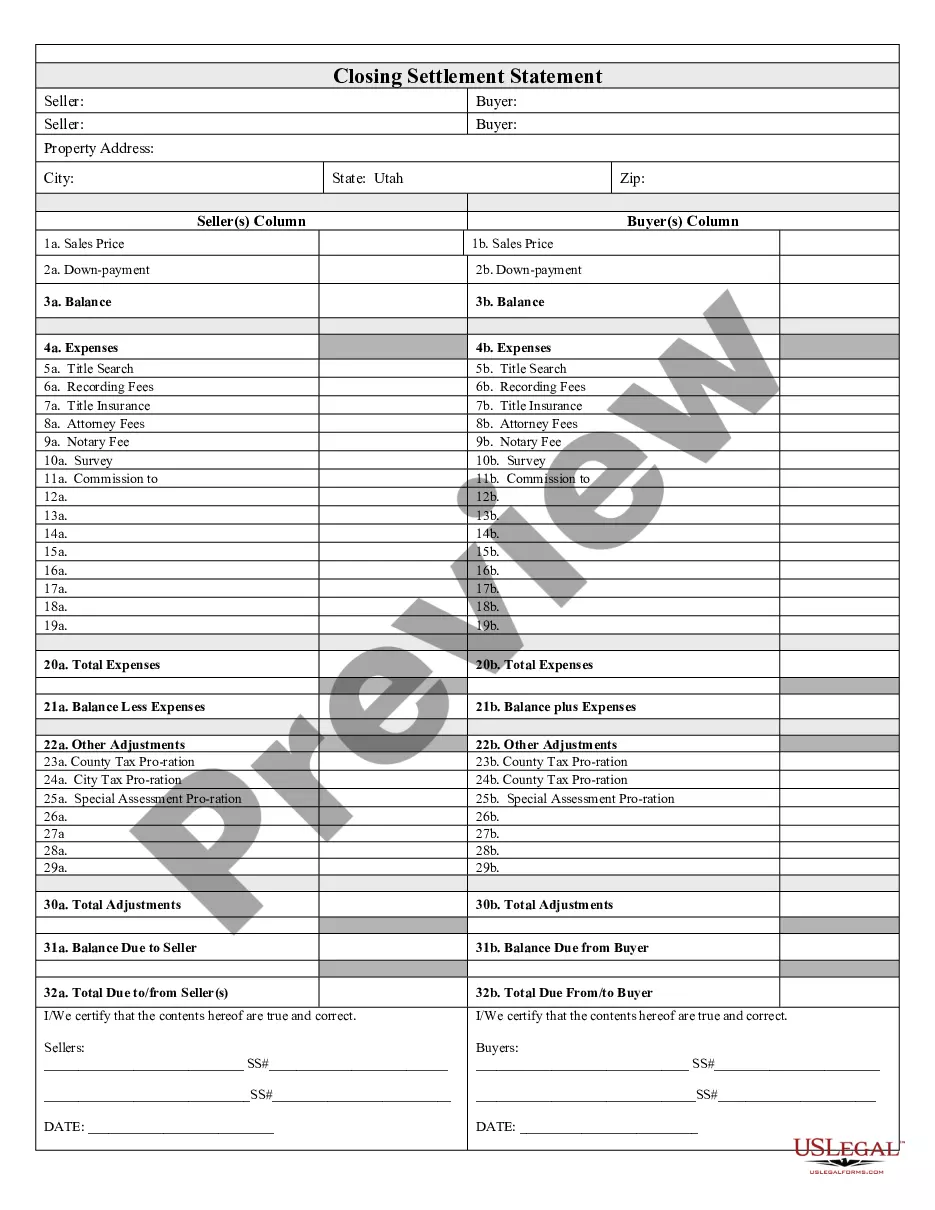
The Closing Statement is a critical document used in real estate transactions, particularly for cash sales or owner-financing arrangements. This form serves to outline all financial details of the transaction between the buyer and seller, ensuring both parties have a clear understanding of the costs involved. Unlike other related documents, the Closing Statement is verified and signed by both parties, providing legal assurance and transparency in the closing process.
Key components of this form
- Expenses: Detailed listing of all costs associated with the transaction.
- Title search: Verification of property ownership and any existing liens.
- Recording fees: Charges for officially recording the transaction with the local government.
- Attorney fees: Costs for legal services rendered during the transaction.
- Notary fee: Charge for notarizing the Closing Statement.
- Commission: Payments due to real estate agents involved in the sale.
- Balancing adjustments: Adjustments for taxes and other financial considerations that may affect the final amount due.

Common use cases
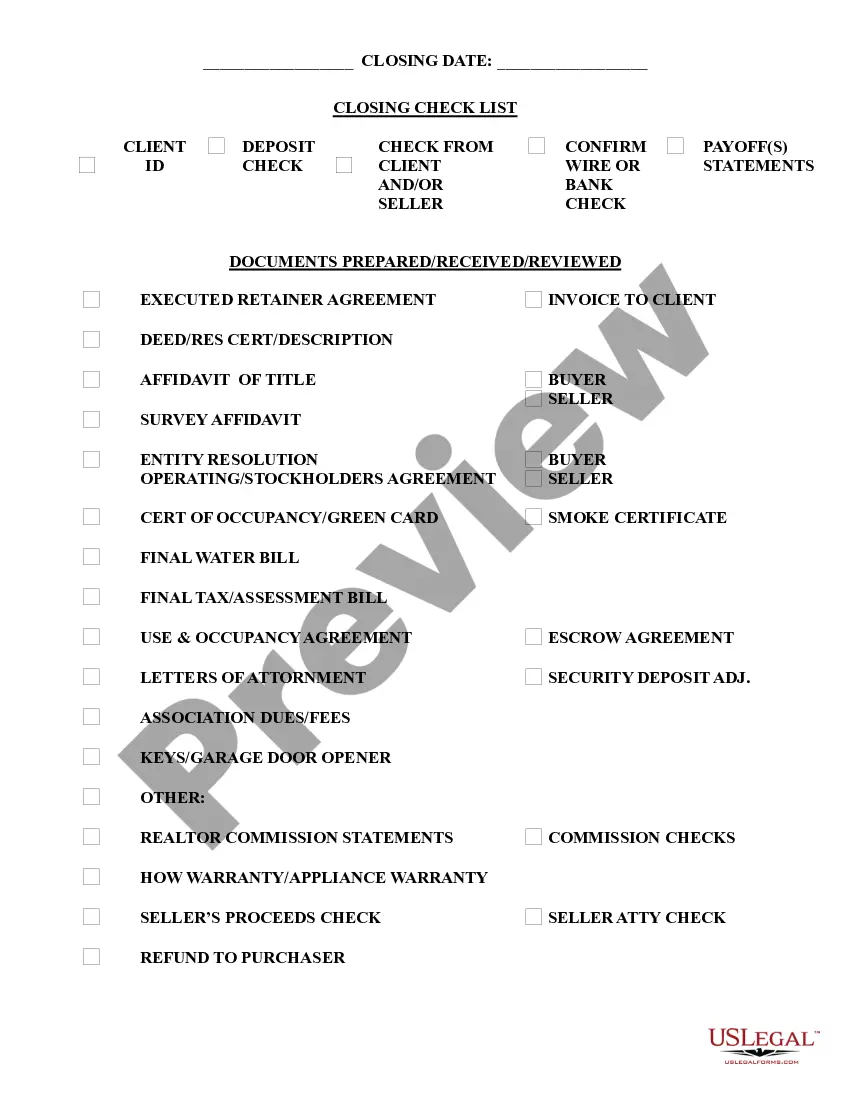
This form is necessary during the closing phase of a real estate transaction, where both cash sales and owner-financed purchases are involved. You should utilize the Closing Statement when finalizing the sale of a property to ensure all expenses are accounted for and that both the buyer and seller acknowledge the financial terms of the transaction.
Intended users of this form
- Homebuyers looking to finalize a cash purchase.
- Real estate investors purchasing property with owner financing.
- Sellers completing a property sale, whether financed or cash.
- Real estate agents or attorneys acting on behalf of buyers/sellers.
Steps to complete this form
- Identify the parties involved in the transaction, including buyer and seller names.
- Specify the property being sold, referencing the address and any relevant details.
- Enter all associated expenses, including title search, recording fees, and attorney fees.
- Calculate any adjustments necessary for taxes or other financial considerations.
- Ensure both parties review and sign the form to validate the statement.
Does this form need to be notarized?
Notarization is not commonly needed for this form. However, certain documents or local rules may make it necessary. Our notarization service, powered by Notarize, allows you to finalize it securely online anytime, day or night.
Get your form ready online
Our built-in tools help you complete, sign, share, and store your documents in one place.
Make edits, fill in missing information, and update formatting in US Legal Forms—just like you would in MS Word.
Download a copy, print it, send it by email, or mail it via USPS—whatever works best for your next step.
Sign and collect signatures with our SignNow integration. Send to multiple recipients, set reminders, and more. Go Premium to unlock E-Sign.
If this form requires notarization, complete it online through a secure video call—no need to meet a notary in person or wait for an appointment.
We protect your documents and personal data by following strict security and privacy standards.

Make edits, fill in missing information, and update formatting in US Legal Forms—just like you would in MS Word.

Download a copy, print it, send it by email, or mail it via USPS—whatever works best for your next step.

Sign and collect signatures with our SignNow integration. Send to multiple recipients, set reminders, and more. Go Premium to unlock E-Sign.

If this form requires notarization, complete it online through a secure video call—no need to meet a notary in person or wait for an appointment.

We protect your documents and personal data by following strict security and privacy standards.
Common mistakes
- Failing to include all expenses related to the transaction.
- Not verifying the accuracy of adjustments before finalizing the form.
- Forgetting to obtain signatures from both the buyer and seller.
Why complete this form online
- Convenience of accessing the form from anywhere at any time.
- Editability allows for quick adjustments as needed.
- Reliability ensures that the form adheres to legal standards.
Looking for another form?
Form popularity
FAQ
You'll need to formally close your LLC or Corporation. Otherwise, you can still be on the hook for filing your inactive business' annual reports, filing state/federal tax returns, and keeping up any business licenses.
Complete the Notice of Business Closure (CR-108) Return the completed form to: Kansas Department of Revenue, PO Box 3506, Topeka, KS 66625-3506 or FAX to 785-291-3614. Include information on the date the business was closed. Make sure all tax filings are current.
If you live where a title or escrow company agent handles closing and there are two meetings, it's likely that the seller and the seller's agent or attorney will sign paperwork at one meeting and the buyer, accompanied by her agent or attorney, will sign at a separate meeting.
Call a Board Meeting. File a Certificate of Dissolution With the Secretary of State. Notify the Internal Revenue Service (IRS) Close Accounts and Credit Lines, Cancel Licenses, Etc.
Unlike the buyer, who may have to attend the closing to sign original loan documents delivered by the lender to the closing, you, as the seller, may or may not need to attend. For either a conventional escrow closing or a table closing, you may be able to pre-sign the deed and other transfer documents.
File a Final Return and Related Forms. Take Care of Your Employees. Pay the Tax You Owe. Report Payments to Contract Workers. Cancel Your EIN and Close Your IRS Business Account. Keep Your Records.
A closing agent prepares the closing statement, which is settlement sheet. It's a comprehensive list of every expense that the buyer and seller must pay to complete the real estate transaction. Fees listed on this sheet include commissions, mortgage insurance, and property tax deposits.
Complete the Notice of Business Closure (CR-108) Return the completed form to: Kansas Department of Revenue, PO Box 3506, Topeka, KS 66625-3506 or FAX to 785-291-3614. Include information on the date the business was closed. Make sure all tax filings are current.
The Mortgage Promissory Note. The Mortgage / Deed of Trust / Security Instrument. The deed (for property transfer). The Closing Disclosure. The initial escrow disclosure statement. The transfer tax declaration (in some states)