Indiana Last Will for a Widow or Widower with no Children
What this document covers
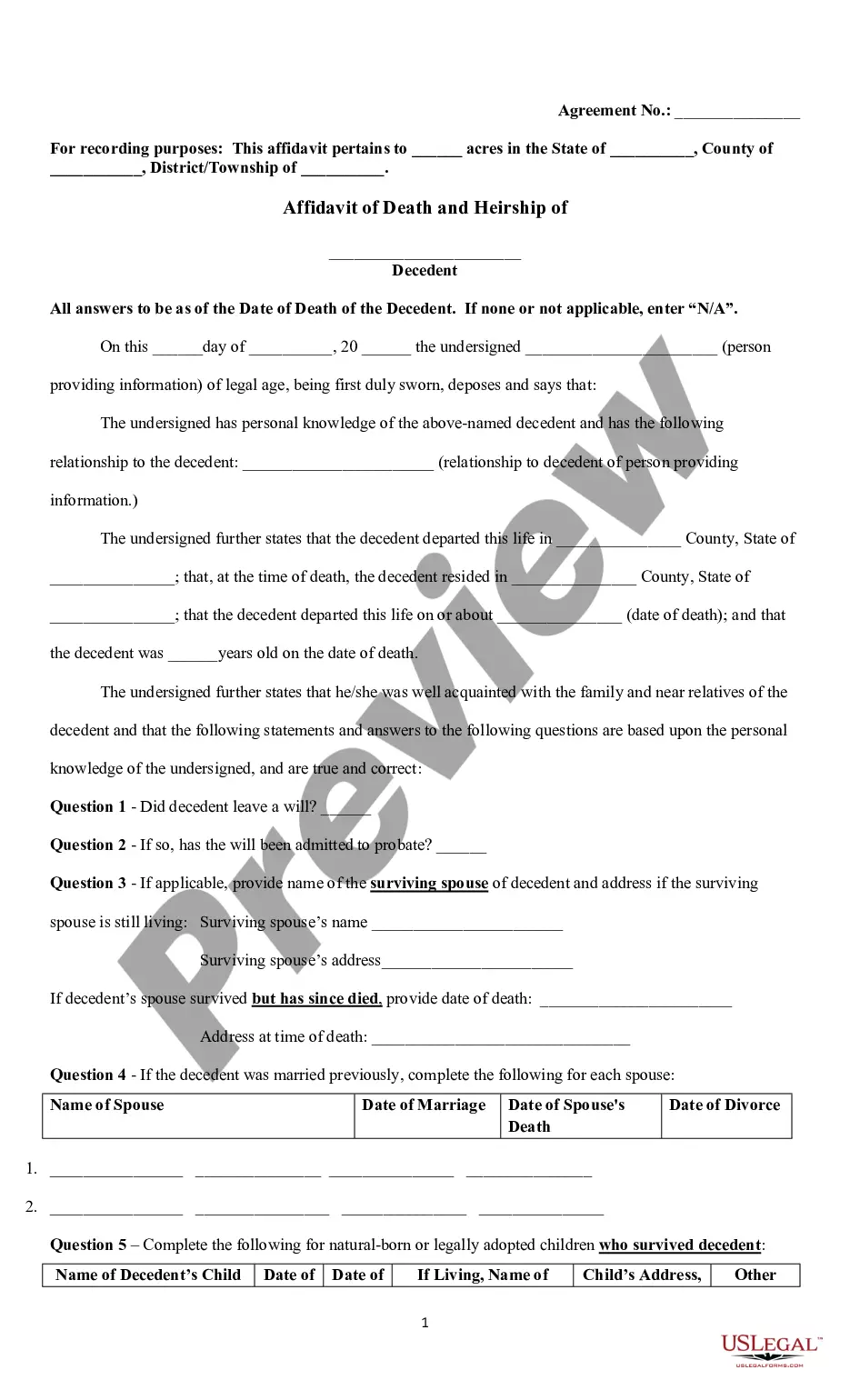
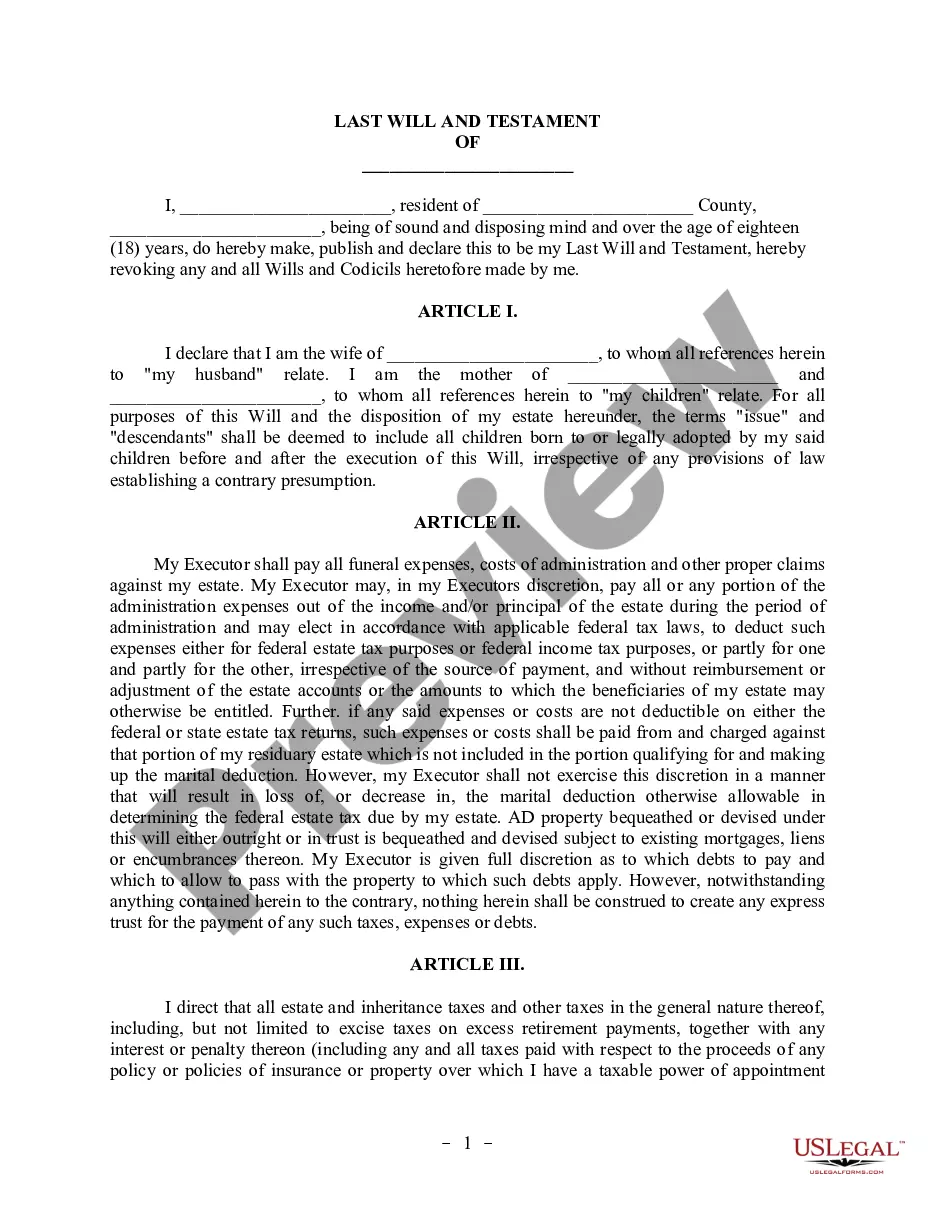
This Last Will for a Widow or Widower with no Children is a legal document that outlines how your assets will be distributed after your death. Specifically designed for individuals who have lost their spouse and do not have children, this Will allows for the appointment of a personal representative and the designation of beneficiaries to receive your property. It meets the requirements of state law to ensure its validity in probate court.
What’s included in this form
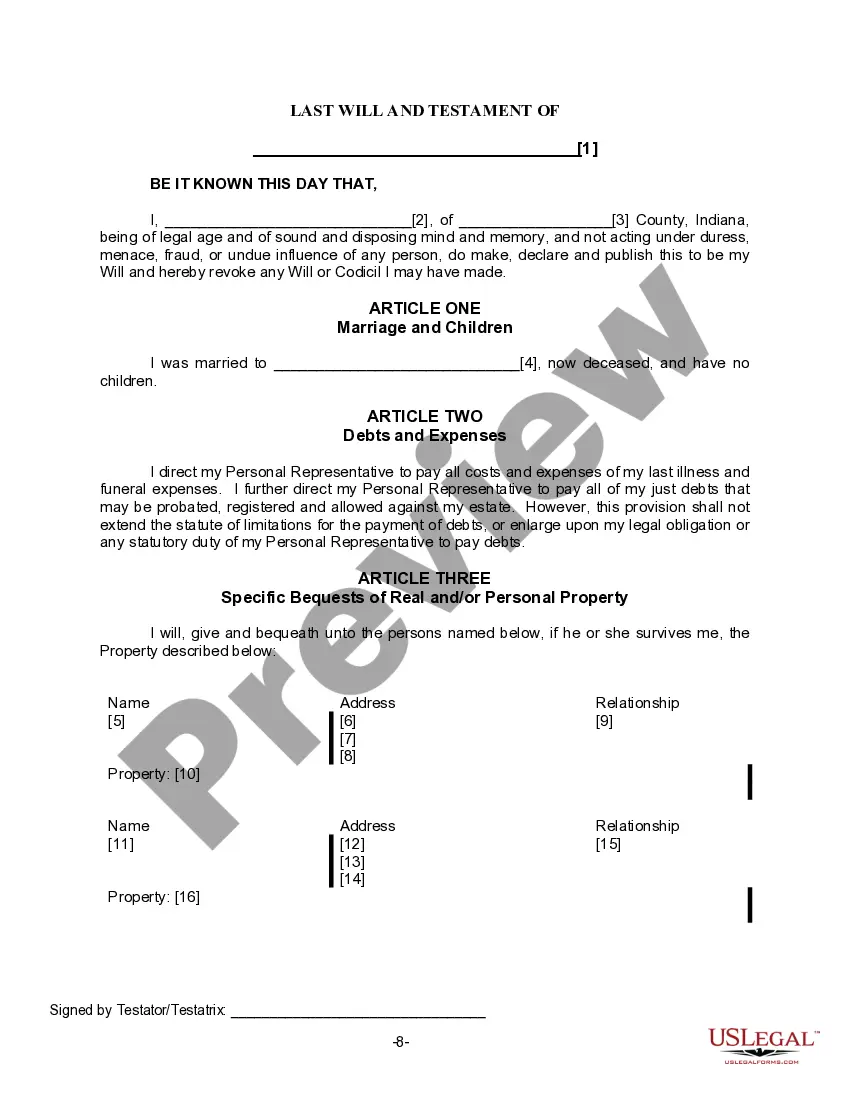
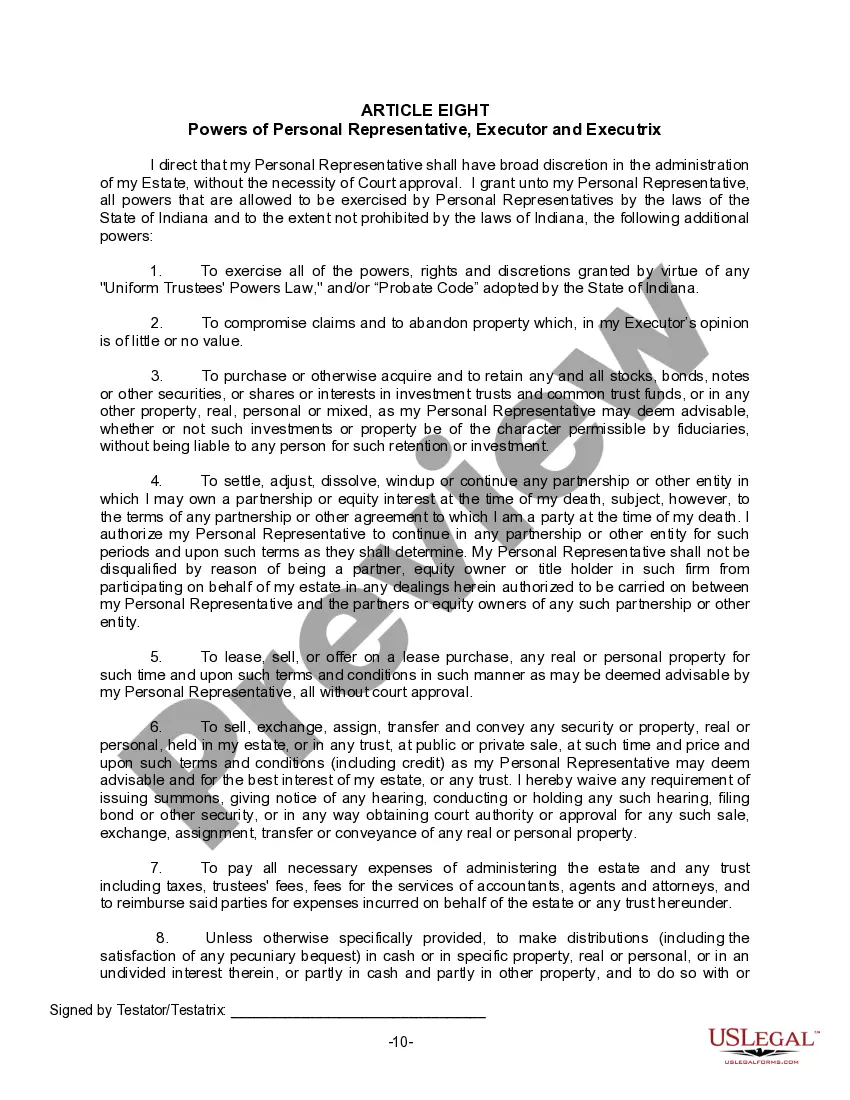
- Personal representative appointment: Designate an individual to manage your estate.
- Specific bequests: Specify assets that should be given to chosen beneficiaries.
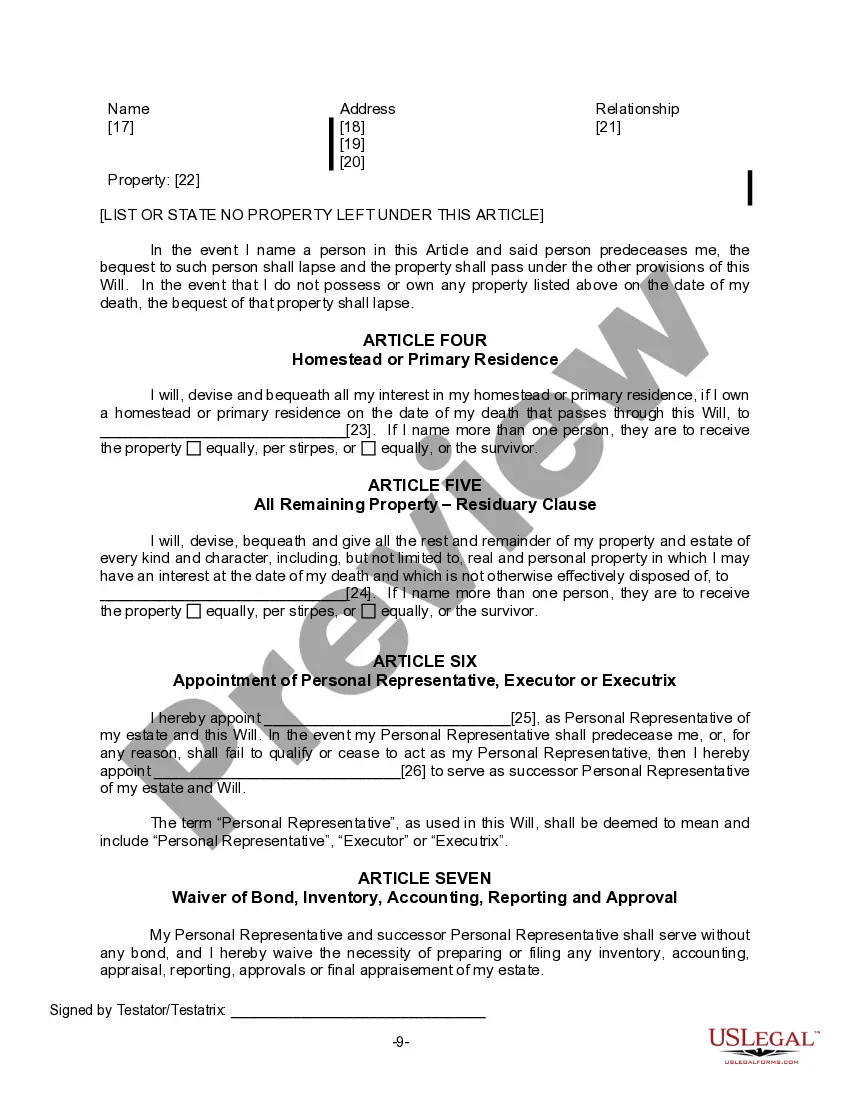
- Homestead allocation: Outline who receives your primary residence.
- Residuary clause: Determine how all remaining property will be distributed.
- Witness requirements: Clarify the need for signatures from two unbiased witnesses.



Situations where this form applies
This form is suitable when you are a widow or widower without children and wish to ensure your wishes regarding property distribution are legally documented. Use this Last Will to clarify how your assets should be allocated after your death, reducing potential conflicts among heirs and ensuring your estate is handled according to your preferences.
Intended users of this form
- Individuals who are widowed and do not have any children.
- People looking to create a straightforward estate plan.
- Anyone wishing to specify how their belongings should be distributed upon death.
How to complete this form
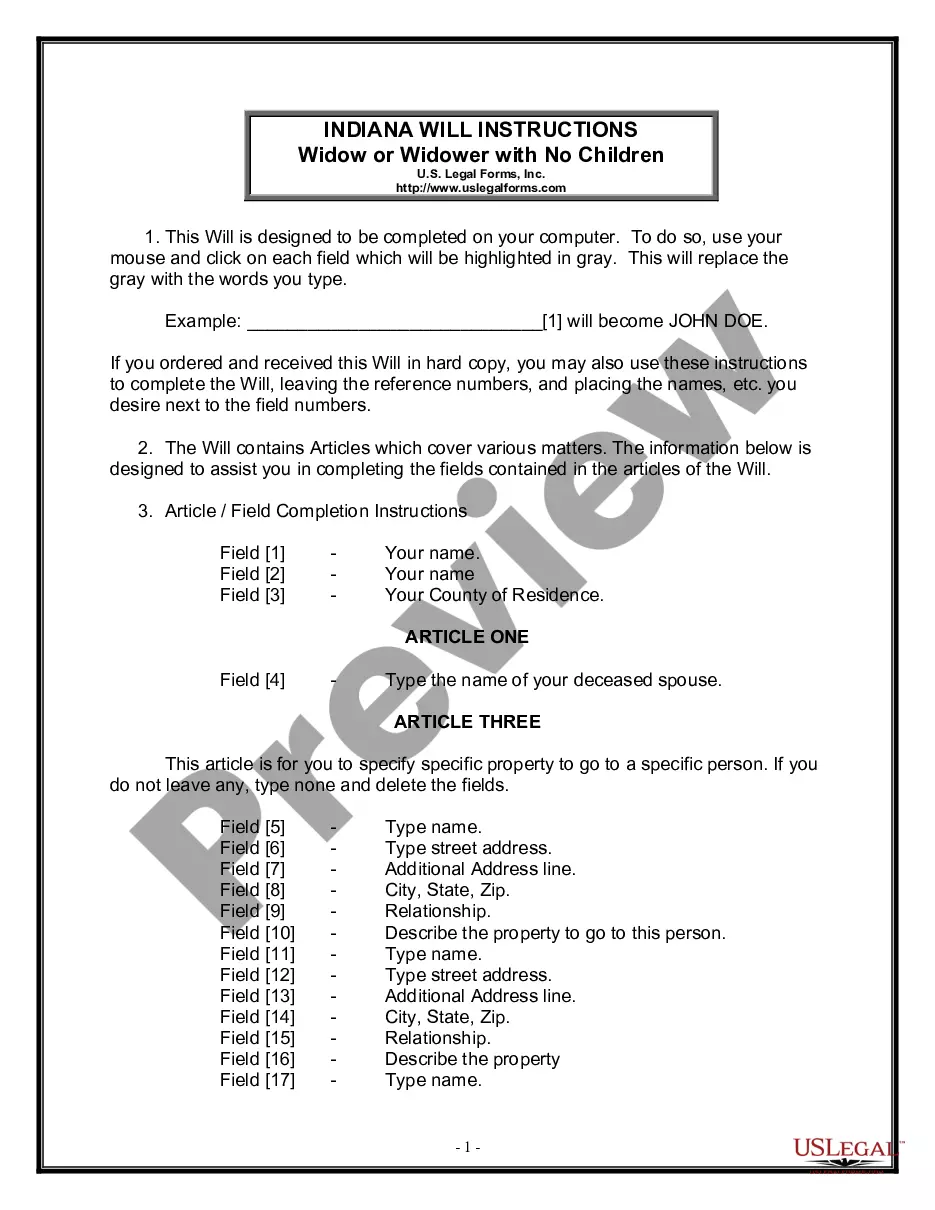
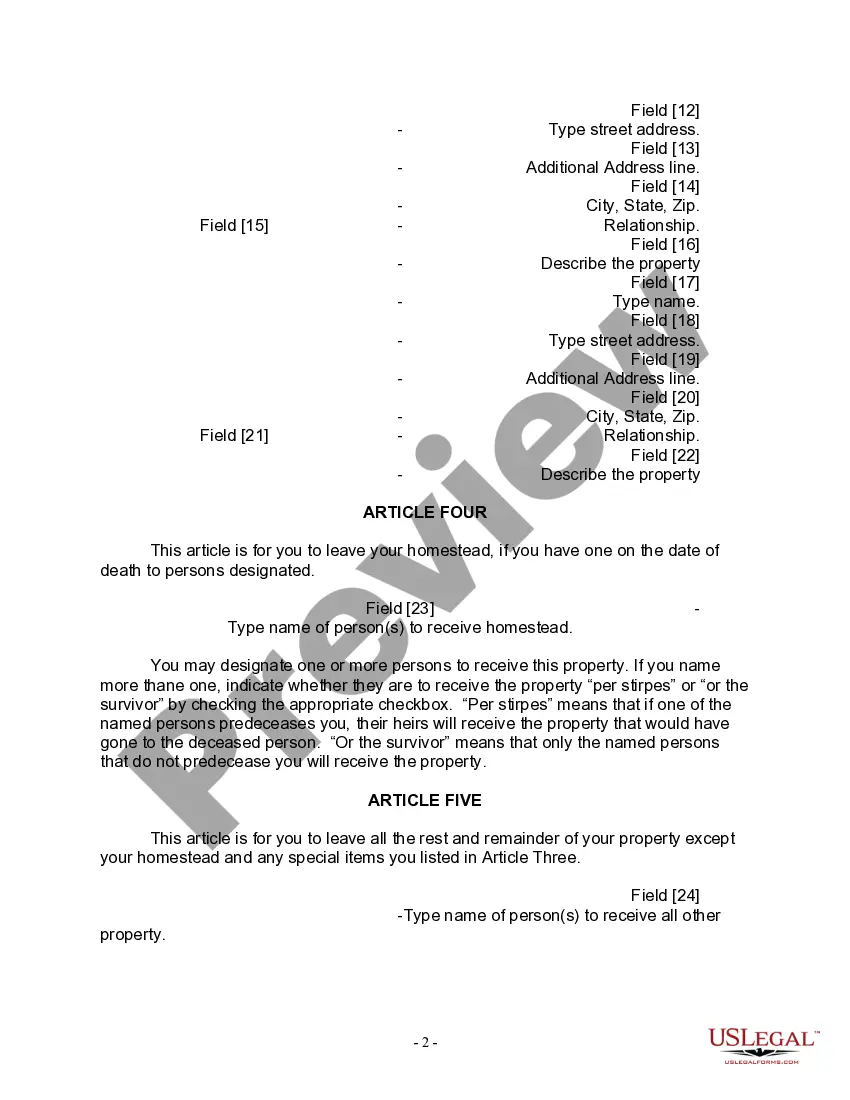
- Start by entering your full name and county of residence at the top of the Will.
- Specify the name of your deceased spouse in Article One.
- In Article Three, list any specific bequests you wish to make, or indicate 'none' if not applicable.
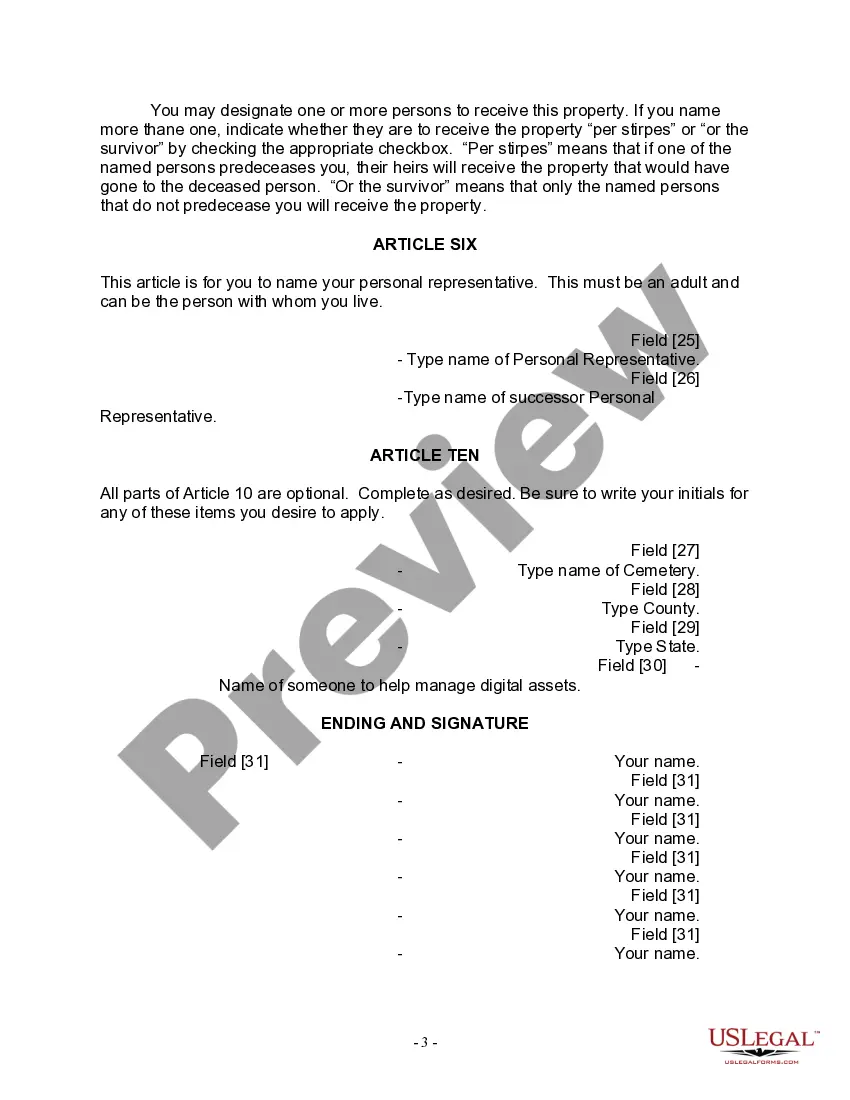
- Identify your personal representative and a successor in Article Six.
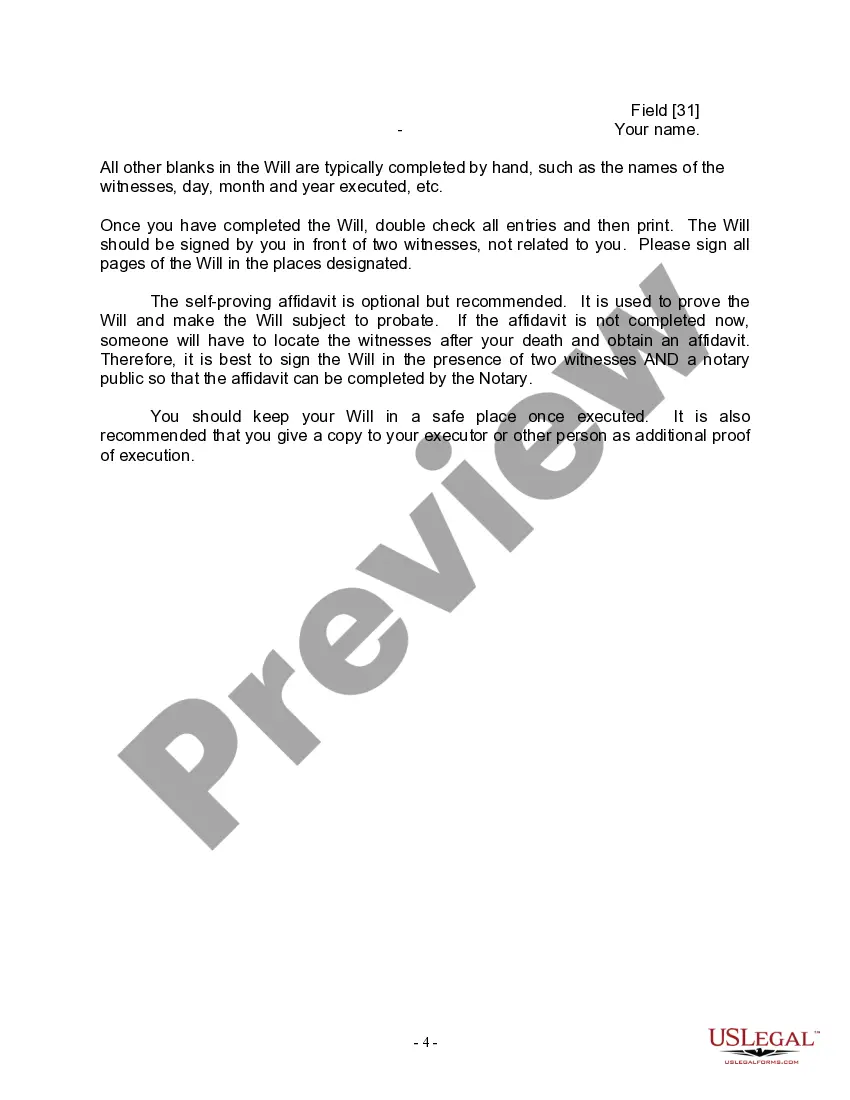
- Ensure to sign the Will in front of two witnesses and your notary, following completion.
Is notarization required?
This document requires notarization to meet legal standards. US Legal Forms provides secure online notarization powered by Notarize, allowing you to complete the process through a verified video call, available 24/7.
Get your form ready online
Our built-in tools help you complete, sign, share, and store your documents in one place.
Make edits, fill in missing information, and update formatting in US Legal Forms—just like you would in MS Word.
Download a copy, print it, send it by email, or mail it via USPS—whatever works best for your next step.
Sign and collect signatures with our SignNow integration. Send to multiple recipients, set reminders, and more. Go Premium to unlock E-Sign.
If this form requires notarization, complete it online through a secure video call—no need to meet a notary in person or wait for an appointment.
We protect your documents and personal data by following strict security and privacy standards.

Make edits, fill in missing information, and update formatting in US Legal Forms—just like you would in MS Word.

Download a copy, print it, send it by email, or mail it via USPS—whatever works best for your next step.

Sign and collect signatures with our SignNow integration. Send to multiple recipients, set reminders, and more. Go Premium to unlock E-Sign.

If this form requires notarization, complete it online through a secure video call—no need to meet a notary in person or wait for an appointment.

We protect your documents and personal data by following strict security and privacy standards.
Mistakes to watch out for
- Failing to have the Will signed by two witnesses.
- Not designating a personal representative or only listing one without a successor.
- Leaving ambiguous terms regarding property distribution, which may lead to conflict.
Why use this form online
- Convenience of completing the form on your computer without the need for a legal professional.
- Editability allows for easy changes until finalization.
- Access to templates drafted by licensed attorneys ensures legal compliance.
- Immediate download means you can start planning your estate right away.
Main things to remember
- This form is essential for widows and widowers without children choosing to establish a clear estate plan.
- Properly filling out and executing this Will can help avert disputes among potential heirs.
- It is recommended to follow the witness and notarization requirements closely for legality.
Looking for another form?
Form popularity
FAQ
Include personal identifying information. Include a statement about your age and mental status. Designate an executor. Decide who will take care of your children. Choose your beneficiaries. List your funeral details. Sign and date your Last Will and Testament.
A. You don't have to have a lawyer to create a basic will you can prepare one yourself. It must meet your state's legal requirements and should be notarized.A do-it-yourself will that's poorly drafted can save you money but create a mess for your heirs when you're gone.
Create the initial document. Start by titling the document Last Will and Testament" and including your full legal name and address. Designate an executor. Appoint a guardian. Name the beneficiaries. Designate the assets. Ask witnesses to sign your will. Store your will in a safe place.
Bank accounts.Brokerage or investment accounts.Retirement accounts and pension plans.A life insurance policy.
The form may be downloaded in fillable Adobe PDF, Rich Text Format, and Microsoft Word templates and should be signed by the testator and at least two (2) witnesses or a notary public (See your State's Probate Code).
The Free Last Will and Testament Template for Word is compatible with Word 2003 or later versions.
Contrary to popular belief, you do not need to have an attorney draft a will for you. Anyone can write this document on their own, and as long as it meets all of the legal requirements of the state, courts will recognize one you wrote yourself.
In most situations, a will template is an easy and inexpensive way to make sure your wishes are known and carried out. Most people can get everything they need by using a will template, with little cost or hassle.
No, in Indiana, you do not need to notarize your will to make it legal. However, Indiana allows you to make your will "self-proving." A self-proving will speeds up probate because the court can accept the will without contacting the witnesses who signed it.you and your witnesses signed the will voluntarily.