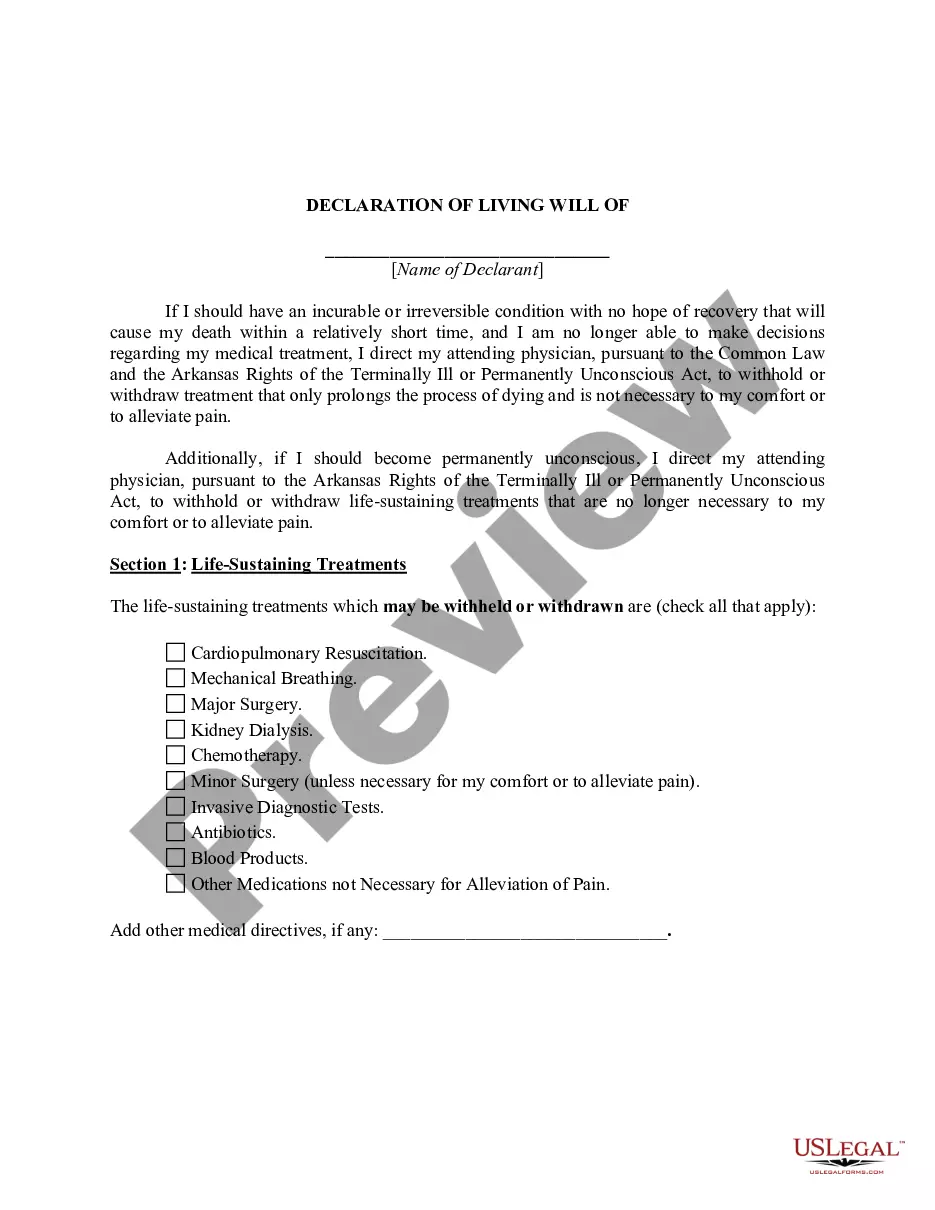
Idaho Closing Statement
What is this form?
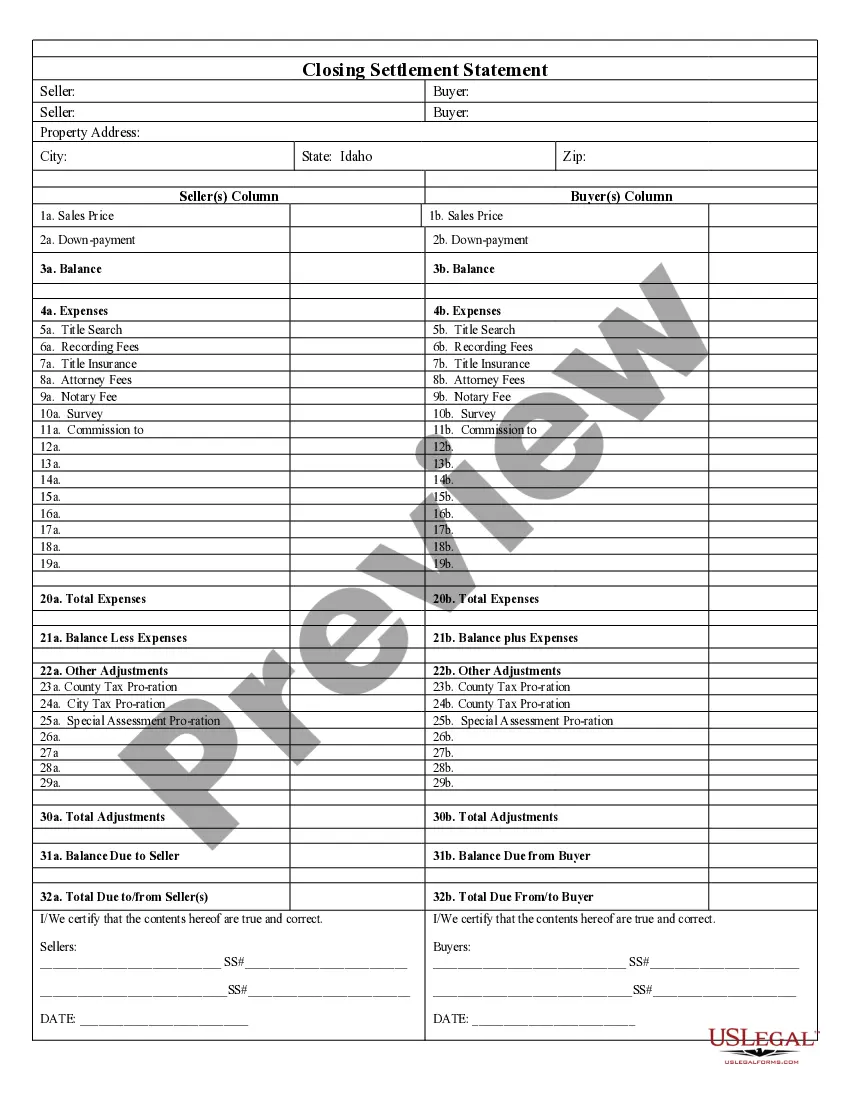
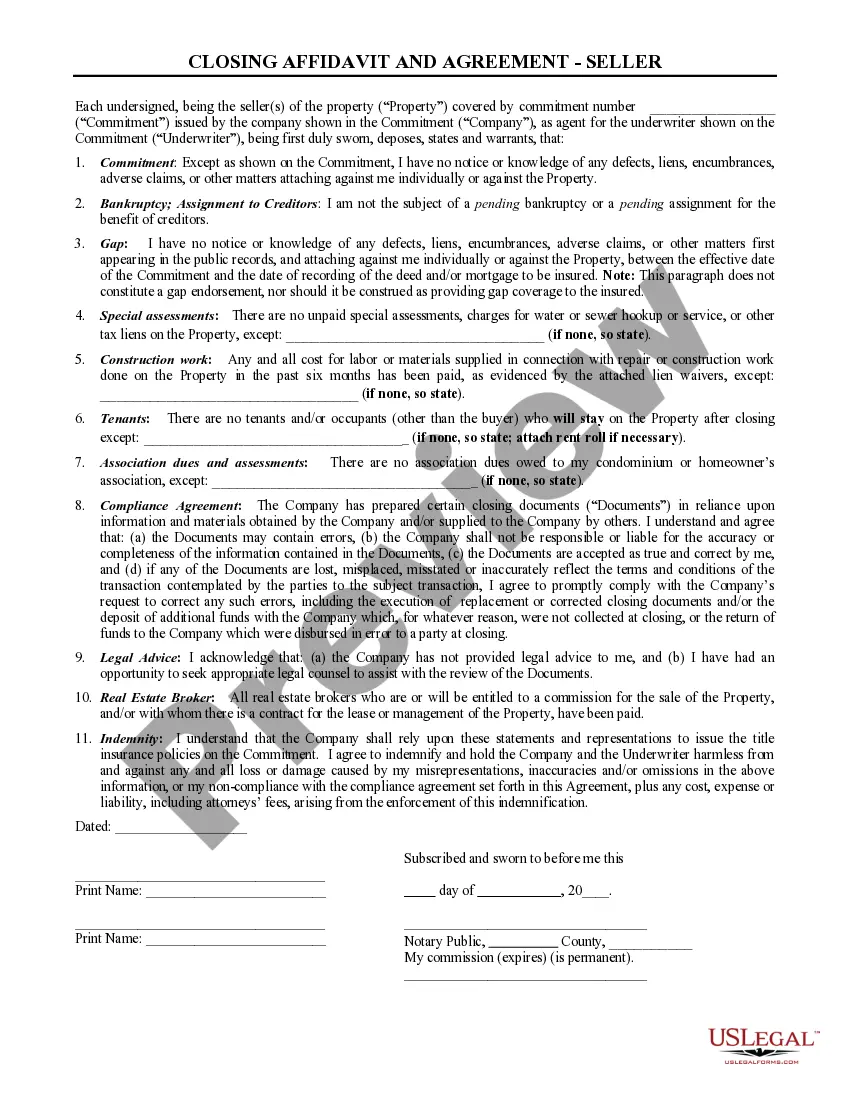
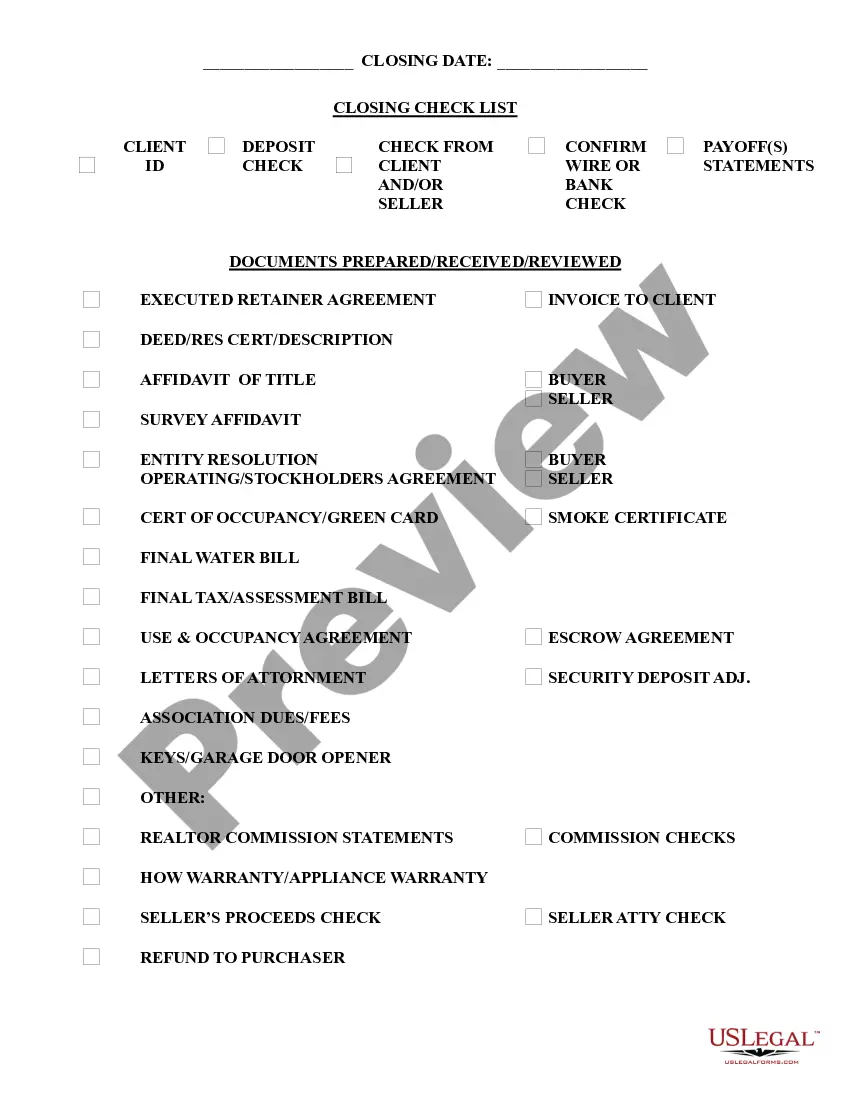
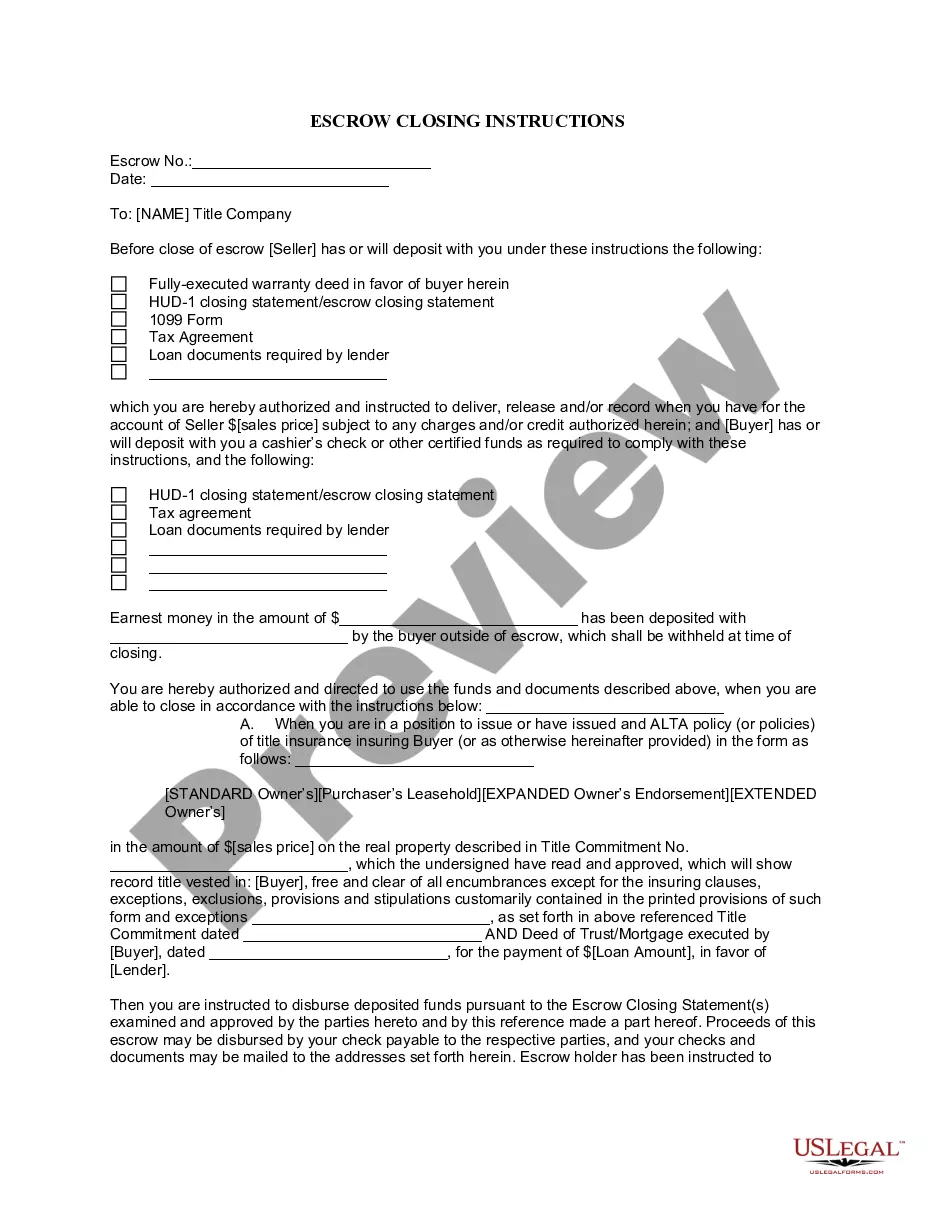
The Closing Statement is a crucial document used in real estate transactions, particularly for cash sales or transactions involving owner financing. This form summarizes the financial aspects of the sale, detailing both the buyer's and seller's expenses and ensuring transparency in the transaction process. Unlike other settlement forms, this Closing Statement is signed by both parties, confirming the accuracy of the financial details listed within.
What’s included in this form
- Section for total expenses incurred during the transaction.
- Itemized listings of fees such as title search, attorney fees, and recording fees.
- Adjustments for taxes, special assessments, and any prorated amounts due.
- Final balance calculations for amounts owed to or from the seller and buyer.
- Certification section for signatures of the seller and buyer alongside the date.
When to use this document
This form is commonly used in real estate transactions, specifically when a property is sold for cash or through owner financing. It should be utilized at the closing of the sale to ensure all financial obligations are clearly outlined and agreed upon by both the seller and buyer.
Who needs this form
- Homebuyers engaging in a cash sale or owner-financed purchase.
- Property sellers finalizing a real estate transaction.
- Real estate agents and brokers facilitating the transaction.
- Attorneys involved in closing real estate deals.
How to prepare this document
- Identify the parties involved: the seller and the buyer.
- List all expenses related to the transaction, such as title fees and recording costs.
- Include any necessary adjustments for taxes and special assessments.
- Calculate the total amounts due to/from the seller and buyer.
- Both parties must review and certify the accuracy of the information by signing and dating the document.
Does this document require notarization?
This form does not typically require notarization to be legally valid. However, some jurisdictions or document types may still require it. US Legal Forms provides secure online notarization powered by Notarize, available 24/7 for added convenience.
Get your form ready online
Our built-in tools help you complete, sign, share, and store your documents in one place.
Make edits, fill in missing information, and update formatting in US Legal Forms—just like you would in MS Word.
Download a copy, print it, send it by email, or mail it via USPS—whatever works best for your next step.
Sign and collect signatures with our SignNow integration. Send to multiple recipients, set reminders, and more. Go Premium to unlock E-Sign.
If this form requires notarization, complete it online through a secure video call—no need to meet a notary in person or wait for an appointment.
We protect your documents and personal data by following strict security and privacy standards.

Make edits, fill in missing information, and update formatting in US Legal Forms—just like you would in MS Word.

Download a copy, print it, send it by email, or mail it via USPS—whatever works best for your next step.

Sign and collect signatures with our SignNow integration. Send to multiple recipients, set reminders, and more. Go Premium to unlock E-Sign.

If this form requires notarization, complete it online through a secure video call—no need to meet a notary in person or wait for an appointment.

We protect your documents and personal data by following strict security and privacy standards.
Avoid these common issues
- Failing to include all necessary expenses, leading to an inaccurate total.
- Not properly prorating taxes, which can result in disputes.
- Omitting signatures, making the document unenforceable.
Benefits of completing this form online
- Immediate access to a professionally drafted form, saving time.
- Convenient downloading options that allow for easy edits and adjustments.
- Reliability of using forms drafted by licensed attorneys, ensuring legal compliance.
Looking for another form?
Form popularity
FAQ
Step 1: File a petition to begin probate. You'll have to file a request in the county where the deceased person lived at the time of their death. Step 2: Give notice. Step 3: Inventory assets. Step 4: Handle bills and debts. Step 5: Distribute remaining assets. Step 6: Close the estate.
There is a general rule that executors have an 'executor's year' to complete the estate administration. This means that you should be aiming to have the estate finalised and distributed within 12 months from the date of death.
Closing the bank account typically is the last step after the court or beneficiaries have approved the executor's accounting and the estate is ready to close. There may be a few final bills requiring payment, such as compensation to the executor for her services.