Colorado Sample Transmittal Letter to Secretary of State's Office to File Articles of Incorporation
What this document covers
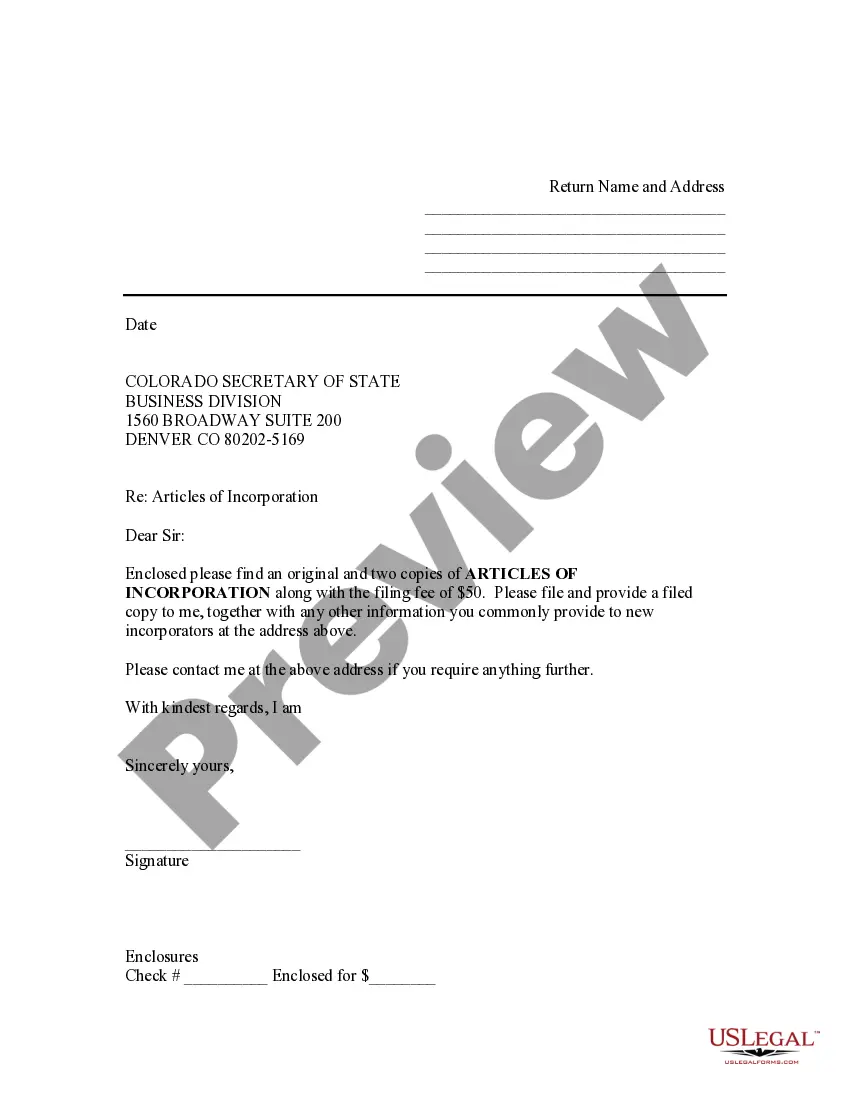
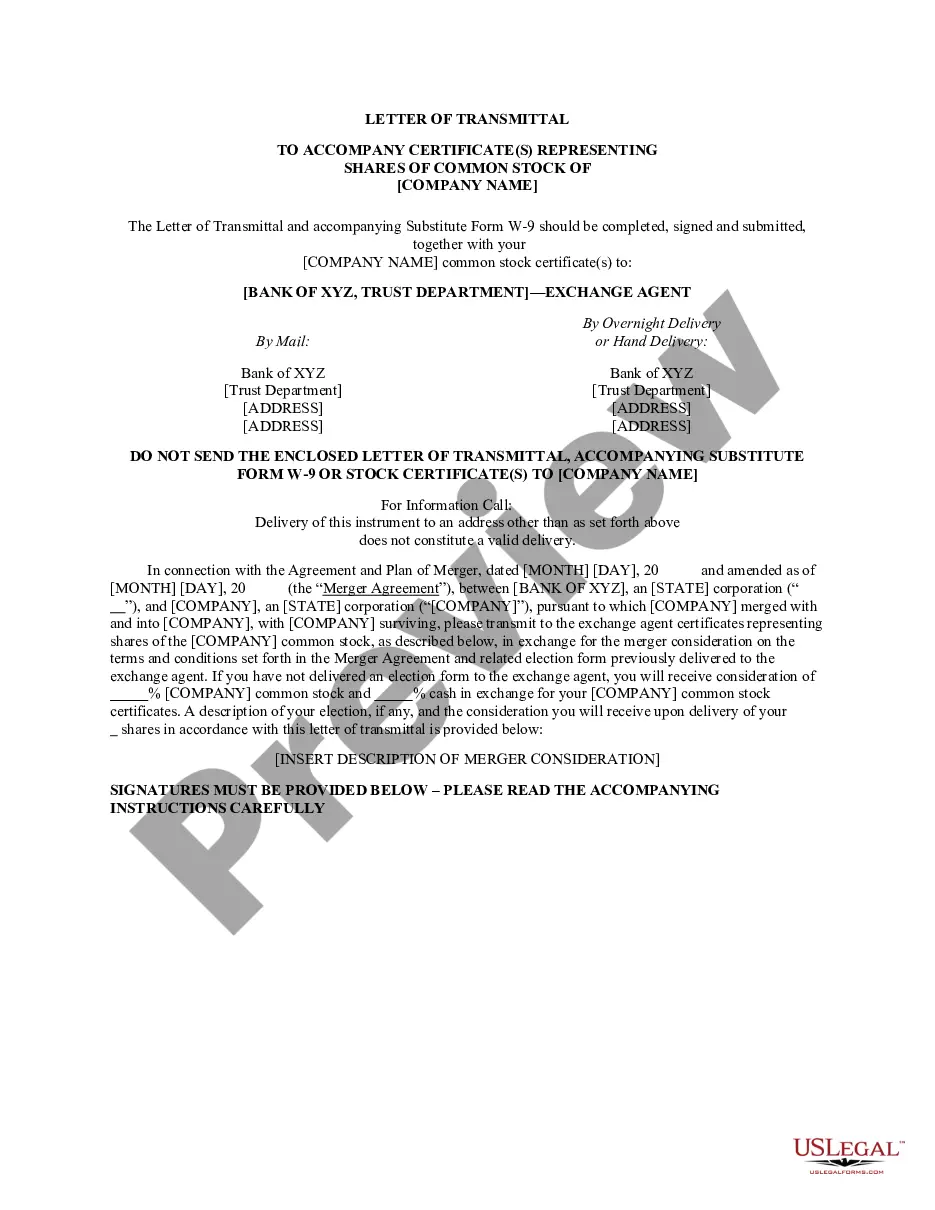
This Sample Transmittal Letter to Secretary of State's Office to File Articles of Incorporation is a cover letter that accompanies your Articles of Incorporation when submitting them to the Secretary of State's office. It serves to formally communicate your submission and request the filing of the provided documents.
What’s included in this form
- Return name and address of the sender
- Date of submission
- Address of the Secretary of State's Business Division
- Reference to the enclosed Articles of Incorporation
- Request for a filed copy and additional information
- Signature line for the sender
- Note regarding enclosed check for filing fee
When to use this document
This transmittal letter should be used whenever you are submitting Articles of Incorporation to the Secretary of State's office. It is necessary when forming a new corporation, as it formally accompanies your application for incorporation and ensures your documents are correctly received and processed.
Who should use this form
- Entrepreneurs starting a new corporation
- Business owners transitioning to a corporate structure
- Accountants or attorneys assisting clients with incorporation
How to prepare this document
- Identify and enter your name and address at the top of the letter.
- Fill in the date of submission.
- Address the letter to the Colorado Secretary of State's Business Division.
- State that you are enclosing your Articles of Incorporation and specify the quantity.
- Include a request for a filed copy of the documents and any additional information.
- Sign the letter and indicate how you plan to pay the filing fee, if applicable.
Does this document require notarization?
This form does not typically require notarization to be legally valid. However, some jurisdictions or document types may still require it. US Legal Forms provides secure online notarization powered by Notarize, available 24/7 for added convenience.
Get your form ready online
Our built-in tools help you complete, sign, share, and store your documents in one place.
Make edits, fill in missing information, and update formatting in US Legal Forms—just like you would in MS Word.
Download a copy, print it, send it by email, or mail it via USPS—whatever works best for your next step.
Sign and collect signatures with our SignNow integration. Send to multiple recipients, set reminders, and more. Go Premium to unlock E-Sign.
If this form requires notarization, complete it online through a secure video call—no need to meet a notary in person or wait for an appointment.
We protect your documents and personal data by following strict security and privacy standards.

Make edits, fill in missing information, and update formatting in US Legal Forms—just like you would in MS Word.

Download a copy, print it, send it by email, or mail it via USPS—whatever works best for your next step.

Sign and collect signatures with our SignNow integration. Send to multiple recipients, set reminders, and more. Go Premium to unlock E-Sign.

If this form requires notarization, complete it online through a secure video call—no need to meet a notary in person or wait for an appointment.

We protect your documents and personal data by following strict security and privacy standards.
Common mistakes
- Forgetting to include all required documents with your submission.
- Not including the correct filing fee.
- Omitting your return address, which is crucial for receiving filed documents.
- Neglecting to sign the transmittal letter.
Why complete this form online
- Easy access to a legally compliant template.
- Convenient to fill out and download for submission.
- Reduces the risk of errors by providing a clear structure.
- Saves time compared to drafting a letter from scratch.
Quick recap
- The transmittal letter is essential for submitting Articles of Incorporation.
- Ensure all required documents and payments are included.
- This form is specifically tailored for use in Colorado.
Looking for another form?
Form popularity
FAQ
The name of your corporation. your corporation's principal place of business. the name and address of your corporation's registered agent. a statement of the corporation's purpose. the corporation's duration. information about the number of shares and classes of stock the corporation is authorized to issue.
Obtaining a copy of a company's Articles of Incorporation is a relatively simple process. In most states, a certified copy can be requested by visiting the office of the Secretary of State in person or by phone, mail, or the state's online system.
Articles of incorporation are a set of formal documents filed with a government body to legally document the creation of a corporation. Articles of incorporation generally contain pertinent information, such as the firm's name, street address, agent for service of process, and the amount and type of stock to be issued.
Articles of incorporation are important because they establish a company within its home state, informing the state of the key aspects of the business.By making your business a legal corporation, you protect yourself from the company's debts.