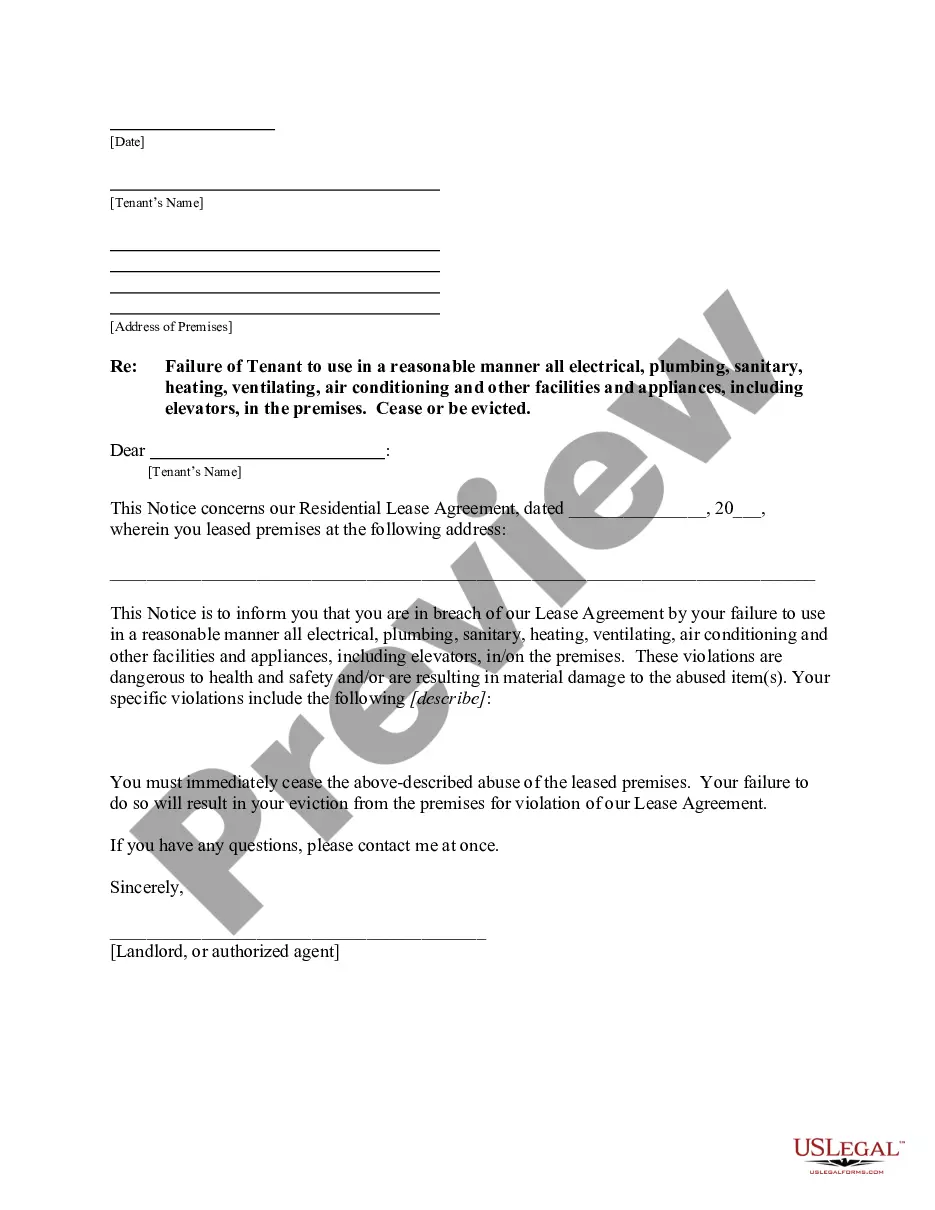
Tenant Failure Facilities For A User
Description


Get your form ready online
Our built-in tools help you complete, sign, share, and store your documents in one place.
Make edits, fill in missing information, and update formatting in US Legal Forms—just like you would in MS Word.
Download a copy, print it, send it by email, or mail it via USPS—whatever works best for your next step.
Sign and collect signatures with our SignNow integration. Send to multiple recipients, set reminders, and more. Go Premium to unlock E-Sign.
If this form requires notarization, complete it online through a secure video call—no need to meet a notary in person or wait for an appointment.
We protect your documents and personal data by following strict security and privacy standards.

Make edits, fill in missing information, and update formatting in US Legal Forms—just like you would in MS Word.

Download a copy, print it, send it by email, or mail it via USPS—whatever works best for your next step.

Sign and collect signatures with our SignNow integration. Send to multiple recipients, set reminders, and more. Go Premium to unlock E-Sign.

If this form requires notarization, complete it online through a secure video call—no need to meet a notary in person or wait for an appointment.

We protect your documents and personal data by following strict security and privacy standards.
Looking for another form?

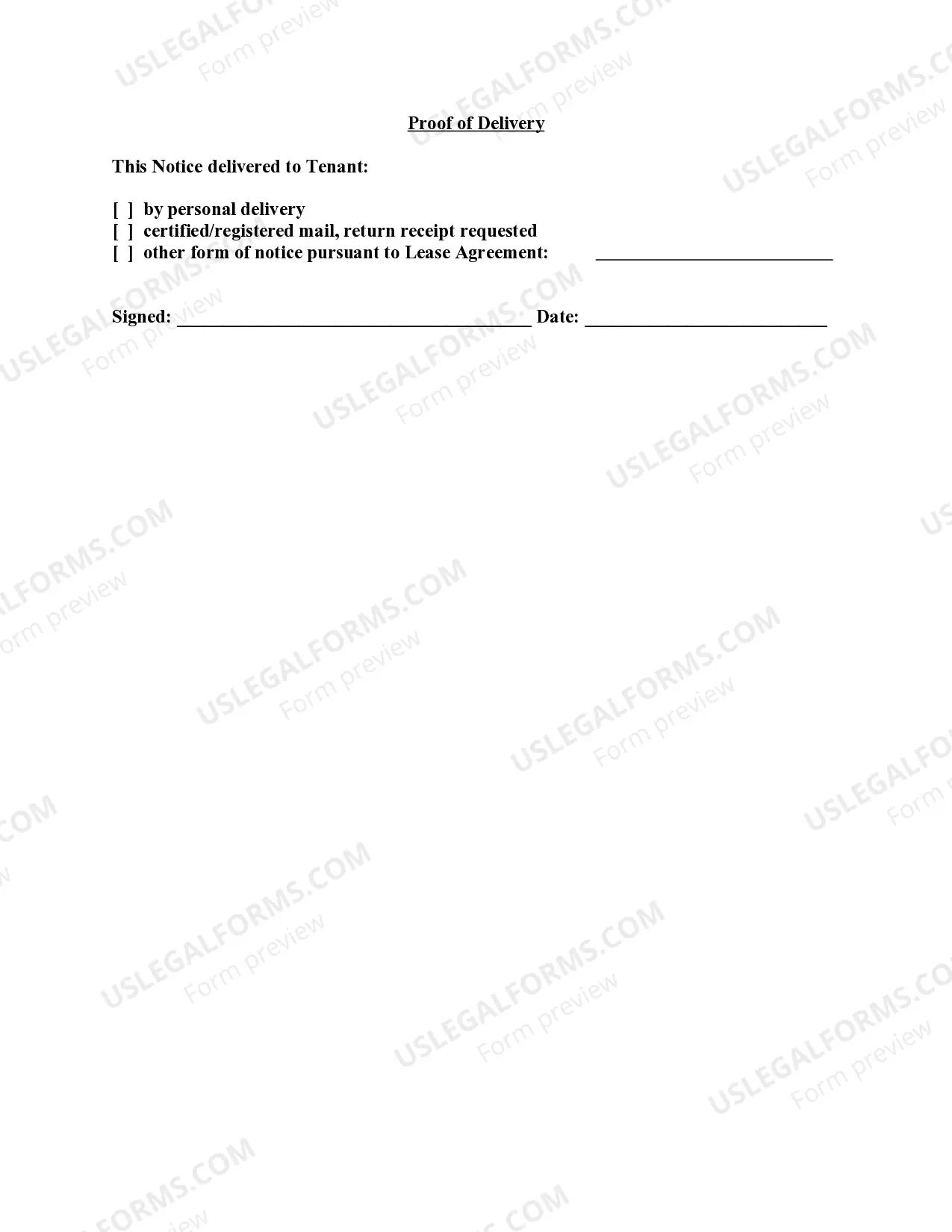
How to fill out Vermont Letter From Landlord To Tenant For Failure To Use Electrical, Plumbing, Sanitary, Heating, Ventilating, Air Conditioning And Other Facilities In A Reasonable Manner?
- If you are a returning user, simply log in to your account and download your required form template using the Download button. Ensure your subscription is active before proceeding.
- For first-time users, begin by reviewing the Preview mode and form description. Confirm that your selected form aligns with your needs and local jurisdiction standards.
- If the form doesn’t meet your requirements, utilize the Search tab above to find suitable alternatives. Once you locate a fitting template, proceed to the next step.
- Purchase the desired document. Click on the Buy Now button and select the subscription plan that suits you best. You will need to register for an account to access the full range of resources.
- Complete your transaction by entering your credit card information or using a PayPal account for payment.
- After your purchase, download the form to your device. You can always revisit it through the My Forms section in your profile.
In conclusion, US Legal Forms empowers users with a robust collection of legal documents, enhancing accessibility and efficiency in managing tenant-related issues. By following these steps, you can easily navigate the complexities of tenant failure facilities.
Start your journey with US Legal Forms today and secure your legal documents with confidence!
Form popularity
FAQ
Syncing Azure AD users requires configuring Azure AD Connect to ensure your users are consistently updated across your directory. Begin by selecting the appropriate attributes for synchronization and regularly monitor the sync status. By paying attention to tenant failure facilities for a user, you can avoid disruptions and maintain an efficient user management system.
Synchronizing Azure AD tenants can be accomplished using tools like Azure AD Connect. This tool allows you to create a bridge between your on-premises directory and Azure AD. Make sure to review tenant failure facilities for a user during setup to ensure correct mapping and seamless access across your organization.
To sync users between two Azure AD tenants, consider using Azure AD B2B collaboration features. These allow external users to be invited to your tenant while maintaining control over their permissions. It's important to establish solid tenant failure facilities for a user during this process to ensure effective management of user roles across both tenants.
To access your tenant admin, log in to your Azure portal and navigate to the Admin Center. Here, you can manage user roles and permissions effectively. Ensuring you have the right administrative access is crucial for maintaining tenant failure facilities for a user, allowing quick adjustments when needed for user management.
Yes, it is possible to sync Active Directory to multiple tenants using Azure AD Connect. This capability allows you to maintain centralized management while managing resources across various tenants. Be mindful of how this may impact tenant failure facilities for a user, as the synchronization process will require clear configuration to avoid conflicts.
If you encounter a message stating the selected user account does not exist in your tenant, first verify the user's existence in your Azure Active Directory. It may also be helpful to check for any recent changes or deletions. Ensuring that your tenant failure facilities for a user are correctly configured can prevent similar issues from arising in the future.
Migrating users from one Azure tenant to another can be straightforward when you use the appropriate tools. Begin by exporting user data from the source tenant, then import it into the destination tenant. This process involves carefully identifying potential tenant failure facilities for a user, especially regarding group memberships and licenses, to ensure a smooth transition.
To configure tenant restrictions, start by accessing your Azure portal. From there, navigate to the Azure Active Directory settings and locate the section for tenant restrictions. By defining access policies, you can ensure tenant failure facilities for a user are in place, safeguarding your resources while allowing flexibility in user access.
The most important responsibility of a tenant is to adhere to the terms of the lease. This includes paying rent, taking care of the property, and respecting community rules. By fulfilling these obligations, tenants safeguard their housing stability. If issues arise, using tenant failure facilities for a user can provide guidance on how to navigate lease responsibilities effectively.
Tenants are typically not responsible for major structural repairs on the property; this is usually the landlord’s duty. Responsibilities generally include maintaining the interior and notifying the landlord of urgent repairs. It's essential to clarify these roles to avoid confusion. Utilizing resources like tenant failure facilities for a user can help clarify these distinctions.