Vermont Prenuptial Agreement Without Divorce
Description
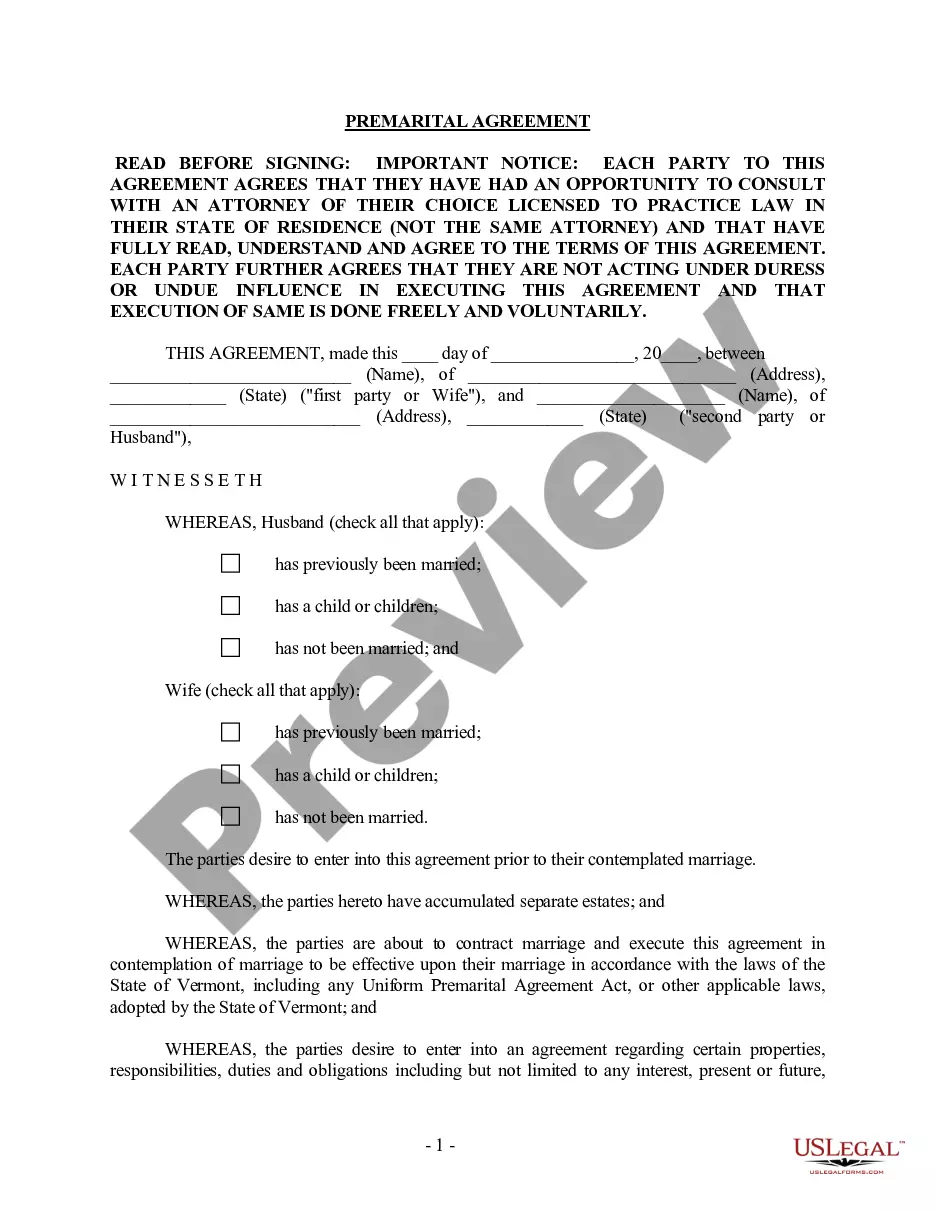
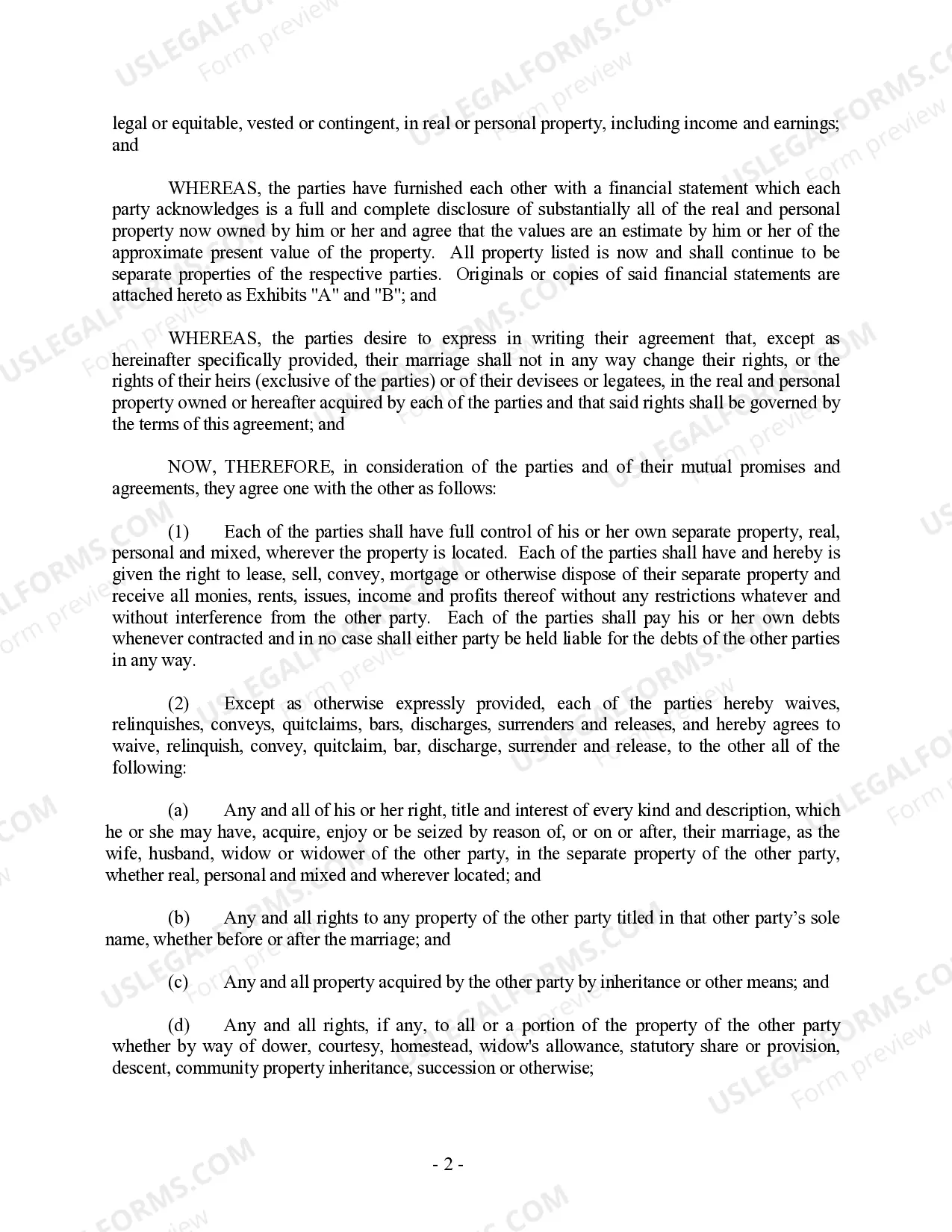
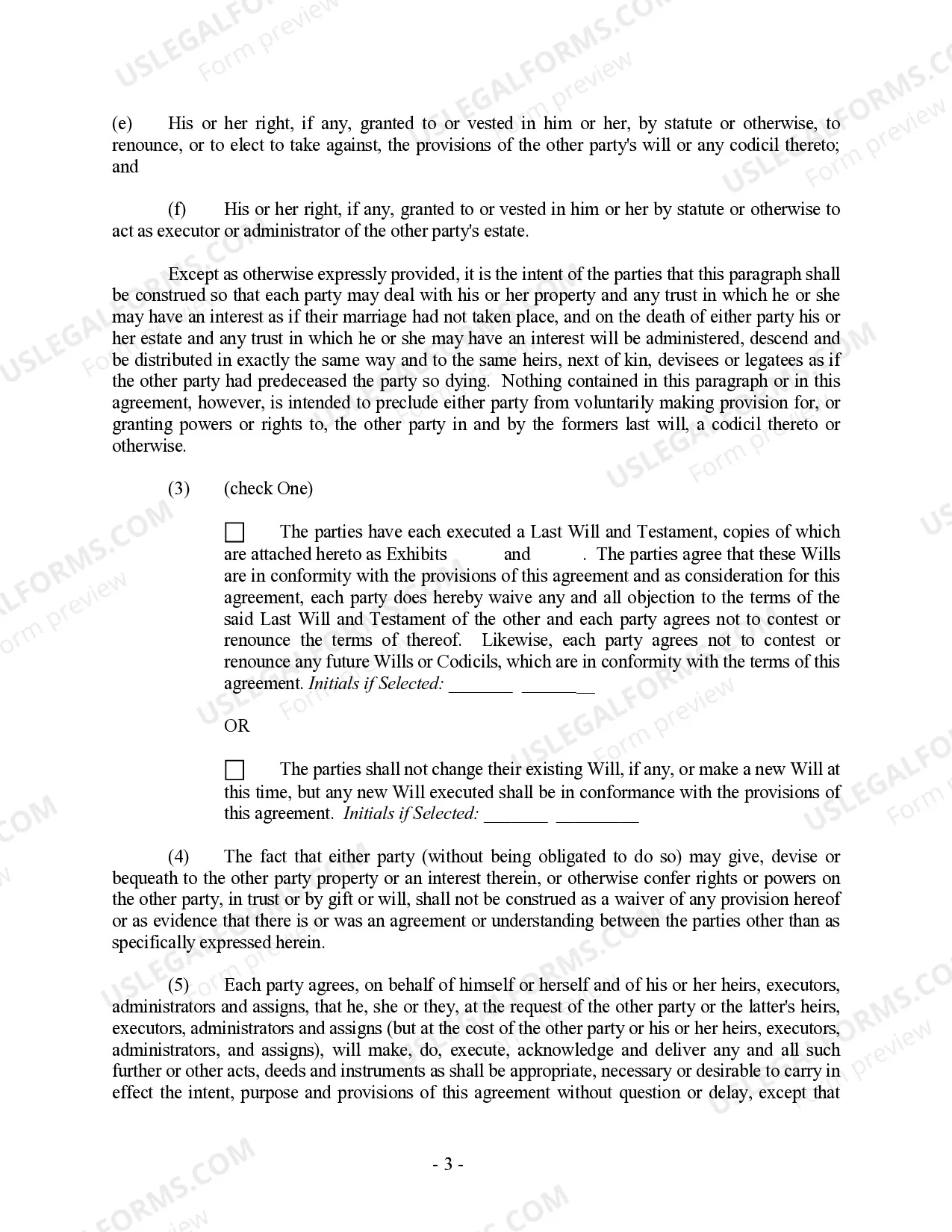
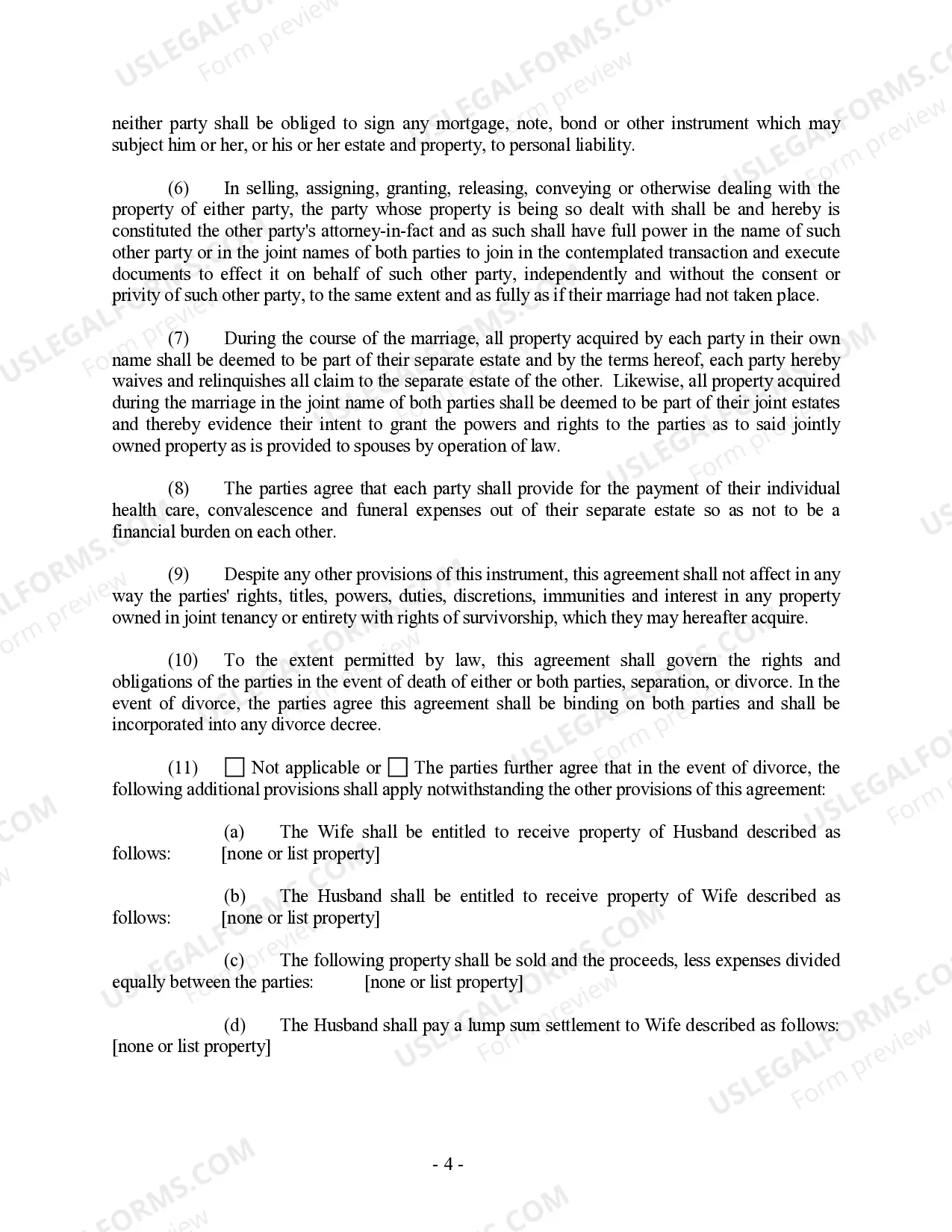


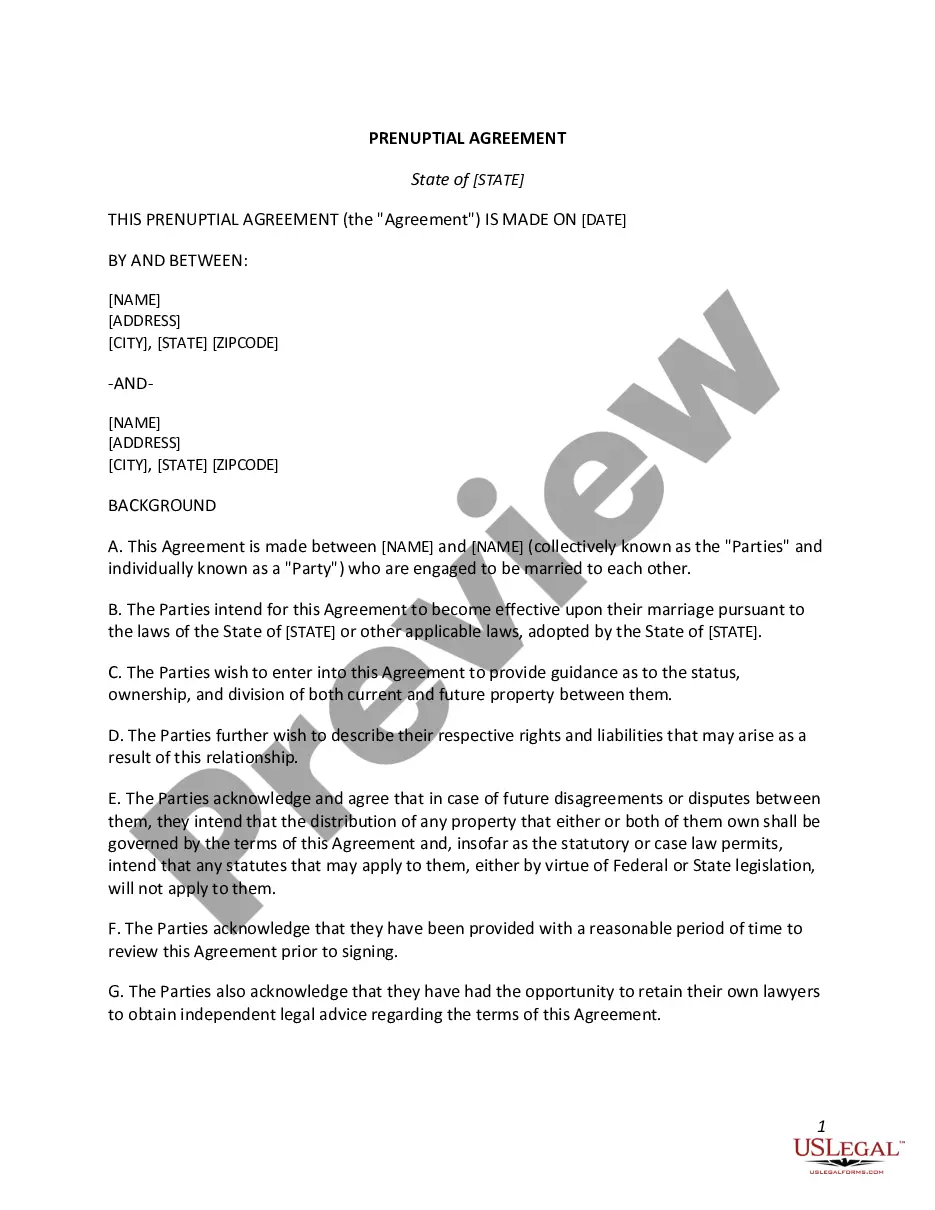
Get your form ready online
Our built-in tools help you complete, sign, share, and store your documents in one place.
Make edits, fill in missing information, and update formatting in US Legal Forms—just like you would in MS Word.
Download a copy, print it, send it by email, or mail it via USPS—whatever works best for your next step.
Sign and collect signatures with our SignNow integration. Send to multiple recipients, set reminders, and more. Go Premium to unlock E-Sign.
If this form requires notarization, complete it online through a secure video call—no need to meet a notary in person or wait for an appointment.
We protect your documents and personal data by following strict security and privacy standards.

Make edits, fill in missing information, and update formatting in US Legal Forms—just like you would in MS Word.

Download a copy, print it, send it by email, or mail it via USPS—whatever works best for your next step.

Sign and collect signatures with our SignNow integration. Send to multiple recipients, set reminders, and more. Go Premium to unlock E-Sign.

If this form requires notarization, complete it online through a secure video call—no need to meet a notary in person or wait for an appointment.

We protect your documents and personal data by following strict security and privacy standards.
Looking for another form?


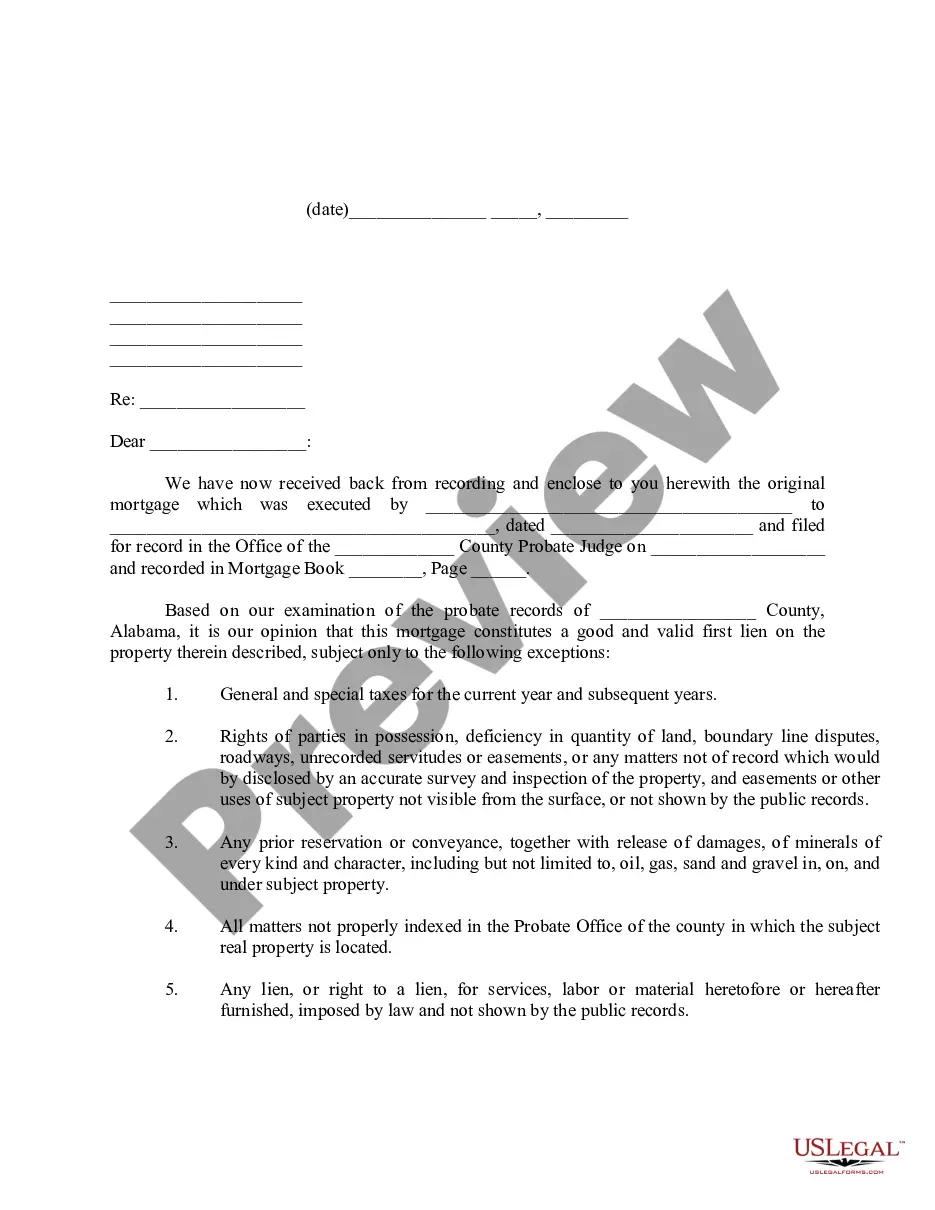


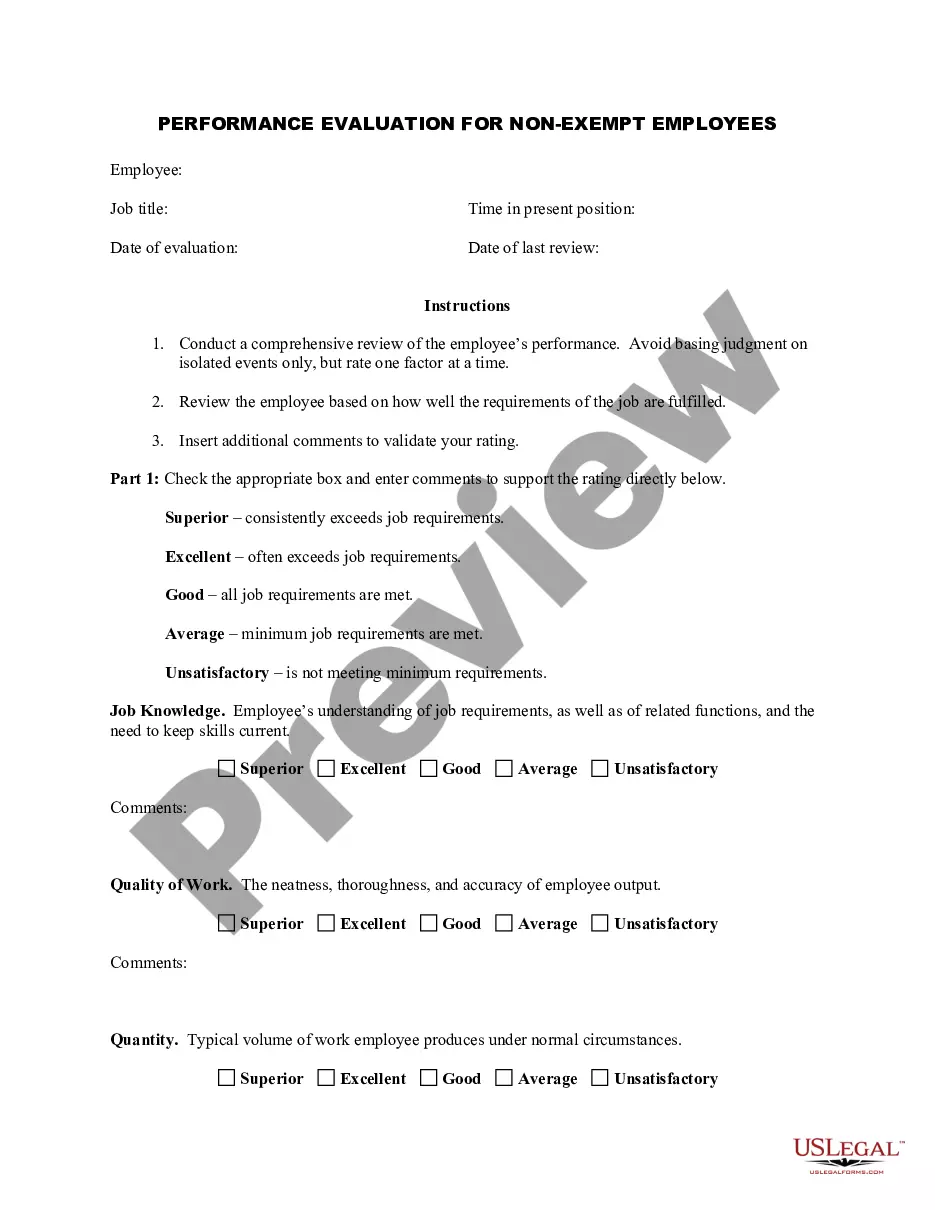


How to fill out Vermont Prenuptial Premarital Agreement With Financial Statements?
Individuals often link legal documentation with something complex that solely an expert can handle.
In a specific manner, it's accurate, as creating a Vermont Prenuptial Agreement Without Divorce necessitates considerable comprehension of subject standards, including state and local regulations.
However, with US Legal Forms, the process has turned more user-friendly: pre-made legal documents for any personal or business circumstance tailored to state laws are gathered in a singular online directory and are now accessible to all.
Choose the format for your document and click Download. Print your file or upload it to an online editor for a faster completion. All templates in our collection are reusable: once purchased, they remain stored in your account. You can access them whenever necessary via the My documents tab. Discover all the benefits of utilizing the US Legal Forms platform. Subscribe today!
- US Legal Forms offers over 85,000 current forms categorized by state and purpose, making it easy to find the Vermont Prenuptial Agreement Without Divorce or any unique template in mere minutes.
- Previously registered users with an active subscription must Log In to their profile and click Download to get the form.
- New users to the platform must first create an account and subscribe prior to downloading any documents.
- Here is the step-by-step guide on how to obtain the Vermont Prenuptial Agreement Without Divorce.
- Review the page content thoroughly to confirm it meets your requirements.
- Examine the form description or validate it through the Preview option.
- If the prior option does not fit your needs, find an alternative sample using the Search field above.
- Press Buy Now when you identify the appropriate Vermont Prenuptial Agreement Without Divorce.
- Select a subscription plan that aligns with your requirements and financial considerations.
- Establish an account or Log In to continue to the payment section.
- Complete payment for your subscription using PayPal or your credit card.
Form popularity
FAQ
The UPAA (the Golden State's Uniform Premarital Agreement Act) determines the constraints for prenups in California. Couples in California can draft their own prenups, however, if not done properly then it is easy for the contract to become void or invalidated.
Guidelines for drafting a successful prenuptial agreementSeparate lawyers. Both partners need access to all relevant information when they are discussing the agreement's terms.Keep it simple. Don't attempt to write the agreement yourself.Be fair.Professional degrees.Personal banking.The final document.
5 Things You Cannot Include in Your Prenuptial Agreement Nonfinancial Rules. Anything Illegal. Terms Involving Child Custody or Support. Unfair or Unreasonable Terms. Incentive for Divorce.
A recent release of a paper by a Harvard Law School Olin Fellow explains that about 5 percent of married people have such an agreement, although the facts are that more then 50 percent of marriages end up in a divorce.
A prenuptial agreement cannot include personal preferences, such as who has what chores, whose name to use, where to spend the holidays, information on child-rearing, or what relationship to have with specific relatives. Premarital agreements are meant to address monetary issues.
