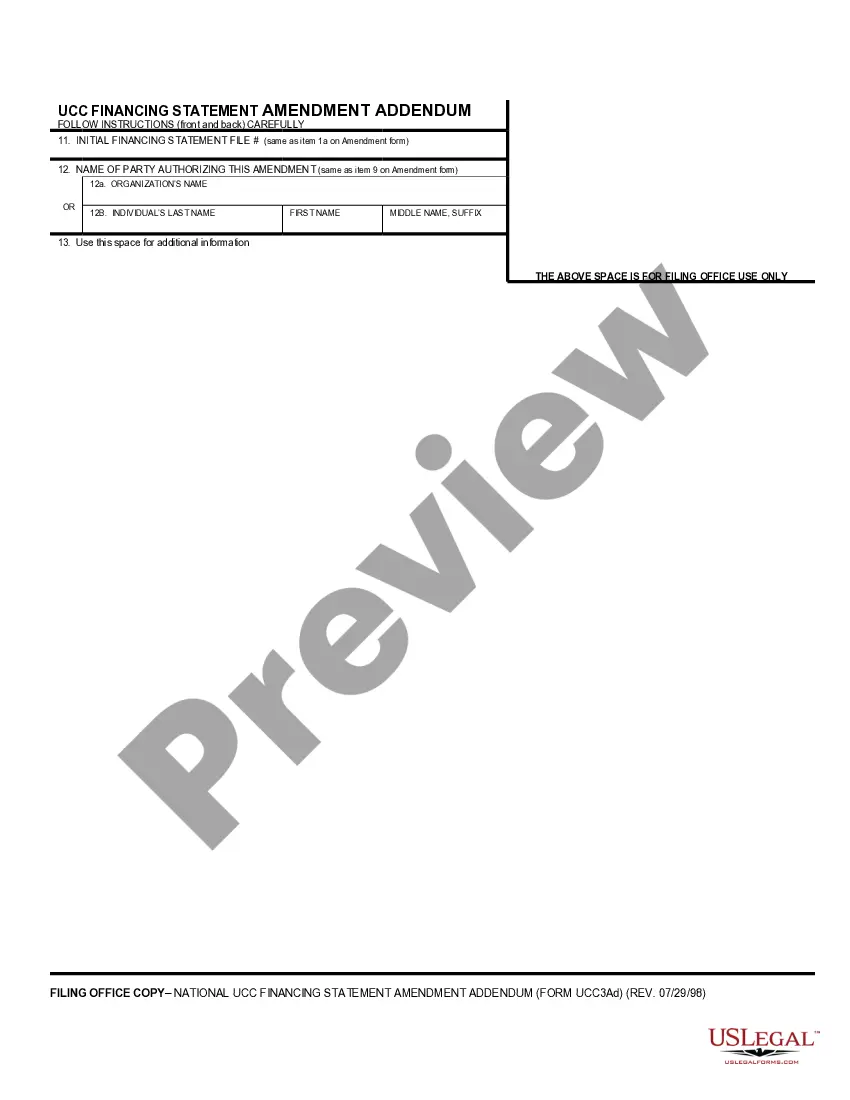
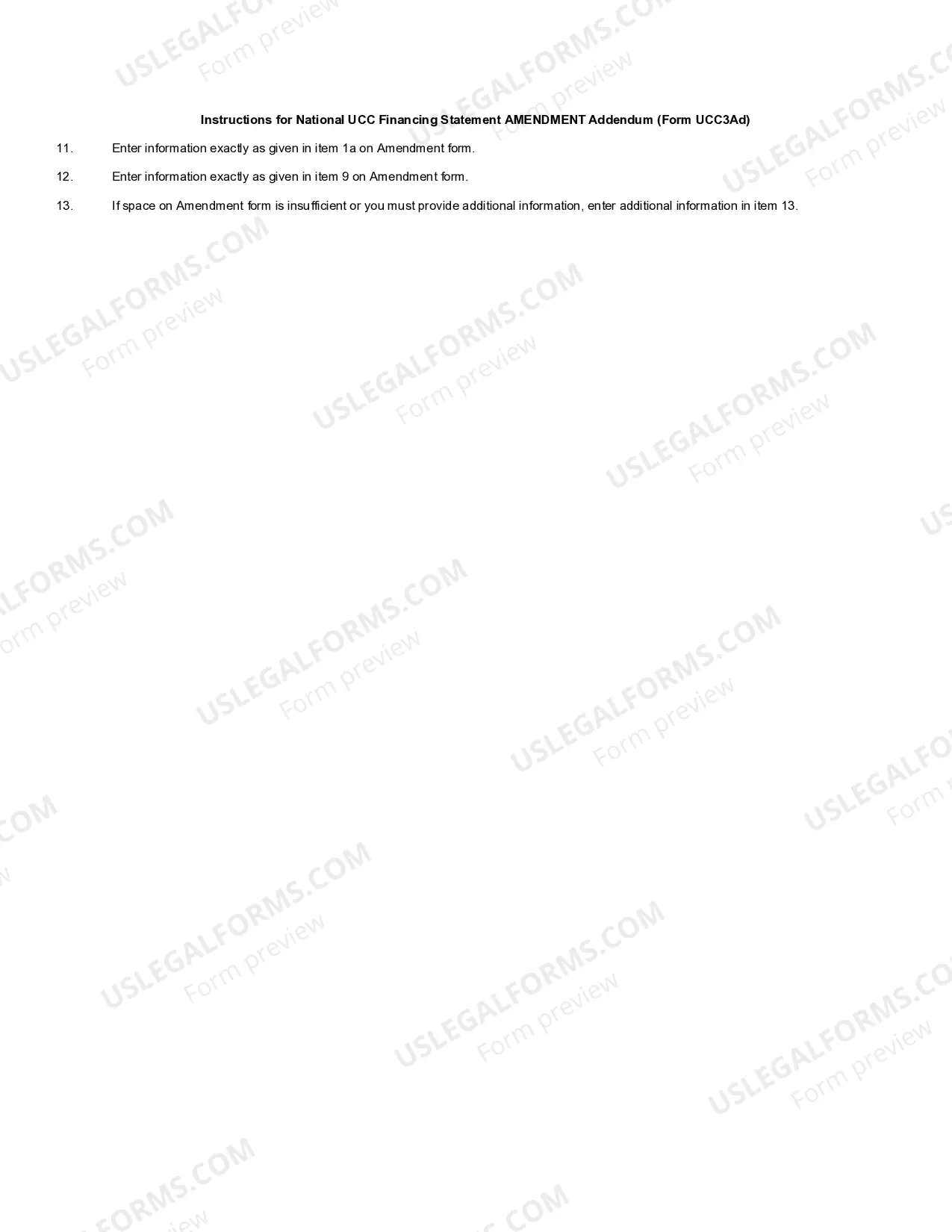
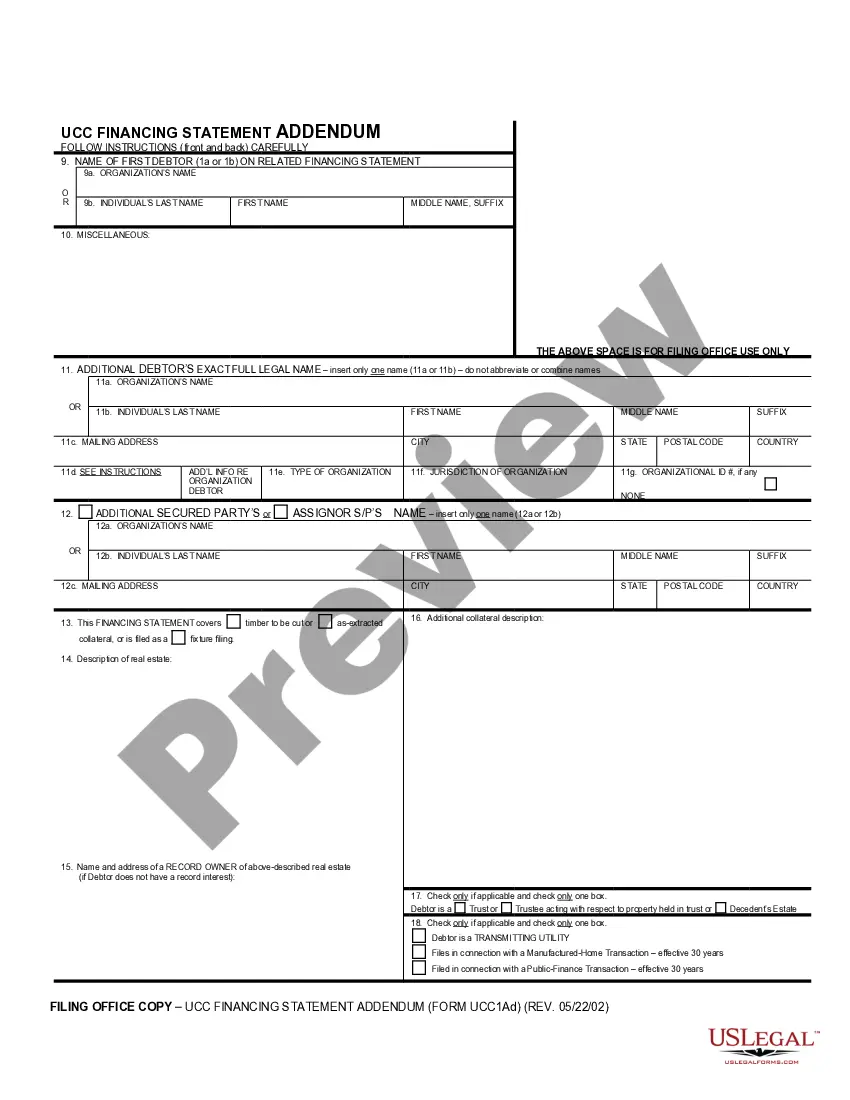
Ucc 3 Addendum Form With Two Points
Description

Get your form ready online
Our built-in tools help you complete, sign, share, and store your documents in one place.
Make edits, fill in missing information, and update formatting in US Legal Forms—just like you would in MS Word.
Download a copy, print it, send it by email, or mail it via USPS—whatever works best for your next step.
Sign and collect signatures with our SignNow integration. Send to multiple recipients, set reminders, and more. Go Premium to unlock E-Sign.
If this form requires notarization, complete it online through a secure video call—no need to meet a notary in person or wait for an appointment.
We protect your documents and personal data by following strict security and privacy standards.

Make edits, fill in missing information, and update formatting in US Legal Forms—just like you would in MS Word.

Download a copy, print it, send it by email, or mail it via USPS—whatever works best for your next step.

Sign and collect signatures with our SignNow integration. Send to multiple recipients, set reminders, and more. Go Premium to unlock E-Sign.

If this form requires notarization, complete it online through a secure video call—no need to meet a notary in person or wait for an appointment.

We protect your documents and personal data by following strict security and privacy standards.
Looking for another form?








How to fill out UCC3-AD Financing Statement Amendment Addendum?
The Ucc 3 Addendum Document With Two Points you see on this webpage is a reusable legal template crafted by expert attorneys in accordance with federal and state regulations.
For over 25 years, US Legal Forms has offered individuals, businesses, and legal practitioners more than 85,000 validated, state-specific documents for any business and personal needs.
Subscribe to US Legal Forms to have verified legal templates for all of life's circumstances readily available.
- Search for the form you require and review it.
- Browse the sample you found and preview it or read the form description to ensure it meets your needs. If it doesn’t, use the search feature to find the right one. Click Buy Now when you have found the template you need.
- Register and Log In.
- Select the pricing plan that works for you and create an account. Use PayPal or a credit card to complete the payment promptly. If you already possess an account, Log In and check your subscription to continue.
- Obtain the editable template.
- Choose the format you prefer for your Ucc 3 Addendum Document With Two Points (PDF, Word, RTF) and download the sample onto your device.
- Complete and sign the document.
- Print the template to fill it out by hand. Alternatively, use an online multifunctional PDF editor to quickly and accurately complete and sign your form with an electronic signature.
- Re-download your documents as needed.
- Utilize the same document again whenever required. Access the My documents tab in your profile to redownload any previously saved forms.
Form popularity
FAQ
UCC stands for Uniform Commercial Code, which is a set of laws governing commercial transactions across the United States. It provides a consistent framework for businesses and individuals to engage in financial agreements. Understanding the UCC and how to utilize forms like the UCC 3 addendum form is essential for securing your interests in these transactions.
3 assignment refers specifically to the process of assigning rights to a secured party through the submission of a UCC3 form. This form communicates the change in ownership or interest in collateral to all relevant parties. Using the UCC 3 addendum form is vital to ensure that all stakeholders are informed and that your rights are clearly defined.
A UCC3 assignment is a legal document that transfers the rights and obligations of a security interest from one party to another. By filing a UCC3 addendum form, you officially notify interested parties about this change. This process ensures clarity and maintains the integrity of the public record, which is crucial for all parties involved.
The UCC-1 form is used to establish a security interest in collateral, while the UCC-3 addendum form updates or modifies this existing security interest. Essentially, UCC-1 is your initial step, and UCC-3 lets you change details later. Understanding this distinction helps you effectively manage your security interests.
To complete a UCC termination, you need to file a UCC-3 termination statement with the appropriate state authority. This UCC-3 addendum form confirms that your security interest has been released or that the underlying obligation has been satisfied. Make sure that all necessary information is clear and accurate to prevent any delays. This process can often be simplified using platforms like US Legal Forms for guidance.
Terminating a UCC financing statement involves submitting a UCC-3 addendum form that states your intent to terminate. You'll need to provide specific details, such as the identification number of the original financing statement. Ensuring this information is accurate helps maintain a clear legal record, thus using resources like USLegalForms can simplify the process.
To complete a UCC-3 termination, you must fill out the UCC-3 addendum form, indicating that you wish to terminate the original financing statement. Make sure to include all required details such as the debtor's name, secured party information, and the filing date of the original statement. Filing the form accurately is essential for legally removing a secured interest efficiently.
3 amendment is a document used to modify or update the details of an existing UCC financing statement. This could include changes to the debtor's information or details about the secured party. Completing a UCC3 addendum form correctly ensures that all stakeholders have access to accurate and uptodate information. It is essential for maintaining clarity in legal transactions.