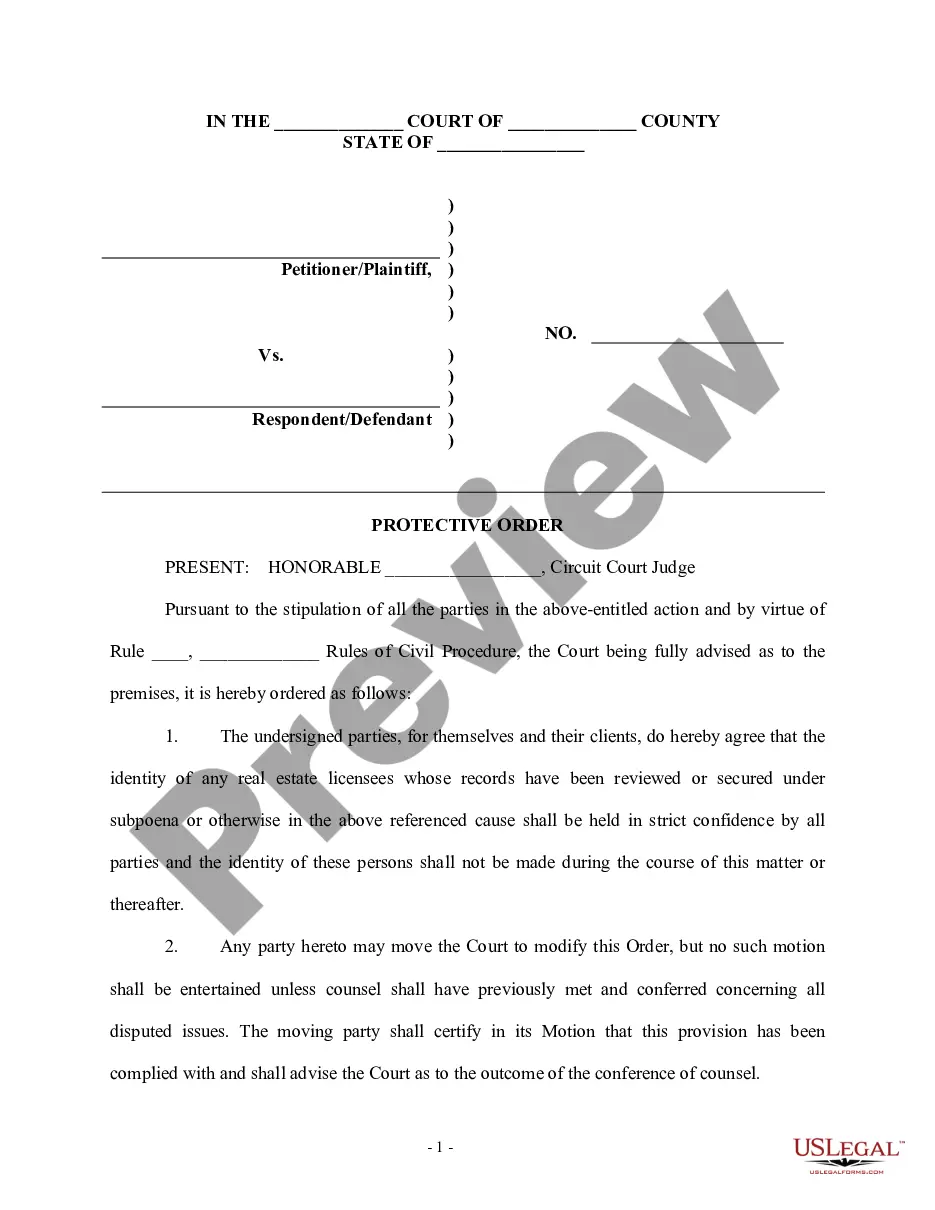
Protective Order Template For Confidential Information
Description
Get your form ready online
Our built-in tools help you complete, sign, share, and store your documents in one place.
Make edits, fill in missing information, and update formatting in US Legal Forms—just like you would in MS Word.
Download a copy, print it, send it by email, or mail it via USPS—whatever works best for your next step.
Sign and collect signatures with our SignNow integration. Send to multiple recipients, set reminders, and more. Go Premium to unlock E-Sign.
If this form requires notarization, complete it online through a secure video call—no need to meet a notary in person or wait for an appointment.
We protect your documents and personal data by following strict security and privacy standards.

Make edits, fill in missing information, and update formatting in US Legal Forms—just like you would in MS Word.

Download a copy, print it, send it by email, or mail it via USPS—whatever works best for your next step.

Sign and collect signatures with our SignNow integration. Send to multiple recipients, set reminders, and more. Go Premium to unlock E-Sign.

If this form requires notarization, complete it online through a secure video call—no need to meet a notary in person or wait for an appointment.

We protect your documents and personal data by following strict security and privacy standards.
Looking for another form?

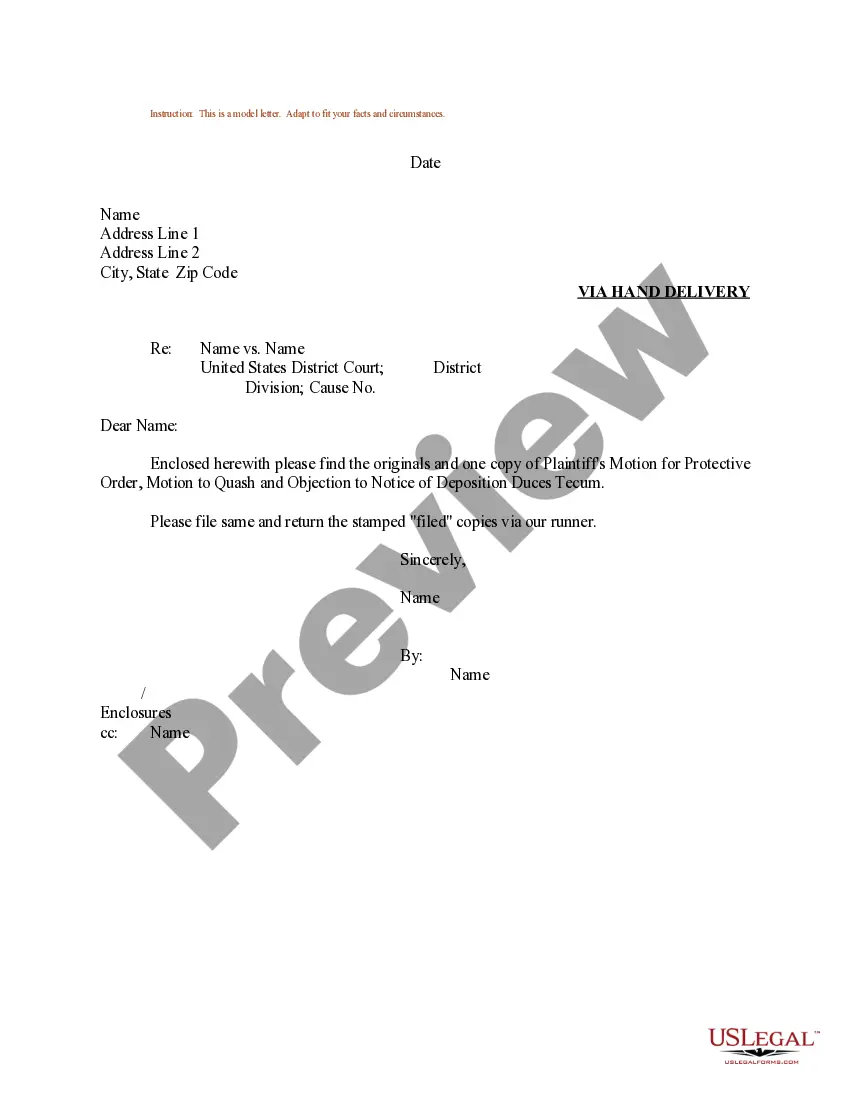

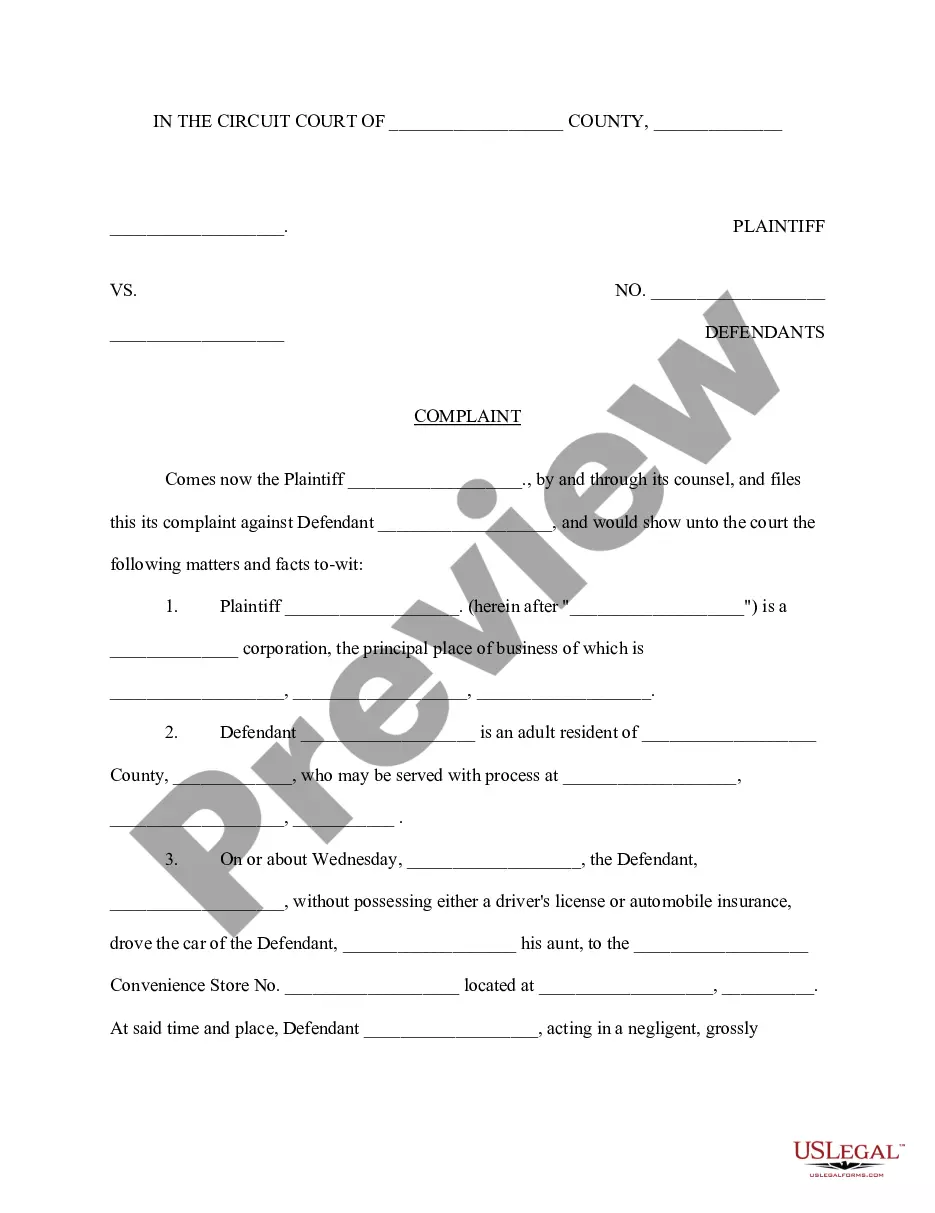
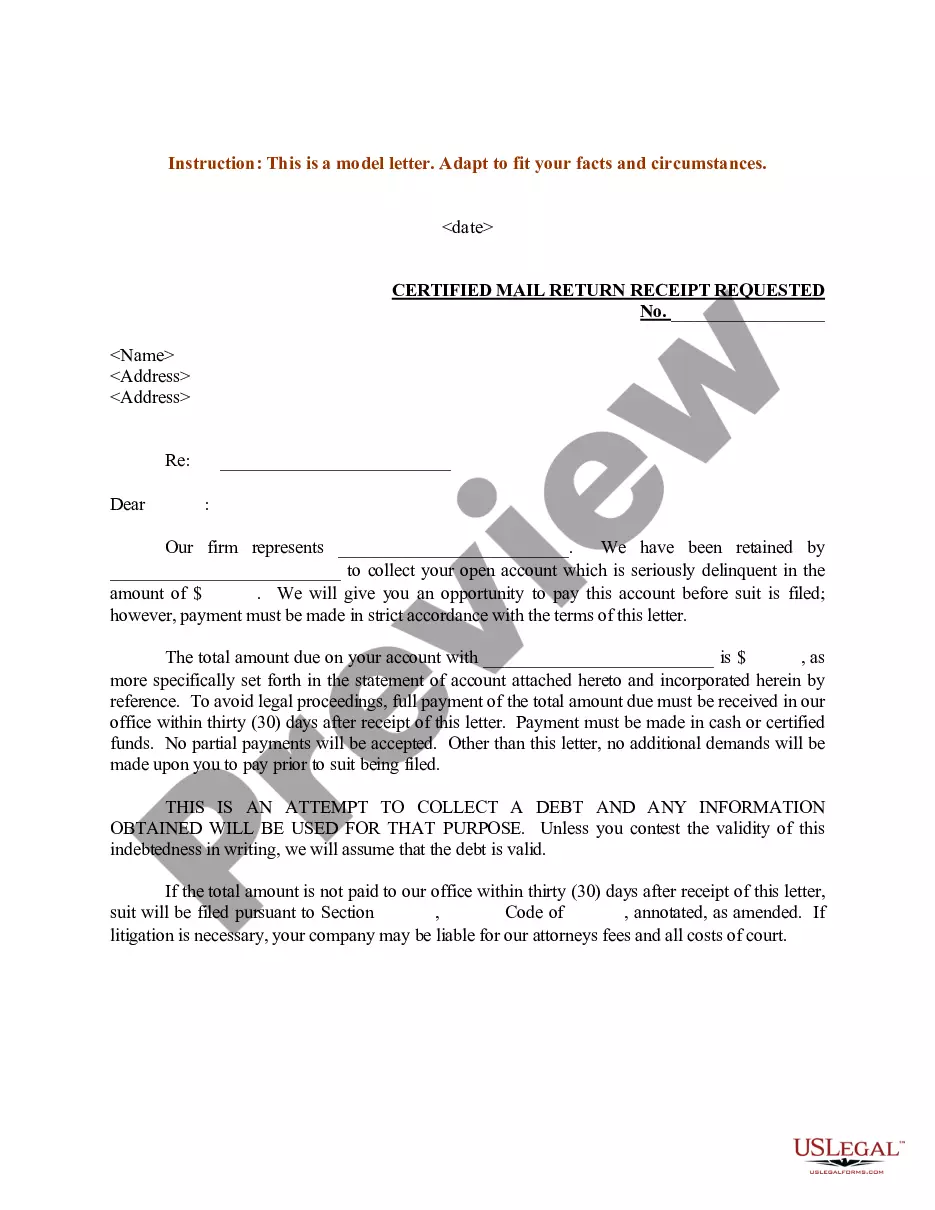
How to fill out Protective Order - Civil Trial?
Creating legal documents from the ground up can occasionally feel daunting.
Certain situations may necessitate extensive research and significant financial expenditure.
If you're looking for a more straightforward and budget-friendly method to generate Protective Order Template For Confidential Information or any other paperwork without unnecessary obstacles, US Legal Forms is always accessible.
Our online inventory of over 85,000 current legal forms addresses nearly every element of your financial, legal, and personal matters. With just a few clicks, you can swiftly acquire state- and county-compliant documents meticulously prepared for you by our legal professionals.
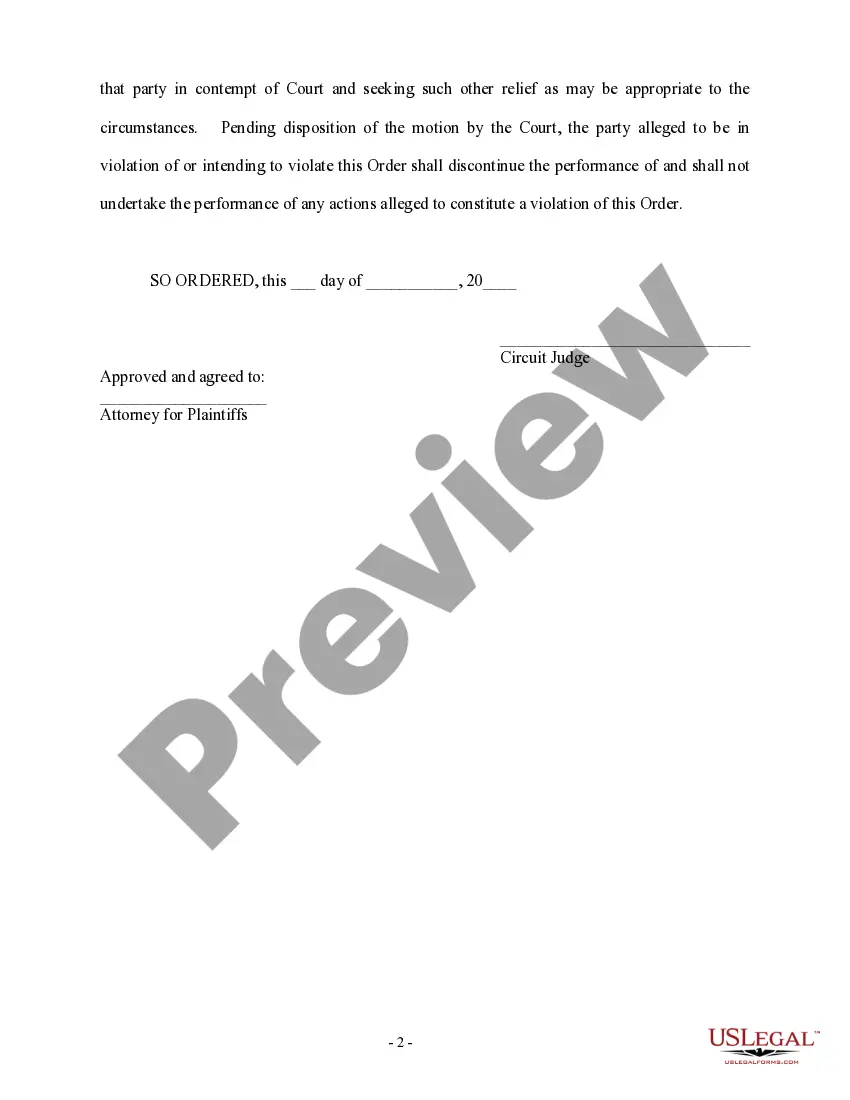
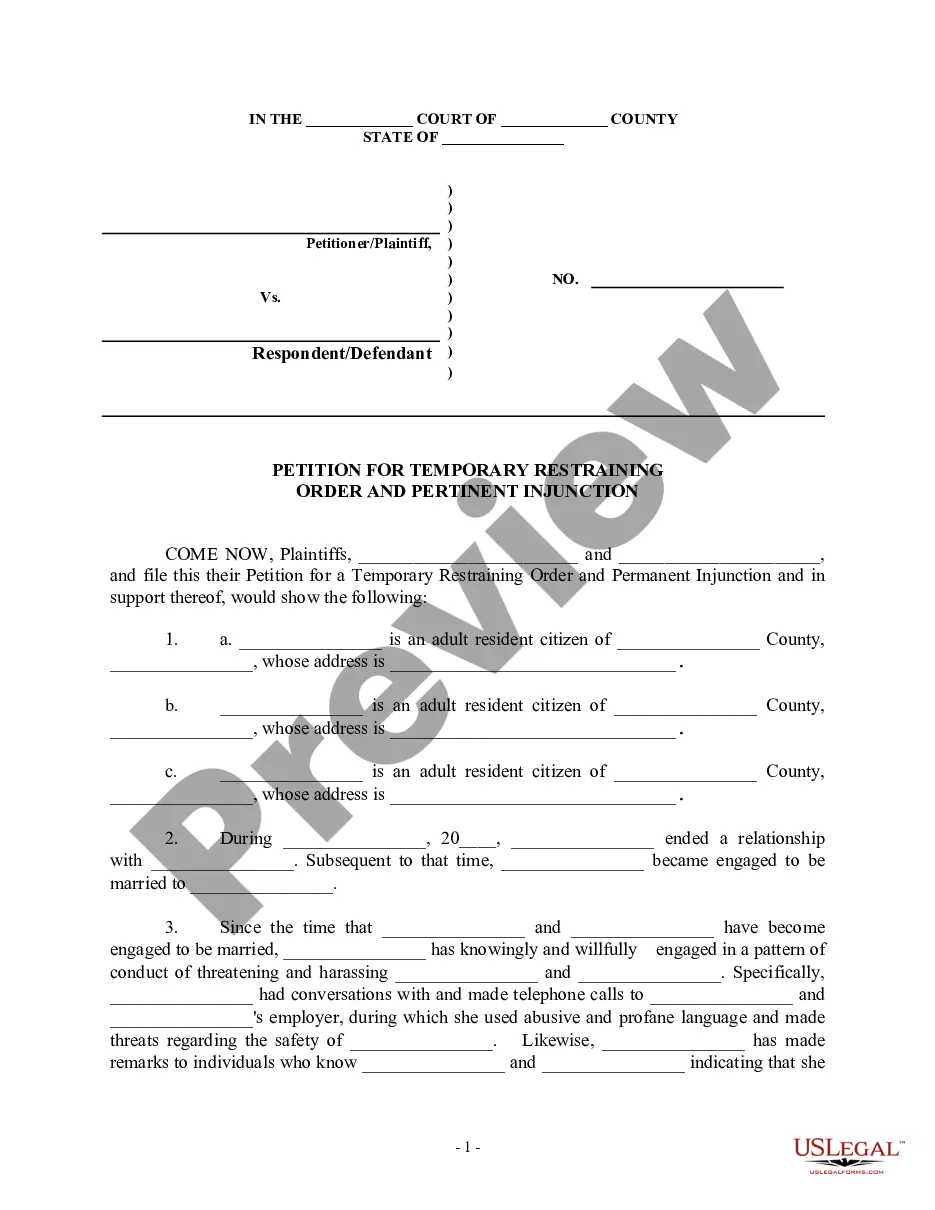
Verify the document preview and descriptions to ensure you are on the correct form you seek. Confirm the form you choose complies with your state and county's regulations and laws. Select the appropriate subscription option to procure the Protective Order Template For Confidential Information. Download the file, then complete, sign, and print it out. US Legal Forms has a solid reputation and boasts over 25 years of expertise. Join us today and transform document processing into a straightforward and efficient experience!
- Utilize our website whenever you require a dependable service to easily find and download the Protective Order Template For Confidential Information.
- If you are already familiar with our website and have created an account before, simply Log In to your account, find the template and download it or re-download it anytime from the My documents section.
- Don't possess an account? No worries. Setting it up and navigating the library takes minimal time.
- However, before immediately proceeding to download the Protective Order Template For Confidential Information, adhere to these guidelines.
Form popularity
FAQ
An order of nondisclosure is a court order prohibiting public entities such as courts and police departments from disclosing certain criminal records. If you have a criminal record, you may benefit from obtaining such an order.
Section 2025.420 - Motion for protective order (a) Before, during, or after a deposition, any party, any deponent, or any other affected natural person or organization may promptly move for a protective order. The motion shall be accompanied by a meet and confer declaration under Section 2016.040.
A sample stipulated protective order (also referred to as a confidentiality agreement and order) that may be used in California state court litigation to protect against the disclosure of documents while a case is pending and after its conclusion.
Under California Code of Civil Procedure §2025.420, the court, for good cause shown, may make any order that justice requires to protect any party, deponent, or other natural person or organization from unwarranted annoyance, embarrassment, or oppression, or undue burden and expense.
2. A party or non-party may designate information disclosed during a deposition or in response to written discovery as ?Confidential? by so indicating in said responses or on the record at the deposition and requesting the preparation of a separate transcript of such material.