Parent Child Contract For Cell Phone
Description
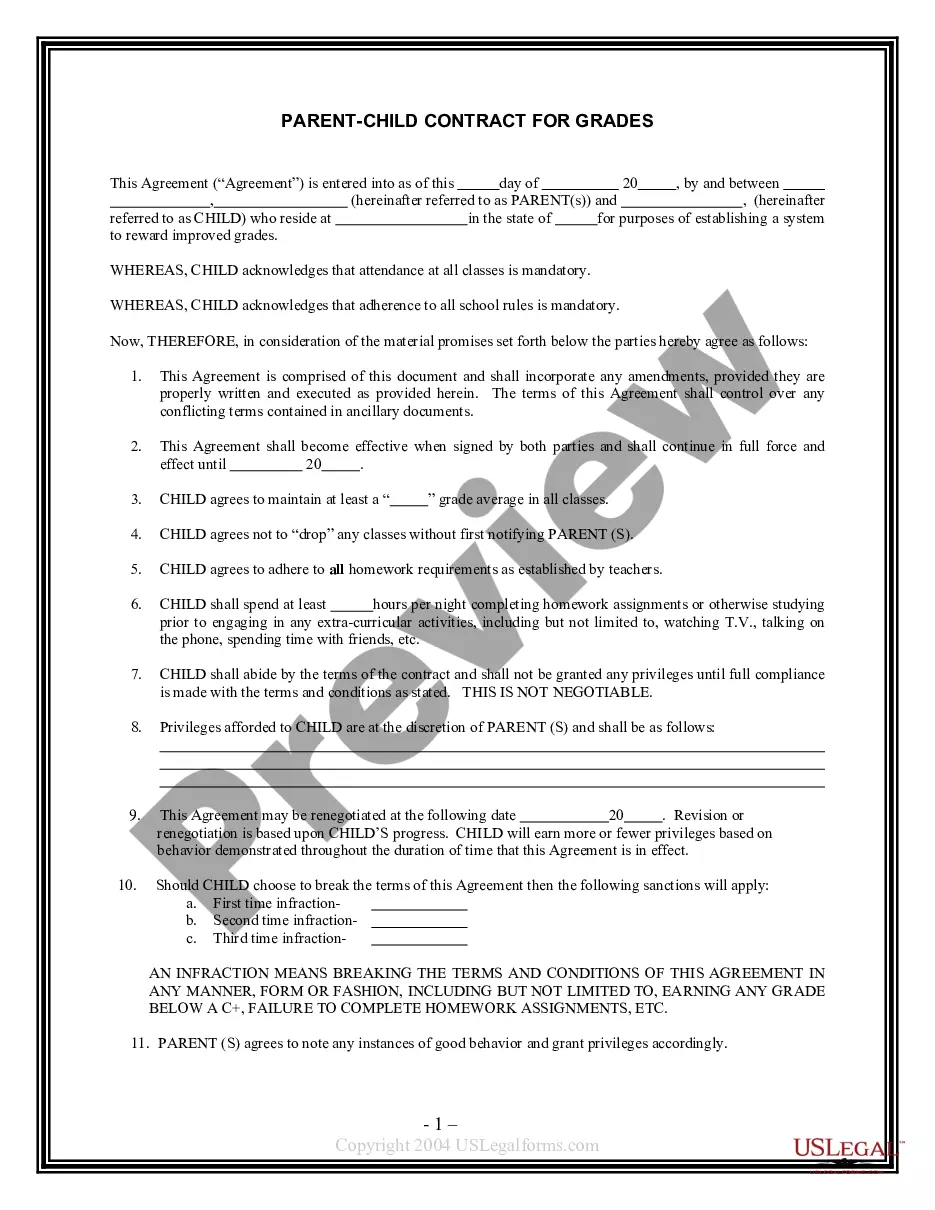

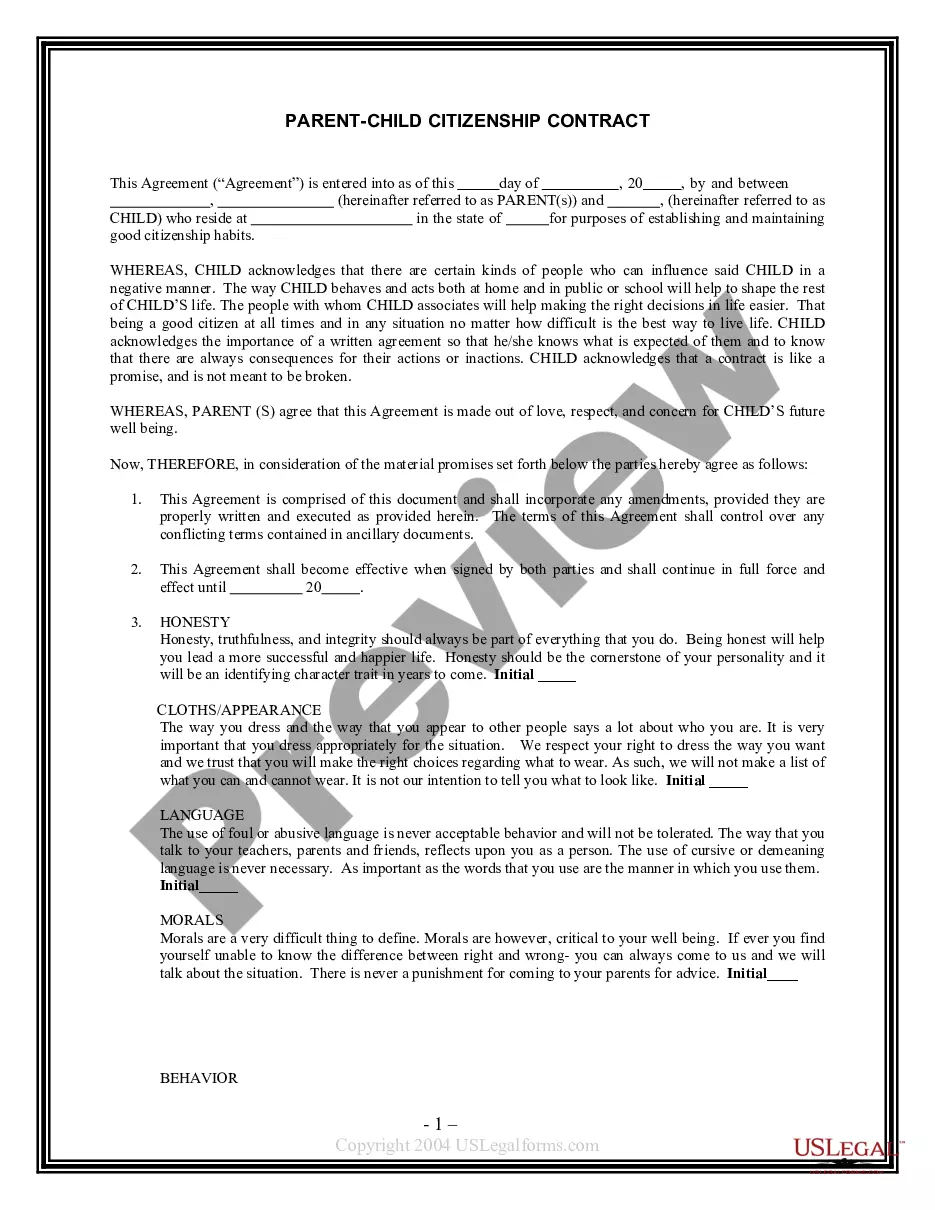
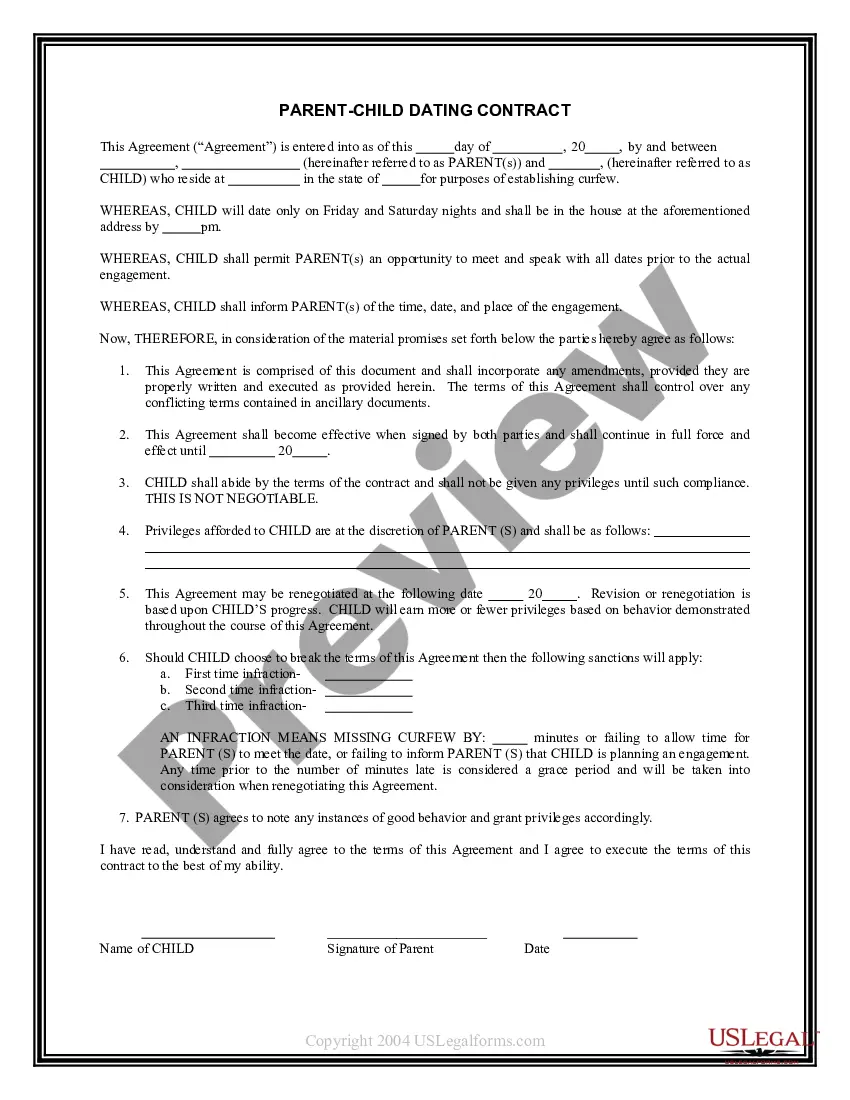
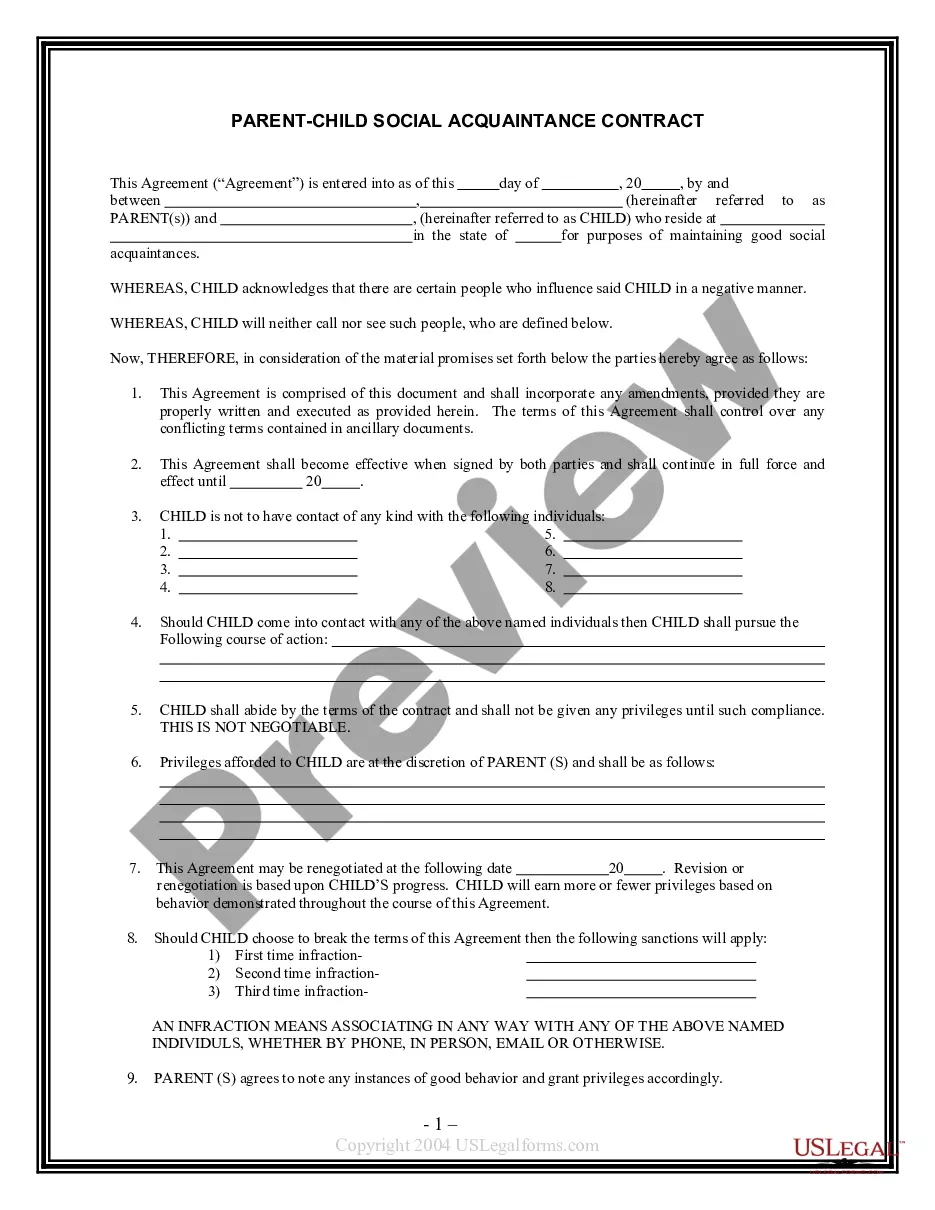
Get your form ready online
Our built-in tools help you complete, sign, share, and store your documents in one place.
Make edits, fill in missing information, and update formatting in US Legal Forms—just like you would in MS Word.
Download a copy, print it, send it by email, or mail it via USPS—whatever works best for your next step.
Sign and collect signatures with our SignNow integration. Send to multiple recipients, set reminders, and more. Go Premium to unlock E-Sign.
If this form requires notarization, complete it online through a secure video call—no need to meet a notary in person or wait for an appointment.
We protect your documents and personal data by following strict security and privacy standards.

Make edits, fill in missing information, and update formatting in US Legal Forms—just like you would in MS Word.

Download a copy, print it, send it by email, or mail it via USPS—whatever works best for your next step.

Sign and collect signatures with our SignNow integration. Send to multiple recipients, set reminders, and more. Go Premium to unlock E-Sign.

If this form requires notarization, complete it online through a secure video call—no need to meet a notary in person or wait for an appointment.

We protect your documents and personal data by following strict security and privacy standards.
Looking for another form?



How to fill out Parent - Child Contract For Grades?
Individuals often link legal documentation with complexity that necessitates a professional's expertise. In certain respects, this is accurate, as crafting a Parent Child Contract For Cell Phone demands significant knowledge in the relevant subject matter, including state and municipal regulations.
Nonetheless, with US Legal Forms, the process has become simpler: pre-prepared legal documents for any personal and business circumstance tailored to state laws are gathered in a comprehensive online directory and are now accessible to all.
US Legal Forms provides over 85,000 current forms categorized by jurisdiction and area of application, making the search for a Parent Child Contract For Cell Phone or any specific template only a matter of minutes. Previously registered users with an active subscription must Log In to their account and click Download to obtain the document. New users will need to create an account and subscribe before they can save any legal paperwork.
All templates in our collection are reusable: once obtained, they remain stored in your profile. You can access them anytime needed through the My documents tab. Explore all the advantages of utilizing the US Legal Forms platform. Subscribe today!
- Review the content on the page carefully to verify it fulfills your requirements.
- Read the form description or inspect it using the Preview feature.
- If the previous example does not meet your needs, find another one using the Search bar in the header.
- When you locate the appropriate Parent Child Contract For Cell Phone, click Buy Now.
- Select a subscription plan that aligns with your needs and budget.
- Create an account or Log In to advance to the payment page.
- Complete your payment using PayPal or a credit card.
- Choose the format for your sample and click Download.
- Print your document or upload it to an online editor for quicker completion.
Form popularity
FAQ
According to a 2019 SellCell survey, most children are allowed to have their first cell phone by the ages of 11-12. One percent get their own phone as early as between one and two years old.
Create agreements collaboratively. Tell your family that you're going to do a special activity together during which you're going to create Family Agreements.Keep it simple and positive; be specific. 3 5 clear yet comprehensive agreements are better than a laundry list.Make it visible.Celebrate!Review and revise.
What should my parenting agreement contain?A parenting time schedule.Information about how the parents will make decisions for the child.Information about finances and expenses.Parenting provisions (rules about raising the child)Any other information you want to include.
A contract that is mutually developed and agreed on by parents and their children provides a way of outlining expectations as well as consequences or rewards. This process can be very satisfying for both the children and the parents.
Cell phone. This is a critical expense and its reasonable for parents to continue paying for it when the child is looking for work. That's because potential employers need to be able to get back in touch, by calling, emailing or texting.
