Legal Form Documents With Signature
Description
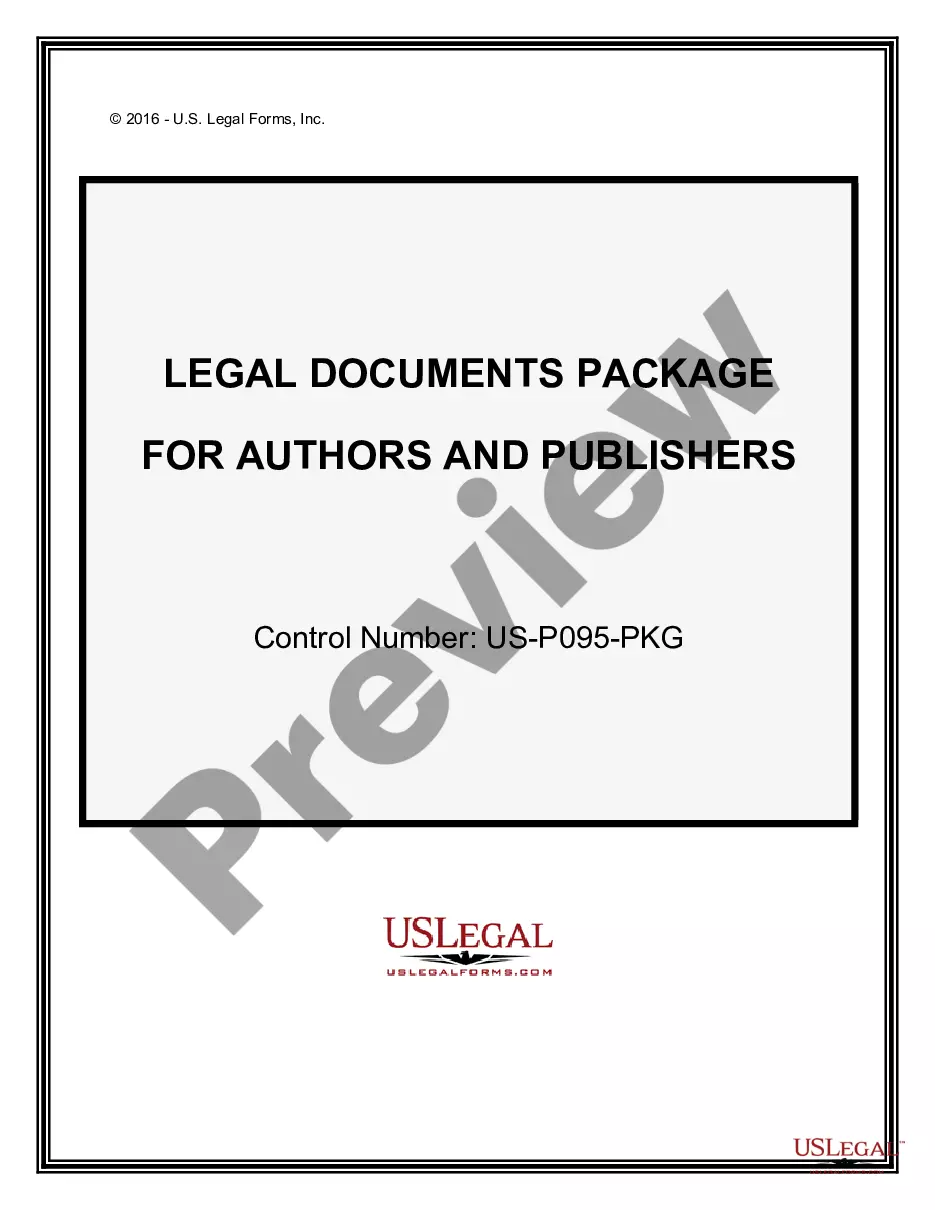
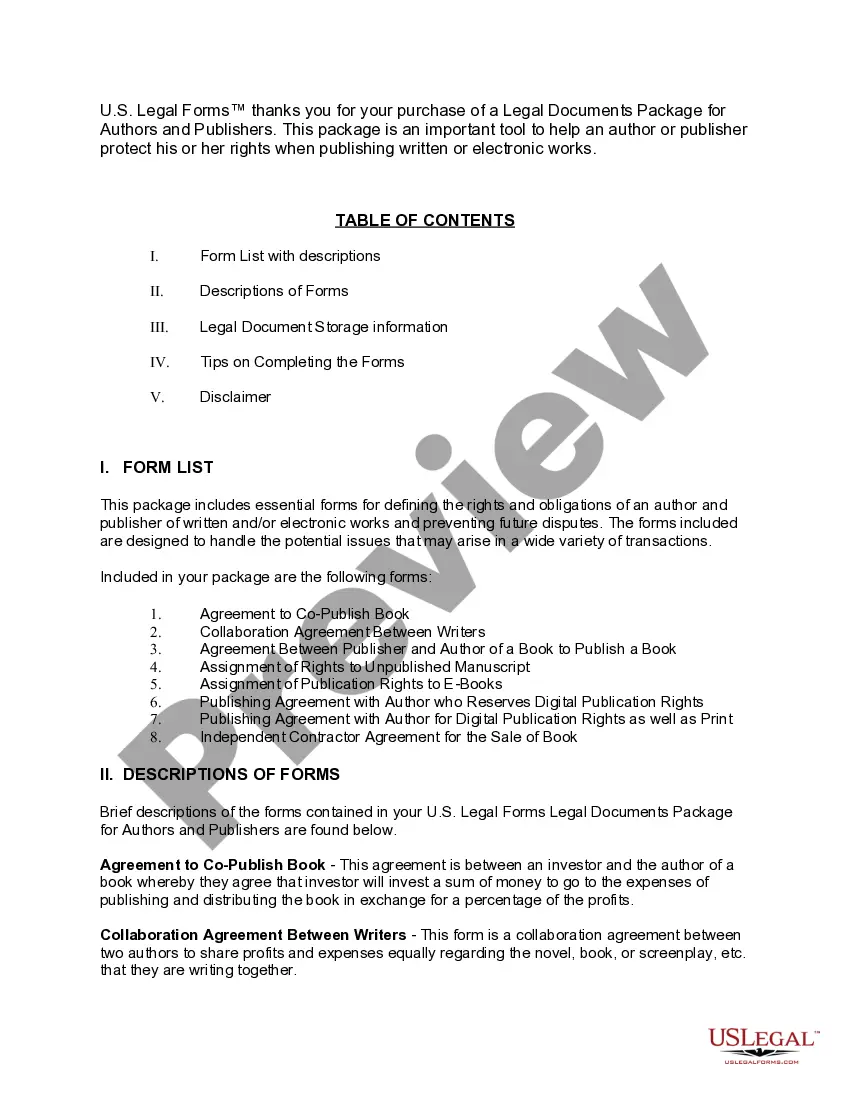
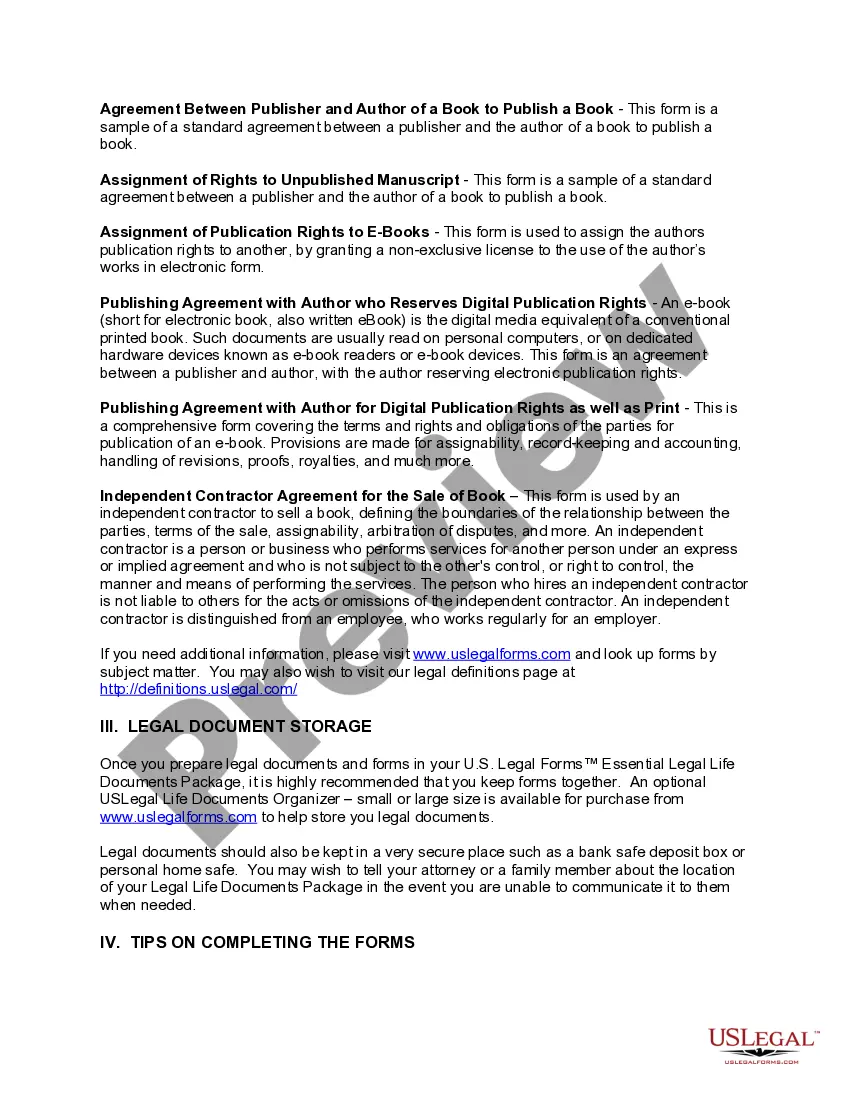
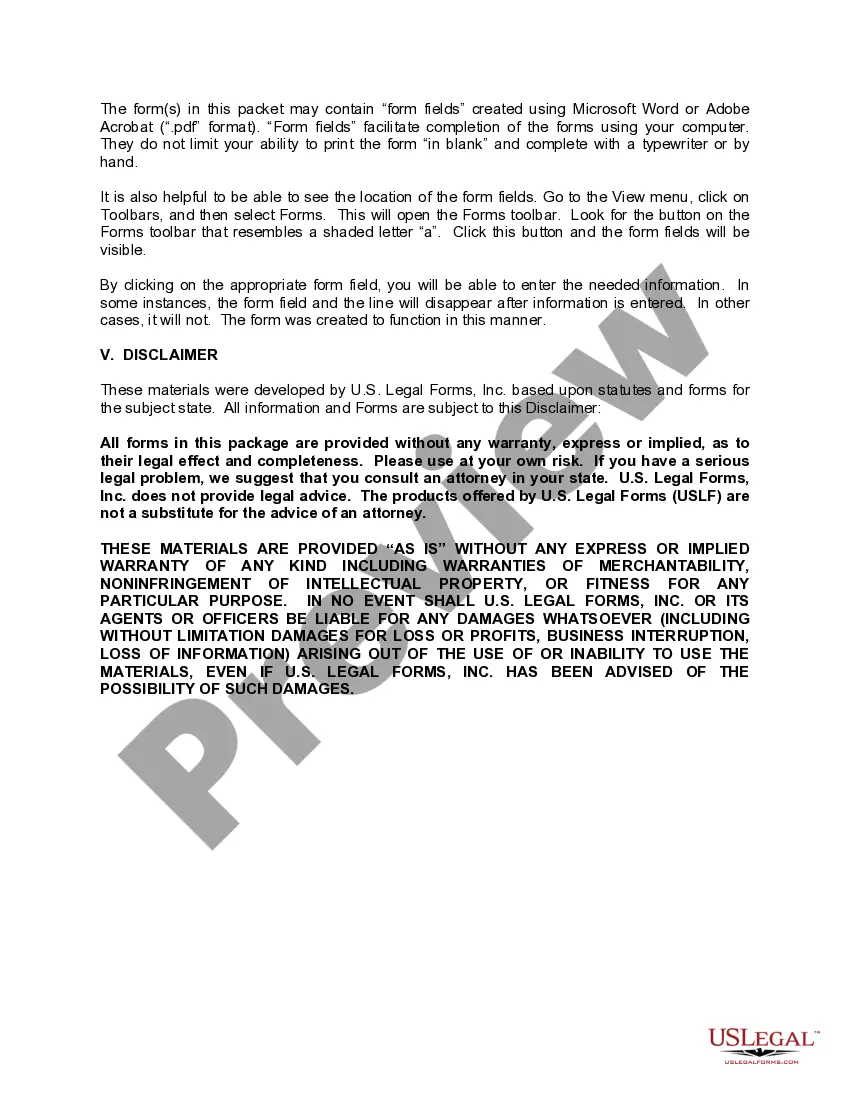
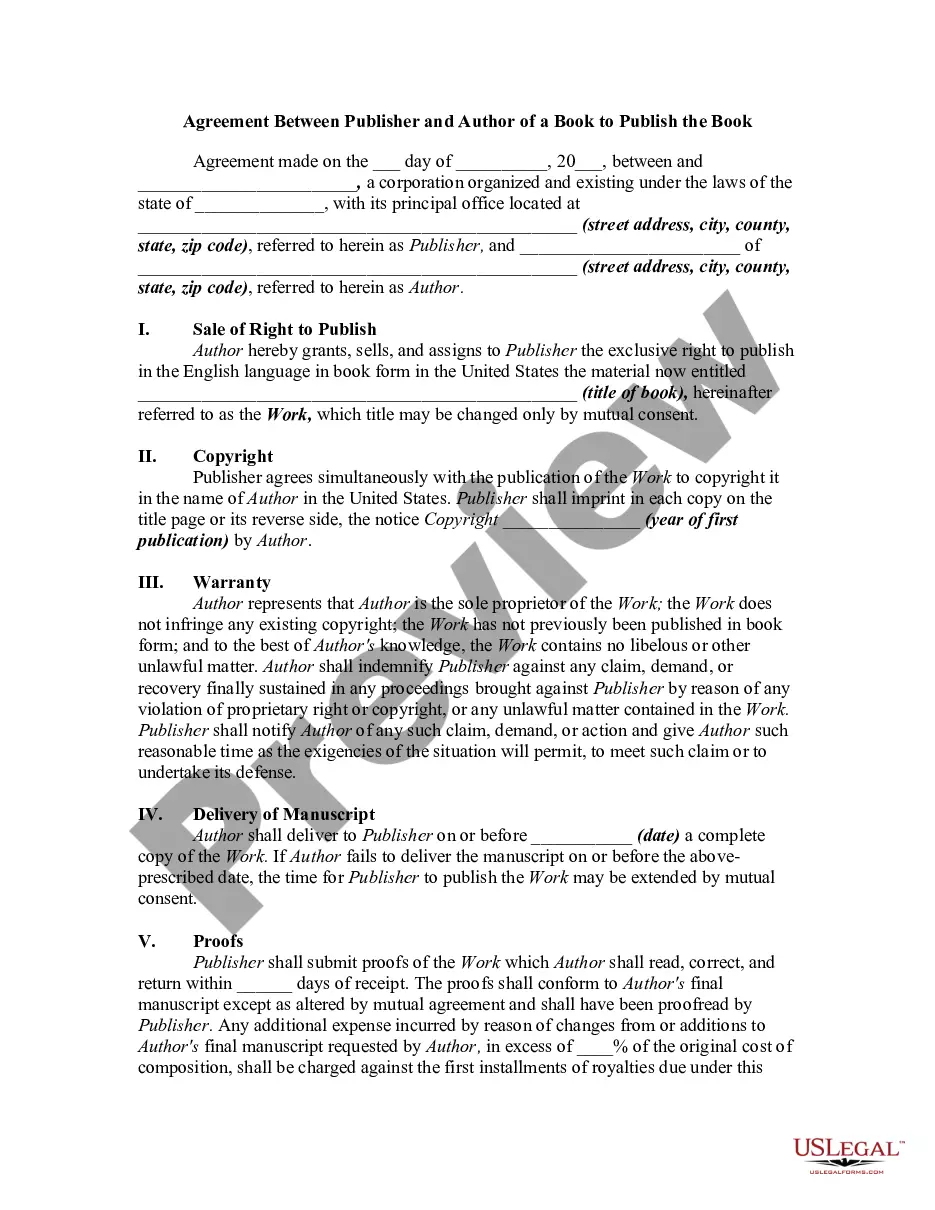
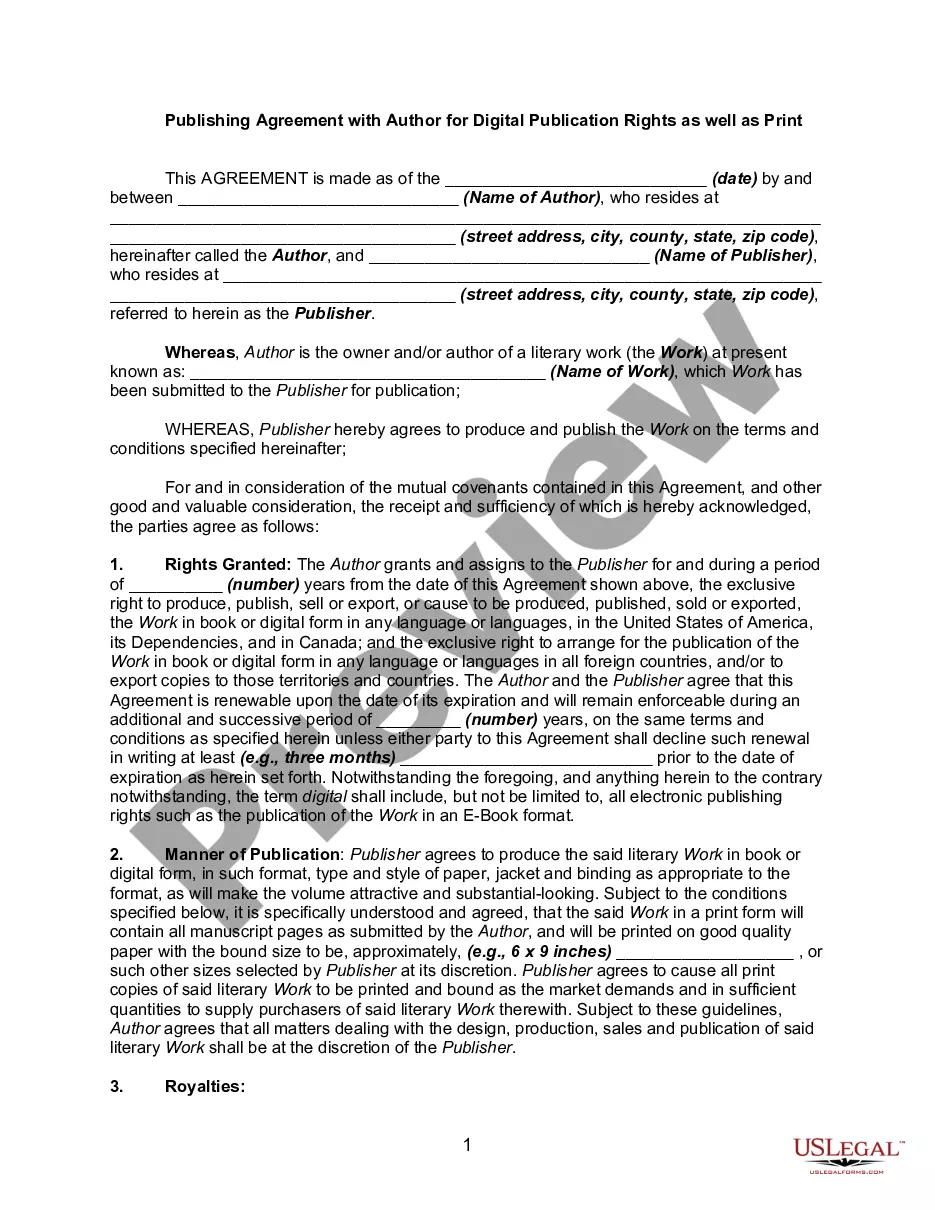

Get your form ready online
Our built-in tools help you complete, sign, share, and store your documents in one place.
Make edits, fill in missing information, and update formatting in US Legal Forms—just like you would in MS Word.
Download a copy, print it, send it by email, or mail it via USPS—whatever works best for your next step.
Sign and collect signatures with our SignNow integration. Send to multiple recipients, set reminders, and more. Go Premium to unlock E-Sign.
If this form requires notarization, complete it online through a secure video call—no need to meet a notary in person or wait for an appointment.
We protect your documents and personal data by following strict security and privacy standards.

Make edits, fill in missing information, and update formatting in US Legal Forms—just like you would in MS Word.

Download a copy, print it, send it by email, or mail it via USPS—whatever works best for your next step.

Sign and collect signatures with our SignNow integration. Send to multiple recipients, set reminders, and more. Go Premium to unlock E-Sign.

If this form requires notarization, complete it online through a secure video call—no need to meet a notary in person or wait for an appointment.

We protect your documents and personal data by following strict security and privacy standards.
Looking for another form?
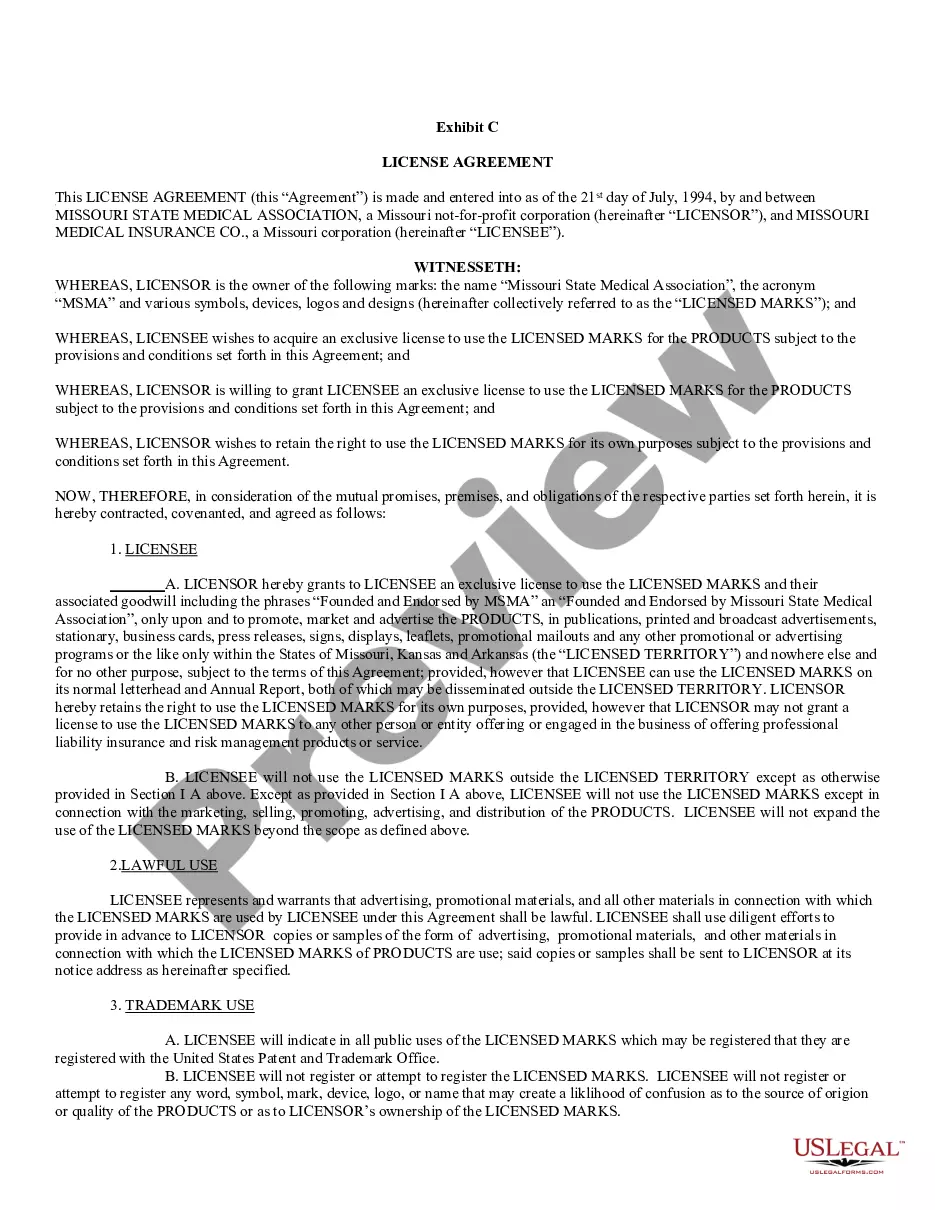






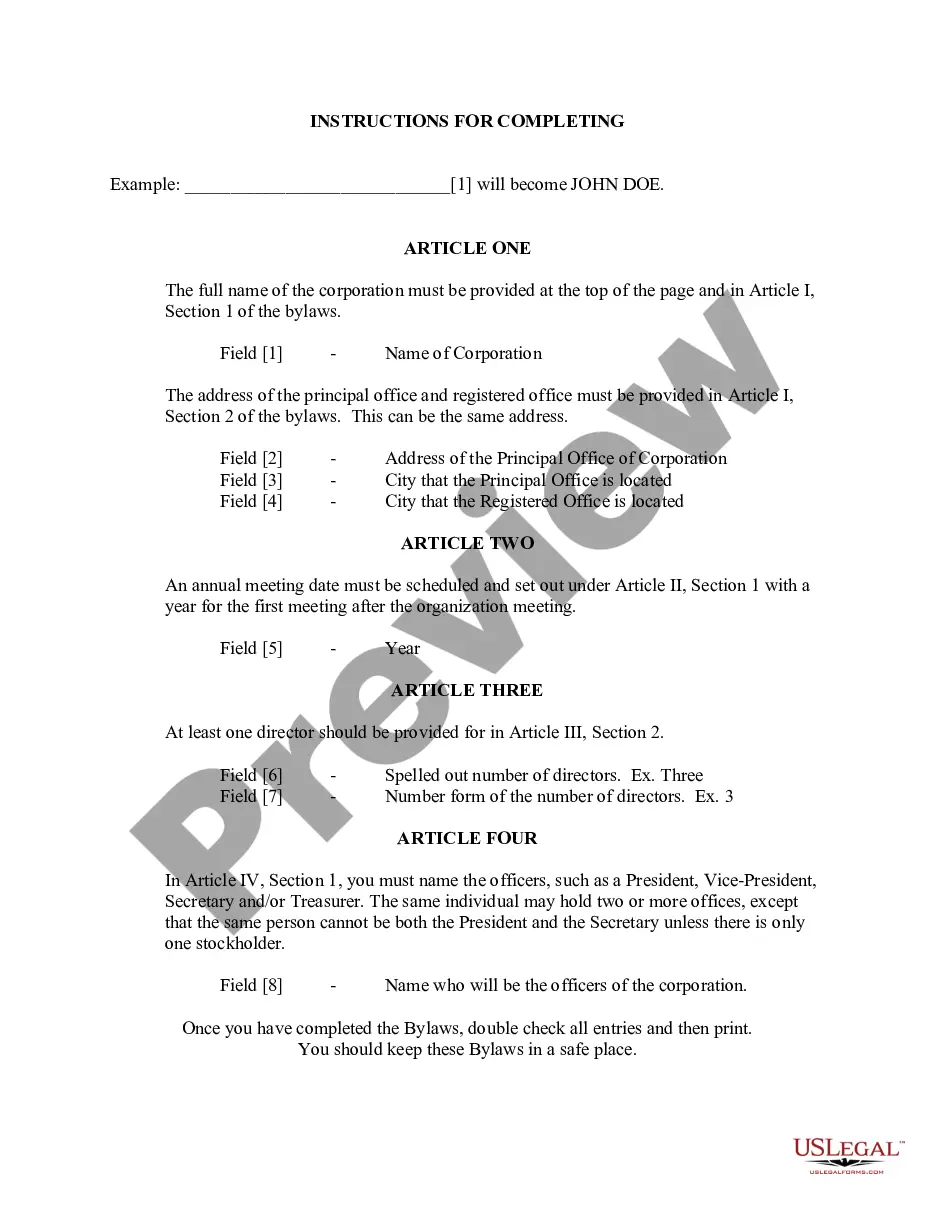


How to fill out Legal Documents Package For Authors And Publishers?
- If you're an existing user, log in to your account and navigate to the document library. Ensure your subscription is active and click the Download button to save your desired form template.
- For first-time users, start by checking the Preview mode and form description to confirm you have selected the right document that aligns with your needs and meets local jurisdiction criteria.
- Use the Search tab at the top of the page to find alternative templates if necessary, ensuring you obtain the correct one suited for your requirements.
- Proceed by clicking on the Buy Now button, then select your preferred subscription plan. You'll need to create an account to gain access to our extensive library.
- Complete your purchase by providing your credit card information or selecting your PayPal account to finalize payment for your subscription.
- Once the purchase is confirmed, download the template to your device. You can also find it at any time in the My Forms section of your profile.
By utilizing US Legal Forms, you gain an advantage with our robust collection of over 85,000 fillable and editable legal forms. Our service ensures precision and legality through access to expert assistance.
Get started today and take advantage of our user-friendly resources for all your legal documentation needs. Don't hesitate; explore and empower your legal processes now!
Form popularity
FAQ
You can sign a myriad of legal form documents with signature electronically, including contracts, consent forms, and non-disclosure agreements. Most routine business and personal documents are acceptable under electronic signature laws. US Legal Forms enables you to create and manage various document types, ensuring you can handle your legal needs swiftly and efficiently while maintaining compliance.
Certain legal form documents with signature cannot be signed electronically, including wills, certain family law agreements, and documents requiring notarization in some cases. These restrictions vary by state and context, so it's crucial to check the local laws governing electronic signatures. US Legal Forms guides you through what can and cannot be signed electronically, helping you navigate these legal nuances effectively.
To ensure that a signature on legal form documents with signature is legally binding, both parties must agree on the terms and the signature must clearly indicate acceptance. It is essential to capture the intent of the signer, often achieved through electronic signature platforms that provide verification and authentication features. By using a trusted service, like US Legal Forms, you guarantee that your signing process meets legal standards and protects your contractual agreements.
Yes, legal form documents with signature can be signed electronically in most cases. Electronic signatures hold the same weight as handwritten signatures, provided that specific laws are followed. Platforms like US Legal Forms facilitate this process, ensuring compliance with the Electronic Signatures in Global and National Commerce Act (ESIGN) and the Uniform Electronic Transactions Act (UETA). This means you can securely sign your documents online, simplifying your legal requirements.
Indicating a signature on an electronic legal form document with signature is efficient and secure. Many online platforms, like uslegalforms, offer built-in tools for adding your signature electronically. You can use features like digital signing, which not only show your intention but also add an extra layer of security to confirm the document's validity.
To indicate a signature on a legal form document with signature, place a clear line or box where your signature should appear. If drafting the document digitally, you can add your signature directly in that area. Ensuring proper placement is crucial, as it helps convey your intent to sign and accepts the terms of the document.
The requirements for a signature on legal form documents with signature typically involve clear identification of the signer. This means the signature must be unique and represent the individual signing. Additionally, some legal documents may require witnesses or a notary public, depending on the document type and state laws.
Inserting your signature into a legal form document with signature is straightforward. Use a scanned image of your signature or a digital signature tool available on various platforms. Most document editing software allows you to simply drag and drop your signature image onto the document, ensuring it’s placed in the correct area.
To fill out a signature in a legal form document with signature, start by locating the designated signature field. You can use a stylus or your finger if you're on a touchscreen device, or simply type in your name if the document allows digital signatures. Ensure that your signature closely resembles the one you usually use to maintain its authenticity.
Yes, legal documents can be signed both physically and electronically. Many legal form documents with signature capabilities allow for secure digital signing, which is efficient and legally accepted in many jurisdictions. Using platforms like US Legal Forms ensures you comply with legal requirements while getting signatures swiftly.