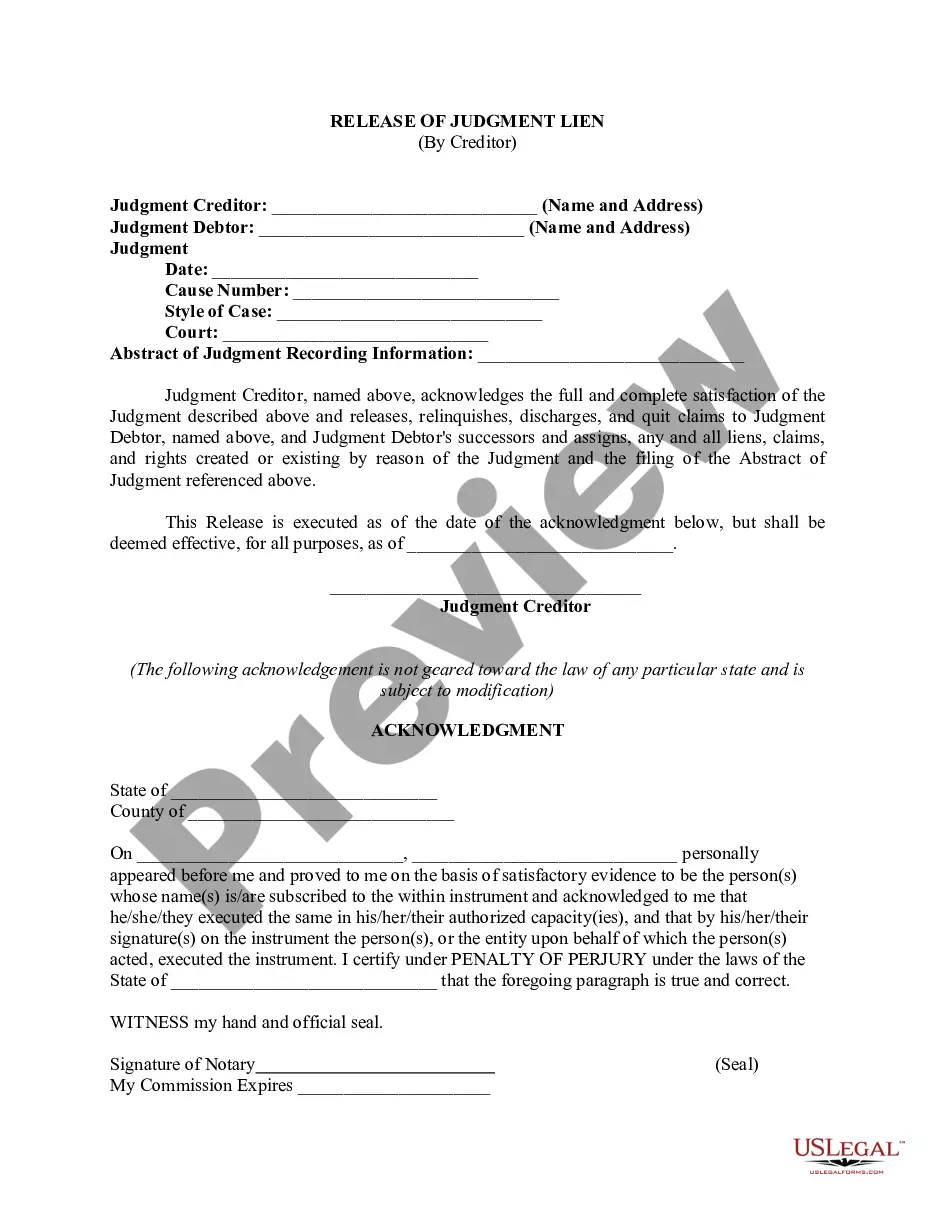
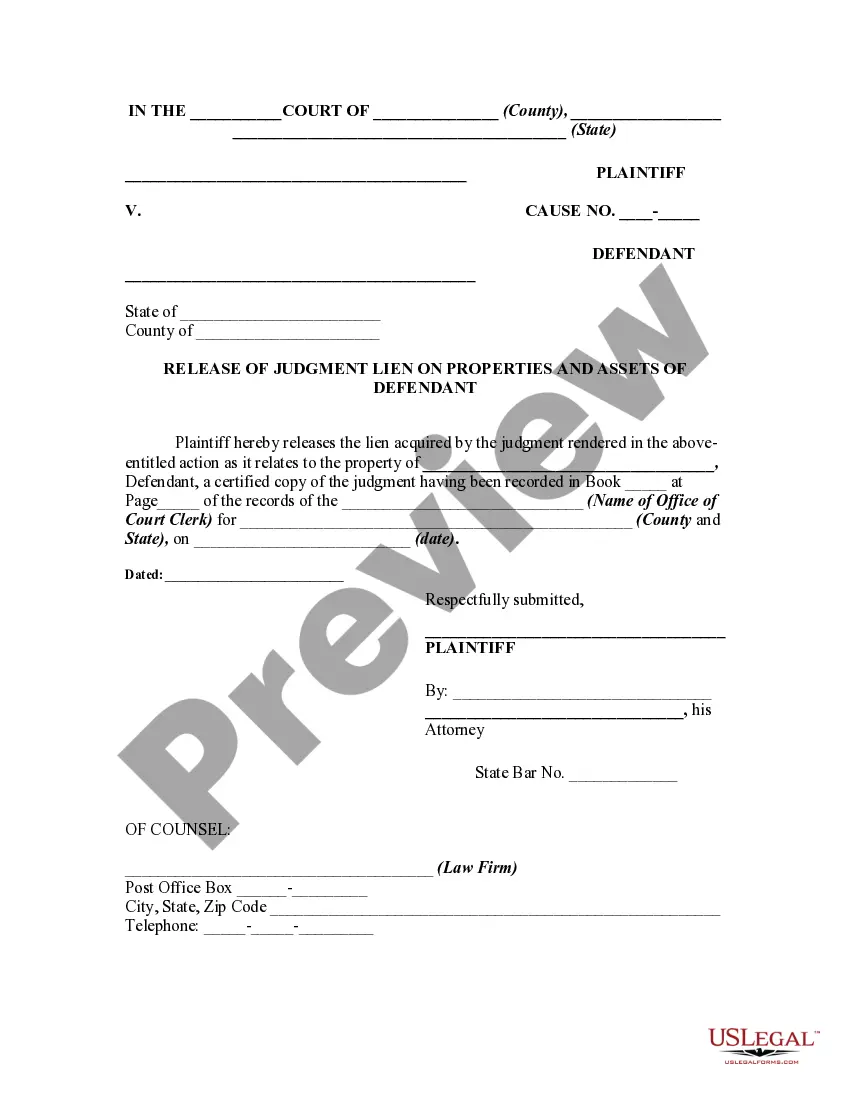
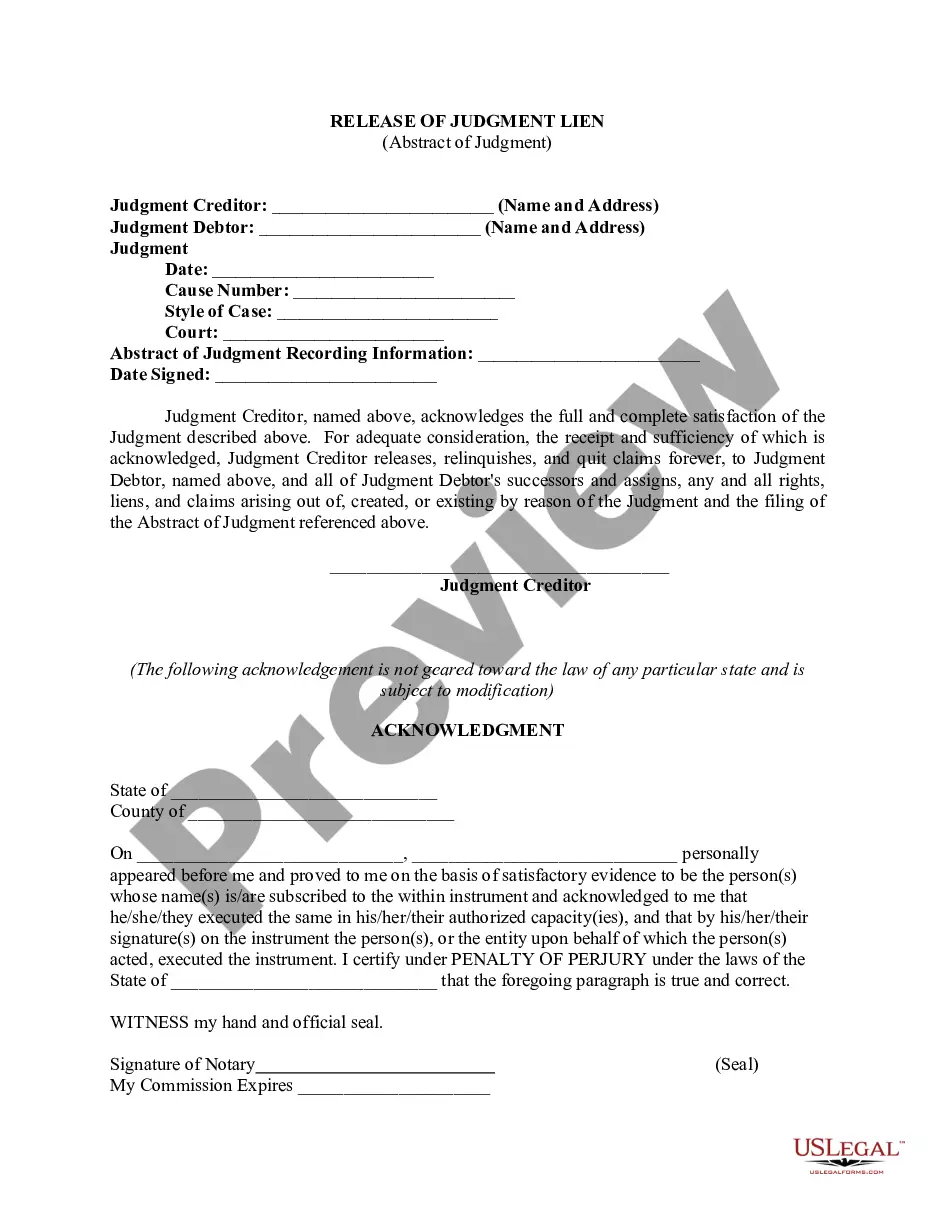
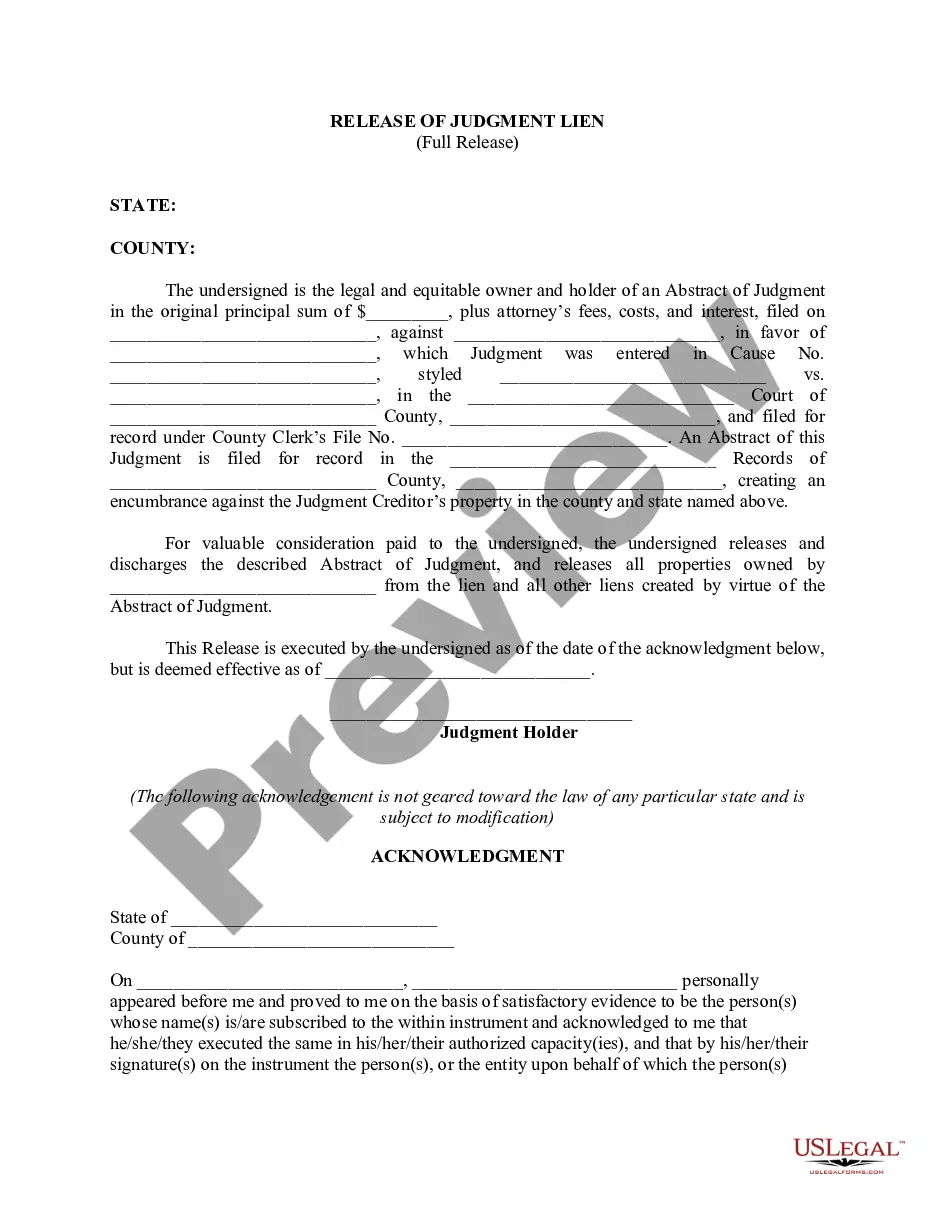
Release Judgment Form With Two Points
Description

Get your form ready online
Our built-in tools help you complete, sign, share, and store your documents in one place.
Make edits, fill in missing information, and update formatting in US Legal Forms—just like you would in MS Word.
Download a copy, print it, send it by email, or mail it via USPS—whatever works best for your next step.
Sign and collect signatures with our SignNow integration. Send to multiple recipients, set reminders, and more. Go Premium to unlock E-Sign.
If this form requires notarization, complete it online through a secure video call—no need to meet a notary in person or wait for an appointment.
We protect your documents and personal data by following strict security and privacy standards.

Make edits, fill in missing information, and update formatting in US Legal Forms—just like you would in MS Word.

Download a copy, print it, send it by email, or mail it via USPS—whatever works best for your next step.

Sign and collect signatures with our SignNow integration. Send to multiple recipients, set reminders, and more. Go Premium to unlock E-Sign.

If this form requires notarization, complete it online through a secure video call—no need to meet a notary in person or wait for an appointment.

We protect your documents and personal data by following strict security and privacy standards.
Looking for another form?
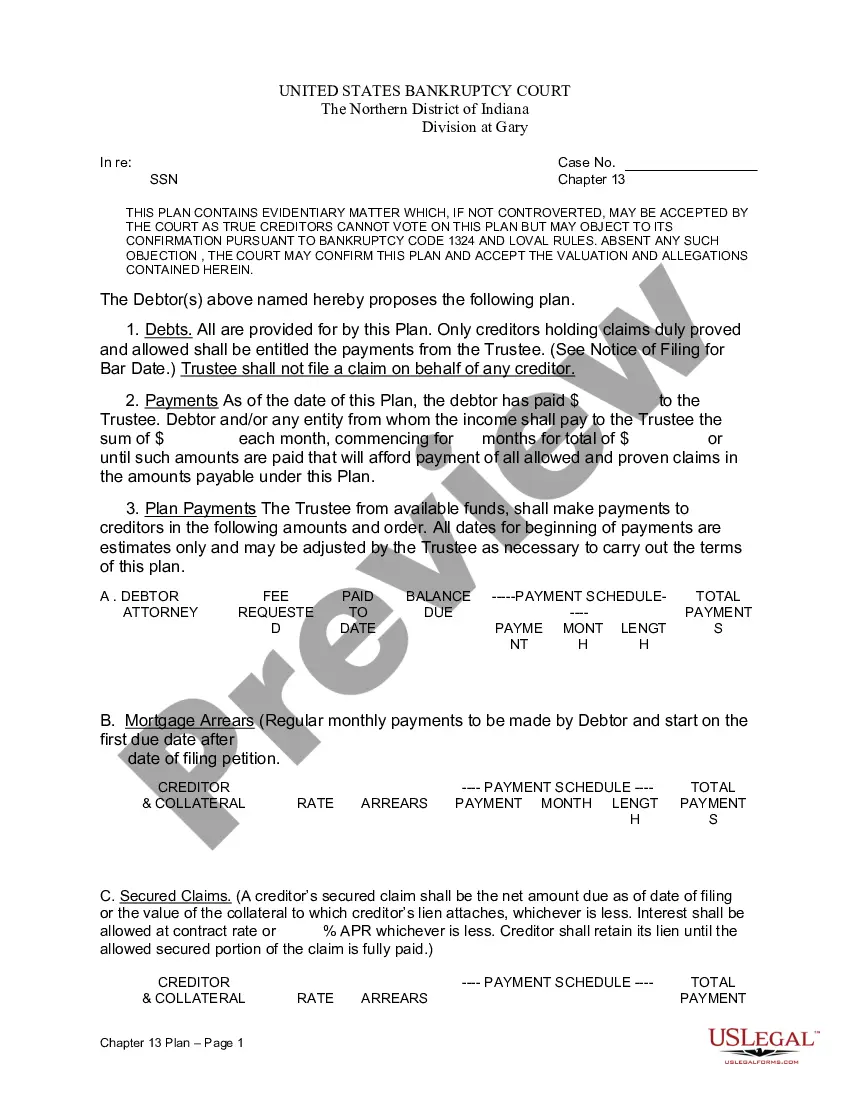



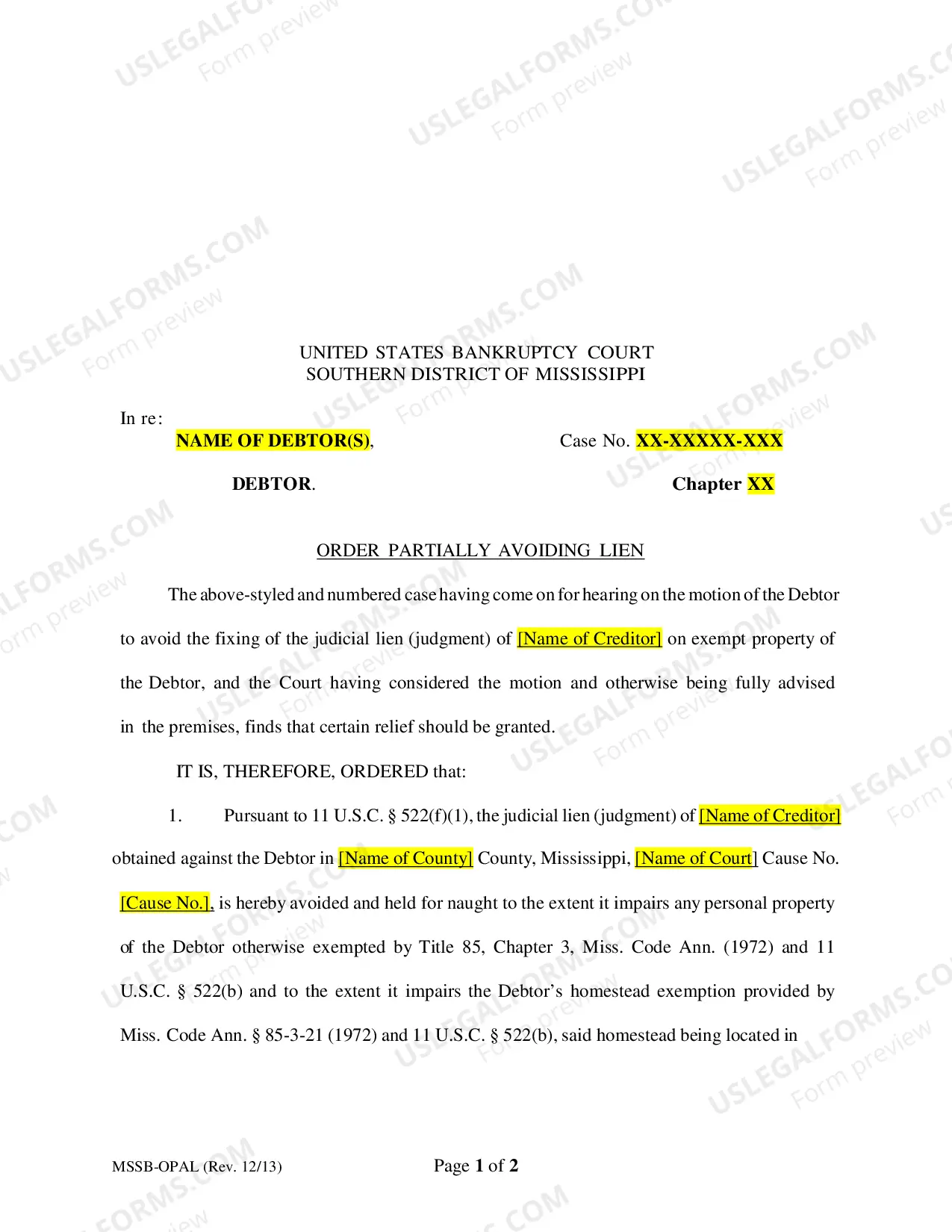



How to fill out Release Of Judgment Lien By Creditor?
Navigating through the red tape of official documents and templates can be arduous, particularly when one does not handle that regularly.
Even selecting the appropriate template to obtain a Release Judgment Form With Two Points will be laborious since it must be valid and accurate to the very last digit.
Nonetheless, you will have to invest significantly less time acquiring a suitable template from a resource you can depend on.
Obtain the correct form in a few straightforward steps: Enter the name of the document in the search bar. Locate the accurate Release Judgment Form With Two Points in the result list. Review the description of the sample or open its preview. If the template fits your needs, click Buy Now. Proceed to select your subscription plan. Use your email and create a password to register for an account at US Legal Forms. Pick a credit card or PayPal payment method. Download the template document to your device in the format of your preference. US Legal Forms will save you a considerable amount of time verifying if the form you found online is suitable for your requirements. Create an account and gain unlimited access to all the templates you need.
- US Legal Forms is a platform that streamlines the task of finding the right forms online.
- US Legal Forms is a single source you need to secure the latest samples of forms, verify their usage, and download these samples for completion.
- It is a repository with over 85K forms applicable in various sectors.
- When seeking a Release Judgment Form With Two Points, you will not have to doubt its authenticity as all the forms are validated.
- An account at US Legal Forms will guarantee you have all the essential samples within your reach.
- Store them in your history or add them to the My documents catalog.
- You can access your saved forms from any device by clicking Log In at the library site.
- If you still don’t possess an account, you can always search for the template you require.
Form popularity
FAQ
The format of Judgment writingIntroduction. Preliminary issues. Summary of the prosecution/ plaintiff's case.Evidence and factual findings. Argument of prosecution or plaintiff on the first issue or charge. Argument from the side of the defendant.Applicable Law on each issue. Statement of law.Judgment. Finding of the guilt.
The distinction drawn here between these three kinds of judgement is a distinction based on the content of the judgement.Analytic judgements have no descriptive content.Synthetic judgements have just descriptive content.Evaluative judgements go beyond descriptive content.10-Jul-1997
It is worthwhile to keep the following basic rules in mind while writing a judgment: 25cf Reasoning should be intelligible and logical. Clarity and precision should be the goal. Use of strange and difficult words and complex sentences should be avoided. A judge cannot use his personal knowledge of facts in a judgment.
The definition of judgment is an opinion, decision or a sentence given by a court of law. An example of judgment is a blonde woman automatically being treated as dumb. An example of judgment is someone being sentenced to two months in prison for a crime committed.
The format of Judgment writingIntroduction. Preliminary issues. Summary of the prosecution/ plaintiff's case.Evidence and factual findings. Argument of prosecution or plaintiff on the first issue or charge. Argument from the side of the defendant.Applicable Law on each issue. Statement of law.Judgment. Finding of the guilt.12-Sept-2018