Motion Court District Form With Decimals
Description
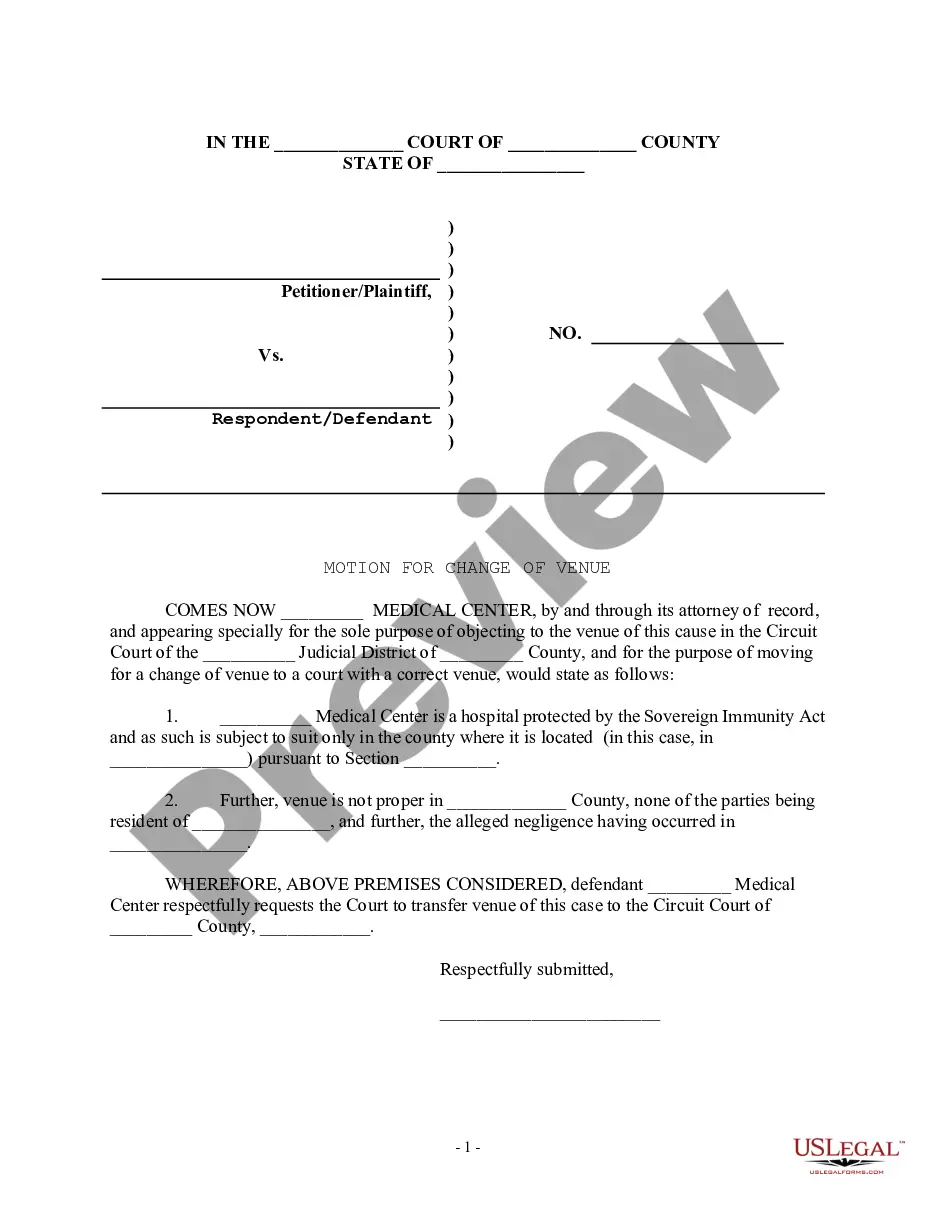
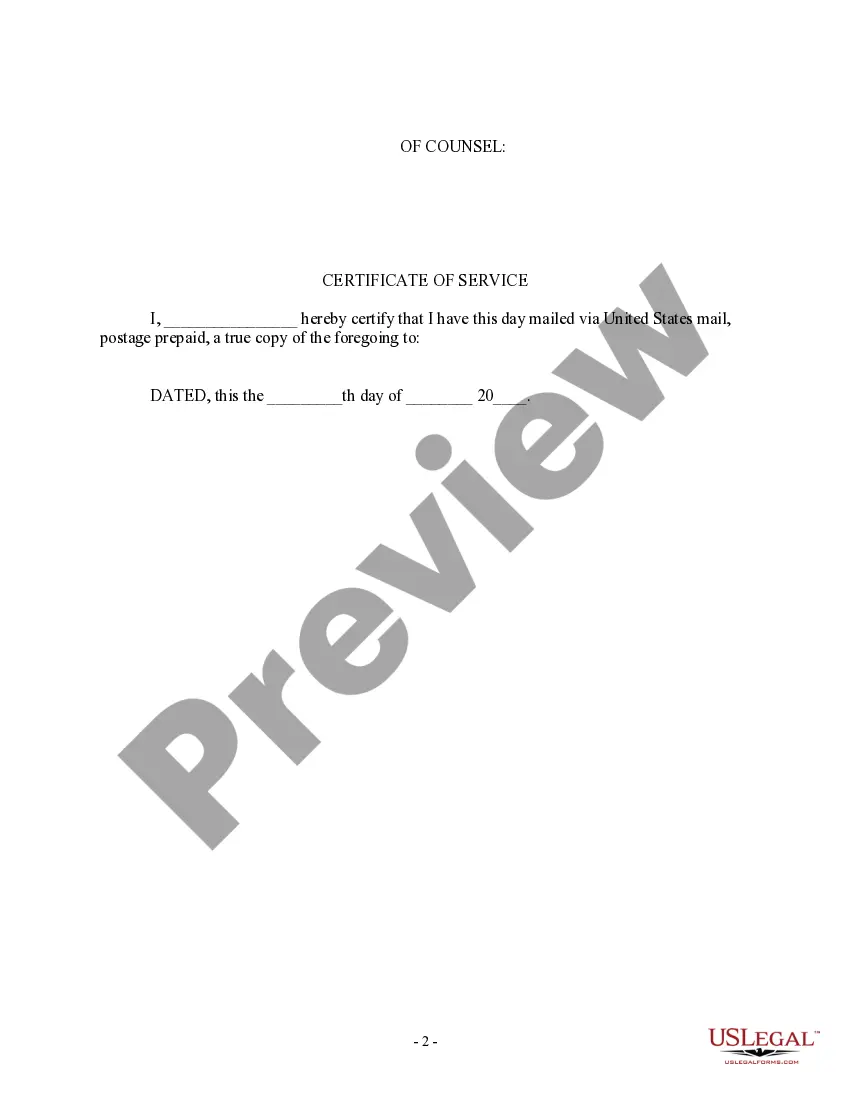
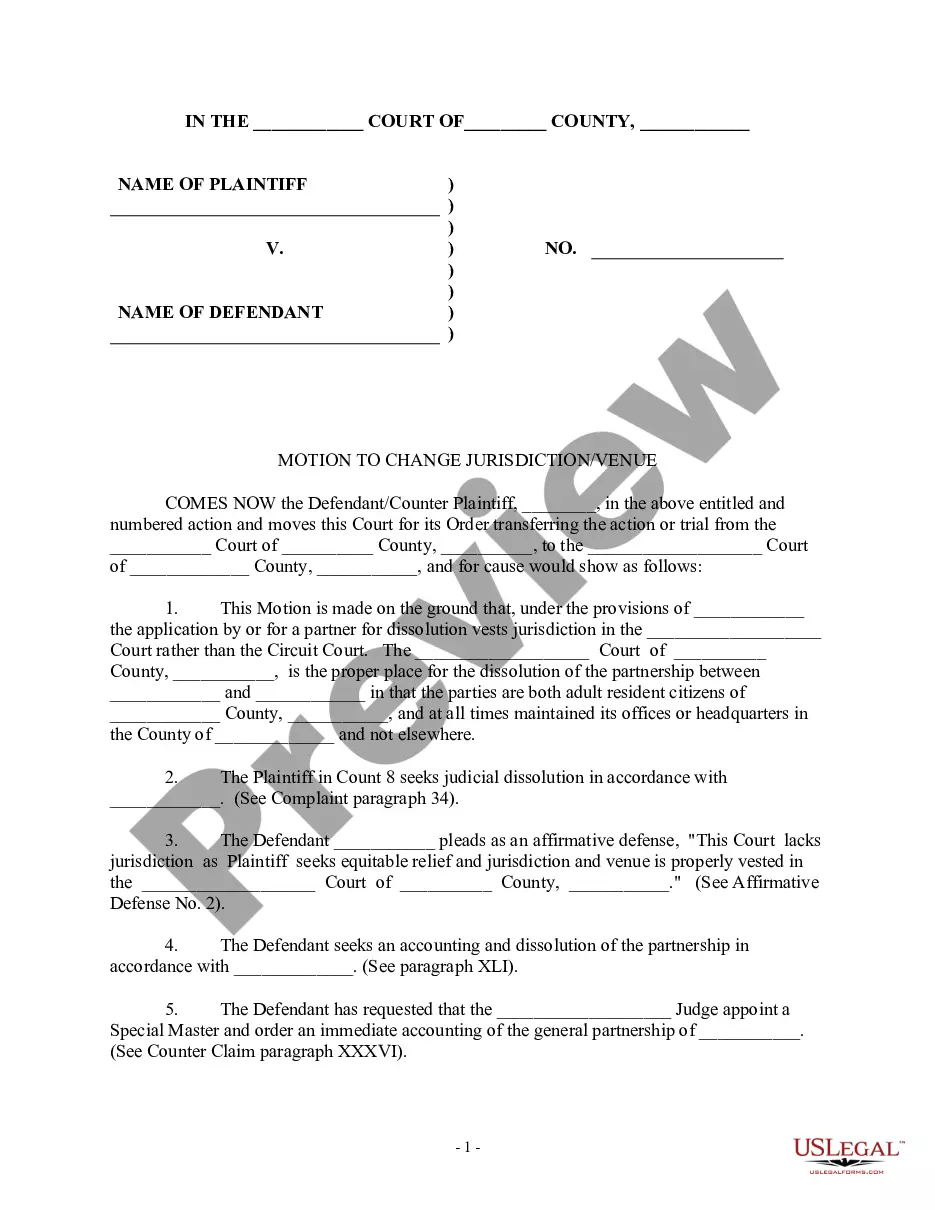

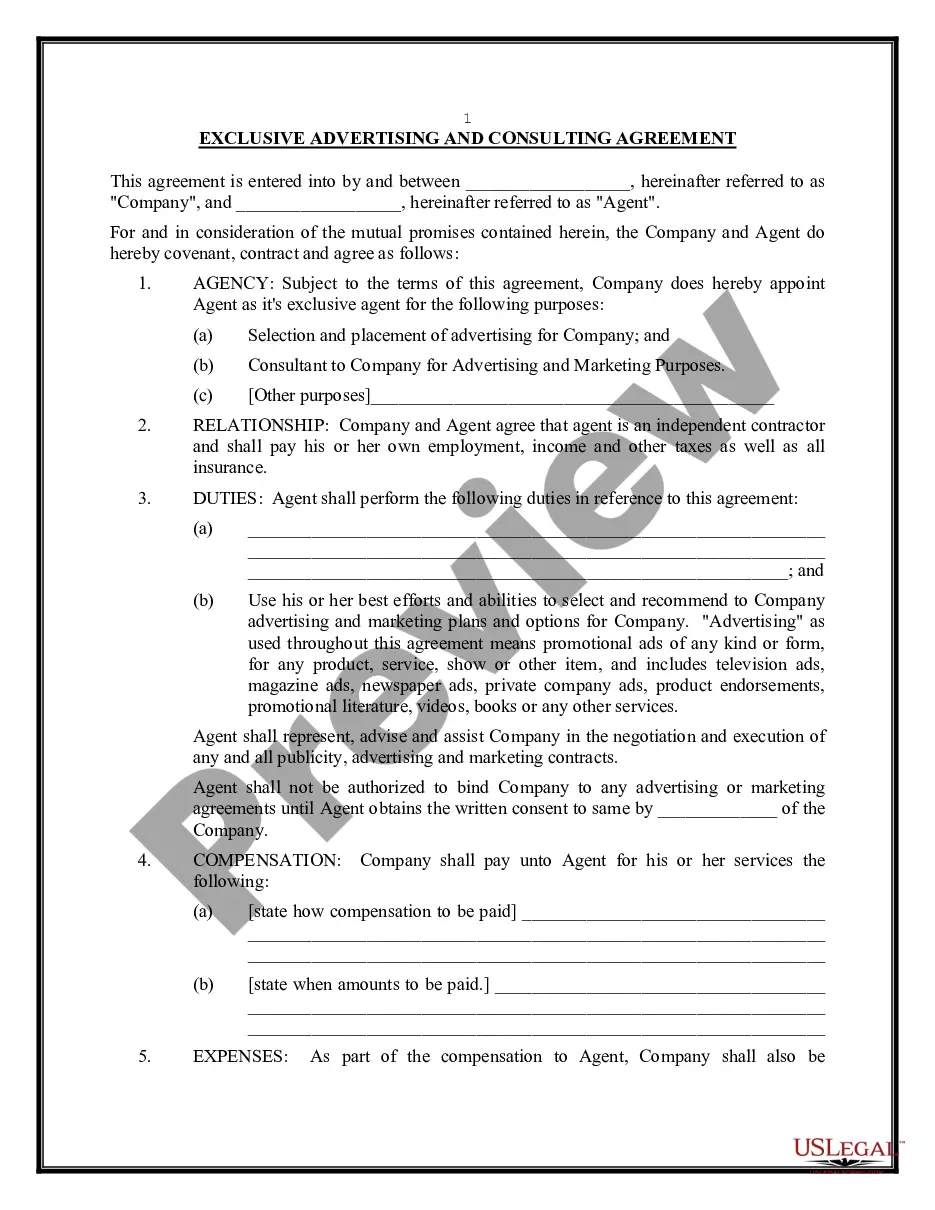
Get your form ready online
Our built-in tools help you complete, sign, share, and store your documents in one place.
Make edits, fill in missing information, and update formatting in US Legal Forms—just like you would in MS Word.
Download a copy, print it, send it by email, or mail it via USPS—whatever works best for your next step.
Sign and collect signatures with our SignNow integration. Send to multiple recipients, set reminders, and more. Go Premium to unlock E-Sign.
If this form requires notarization, complete it online through a secure video call—no need to meet a notary in person or wait for an appointment.
We protect your documents and personal data by following strict security and privacy standards.

Make edits, fill in missing information, and update formatting in US Legal Forms—just like you would in MS Word.

Download a copy, print it, send it by email, or mail it via USPS—whatever works best for your next step.

Sign and collect signatures with our SignNow integration. Send to multiple recipients, set reminders, and more. Go Premium to unlock E-Sign.

If this form requires notarization, complete it online through a secure video call—no need to meet a notary in person or wait for an appointment.

We protect your documents and personal data by following strict security and privacy standards.
Looking for another form?







How to fill out Motion For Change Of Venue - Incorrect Court District?
Getting a go-to place to access the most current and relevant legal templates is half the struggle of working with bureaucracy. Choosing the right legal documents calls for accuracy and attention to detail, which explains why it is vital to take samples of Motion Court District Form With Decimals only from reputable sources, like US Legal Forms. A wrong template will waste your time and delay the situation you are in. With US Legal Forms, you have very little to worry about. You can access and view all the details about the document’s use and relevance for the situation and in your state or region.
Take the listed steps to finish your Motion Court District Form With Decimals:
- Utilize the library navigation or search field to find your sample.
- Open the form’s description to see if it matches the requirements of your state and county.
- Open the form preview, if there is one, to make sure the template is definitely the one you are interested in.
- Get back to the search and find the proper template if the Motion Court District Form With Decimals does not match your requirements.
- When you are positive about the form’s relevance, download it.
- When you are an authorized user, click Log in to authenticate and gain access to your picked templates in My Forms.
- If you do not have an account yet, click Buy now to get the form.
- Choose the pricing plan that fits your needs.
- Proceed to the registration to complete your purchase.
- Finalize your purchase by choosing a payment method (credit card or PayPal).
- Choose the document format for downloading Motion Court District Form With Decimals.
- Once you have the form on your gadget, you may change it with the editor or print it and complete it manually.
Get rid of the hassle that accompanies your legal paperwork. Check out the extensive US Legal Forms collection where you can find legal templates, check their relevance to your situation, and download them immediately.
Form popularity
FAQ
File the Motion with the court. File all four copies of your motion with the court in person or by first-class mail. If you mail your motion to the court, include a postage-paid and self-addressed envelope with your motion so that the court can return copies.
Be as persuasive as possible as you write your motion in a sequential, logical format. Express your ideas clearly, and make sure you outline what steps are necessary and how they will help your case. Use facts of the case whenever you can to avoid baseless emotional appeals.
General format - each motion generally consists of a case caption, a title that briefly identifies the relief sought, a series of numbered paragraphs that explains -- in a logical way -- why you are entitled to that relief, a prayer for relief, a signature block, a certification that a copy of the motion was sent to ...
(1) File a motion in the District Court where the case was (Use form DC-002) You can file this motion in writing within ten (10) days after the date of the judgment. You must state in writing all of the reasons that you believe that the District Court judge made the wrong decision.
File your Motion and the copies with the court clerk's office in the court where your case was heard. File a copy of the proposed order with your Motion. Contact your court to find out which filing methods are available. Depending on your court, you may be able to file electronically.