Wrongful Single Actions Statement With Text
Description

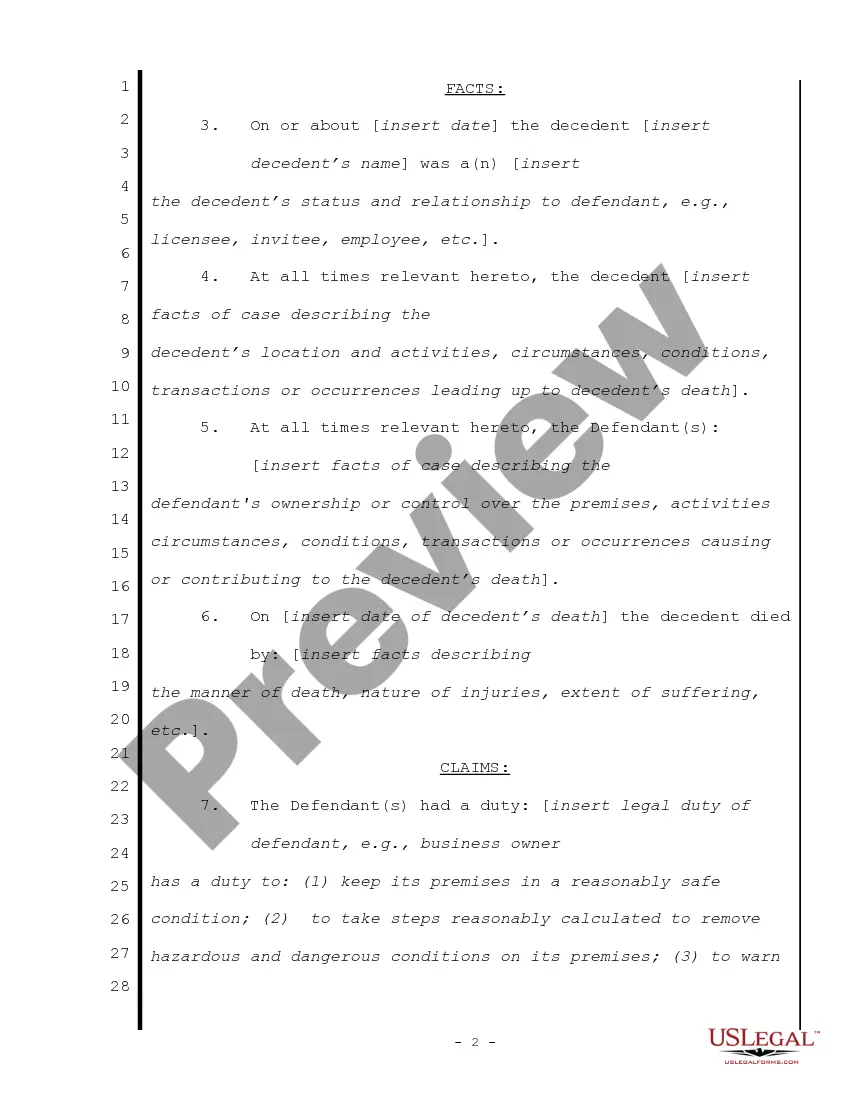
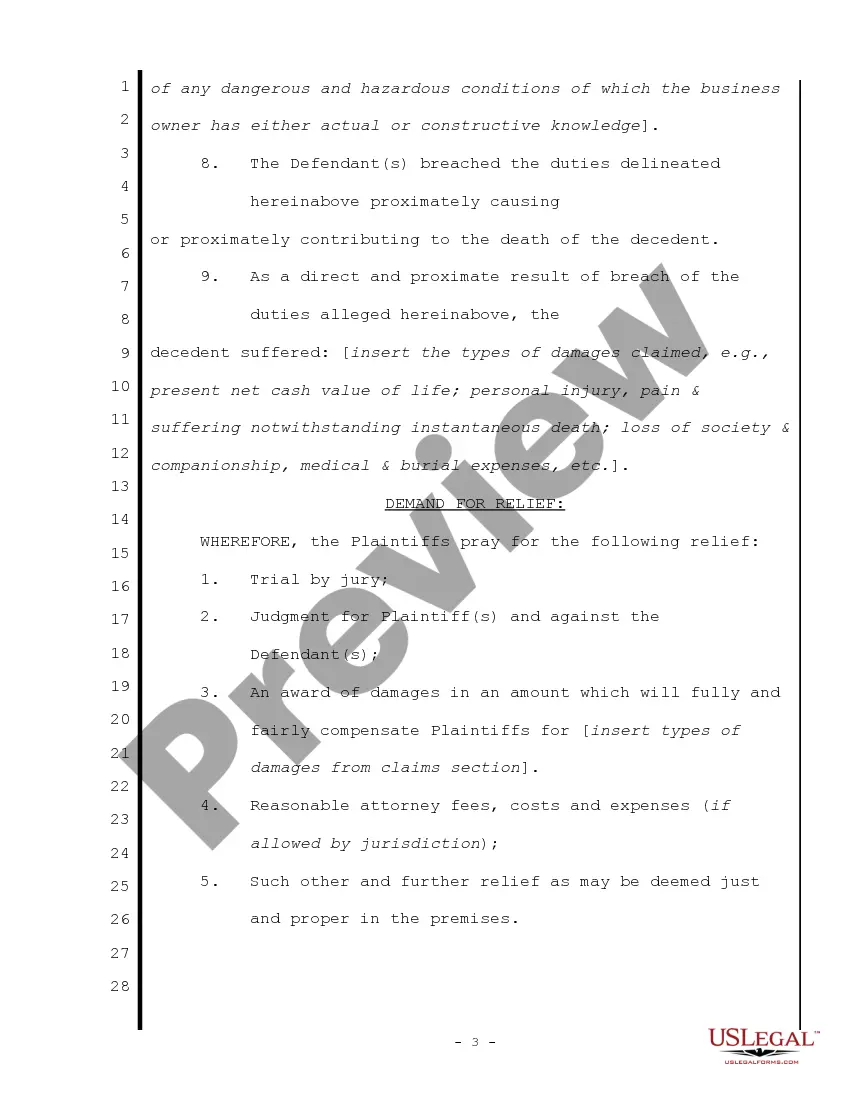
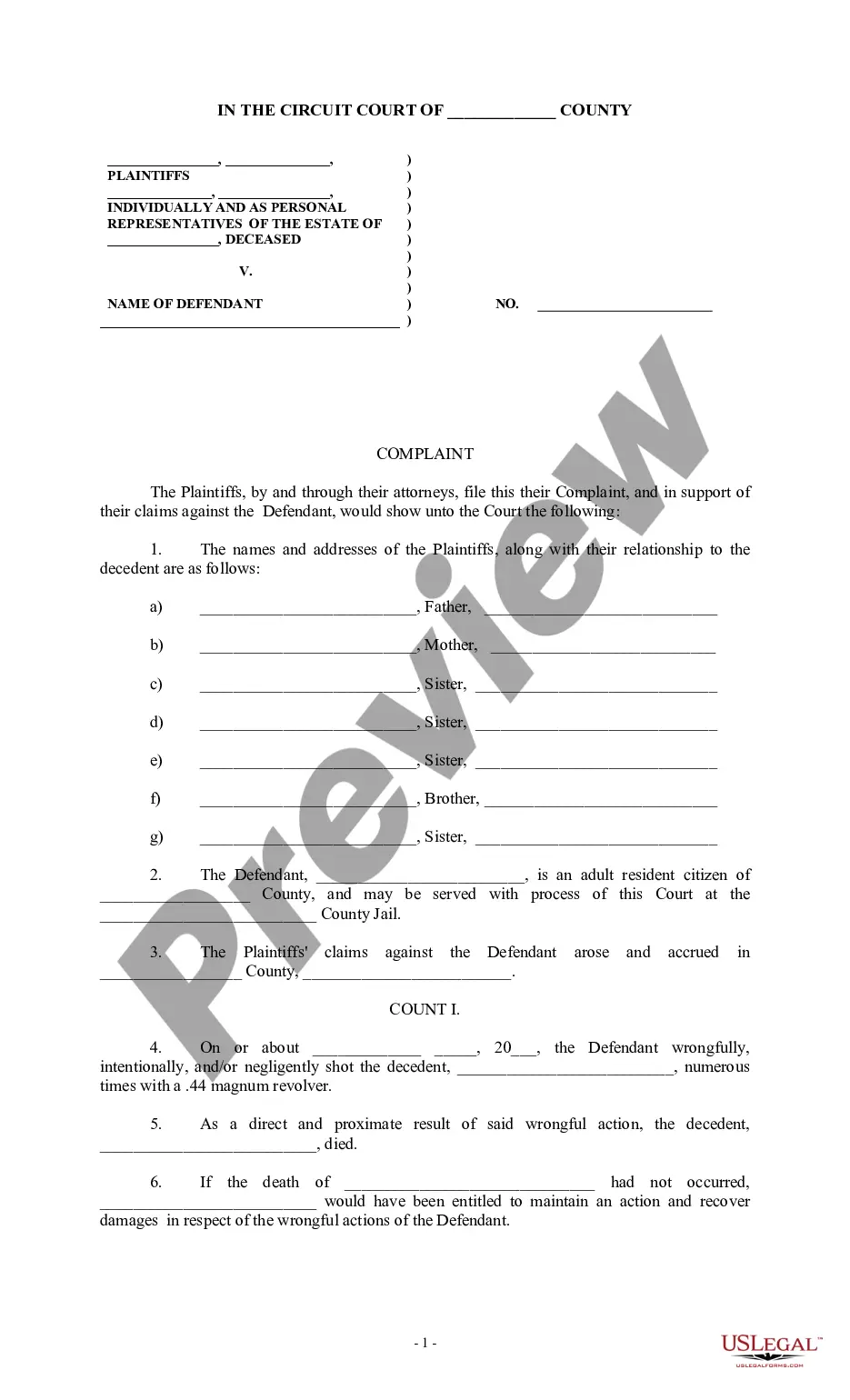
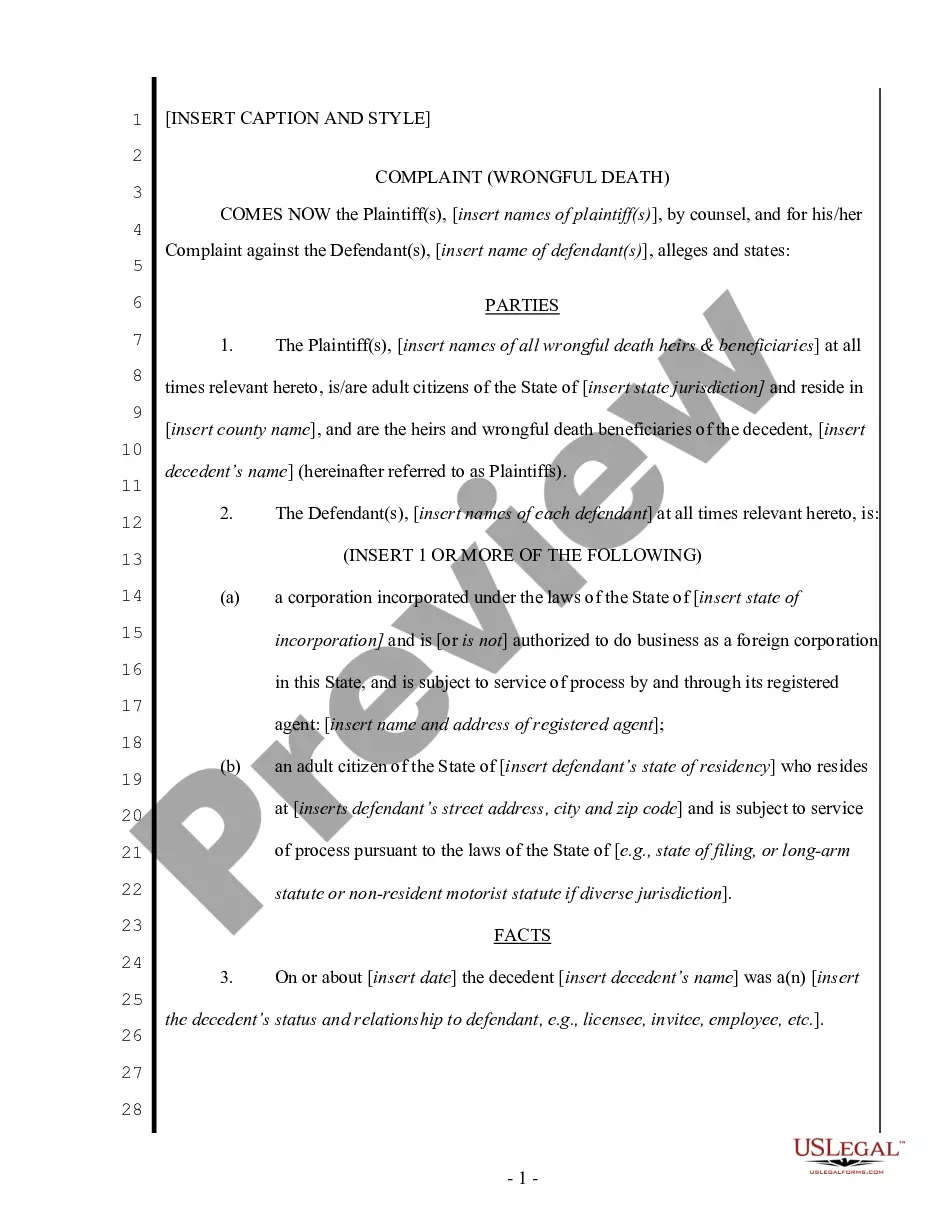
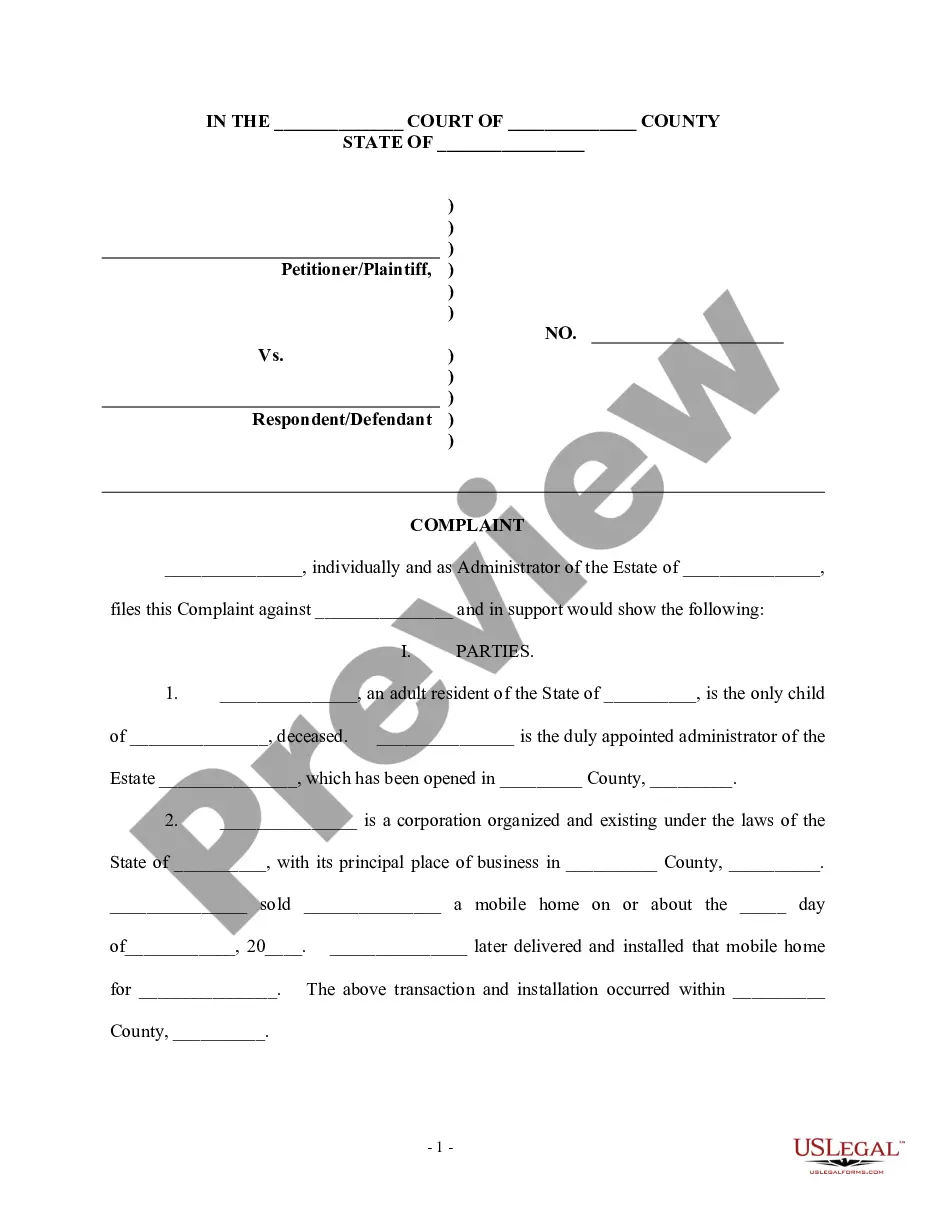

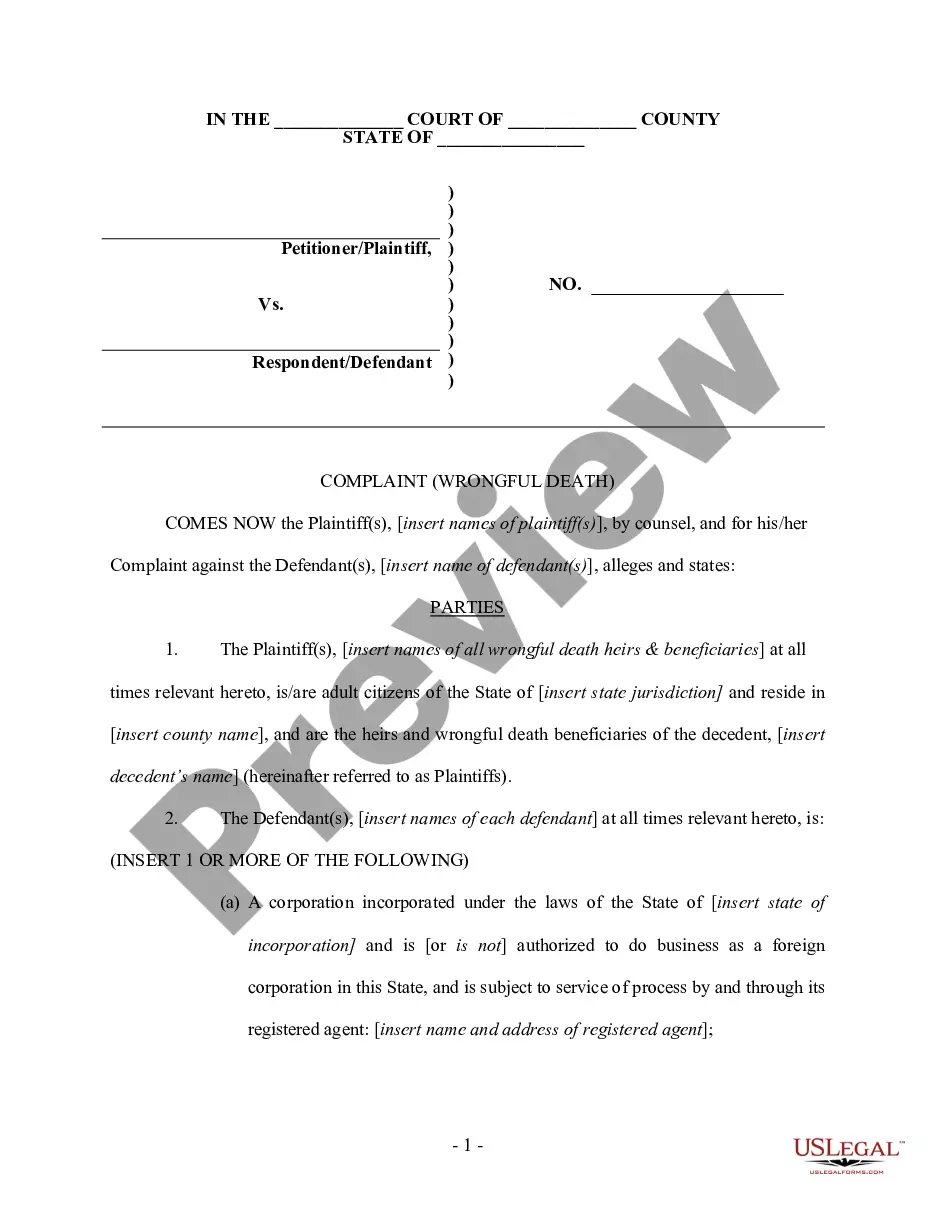
Get your form ready online
Our built-in tools help you complete, sign, share, and store your documents in one place.
Make edits, fill in missing information, and update formatting in US Legal Forms—just like you would in MS Word.
Download a copy, print it, send it by email, or mail it via USPS—whatever works best for your next step.
Sign and collect signatures with our SignNow integration. Send to multiple recipients, set reminders, and more. Go Premium to unlock E-Sign.
If this form requires notarization, complete it online through a secure video call—no need to meet a notary in person or wait for an appointment.
We protect your documents and personal data by following strict security and privacy standards.

Make edits, fill in missing information, and update formatting in US Legal Forms—just like you would in MS Word.

Download a copy, print it, send it by email, or mail it via USPS—whatever works best for your next step.

Sign and collect signatures with our SignNow integration. Send to multiple recipients, set reminders, and more. Go Premium to unlock E-Sign.

If this form requires notarization, complete it online through a secure video call—no need to meet a notary in person or wait for an appointment.

We protect your documents and personal data by following strict security and privacy standards.
Looking for another form?
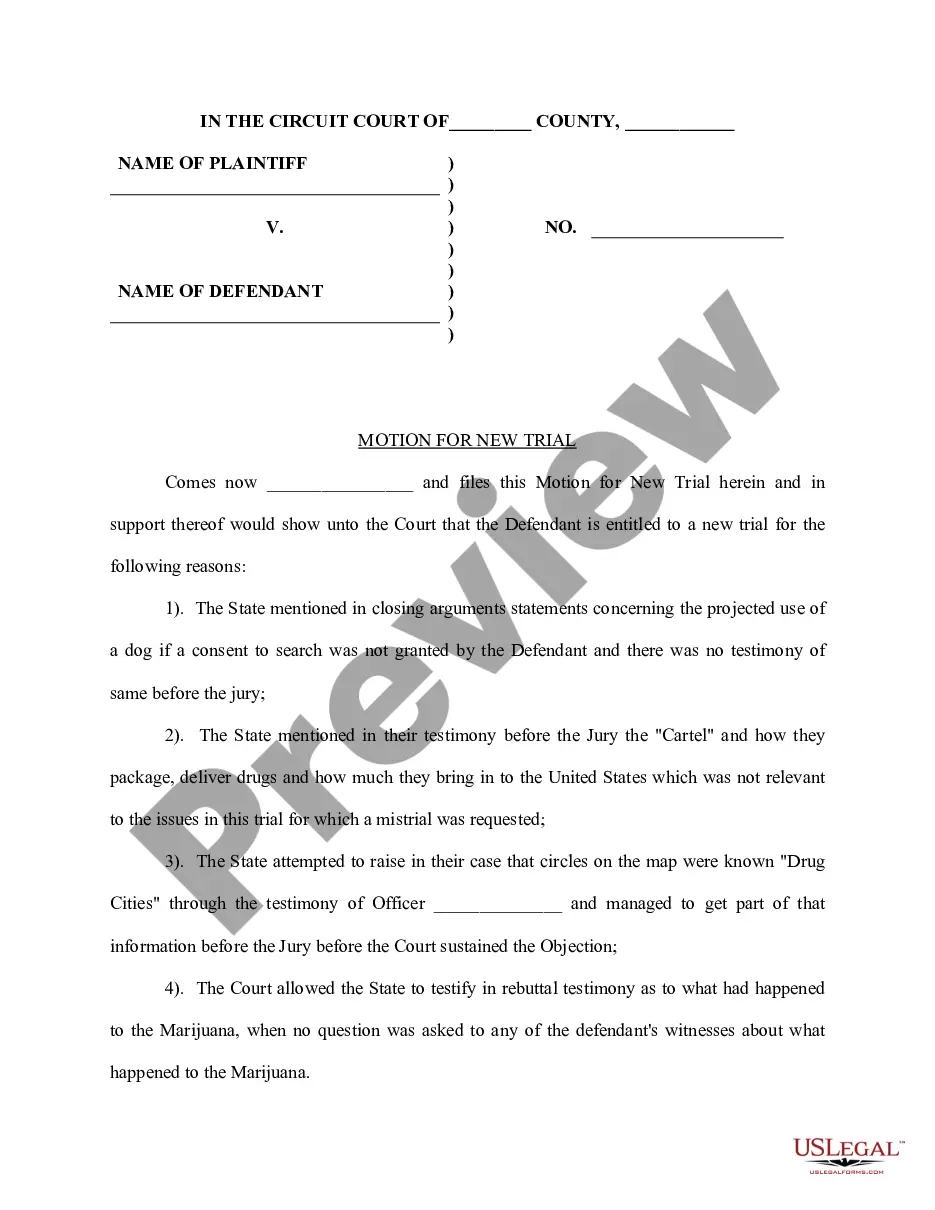




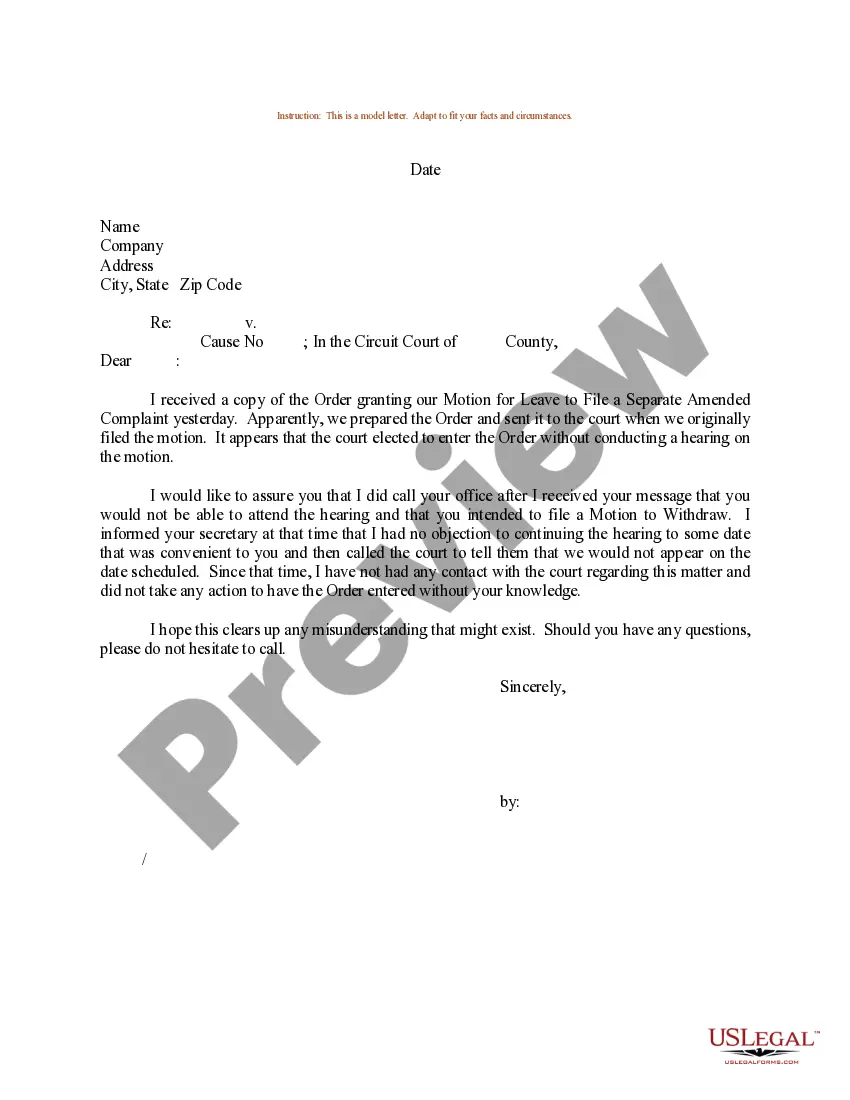
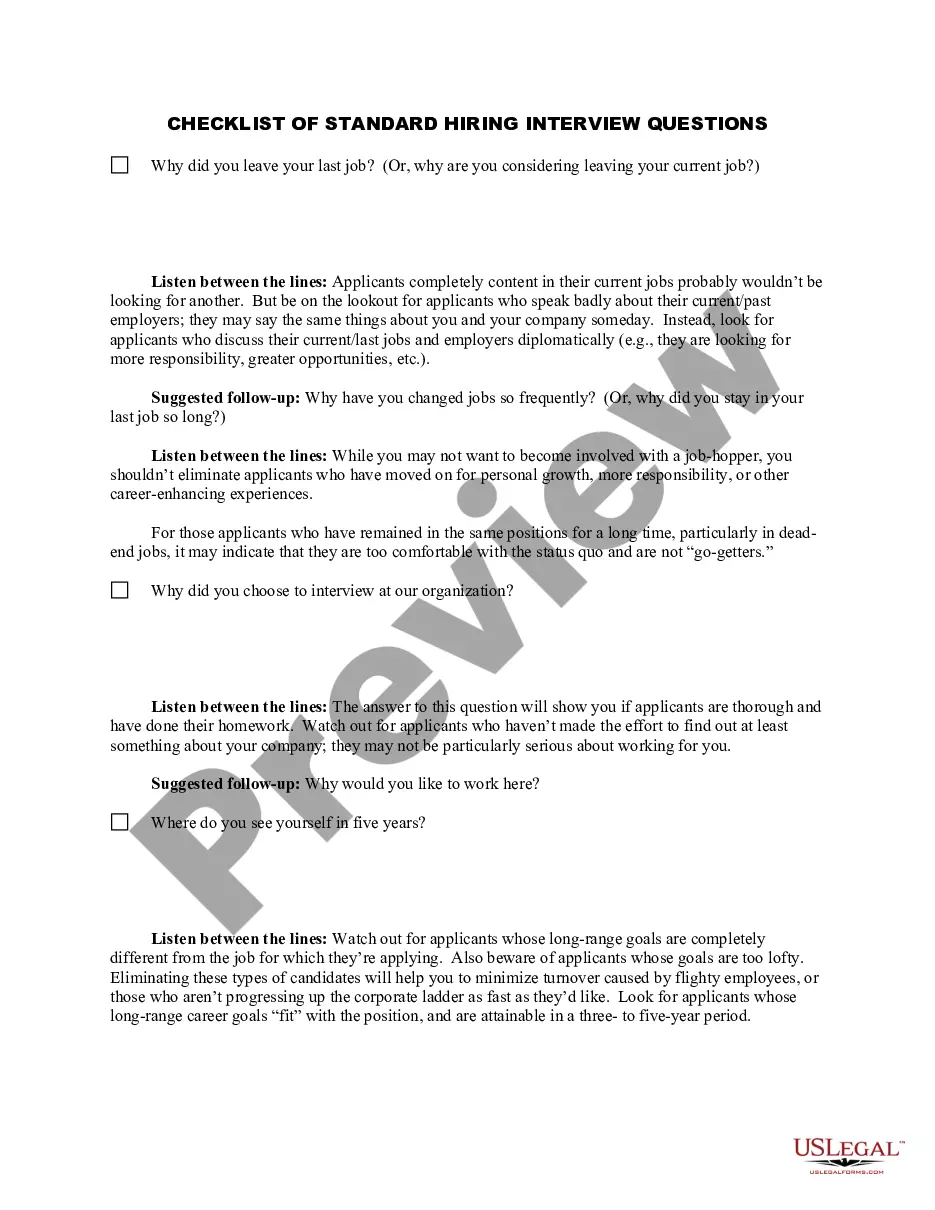
How to fill out Complaint For Wrongful Death - Single Count?
- If you're a returning user, log in to your account and download your desired document by clicking the Download button. Verify that your subscription is active and renew if necessary.
- For first-time users, begin by checking the Preview mode and description of the wrongful single actions statement. Ensure that it aligns with your needs and complies with local jurisdiction requirements.
- Search for additional templates if required. Utilize the Search tab to locate the perfect document. Confirm it meets your criteria before proceeding.
- Purchase the document by clicking the Buy Now button and selecting your preferred subscription plan. You'll need to create an account to access the extensive library.
- Complete your purchase by entering your credit card details or using PayPal.
- Download your statement and save it to your device, which will allow you to fill it out. You can always access it later through the My Forms menu.
US Legal Forms stands out by empowering individuals and attorneys to quickly execute legal documents. With over 85,000 forms available, efficient options, and professional assistance, users can ensure they complete their paperwork accurately and on time.
Take control of your legal documentation today. Start utilizing US Legal Forms for all your legal needs and ensure that you're always prepared for any situation.
Form popularity
FAQ
Yes, you can use the IF function in Excel with text-based conditions. This function allows you to return different text values based on certain conditions you set. By applying this in the context of a wrongful single actions statement with text, you can effectively categorize or label data, resulting in clearer insights and better reporting.
Using a true false formula in Excel is commonly done with functions like IF, AND, or OR. These functions let you test conditions and return true if they are met or false otherwise. If you're analyzing a wrongful single actions statement with text, incorporating these formulas can streamline your data analysis and improve the overall accuracy of your reports.
You can add a true false checkbox in Excel by using the Developer tab to insert a checkbox control. This option allows users to make interactive selections that correspond to true or false values. Integrating such checkboxes alongside a wrongful single actions statement with text can enhance your form's usability, allowing for quick data validation.
To create a true statement in Excel, you can use the logical function TRUE() or set up an IF function that evaluates to true based on your criteria. For example, if your criteria reflect a specific condition related to a wrongful single actions statement with text, this setup allows you to confirm the accuracy of your data and make informed decisions based on the results.
Creating a true/false statement in Excel is straightforward using the IF function. This function allows you to evaluate a condition and return true if the condition is met or false if it is not. Whether you’re analyzing data or validating a wrongful single actions statement with text, mastering true/false statements enhances your ability to manipulate and present your data effectively.
Yes, conditional formatting can indeed change text in Excel. You can set conditions that, when met, alter the appearance of the text, such as changing the font color or style. If you are working with a wrongful single actions statement with text, applying conditional formatting can help highlight important entries, making your dataset easier to navigate.
To perform a true false match in Excel, you can use the MATCH function combined with an IF statement. This approach enables you to compare values against a data set and return a true or false value based on the condition. For example, if you are dealing with a wrongful single actions statement with text, you can easily identify matches and discrepancies in your dataset.
A common example of a False Claims Act violation is a contractor charging the government for materials based on falsified invoices. Such actions misappropriate government funds and can lead to severe penalties. Awareness of wrongful single actions statement with text can help you understand the legal implications of such violations.
An example of a false claim is billing for medical services that were not provided. Another instance includes fabricating data to secure government contracts. Knowing about wrongful single actions statement with text can enable you to identify and report such claims effectively.
Examples of violations include submitting inflated invoices or claiming reimbursement for services that were never rendered. Other common types involve knowingly misrepresenting compliance with government contracts. By understanding the implications of a wrongful single actions statement with text, you can better navigate these issues.