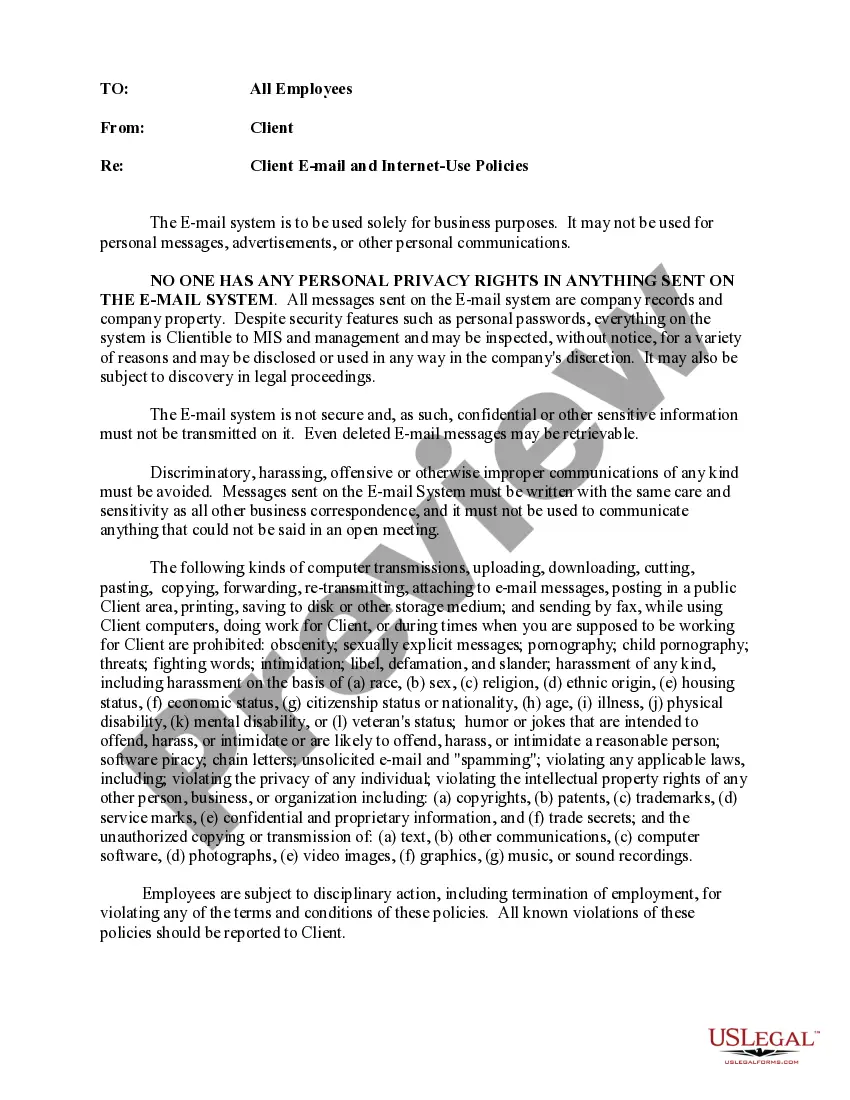
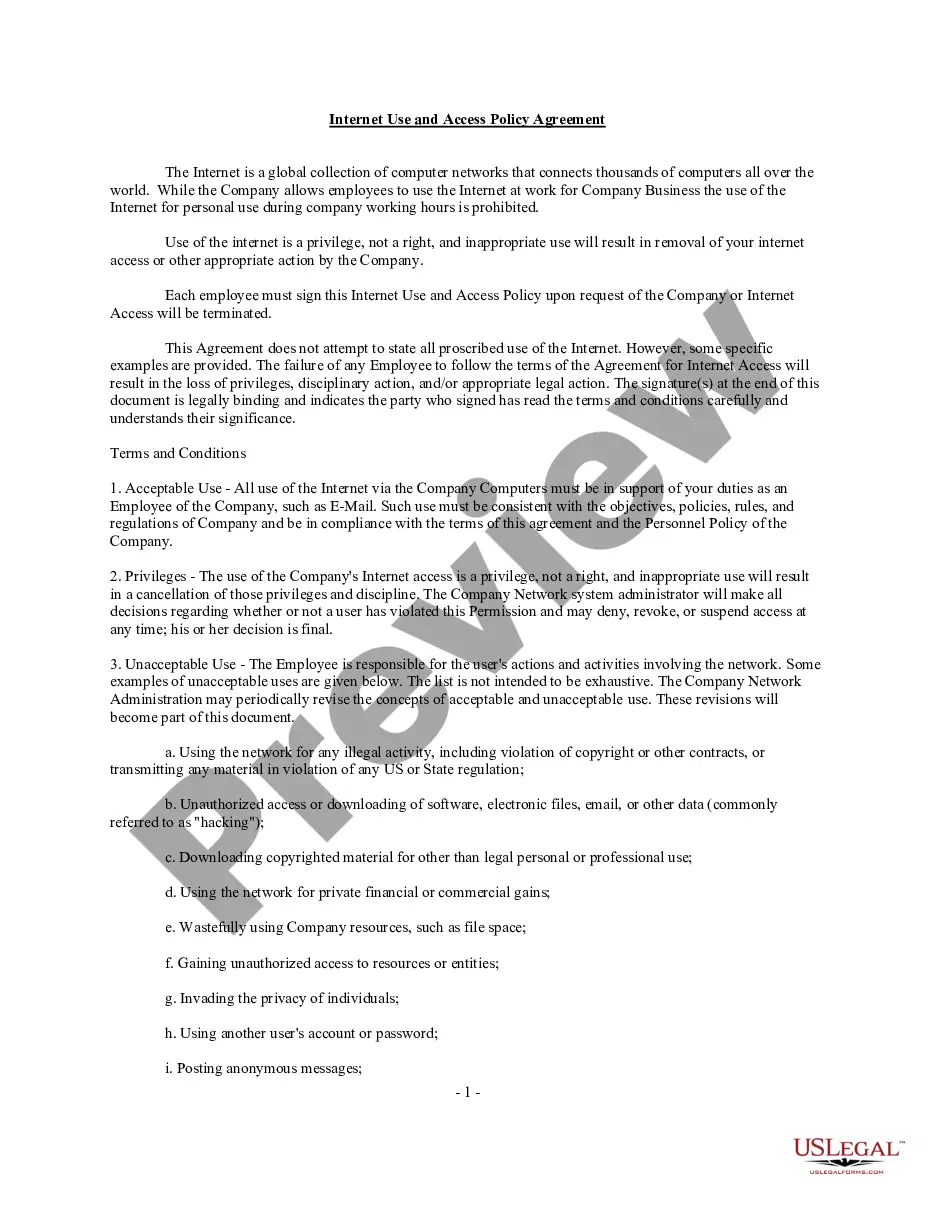
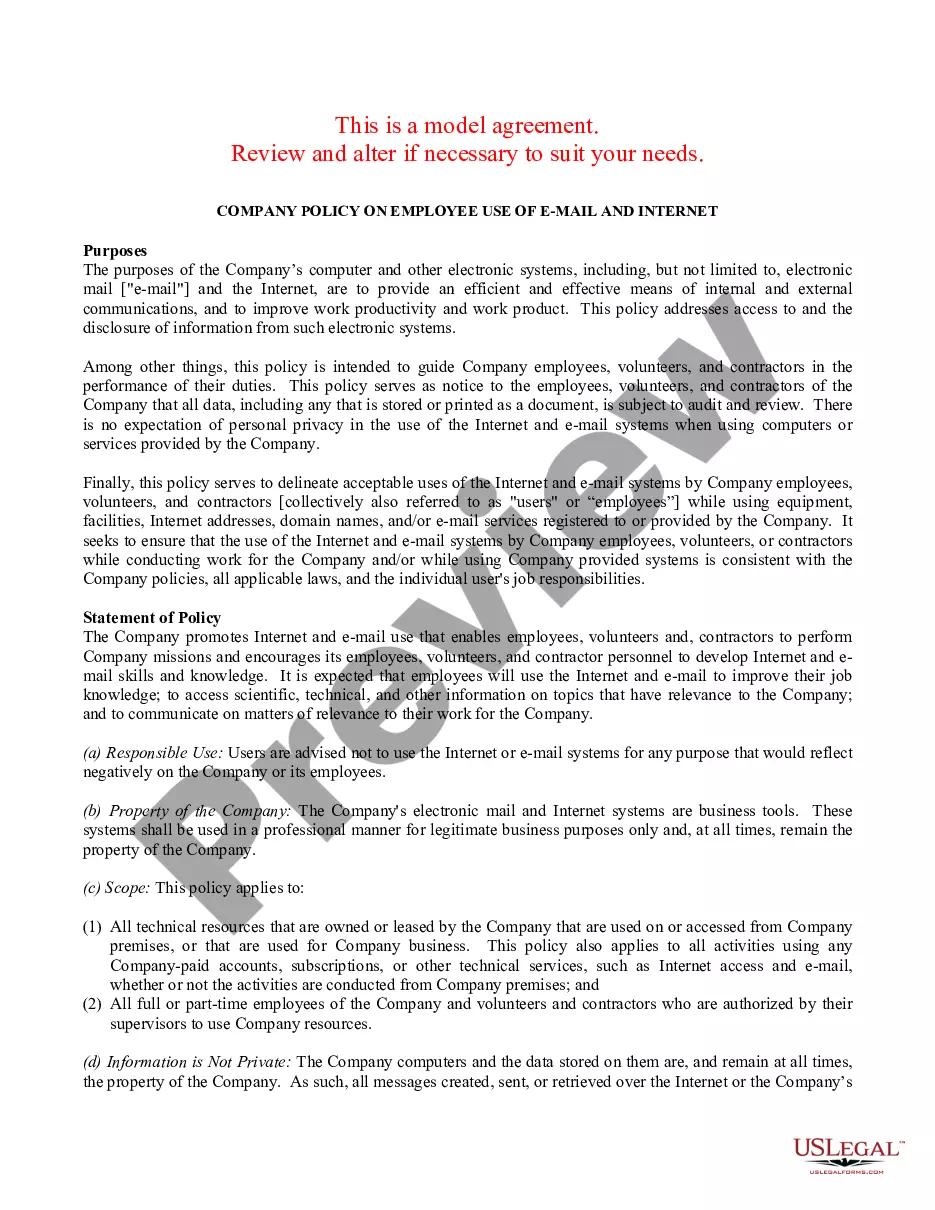
Business Memo Email Format
Description

Get your form ready online
Our built-in tools help you complete, sign, share, and store your documents in one place.
Make edits, fill in missing information, and update formatting in US Legal Forms—just like you would in MS Word.
Download a copy, print it, send it by email, or mail it via USPS—whatever works best for your next step.
Sign and collect signatures with our SignNow integration. Send to multiple recipients, set reminders, and more. Go Premium to unlock E-Sign.
If this form requires notarization, complete it online through a secure video call—no need to meet a notary in person or wait for an appointment.
We protect your documents and personal data by following strict security and privacy standards.

Make edits, fill in missing information, and update formatting in US Legal Forms—just like you would in MS Word.

Download a copy, print it, send it by email, or mail it via USPS—whatever works best for your next step.

Sign and collect signatures with our SignNow integration. Send to multiple recipients, set reminders, and more. Go Premium to unlock E-Sign.

If this form requires notarization, complete it online through a secure video call—no need to meet a notary in person or wait for an appointment.

We protect your documents and personal data by following strict security and privacy standards.
Looking for another form?



How to fill out Client EMail And Internet Use Policies Memo?
It’s clear that you can’t become a legal specialist instantly, nor can you determine how to swiftly prepare Business Memo Email Format without a specialized background.
Assembling legal documents is a lengthy undertaking that demands specific education and expertise. So why not entrust the development of the Business Memo Email Format to the experts.
With US Legal Forms, one of the most extensive legal template collections, you can find everything from court documents to templates for internal communication.
You can revisit your documents from the My documents tab at any time. If you’re an existing customer, you can simply Log In, and locate and download the template from the same tab.
Regardless of the intent of your documents—whether it’s financial and legal, or personal—our website has you covered. Try US Legal Forms now!
- Identify the form you require using the search bar at the top of the page.
- Preview it (if this option is available) and review the supporting description to ascertain whether Business Memo Email Format is what you’re seeking.
- Initiate your search again if you need a different template.
- Create a free account and choose a subscription plan to acquire the template.
- Click Buy now. Once the purchase is finalized, you can obtain the Business Memo Email Format, complete it, print it, and send or mail it to the appropriate individuals or organizations.
Form popularity
FAQ
A memo is usually a page or two long, single spaced and left justified. Instead of using indentations to show new paragraphs, skip a line between sentences. Business materials should be concise and easy to read. Therefore it is beneficial to use headings and lists to help the reader pinpoint certain information.
Send Your Memo as an Email Attachment Open Microsoft Word to display a blank document window. Type your memo. Press ?Ctrl-S? on your keyboard to open the ?Save As? dialog box. ... Click the ?File? tab on the ribbon to show a list of commands in the left pane.
How to write an e-mail memo Keep the length down?if you can. No one likes to read long e-mail messages. ... Use the subject line to give key information. ... Restate the question asked. ... Give the answer with reasons in one paragraph. ... State the governing law but skip the case explanations. ... Analyze as needed. ... Other guidelines.
How to write a business memo effectively Keep your subject line concise but also precise. ... Lead with the main topic of your memo. ... Keep your audience top of mind. ... Include only relevant information. ... Choose the right tone. ... Choose the right communication channel. ... Avoid potentially confusing or misleading mistakes.
A memo format typically includes the following sections: Heading. Recipient. Sender. CC or additional recipients. Date. All memos must invariably include the date of writing the memo. Subject line. Message body. This section states the message in one, two or three short paragraphs. ... Attachments (optional)