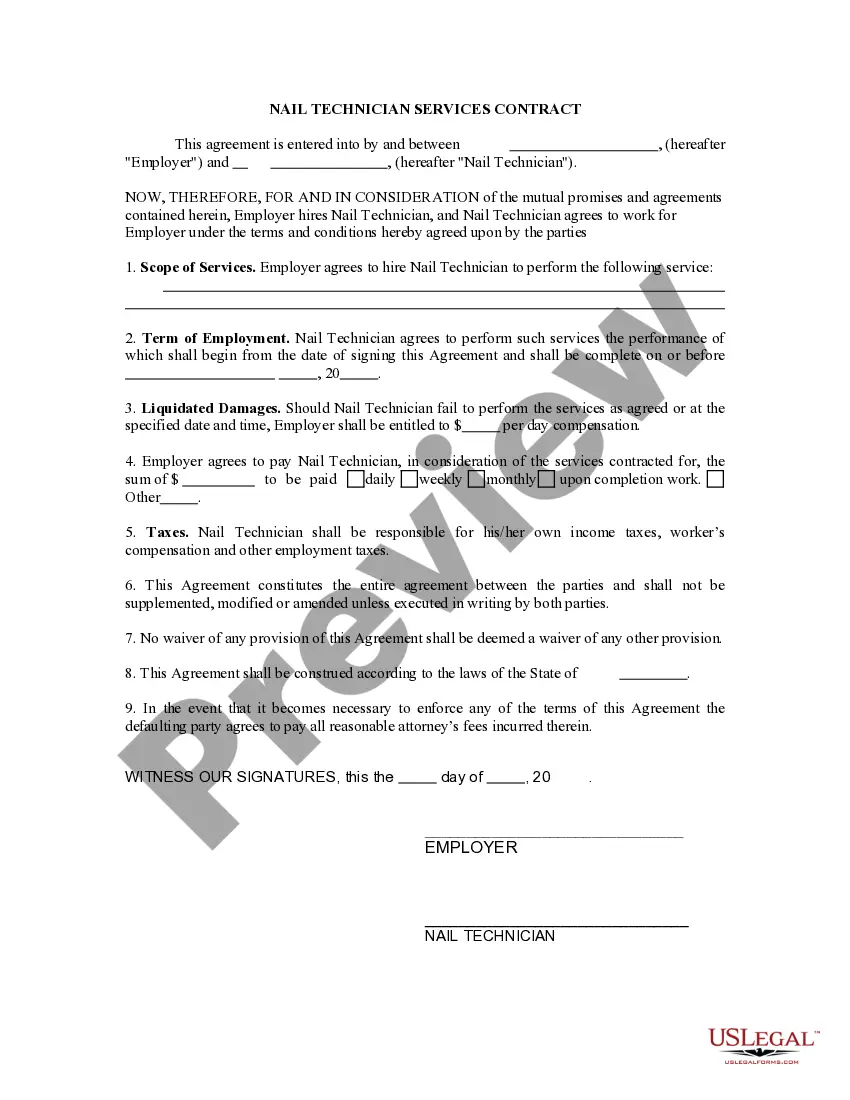
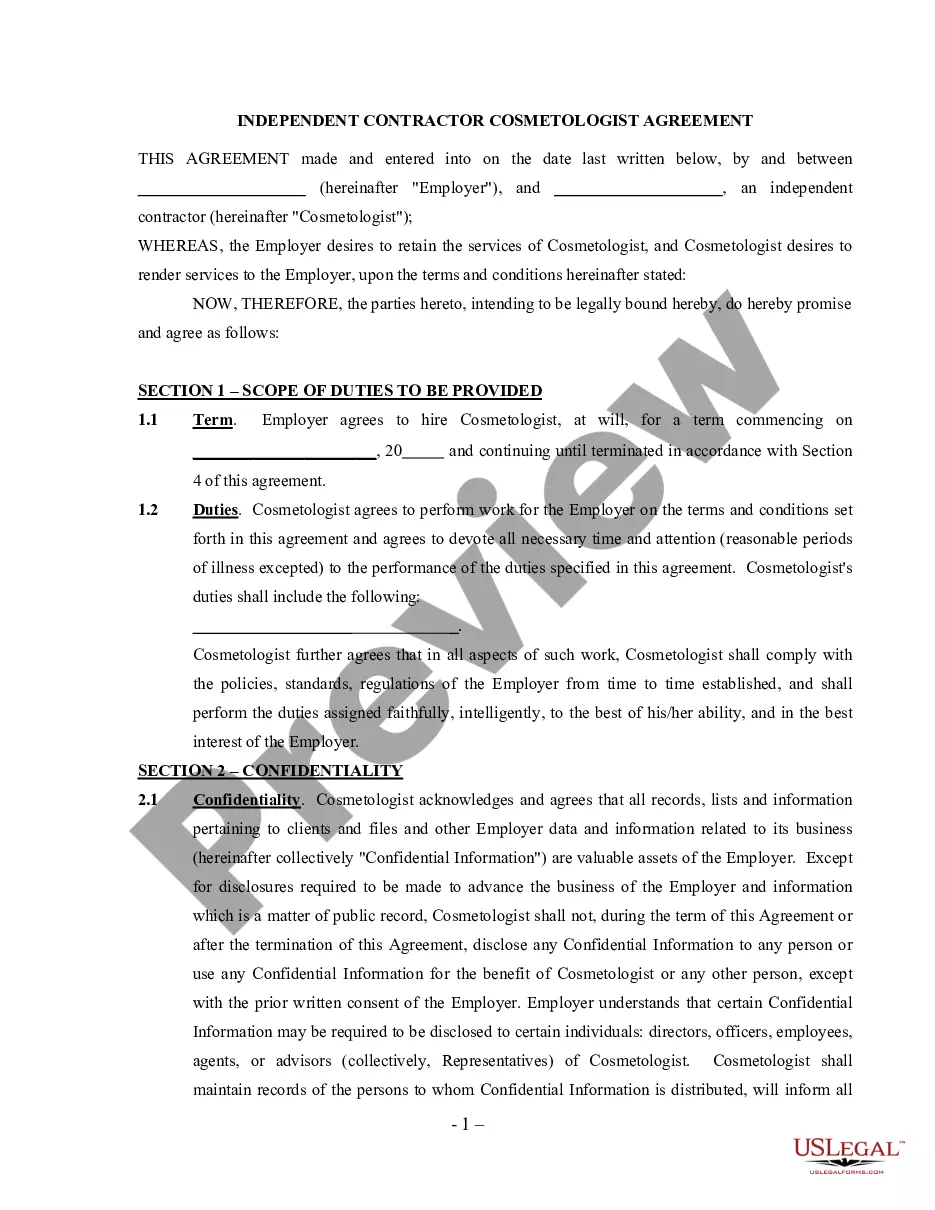
Nail Salon Independent Contractor Agreement With Non Disclosure Agreements
Description
Get your form ready online
Our built-in tools help you complete, sign, share, and store your documents in one place.
Make edits, fill in missing information, and update formatting in US Legal Forms—just like you would in MS Word.
Download a copy, print it, send it by email, or mail it via USPS—whatever works best for your next step.
Sign and collect signatures with our SignNow integration. Send to multiple recipients, set reminders, and more. Go Premium to unlock E-Sign.
If this form requires notarization, complete it online through a secure video call—no need to meet a notary in person or wait for an appointment.
We protect your documents and personal data by following strict security and privacy standards.
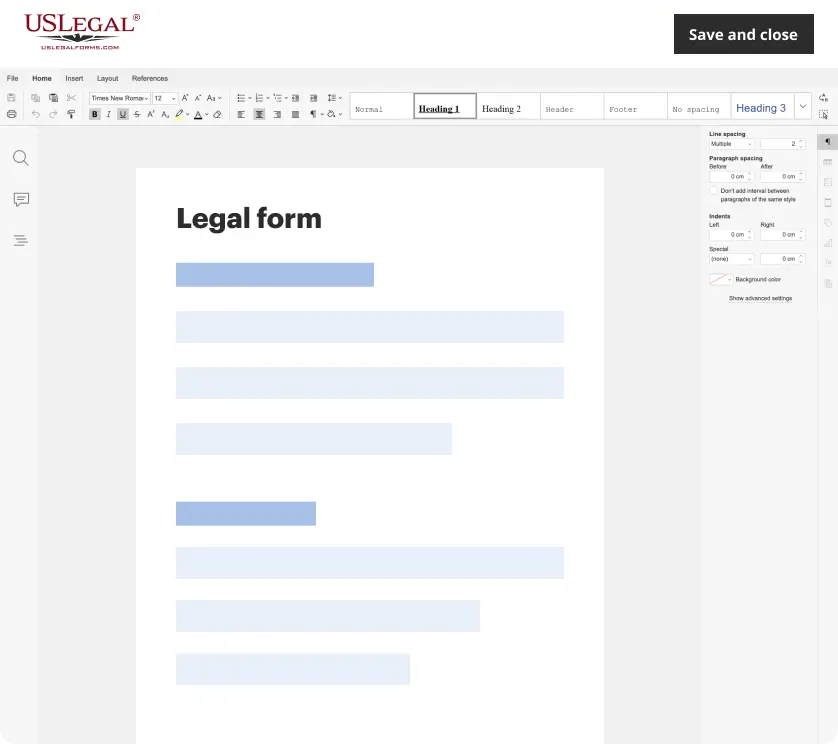
Make edits, fill in missing information, and update formatting in US Legal Forms—just like you would in MS Word.
Download a copy, print it, send it by email, or mail it via USPS—whatever works best for your next step.
Sign and collect signatures with our SignNow integration. Send to multiple recipients, set reminders, and more. Go Premium to unlock E-Sign.
If this form requires notarization, complete it online through a secure video call—no need to meet a notary in person or wait for an appointment.
We protect your documents and personal data by following strict security and privacy standards.
Looking for another form?

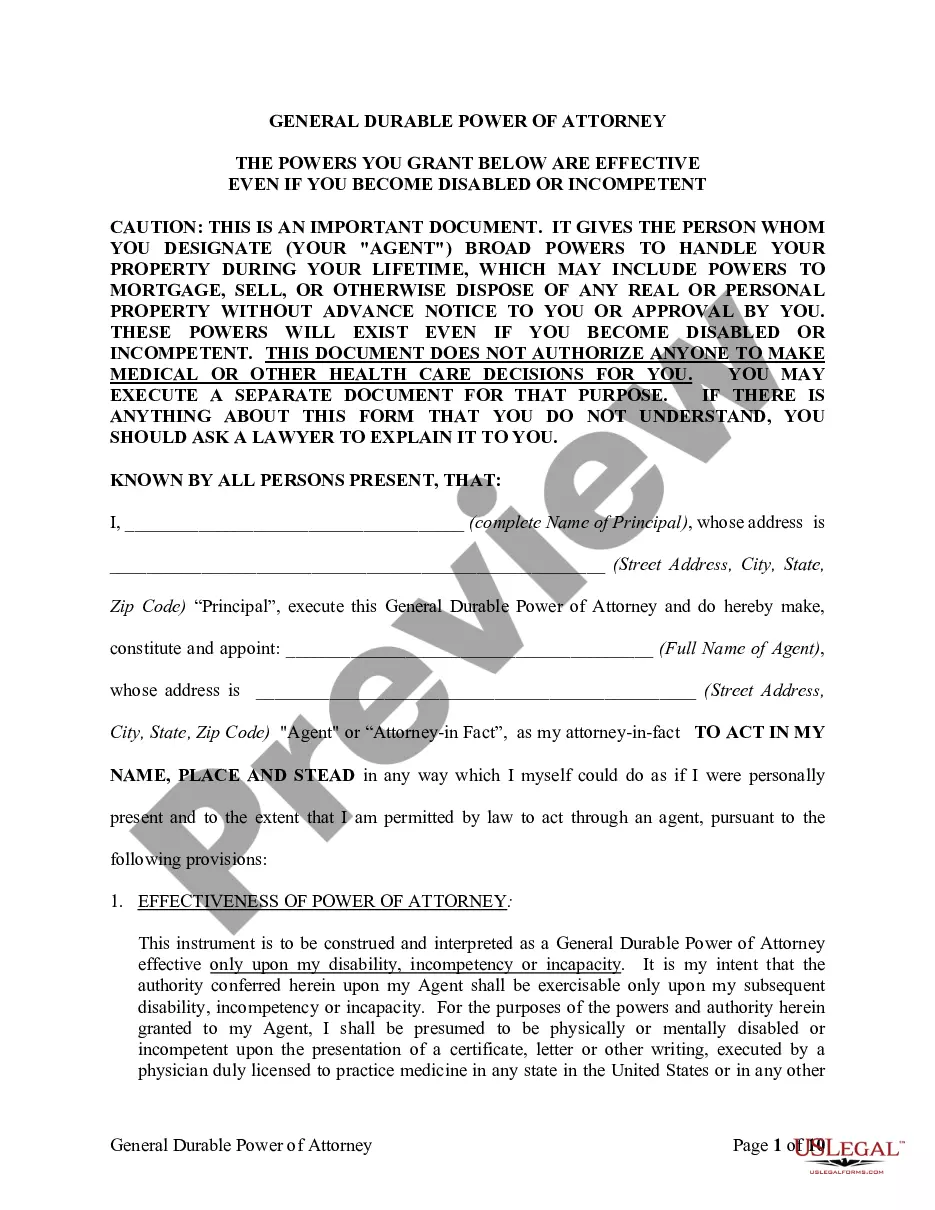
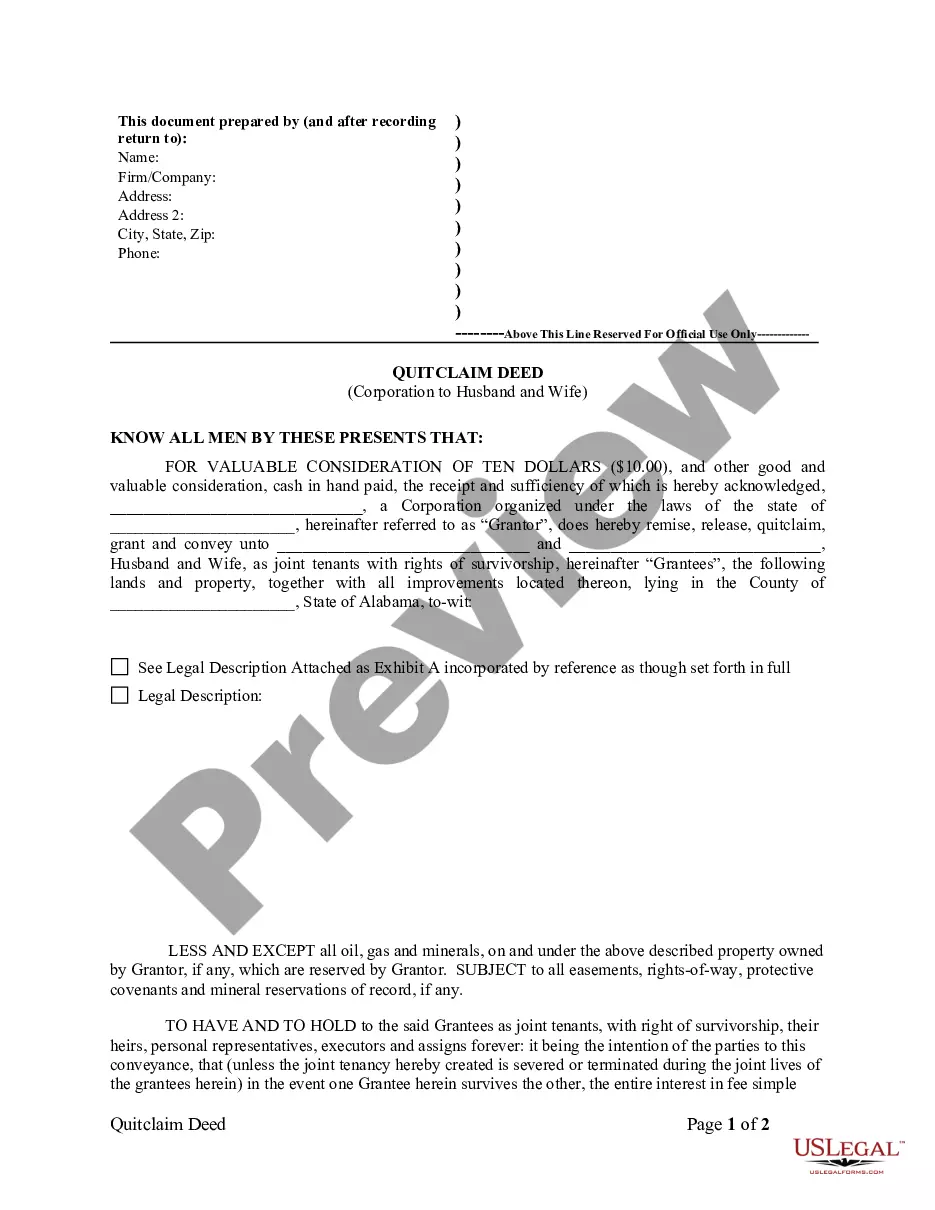
How to fill out Self-Employed Nail Technician Services Contract?
Regardless of whether it’s for professional reasons or personal matters, everyone must handle legal issues at some point in their lives. Filling out legal documents requires meticulous care, beginning with selecting the appropriate form template.
For example, if you choose an incorrect version of a Nail Salon Independent Contractor Agreement with Non-Disclosure Agreements, it will be declined upon submission. Thus, it is vital to have a reliable source for legal paperwork such as US Legal Forms.
With an extensive catalog of US Legal Forms available, you no longer need to waste time searching the internet for the right template. Utilize the library’s straightforward navigation to find the appropriate form for any situation.
- Locate the template you need by using the search box or navigating the catalog.
- Review the form’s description to ensure it aligns with your situation, state, and county.
- Click on the form’s preview to take a look at it.
- If it is not the correct document, return to the search feature to find the Nail Salon Independent Contractor Agreement with Non-Disclosure Agreements template you require.
- Obtain the template once it satisfies your needs.
- If you have a US Legal Forms account, simply click Log in to access your previously saved documents in My documents.
- If you do not yet have an account, you can acquire the form by clicking Buy now.
- Select the suitable pricing option.
- Fill out the profile registration form.
- Choose your payment method: you can use a credit card or a PayPal account.
- Opt for the document format you desire and download the Nail Salon Independent Contractor Agreement with Non-Disclosure Agreements.
- Once downloaded, you can complete the form using editing software or print it out and finish it by hand.
Form popularity
FAQ
Court documents are those materials filed in relation to a legal case before the courts. Examples of court documents would be dockets, pleadings, motions, memoranda, briefs, orders, and expert testimony. Not every case will include all of these examples.
Judicial Council Forms. To help you make sure that your court documents have the information the court needs, the California courts have created a set of court forms called Judicial Council forms.
ABOUT PLEADING PAPER If there is not a California or Local Court form to fit your situation, you will need to draft your own pleading or motion on pleading paper. The template below is already pre-formatted to meet the requirements of California Rules of Court, rules 2.100, et.
Open the form after you download it. After you click, you should see a menu with options. Put your cursor over "Save Target As . . ." and click the left button on your mouse to save the form.
The Judicial Council adopts legal forms in one of two ways. Under Government Code section 68511, the council may "prescribe" certain forms. Use of those forms is mandatory. The council may also "approve" forms.
CEB offers hundreds of California Judicial Council Forms at no charge.
When you file a lawsuit, you will usually file a petition or a complaint. You also will almost always need a summons. And, in most civil cases, you will need a Civil Case Cover Sheet (Form CM-010).