Drafting Agreement Draft Form
Description
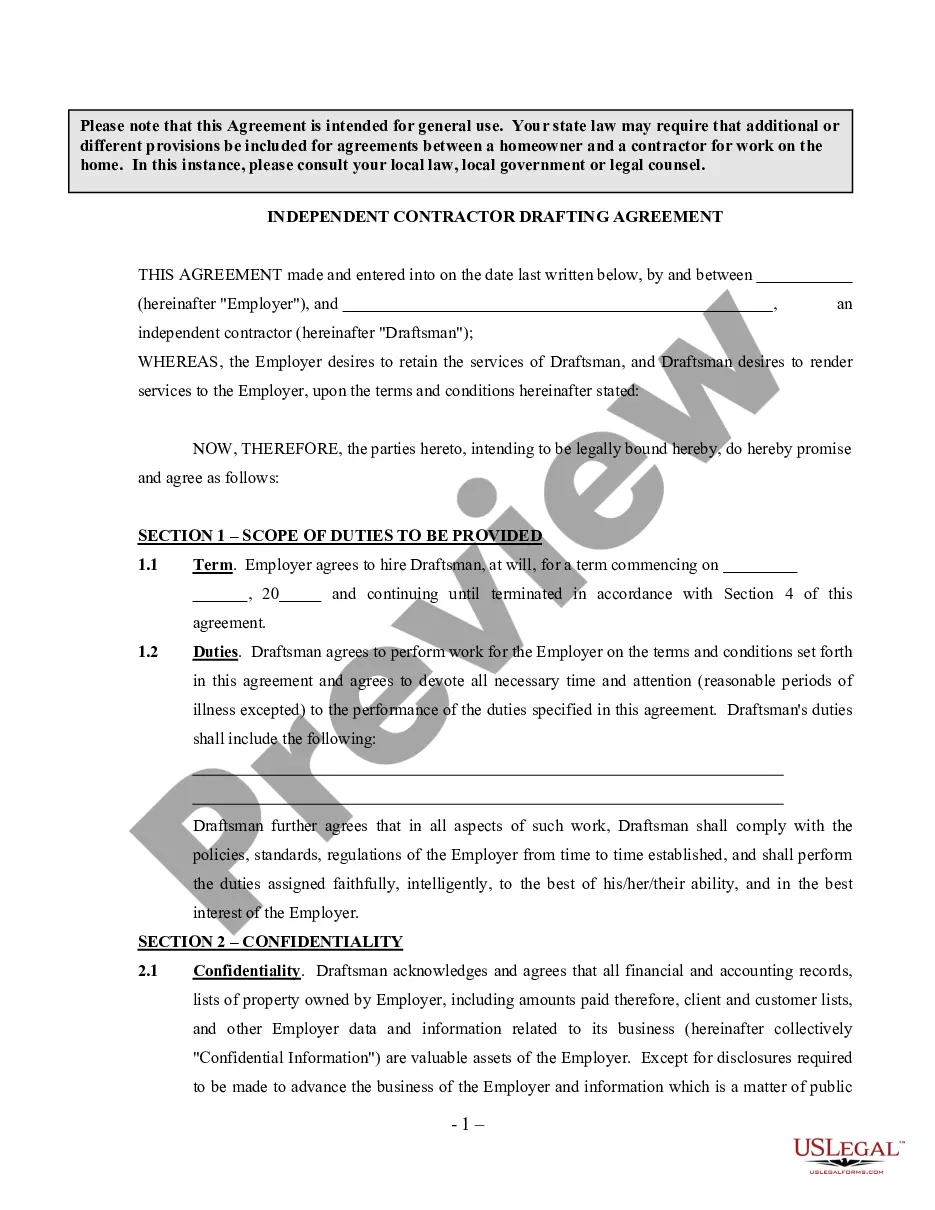
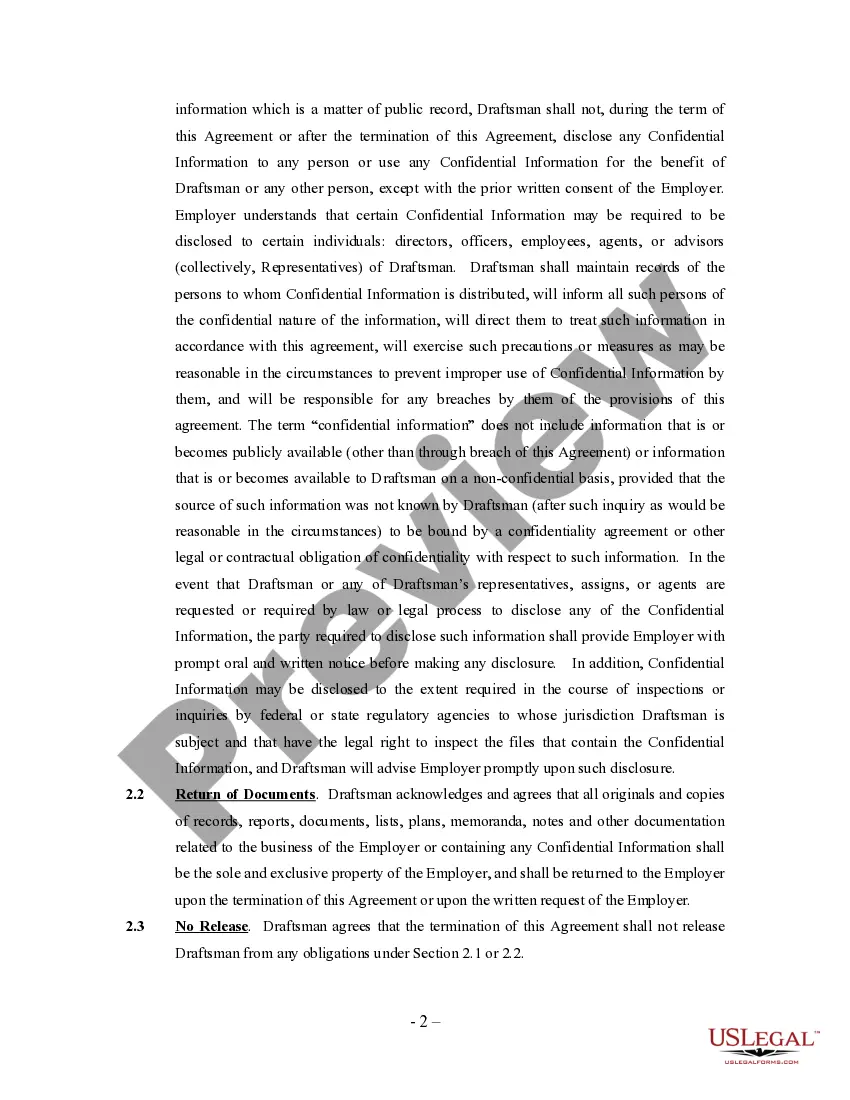
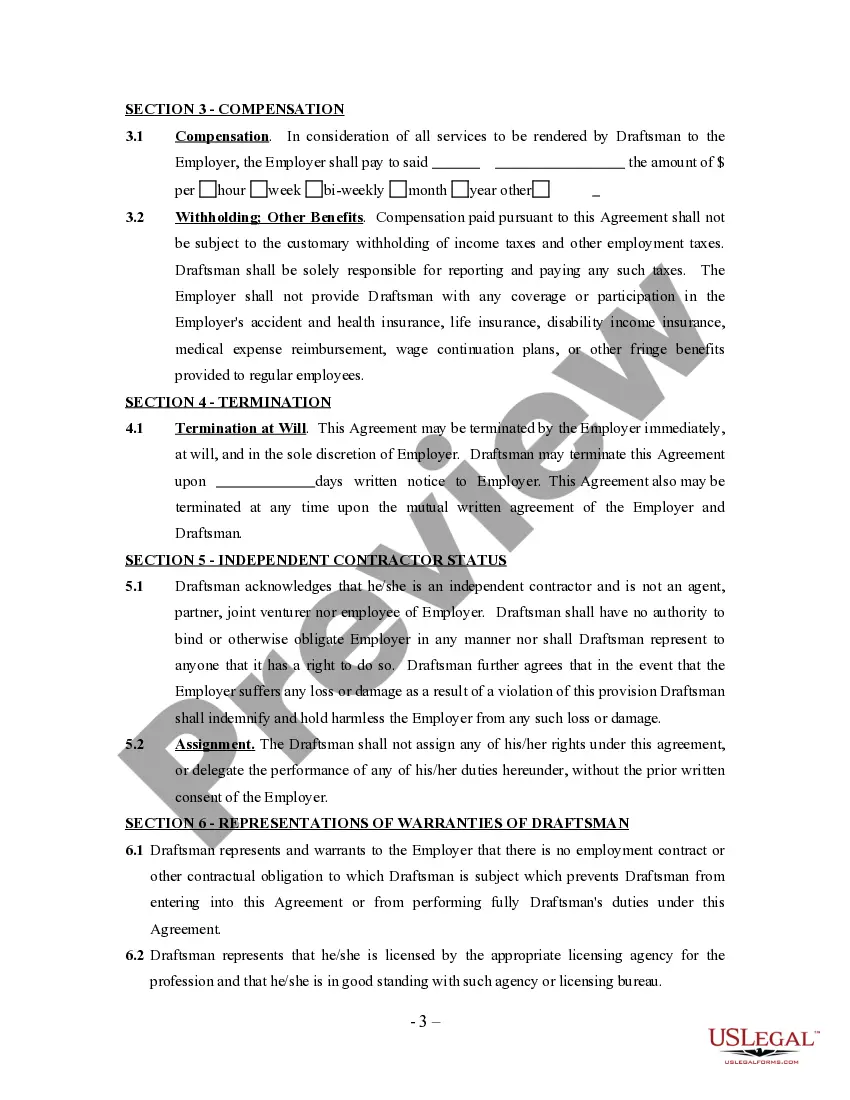
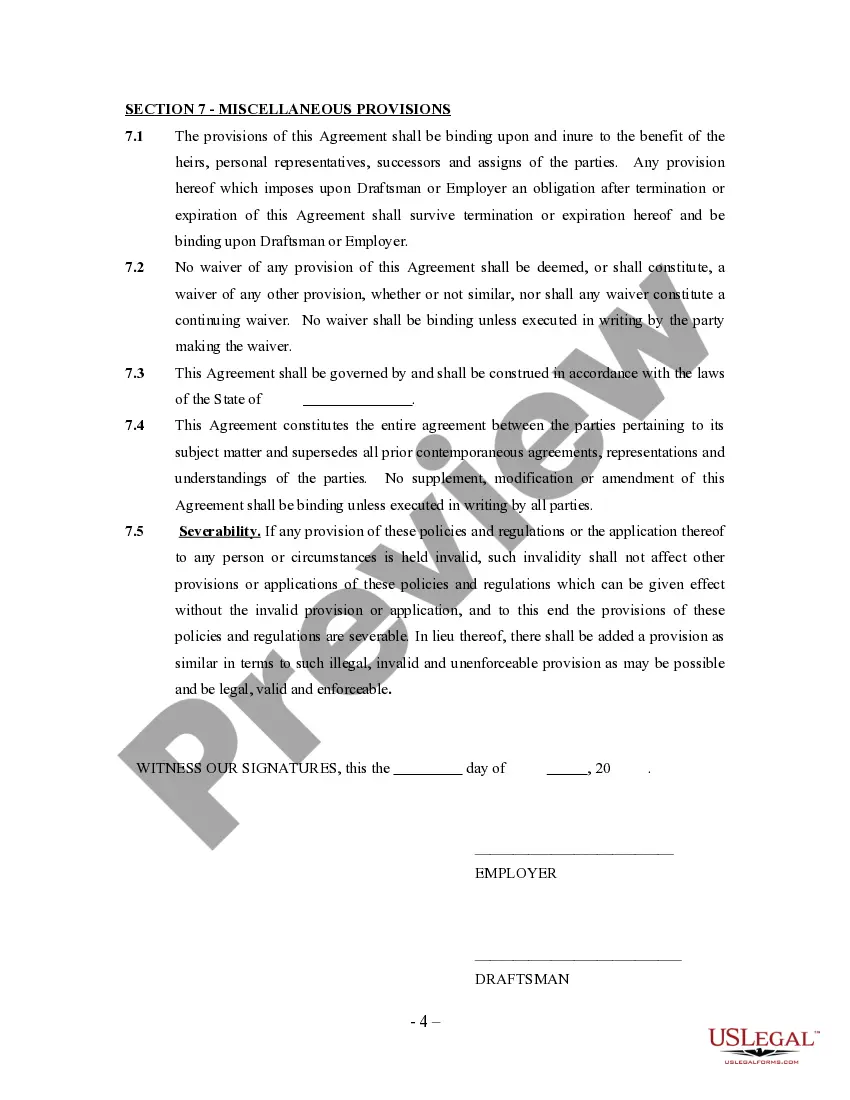
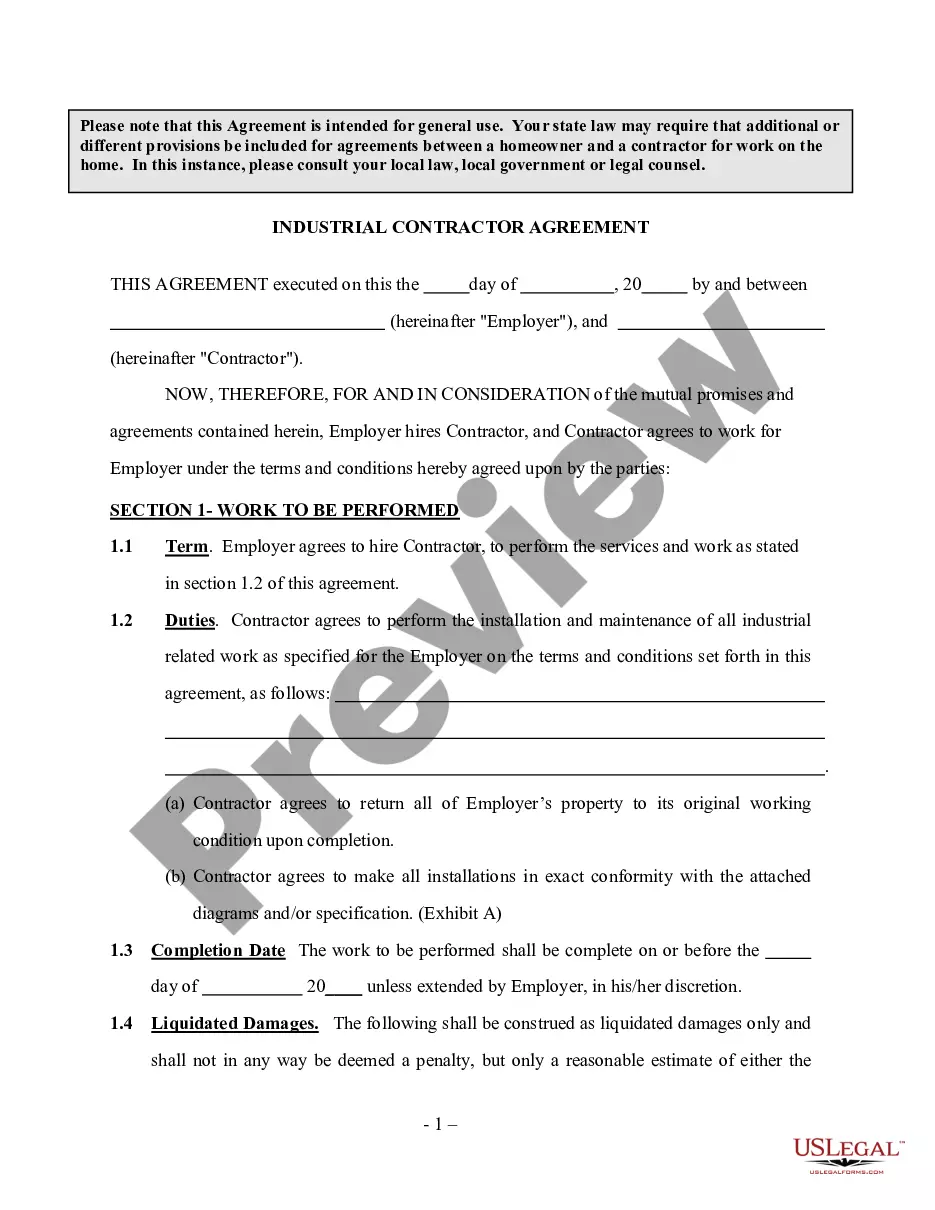
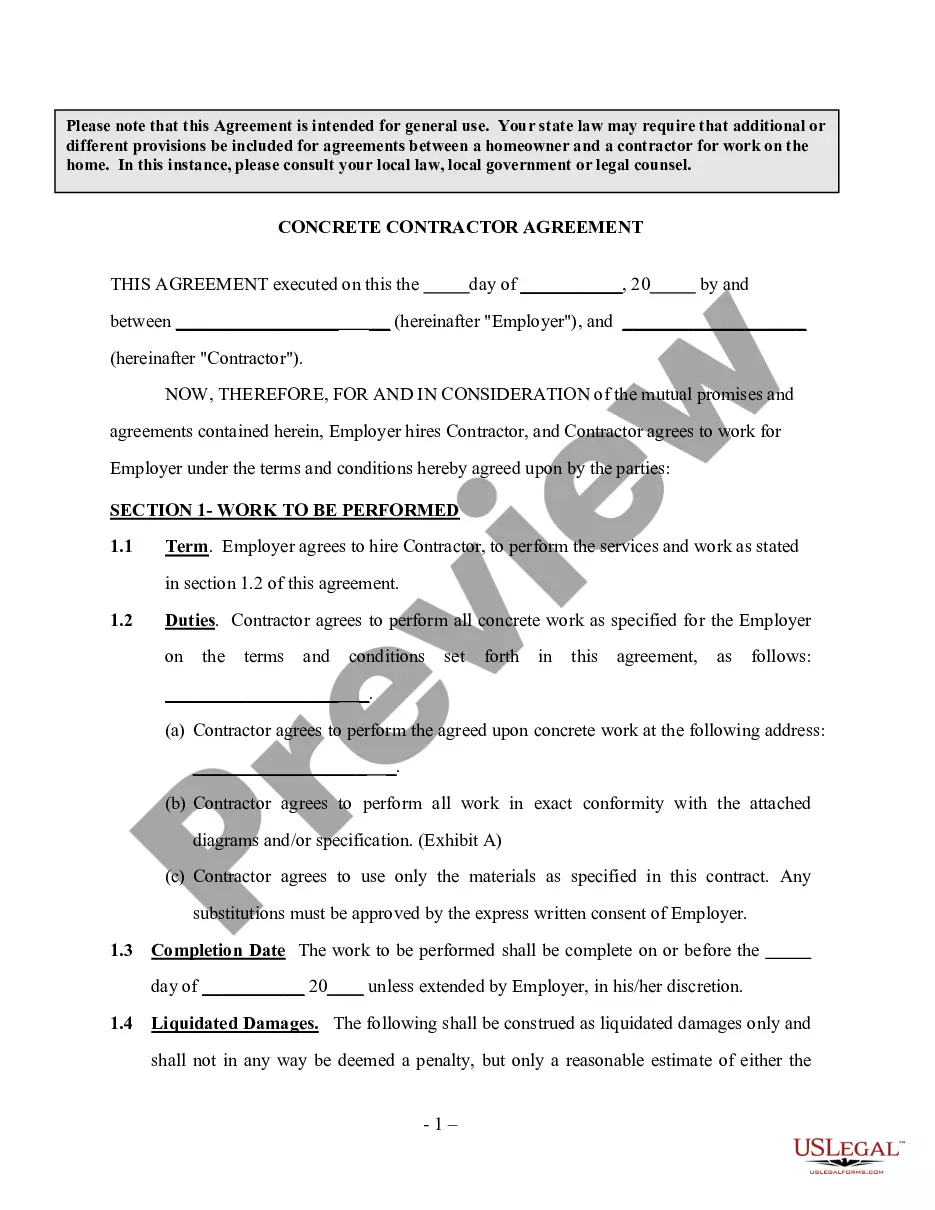
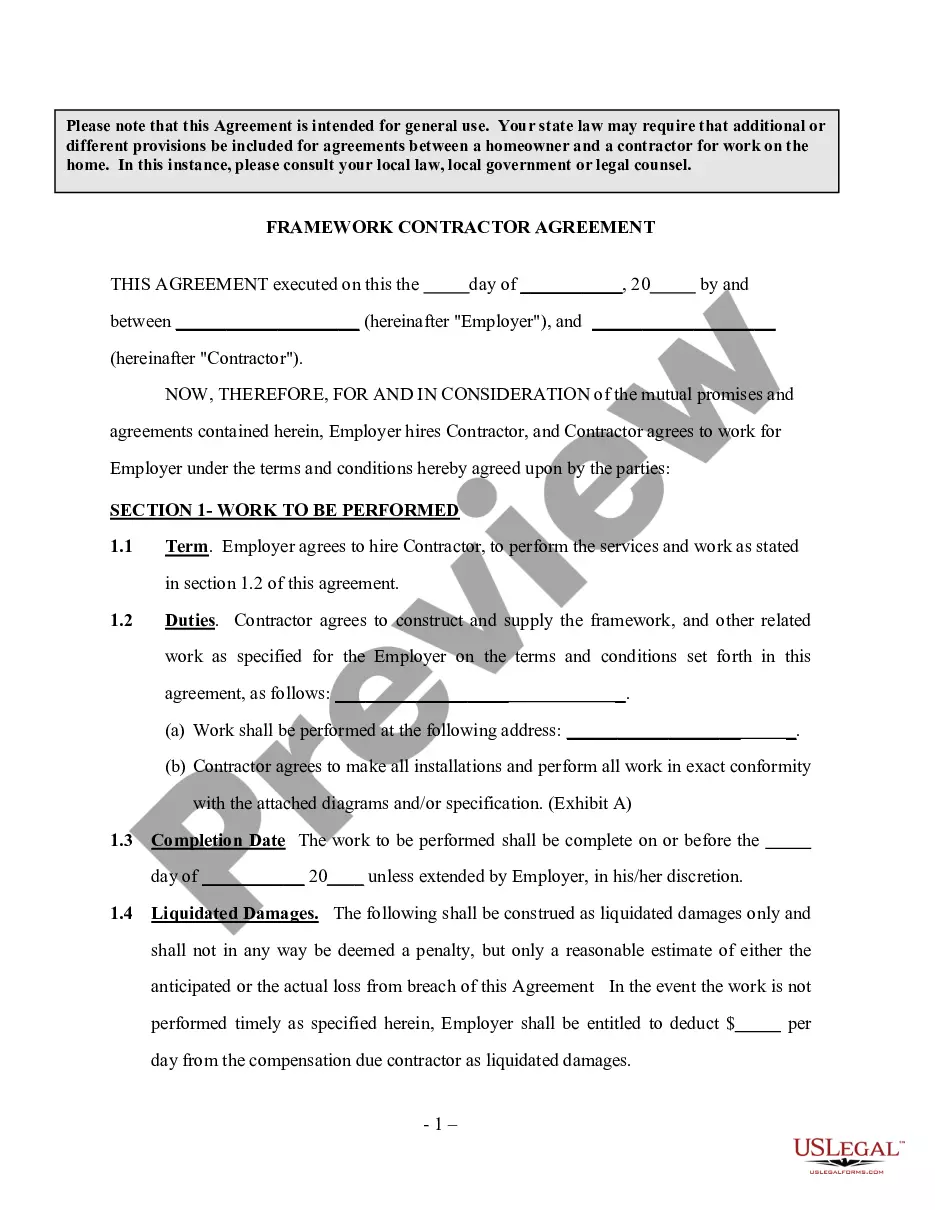
Get your form ready online
Our built-in tools help you complete, sign, share, and store your documents in one place.
Make edits, fill in missing information, and update formatting in US Legal Forms—just like you would in MS Word.
Download a copy, print it, send it by email, or mail it via USPS—whatever works best for your next step.
Sign and collect signatures with our SignNow integration. Send to multiple recipients, set reminders, and more. Go Premium to unlock E-Sign.
If this form requires notarization, complete it online through a secure video call—no need to meet a notary in person or wait for an appointment.
We protect your documents and personal data by following strict security and privacy standards.

Make edits, fill in missing information, and update formatting in US Legal Forms—just like you would in MS Word.

Download a copy, print it, send it by email, or mail it via USPS—whatever works best for your next step.

Sign and collect signatures with our SignNow integration. Send to multiple recipients, set reminders, and more. Go Premium to unlock E-Sign.

If this form requires notarization, complete it online through a secure video call—no need to meet a notary in person or wait for an appointment.

We protect your documents and personal data by following strict security and privacy standards.
Looking for another form?



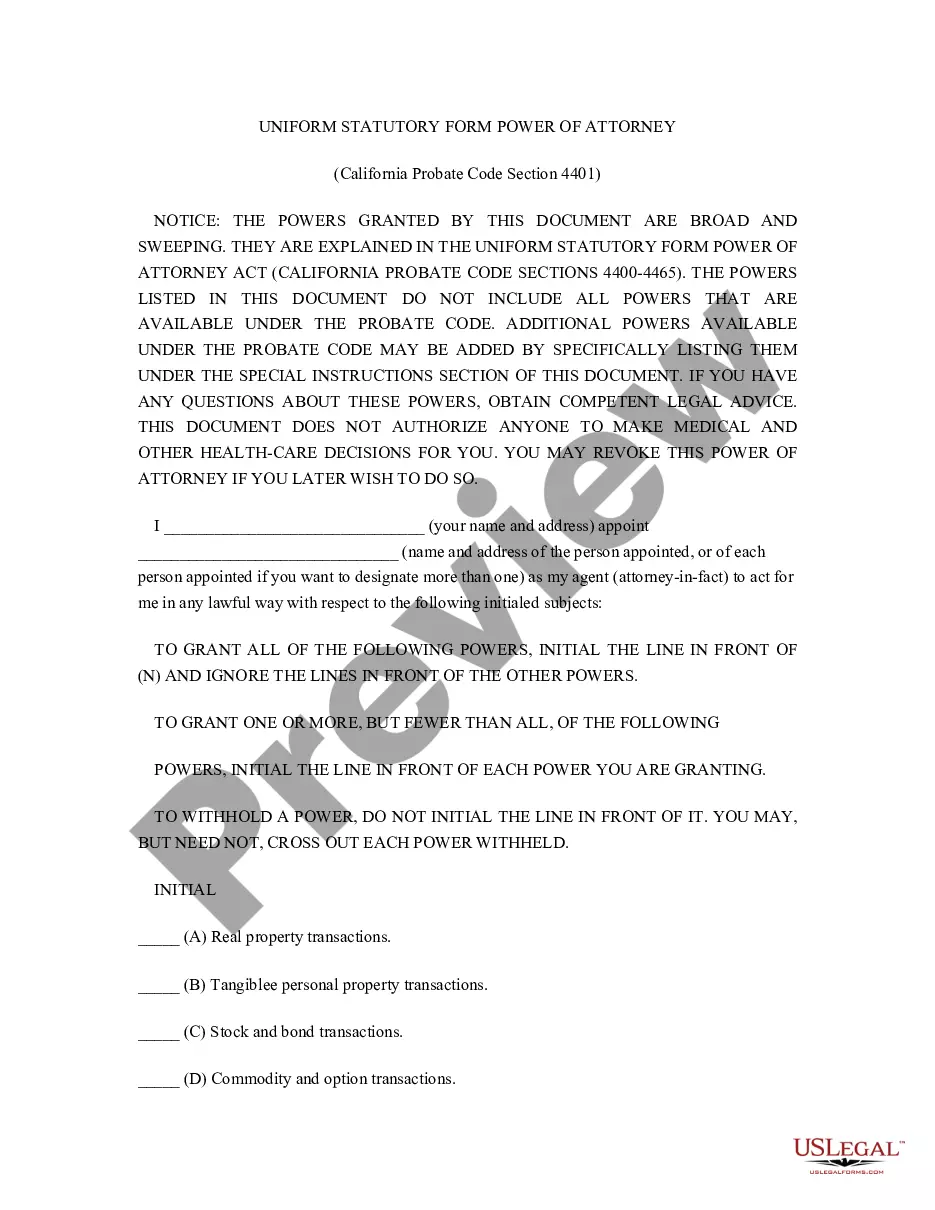


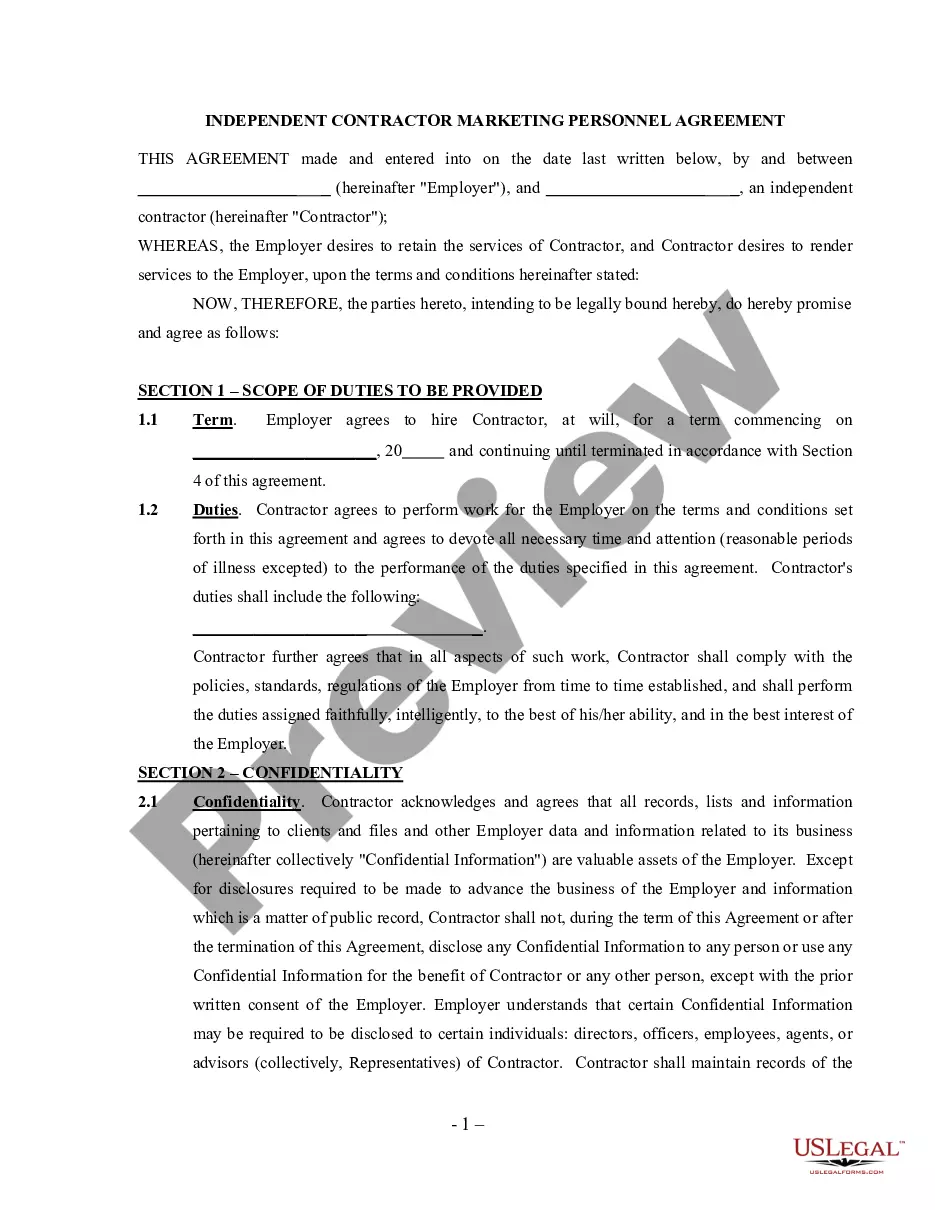

How to fill out Drafting Agreement - Self-Employed Independent Contractor?
How to locate expert legal documents that adhere to your state's regulations and compose the Drafting Agreement Draft Form without consulting an attorney.
Numerous services online offer templates to address various legal scenarios and formalities.
However, it may require time to determine which of the accessible samples meet both your needs and legal stipulations.
Retrieve the Drafting Agreement Draft Form by clicking the appropriate button next to the file name. If you do not have an account with US Legal Forms, consult the guide below: Review the webpage you've accessed and verify if the form meets your requirements. To do this, utilize the form description and preview options if available. Search for another sample in the header providing your state if necessary. Click the Buy Now button once you locate the suitable document. Choose the most fitting pricing plan, then sign in or create an account. Select the payment method (via credit card or PayPal). Alter the file format for your Drafting Agreement Draft Form and hit Download. The obtained templates remain in your control: you can always revisit them in the My documents tab of your profile. Join our library and create legal documents by yourself like a seasoned legal professional!
- US Legal Forms is a trustworthy service that aids you in finding official documents created in accordance with the latest state law updates and helps you economize on legal fees.
- US Legal Forms is not a typical online library.
- It's a repository of over 85,000 validated templates for diverse business and personal situations.
- All documents are categorized by area and state to streamline your searching experience.
- Moreover, it integrates with advanced tools for PDF editing and electronic signatures, enabling users with a Premium subscription to swiftly complete their paperwork online.
- It requires minimal time and effort to acquire the necessary documents.
- If you possess an account, Log In and ensure your subscription is active.
Form popularity
FAQ
Generally, to be legally valid, most contracts must contain two elements:All parties must agree about an offer made by one party and accepted by the other.Something of value must be exchanged for something else of value. This can include goods, cash, services, or a pledge to exchange these items.
A draft contract is an agreement that's not finalized. During the process of a property transaction, for instance, the first agreement is called the draft contract. The precise terms and wording also have not been agreed to by all sides.
How To Draft a Contract Step by StepInformation Gathering.List Your Services or Products.Determine Term Length.Lay Out the Consequences.Determine Dispute Resolution Terms.Create Signature and Date Lines.Asset Purchase Agreement.Commercial Lease.More items...?
The simple answer is YES. You can write your own contracts. There is no requirement that they must be written by a lawyer. There is no requirement that they have to be a certain form or font.
Here are the steps to write a letter of agreement:Title the document. Add the title at the top of the document.List your personal information.Include the date.Add the recipient's personal information.Address the recipient.Write an introduction paragraph.Write your body.Conclude the letter.More items...?