Custom Furniture Contract Template For Sale
Description
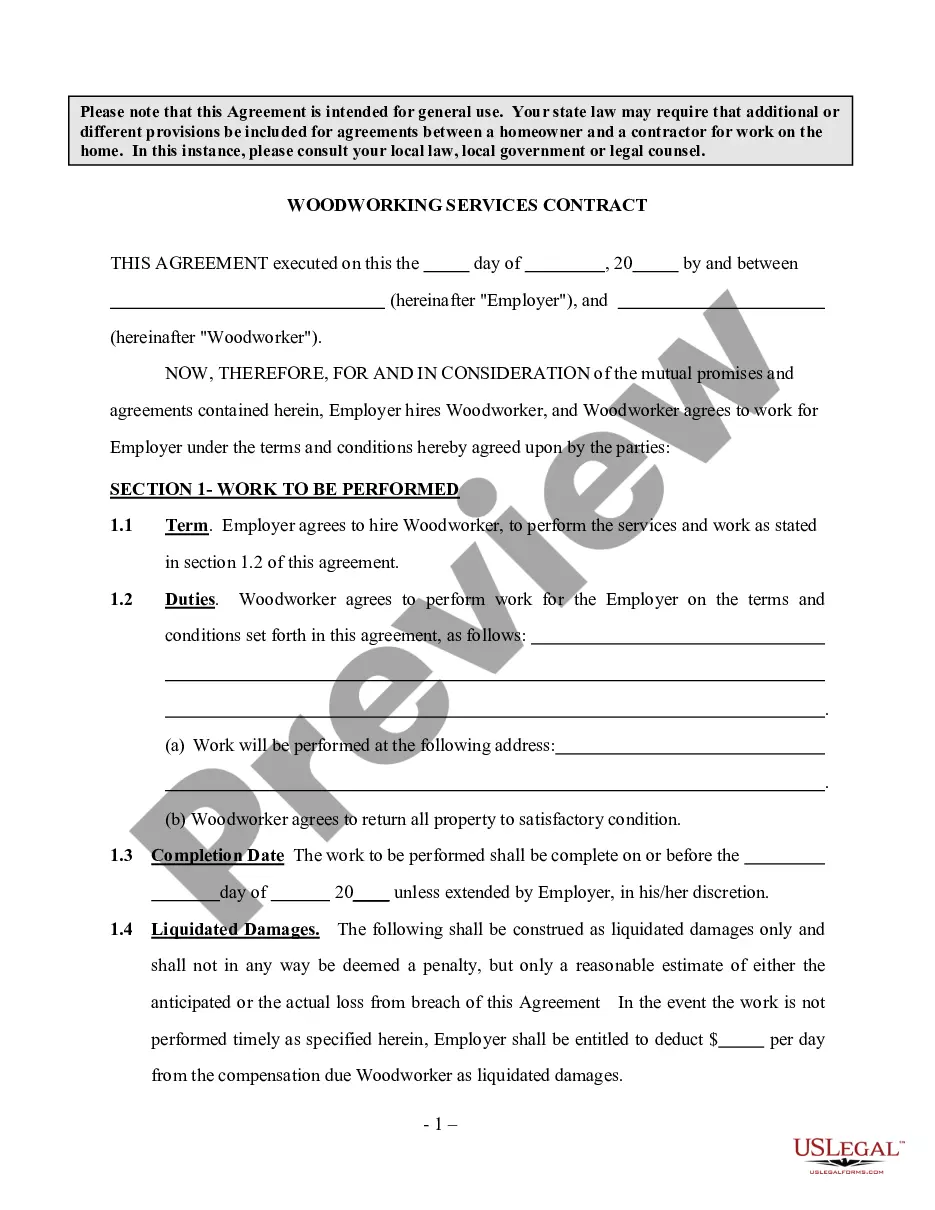
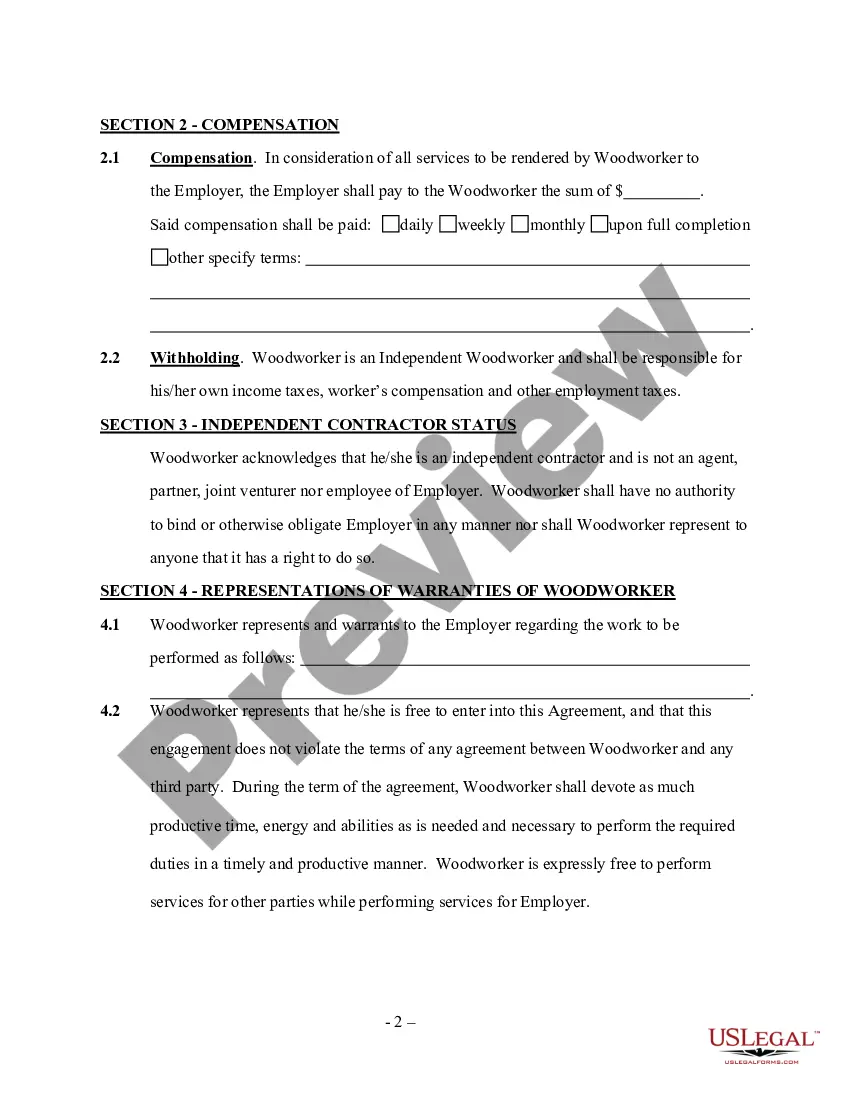
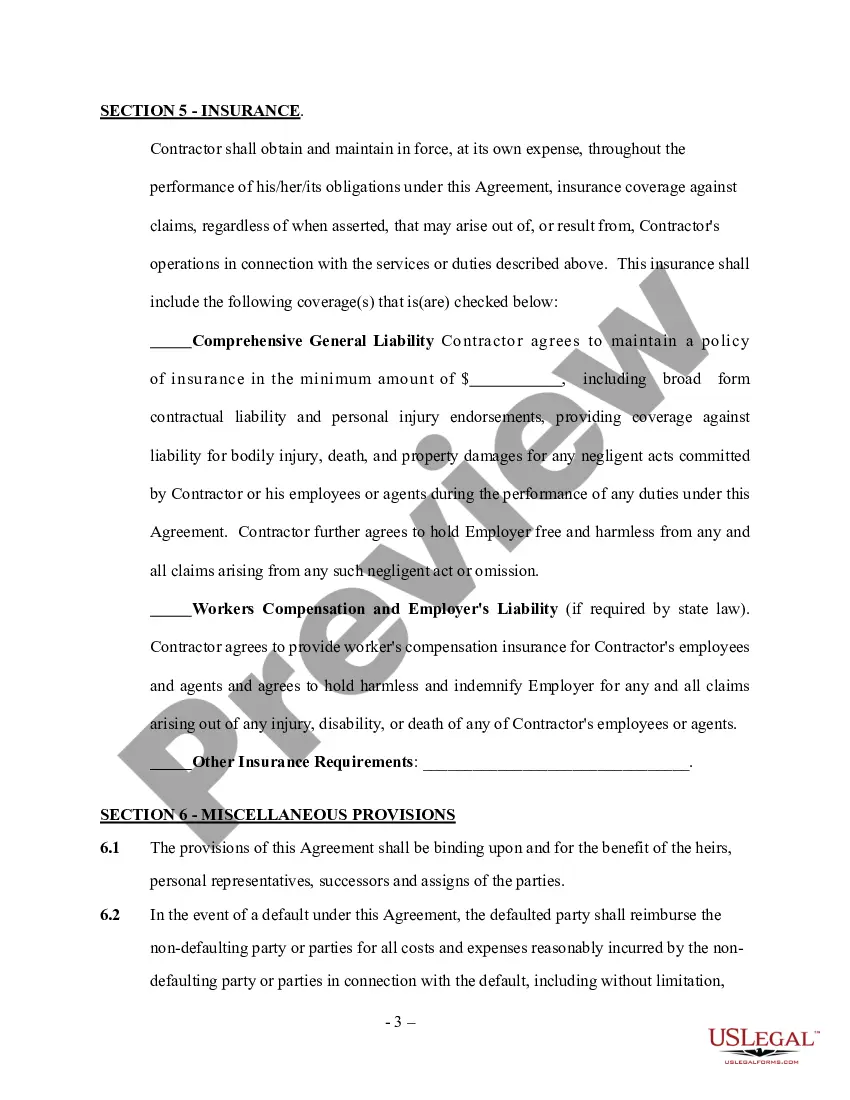
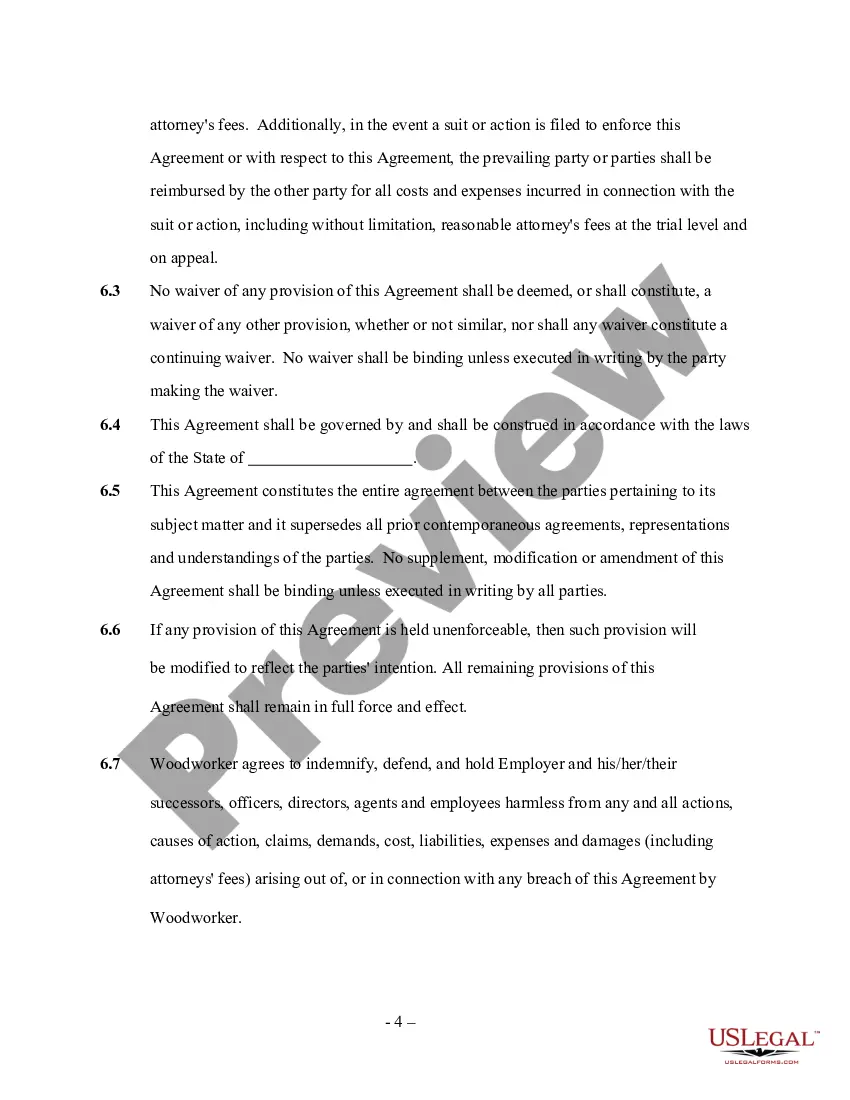
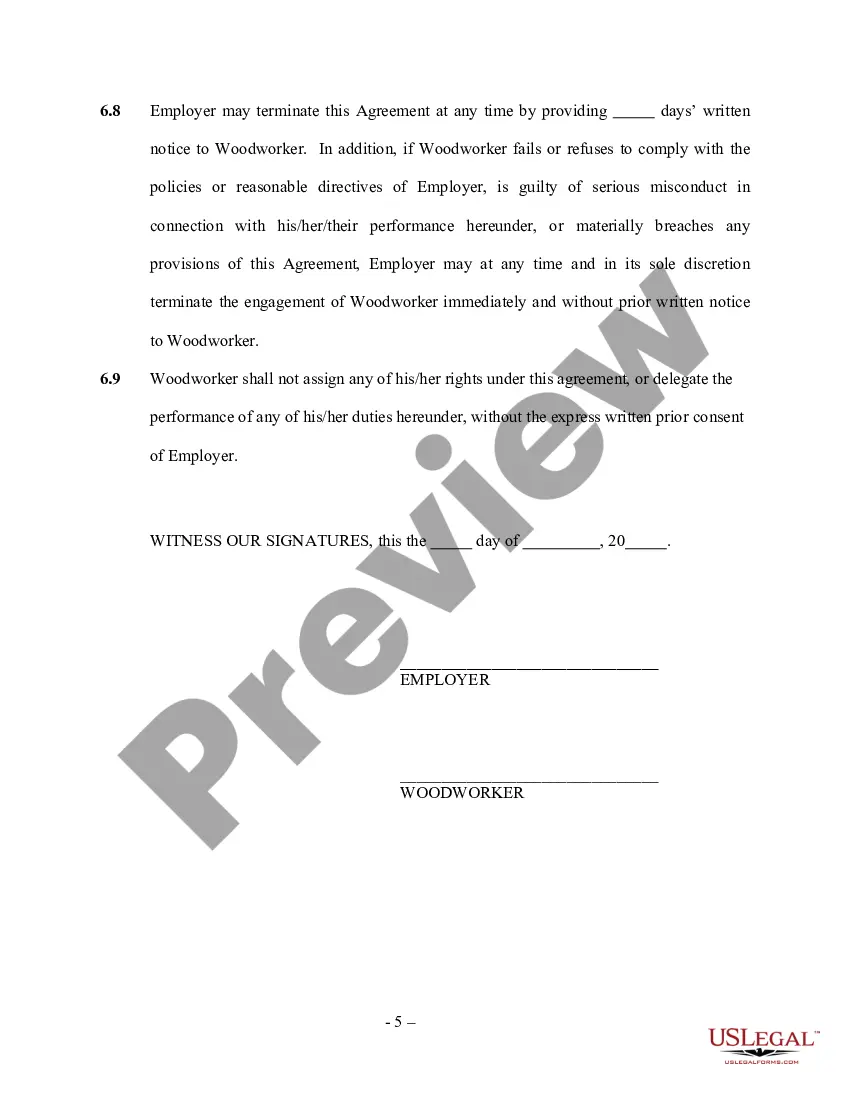
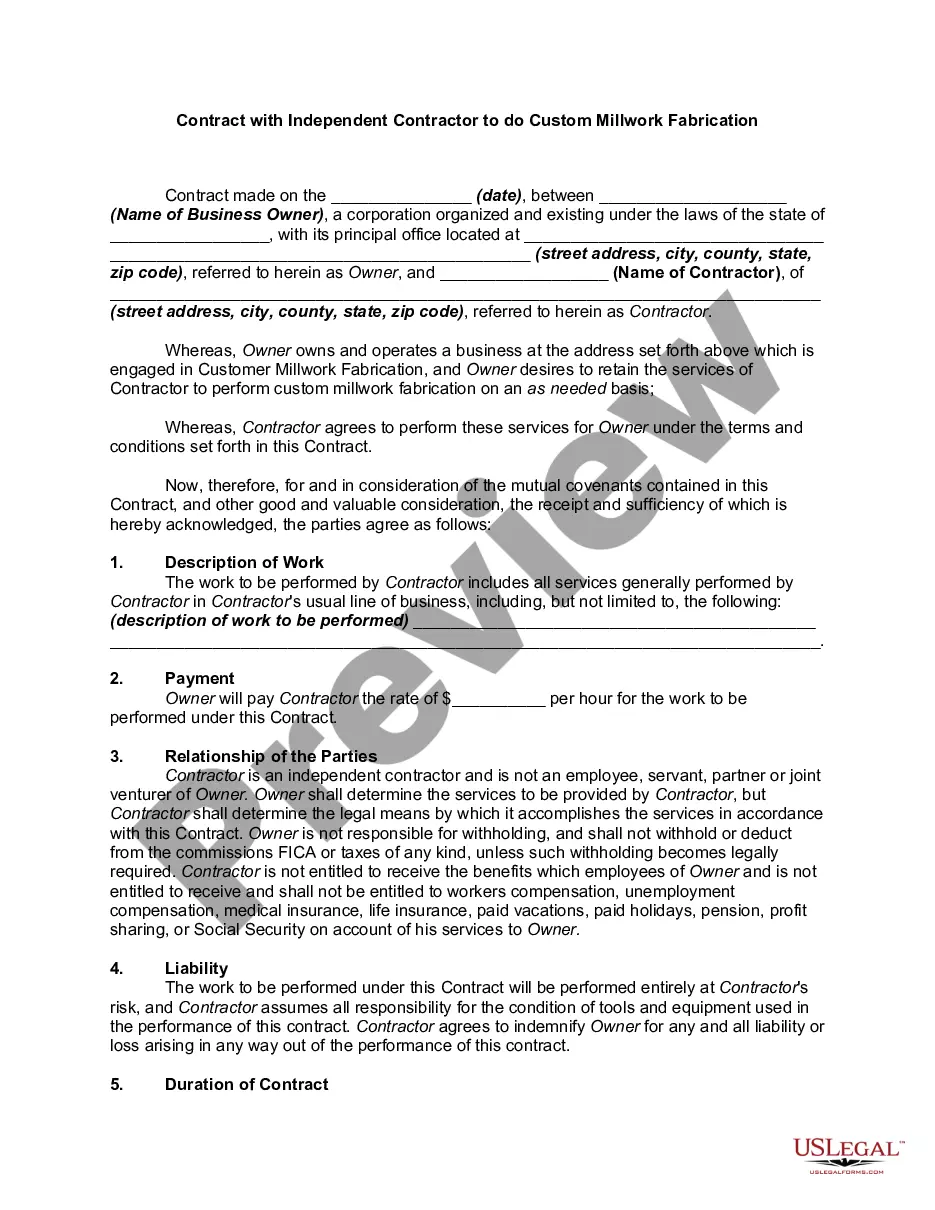
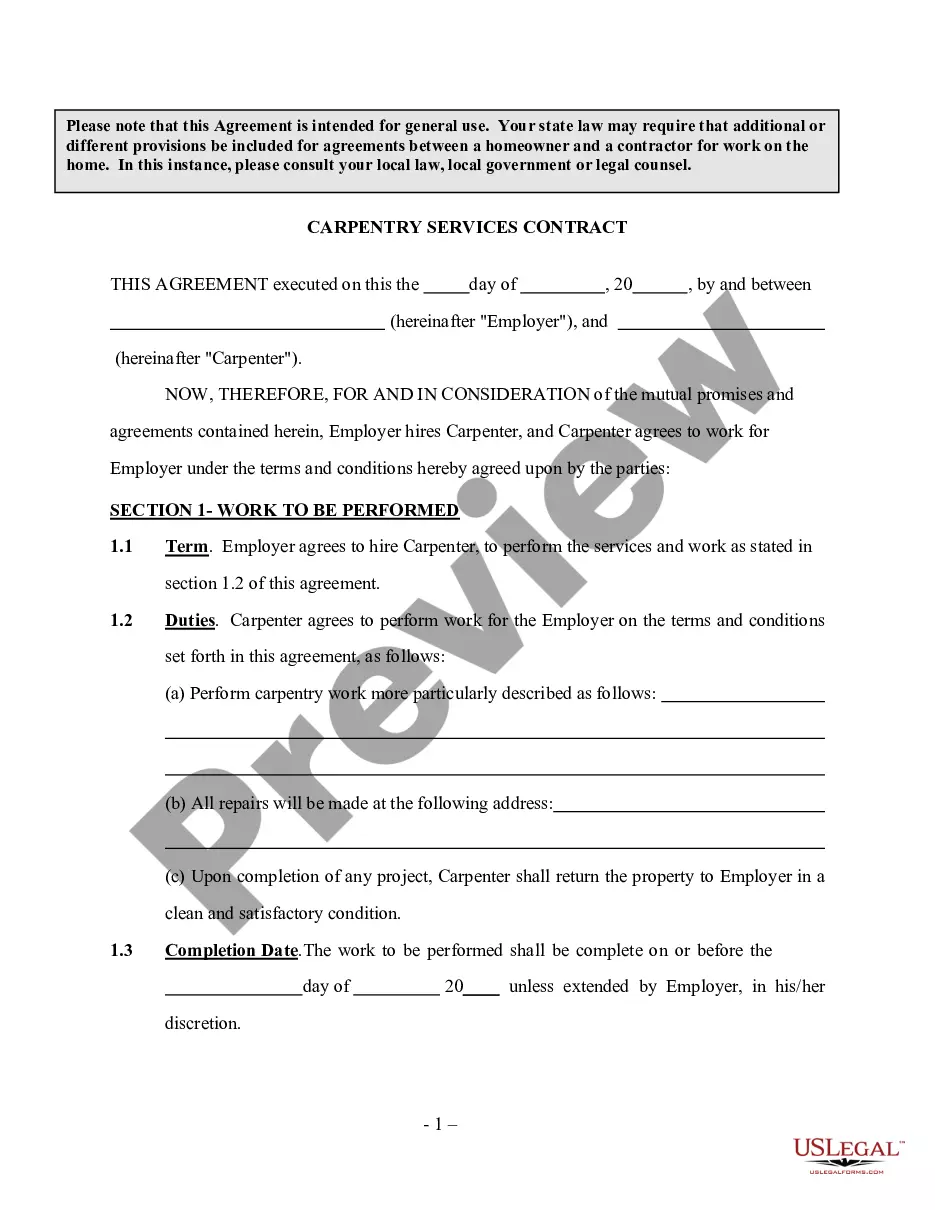
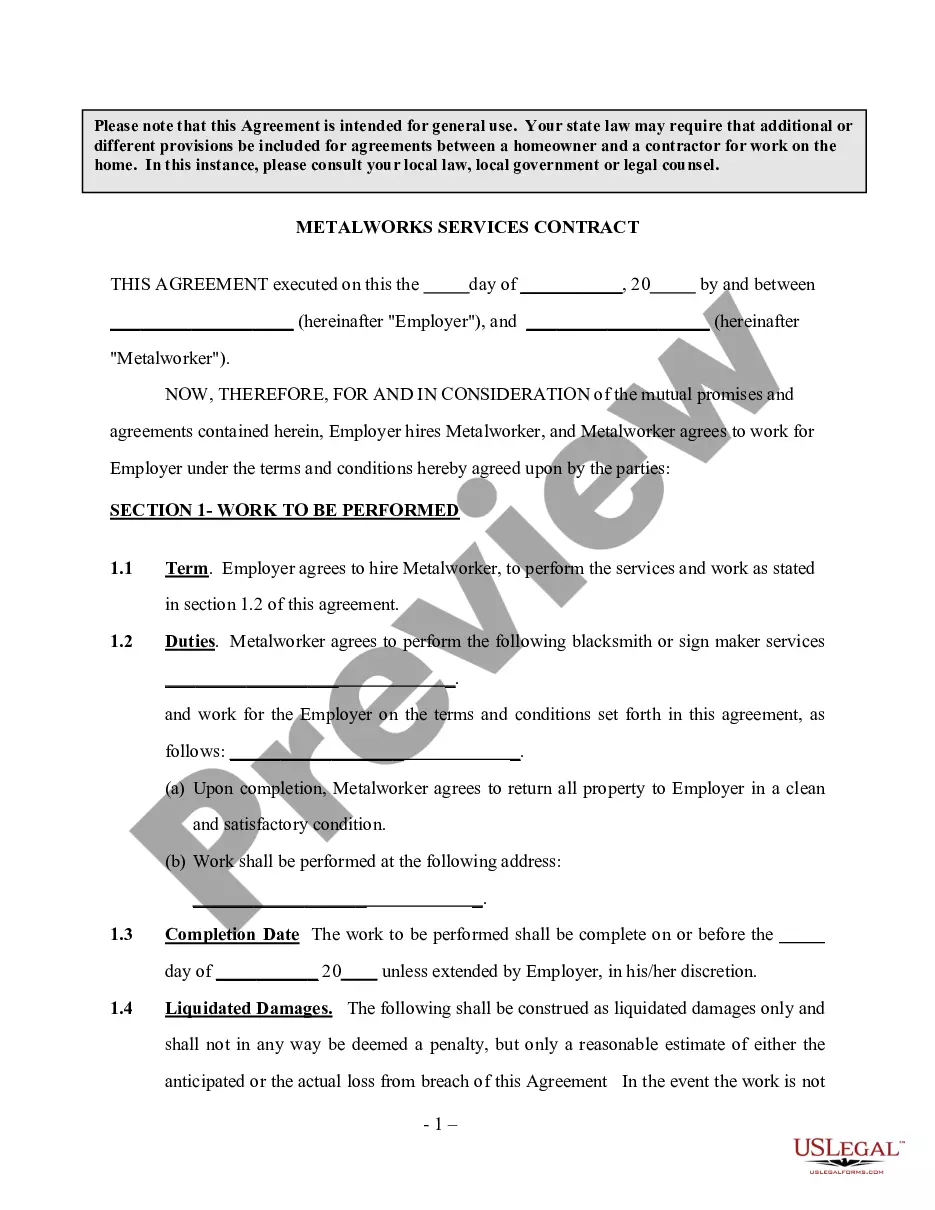
Get your form ready online
Our built-in tools help you complete, sign, share, and store your documents in one place.
Make edits, fill in missing information, and update formatting in US Legal Forms—just like you would in MS Word.
Download a copy, print it, send it by email, or mail it via USPS—whatever works best for your next step.
Sign and collect signatures with our SignNow integration. Send to multiple recipients, set reminders, and more. Go Premium to unlock E-Sign.
If this form requires notarization, complete it online through a secure video call—no need to meet a notary in person or wait for an appointment.
We protect your documents and personal data by following strict security and privacy standards.

Make edits, fill in missing information, and update formatting in US Legal Forms—just like you would in MS Word.

Download a copy, print it, send it by email, or mail it via USPS—whatever works best for your next step.

Sign and collect signatures with our SignNow integration. Send to multiple recipients, set reminders, and more. Go Premium to unlock E-Sign.

If this form requires notarization, complete it online through a secure video call—no need to meet a notary in person or wait for an appointment.

We protect your documents and personal data by following strict security and privacy standards.
Looking for another form?
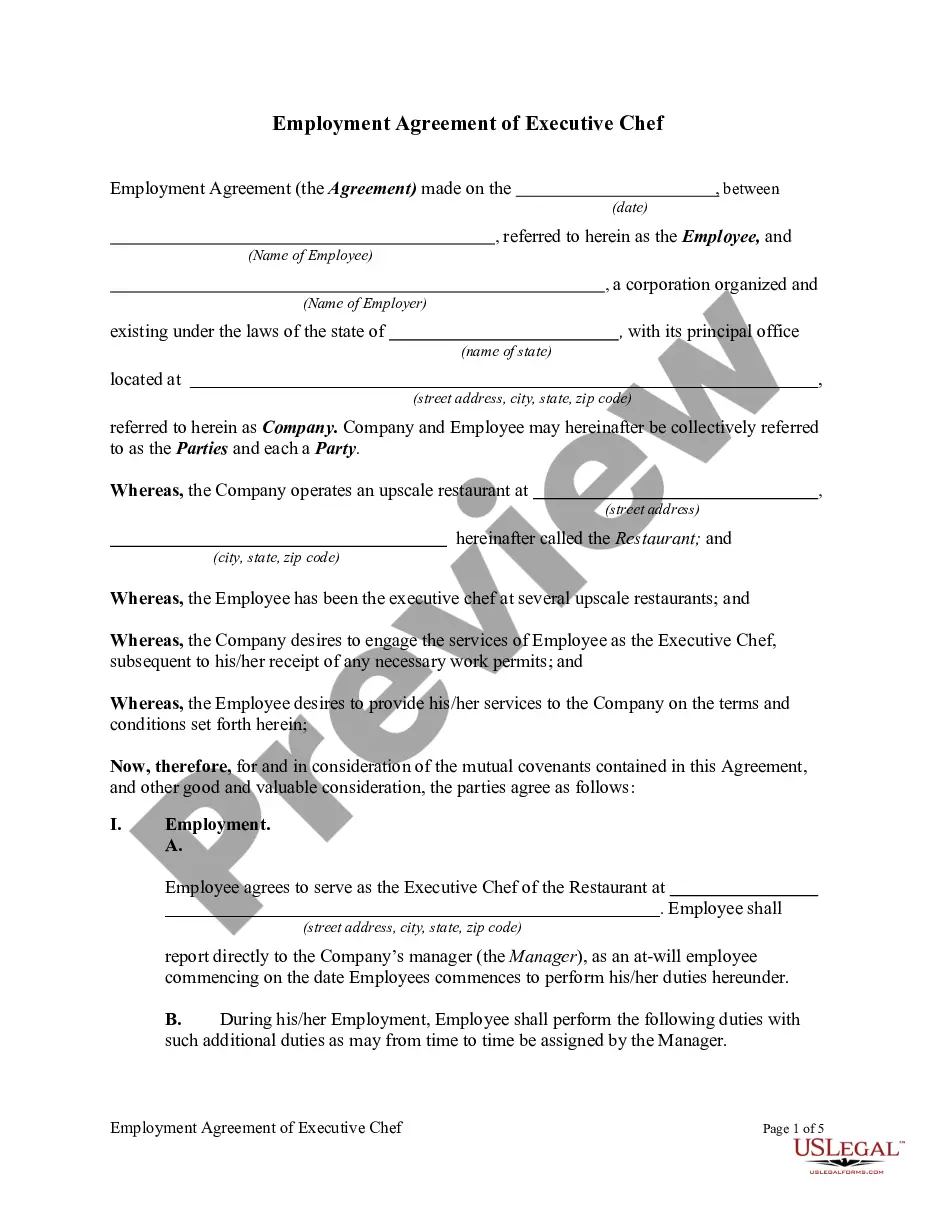
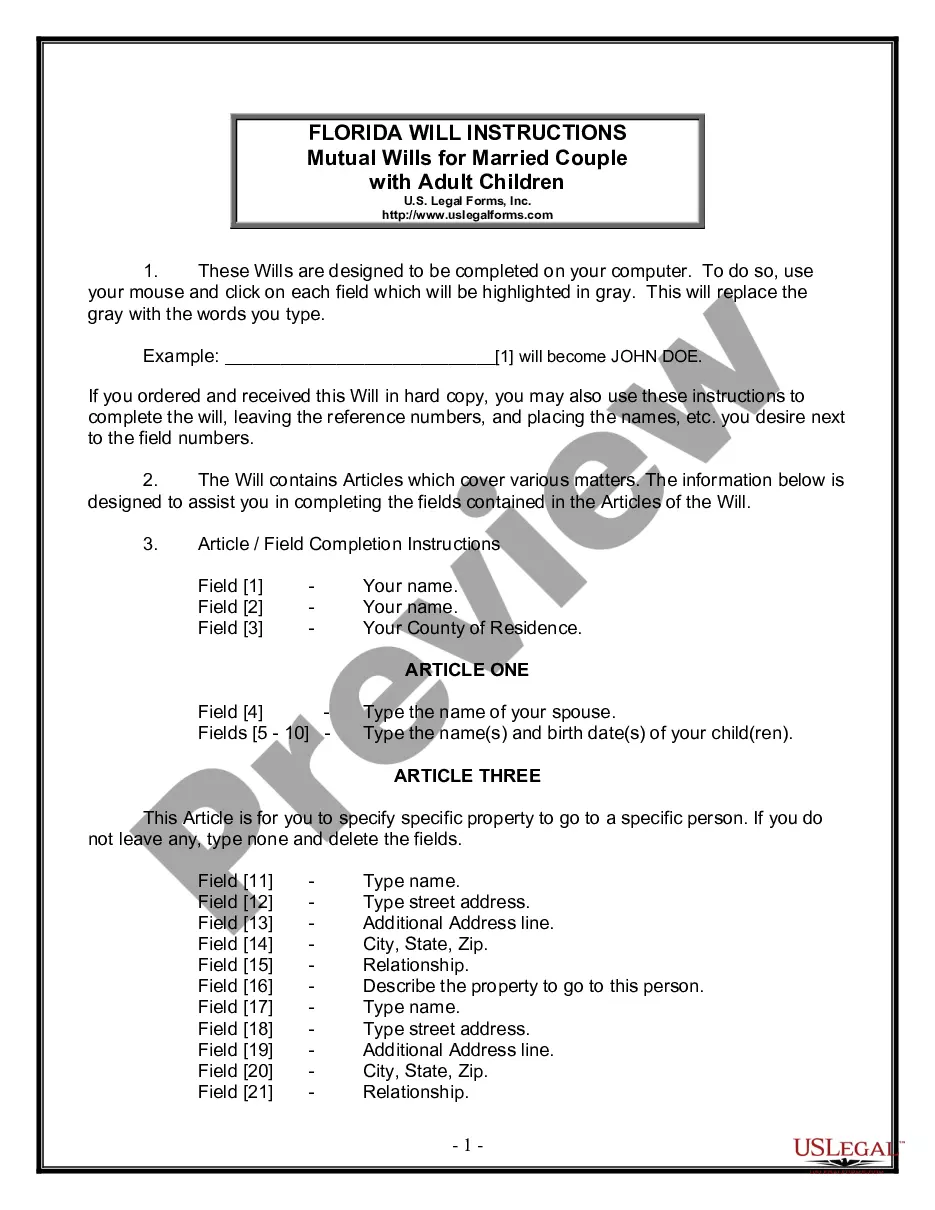
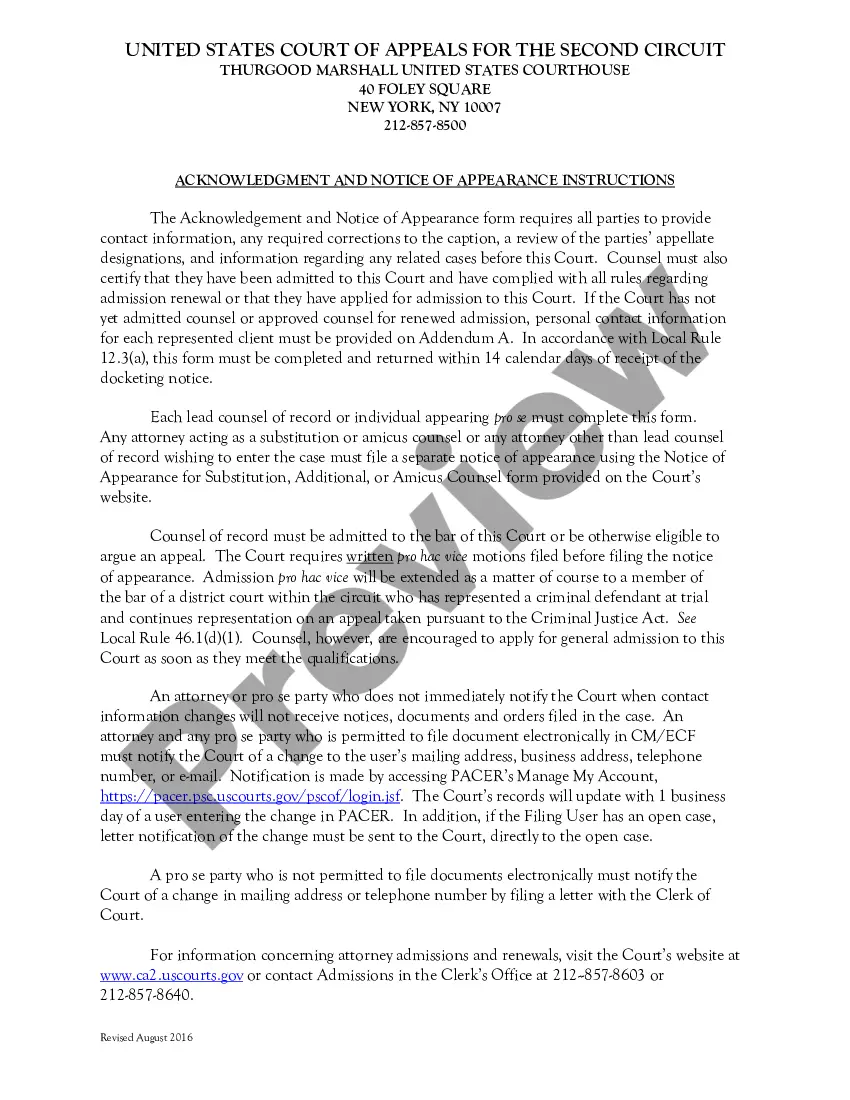
How to fill out Woodworking Services Contract - Self-Employed?
It's clear that you cannot become a legal expert instantly, nor can you swiftly learn how to expertly draft a Custom Furniture Contract Template For Sale without possessing a specialized skill set.
Producing legal documents is a laborious task that demands specific education and proficiency. So why not entrust the development of the Custom Furniture Contract Template For Sale to the experts.
With US Legal Forms, one of the most extensive legal template repositories, you can find everything from judicial documents to models for internal corporate correspondence.
You can regain access to your documents from the My documents tab at any time. If you are a returning client, you can simply Log In, and locate and download the template from the same tab.
Regardless of the intent of your documentation—whether it's financial, legal, or personal—our platform has you covered. Experience US Legal Forms today!
- Locate the form you require using the search feature at the top of the page.
- View it (if this choice is available) and examine the accompanying description to confirm whether the Custom Furniture Contract Template For Sale is what you are looking for.
- Initiate your search again if you need another form.
- Sign up for a free account and select a subscription plan to purchase the form.
- Click Buy now. Once the payment is processed, you will receive the Custom Furniture Contract Template For Sale, complete it, print it, and dispatch or mail it to the relevant individuals or organizations.
Form popularity
FAQ
Write the contract in six steps Start with a contract template. ... Open with the basic information. ... Describe in detail what you have agreed to. ... Include a description of how the contract will be ended. ... Write into the contract which laws apply and how disputes will be resolved. ... Include space for signatures.
At its most basic, a purchase agreement should include the following: Name and contact information for buyer and seller. The address of the property being sold. The price to be paid for the property. The date of transfer. Disclosures. Contingencies. Signatures.
Contract templates: The basics A contract should include at least the following "4 must haves": The intention of the contract: why do they enter into a business relationship. The agreement: what is the object of the business relationship. The consideration: what is the remuneration for the object.
A sales contract should include the type of agreement, its parties, their responsibilities, the cost of services or goods, deadlines, delivery details, termination conditions, and penalties. Different types of sales contracts will also include other information related to the type of deal.
Yes. A template is the basis you can use to create a contract, while a contract is the completed or drafted document you send to a recipient. You can use template builder to create ready-made templates that can be used to customize contracts for your business.