Agreement Contract For Work
Description
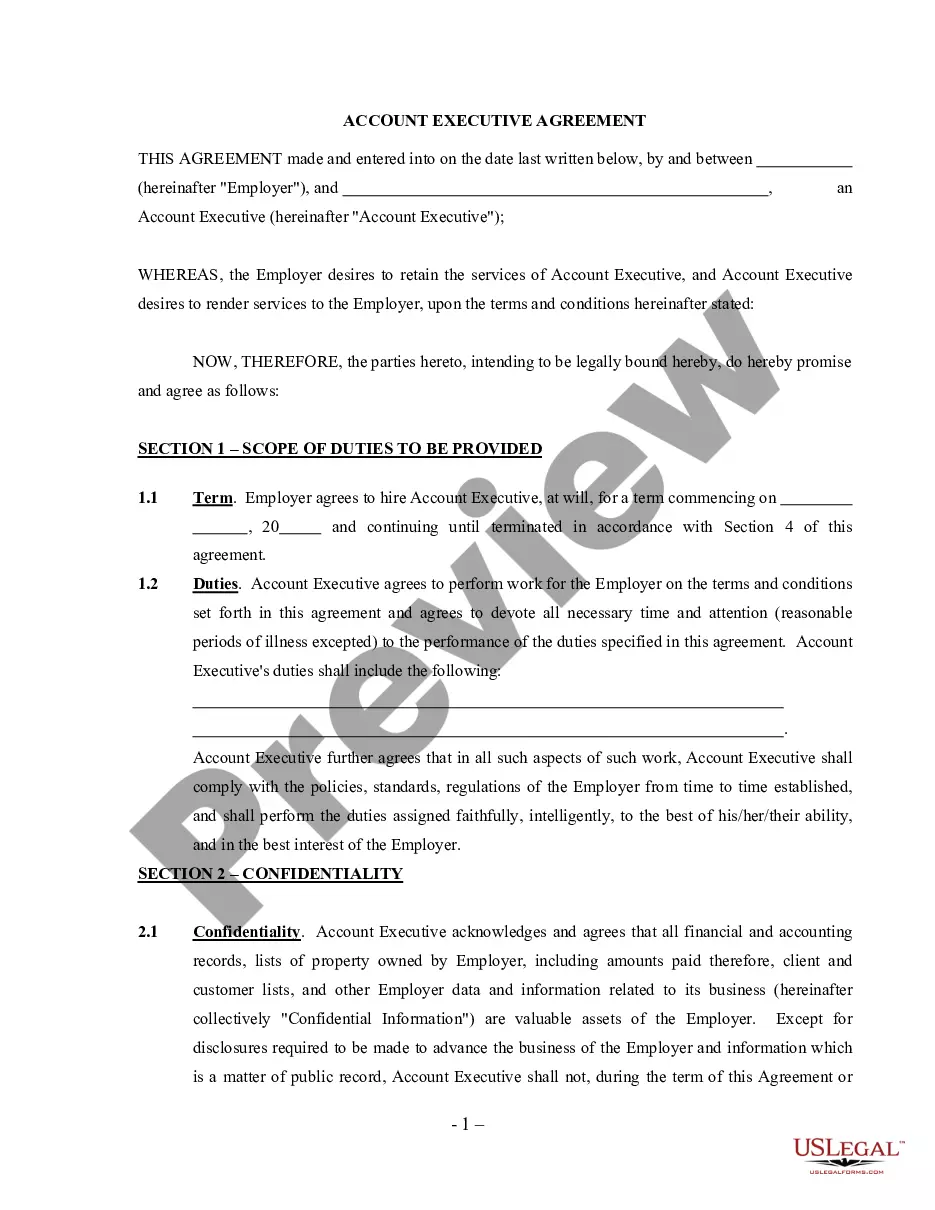
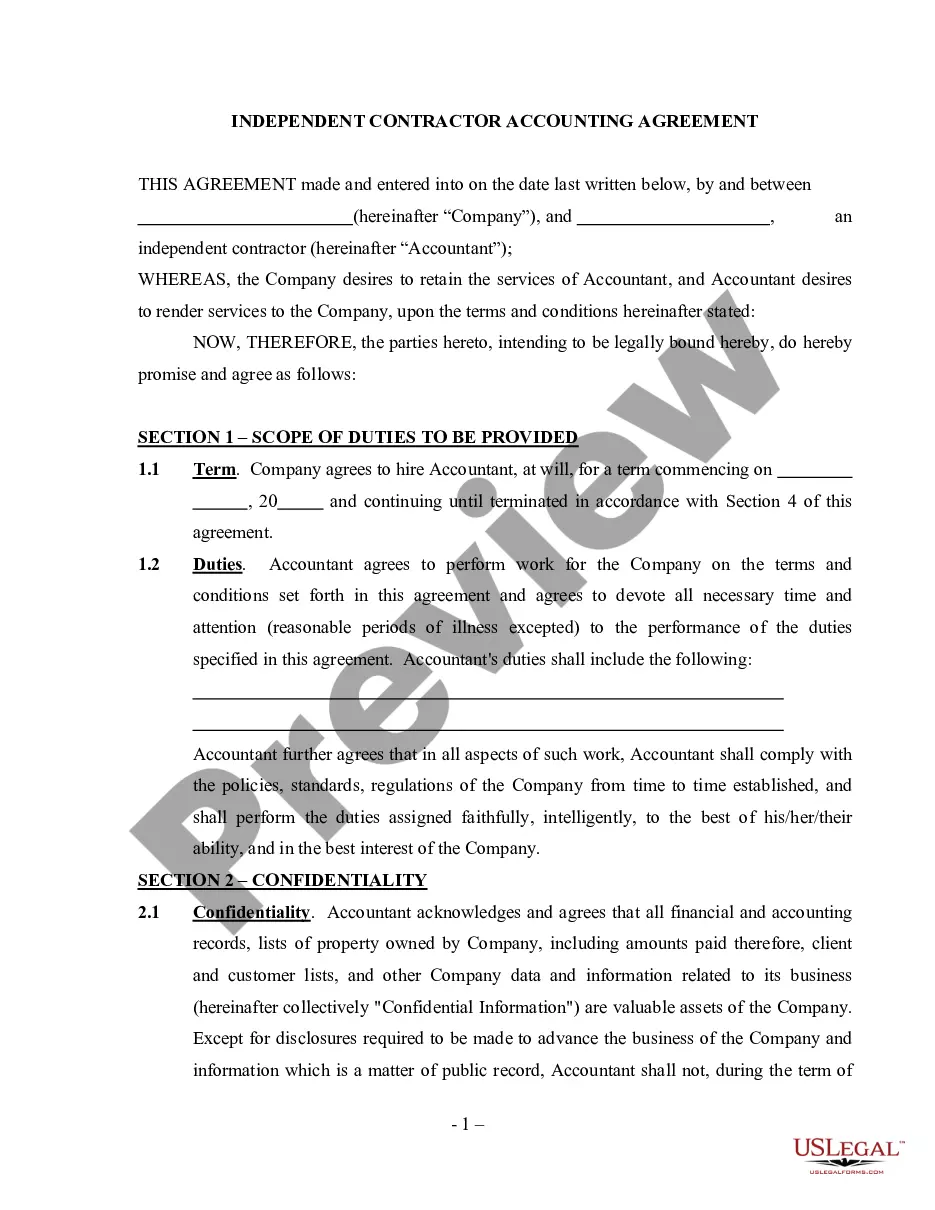
Get your form ready online
Our built-in tools help you complete, sign, share, and store your documents in one place.
Make edits, fill in missing information, and update formatting in US Legal Forms—just like you would in MS Word.
Download a copy, print it, send it by email, or mail it via USPS—whatever works best for your next step.
Sign and collect signatures with our SignNow integration. Send to multiple recipients, set reminders, and more. Go Premium to unlock E-Sign.
If this form requires notarization, complete it online through a secure video call—no need to meet a notary in person or wait for an appointment.
We protect your documents and personal data by following strict security and privacy standards.

Make edits, fill in missing information, and update formatting in US Legal Forms—just like you would in MS Word.

Download a copy, print it, send it by email, or mail it via USPS—whatever works best for your next step.

Sign and collect signatures with our SignNow integration. Send to multiple recipients, set reminders, and more. Go Premium to unlock E-Sign.

If this form requires notarization, complete it online through a secure video call—no need to meet a notary in person or wait for an appointment.

We protect your documents and personal data by following strict security and privacy standards.
Looking for another form?





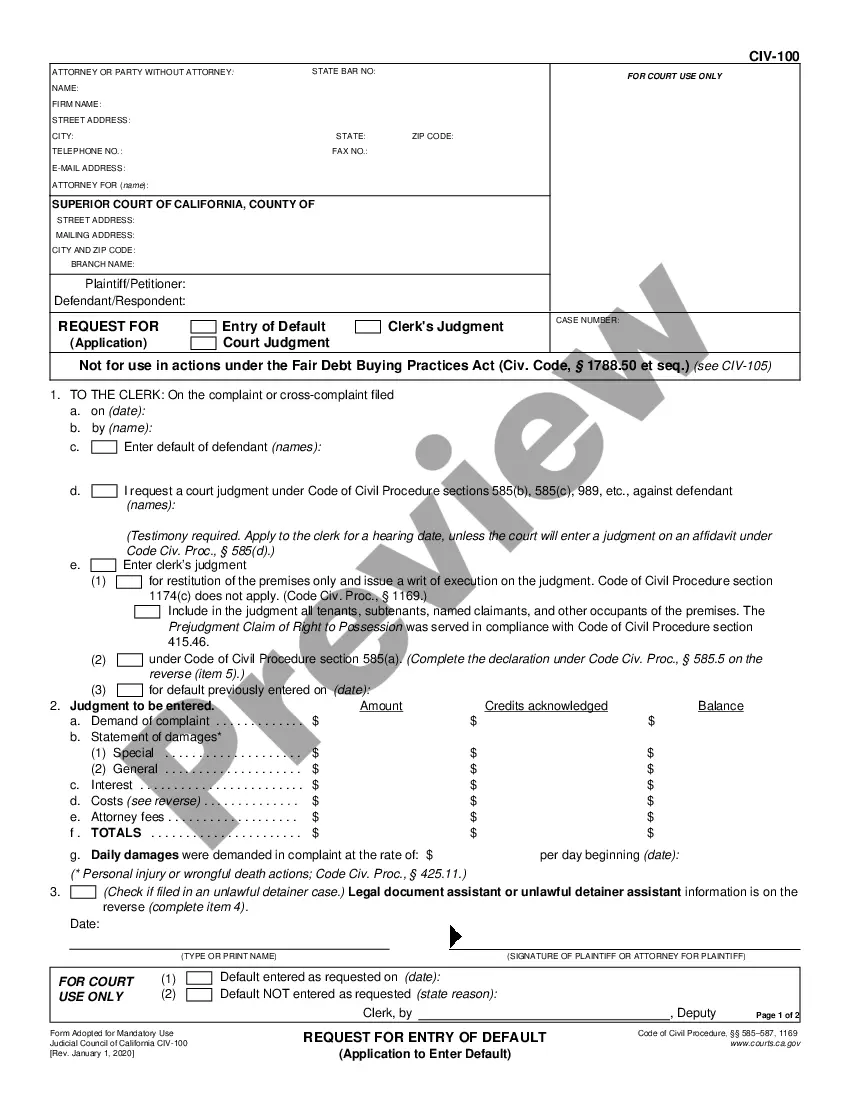


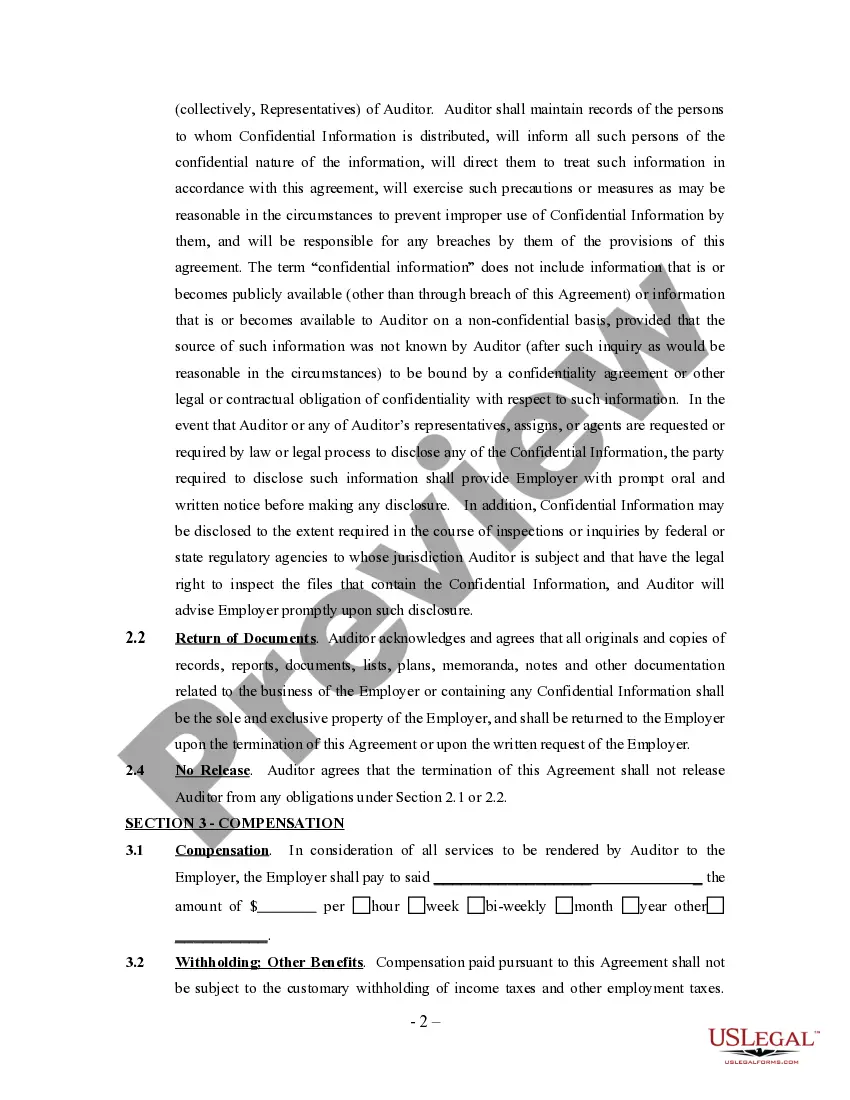
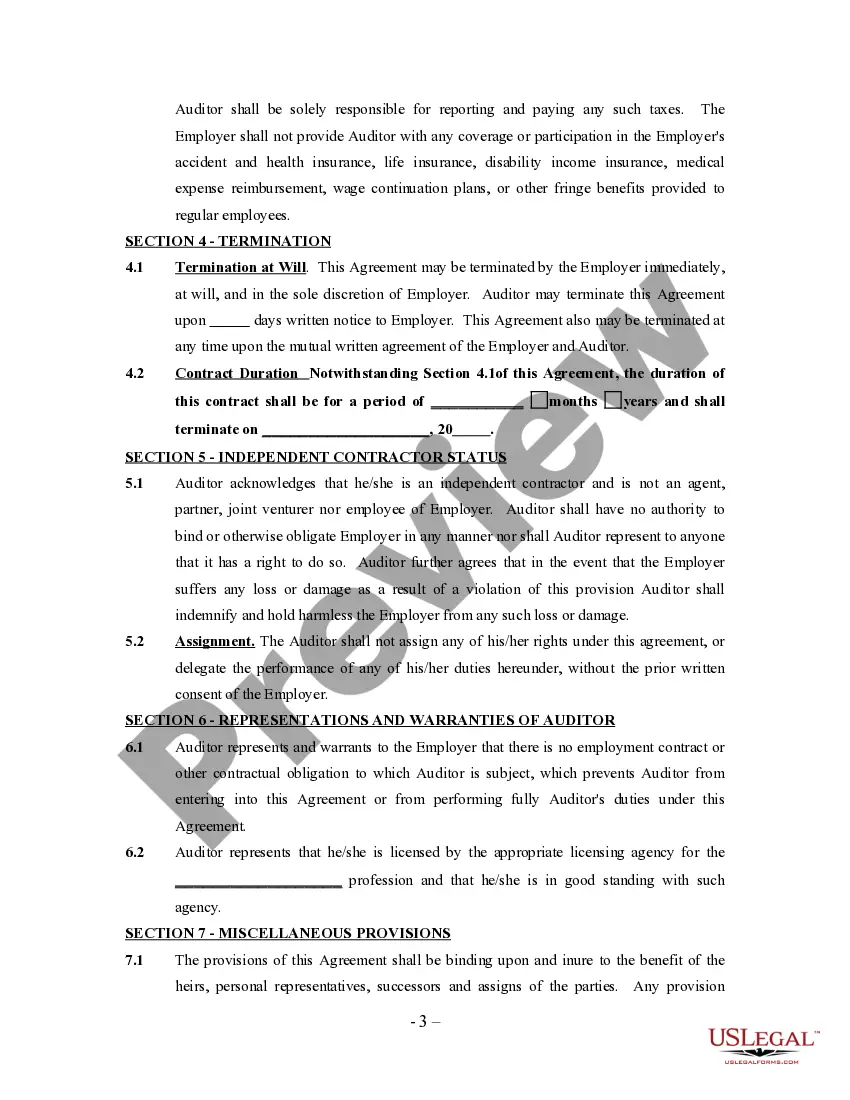
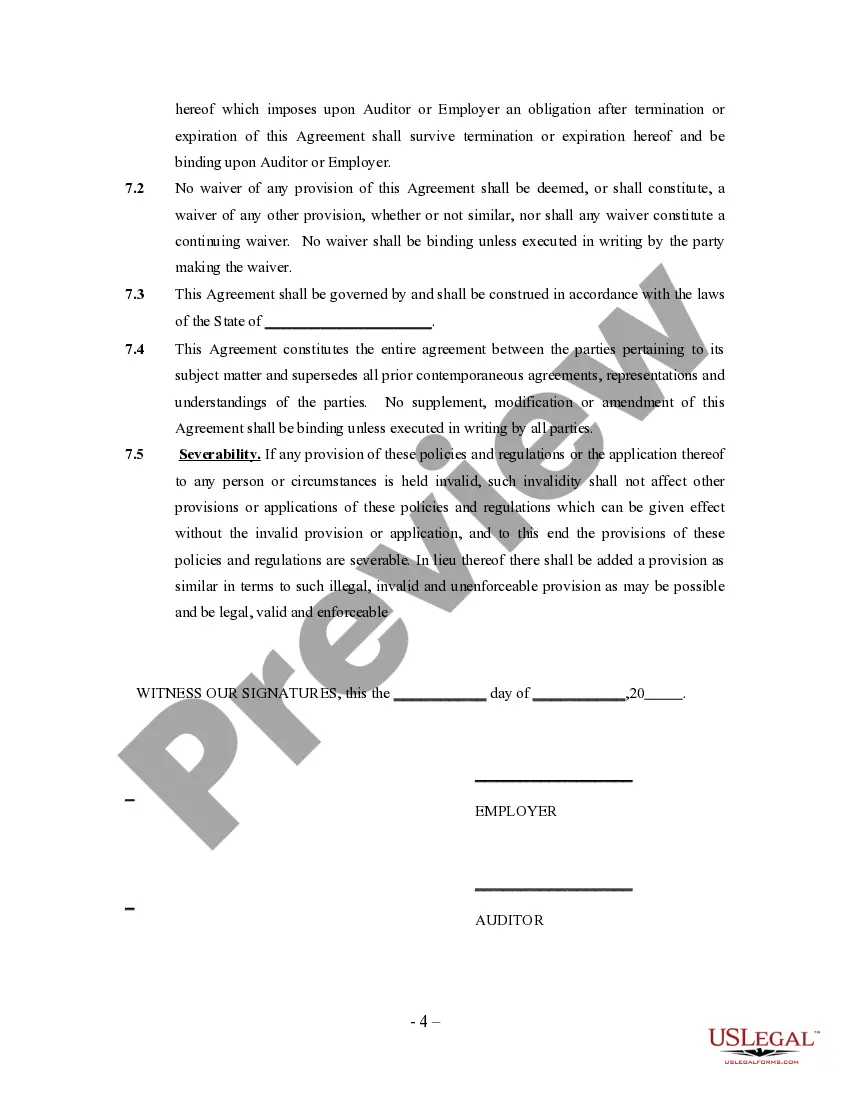
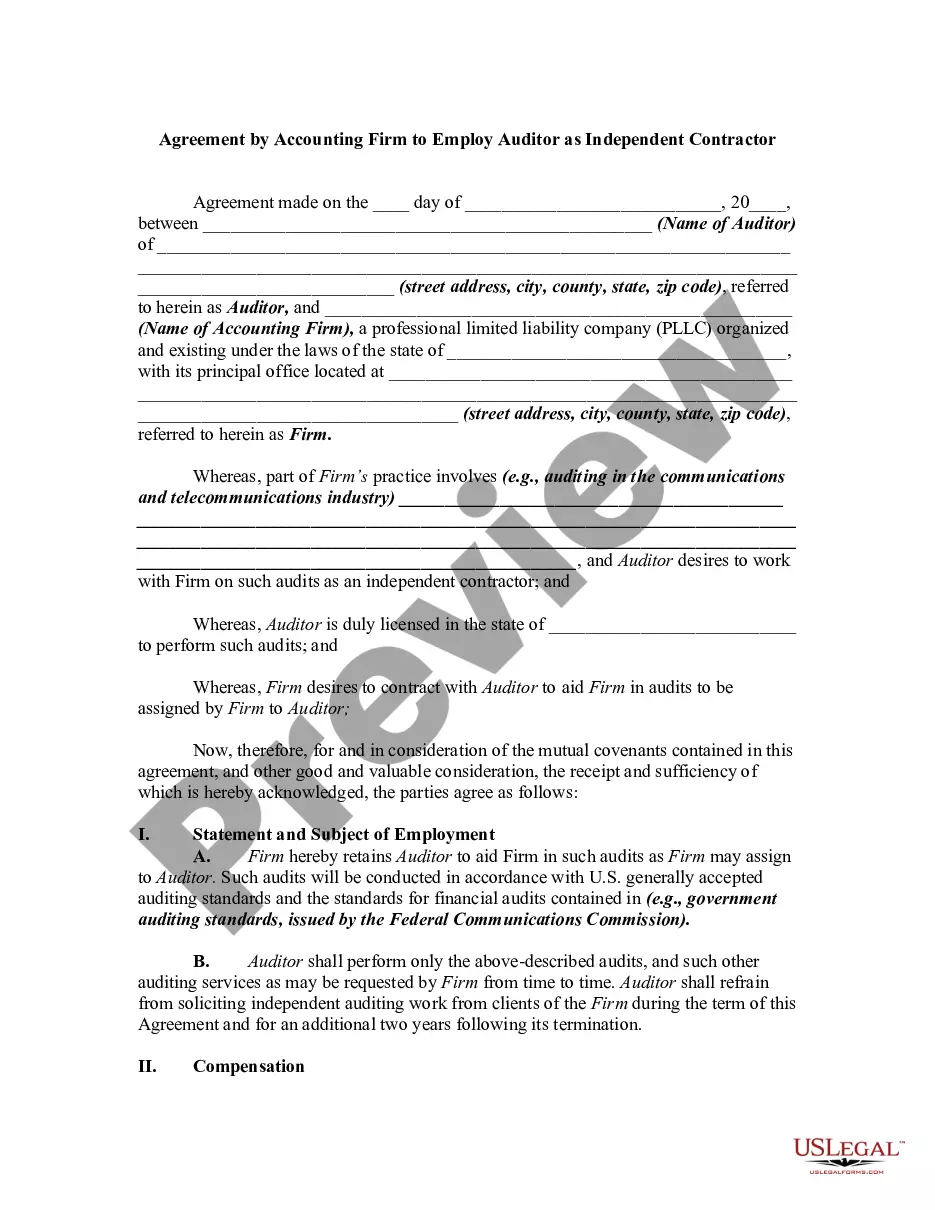
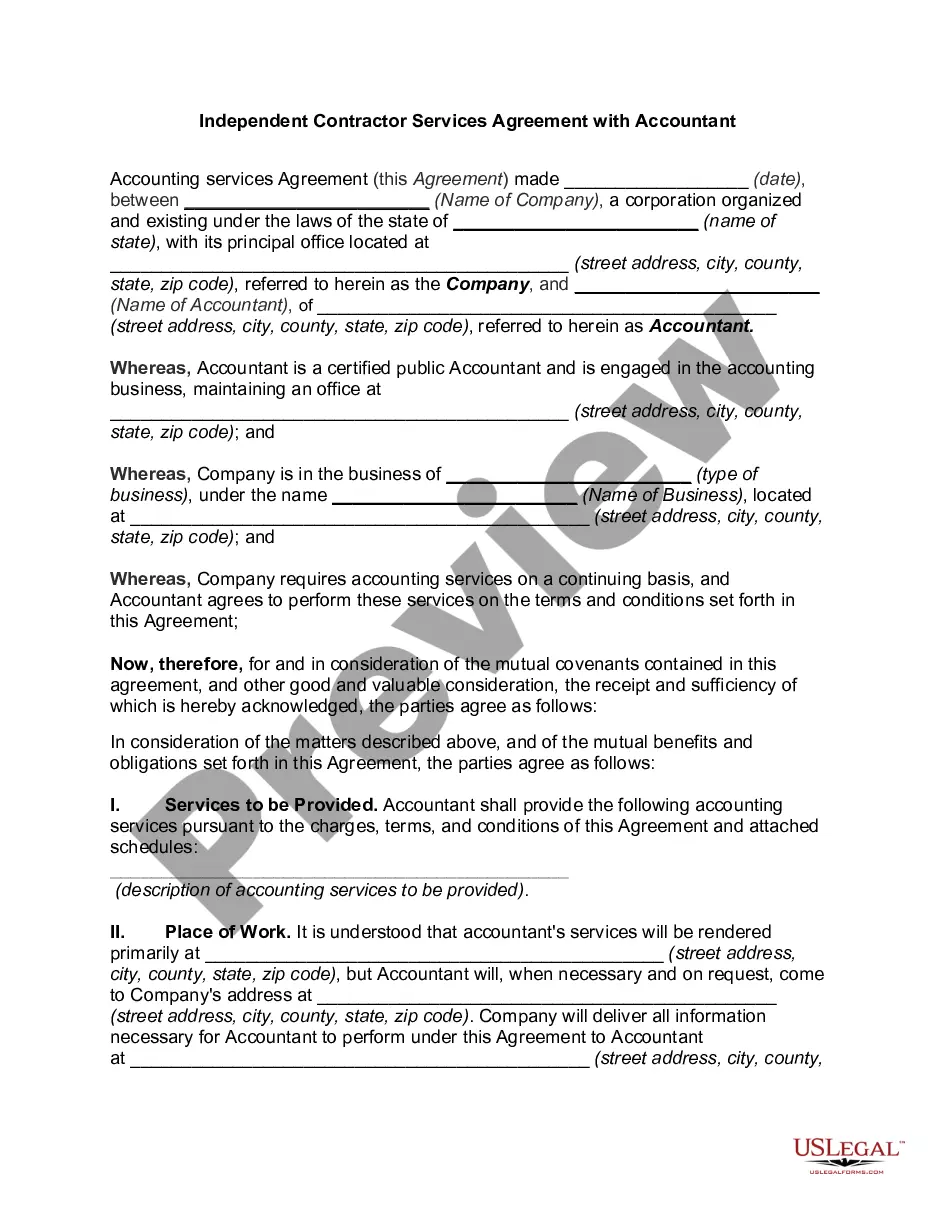
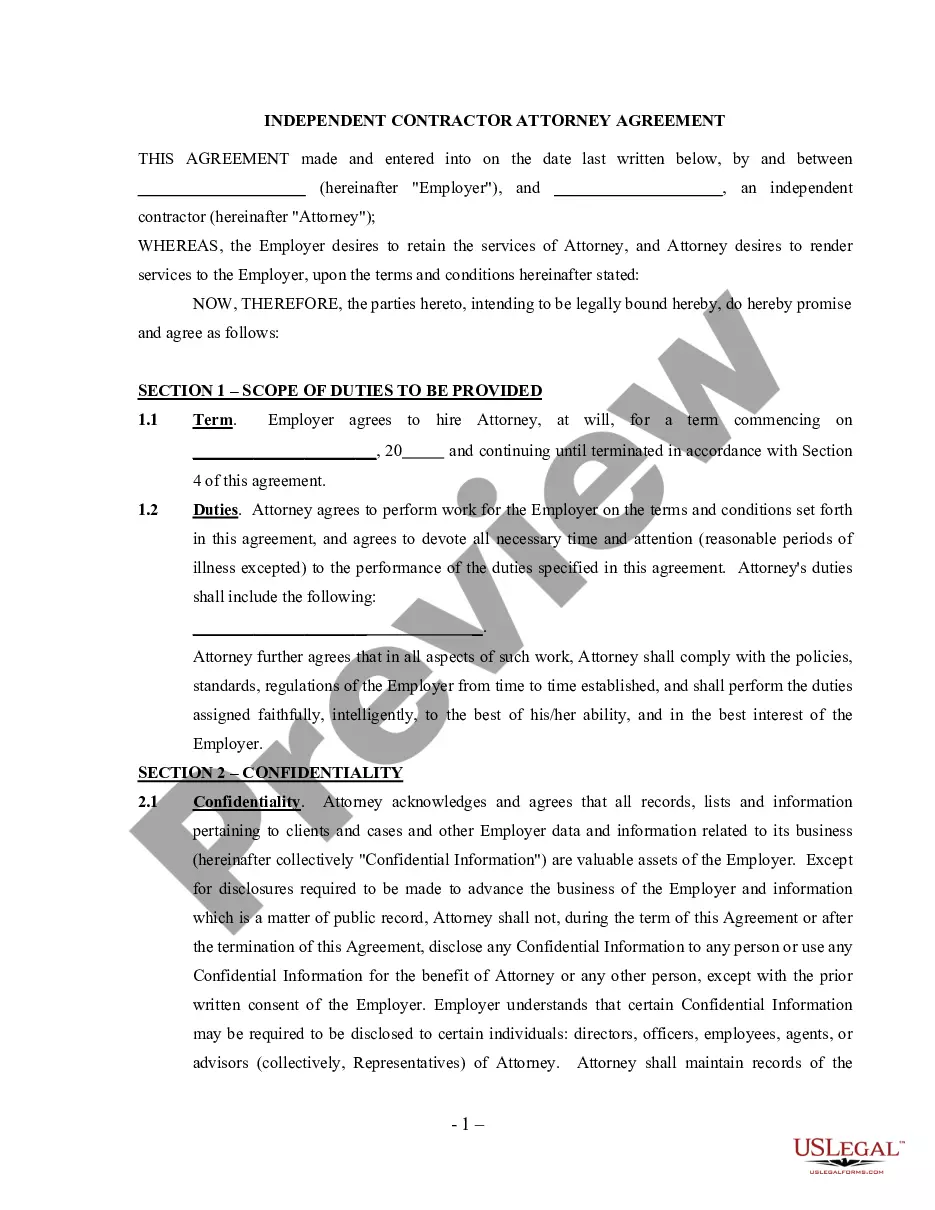
How to fill out Auditor Agreement - Self-Employed Independent Contractor?
There is no longer a necessity to squander time searching for legal documents to adhere to your local state regulations.
US Legal Forms has gathered all of them into a single location and enhanced their accessibility.
Our platform offers over 85k templates for any business and personal legal matters categorized by state and area of usage.
Utilize the Search field above to look for another sample if the previous one did not suit your needs. Click Buy Now next to the template title when you discover the right one. Choose the most appropriate subscription plan and either create an account or Log In. Make the payment for your subscription using a credit card or through PayPal to proceed. Select the file format for your Agreement Contract For Work and download it to your device. Print your form to complete it manually or upload the sample if you prefer to do it in an online editor. Producing official paperwork in compliance with federal and state regulations is quick and easy with our library. Test out US Legal Forms today to organize your documentation!
- All documents are expertly drafted and verified for authenticity, ensuring you receive a current Agreement Contract For Work.
- If you are acquainted with our platform and possess an account, make sure your subscription is active before accessing any templates.
- Log In to your account, select the document, and click Download.
- You can also revisit all saved papers whenever necessary by navigating to the My documents tab in your profile.
- If you haven't utilized our platform before, the procedure will require a few additional steps to finalize.
- Here’s how new users can acquire the Agreement Contract For Work from our library.
- Examine the page content closely to confirm it has the sample you require.
- To facilitate this, employ the form description and preview options if available.
Form popularity
FAQ
What to Include in a Contract The date the contract begins and when it expires. The names of all parties involved in the transaction. Any key terms and definitions. The products and services included in the transaction. Any payment amounts, project schedules, terms, and billing dates.
Write the contract in six steps Start with a contract template.Open with the basic information.Describe in detail what you have agreed to.Include a description of how the contract will be ended.Write into the contract which laws apply and how disputes will be resolved.Include space for signatures.
The basic elements required for the agreement to be a legally enforceable contract are: mutual assent, expressed by a valid offer and acceptance; adequate consideration; capacity; and legality.
How to write a letter of agreement Title the document. Add the title at the top of the document.List your personal information.Include the date.Add the recipient's personal information.Address the recipient.Write an introduction paragraph.Write your body.Conclude the letter.
Most contracts only need to contain two elements to be legally valid: All parties must be in agreement (after an offer has been made by one party and accepted by the other). Something of value must be exchanged -- such as cash, services, or goods (or a promise to exchange such an item) -- for something else of value.