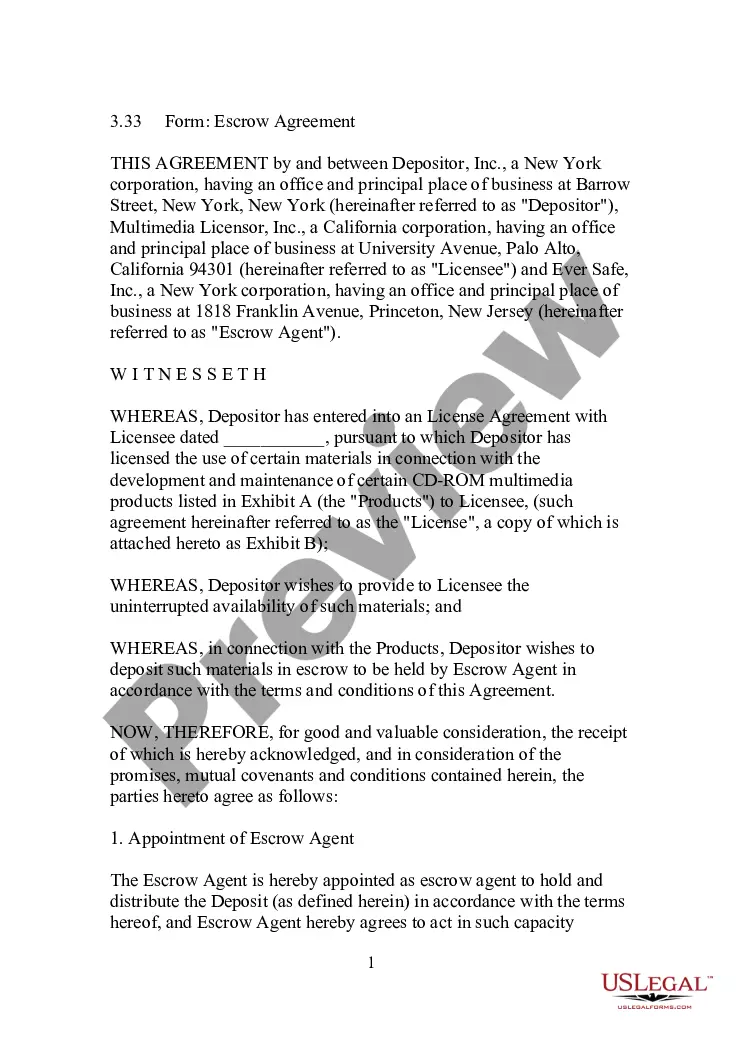
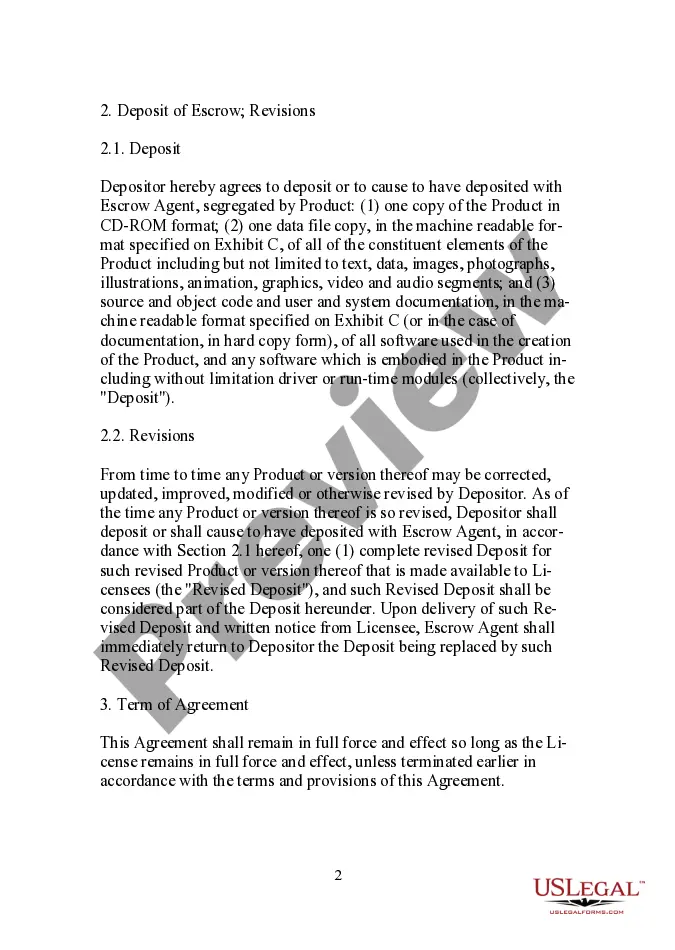
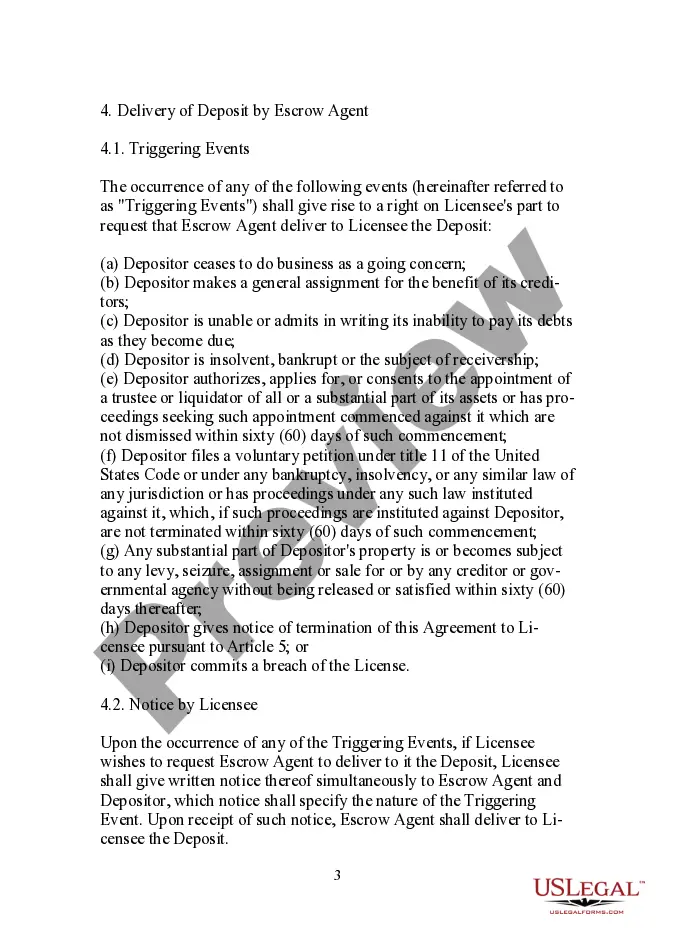
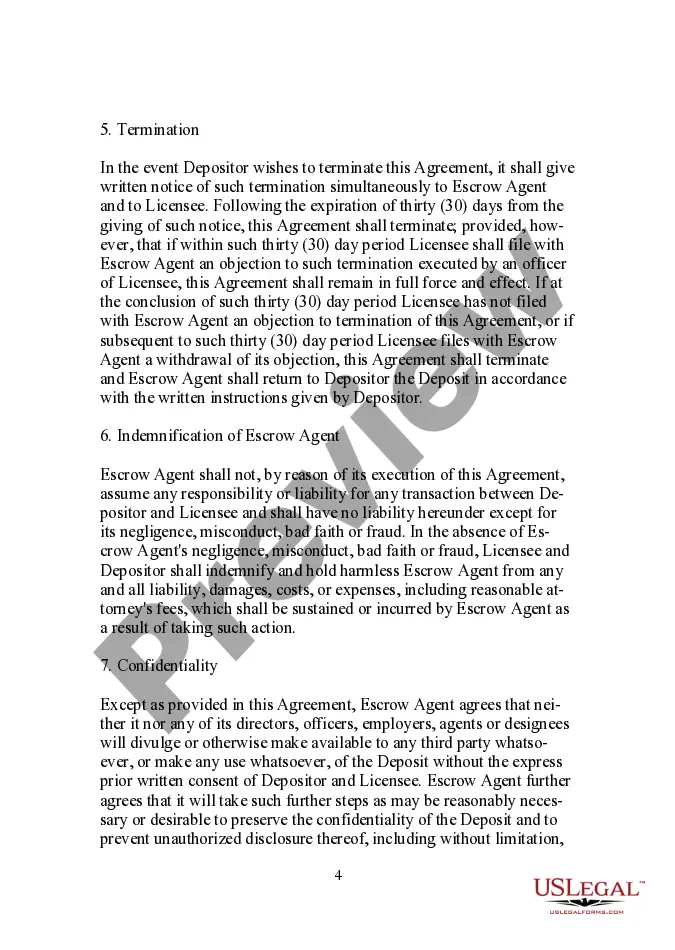
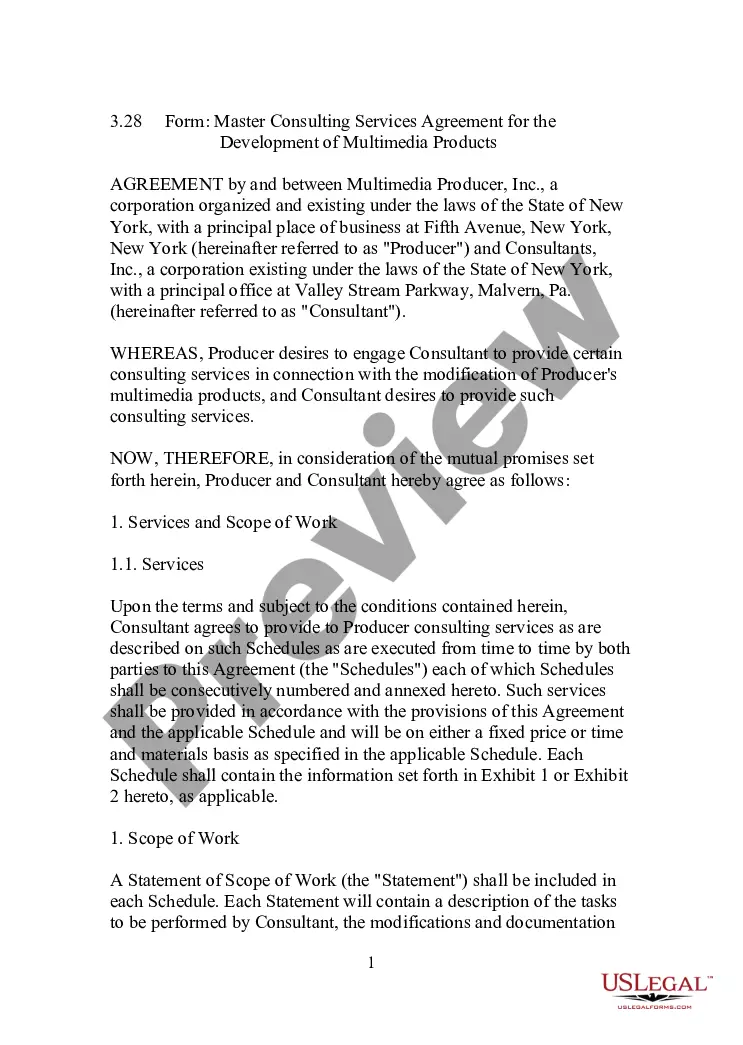
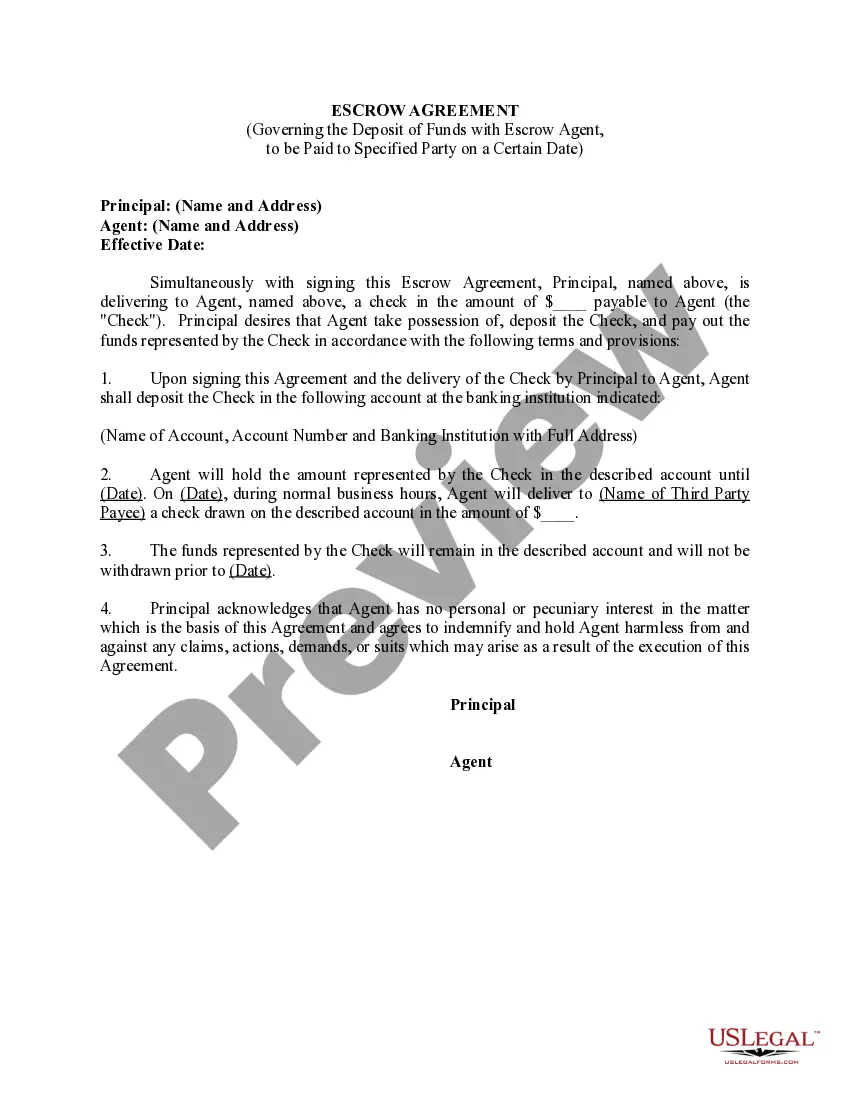
Escrow Agreement Between Form
Description
Get your form ready online
Our built-in tools help you complete, sign, share, and store your documents in one place.
Make edits, fill in missing information, and update formatting in US Legal Forms—just like you would in MS Word.
Download a copy, print it, send it by email, or mail it via USPS—whatever works best for your next step.
Sign and collect signatures with our SignNow integration. Send to multiple recipients, set reminders, and more. Go Premium to unlock E-Sign.
If this form requires notarization, complete it online through a secure video call—no need to meet a notary in person or wait for an appointment.
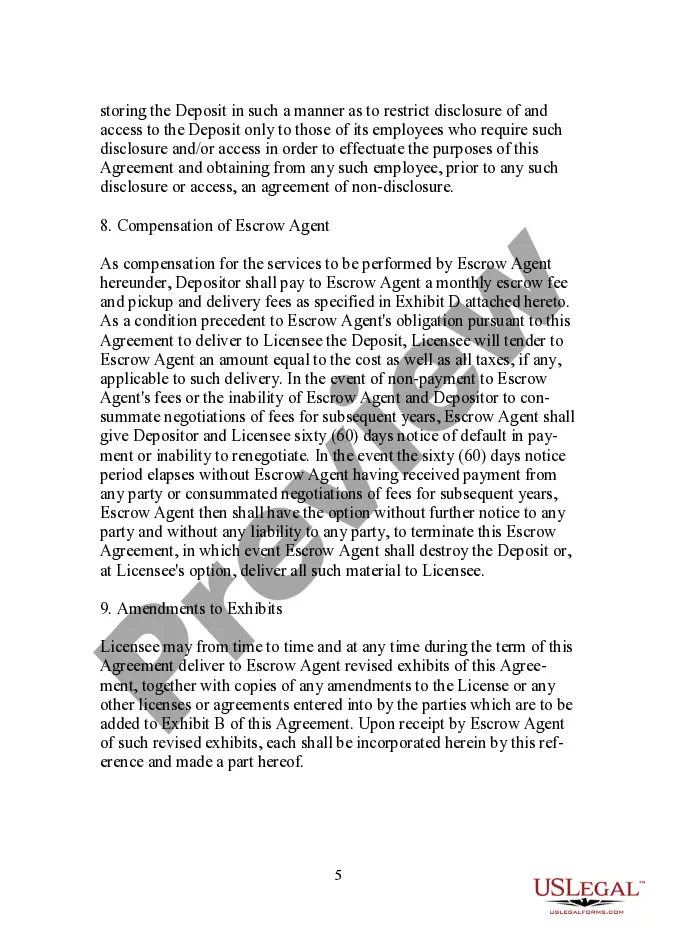
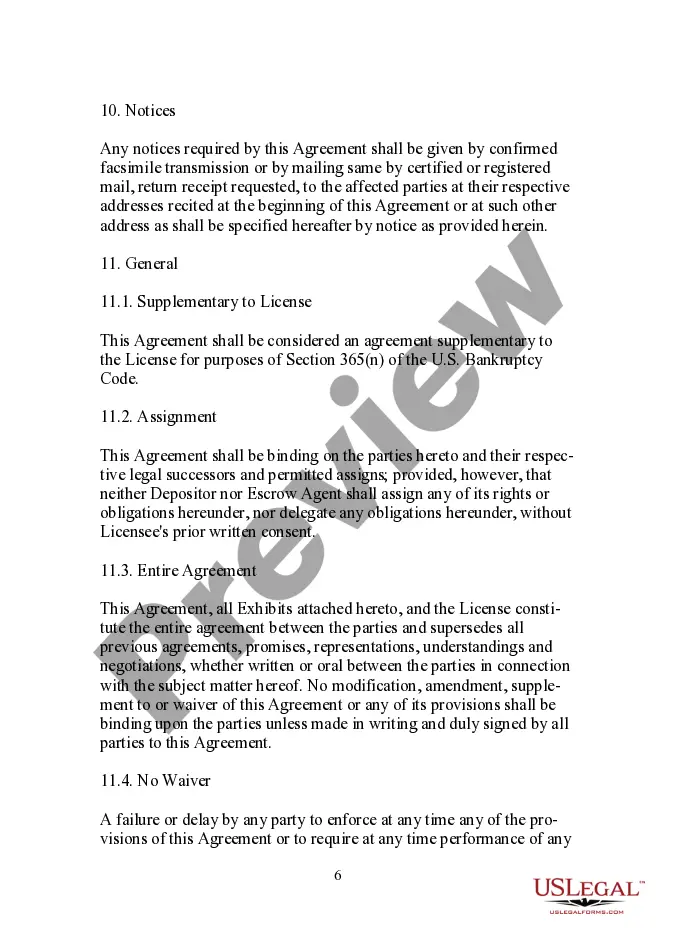
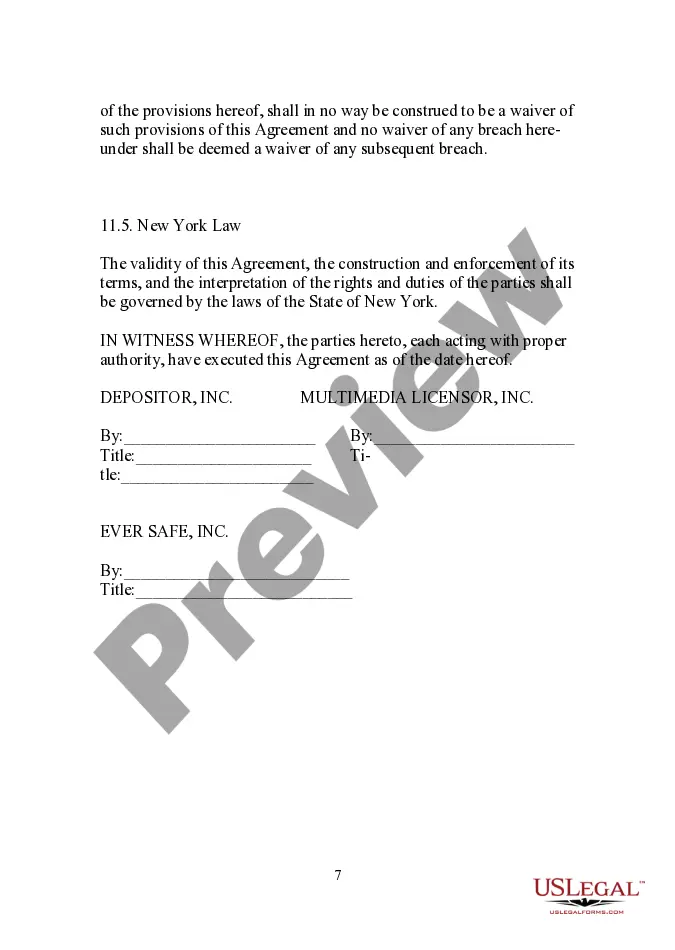
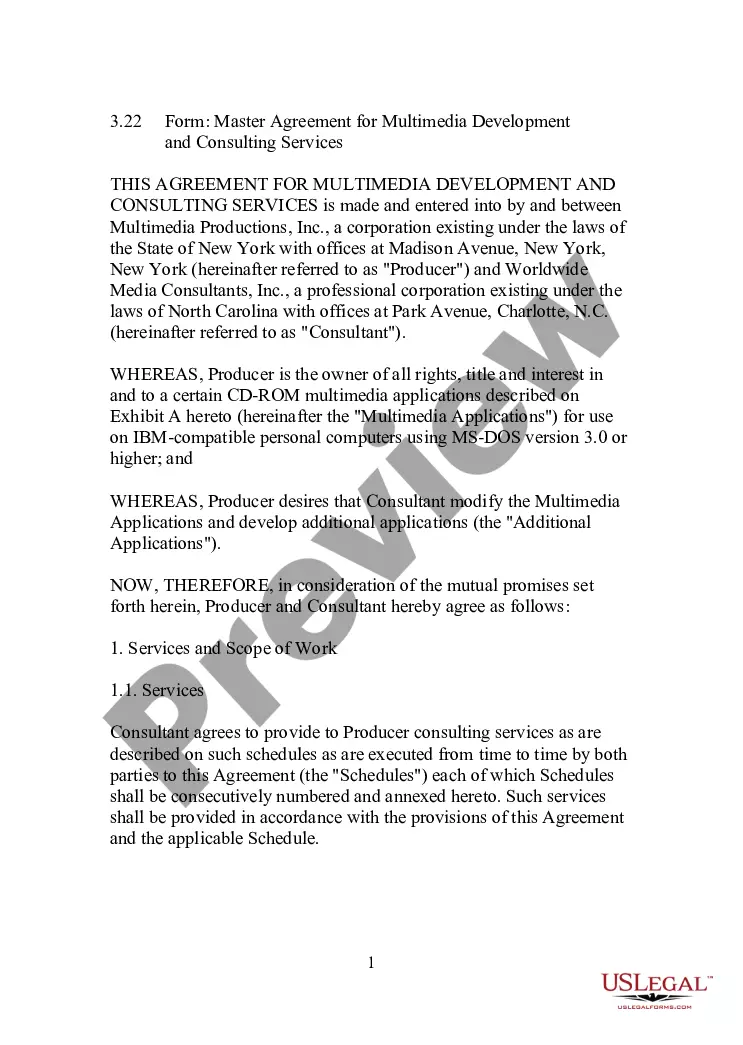
We protect your documents and personal data by following strict security and privacy standards.

Make edits, fill in missing information, and update formatting in US Legal Forms—just like you would in MS Word.

Download a copy, print it, send it by email, or mail it via USPS—whatever works best for your next step.

Sign and collect signatures with our SignNow integration. Send to multiple recipients, set reminders, and more. Go Premium to unlock E-Sign.

If this form requires notarization, complete it online through a secure video call—no need to meet a notary in person or wait for an appointment.

We protect your documents and personal data by following strict security and privacy standards.
Looking for another form?










How to fill out Escrow Agreement Between Depositor, Inc., And Multimedia Licensor, Inc.?
Administrative procedures necessitate exactness and correctness.
If you do not manage completing documentation like the Escrow Agreement Between Form regularly, it might lead to several miscommunications.
Selecting the proper template from the outset will guarantee that your document submission will proceed smoothly and avert any hassles of resending a file or repeating the same tasks from the beginning.
If you are not a subscribed user, locating the desired template will involve a few additional steps: Locate the template using the search bar. Ensure that the Escrow Agreement Between Form you’ve discovered is pertinent to your state or locality. Review the preview or consult the description that includes details on the utilization of the template. When the result meets your search criteria, click the Buy Now button. Select the appropriate option from the suggested pricing plans. Log In to your account or create a new one. Complete the transaction using a credit card or PayPal account. Retrieve the form in your preferred file format. Discovering the correct and updated samples for your paperwork takes just a few minutes with an account at US Legal Forms. Eliminate the bureaucratic worries and simplify your document-related tasks.
- You can always locate the appropriate template for your documentation in US Legal Forms.
- US Legal Forms is the largest online repository of forms that provides over 85,000 templates for various sectors.
- You can acquire the most recent and pertinent version of the Escrow Agreement Between Form by merely searching for it on the platform.
- Identify, save, and download templates in your account or consult the description to confirm you have the correct one readily available.
- With an account at US Legal Forms, it's straightforward to gather, store in one location, and navigate through the templates you keep for quick access.
- When on the website, click the Log In button to authenticate.
- Then, visit the My documents page, where your document history is maintained.
- Examine the description of the forms and download those you need at any given time.
Form popularity
FAQ
Escrow instructions define the events that must take place prior to an escrow closing. The escrow instructions are your written instructions to the escrow holder acknowledging the terms and conditions of the sale. An itemized statement is included with your instructions, reflecting all agreed upon debits and credits.
Joint Escrow Instructions means a letter executed by Seller and Buyer to the Closing Agent confirming that all conditions to Closing have been satisfied or waived by the parties.
A thorough escrow agreement will list out the information that should be included in JWI or any instructions, such as the amount to be released, the party to whom the funds should be delivered, payment instructions and tax characterizations, or alternatively attach an instructions template to the escrow agreement.
In California, there are two forms of escrow instructions generally employed: bilateral (i.e., executed by and binding on both buyer and seller) and unilateral (i.e., separate instructions executed by the buyer and seller, binding on each).
Most escrow agreements are put into place when one party wants to make sure the other party meets certain conditions or obligations before it moves forward with a deal. For instance, a seller may set up an escrow agreement to ensure a potential homebuyer can secure financing before the sale goes through.