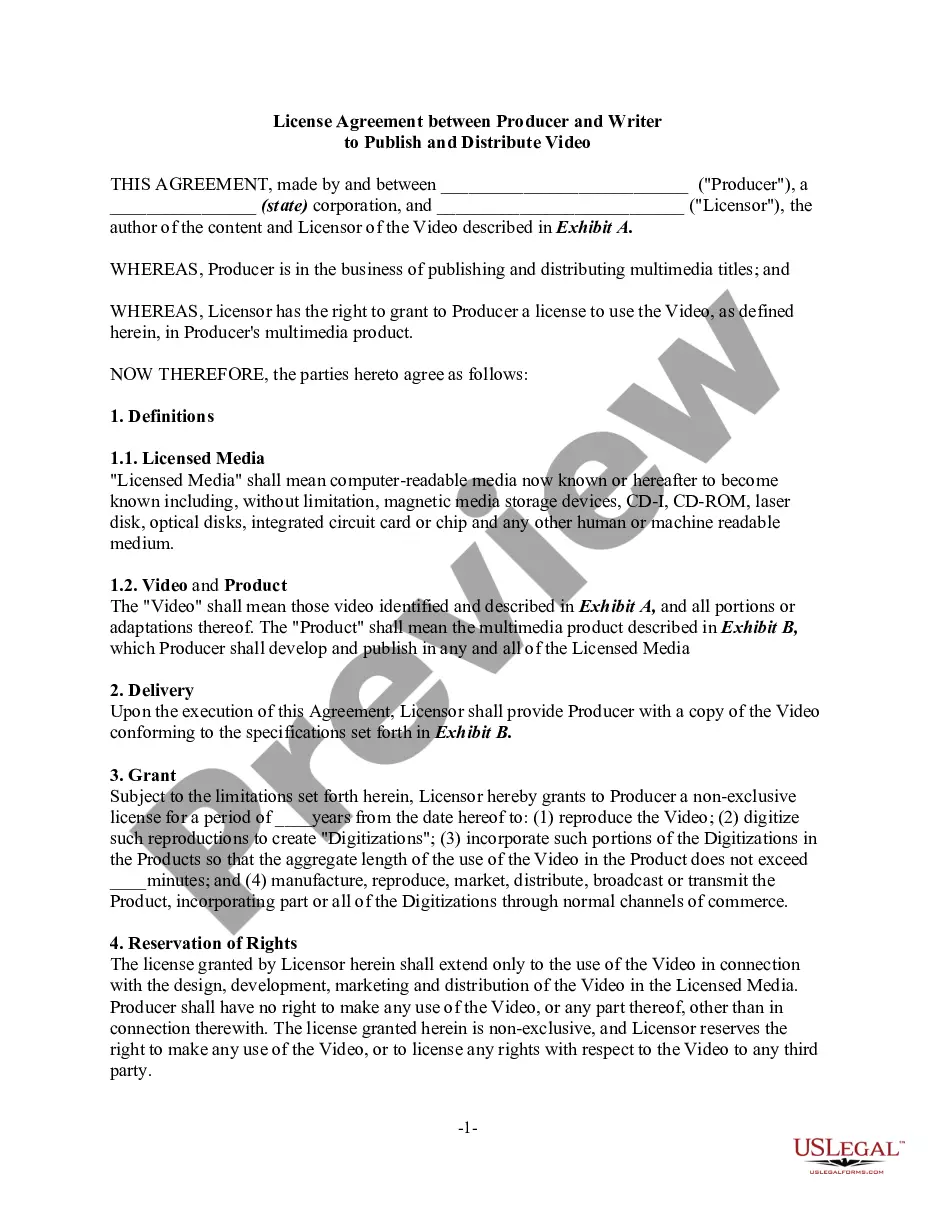
Video License Agreement Template For Video
Description
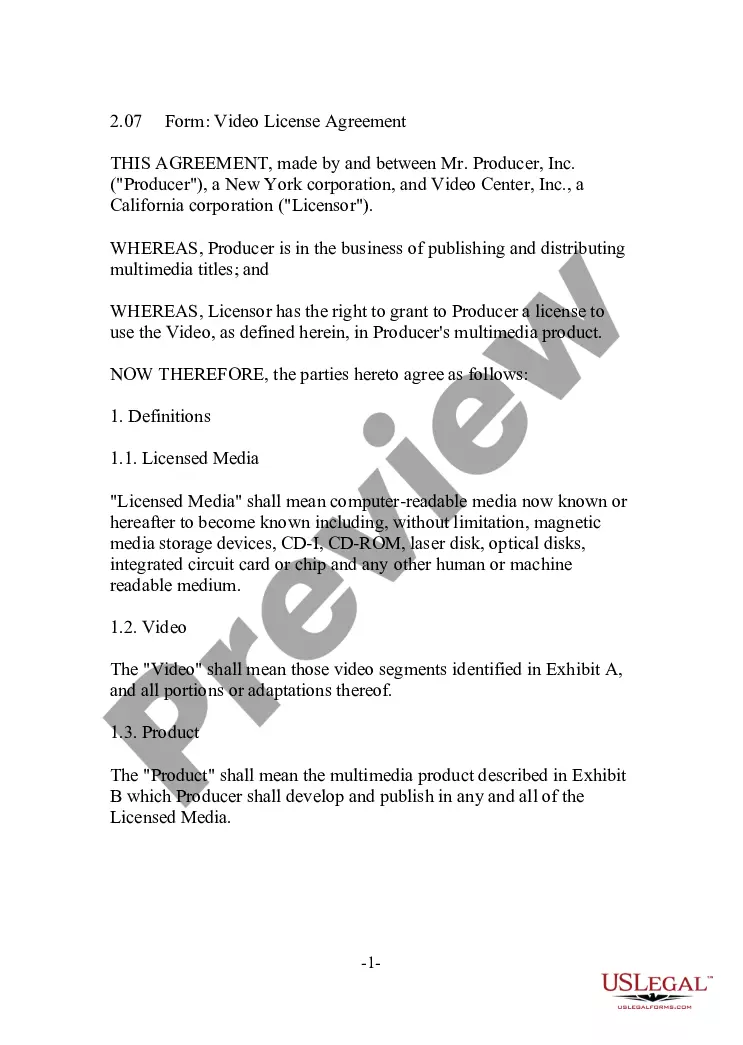
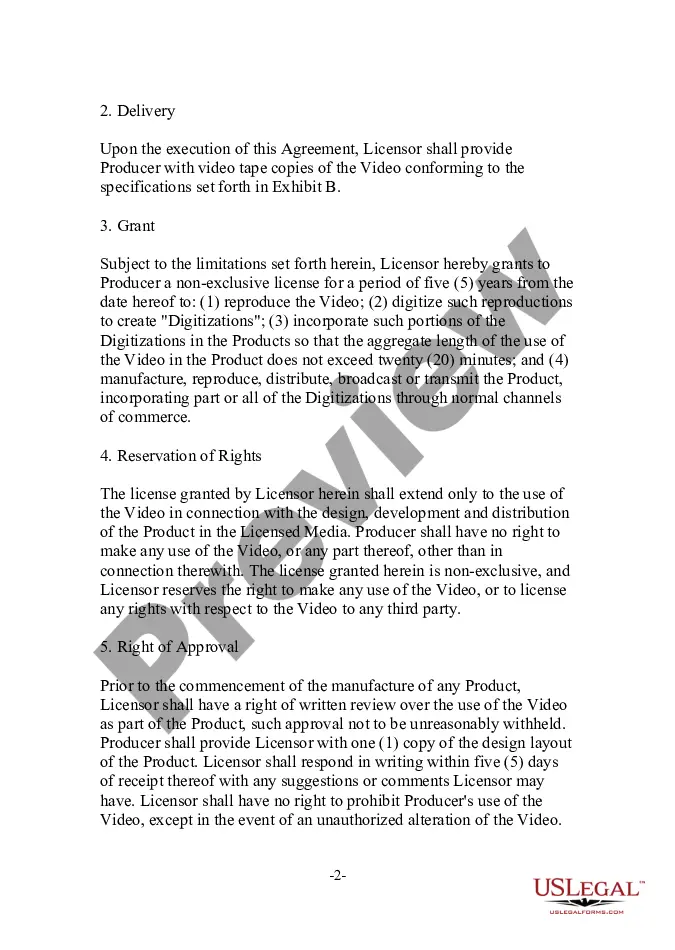
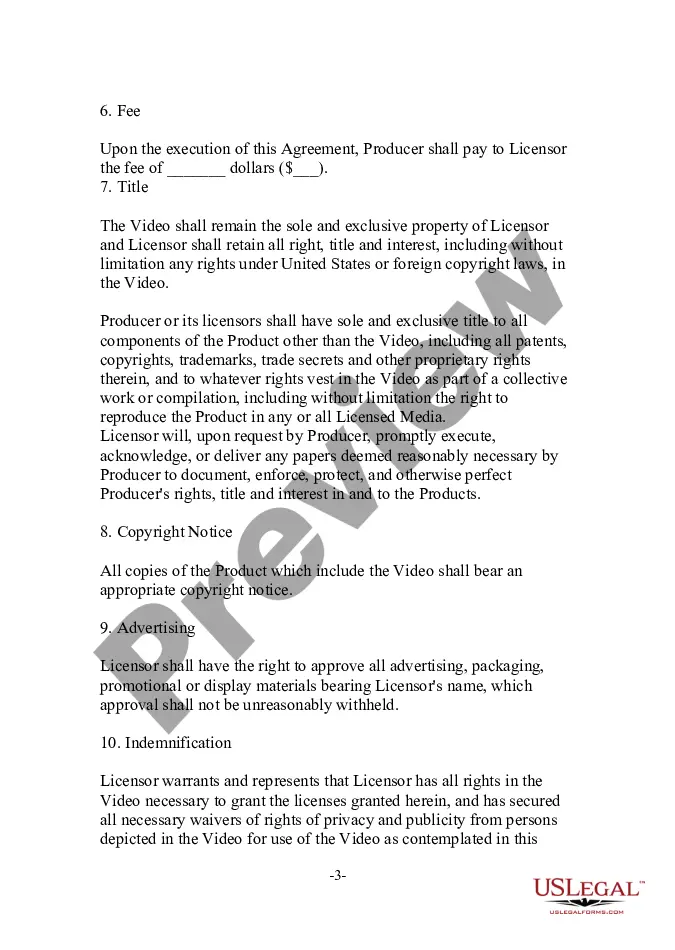
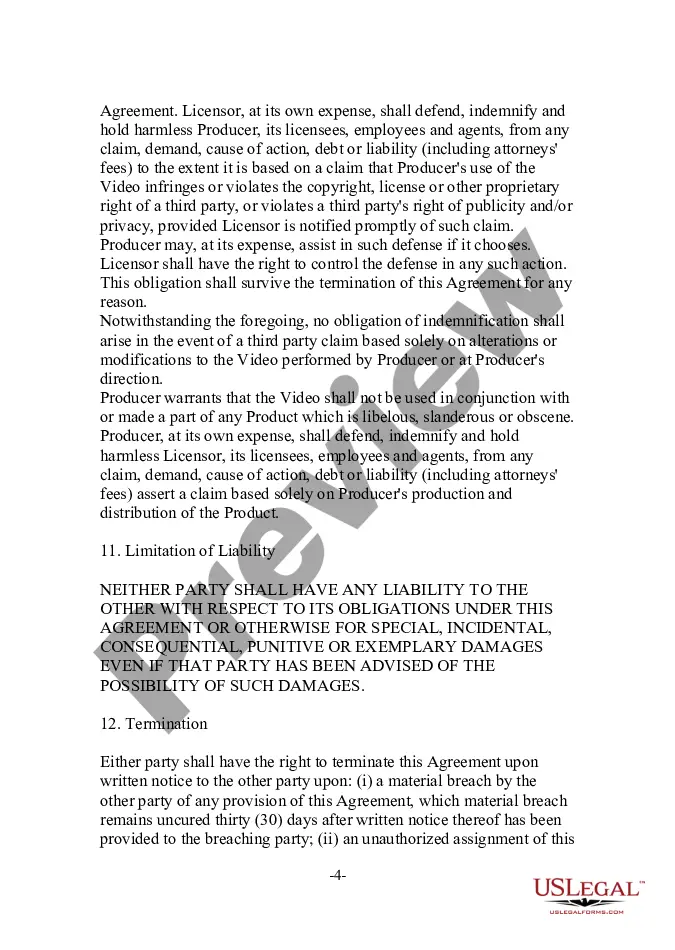
Get your form ready online
Our built-in tools help you complete, sign, share, and store your documents in one place.
Make edits, fill in missing information, and update formatting in US Legal Forms—just like you would in MS Word.
Download a copy, print it, send it by email, or mail it via USPS—whatever works best for your next step.
Sign and collect signatures with our SignNow integration. Send to multiple recipients, set reminders, and more. Go Premium to unlock E-Sign.
If this form requires notarization, complete it online through a secure video call—no need to meet a notary in person or wait for an appointment.
We protect your documents and personal data by following strict security and privacy standards.

Make edits, fill in missing information, and update formatting in US Legal Forms—just like you would in MS Word.

Download a copy, print it, send it by email, or mail it via USPS—whatever works best for your next step.

Sign and collect signatures with our SignNow integration. Send to multiple recipients, set reminders, and more. Go Premium to unlock E-Sign.

If this form requires notarization, complete it online through a secure video call—no need to meet a notary in person or wait for an appointment.

We protect your documents and personal data by following strict security and privacy standards.
Looking for another form?



How to fill out Video License Agreement?
Whether for professional reasons or personal matters, everyone must confront legal issues at some stage in their existence.
Filling out legal paperwork requires meticulous care, beginning with selecting the appropriate form template.
With a vast catalog from US Legal Forms available, you don't have to waste time searching for the right sample online. Utilize the library’s user-friendly navigation to find the correct template for any situation.
- Locate the template you require using the search bar or the catalog navigation.
- Review the form's description to ensure it suits your situation, state, and locality.
- Click on the form's preview to inspect it.
- If it is the incorrect form, return to the search tool to find the Video License Agreement Template For Video sample you need.
- Obtain the document if it meets your requirements.
- If you possess a US Legal Forms account, click Log in to access previously saved documents in My documents.
- If you do not yet have an account, you can download the form by clicking Buy now.
- Choose the appropriate pricing option.
- Complete the account registration form.
- Select your payment method: you can utilize a credit card or PayPal account.
- Choose the document format you prefer and download the Video License Agreement Template For Video.
- Once it is downloaded, you can fill out the form using editing software or print it and fill it out by hand.
Form popularity
FAQ
CIVIL COMPLAINT ? A civil action is commenced by filing a complaint with the court. You must complete and submit an original and two copies of the enclosed complaint form as well as the Civil Cover Sheet. You should also keep an additional copy of any document filed with the Court for your own records.
This Note explains who may file a motion to dismiss, when they may file the motion, and the available defenses (grounds) to assert, including lack of subject matter or personal jurisdiction, insufficient process or service of process, failure to state a claim on which relief may be granted, and failure to join a ...
Proposed Form of Order - A proposed order is a form that the judge can use to either grant or deny the relief sought in the motion. Every motion must be accompanied by a proposed form of order. Return date - The return date is the date on which the court will consider the motion.
You can file a lawsuit in the civil division of the New Jersey Superior Court. If the lawsuit is for $5,000 or less, file with small claims.
Collecting a Judgment You should contact the person who owes you the money, the judgment debtor, to talk about payment. Note: The court cannot guarantee payment. Although the court will try to help you collect the money owed to you, it cannot guarantee the debt will be paid.
You don't have an unlimited amount of time to file a claim. You'll have to bring it within the statute of limitations period for your particular case. For example, the New Jersey statute of limitations periods is six years for contracts and property damage cases, and two years for personal injury matters.
Filing a Lawsuit (Plaintiffs) When filing a lawsuit, you need to complete the packet ?How to File a Complaint in the Superior Court of New Jersey Law Division ? Civil Part?. The packet includes instructions for filing and the complaint form. The complaint needs to name the party or parties you are filing against.
Orders to Show Cause are generally used to avert or prevent irreparable harm to a child or to protect their health, safety, and welfare. Prevention of harm is the reason to seek emergent remedy with the court. The court, in its discretion, may issue an emergency order.