Development Agreement Contract With Suppliers
Description
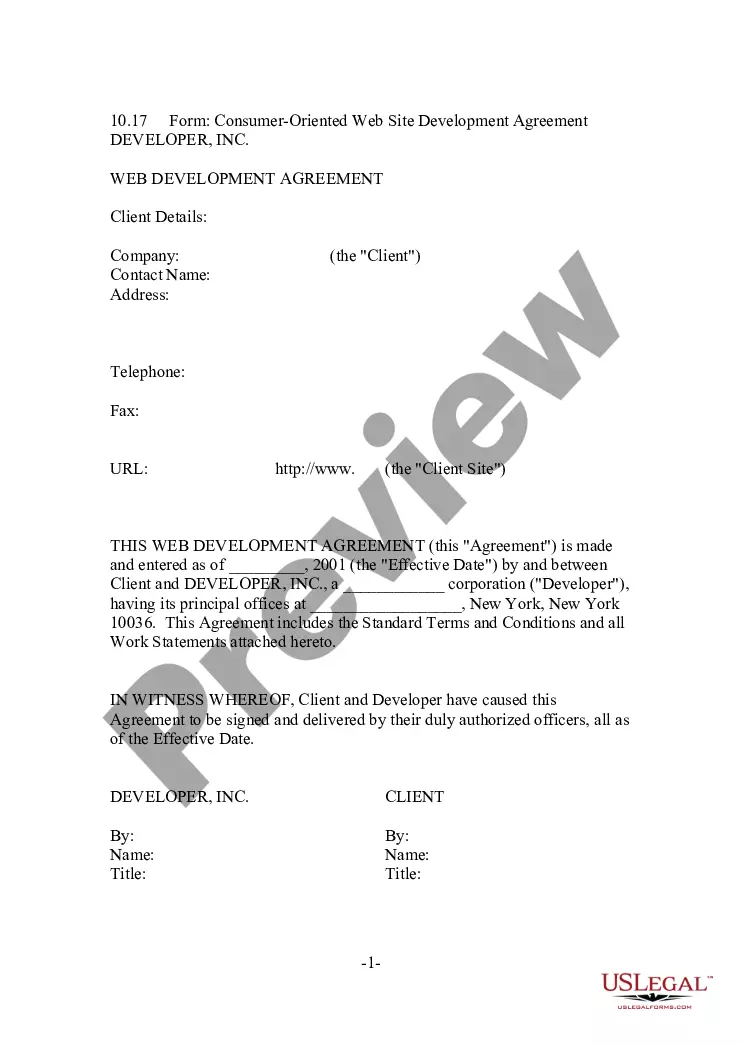

Get your form ready online
Our built-in tools help you complete, sign, share, and store your documents in one place.
Make edits, fill in missing information, and update formatting in US Legal Forms—just like you would in MS Word.
Download a copy, print it, send it by email, or mail it via USPS—whatever works best for your next step.
Sign and collect signatures with our SignNow integration. Send to multiple recipients, set reminders, and more. Go Premium to unlock E-Sign.
If this form requires notarization, complete it online through a secure video call—no need to meet a notary in person or wait for an appointment.
We protect your documents and personal data by following strict security and privacy standards.

Make edits, fill in missing information, and update formatting in US Legal Forms—just like you would in MS Word.

Download a copy, print it, send it by email, or mail it via USPS—whatever works best for your next step.

Sign and collect signatures with our SignNow integration. Send to multiple recipients, set reminders, and more. Go Premium to unlock E-Sign.

If this form requires notarization, complete it online through a secure video call—no need to meet a notary in person or wait for an appointment.

We protect your documents and personal data by following strict security and privacy standards.
Looking for another form?









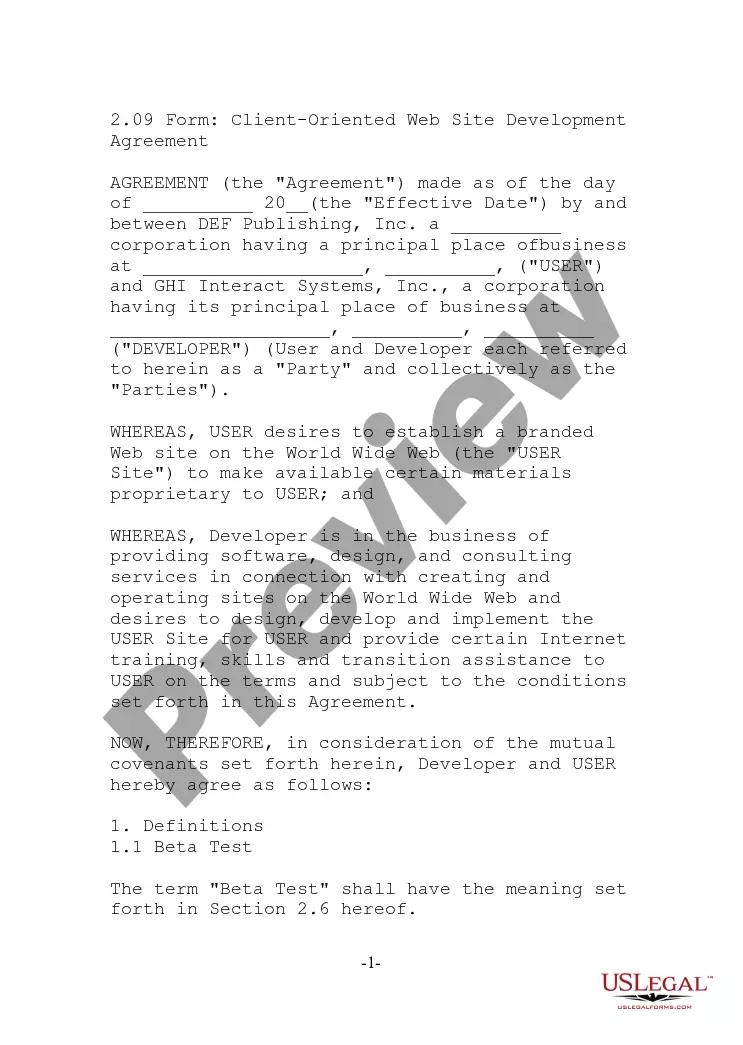
How to fill out Consumer Oriented Web Site Development Agreement?
Individuals commonly link legal documentation with something intricate that only an expert can manage.
In some respect, it's accurate, as composing a Development Agreement Contract With Suppliers requires a significant comprehension of subject specifics, including state and county guidelines.
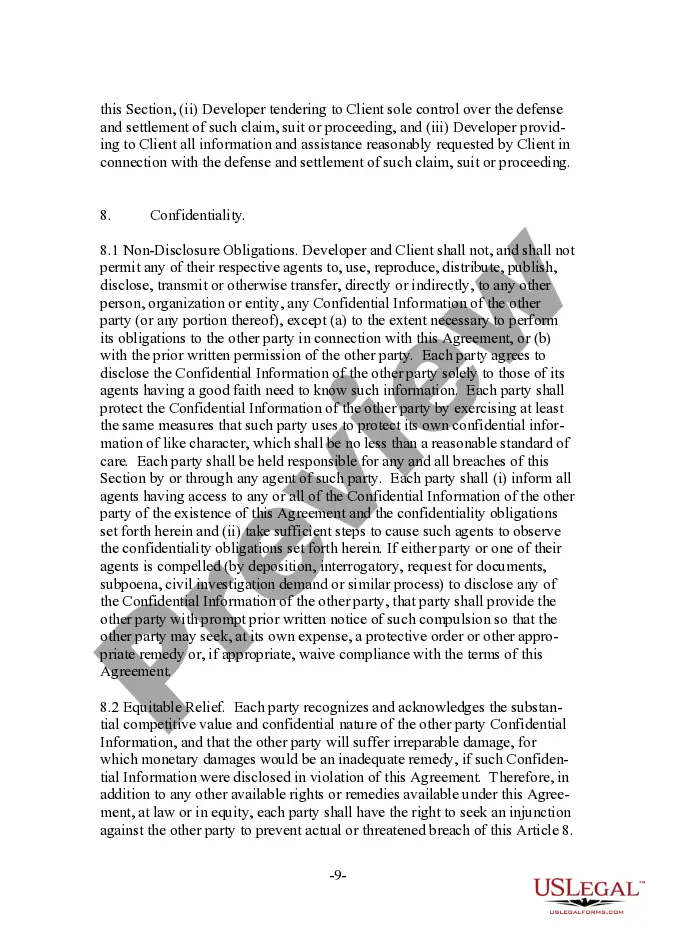
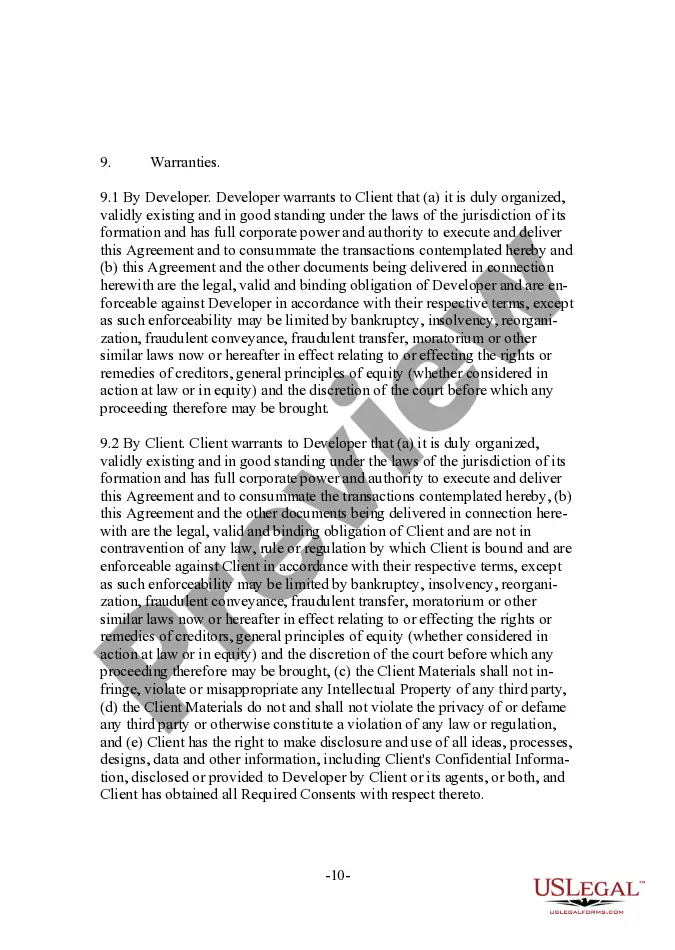
However, with US Legal Forms, matters have become easier: pre-made legal templates for any personal and business circumstance pertinent to state laws are gathered in a single online repository and are now accessible to everyone.
Afterward, print your document or upload it to an online editor for quicker completion. All templates in our repository are reusable: once purchased, they remain saved in your profile. You can access them whenever needed through the My documents tab. Discover all the advantages of utilizing the US Legal Forms platform. Subscribe today!
- US Legal Forms offers over 85k current forms categorized by state and application area, so searching for a Development Agreement Contract With Suppliers or another specific template only requires a few minutes.
- Previously registered users with an active subscription must Log In to their account and click Download to retrieve the document.
- New users on the platform will need to establish an account and subscribe before they can save any paperwork.
- Here’s the step-by-step procedure on how to obtain the Development Agreement Contract With Suppliers.
- Review the page content thoroughly to ensure it meets your requirements.
- Examine the form description or view it using the Preview feature.
- Find another template using the Search field above if the previous option doesn’t fit your needs.
- Hit Buy Now when you identify the appropriate Development Agreement Contract With Suppliers.
- Choose a pricing plan that aligns with your needs and financial situation.
- Create an account or Log In to move on to the payment page.
- Complete your payment through PayPal or with your credit card.
- Choose your file format and click Download.
Form popularity
FAQ
Development agreements are contracts approved by the Planning Commission and Board of Supervisors entered into by the City and a developer to expressly define a development project's rules, regulations, commitments, and policies for a specific period of time.
A product development agreement contract protects you and your work, as well as helps you obtain the final product you may want. For example, if you are paying someone to develop software, you will want to draft a software development agreement to make sure you get the edition you want.
Write the contract in six stepsStart with a contract template.Open with the basic information.Describe in detail what you have agreed to.Include a description of how the contract will be ended.Write into the contract which laws apply and how disputes will be resolved.Include space for signatures.
What to Include in a ContractThe date the contract begins and when it expires.The names of all parties involved in the transaction.Any key terms and definitions.The products and services included in the transaction.Any payment amounts, project schedules, terms, and billing dates.More items...?
The simple answer is YES. You can write your own contracts. There is no requirement that they must be written by a lawyer. There is no requirement that they have to be a certain form or font.