Information
Understanding this form
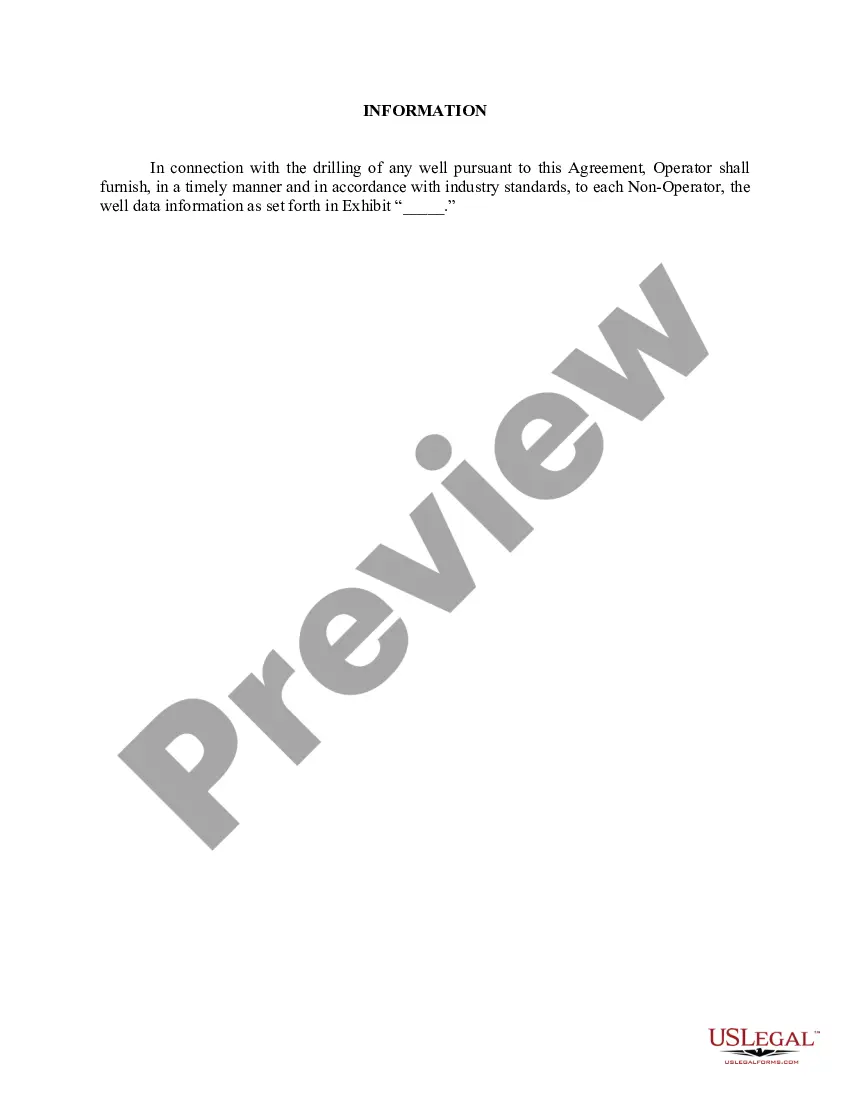
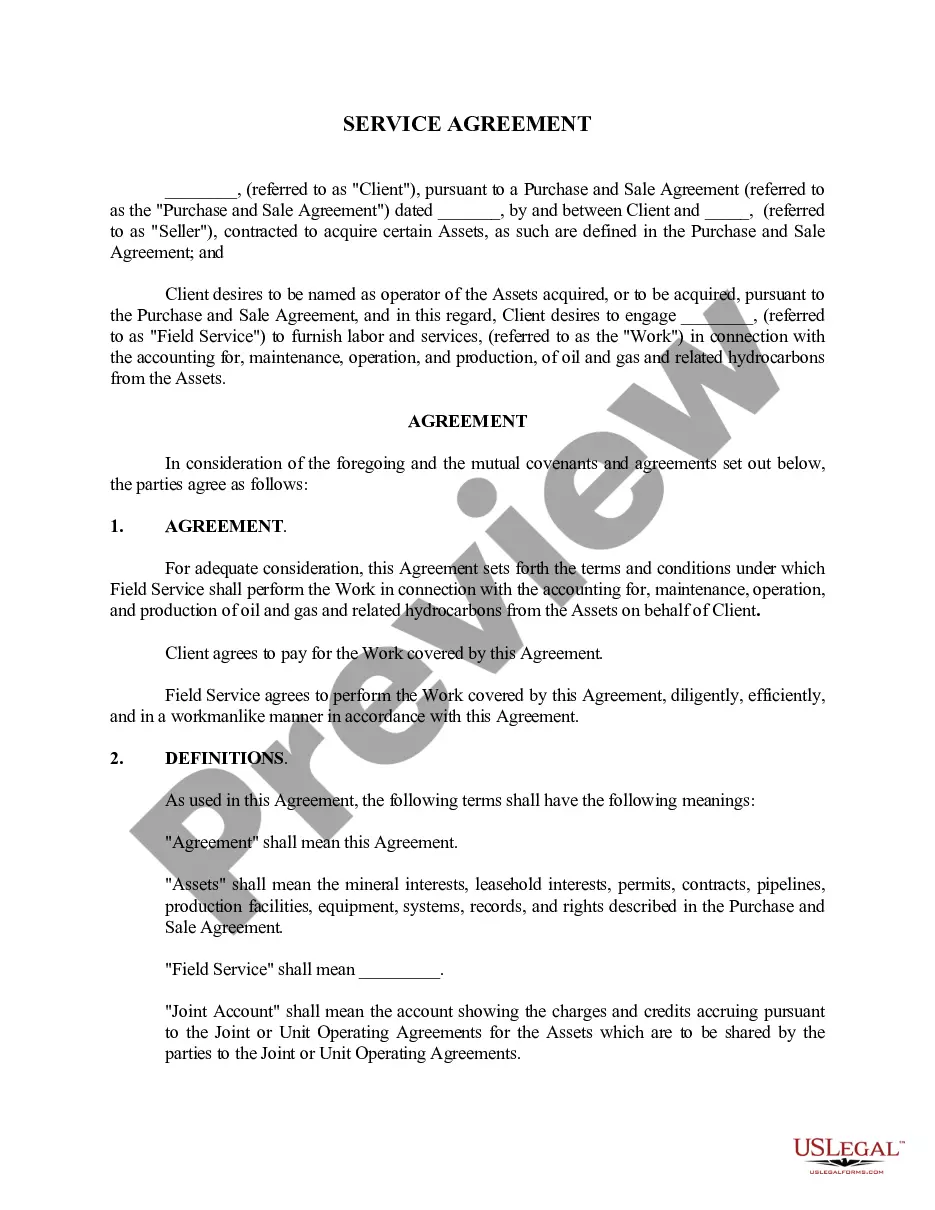
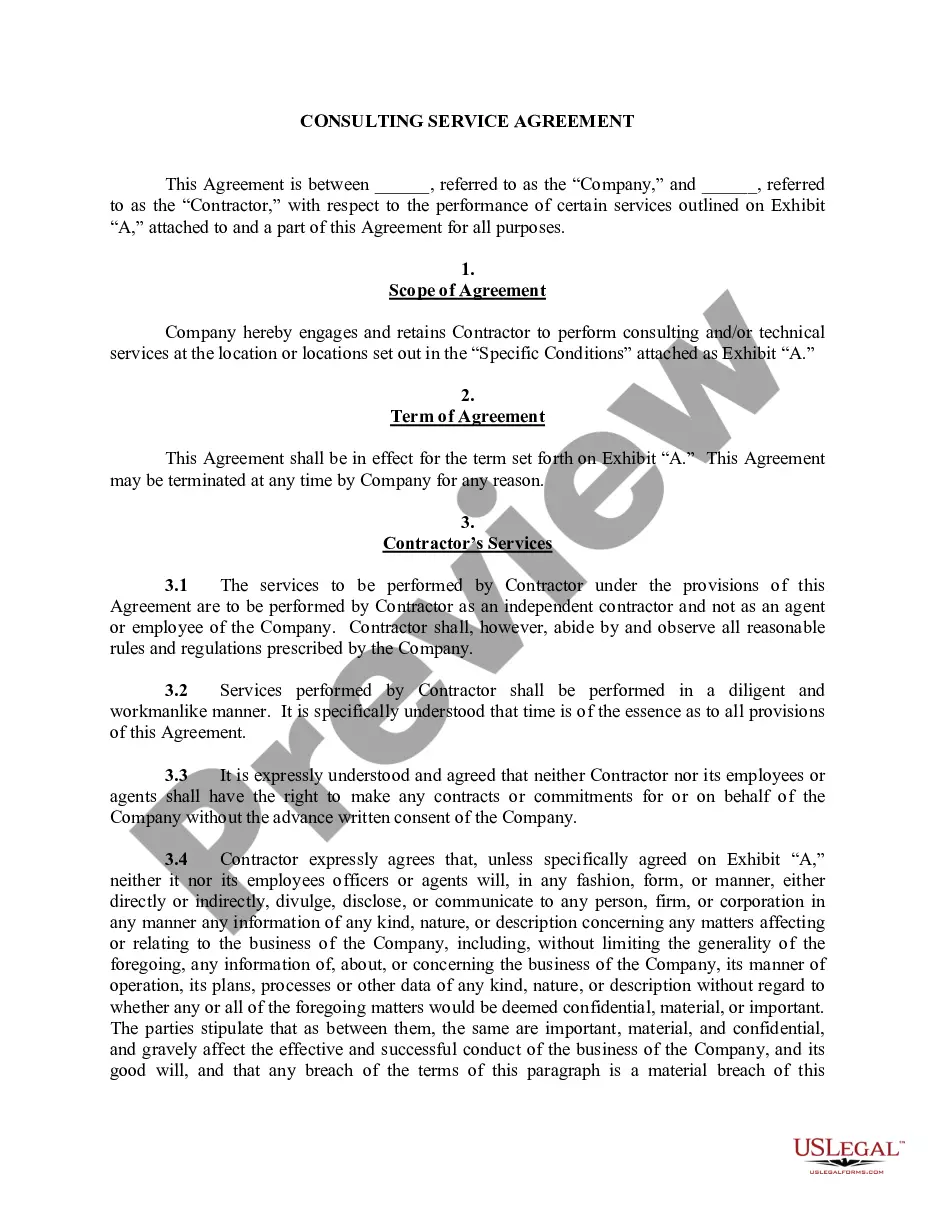
The Information form is a crucial component of certain agreements that refers readers to well data information found in accompanying exhibits. This document helps clarify and summarize essential data while ensuring that relevant details are easily accessible. Unlike other agreement forms, the Information form specifically directs attention to technical data, making it a vital part of any contract involving well data analysis or management.
Main sections of this form
- Reference clause directing to exhibits with well data.
- Section outlining the purpose of the well data information.
- Identification of relevant attachments or exhibits.
Situations where this form applies
This form is typically used in situations where contractual agreements involve well data, such as in oil, gas, or mining industries. It serves as a reference point for additional information contained in exhibits, ensuring that all parties involved have a clear understanding of the data being discussed.
Who needs this form
- Business owners engaged in resource extraction.
- Legal professionals drafting or reviewing contracts.
- Contract analysts requiring detailed well data references.
- Companies involved in the management or exploration of natural resources.
Steps to complete this form
- Identify the specific agreement being referenced.
- Include relevant well data information in the exhibits.
- Clearly label and number the exhibits for easy reference.
- Ensure all parties review the well data referenced.
- Include signatures of all relevant parties when finalizing the agreement.
Does this form need to be notarized?
This form does not typically require notarization to be legally valid. However, some jurisdictions or document types may still require it. US Legal Forms provides secure online notarization powered by Notarize, available 24/7 for added convenience.
Get your form ready online
Our built-in tools help you complete, sign, share, and store your documents in one place.
Make edits, fill in missing information, and update formatting in US Legal Forms—just like you would in MS Word.
Download a copy, print it, send it by email, or mail it via USPS—whatever works best for your next step.
Sign and collect signatures with our SignNow integration. Send to multiple recipients, set reminders, and more. Go Premium to unlock E-Sign.
If this form requires notarization, complete it online through a secure video call—no need to meet a notary in person or wait for an appointment.
We protect your documents and personal data by following strict security and privacy standards.

Make edits, fill in missing information, and update formatting in US Legal Forms—just like you would in MS Word.

Download a copy, print it, send it by email, or mail it via USPS—whatever works best for your next step.

Sign and collect signatures with our SignNow integration. Send to multiple recipients, set reminders, and more. Go Premium to unlock E-Sign.

If this form requires notarization, complete it online through a secure video call—no need to meet a notary in person or wait for an appointment.

We protect your documents and personal data by following strict security and privacy standards.
Typical mistakes to avoid
- Failing to accurately label exhibits, leading to confusion.
- Not referencing all necessary well data exhibits in the agreement.
- Neglecting to confirm all parties have access to exhibits.
Why use this form online
- Convenient access to downloadable legal templates.
- Editability allows for quick modifications to meet specific needs.
- Reliability in obtaining forms drafted by licensed attorneys.
Looking for another form?
Form popularity
FAQ
To sign up, fill out their online application. porcelain veneers, these can fill out your lips. She had gained enough weight to fill out the bodice completely. You then fill out surveys to give information on your experience.
Fill out is mainly used when talking about completing something with information, like a form or a survey. Fill in is the rarest of the three, and it is used when talking about something like bubbling in a circle on an answer sheet for a test.
You fill out a form by filling in the blanks. Fill out can be used to mean you've completed something requiring your input. Fill in can be used that way, but less commonly. Filling in usually means adding something to an individual empty place.
Sign a document on your Android with Adobe Fill & Sign Just like with the desktop version of Adobe Acrobat, the free Android equivalent can be used to sign documents as well. Simply open your PDF of choice and tap on the area you want to fill or sign. Once you've selected it, tap the Sign icon to continue.
Phrasal verbs. Fill out, fill in and fill up are phrasal verbs. Fill up. Fill up can mean 'make something become full'. Fill out. Fill in. Fill in, just like fill out, can mean 'complete a form or document'. Fill in can mean 'temporarily replace someone who is unable to do their job at that time'.
Fill out is mainly used when talking about completing something with information, like a form or a survey. Fill in is the rarest of the three, and it is used when talking about something like bubbling in a circle on an answer sheet for a test.
Open the PDF document or form in Acrobat or Reader, and click Fill & Sign in the right pane. Click the Sign icon in the Fill & Sign toolbar, and then choose whether you want to add your signature or just initials.
Open the PDF document or form in Acrobat or Reader, and click Fill & Sign in the right pane. Click the Sign icon in the Fill & Sign toolbar, and then choose whether you want to add your signature or just initials.
You fill out a form by filling in the blanks. Fill out can be used to mean you've completed something requiring your input. Fill in can be used that way, but less commonly. Filling in usually means adding something to an individual empty place.