Oregon Business Credit Application
What this document covers
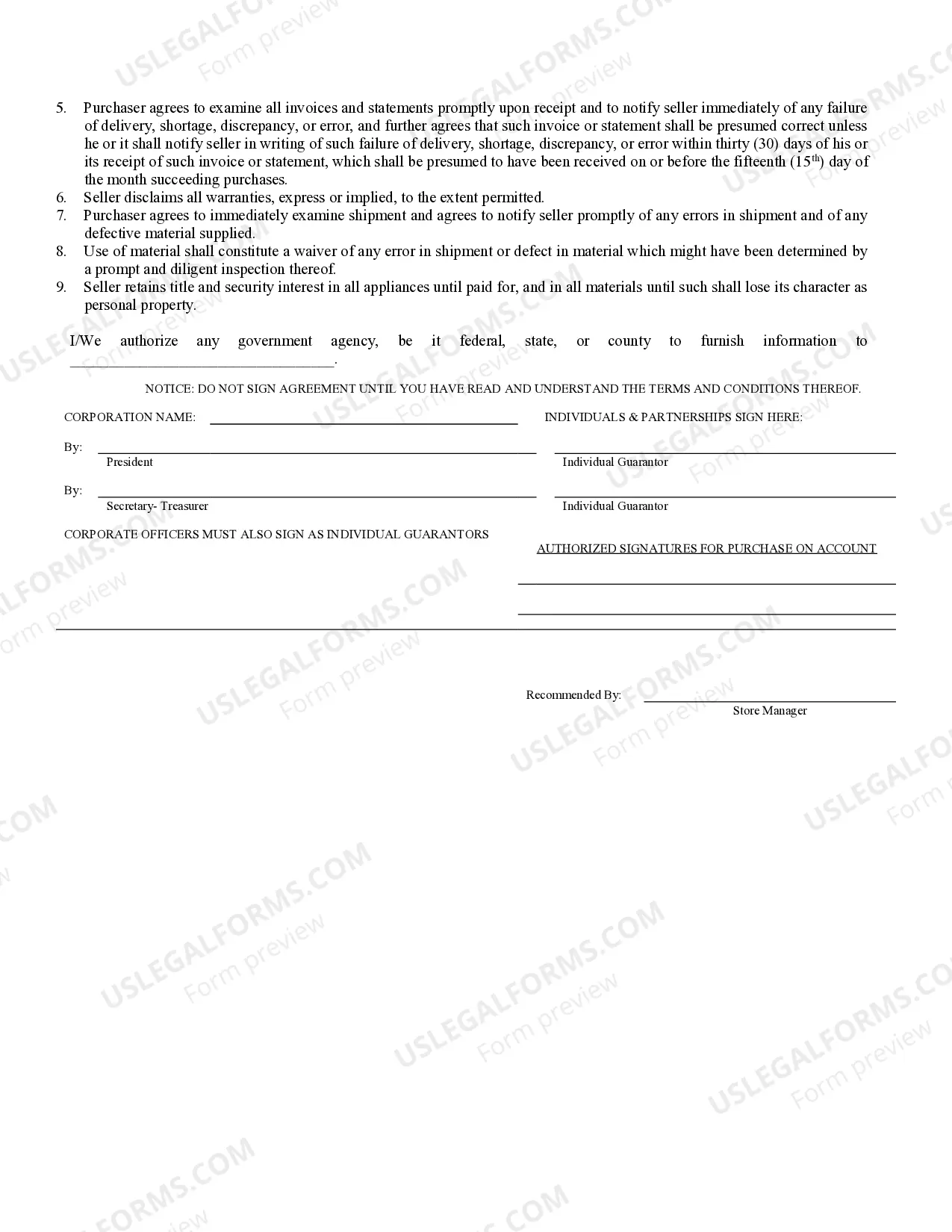
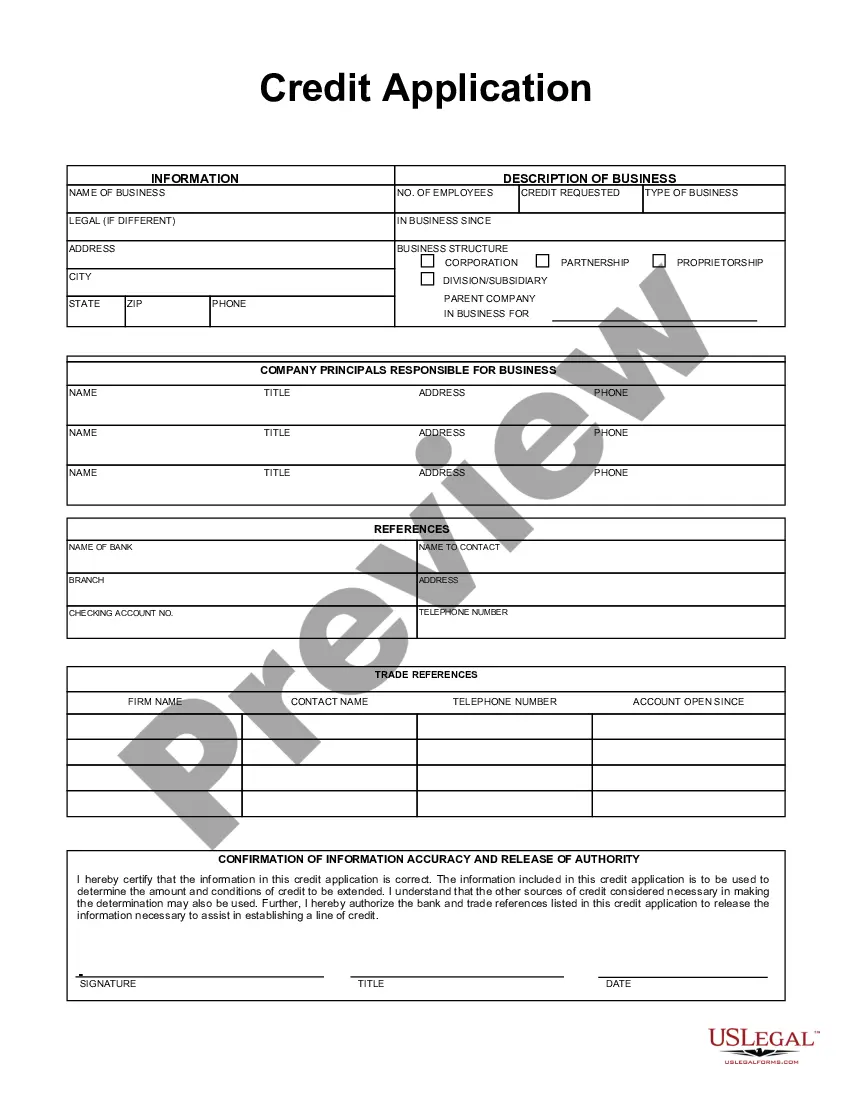
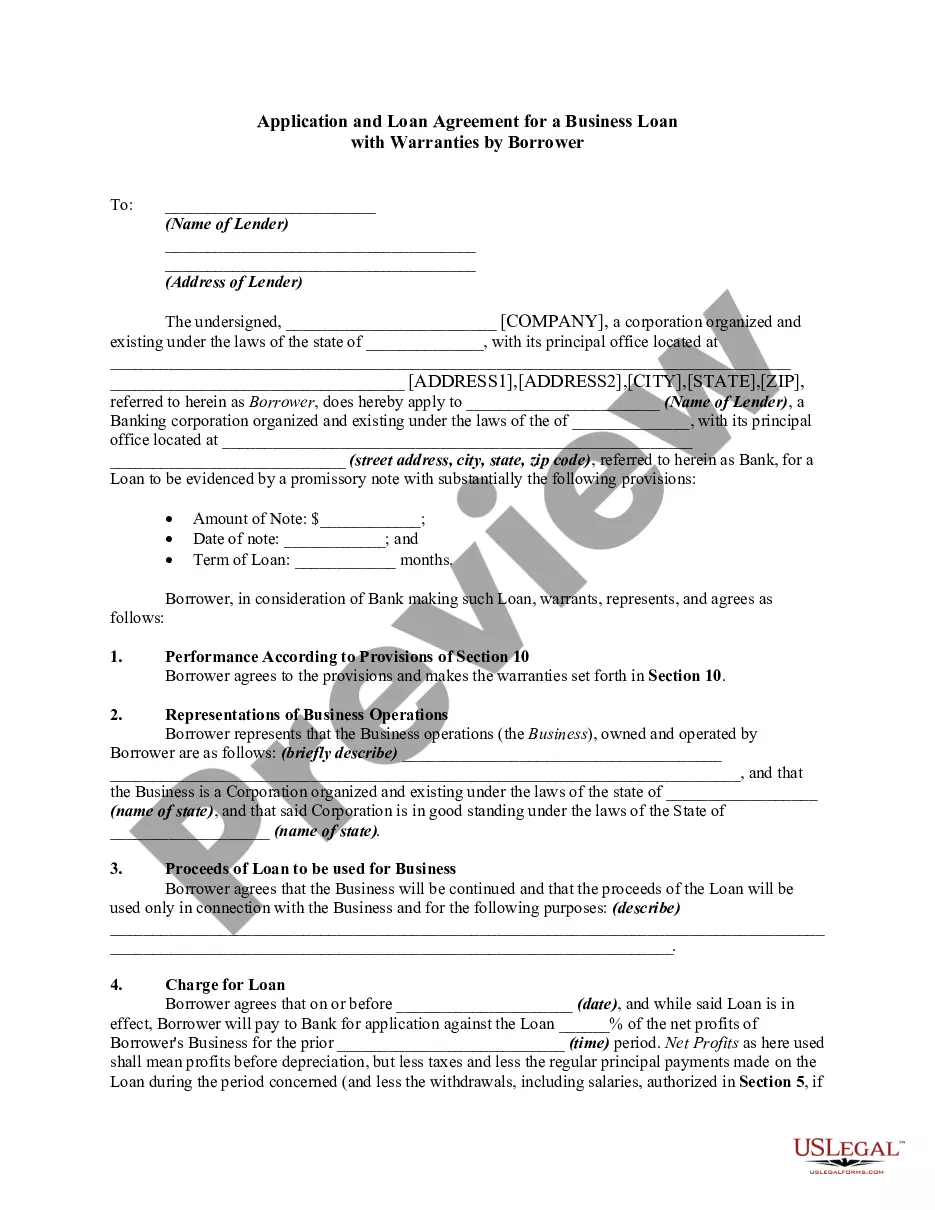
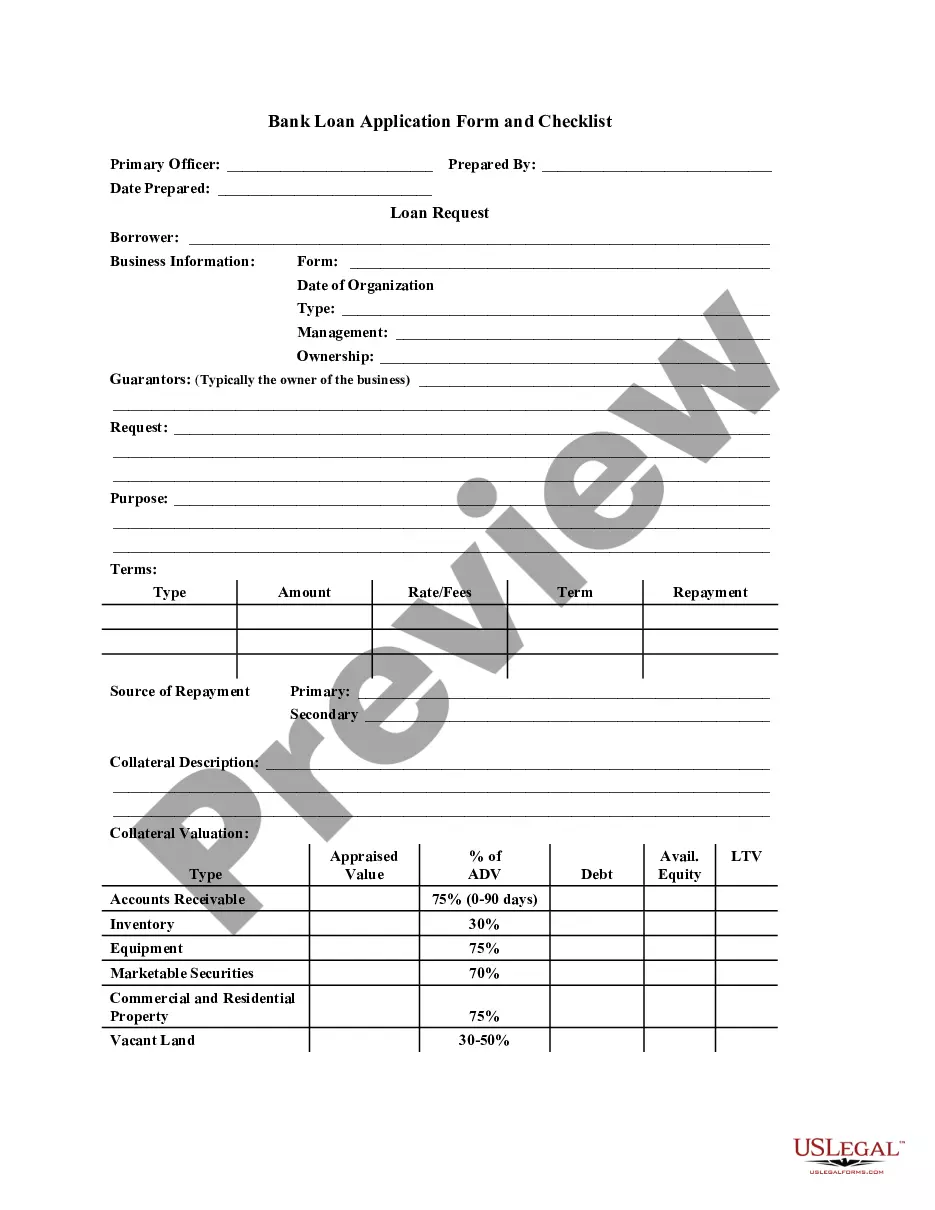
The Business Credit Application is a legal document that allows individuals or businesses to apply for credit from a seller for purchasing goods or services. This form outlines the terms of sale, payment conditions, and responsibilities of the buyer, distinguishing it from general loan agreements or credit contracts by specifically focusing on commercial transactions. It ensures that both parties understand their obligations regarding credit extension and repayment.
Key components of this form
- Credit terms including repayment schedule and interest rate.
- Default provisions detailing consequences of non-payment.
- Disclaimer of warranties regarding the goods sold.
- Retention of title clause stating ownership rights until payment is complete.
- Space for signatures of authorized representatives and guarantors.



When to use this document
This form is typically used when a business wants to extend credit to a customer for the purchase of inventory, equipment, or services. It is ideal for sellers who wish to formalize the credit terms with a buyer before transactions occur, ensuring that both parties are aware of the payment deadlines and potential penalties for default.
Who this form is for
- Business owners looking to extend credit to customers.
- Individuals purchasing goods on credit from a business.
- Corporations and partnerships facilitating commercial transactions.
- Sellers wanting to secure their interests in case of payment defaults.
How to complete this form
- Enter the name of the seller and purchaser.
- Specify the terms of sale, including repayment schedule and interest rates.
- Provide details about potential service charges for late payments.
- Sign and date the document, ensuring all required signatures are present.
- If applicable, have guarantors sign to acknowledge their liability.
Notarization requirements for this form
This form usually doesn’t need to be notarized. However, local laws or specific transactions may require it. Our online notarization service, powered by Notarize, lets you complete it remotely through a secure video session, available 24/7.
Get your form ready online
Our built-in tools help you complete, sign, share, and store your documents in one place.
Make edits, fill in missing information, and update formatting in US Legal Forms—just like you would in MS Word.
Download a copy, print it, send it by email, or mail it via USPS—whatever works best for your next step.
Sign and collect signatures with our SignNow integration. Send to multiple recipients, set reminders, and more. Go Premium to unlock E-Sign.
If this form requires notarization, complete it online through a secure video call—no need to meet a notary in person or wait for an appointment.
We protect your documents and personal data by following strict security and privacy standards.

Make edits, fill in missing information, and update formatting in US Legal Forms—just like you would in MS Word.

Download a copy, print it, send it by email, or mail it via USPS—whatever works best for your next step.

Sign and collect signatures with our SignNow integration. Send to multiple recipients, set reminders, and more. Go Premium to unlock E-Sign.

If this form requires notarization, complete it online through a secure video call—no need to meet a notary in person or wait for an appointment.

We protect your documents and personal data by following strict security and privacy standards.
Mistakes to watch out for
- Failing to read and understand the terms before signing.
- Not specifying the correct interest rates or payment terms.
- Omitting signatures from all necessary individuals, including guarantors.
- Not notifying the seller promptly of discrepancies in invoices.
Benefits of completing this form online
- Convenient access to templates that can be completed and downloaded immediately.
- Editability allows for customization based on specific terms and conditions.
- Reliable formatting and compliance with legal standards ensures validity.
- Easy storage and retrieval for future reference or audits.
Legal use & context
- The Business Credit Application is an enforceable contract that establishes the terms of credit between the seller and the purchaser.
- Both parties are legally bound to adhere to the terms, including payment schedules and default provisions.
- Understanding this form helps mitigate risks associated with non-payment and enhances trust in business transactions.
What to keep in mind
- The Business Credit Application is essential for formalizing credit agreements between businesses and their customers.
- Clear terms regarding repayment and responsibilities protect both parties in a transaction.
- Always ensure that the form is tailored to meet any state-specific legal requirements.
Looking for another form?



Form popularity
FAQ
General Business Licenses. In Oregon, your new business must obtain a general business license from each city or county for unincorporated areas where you operate your business. You may want to contact your local city or county administrative offices or check their websites for licensing information and forms.
The state of Oregon doesn't have a general business license. However, many occupations and business activities require special licenses, permits or certifications from state agencies or boards.
Choose a Business Idea. Decide on a Legal Structure. Choose a Name. Create Your Business Entity. Apply for Licenses and Permits. Pick a Business Location and Check Zoning. Report Taxes. Obtain Insurance.
Determine how much funding you'll need. Fund your business yourself with self-funding. Get venture capital from investors. Use crowdfunding to fund your business. Get a small business loan. Use Lender Match to find lenders who offer SBA-guaranteed loans. Small Business Administration investment programs.
Yes, all businesses in Oregon must be registered, including those businesses operating as DBAs, assumed names, sole proprietorship, LLC, corporation, or limited partnership. The form can be filed on the Oregon Secretary of State website or mailed to the State's Corporation Division. The filing fee is $50.
Yes, all businesses in Oregon must be registered, including those businesses operating as DBAs, assumed names, sole proprietorship, LLC, corporation, or limited partnership. The form can be filed on the Oregon Secretary of State website or mailed to the State's Corporation Division. The filing fee is $50.
Step 1: Choose the Right Business Idea. Step 2: Plan Your Oregon Business. Step 3: Get Funding. Step 4: Choose a Business Structure. Step 5: Register Your Oregon Business. Step 6: Set up Business Banking, Credit Cards, and Accounting. Step 7: Get Insured. Step 8: Obtain Permits and Licenses.
Step 1: Choose your name and structure. Before you can register your business you'll need to choose a business name. Step 2: Register your business. Step 3: Get your tax numbers. Step 4: Insurance Requirements. Step 5: Permits & Licensing. Step 6: Employer Obligations.
Reserving a business name in Oregon requires a $100 filing fee. Once filed, your business name will be reserved in Oregon for 120 days.