Transition Agreement Document Without Comments
Description
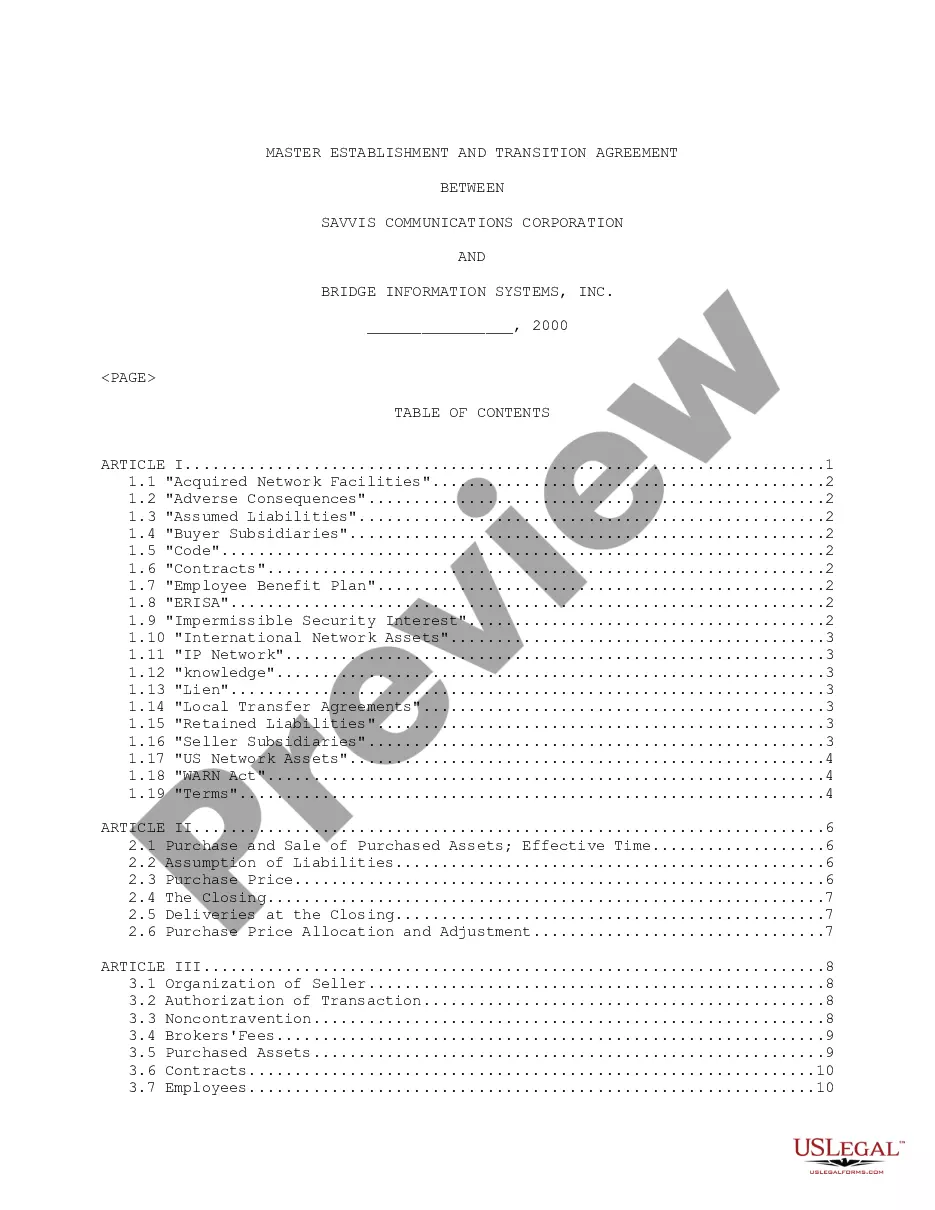
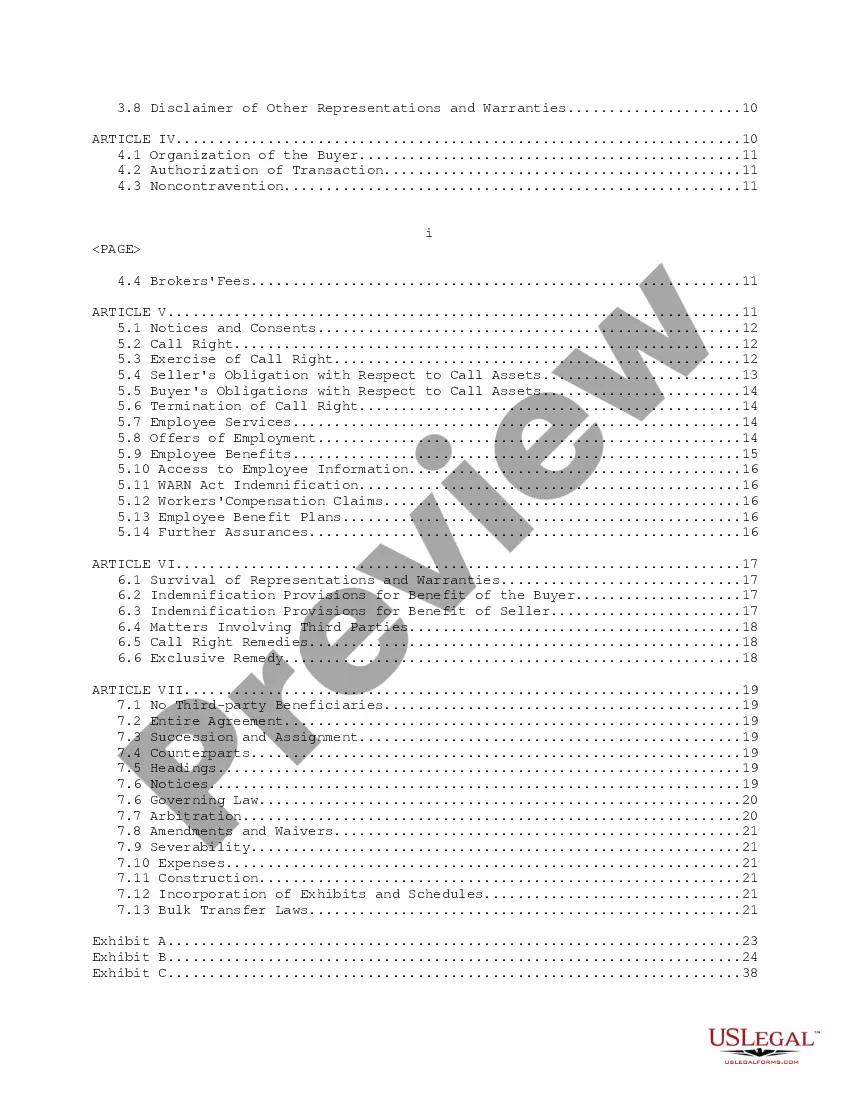
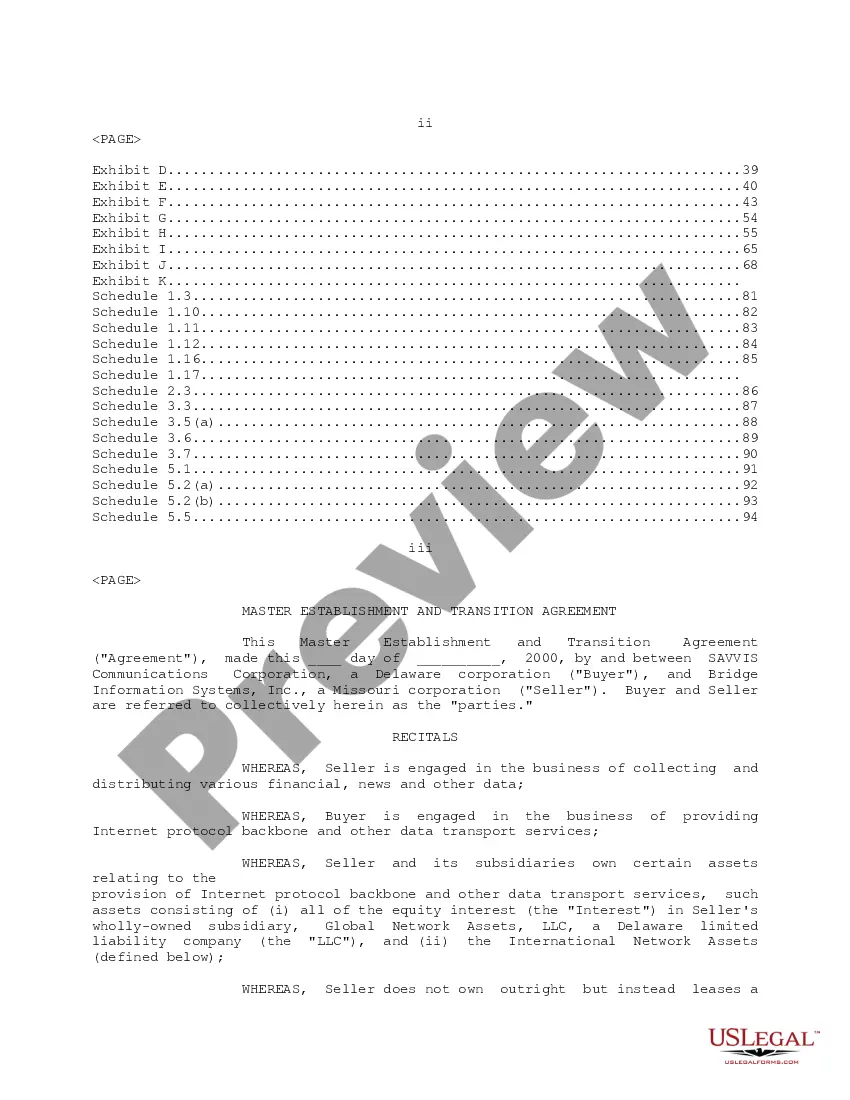
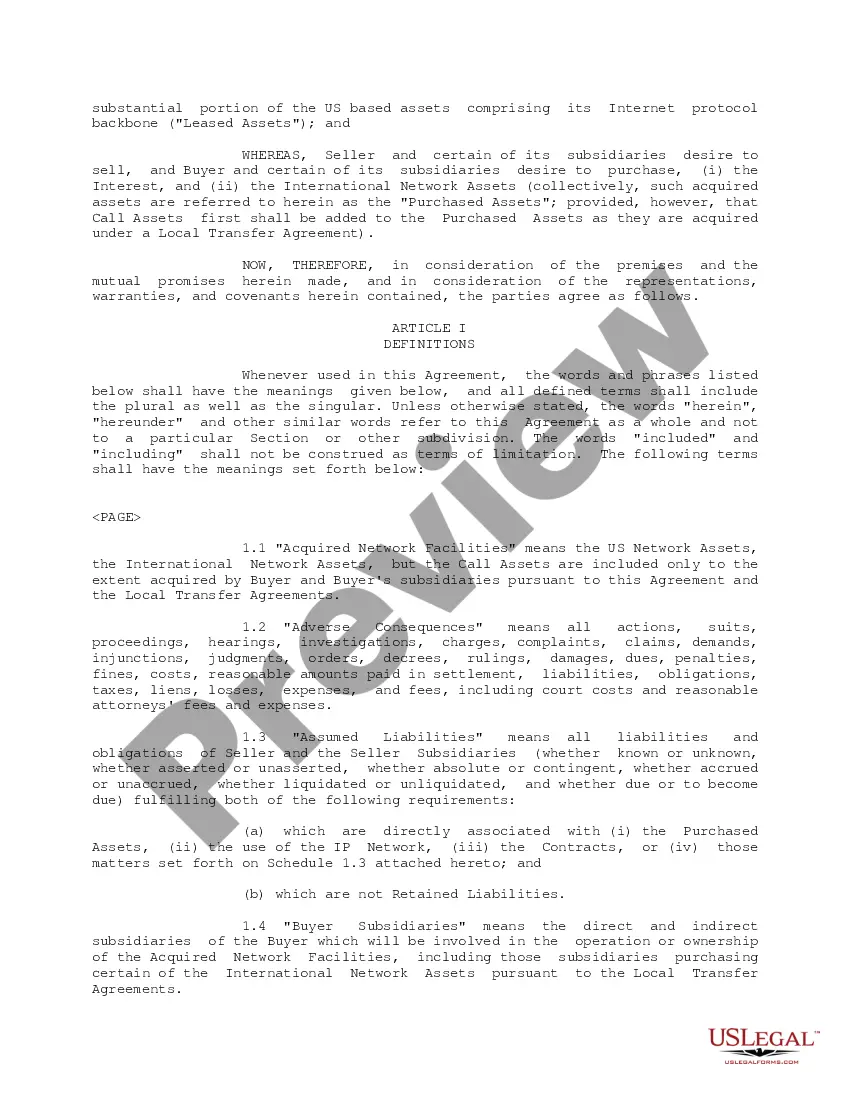
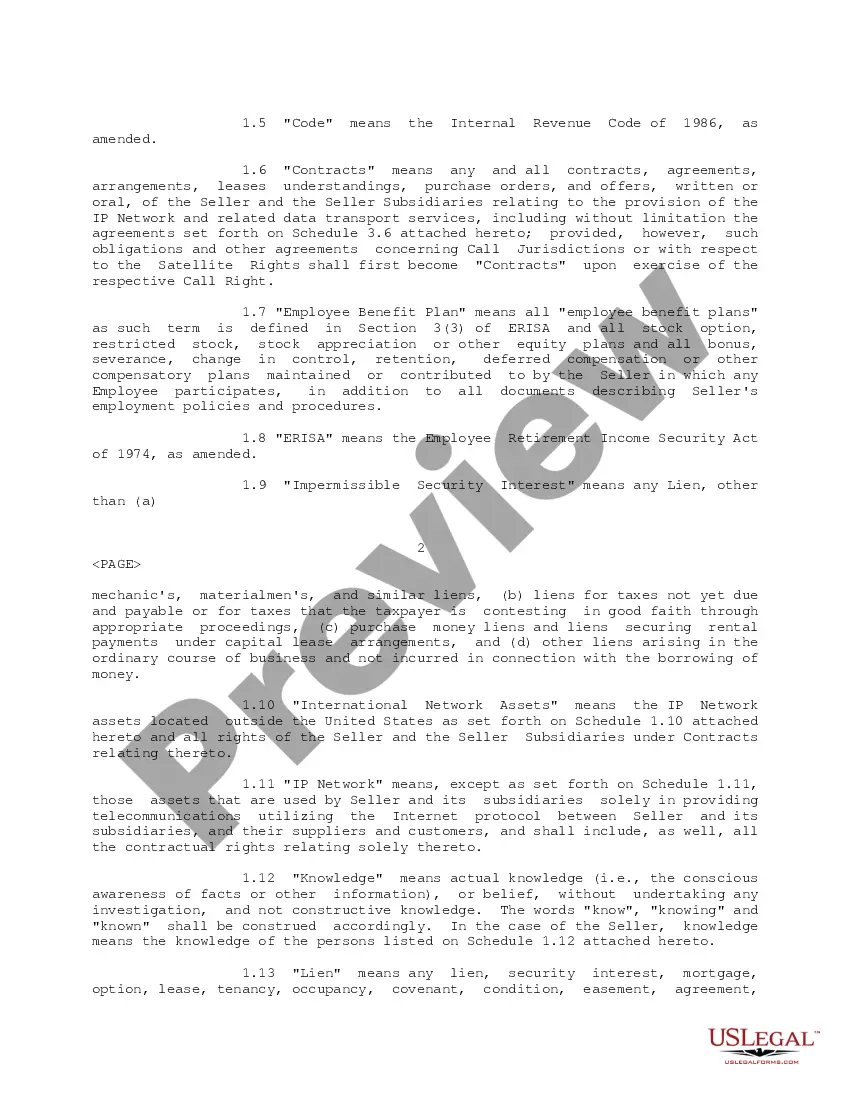
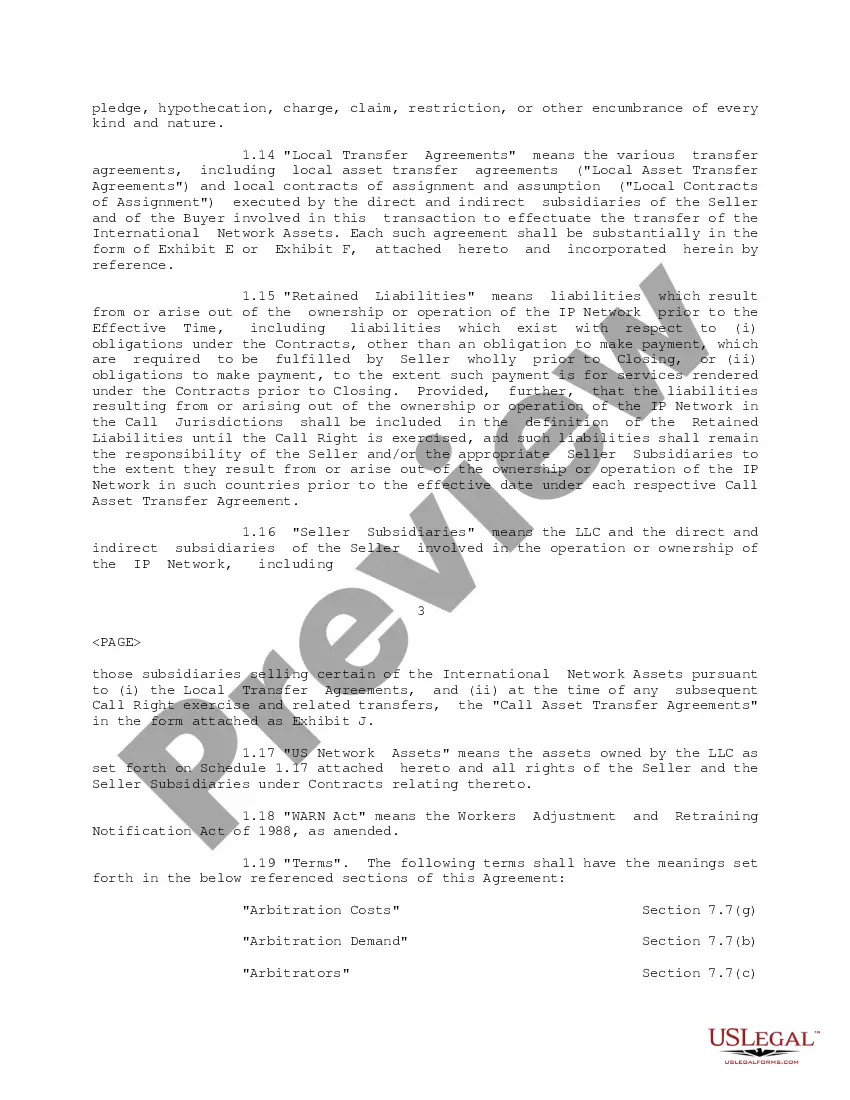
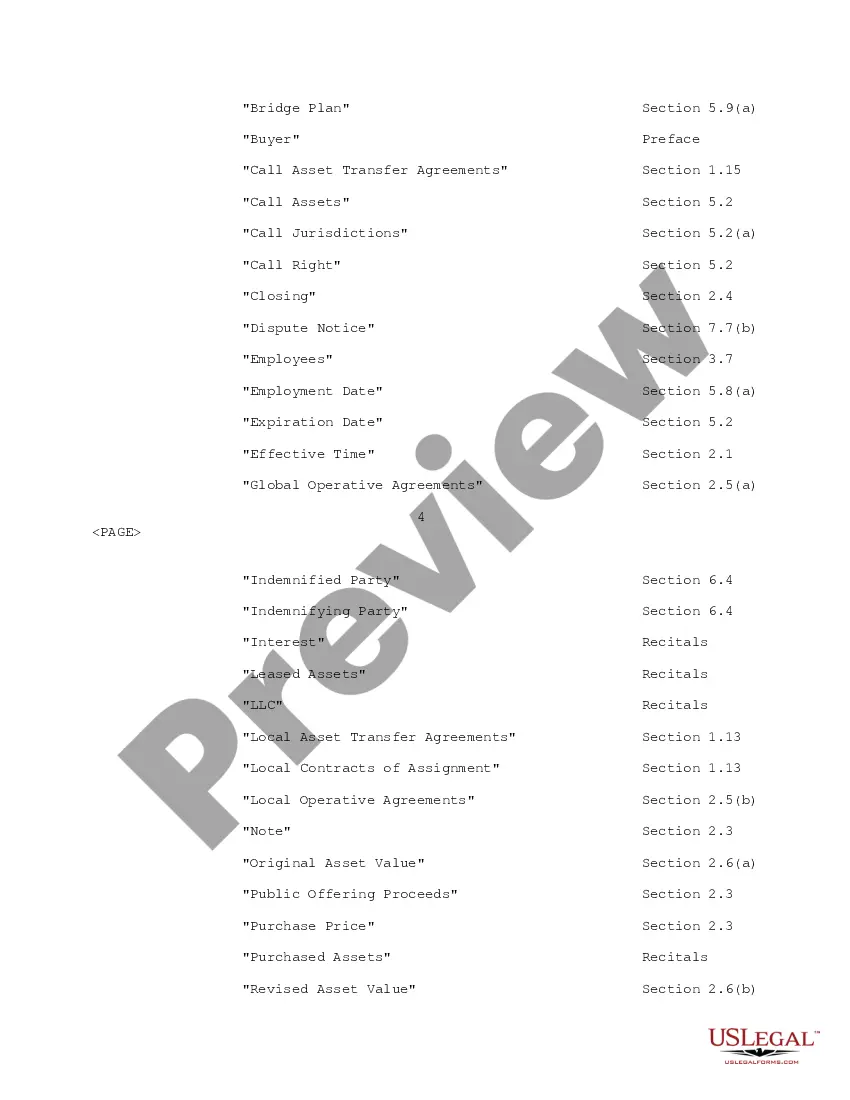
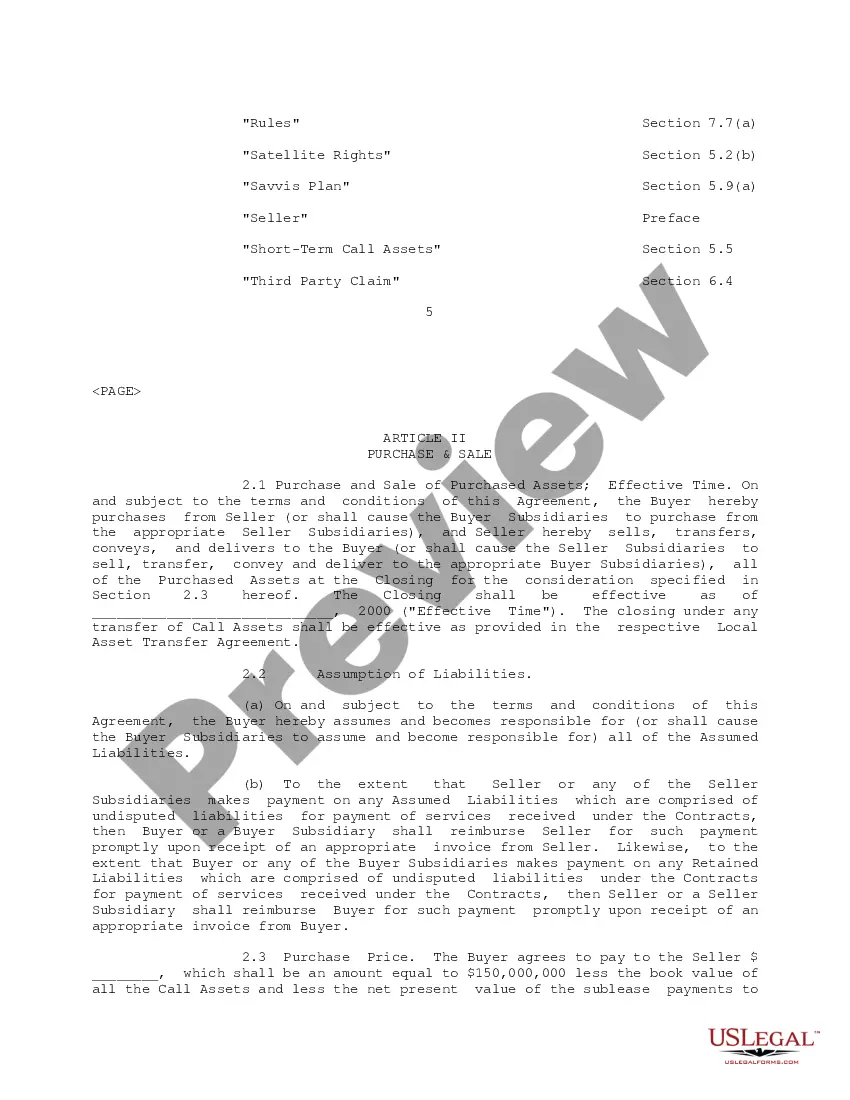

How to fill out Transition Agreement?
Drafting legal paperwork from scratch can often be daunting. Certain scenarios might involve hours of research and hundreds of dollars invested. If you’re searching for a more straightforward and more cost-effective way of creating Transition Agreement Document Without Comments or any other paperwork without jumping through hoops, US Legal Forms is always at your disposal.
Our online collection of over 85,000 up-to-date legal forms addresses almost every aspect of your financial, legal, and personal matters. With just a few clicks, you can quickly get state- and county-specific forms carefully put together for you by our legal specialists.
Use our platform whenever you need a trusted and reliable services through which you can easily locate and download the Transition Agreement Document Without Comments. If you’re not new to our services and have previously created an account with us, simply log in to your account, locate the form and download it away or re-download it anytime later in the My Forms tab.
Not registered yet? No worries. It takes minutes to register it and explore the catalog. But before jumping directly to downloading Transition Agreement Document Without Comments, follow these recommendations:
- Check the form preview and descriptions to ensure that you have found the document you are looking for.
- Check if form you choose complies with the requirements of your state and county.
- Choose the right subscription option to buy the Transition Agreement Document Without Comments.
- Download the file. Then complete, sign, and print it out.
US Legal Forms has a good reputation and over 25 years of expertise. Join us now and turn form completion into something simple and streamlined!
Form popularity
FAQ
If you don't want to permanently delete your comments, but you also don't want to have any on display, you can hide all your comments in Word: Click Review to show all the options. Under Tracking, click Show Markup. Click on comments to deselect and hide your comments.
To review changes one at a time, click Review then Accept or Reject. To finalize the document all at once, click Accept All Changes or Reject All Changes. On the Review tab, in the Comments group, click the arrow below Delete, then click Delete All Comments in Document.
Click Review to show all the options. Under Tracking, click Show Markup. Click on comments to deselect and hide your comments.
Simply open the PDF, pick "Remove All Comments in Document" from the "Comments" tool menu, and then save the document to remove the comments. You can delete comments from your PDF using the Adobe Acrobat Reader app if you have an Android or iOS device.
Go to File > Options > Trust Center > Trust Center Settings > Privacy Options. Under the "Document-specific settings" heading, uncheck the box for "Make hidden markup visible when opening or saving". (Despite the heading, this option applies to all documents you open.)