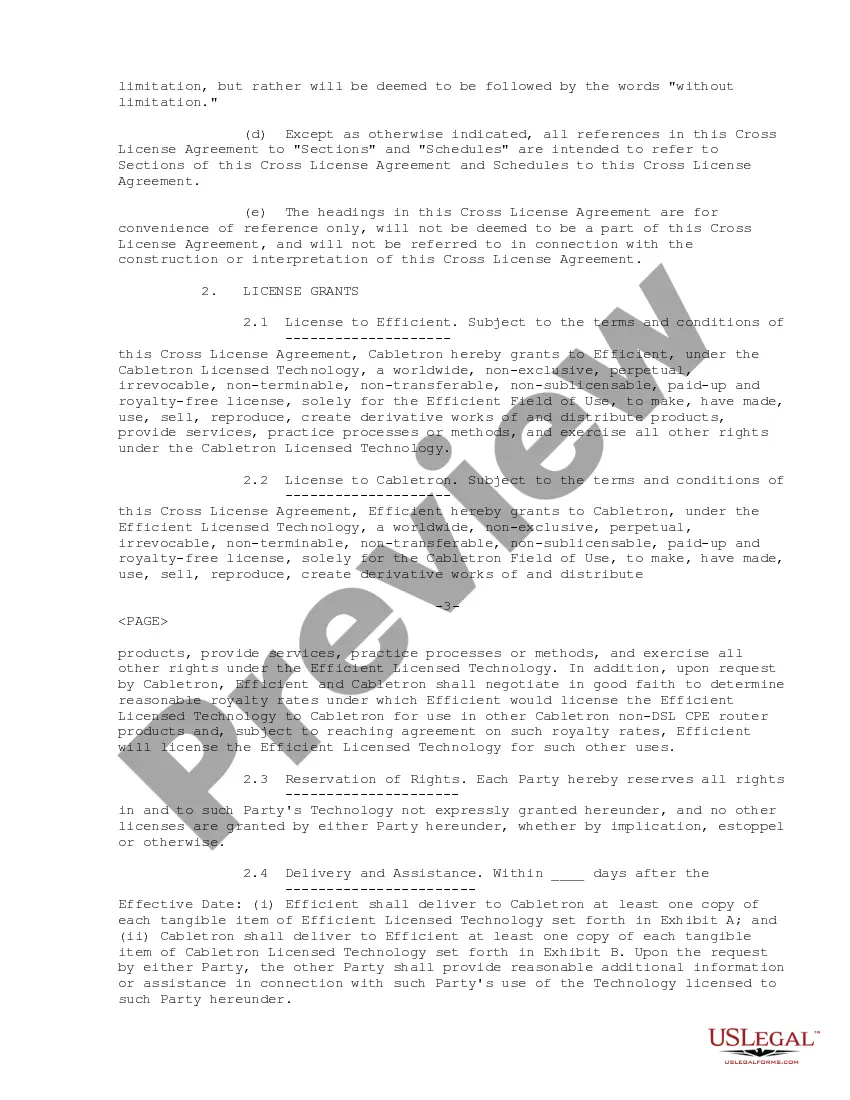
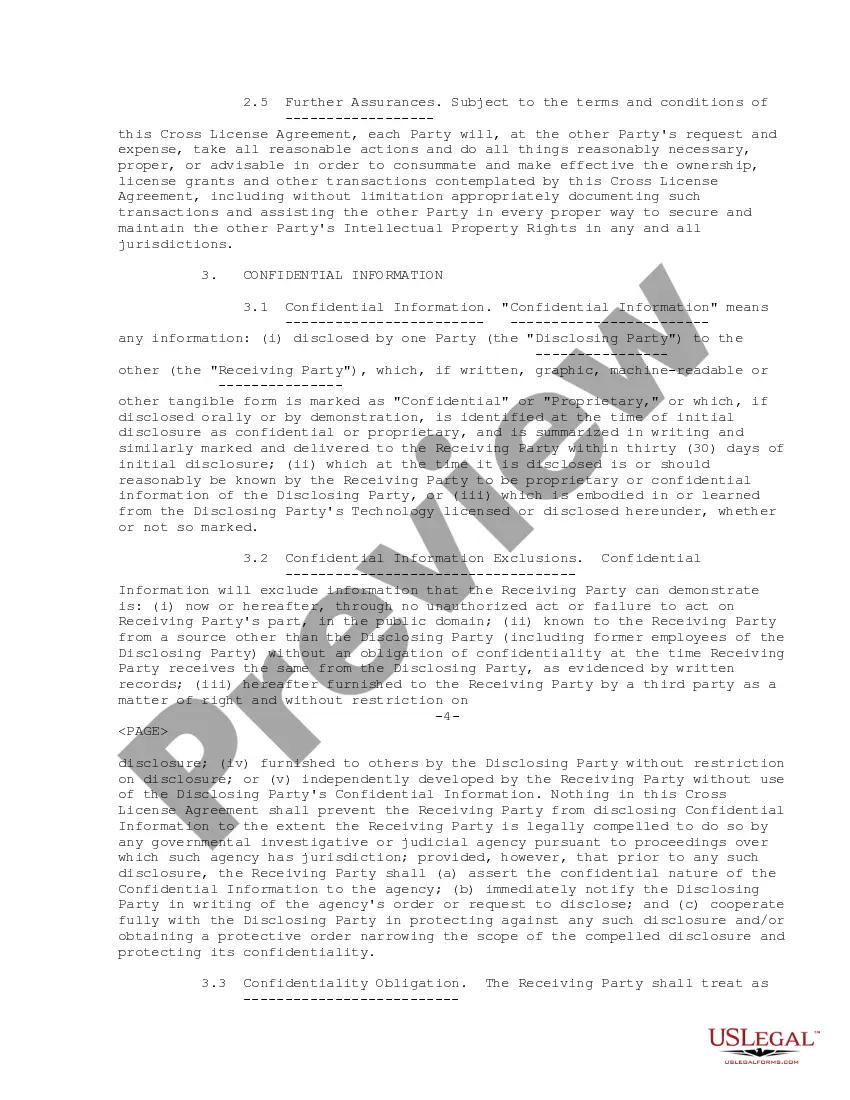
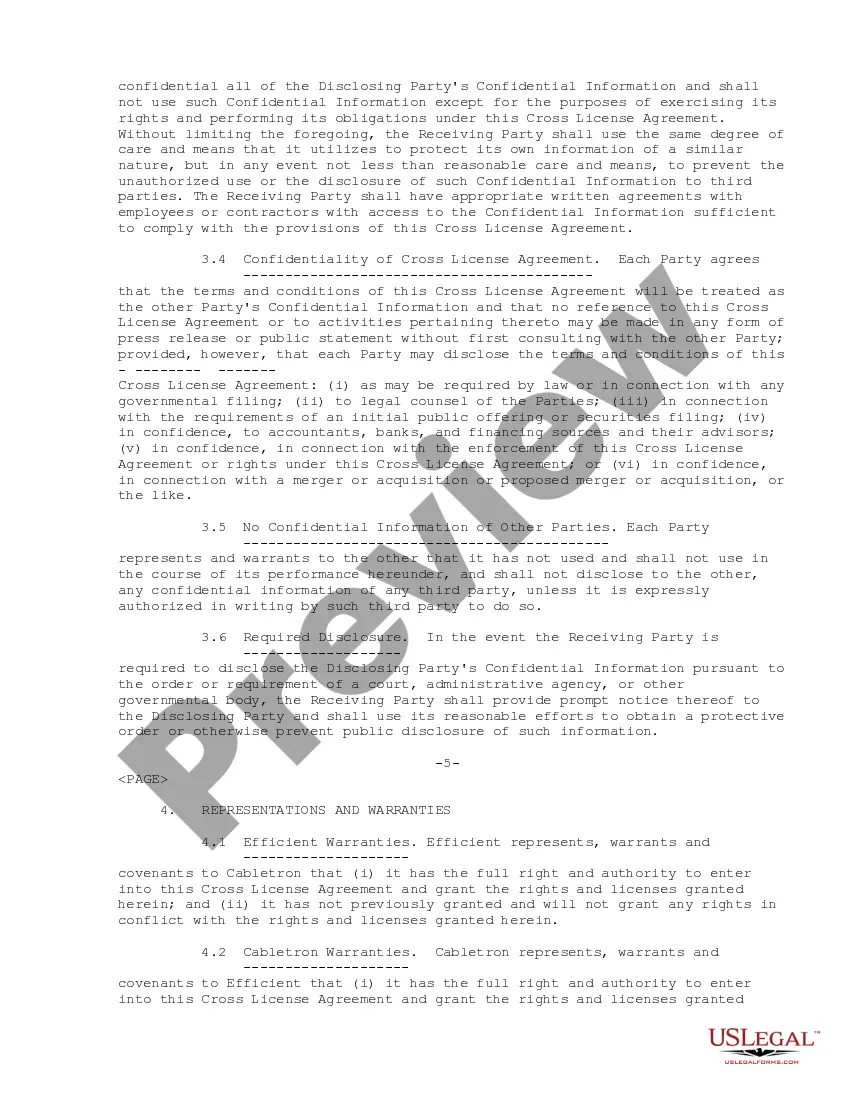
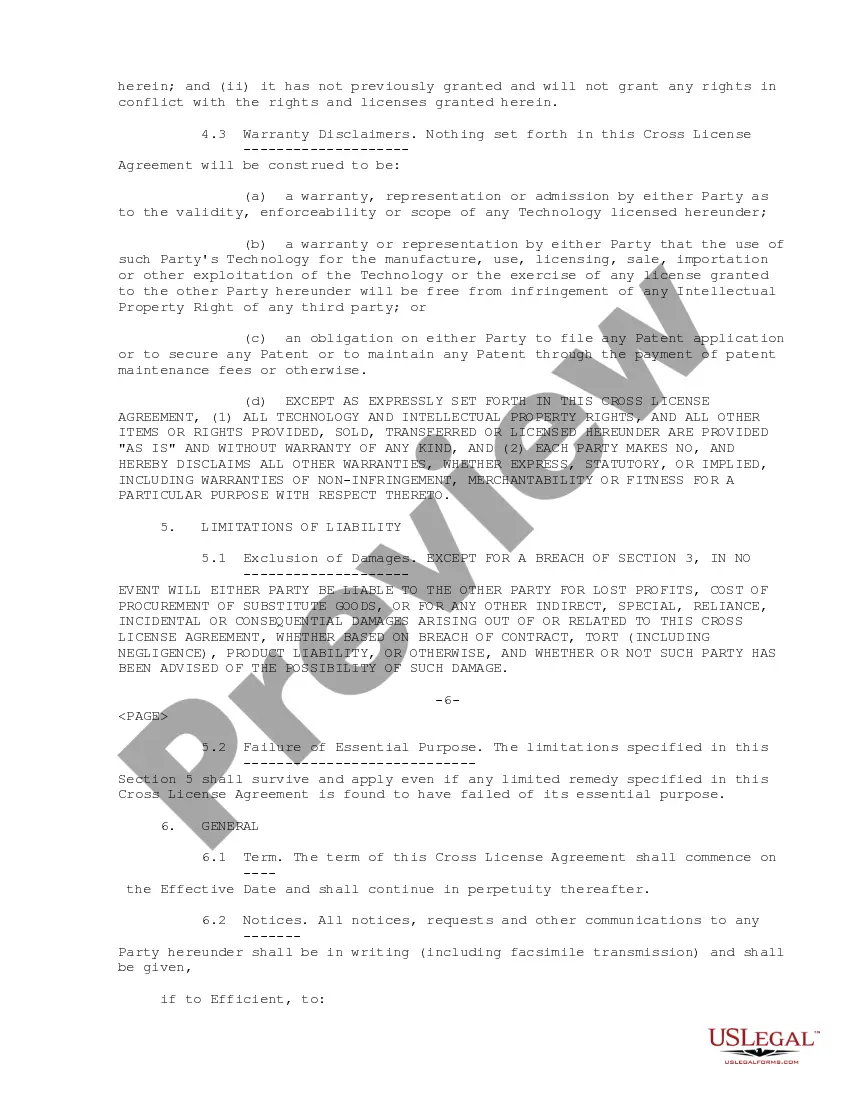
Cross License With Aws
Description
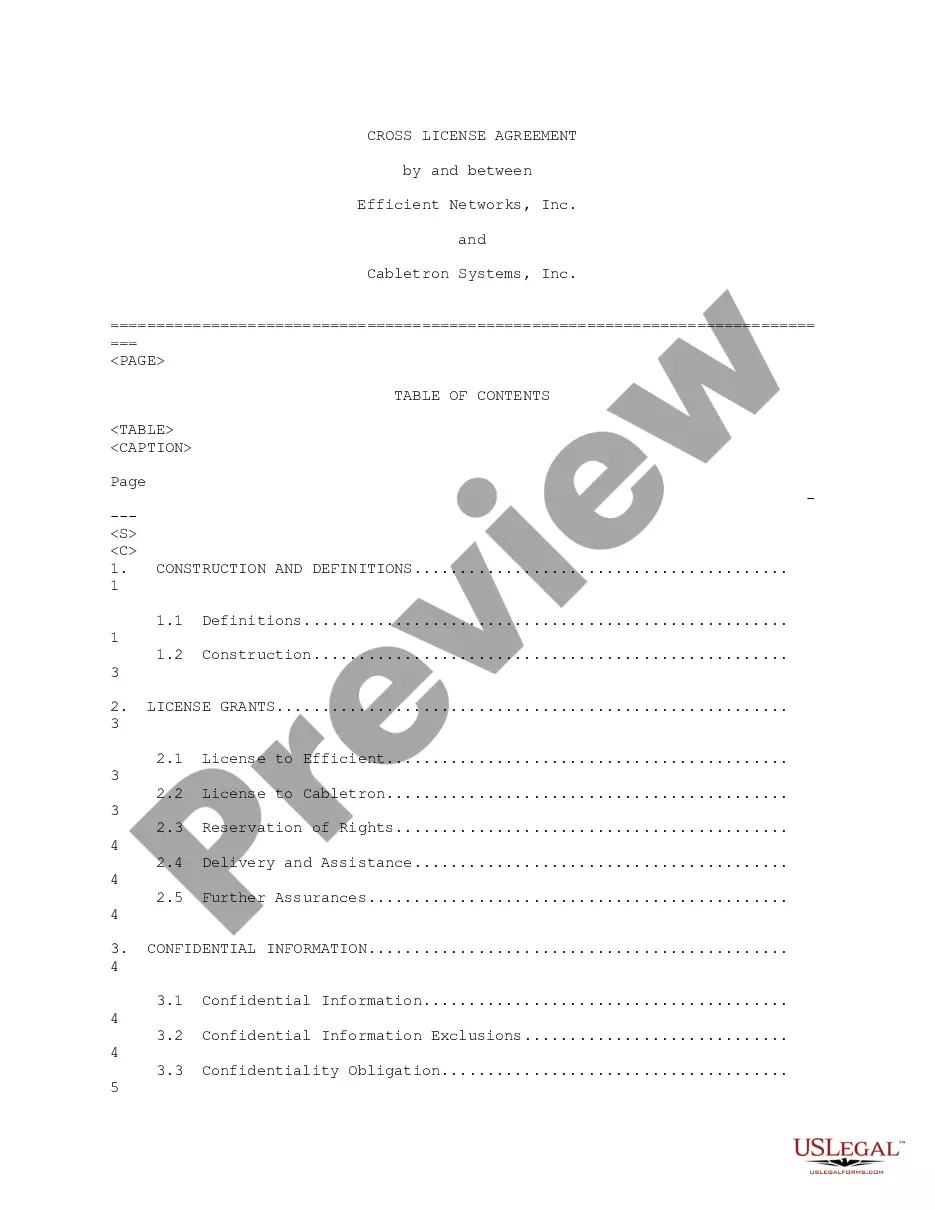
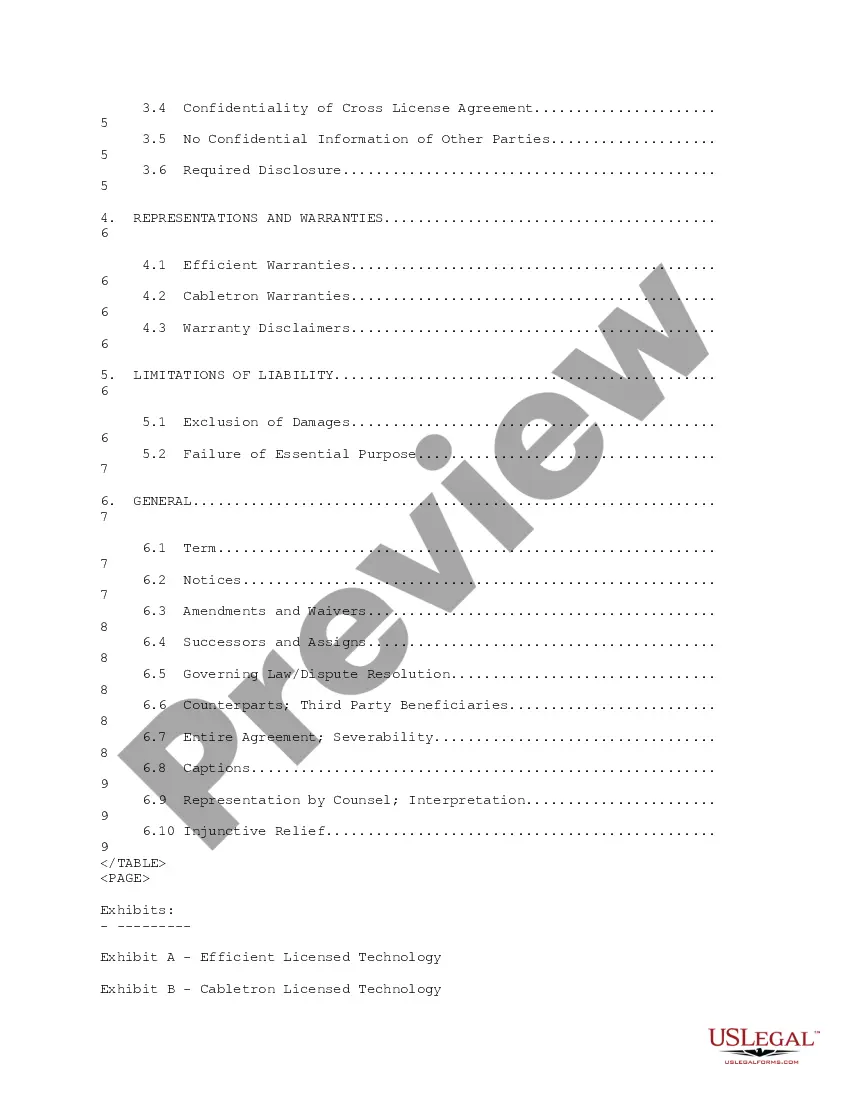
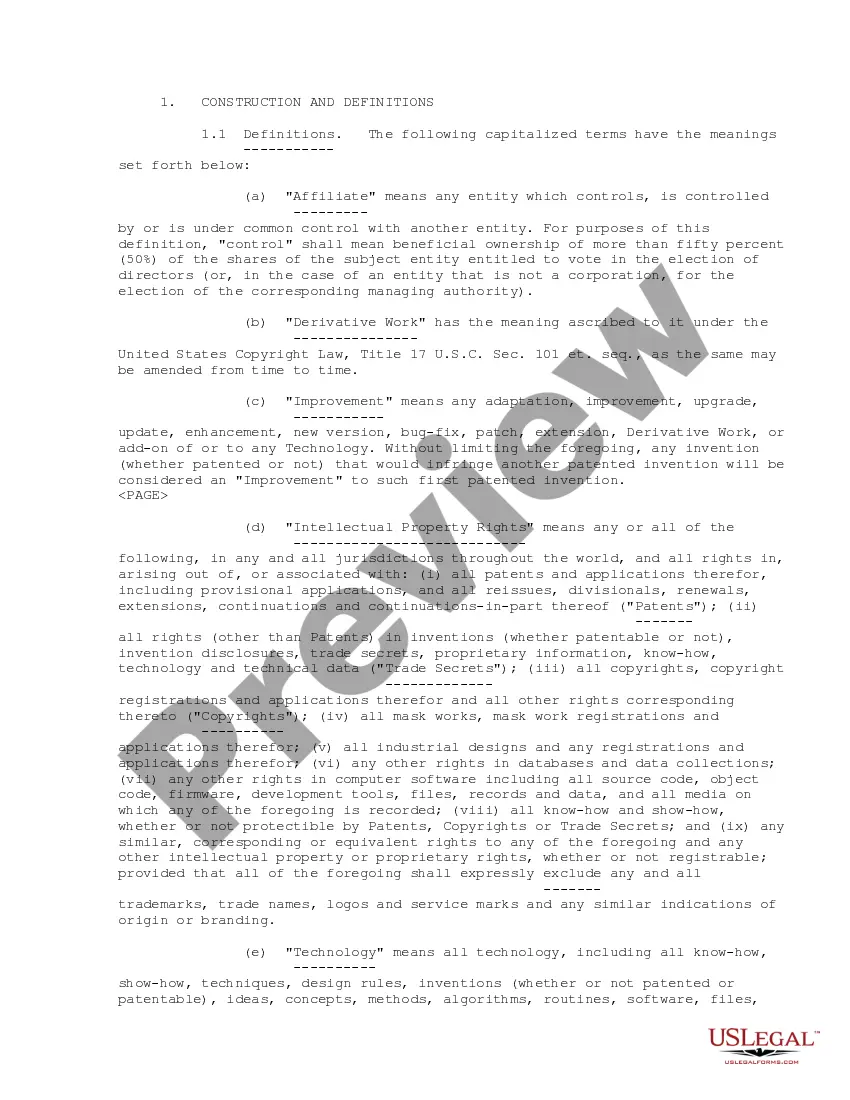
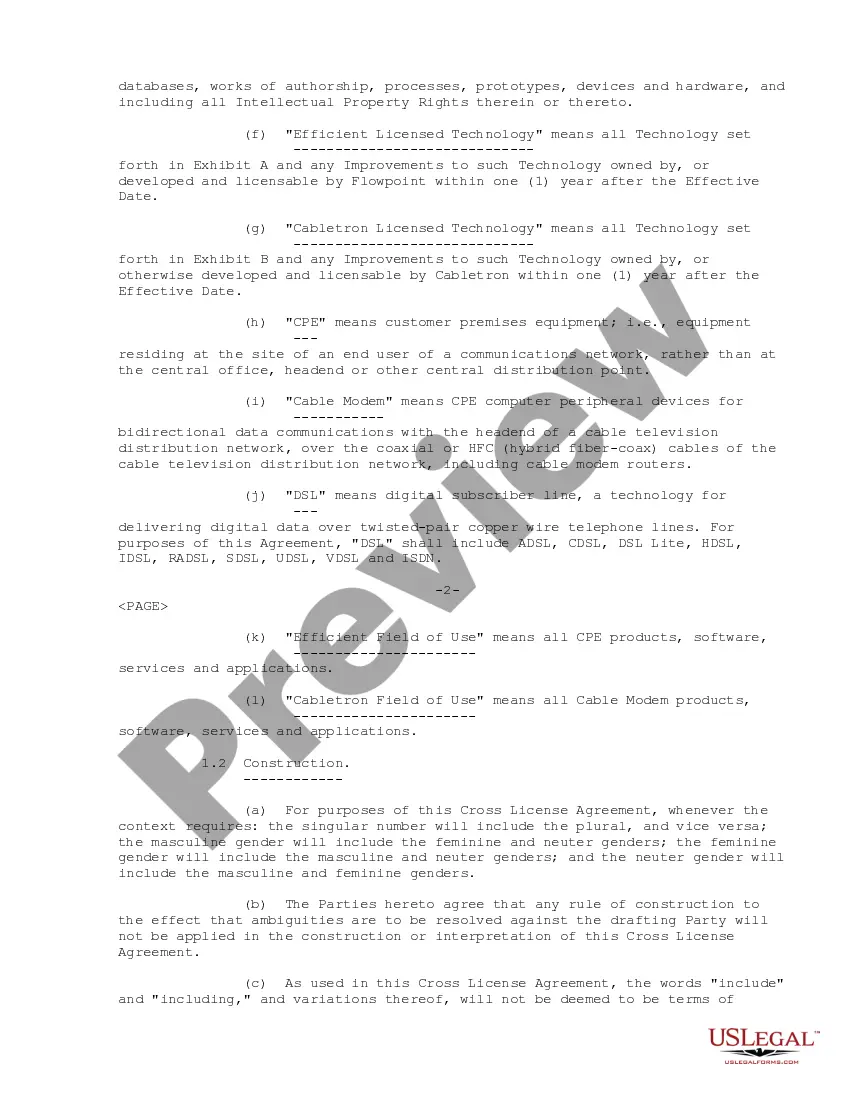

Get your form ready online
Our built-in tools help you complete, sign, share, and store your documents in one place.
Make edits, fill in missing information, and update formatting in US Legal Forms—just like you would in MS Word.
Download a copy, print it, send it by email, or mail it via USPS—whatever works best for your next step.
Sign and collect signatures with our SignNow integration. Send to multiple recipients, set reminders, and more. Go Premium to unlock E-Sign.
If this form requires notarization, complete it online through a secure video call—no need to meet a notary in person or wait for an appointment.
We protect your documents and personal data by following strict security and privacy standards.

Make edits, fill in missing information, and update formatting in US Legal Forms—just like you would in MS Word.

Download a copy, print it, send it by email, or mail it via USPS—whatever works best for your next step.

Sign and collect signatures with our SignNow integration. Send to multiple recipients, set reminders, and more. Go Premium to unlock E-Sign.

If this form requires notarization, complete it online through a secure video call—no need to meet a notary in person or wait for an appointment.

We protect your documents and personal data by following strict security and privacy standards.
Looking for another form?
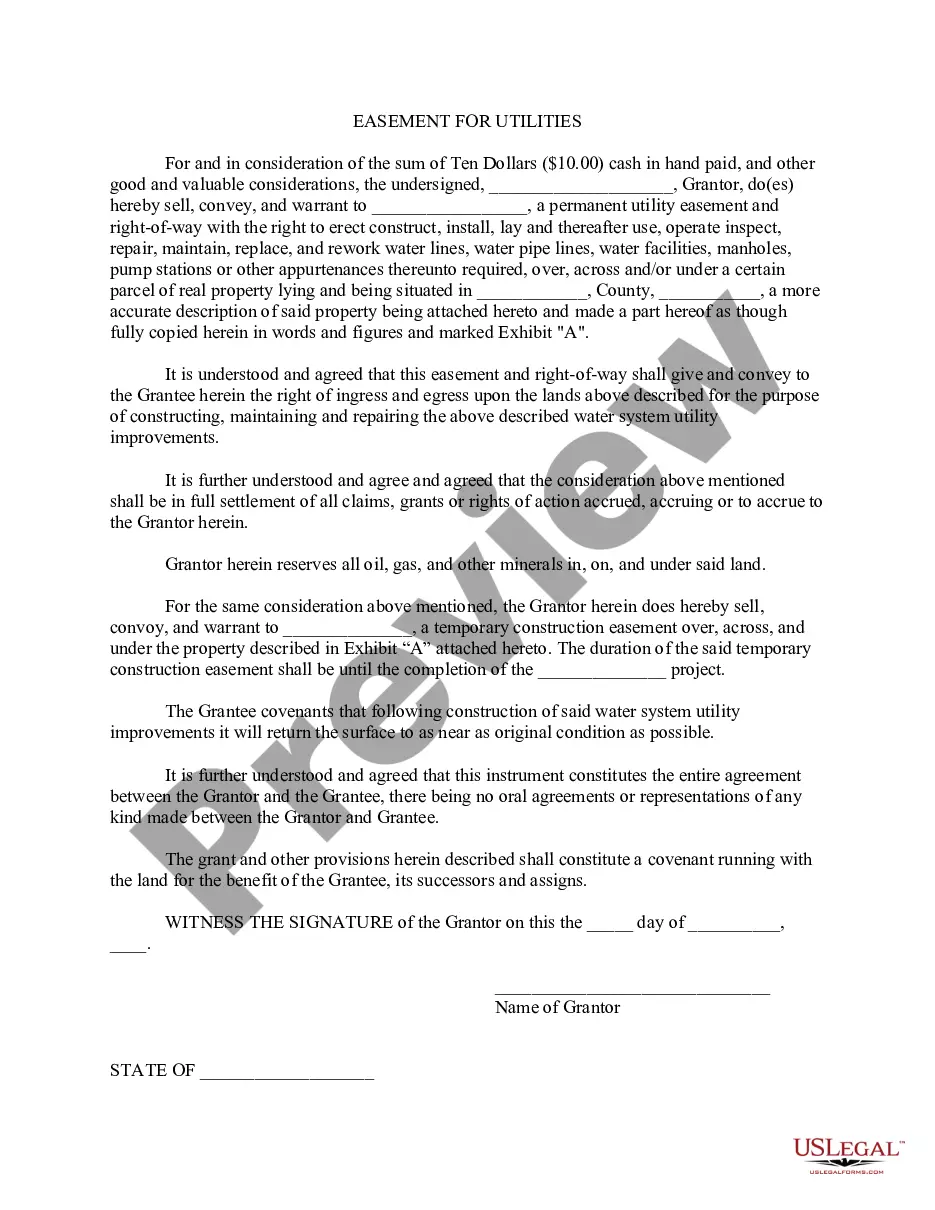
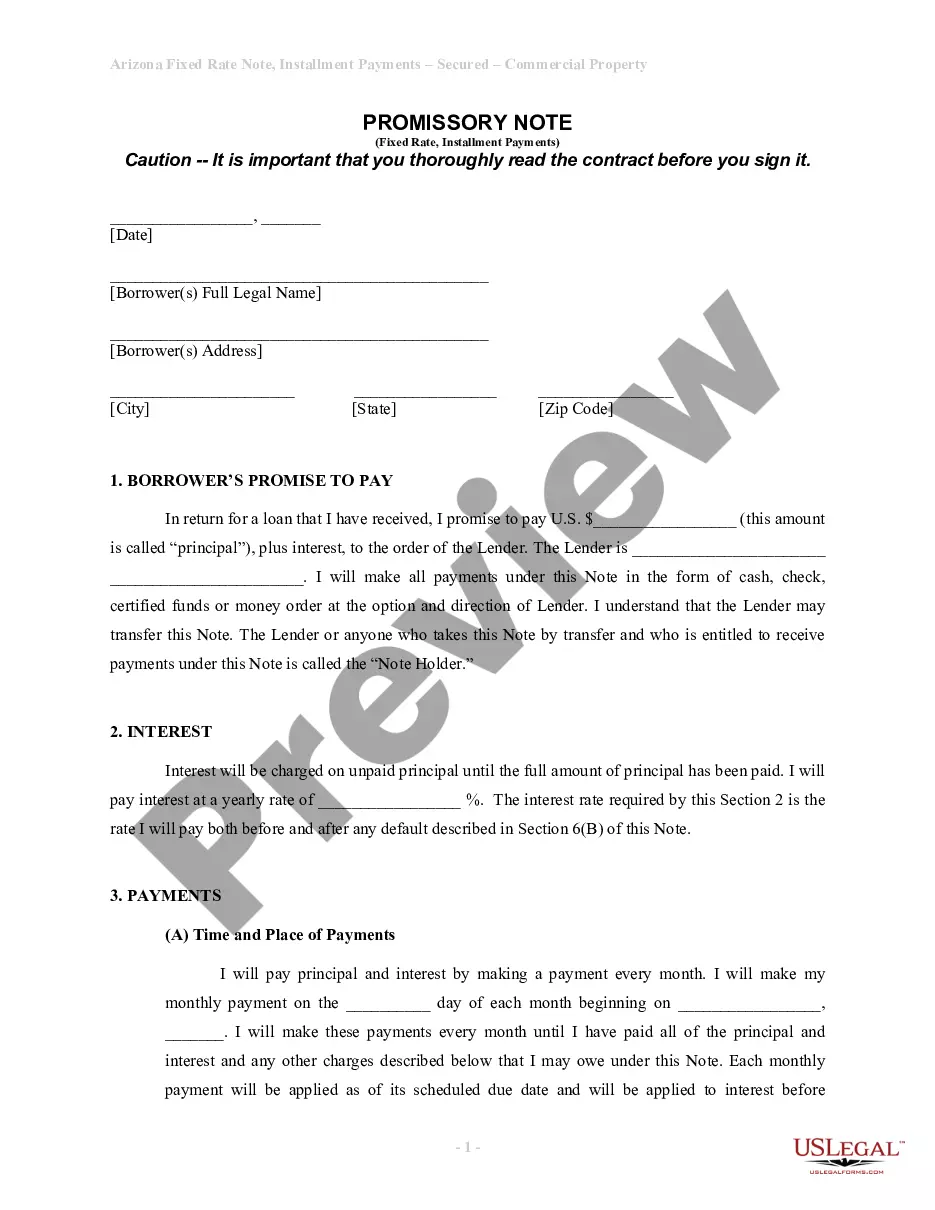
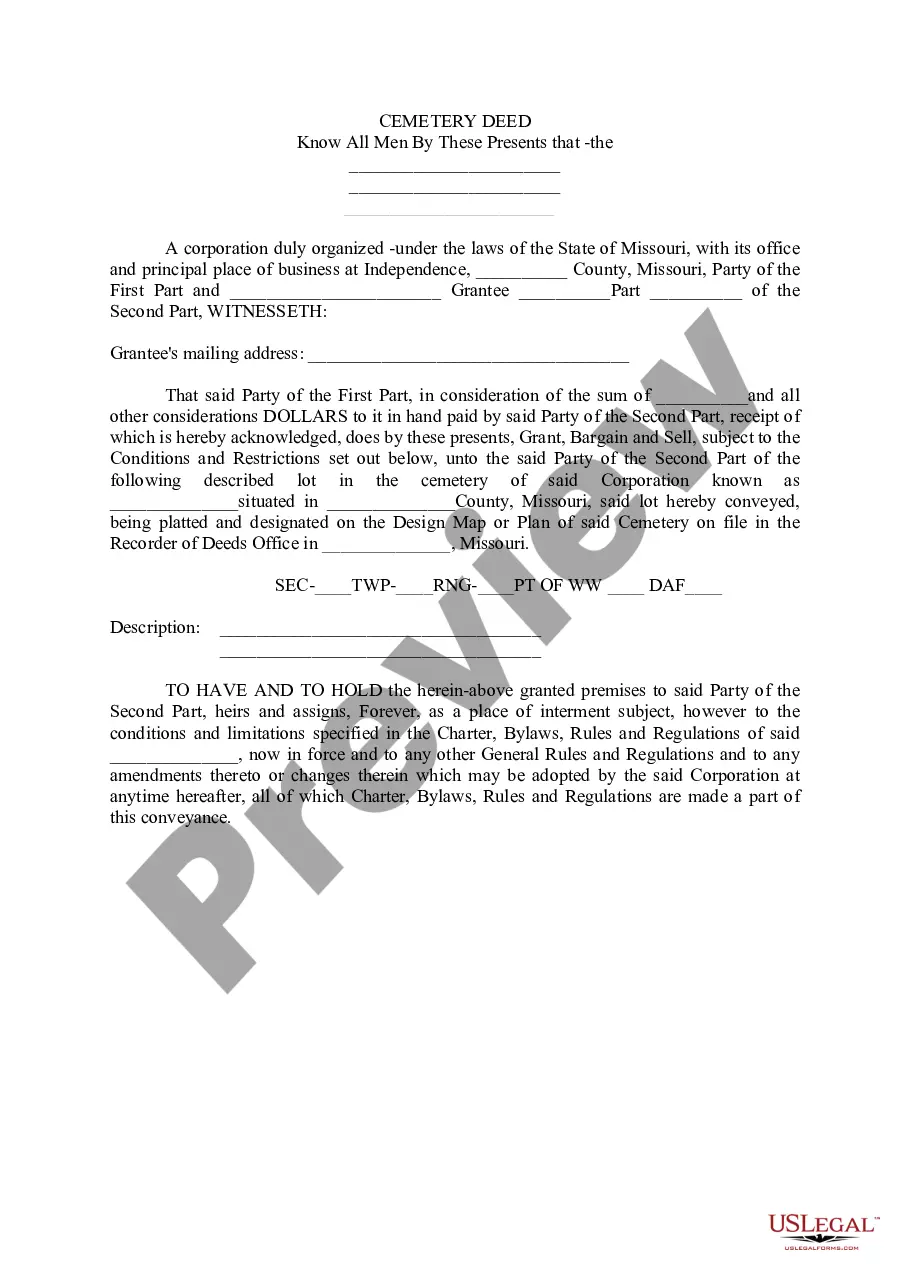

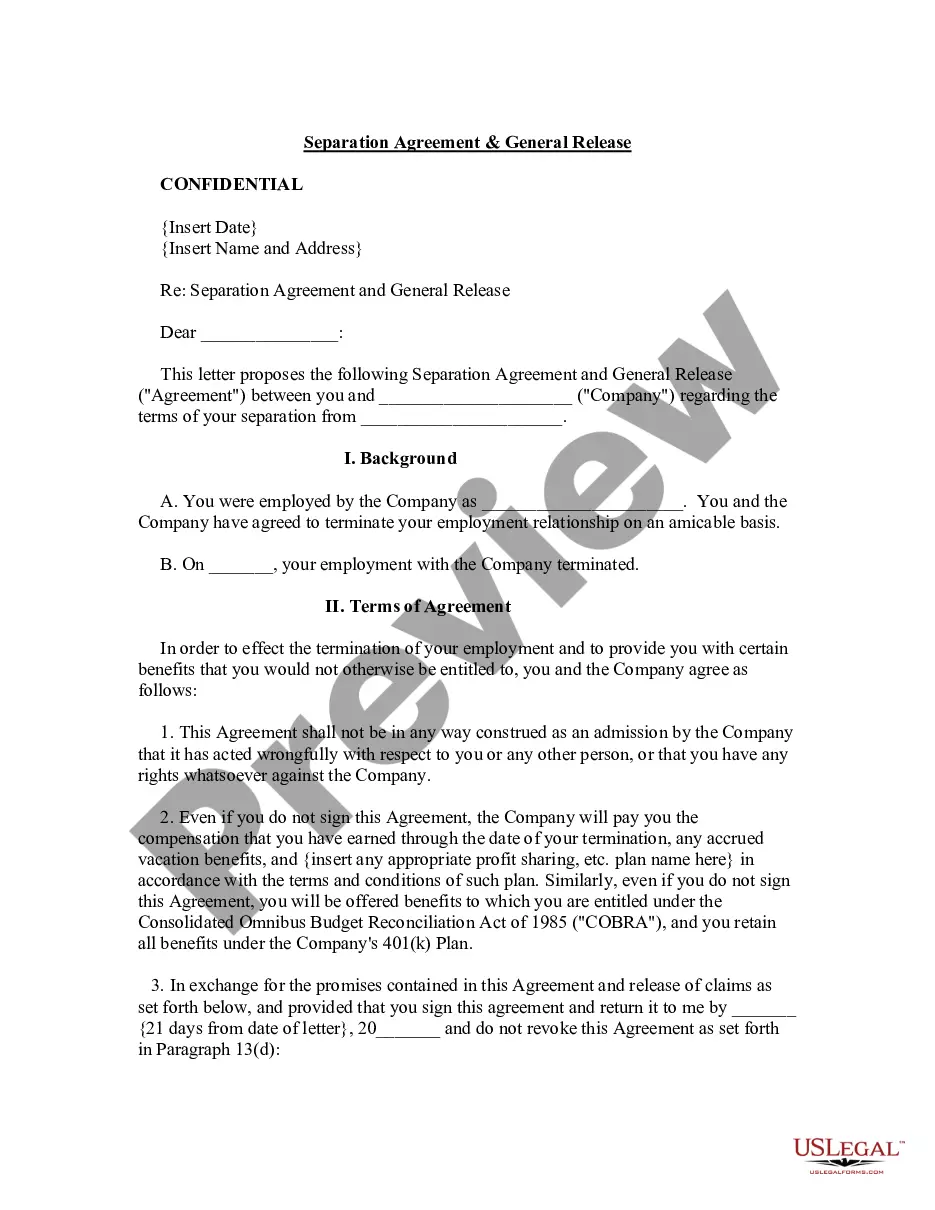
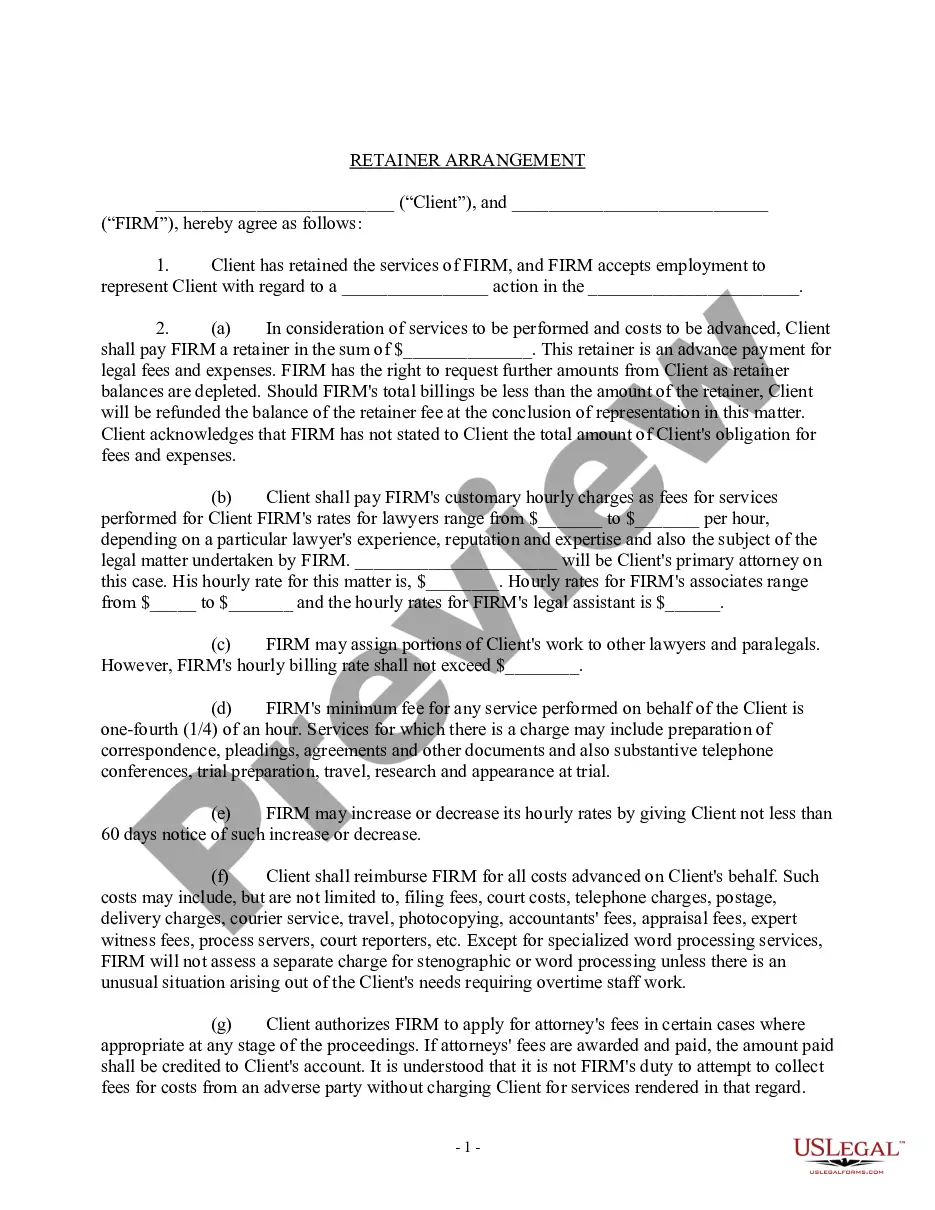
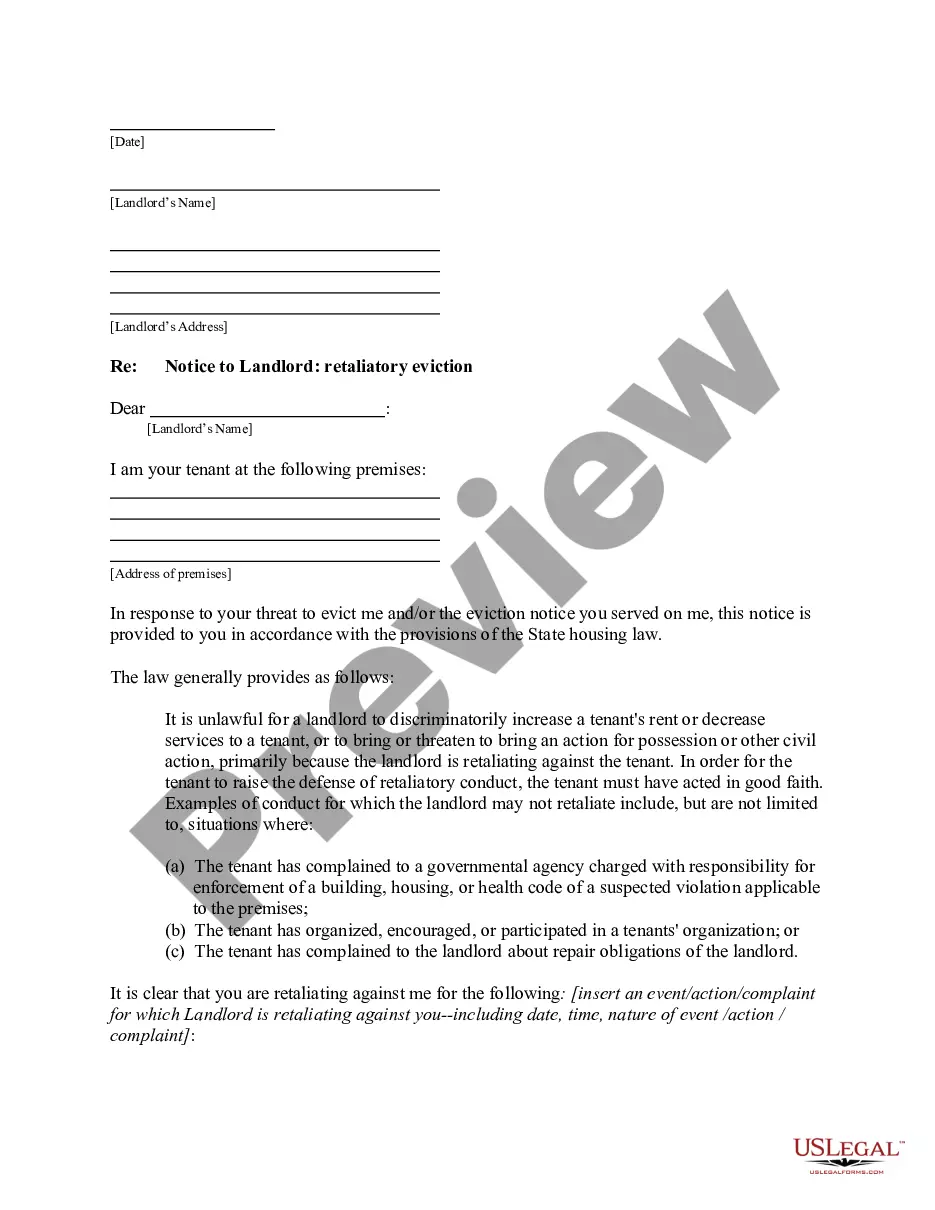
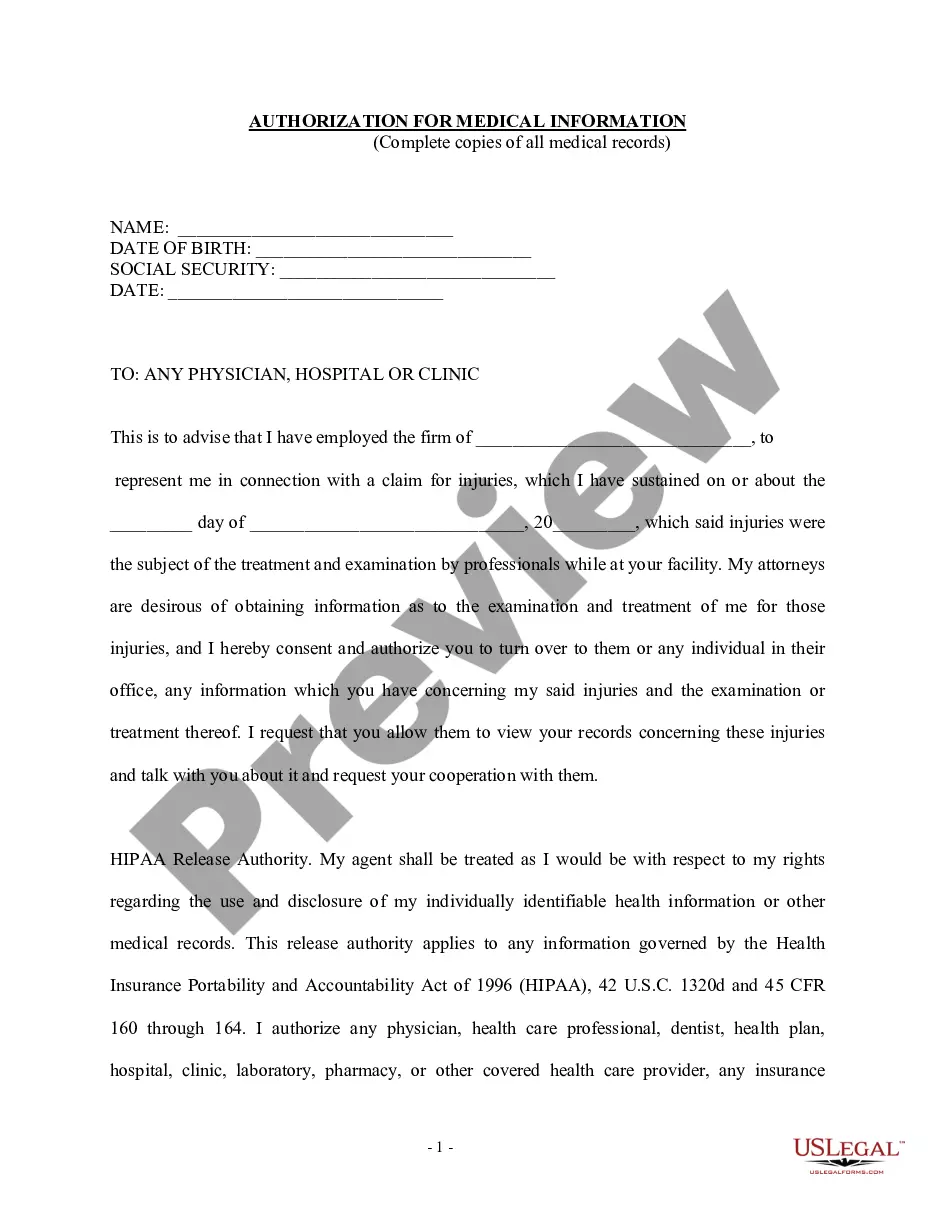
How to fill out Cross License Agreement Regarding Obtaining License To Certain Technology And Intellectual Property Rights?
Dealing with legal papers and operations can be a time-consuming addition to your day. Cross License With Aws and forms like it usually need you to look for them and navigate how you can complete them appropriately. As a result, if you are taking care of financial, legal, or personal matters, having a thorough and practical online catalogue of forms on hand will greatly assist.
US Legal Forms is the number one online platform of legal templates, featuring more than 85,000 state-specific forms and a variety of resources to assist you complete your papers quickly. Discover the catalogue of pertinent documents open to you with just a single click.
US Legal Forms gives you state- and county-specific forms offered at any moment for downloading. Safeguard your papers management operations using a top-notch services that lets you prepare any form in minutes with no additional or hidden cost. Just log in to the profile, identify Cross License With Aws and acquire it immediately in the My Forms tab. You may also gain access to formerly saved forms.
Would it be your first time using US Legal Forms? Sign up and set up your account in a few minutes and you’ll have access to the form catalogue and Cross License With Aws. Then, follow the steps listed below to complete your form:
- Ensure you have the proper form by using the Review option and reading the form description.
- Pick Buy Now as soon as all set, and select the subscription plan that is right for you.
- Select Download then complete, eSign, and print the form.
US Legal Forms has 25 years of experience helping users manage their legal papers. Obtain the form you require today and streamline any process without breaking a sweat.
Form popularity
FAQ
Introduction. The License Manager app enables end-users with a Zebra device to perform manual tasks related to licensing software on the device. The app displays a list of active entitlements associated to the device along their features and versions.
The license server manager is one of the components that makes up a license server (the other being the vendor daemon). It handles the initial contact with FlexEnabled applications, passing the connection on to the appropriate vendor daemon.
To Start License Manager Windows command line: From the Start menu, select Run. Type CMD and press Enter. A command prompt window opens. Type malicmgr and press Enter.
As a licensing manager, your daily responsibilities include evaluating requests, approving invoices, and managing license administrators in your department. You may also negotiate licensing agreements, settle copyright disputes, and collect royalty fees.
AWS License Manager is a service that makes it easier for you to manage your software licenses from software vendors (for example, Microsoft, SAP, Oracle, and IBM) centrally across AWS and your on-premises environments.