Registration Agreement Form With Payment Gateway
Description









Get your form ready online
Our built-in tools help you complete, sign, share, and store your documents in one place.
Make edits, fill in missing information, and update formatting in US Legal Forms—just like you would in MS Word.
Download a copy, print it, send it by email, or mail it via USPS—whatever works best for your next step.
Sign and collect signatures with our SignNow integration. Send to multiple recipients, set reminders, and more. Go Premium to unlock E-Sign.
If this form requires notarization, complete it online through a secure video call—no need to meet a notary in person or wait for an appointment.
We protect your documents and personal data by following strict security and privacy standards.

Make edits, fill in missing information, and update formatting in US Legal Forms—just like you would in MS Word.

Download a copy, print it, send it by email, or mail it via USPS—whatever works best for your next step.

Sign and collect signatures with our SignNow integration. Send to multiple recipients, set reminders, and more. Go Premium to unlock E-Sign.

If this form requires notarization, complete it online through a secure video call—no need to meet a notary in person or wait for an appointment.

We protect your documents and personal data by following strict security and privacy standards.
Looking for another form?









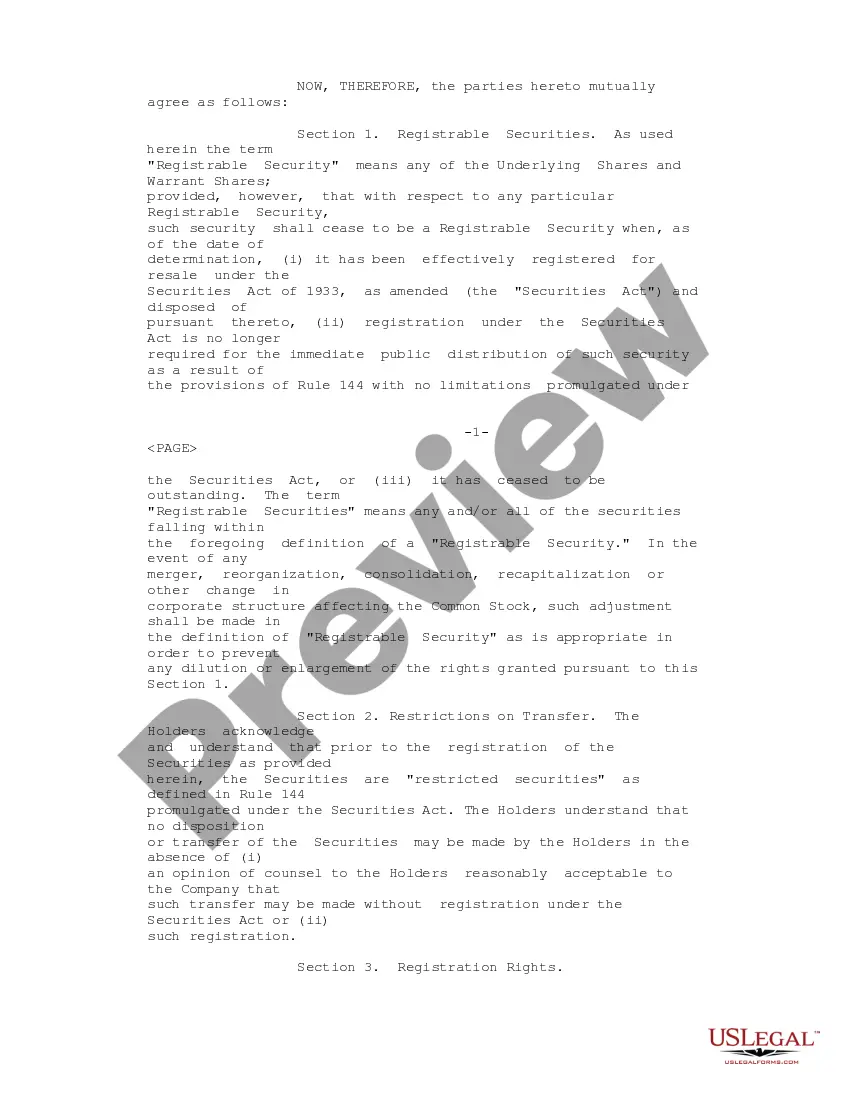
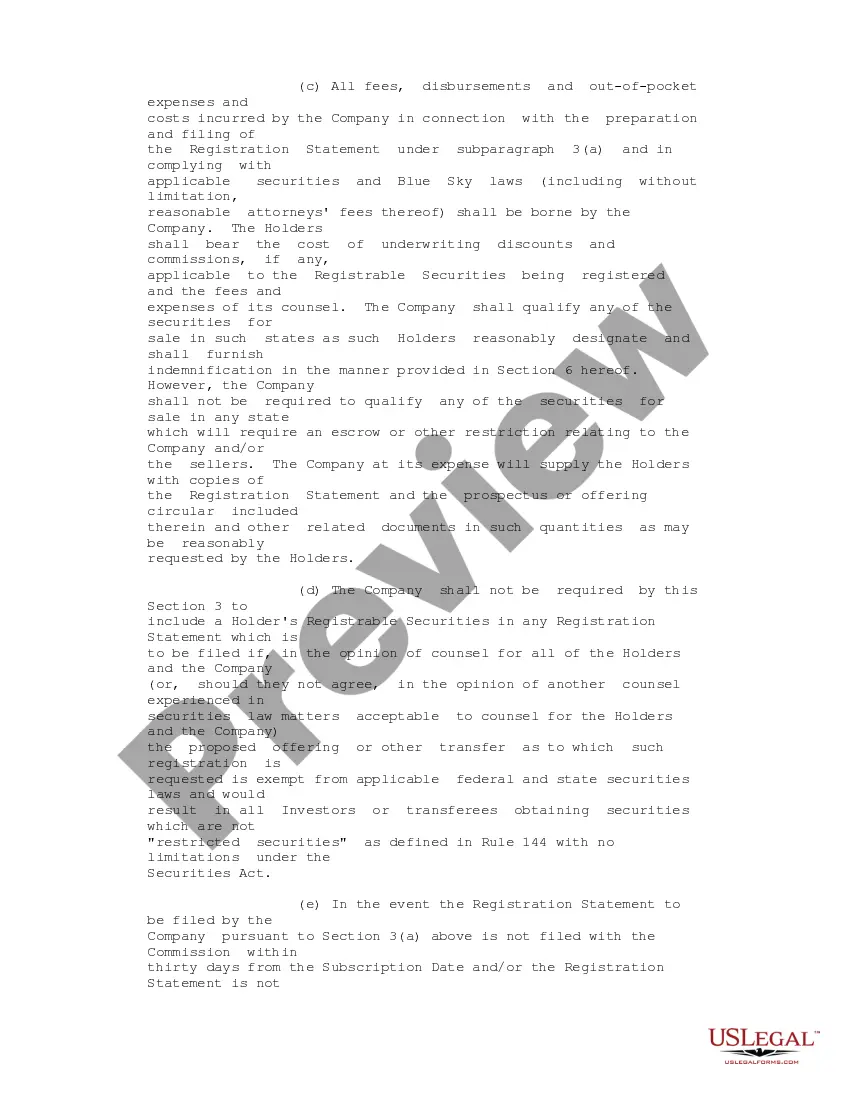
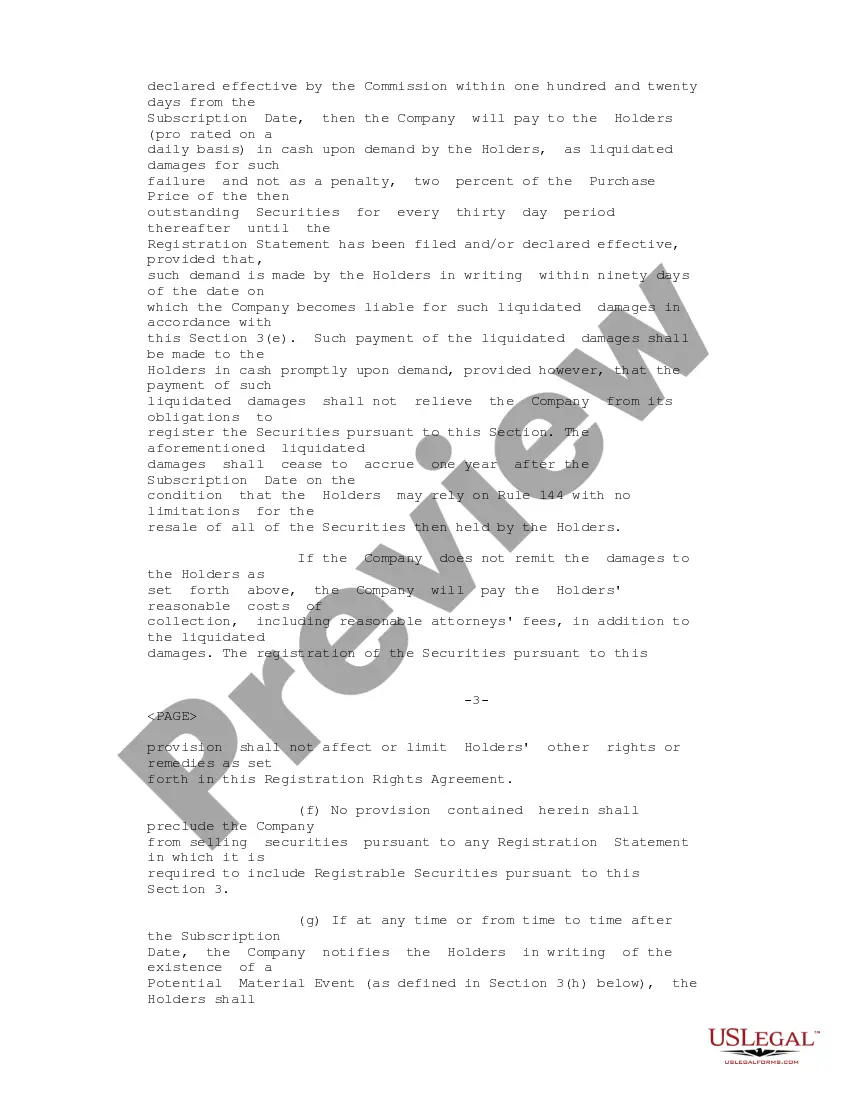
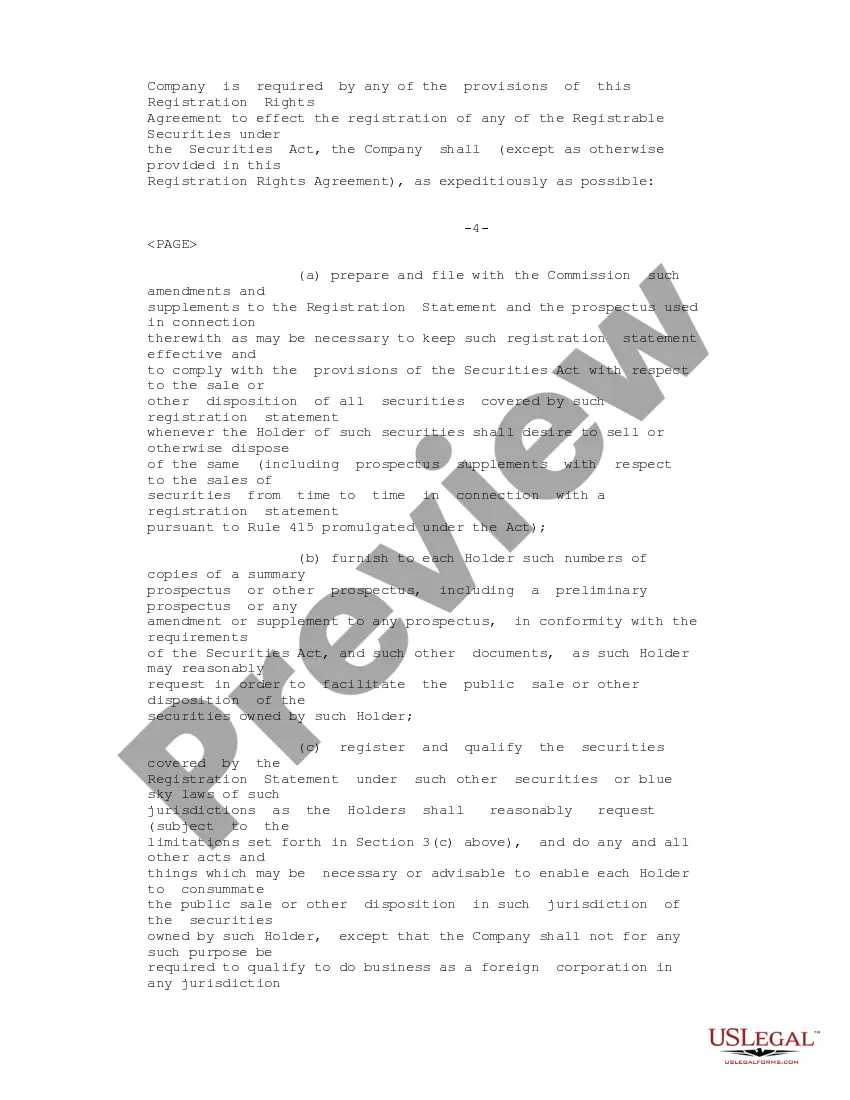
How to fill out Registration Rights Agreement Between ObjectSoft Corp. And Investors Regarding Sale And Purchase Of 6% Series G Convertible Preferred Stocks?
Properly prepared official paperwork is one of the crucial assurances for preventing complications and legal disputes, but acquiring it without a lawyer's help might consume time.
Whether you need to swiftly locate a current Registration Agreement Form With Payment Gateway or any other forms for employment, family, or business scenarios, US Legal Forms is consistently available to assist.
The procedure is even more straightforward for existing users of the US Legal Forms library. If your subscription is active, you simply need to Log In to your account and click the Download button next to the selected file. Furthermore, you can retrieve the Registration Agreement Form With Payment Gateway at any time later, as all documents ever acquired on the platform are accessible within the My documents section of your profile. Save time and resources on preparing formal paperwork. Experience US Legal Forms today!
- Confirm that the form aligns with your circumstances and locality by reviewing the description and preview.
- Search for another template (if necessary) using the Search bar in the page header.
- Click on Buy Now once you find the suitable template.
- Select the pricing option, Log In to your account, or create a new one.
- Choose your preferred payment method to purchase the subscription plan (via credit card or PayPal).
- Select the PDF or DOCX file format for your Registration Agreement Form With Payment Gateway.
- Click Download, and then print the template to complete it or upload it to an online editor.
Form popularity
FAQ
So integrating payment gateway in Android app with Braintree Android SDK includes the following steps:Get started.Introduce Drop-in UI.Add client tokens.Run testing.Sending the purchasing method nonce to the server.
With your own payment gateway, you can customize and add new features depending on your business needs and requirements. Offer Payment Gateway Products You can offer and sell your payment gateway as a product to other merchants, ISOs, and Agents.
How to Choose and Integrate Payment Gateway: Online Payments, Transaction Processing, and Payment Gateways ProvidersStudy the pricing.Check transaction limits for a given provider.Examine merchant account options.Make sure the gateway supports necessary payment methods and credit cards.Consider mobile payments.More items...?
While creating a form, on the left pane click Special Fields, then drag and drop the Payment field into your form....3. Adding a Payment Field to a Form1 RazorPay. Field Property.2 PayUMoney. Field Property.3 PayUBiz. Field Property.4 PayTM.5 Authorize.Net.6 PayFast.7 Easebuzz.8 Stripe.
Create an online payment system: step-by-stepSet up a hosting platform and apply for a Secure Socket Layer (SSL) certificate. Build the payment form/payment page. Find a payment processor that gives you the ability to process different types of payments, from credit and debit cards to account-to-account bank payments.
