Amending Agreement For Business
Description
Get your form ready online
Our built-in tools help you complete, sign, share, and store your documents in one place.
Make edits, fill in missing information, and update formatting in US Legal Forms—just like you would in MS Word.
Download a copy, print it, send it by email, or mail it via USPS—whatever works best for your next step.
Sign and collect signatures with our SignNow integration. Send to multiple recipients, set reminders, and more. Go Premium to unlock E-Sign.
If this form requires notarization, complete it online through a secure video call—no need to meet a notary in person or wait for an appointment.
We protect your documents and personal data by following strict security and privacy standards.

Make edits, fill in missing information, and update formatting in US Legal Forms—just like you would in MS Word.

Download a copy, print it, send it by email, or mail it via USPS—whatever works best for your next step.

Sign and collect signatures with our SignNow integration. Send to multiple recipients, set reminders, and more. Go Premium to unlock E-Sign.

If this form requires notarization, complete it online through a secure video call—no need to meet a notary in person or wait for an appointment.

We protect your documents and personal data by following strict security and privacy standards.
Looking for another form?








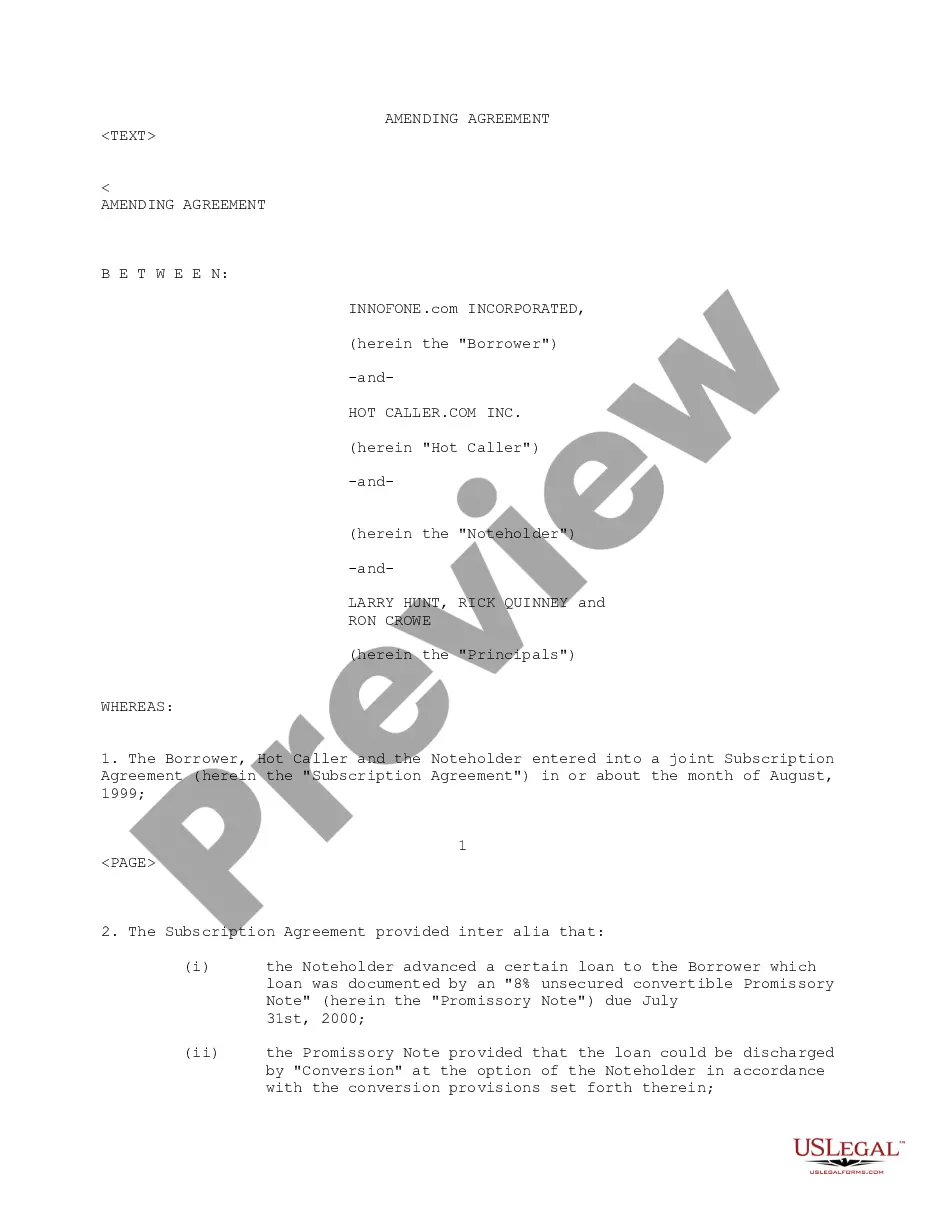
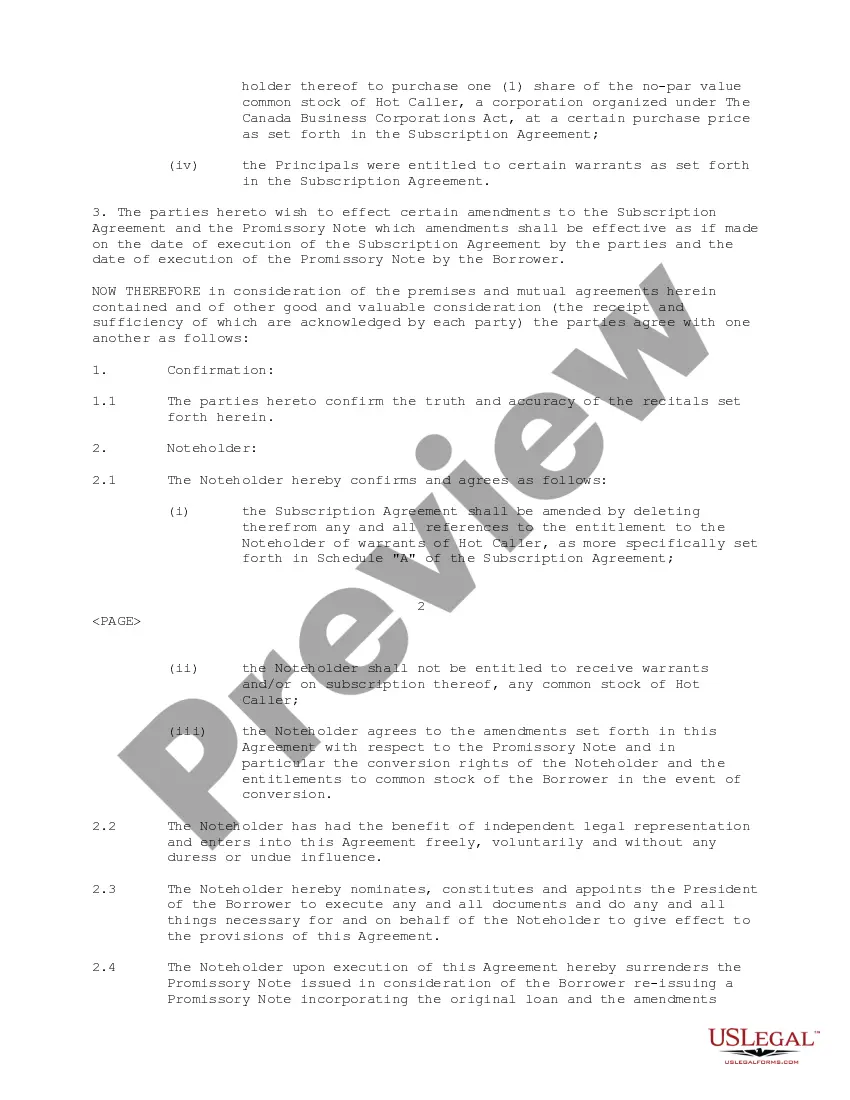
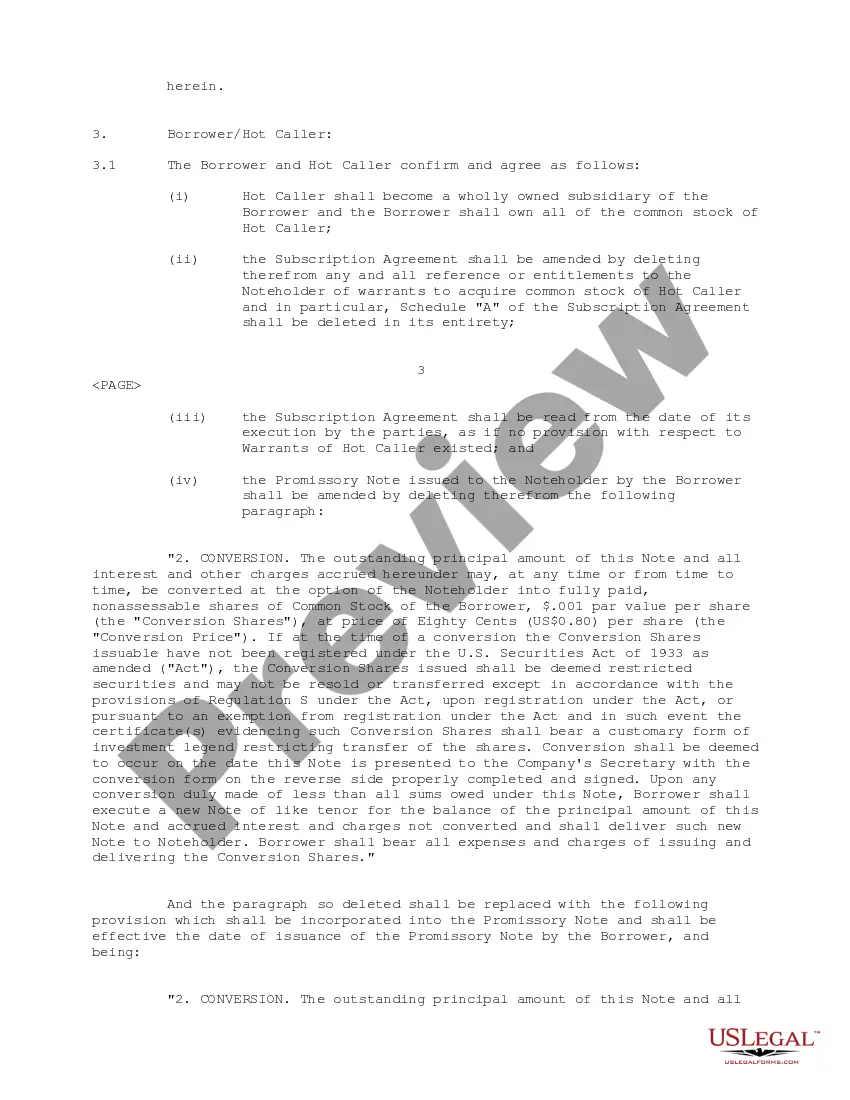
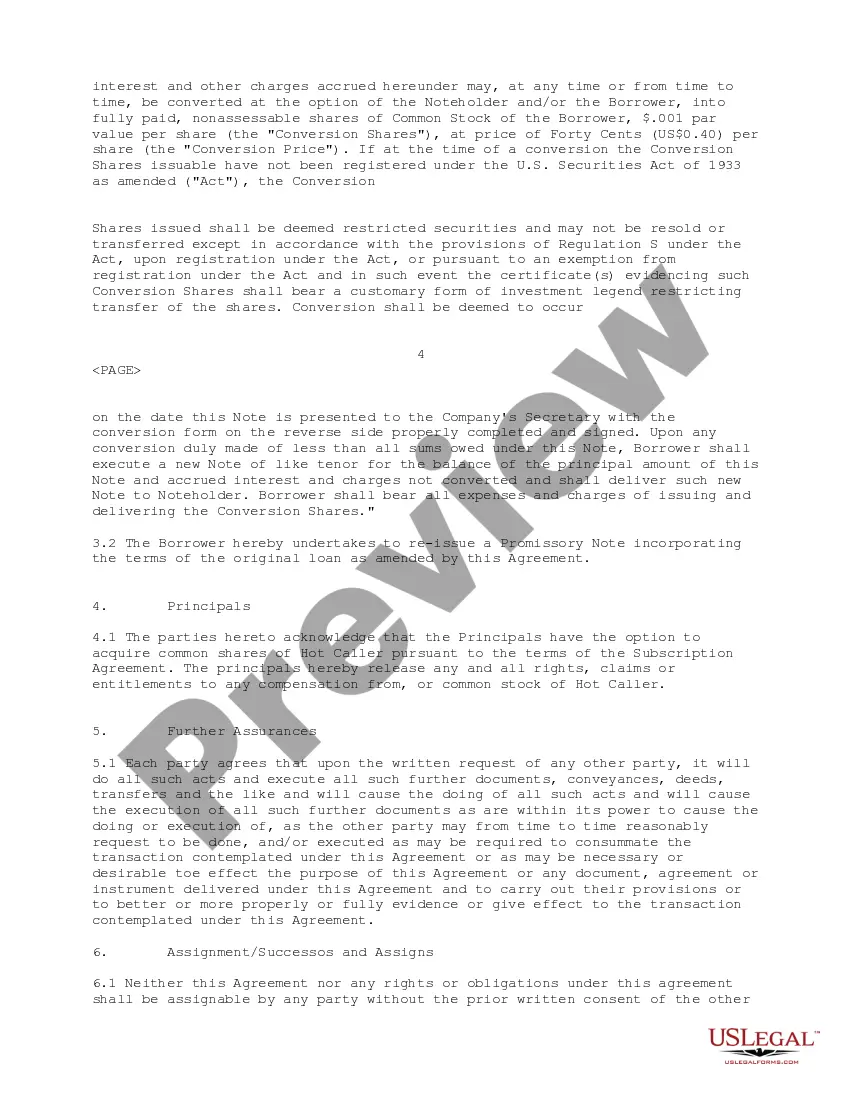
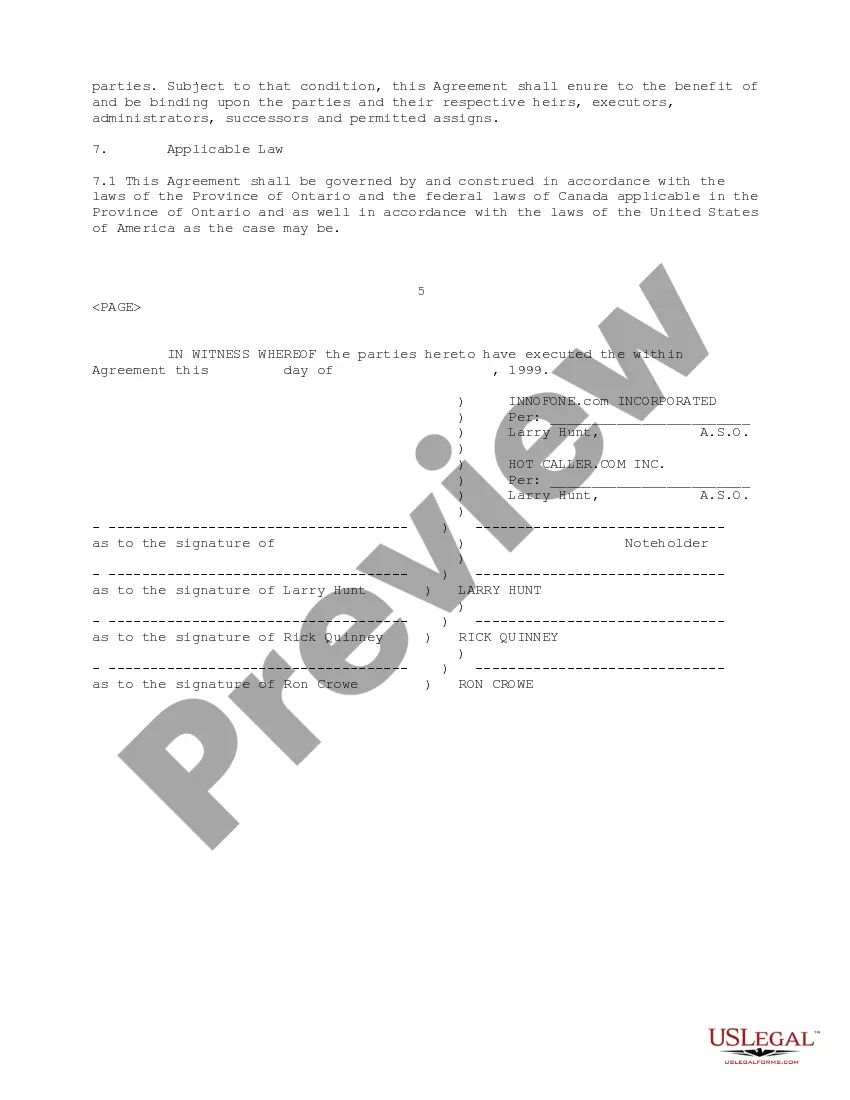
How to fill out Amending Agreement Between Innofone.Com, Inc. And HotCaller.Com, Inc.?
Individuals frequently connect legal documentation with something intricate that solely an expert can handle.
In a certain sense, this is accurate, as creating an Amending Agreement For Business necessitates significant knowledge in subject matters, encompassing state and local statutes.
Nonetheless, with US Legal Forms, processes have become simpler: pre-made legal documents for any life and business circumstances tailored to state legislation are consolidated in a single online repository and are now reachable for all.
All templates in our collection are reusable: once obtained, they remain stored in your profile. You can access them whenever necessary through the My documents tab. Explore all the benefits of utilizing the US Legal Forms platform. Register now!
- Review the page details meticulously to confirm it meets your requirements.
- Examine the form description or view it through the Preview feature.
- If the initial one isn't suitable, find another template using the Search bar above.
- Click Buy Now once you discover the right Amending Agreement For Business.
- Choose a subscription plan that aligns with your needs and finances.
- Establish an account or Log In to advance to the payment section.
- Complete your subscription payment using PayPal or your credit card.
- Select the format for your document and click Download.
- Print your file or upload it to an online editor for quicker completion.
Form popularity
FAQ
Completing the AmendmentIntroductory paragraph. Type your name or the name of your company and the other side's name (an individual or a company).Describe the amendment(s).The concluding paragraph.Proofread and sign your amendment.Managing Amendments.
Once a contract has been signed, then you typically cannot change it unless all parties to the contract agree to the modifications. There are many reasons why you might want to modify a contract. Those would include to: extend it (for instance, lengthen a one-year contract by another six months)
An example of an amendment are the changes made to the U.S. Constitution. A correction or alteration, as in a manuscript. A material, such as organic matter or sand, mixed into soil to improve growing conditions. The process of formally altering or adding to a document or record.
You should note at the beginning of the document which part it is that is being altered and when it is effective. Again, both parties should sign or initial and date the amendment to show that both sides agreed to the change.
Writing an Amendment.2022 Always number your changes so the chair and body know how many changes are being.made.2022 Always denote exactly which operative clause your change applies to.to Read:2022 To create a new clause, use the phrase: Add Operative Clause (insert number):More items...