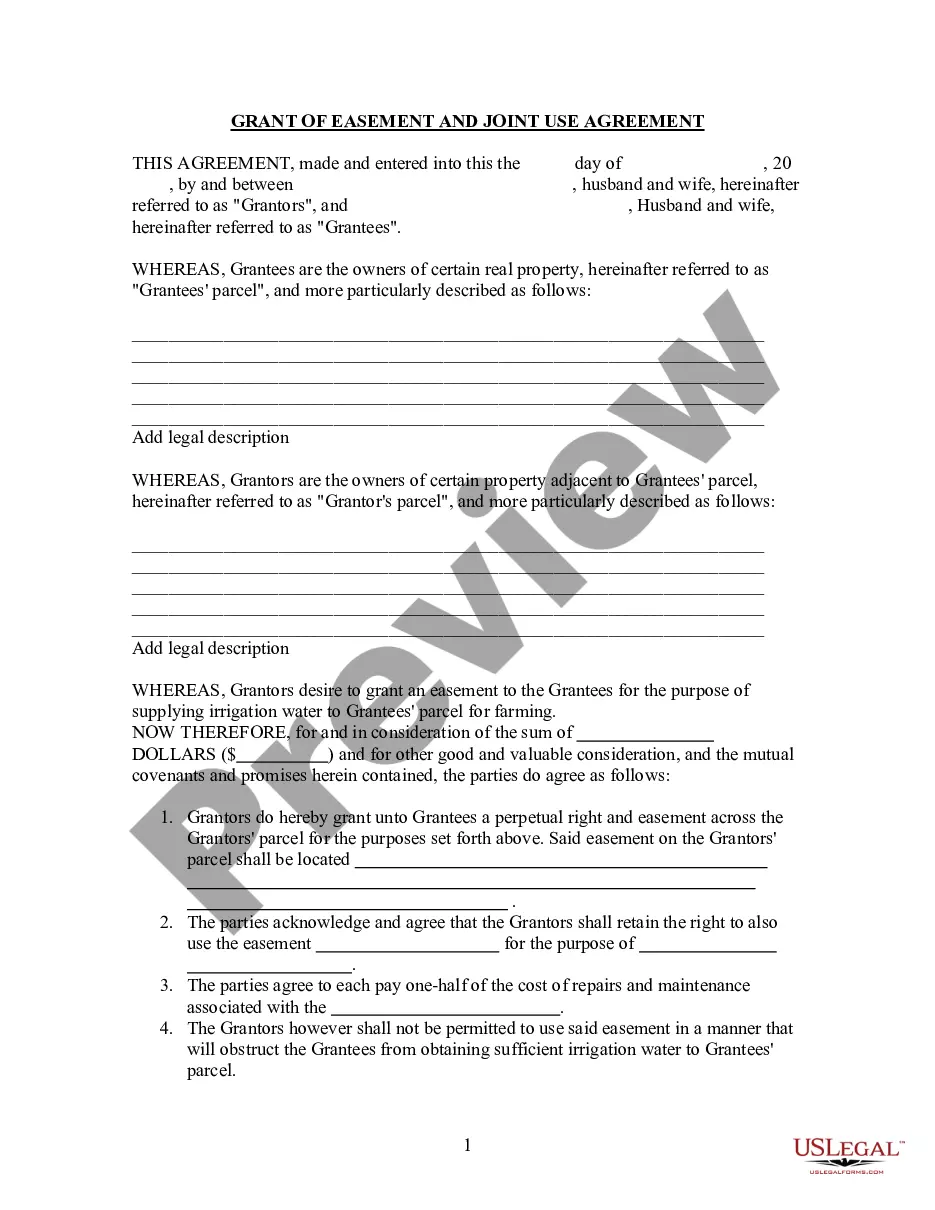
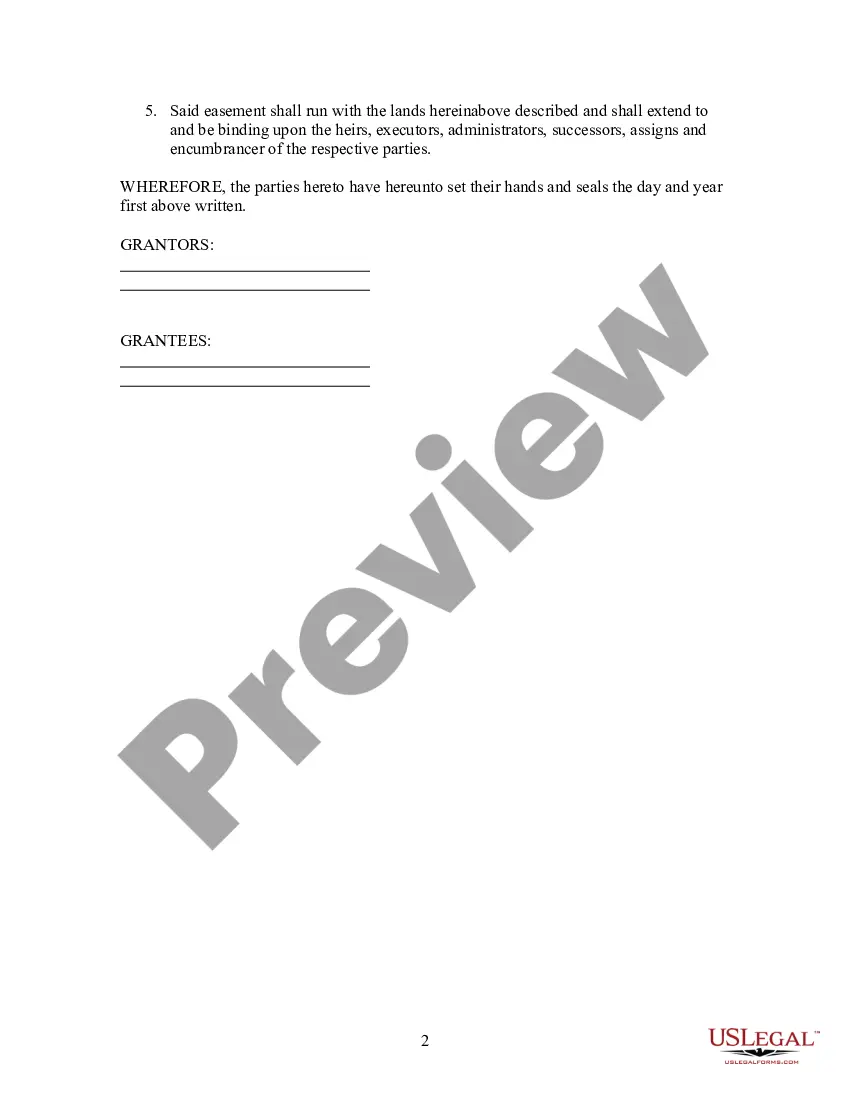
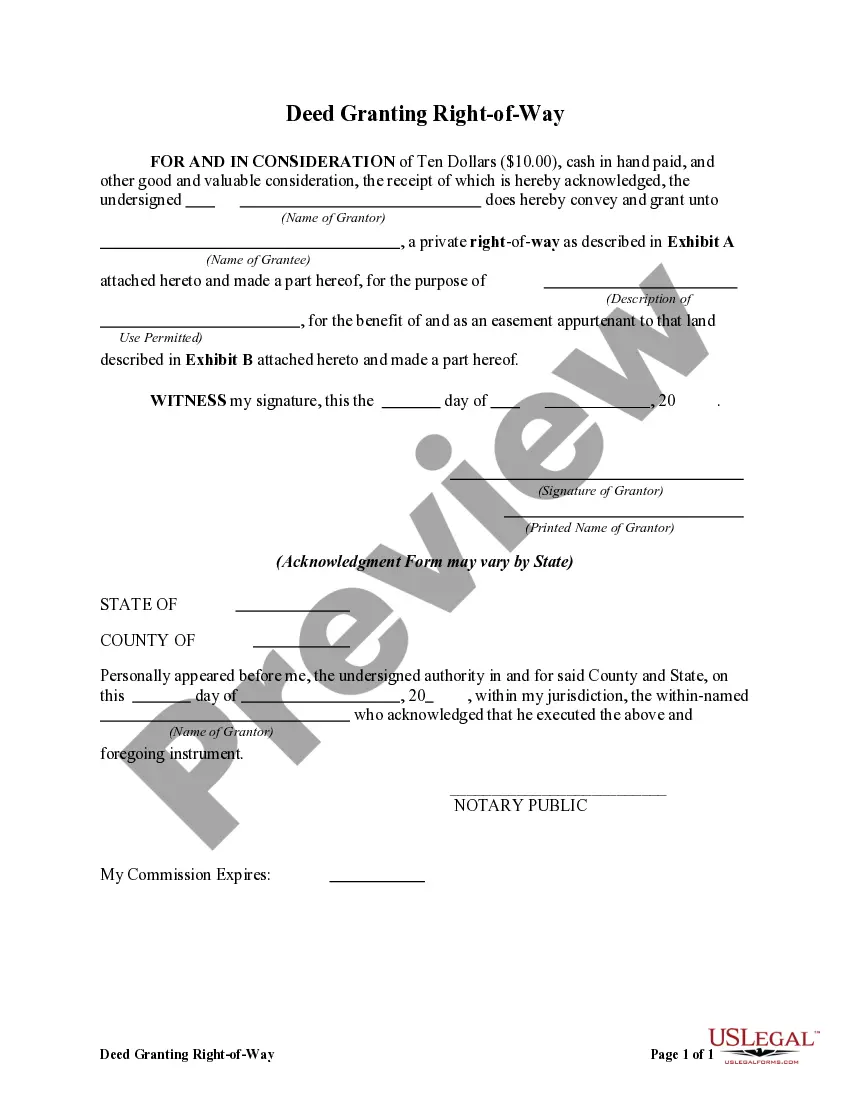
Easement Rights Format
Description
Get your form ready online
Our built-in tools help you complete, sign, share, and store your documents in one place.
Make edits, fill in missing information, and update formatting in US Legal Forms—just like you would in MS Word.
Download a copy, print it, send it by email, or mail it via USPS—whatever works best for your next step.
Sign and collect signatures with our SignNow integration. Send to multiple recipients, set reminders, and more. Go Premium to unlock E-Sign.
If this form requires notarization, complete it online through a secure video call—no need to meet a notary in person or wait for an appointment.
We protect your documents and personal data by following strict security and privacy standards.

Make edits, fill in missing information, and update formatting in US Legal Forms—just like you would in MS Word.

Download a copy, print it, send it by email, or mail it via USPS—whatever works best for your next step.

Sign and collect signatures with our SignNow integration. Send to multiple recipients, set reminders, and more. Go Premium to unlock E-Sign.

If this form requires notarization, complete it online through a secure video call—no need to meet a notary in person or wait for an appointment.

We protect your documents and personal data by following strict security and privacy standards.
Looking for another form?





How to fill out Grant Of Easement And Joint Use Agreement?
Acquiring legal document examples that adhere to federal and state laws is essential, and the internet provides numerous choices.
However, why squander time looking for the suitable Easement Rights Format example online when the US Legal Forms digital library already aggregates such templates in a single location.
US Legal Forms is the largest online legal repository featuring over 85,000 fillable templates crafted by lawyers for any business and personal circumstances. These forms are easy to navigate, organized by state and intended use.
Enjoy the most comprehensive and user-friendly legal documentation service!
- Our professionals stay informed about legislative changes, ensuring that your form is current and compliant when you obtain an Easement Rights Format from our platform.
- Acquiring an Easement Rights Format is swift and straightforward for both existing and new users.
- If you possess an account with an active subscription, Log In to download the document sample you need in the correct format.
- If you are unfamiliar with our site, follow these steps.
- Review the template using the Preview option or through the text description to confirm it satisfies your needs.
Form popularity
FAQ
Go to the USPTO's online database. In the pull-down field menu, select "Assignee Name" if searching for company name or "Inventor Name" if searching for Inventor name. Type in the name of the inventor or company, keeping in mind that you might need to try several times.
Patents may be searched using the following resources: Patent Public Search. Global Dossier. Patent Application Information Retrieval (PAIR) Public Search Facility. Patent and Trademark Resource Centers (PTRCs) Patent Official Gazette. Common Citation Document (CCD) Search International Patent Offices.
Free Patent Search Online The U.S. Patent & Trademark Office provides free patent searching of its public databases. Google Patents. A relatively easy database to search which PDF images available. Limited to U.S. patents and U.S. published applications.
Using Ipsum you can: View up to date information on patents. Access some documents from published patent applications. See which classifications and fields of search have been used.
World Intellectual Property Organization (WIPO) provides PATENTSCOPE ® Search Service, which features a full-text search of published international patent applications and machine translations for some documents as well as a list of international patent databases.
Patents Issued AFTER 1976 Go to the USPTO's online database. In the pull-down field menu, select "Assignee Name" if searching for company name or "Inventor Name" if searching for Inventor name. Type in the name of the inventor or company, keeping in mind that you might need to try several times.
The U.S. Patent & Trademark Office provides free patent searching of its public databases. Google Patents. A relatively easy database to search which PDF images available. Limited to U.S. patents and U.S. published applications.
To start a quick lookup, enter a single patent or publication number and select the Search button. To start a basic search, select a search field, enter your search term, and select the Search button. For example, to search for the inventor 'John Smith,' select Inventor Name from both of the Basic Search dropdowns.