Acceptable Use Agreement Definition
Description
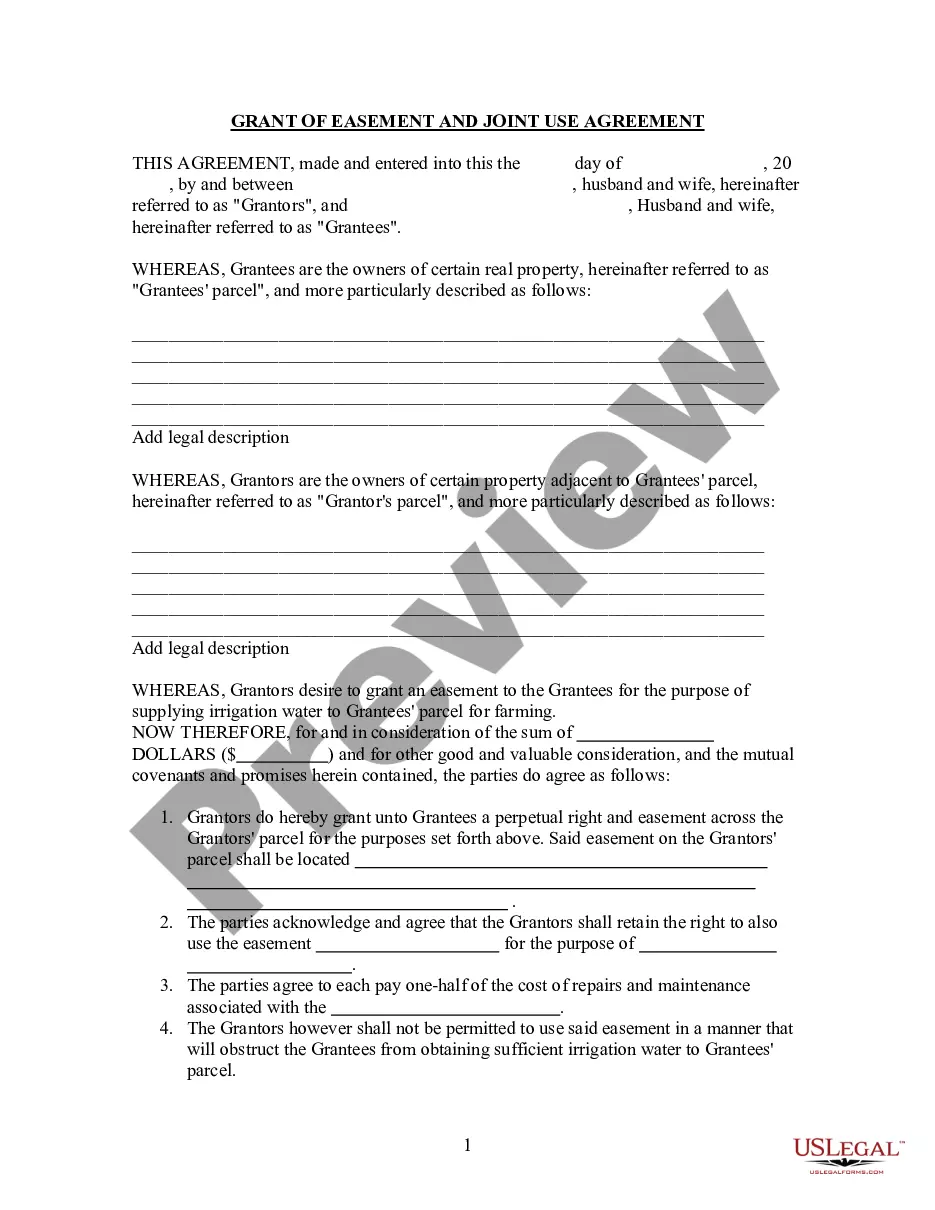
Get your form ready online
Our built-in tools help you complete, sign, share, and store your documents in one place.
Make edits, fill in missing information, and update formatting in US Legal Forms—just like you would in MS Word.
Download a copy, print it, send it by email, or mail it via USPS—whatever works best for your next step.
Sign and collect signatures with our SignNow integration. Send to multiple recipients, set reminders, and more. Go Premium to unlock E-Sign.
If this form requires notarization, complete it online through a secure video call—no need to meet a notary in person or wait for an appointment.
We protect your documents and personal data by following strict security and privacy standards.

Make edits, fill in missing information, and update formatting in US Legal Forms—just like you would in MS Word.

Download a copy, print it, send it by email, or mail it via USPS—whatever works best for your next step.

Sign and collect signatures with our SignNow integration. Send to multiple recipients, set reminders, and more. Go Premium to unlock E-Sign.

If this form requires notarization, complete it online through a secure video call—no need to meet a notary in person or wait for an appointment.

We protect your documents and personal data by following strict security and privacy standards.
Looking for another form?


How to fill out Grant Of Easement And Joint Use Agreement?
Getting a go-to place to access the most current and appropriate legal templates is half the struggle of dealing with bureaucracy. Choosing the right legal papers requirements precision and attention to detail, which is the reason it is vital to take samples of Acceptable Use Agreement Definition only from reputable sources, like US Legal Forms. An improper template will waste your time and delay the situation you are in. With US Legal Forms, you have very little to be concerned about. You can access and see all the details regarding the document’s use and relevance for the situation and in your state or region.
Take the listed steps to complete your Acceptable Use Agreement Definition:
- Make use of the catalog navigation or search field to find your sample.
- View the form’s description to check if it matches the requirements of your state and area.
- View the form preview, if available, to make sure the template is definitely the one you are searching for.
- Resume the search and locate the correct template if the Acceptable Use Agreement Definition does not fit your requirements.
- If you are positive regarding the form’s relevance, download it.
- If you are an authorized user, click Log in to authenticate and access your picked templates in My Forms.
- If you do not have a profile yet, click Buy now to obtain the form.
- Select the pricing plan that suits your requirements.
- Go on to the registration to complete your purchase.
- Complete your purchase by selecting a payment method (bank card or PayPal).
- Select the file format for downloading Acceptable Use Agreement Definition.
- When you have the form on your device, you can change it using the editor or print it and complete it manually.
Get rid of the inconvenience that comes with your legal paperwork. Check out the comprehensive US Legal Forms collection where you can find legal templates, check their relevance to your situation, and download them immediately.
Form popularity
FAQ
Examples of Acceptable Use Encourage positive, constructive discussion if allowed to use communicative or collaborative technologies. Alert a teacher or other staff member if I see threatening/bullying, inappropriate, or harmful content (images, messages, posts) online.
An AUP sets rules related to an organization's IT security policies. These include rules around accessing restricted information; changing access data, such as passwords; opening questionable email attachments; using public Wi-Fi services; and using company approved authentication procedures. Non-employee users.
An AUP sets rules related to an organization's IT security policies. These include rules around accessing restricted information; changing access data, such as passwords; opening questionable email attachments; using public Wi-Fi services; and using company approved authentication procedures.
Most businesses and website owners are familiar with an Acceptable Use Policy (AUP) which is an agreement between two or more parties expressing one's commitment to stick to written standards of behavior that state they must properly use specific software or hardware services.
An AUP for security provides specific rules For example, it can include guidelines about the length of passwords, safe use of Wi-Fi, clean desks, sending personal data over email, or private use of company equipment, like laptops and smartphones.