Sample Restricted Stock Withholding Tax
Description

Get your form ready online
Our built-in tools help you complete, sign, share, and store your documents in one place.
Make edits, fill in missing information, and update formatting in US Legal Forms—just like you would in MS Word.
Download a copy, print it, send it by email, or mail it via USPS—whatever works best for your next step.
Sign and collect signatures with our SignNow integration. Send to multiple recipients, set reminders, and more. Go Premium to unlock E-Sign.
If this form requires notarization, complete it online through a secure video call—no need to meet a notary in person or wait for an appointment.
We protect your documents and personal data by following strict security and privacy standards.

Make edits, fill in missing information, and update formatting in US Legal Forms—just like you would in MS Word.

Download a copy, print it, send it by email, or mail it via USPS—whatever works best for your next step.

Sign and collect signatures with our SignNow integration. Send to multiple recipients, set reminders, and more. Go Premium to unlock E-Sign.

If this form requires notarization, complete it online through a secure video call—no need to meet a notary in person or wait for an appointment.

We protect your documents and personal data by following strict security and privacy standards.
Looking for another form?







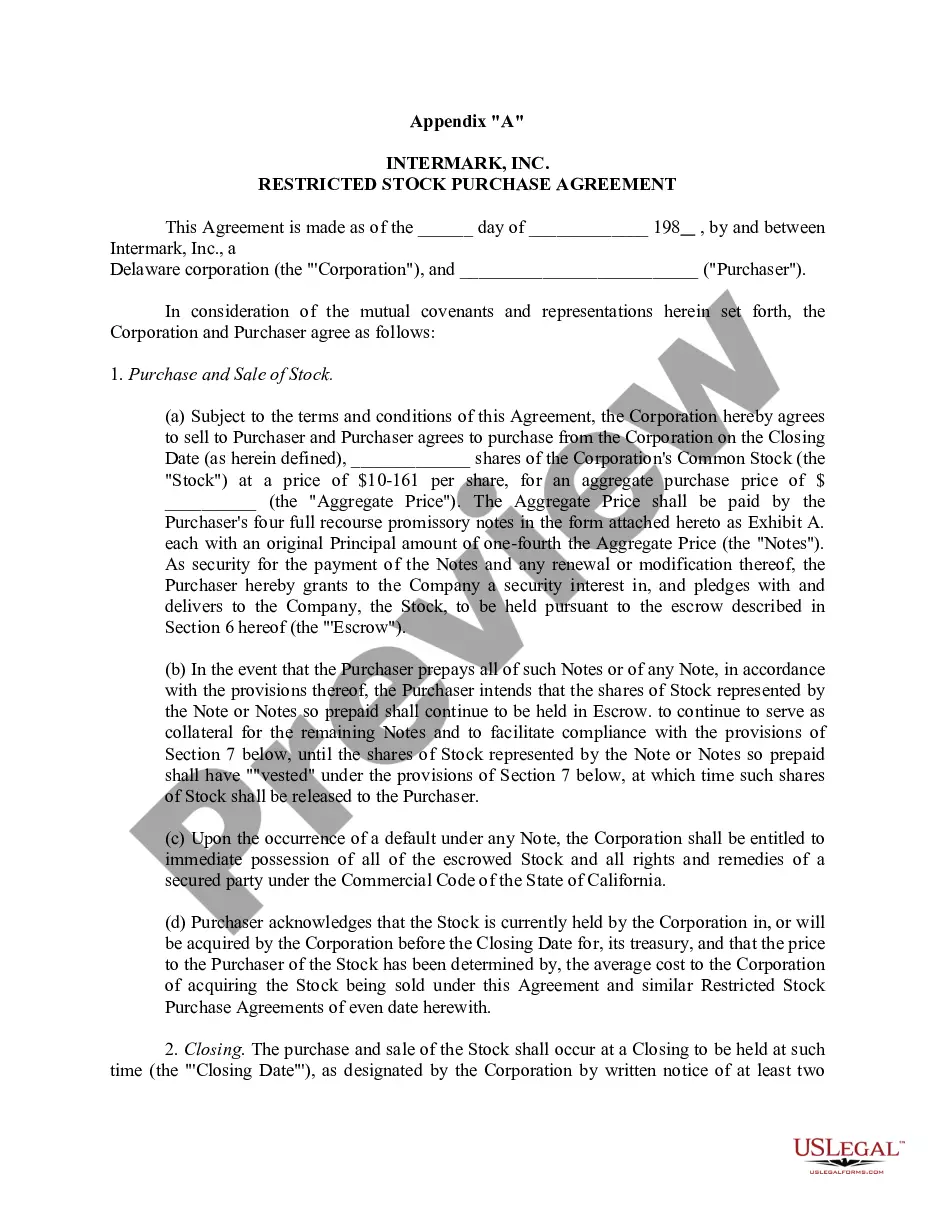
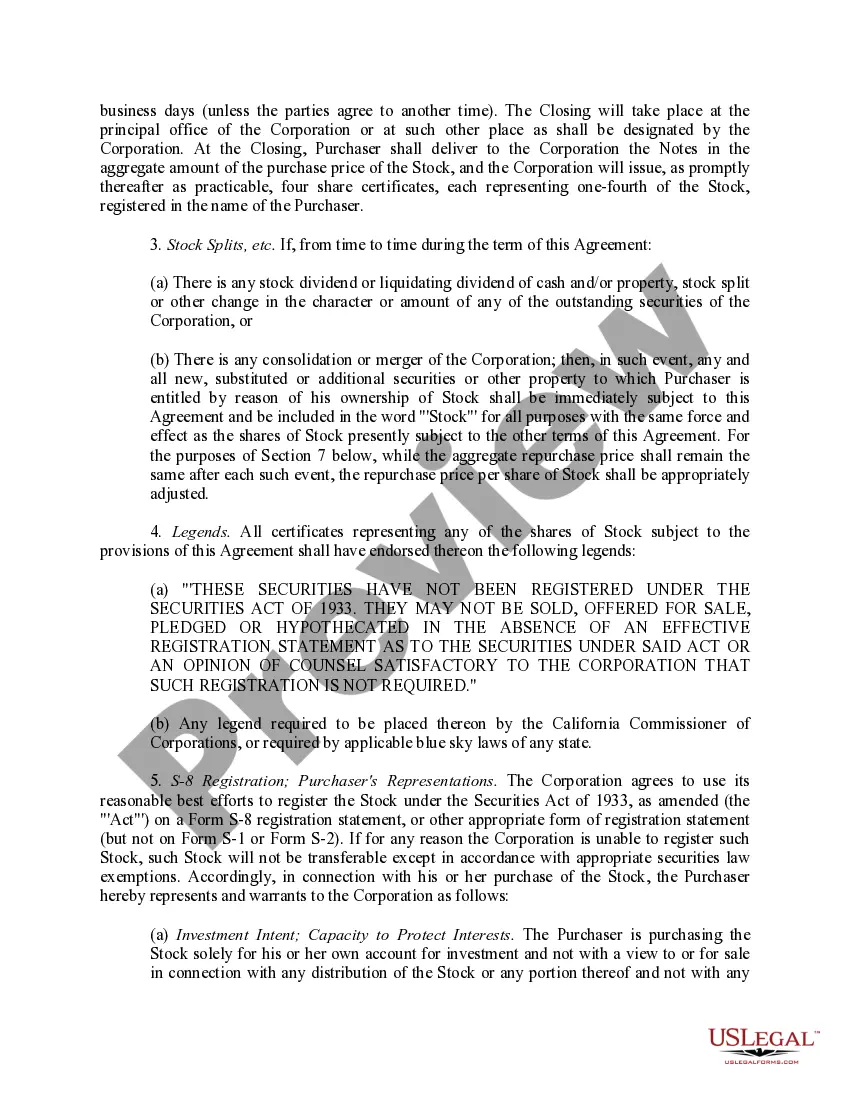
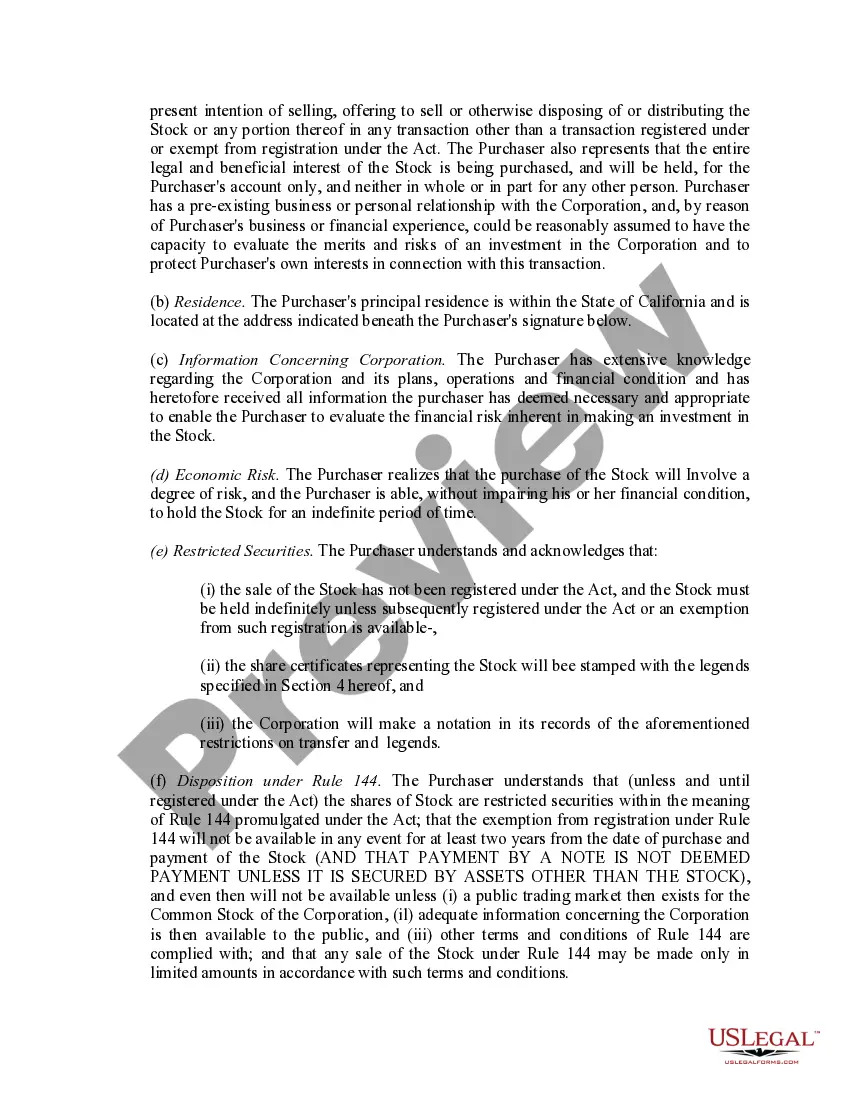
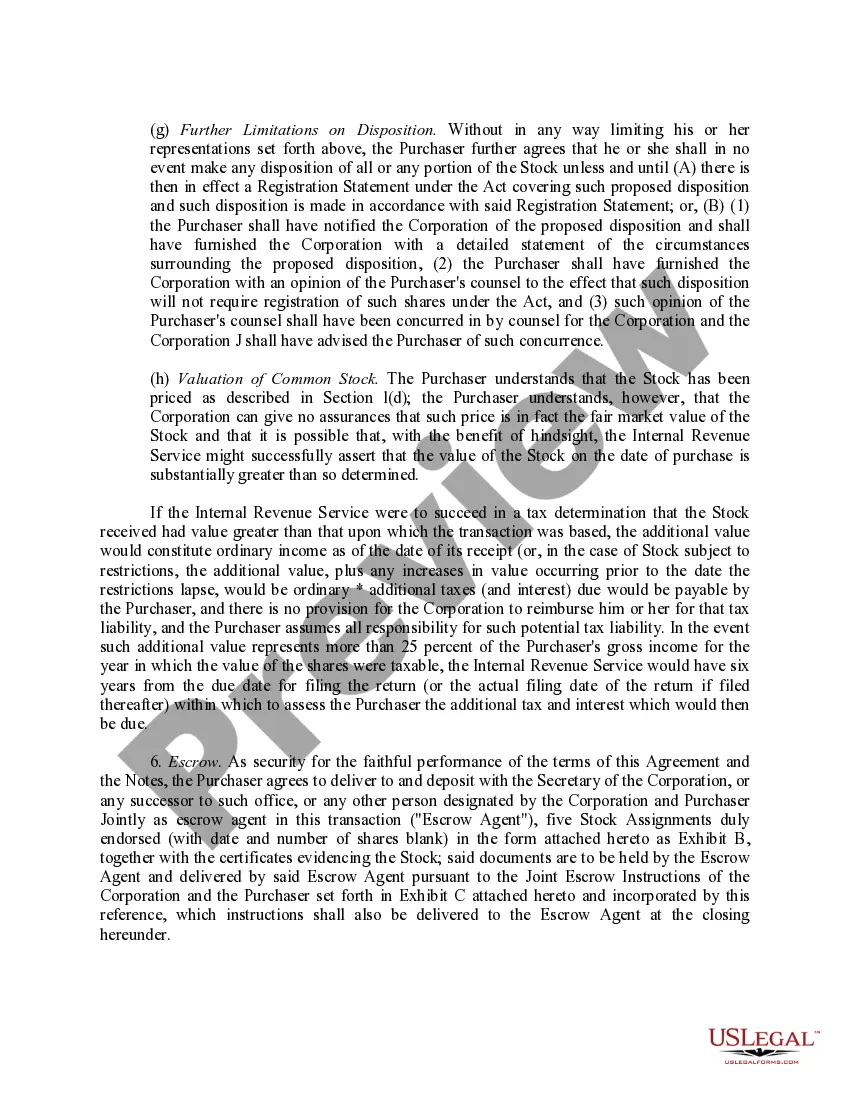
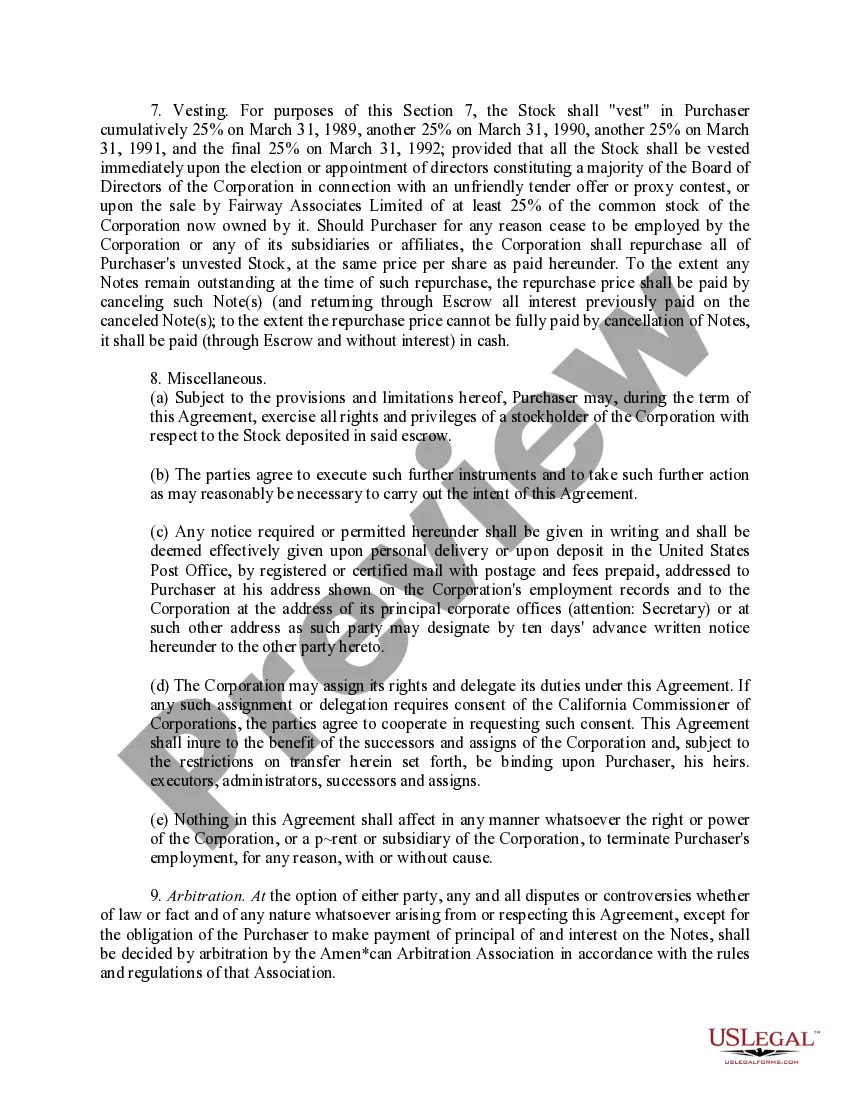
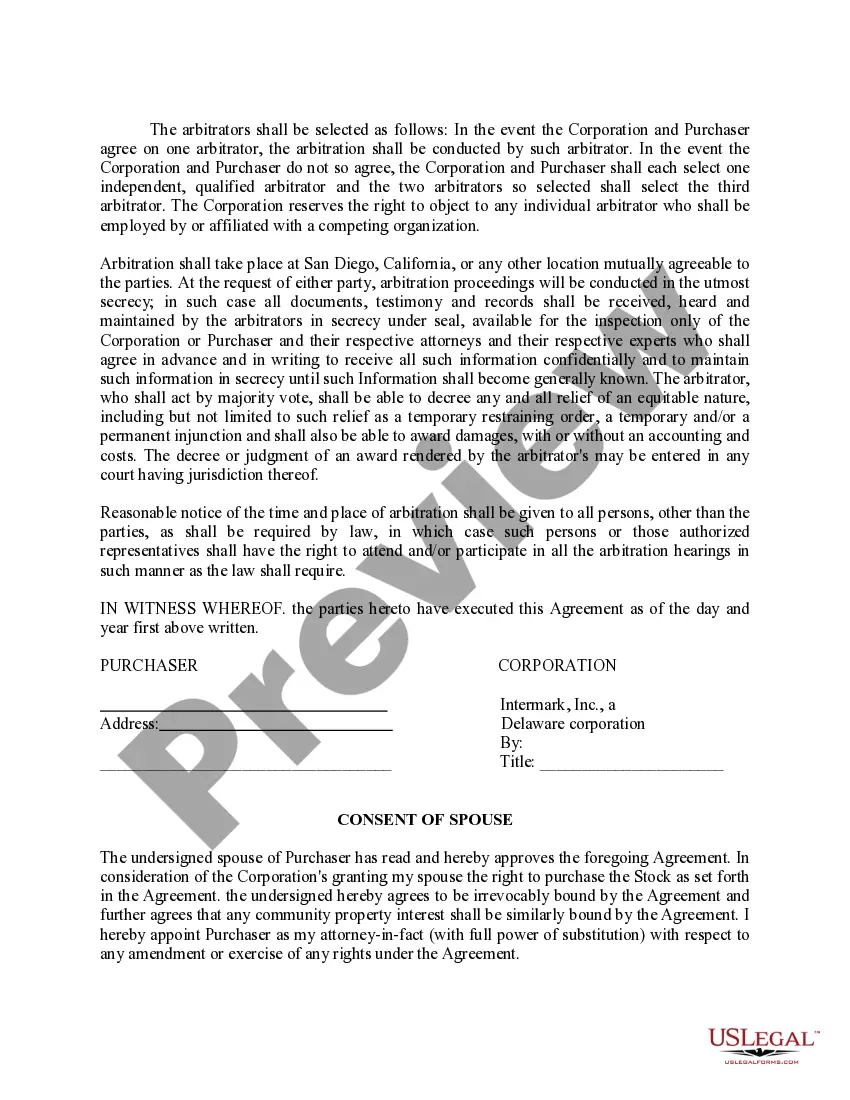
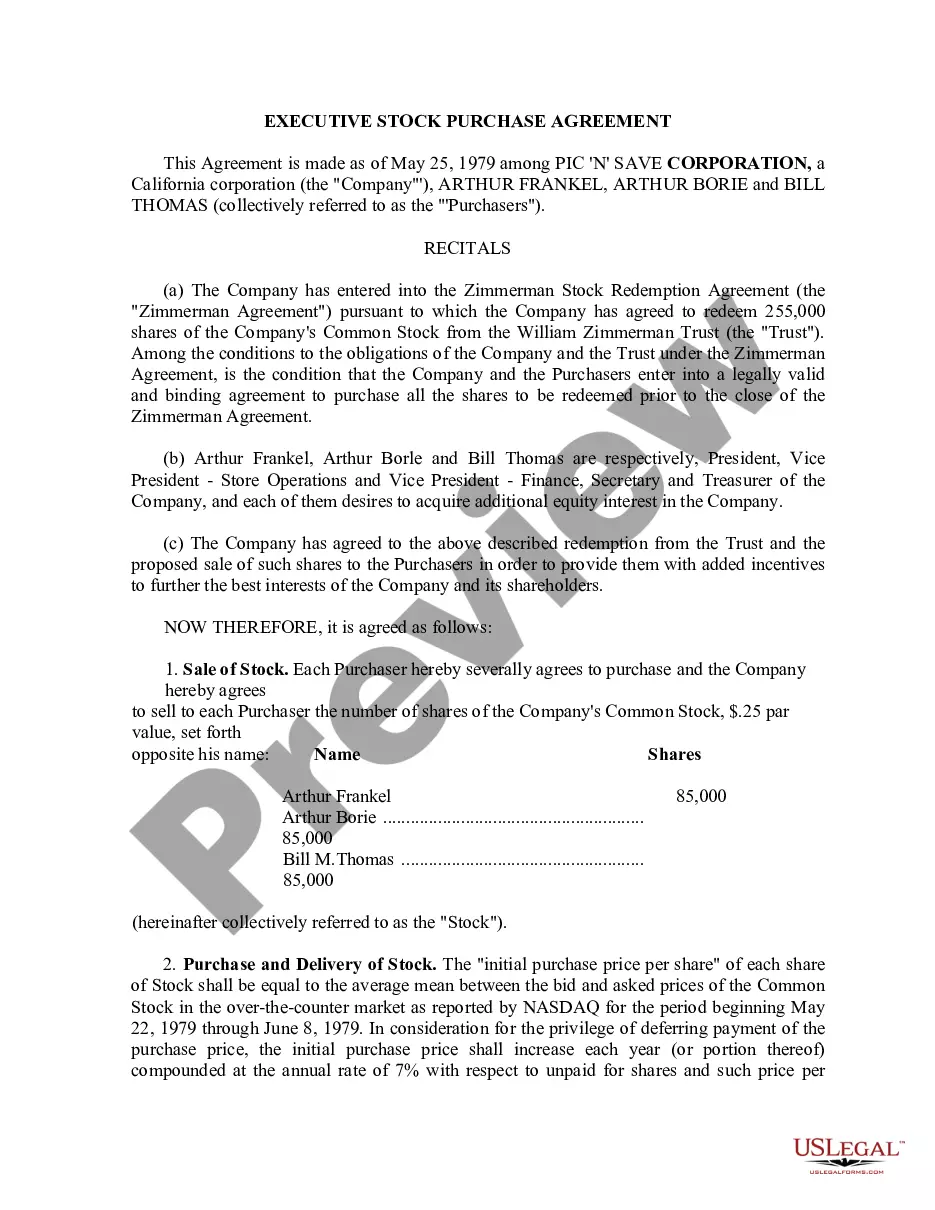
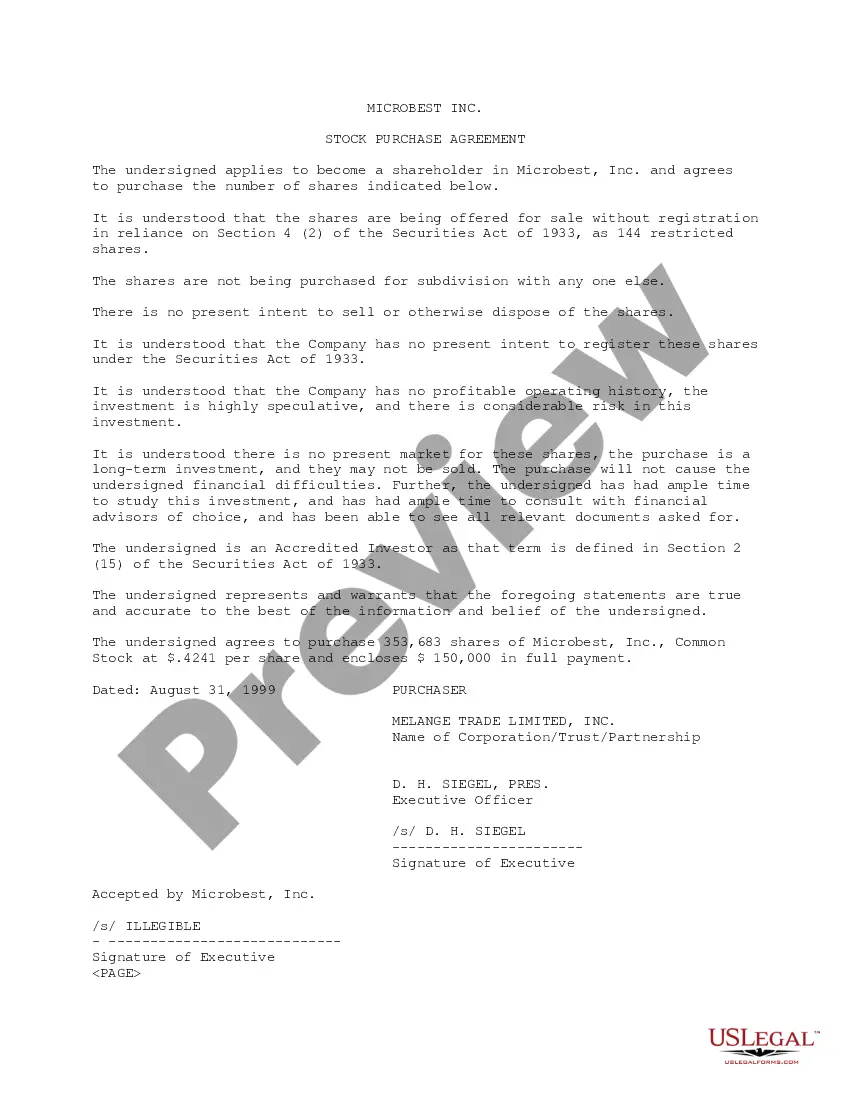
How to fill out Sample Restricted Stock Purchase Agreement Between Intermark, Inc. And Purchasers?
Whether for corporate aims or individual affairs, everyone must confront legal circumstances at some stage in their existence.
Completing legal forms requires meticulous consideration, beginning with choosing the suitable form template.
With a comprehensive US Legal Forms directory available, you don't need to waste time searching for the right template online. Take advantage of the library’s straightforward navigation to discover the appropriate template for any scenario.
- Identify the template you seek by utilizing the search option or catalog browsing.
- Examine the form’s details to ensure it aligns with your circumstances, state, and county.
- Click on the form’s preview to view it.
- If it is the incorrect document, return to the search feature to pinpoint the Sample Restricted Stock Withholding Tax example you need.
- Download the template once it fulfills your requirements.
- If you already possess a US Legal Forms account, click Log in to access templates you previously saved in My documents.
- In case you do not have an account yet, you can download the form by clicking Buy now.
- Select the appropriate pricing option.
- Complete the account registration form.
- Choose your payment method: either use a credit card or your PayPal account.
- Select the file format you prefer and download the Sample Restricted Stock Withholding Tax.
- Once it is downloaded, you can fill out the form using editing software or print it and complete it manually.
Form popularity
FAQ
You may have to report compensation on line 1a of Form 1040, U.S. Individual Income Tax Return or Form 1040-SR, U.S. Tax Return for Seniors and capital gain or loss on Schedule D (Form 1040), Capital Gains and Losses and Form 8949, Sales and Other Dispositions of Capital Assets when you sell the stock.
For example, a new employee receives 400 RSUs with a vesting schedule of 100 RSUs every year. That means that on their first anniversary, 100 of their RSUs are converted into company stock. By their fourth anniversary, all 400 of the employee's RSUs are now actually company stock.
Proceeds from the sale of RSUs are shown in Form 16 and Form 12BA. It will include the total number of shares vested and not what the employer credited to the employee's account. If you want to know how to save tax on RSU, you can immediately sell your shares on vesting.
RSU tax at vesting date is: The # of shares vesting x price of shares = Income taxed in the current year. If held beyond the vesting date, the RSU tax when shares are sold is: (Sales price ? price at vesting) x # of shares = Capital gain (or loss)
Withholding Tax for RSUs RSUs are considered supplemental income, and as such, the income you receive from them is subject to withholding taxes. The IRS requires a federal withholding rate of 22% for supplemental income up to $1 million, and 37% for income exceeding that amount.