Amendment Name Change Form Uon
Description
Get your form ready online
Our built-in tools help you complete, sign, share, and store your documents in one place.
Make edits, fill in missing information, and update formatting in US Legal Forms—just like you would in MS Word.
Download a copy, print it, send it by email, or mail it via USPS—whatever works best for your next step.
Sign and collect signatures with our SignNow integration. Send to multiple recipients, set reminders, and more. Go Premium to unlock E-Sign.
If this form requires notarization, complete it online through a secure video call—no need to meet a notary in person or wait for an appointment.
We protect your documents and personal data by following strict security and privacy standards.

Make edits, fill in missing information, and update formatting in US Legal Forms—just like you would in MS Word.

Download a copy, print it, send it by email, or mail it via USPS—whatever works best for your next step.

Sign and collect signatures with our SignNow integration. Send to multiple recipients, set reminders, and more. Go Premium to unlock E-Sign.

If this form requires notarization, complete it online through a secure video call—no need to meet a notary in person or wait for an appointment.

We protect your documents and personal data by following strict security and privacy standards.
Looking for another form?
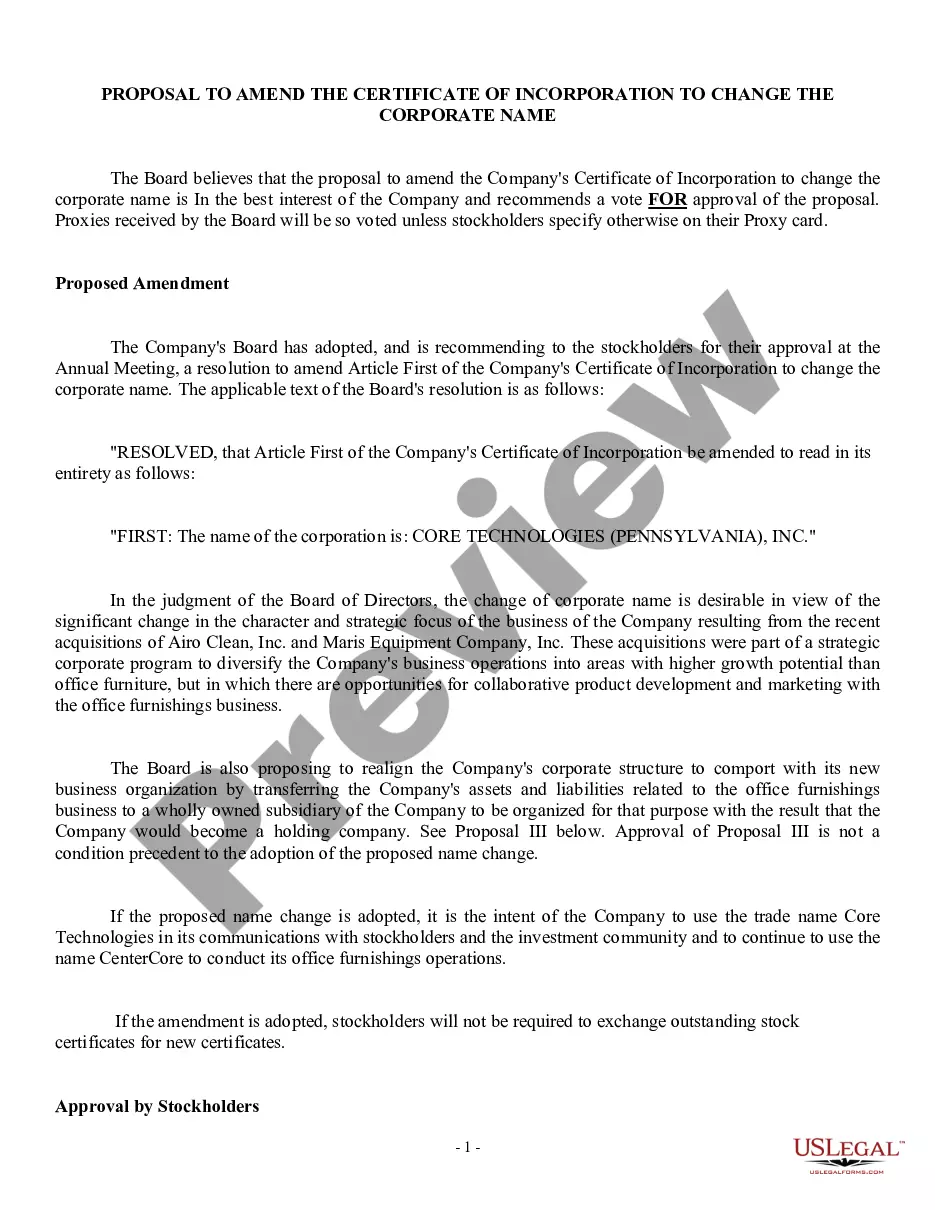
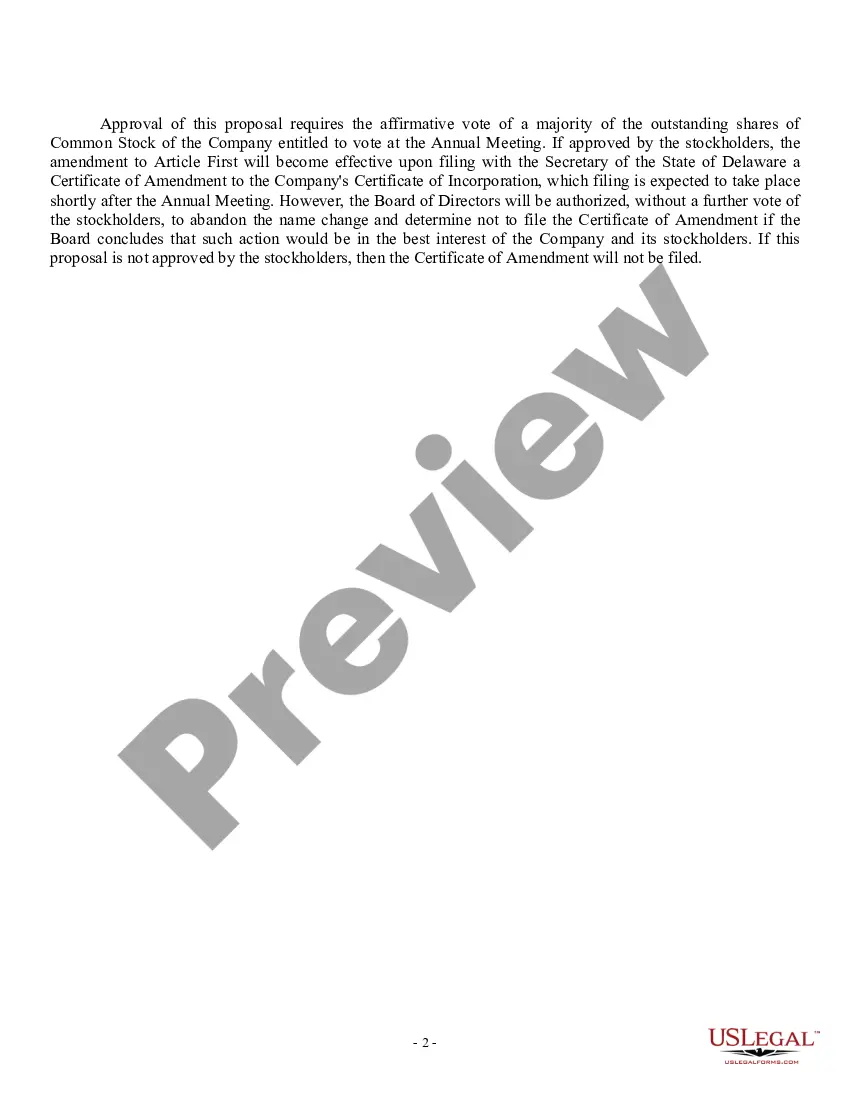
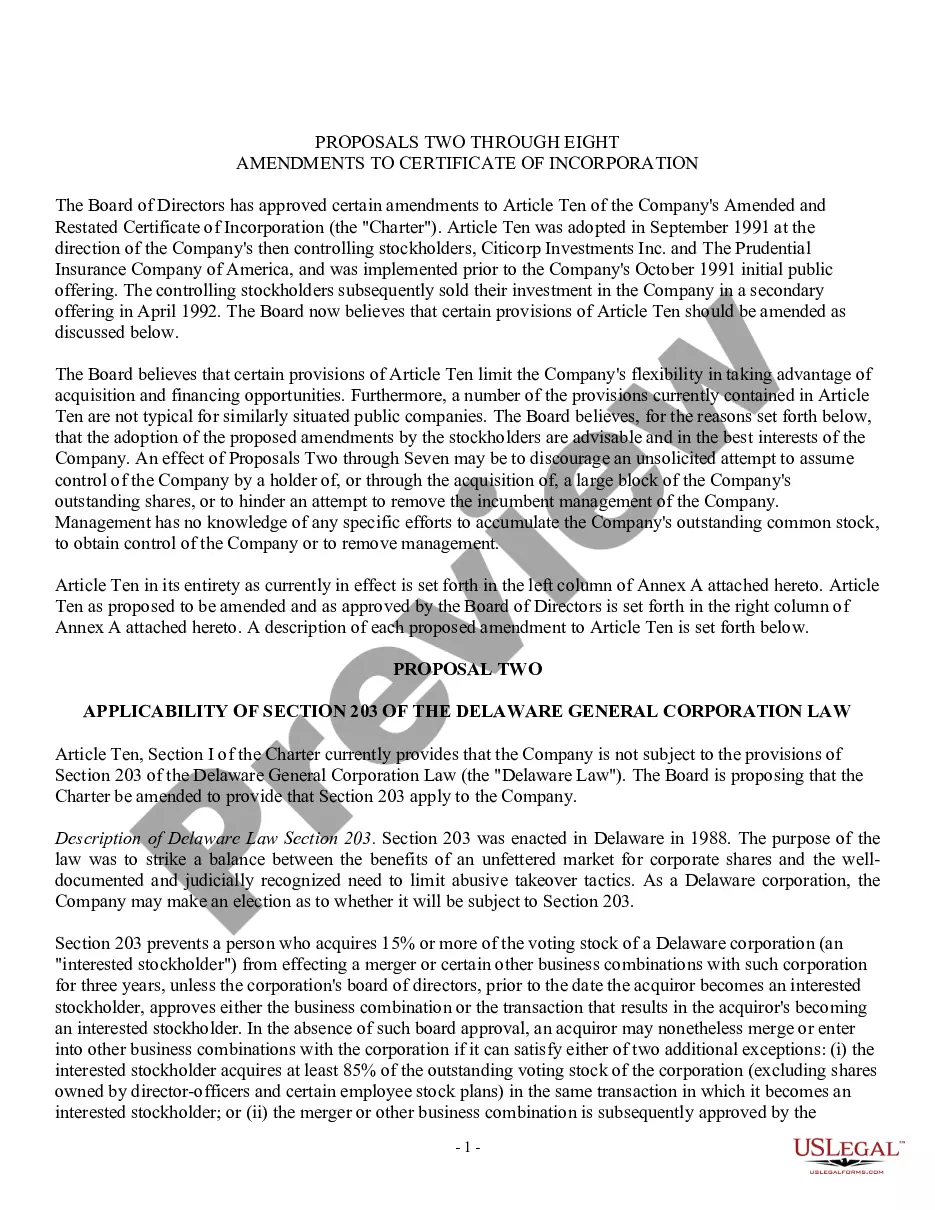
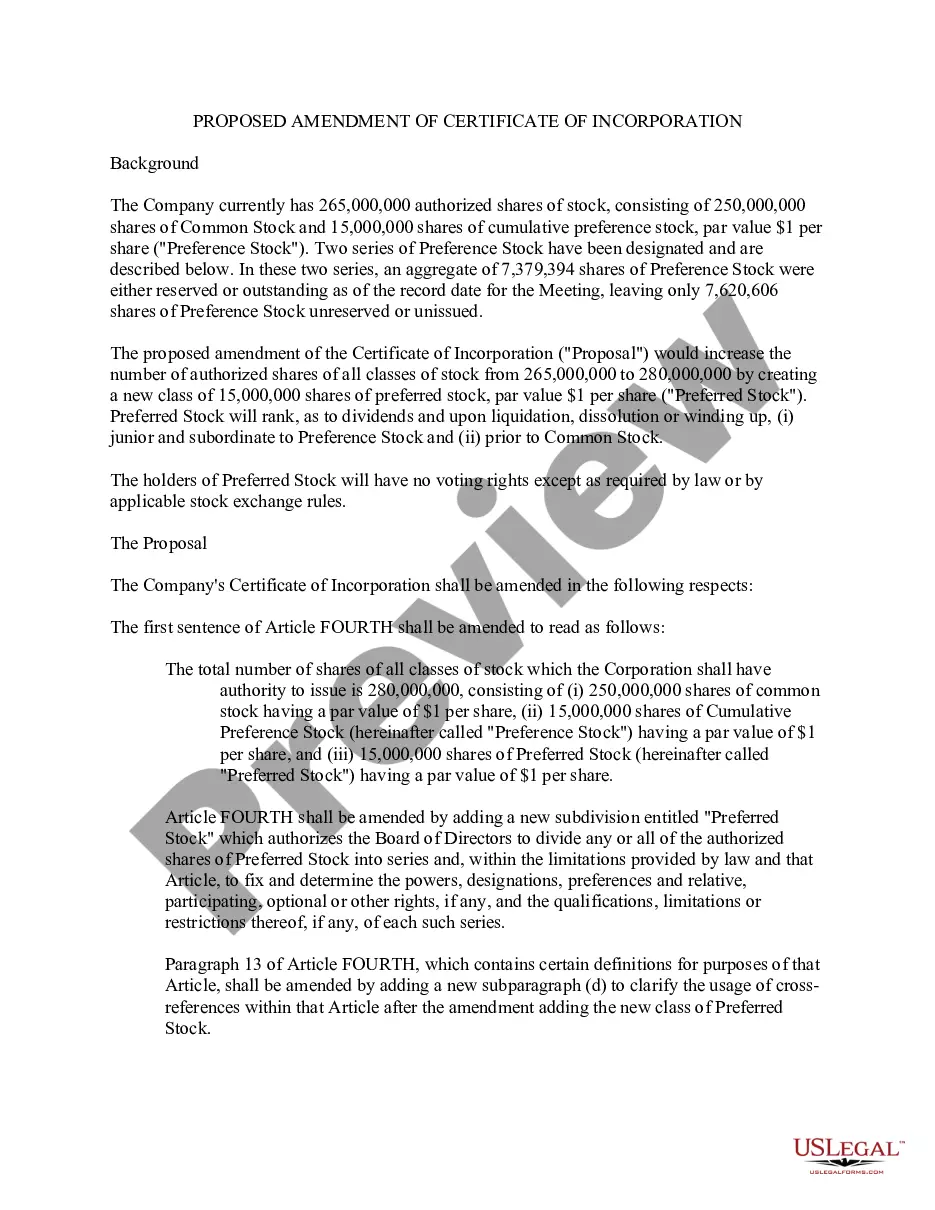
How to fill out Proposal To Amend Certificate Of Incorporation To Change Corporate Name?
Regardless of whether it is for corporate objectives or private matters, everyone must manage legal circumstances at various stages of their lives. Completing legal documents demands careful consideration, starting with selecting the correct template.
For example, if you select an incorrect version of an Amendment Name Change Form Uon, it will be rejected upon submission. Consequently, it is essential to obtain a reliable source of legal documents like US Legal Forms.
With a vast catalog from US Legal Forms available, you won’t need to waste time searching for the correct sample on the internet. Utilize the library’s user-friendly navigation to discover the perfect template for any situation.
- Locate the sample you require by utilizing the search bar or browsing the catalog.
- Review the form’s description to ensure it aligns with your circumstances, state, and county.
- Click on the form’s preview to inspect it.
- If it is the incorrect document, return to the search feature to find the Amendment Name Change Form Uon sample you are looking for.
- Download the file if it meets your specifications.
- If you possess a US Legal Forms account, click Log in to retrieve previously saved templates in My documents.
- If you do not yet have an account, you can obtain the form by clicking Buy now.
- Select the suitable pricing option.
- Complete the profile registration form.
- Choose your payment method: utilize a credit card or PayPal account.
- Select the document format you prefer and download the Amendment Name Change Form Uon.
- After it is saved, you can complete the form using editing applications or print it out and fill it out manually.
Form popularity
FAQ
Updating your name and/or gender To request an update to the name and/or gender on your student record, you'll need to complete the name/gender update request form. As part of the form, you'll be asked to provide evidence that supports the update(s) being requested.
Changing your name after your degree has been awarded Records cannot be changed retrospectively after your degree has been awarded. It is your responsibility to ensure that your name is recorded correctly and as per your ID document before your degree is awarded.
How to Change the Name on Your College Diploma. If you want to change your name on your college diploma, you must notify the registrar's office. The registrar will send you a new diploma within six weeks. You may need to fax your documents or visit in person to change your name.
Please use our enquiry form for all prospective undergraduate or postgraduate enquiries. You can also contact the Enquiry Centre on +44 (0)115 95 15559. For all current student enquiries, please visit our Student Services pages.
The Universities for Nottingham is a pioneering collaboration between the University of Nottingham and Nottingham Trent University bringing together the civic missions of our two universities.