Employee Chart With 2 Employees
Description
Get your form ready online
Our built-in tools help you complete, sign, share, and store your documents in one place.
Make edits, fill in missing information, and update formatting in US Legal Forms—just like you would in MS Word.
Download a copy, print it, send it by email, or mail it via USPS—whatever works best for your next step.
Sign and collect signatures with our SignNow integration. Send to multiple recipients, set reminders, and more. Go Premium to unlock E-Sign.
If this form requires notarization, complete it online through a secure video call—no need to meet a notary in person or wait for an appointment.
We protect your documents and personal data by following strict security and privacy standards.

Make edits, fill in missing information, and update formatting in US Legal Forms—just like you would in MS Word.

Download a copy, print it, send it by email, or mail it via USPS—whatever works best for your next step.

Sign and collect signatures with our SignNow integration. Send to multiple recipients, set reminders, and more. Go Premium to unlock E-Sign.

If this form requires notarization, complete it online through a secure video call—no need to meet a notary in person or wait for an appointment.

We protect your documents and personal data by following strict security and privacy standards.
Looking for another form?








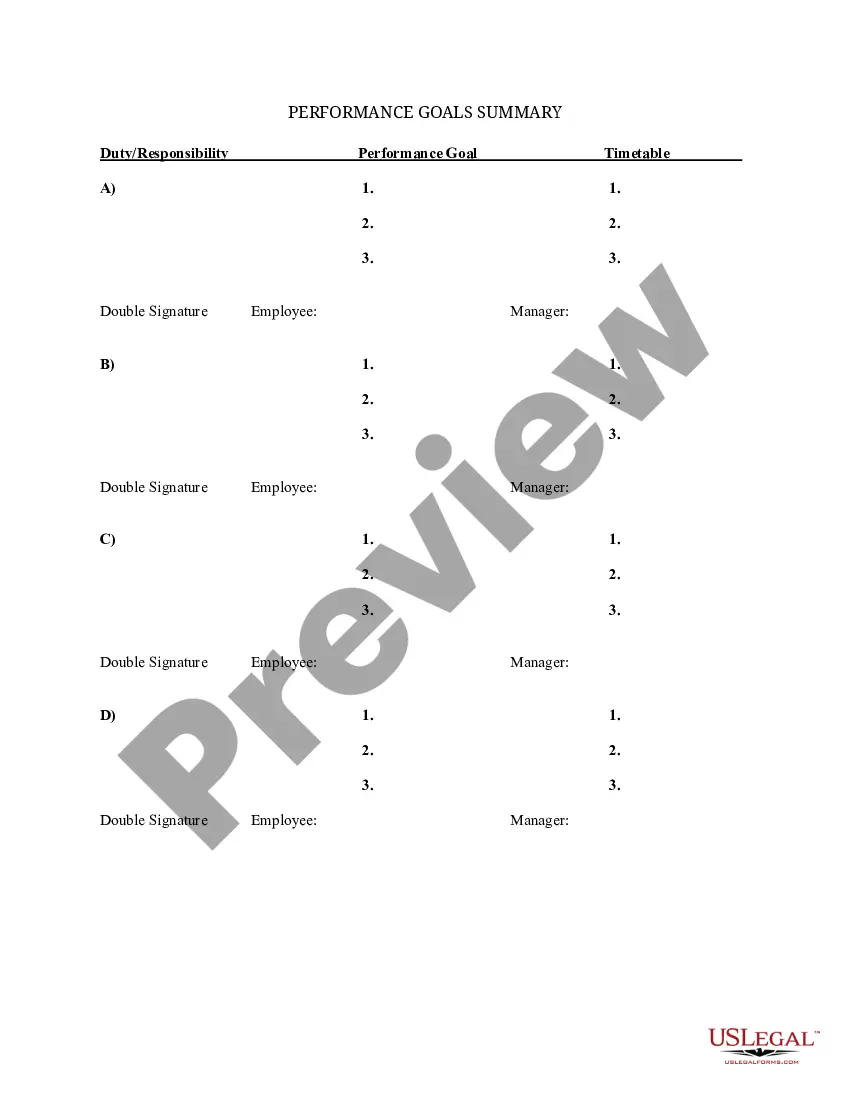
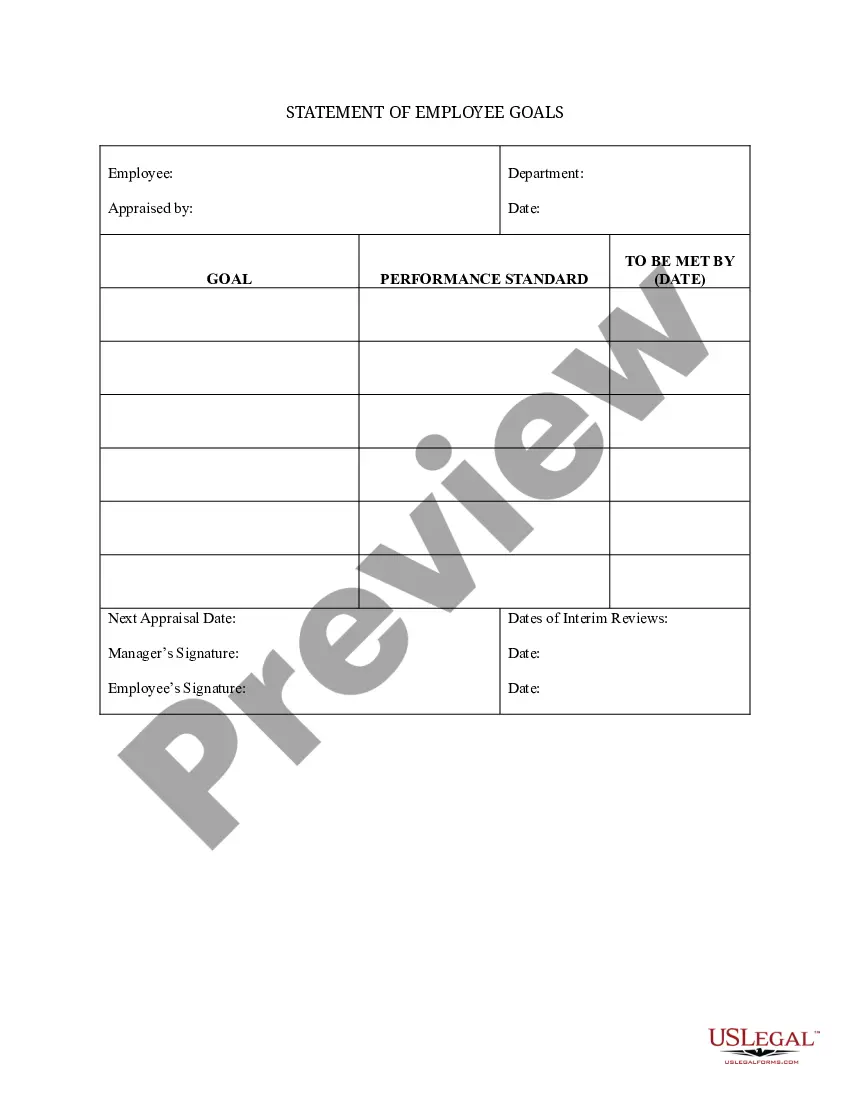
How to fill out Summary Of Departmental Goals - Individual Employee Chart?
- Log in to your US Legal Forms account or create a new one if you're a first-time user.
- Preview the available employee chart templates, ensuring they meet your legal requirements.
- If needed, use the Search tab to find specific templates related to employee charts.
- Select the appropriate template and click 'Buy Now' to choose your subscription plan.
- Complete your purchase using your preferred payment method, either credit card or PayPal.
- Download the employee chart template to your device and access it anytime from the 'My Forms' section.
With US Legal Forms, you'll benefit from a vast selection of over 85,000 editable legal forms, ensuring you can accurately represent your information.
Take the first step towards seamless legal document preparation. Sign up today and explore the tools available for creating your customized employee chart!
Form popularity
FAQ
A simple organizational chart, such as a flat or matrix structure, works best for small organizations. These charts emphasize clear communication and collaboration among team members. An employee chart with 2 employees serves as an excellent model to help illustrate the relationships and responsibilities in a compact format.
Yes, hierarchy charts are suitable for small companies. They provide clarity on reporting relationships and roles within the organization. An employee chart with 2 employees can help visualize this structure effectively, ensuring everyone understands their place within the team.
The hierarchy of a small business typically involves few layers of management. The structure usually includes the owner or manager at the top, followed by team leads and employees. You can clearly outline this hierarchy using an employee chart with 2 employees, illustrating main roles and direct reporting lines.
The best organizational structure for a small company often depends on its specific needs. A flat structure frequently works well, enabling clear communication and quick decision-making. An employee chart with 2 employees is a great way to visualize roles and interactions, enhancing overall efficiency.
Creating a team structure chart is straightforward. Start by defining the roles of each employee, including their responsibilities. You can use an employee chart with 2 employees as a starting point, then expand it as your team grows. Platforms like US Legal Forms simplify this process with user-friendly templates.
Yes, you can effectively collaborate with others using org charts. Tools like US Legal Forms allow you to create and share an employee chart with 2 employees, making team discussions easier. You can invite others to view or edit the chart, which fosters cooperation and improves communication.
For beginners wanting to create an employee chart with 2 employees, start by gathering the names and positions of the employees. Use a simple tool like Google Drawings or an online chart maker. Focus on the layout and ensure that each role is clearly connected, illustrating the hierarchy effectively. Resources like US Legal Forms also provide templates and examples to guide you further.
One of the simplest org chart makers available is SmartDraw. It allows you to create an employee chart with 2 employees in just a few clicks. You can choose from multiple templates or start from scratch, ensuring that your chart fits your specific needs and preferences.
To create an employee chart with 2 employees, you can use Microsoft Visio, which offers various templates for organizational charts. Alternatively, if you are a Microsoft 365 user, you can use PowerPoint or Word, both of which have built-in tools for creating simple org charts. These programs allow you to easily customize your chart and adapt it to your needs.
To add a hierarchy in PowerPoint, insert a SmartArt graphic that represents the organizational structure visually. Choose a layout that fits your needs and input the names and positions of team members. Including an employee chart with 2 employees in your presentation will help convey critical information clearly and effectively during discussions.
