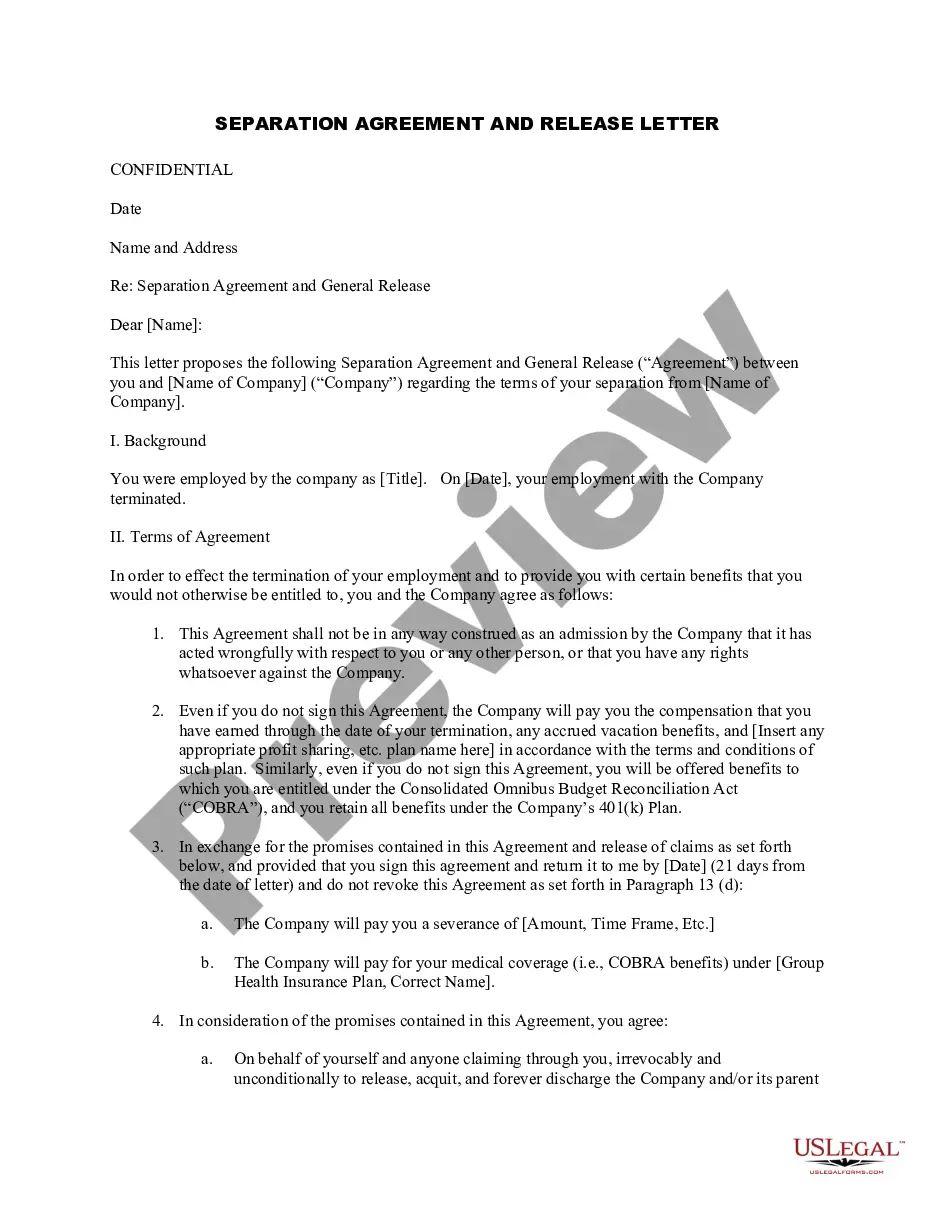
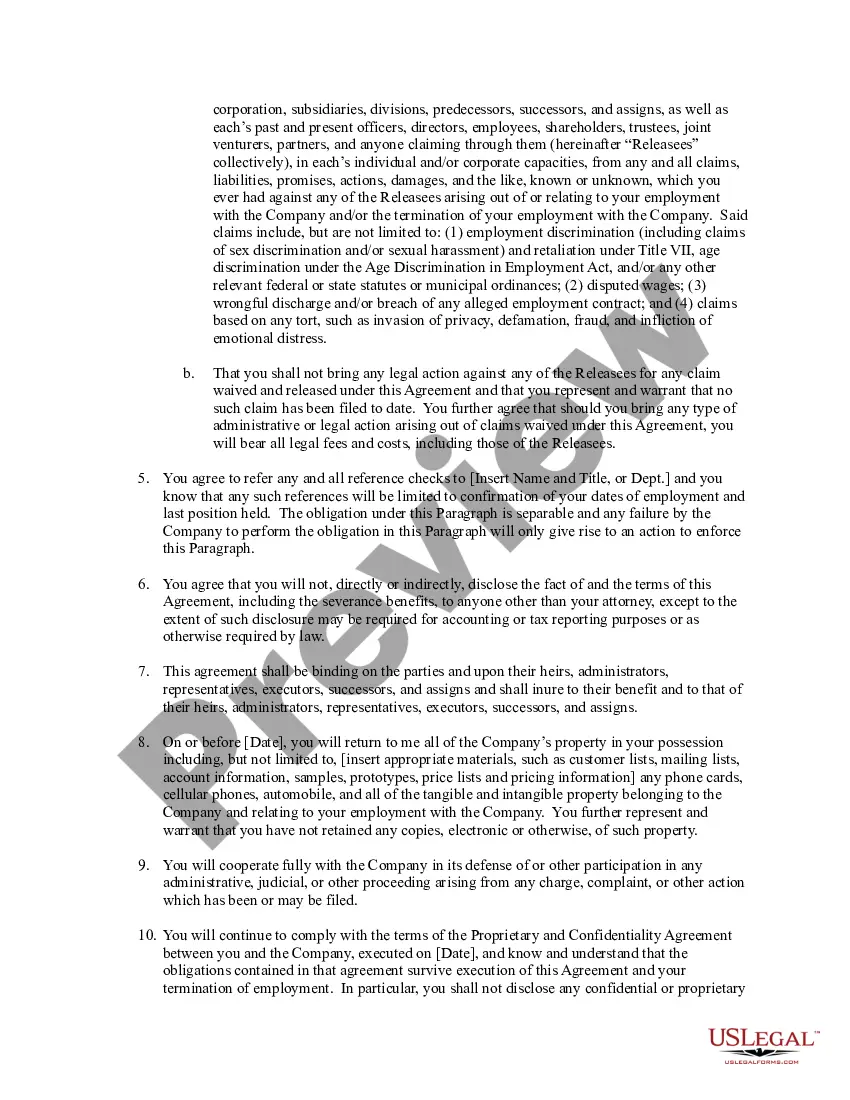
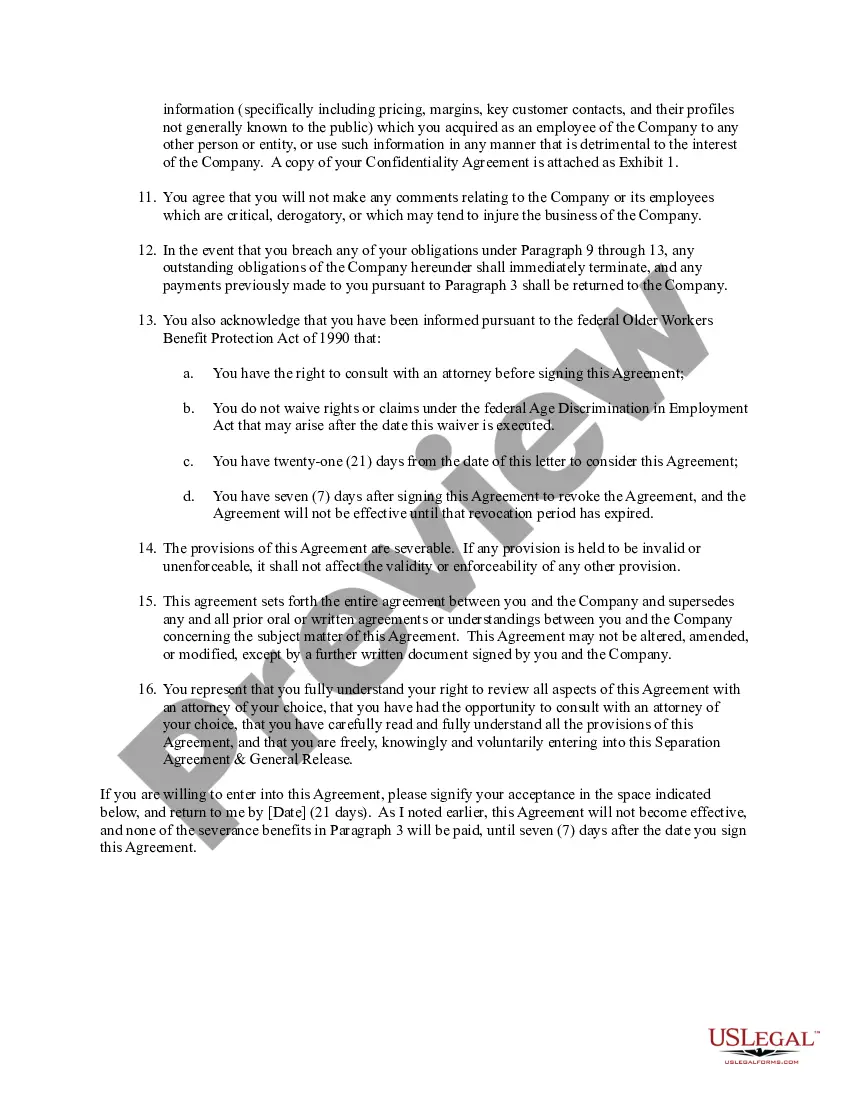
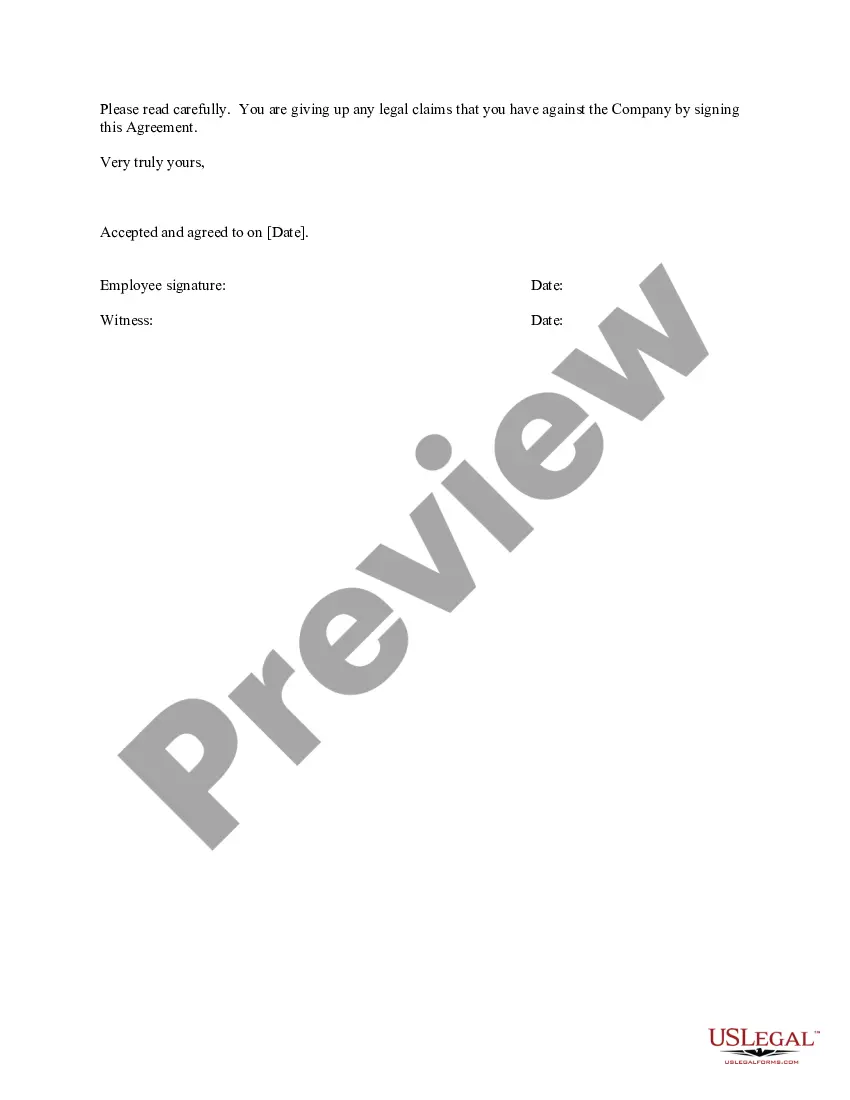
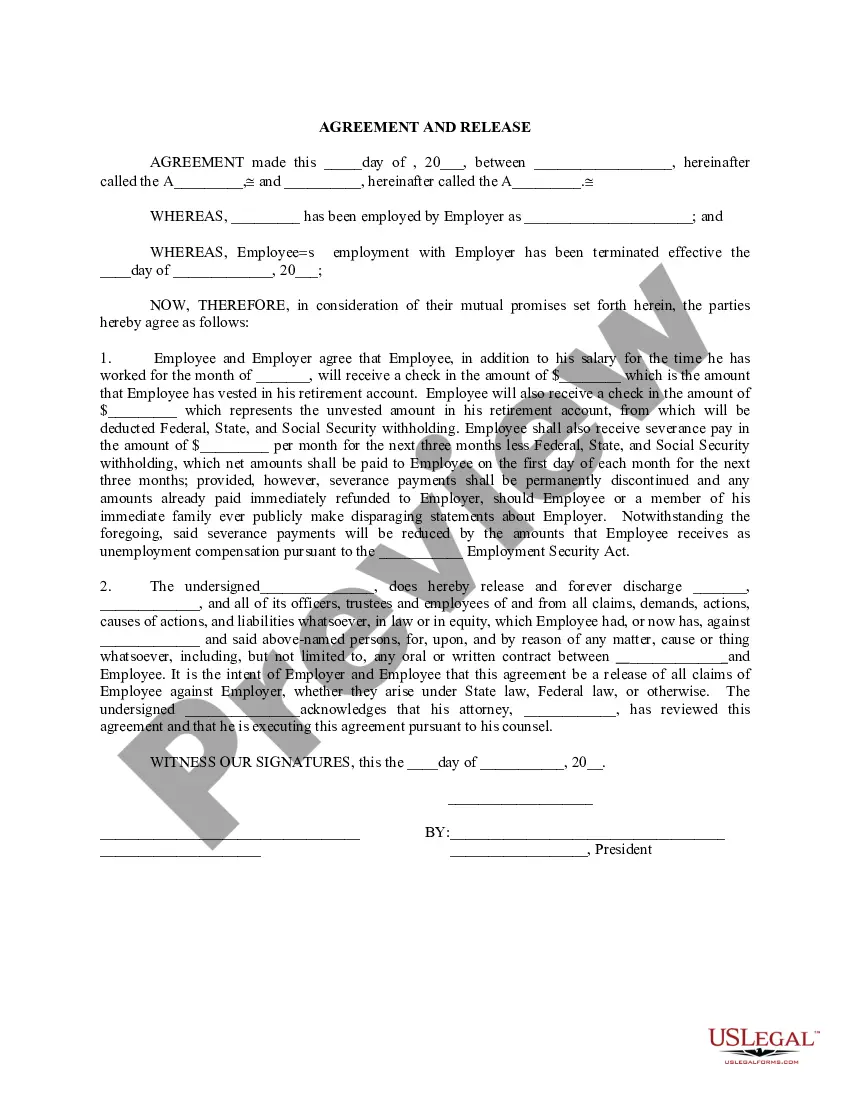
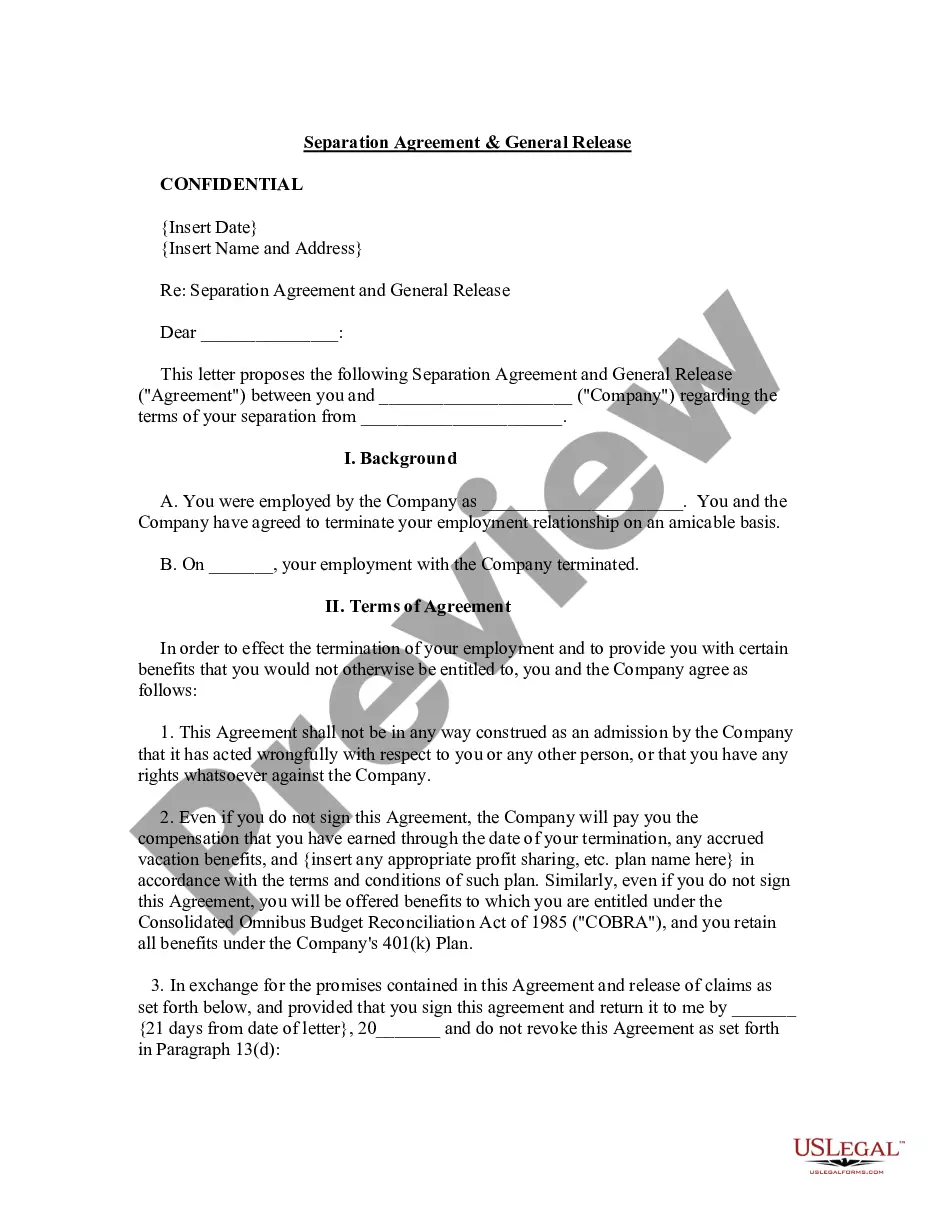
Separation Agreement Letter Employee Sample With Benefits
Description
Get your form ready online
Our built-in tools help you complete, sign, share, and store your documents in one place.
Make edits, fill in missing information, and update formatting in US Legal Forms—just like you would in MS Word.
Download a copy, print it, send it by email, or mail it via USPS—whatever works best for your next step.
Sign and collect signatures with our SignNow integration. Send to multiple recipients, set reminders, and more. Go Premium to unlock E-Sign.
If this form requires notarization, complete it online through a secure video call—no need to meet a notary in person or wait for an appointment.
We protect your documents and personal data by following strict security and privacy standards.

Make edits, fill in missing information, and update formatting in US Legal Forms—just like you would in MS Word.

Download a copy, print it, send it by email, or mail it via USPS—whatever works best for your next step.

Sign and collect signatures with our SignNow integration. Send to multiple recipients, set reminders, and more. Go Premium to unlock E-Sign.

If this form requires notarization, complete it online through a secure video call—no need to meet a notary in person or wait for an appointment.

We protect your documents and personal data by following strict security and privacy standards.
Looking for another form?
How to fill out Separation Agreement And Release Letter For Exiting Employee?
Creating legal documents from the ground up can frequently be daunting.
Specific situations may require extensive research and a significant financial investment.
If you’re seeking a simpler and more cost-effective method for generating a Separation Agreement Letter Employee Sample With Benefits or any other paperwork without unnecessary complications, US Legal Forms is always available to assist you.
Our online collection of over 85,000 current legal documents covers almost every facet of your financial, legal, and personal concerns. With just a few clicks, you can swiftly access state- and county-compliant templates carefully prepared for you by our legal experts.
Review the document preview and descriptions to confirm that you have identified the correct form. Ensure that the selected form adheres to the regulations and laws of your state and county. Select the appropriate subscription plan to obtain the Separation Agreement Letter Employee Sample With Benefits. Download the document, then complete, sign, and print it out. US Legal Forms enjoys a strong reputation and over 25 years of experience. Join us today and transform form completion into a simple and organized task!
- Utilize our platform whenever you require dependable services to easily find and download the Separation Agreement Letter Employee Sample With Benefits.
- If you’re not unfamiliar with our offerings and have previously set up an account with us, simply Log In to your account, find the template, and download it, or re-download it anytime later in the My documents section.
- New to our service? No worries. It takes minimal time to register and explore the library.
- However, before proceeding to download the Separation Agreement Letter Employee Sample With Benefits, take note of these suggestions.
Form popularity
FAQ
However, severance packages typically include pay through the termination date and any accrued vacation time, unreimbursed business expenses, and an additional lump sum. By law, employers of a certain size must offer the opportunity to continue health care coverage under the company's plan at the ex-employee's expense.
What Should a Separation Notice Include? Business name. Employer's state unemployment account number and mailing address. Employee name. Date of letter. Date of termination. Reason for termination. Company property, such as laptops or cellphones. Last paycheck details.
Dear (name), Please be informed that we no longer require your services by (date). We thank you for providing us with excellent (type of service), but due to (reasons), we had to end our contract. Please submit all pending deliverables by (date).
What is a termination of benefits letter? A termination of benefits letter is an explanation from an employer to an employee of any major changes to a benefits package that will result in a loss of insurance coverage or certain benefits.
A termination letter or email should include the reason for termination, the effective date of termination, any severance pay or benefits that will be provided, and any instructions for returning company property or completing final tasks. It should also be written professionally and respectfully.