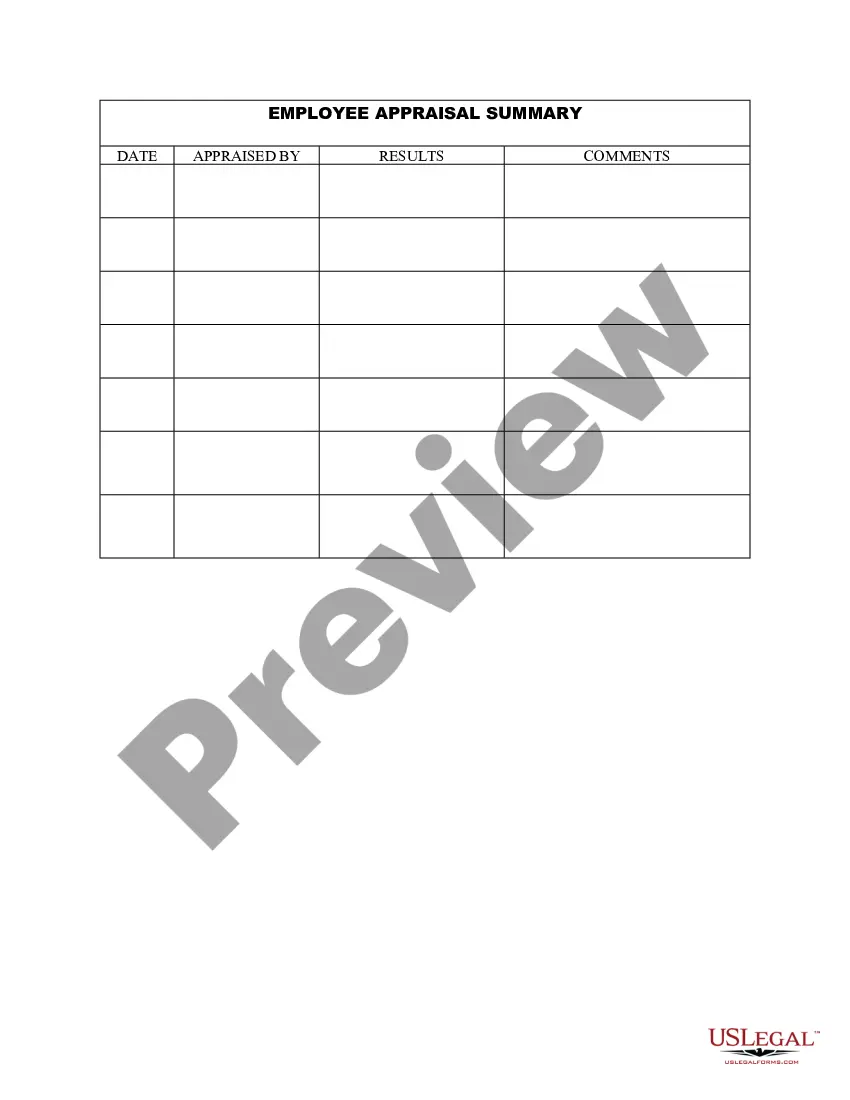
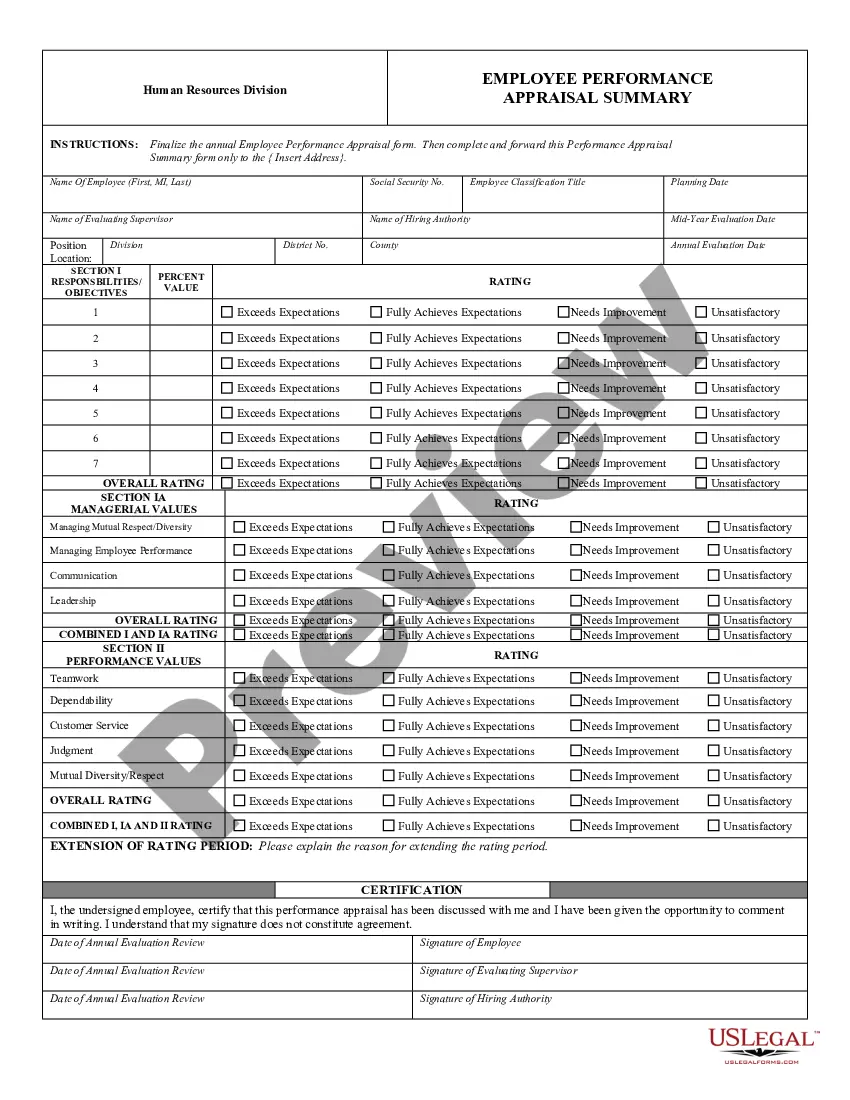
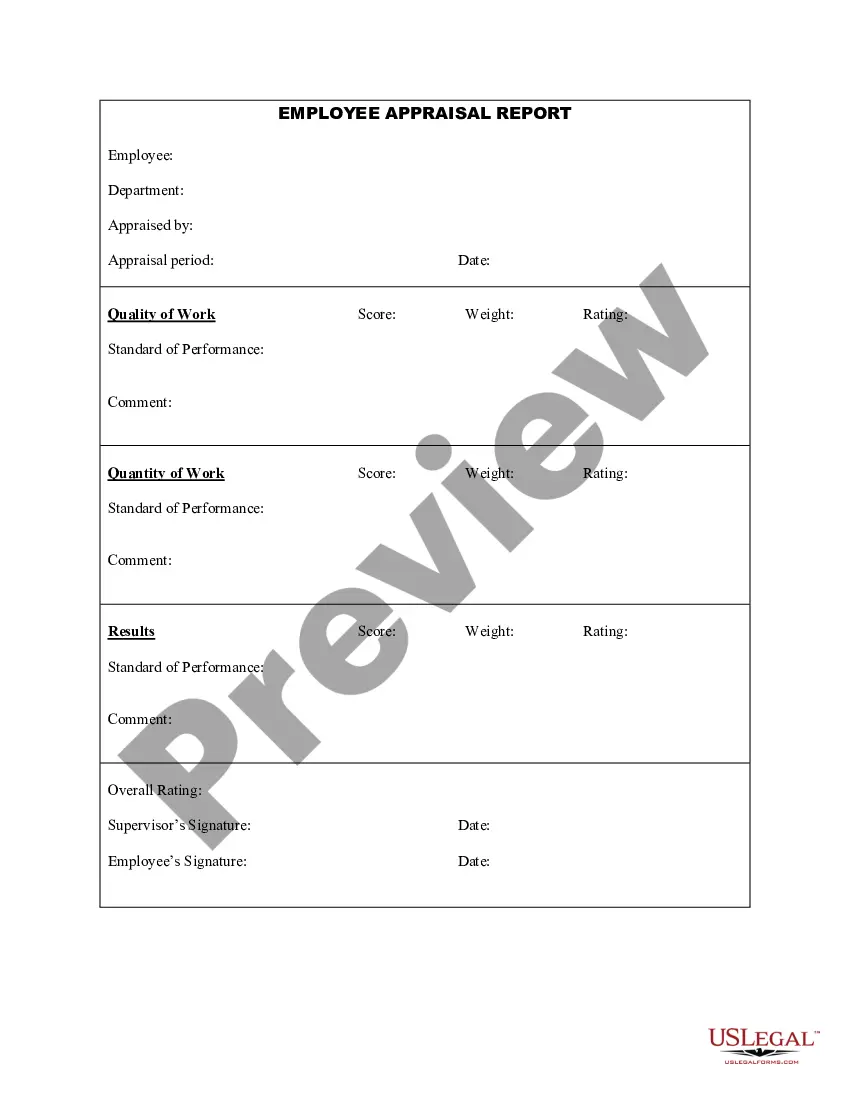
Summary Performance Evaluation
Description
Get your form ready online
Our built-in tools help you complete, sign, share, and store your documents in one place.
Make edits, fill in missing information, and update formatting in US Legal Forms—just like you would in MS Word.
Download a copy, print it, send it by email, or mail it via USPS—whatever works best for your next step.
Sign and collect signatures with our SignNow integration. Send to multiple recipients, set reminders, and more. Go Premium to unlock E-Sign.
If this form requires notarization, complete it online through a secure video call—no need to meet a notary in person or wait for an appointment.
We protect your documents and personal data by following strict security and privacy standards.

Make edits, fill in missing information, and update formatting in US Legal Forms—just like you would in MS Word.

Download a copy, print it, send it by email, or mail it via USPS—whatever works best for your next step.

Sign and collect signatures with our SignNow integration. Send to multiple recipients, set reminders, and more. Go Premium to unlock E-Sign.

If this form requires notarization, complete it online through a secure video call—no need to meet a notary in person or wait for an appointment.

We protect your documents and personal data by following strict security and privacy standards.
Looking for another form?
How to fill out Employee Appraisal Summary?
Securing a reliable source to obtain the most up-to-date and suitable legal templates is a significant portion of the challenge involved in navigating bureaucracy.
Locating the correct legal documents demands precision and meticulousness, which underscores the necessity of sourcing Summary Performance Evaluation templates exclusively from trusted providers, such as US Legal Forms. An incorrect template will squander your time and hinder your current situation.
Eliminate the stress associated with your legal documentation. Explore the comprehensive US Legal Forms catalog to discover legal templates, assess their suitability for your situation, and download them immediately.
- Utilize the catalog navigation or search box to find your template.
- Examine the information about the form to verify its compliance with the prerequisites of your state and area.
- Preview the form, if available, to confirm it is the one you need.
- If the Summary Performance Evaluation does not fulfill your requirements, return to the search for the correct template.
- If you are certain about the form’s applicability, proceed with downloading it.
- As an authorized user, click Log in to verify and access your chosen templates in My documents.
- If you do not have an account yet, click Buy now to acquire the template.
- Select the pricing plan that fits your needs.
- Proceed to register to finalize your purchase.
- Complete your transaction by selecting a payment method (credit card or PayPal).
- Choose the file format for downloading Summary Performance Evaluation.
- Once you have the form on your device, you can modify it using the editor or print it and fill it out manually.
Form popularity
FAQ
Even if you want to do a basic performance review, you should always include: Elements of the employee's strengths. Areas for which the employee can develop. How the employee contributes/could contribute to the company's core values and culture through performance and actions.
A review summary is a brief overview of employee's performance, strengths, and areas they can improve upon. It should briefly explain what they do well and what they should improve, with advice on how to do so.
When you fill the form: Be honest and critical. Analyze your failures and mention the reasons for it. ... Keep the words minimal. ... Identify weaknesses. ... Mention your achievements. ... Link achievements to the job description and the organization's goals. ... Set the goals for the next review period. ... Resolve conflicts and grievances.
Key Achievements - Include any stand out moments in your summary. Goals and objectives - Reference their goals and what they've achieved as a result. How have they dealt with situations and what have been their key learnings.
Here are some things to keep in mind when writing performance evaluation comments: Review past and present performance. ... Be honest and clear. ... Provide concrete examples. ... Choose your words carefully. ... End on a positive note.