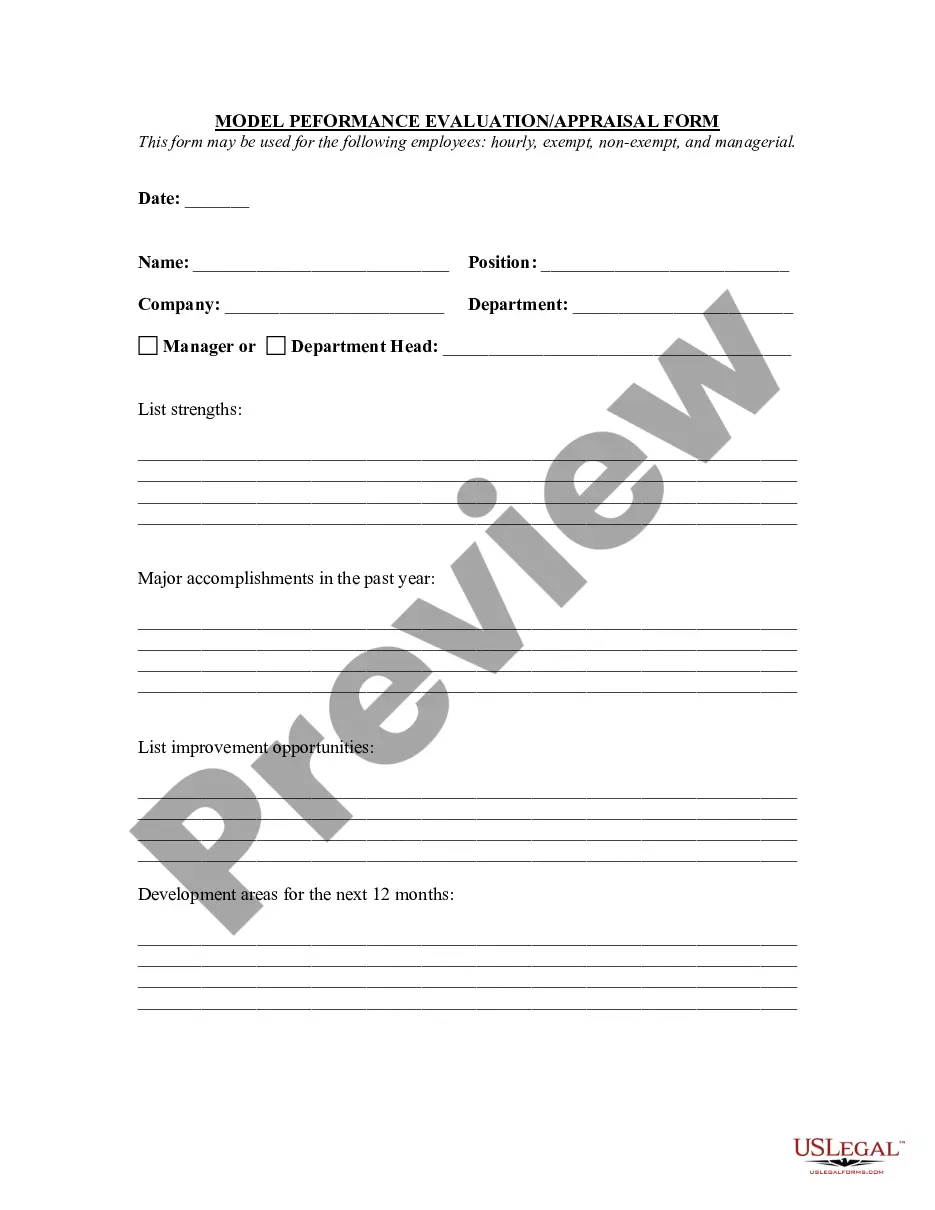
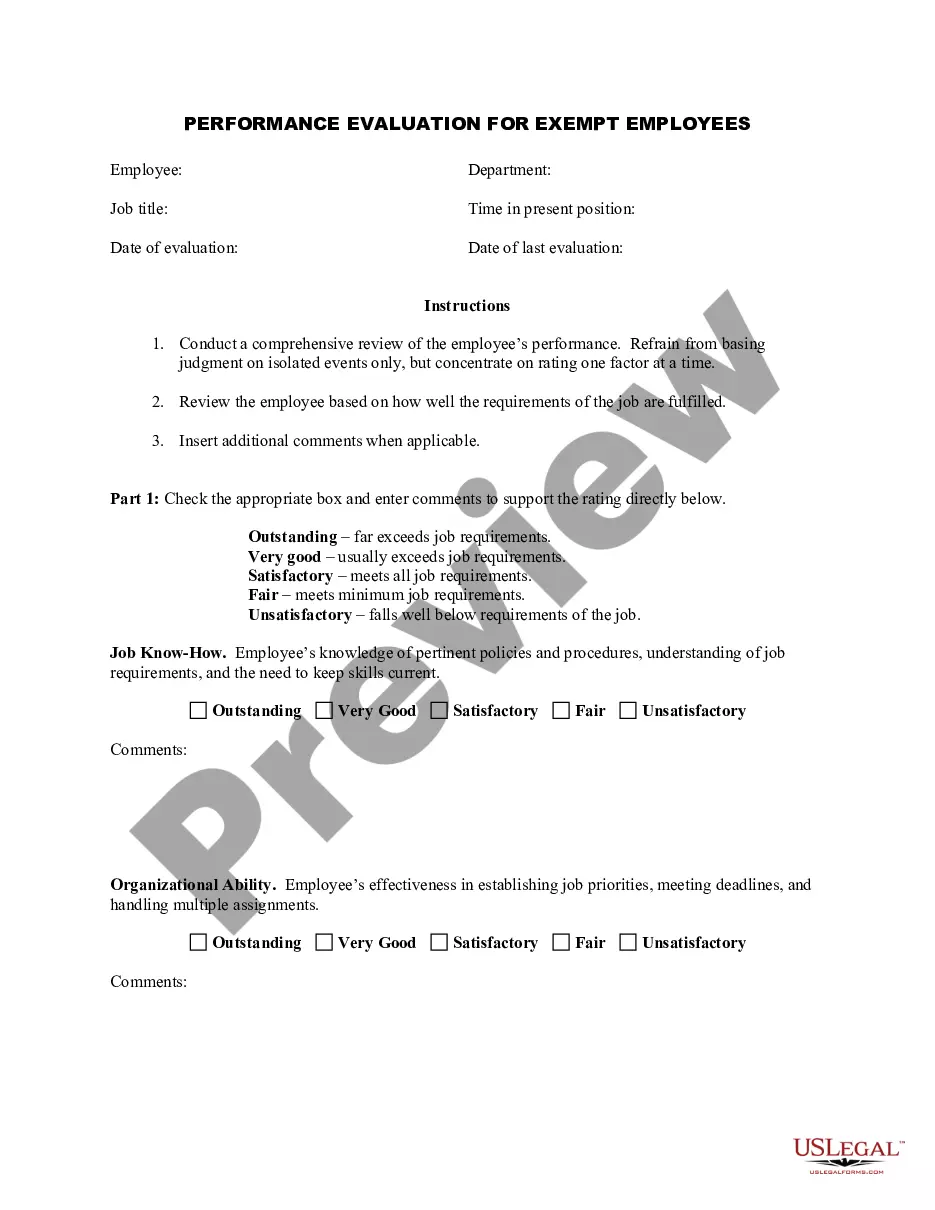
Employee Evaluation Form Template For Evaluation
Description
Get your form ready online
Our built-in tools help you complete, sign, share, and store your documents in one place.
Make edits, fill in missing information, and update formatting in US Legal Forms—just like you would in MS Word.
Download a copy, print it, send it by email, or mail it via USPS—whatever works best for your next step.
Sign and collect signatures with our SignNow integration. Send to multiple recipients, set reminders, and more. Go Premium to unlock E-Sign.
If this form requires notarization, complete it online through a secure video call—no need to meet a notary in person or wait for an appointment.
We protect your documents and personal data by following strict security and privacy standards.

Make edits, fill in missing information, and update formatting in US Legal Forms—just like you would in MS Word.

Download a copy, print it, send it by email, or mail it via USPS—whatever works best for your next step.

Sign and collect signatures with our SignNow integration. Send to multiple recipients, set reminders, and more. Go Premium to unlock E-Sign.

If this form requires notarization, complete it online through a secure video call—no need to meet a notary in person or wait for an appointment.

We protect your documents and personal data by following strict security and privacy standards.
Looking for another form?
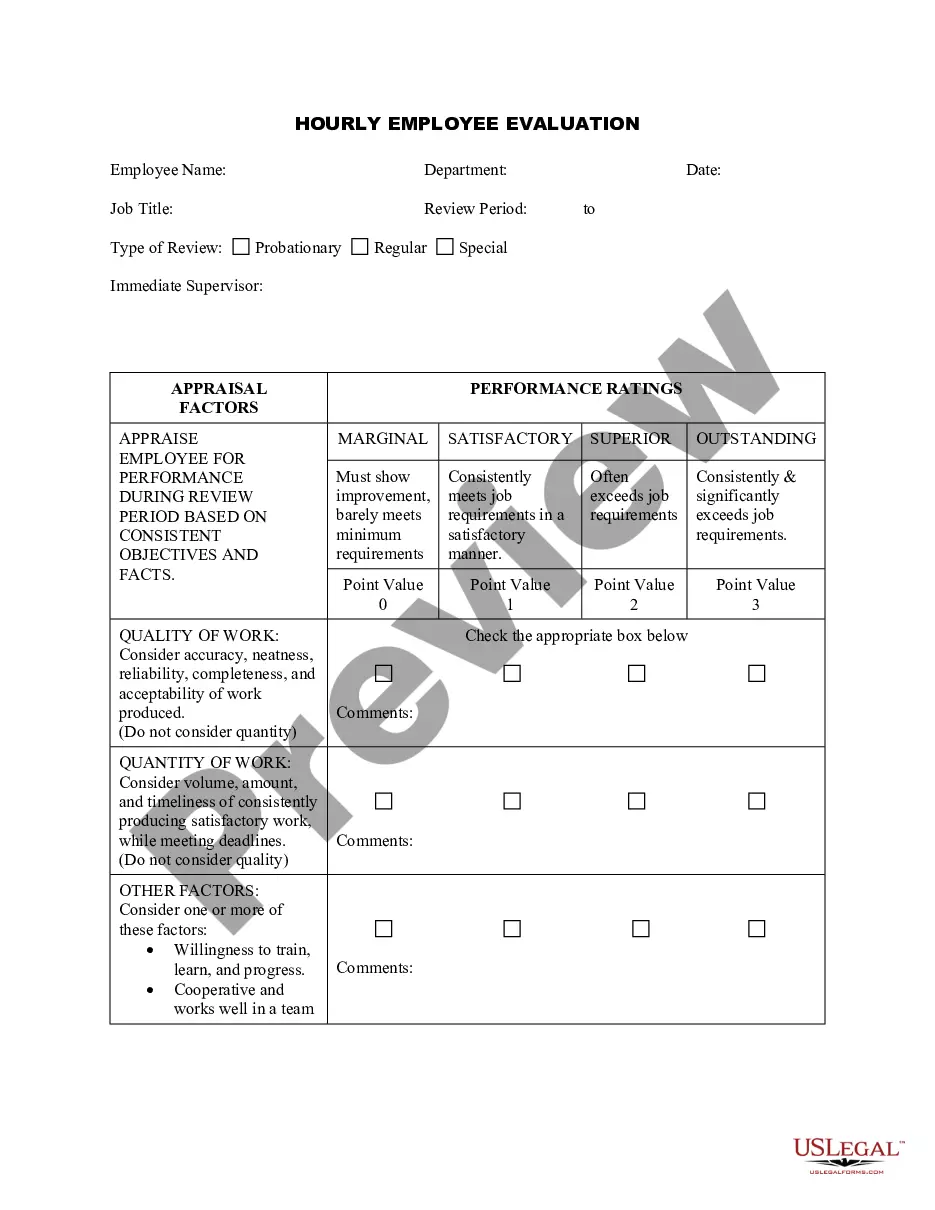
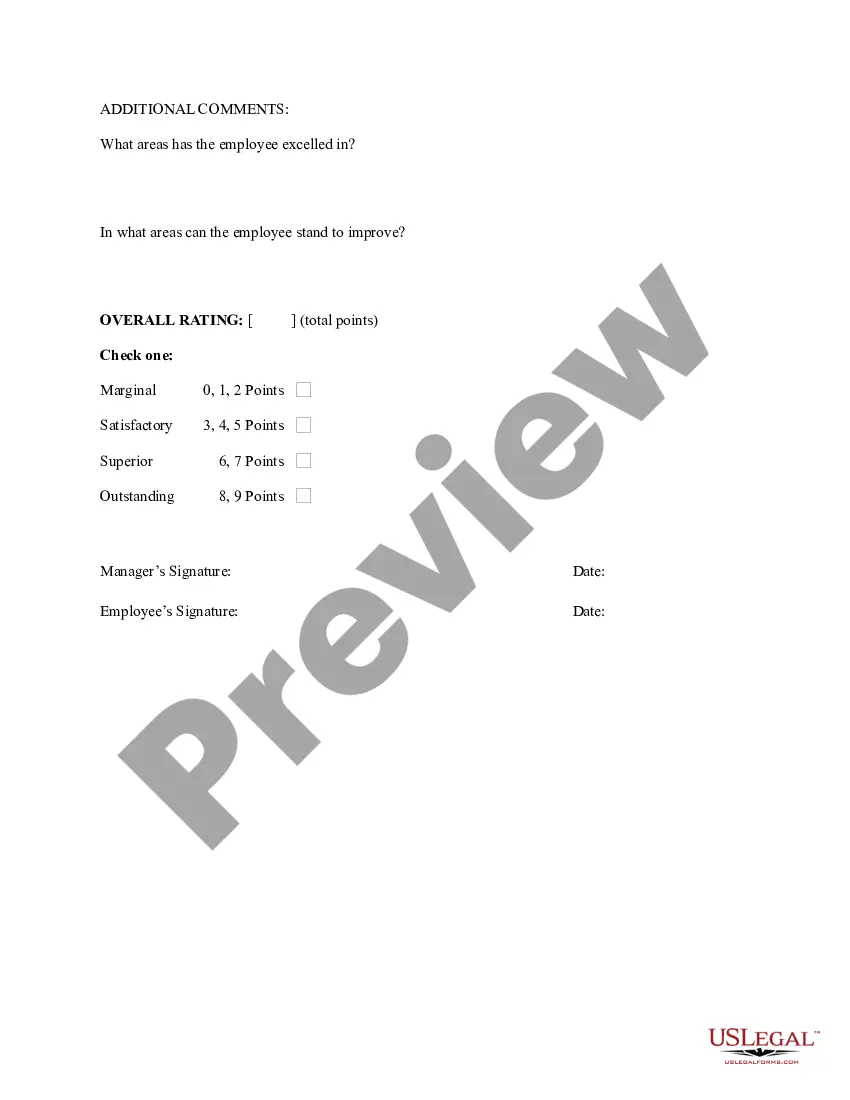
How to fill out Hourly Employee Evaluation?
Locating a reliable source for the latest and pertinent legal templates is part of the challenge of navigating bureaucracy.
Acquiring the appropriate legal documents requires accuracy and meticulousness, which highlights the importance of obtaining samples of Employee Evaluation Form Template For Evaluation solely from reputable sources, such as US Legal Forms. An incorrect template could squander your time and delay your current situation.
Eliminate the hassle associated with your legal documentation. Explore the extensive US Legal Forms library to discover legal templates, assess their applicability to your situation, and download them instantly.
- Utilize the catalog navigation or search bar to find your template.
- Examine the details of the form to determine if it meets the criteria of your state and locality.
- View the form preview, if offered, to confirm that it is indeed the document you seek.
- Return to the search to find the suitable document if the Employee Evaluation Form Template For Evaluation does not match your requirements.
- If you are confident about the form’s relevance, download it.
- If you have an account, click Log in to verify your identity and access your chosen forms in My documents.
- If you haven’t created an account yet, click Buy now to acquire the template.
- Select the pricing option that fits your needs.
- Continue to the registration process to complete your purchase.
- Conclude your purchase by choosing a payment method (credit card or PayPal).
- Choose the file format for downloading the Employee Evaluation Form Template For Evaluation.
- Once the form is on your device, you can edit it with the editor or print it out and fill it in manually.
Form popularity
FAQ
Complete 40 hours of an Alaska-approved pre-licensing real estate course. Pass the Alaska real estate salesperson exam and submit a Salesperson License by Examination application (#08-4179) for licensure under a broker with the appropriate licensing fees. This form can be found under the ?Applications and Forms? link.
AS 34.70. 010 requires that before a Transferee/Buyer (hereafter referred to as Buyer) makes a written offer of residential real property, the Transferor/Seller (hereafter referred to as Seller) must deliver a completed written disclosure form. This disclosure statement is in compliance with AS 34.70.
§1102.3) 2. . The (TDS) describes the condition of a property and, in the case of a sale, must be given to a prospective buyer as soon as practicable and before transfer of title.
5 tips for selling your home without a realtor in Alaska Make minor repairs. Small upgrades and repairs can do a lot to sway potential buyers. ... Price your Alaska home competitively. ... Stage and Market Your Home. ... Prepare for showings. ... Negotiate for the best possible price.
In 1985 the California General Assembly added an article to the Civil Code, § 1102 et seq., entitled "Disclosures Upon Transfer of Residential Property." (Stats. 1985, ch. 1574, § 2, p. 5788.)
AN ACT to require certain disclosures in connection with transfers of residential property.
To add further confusion, some non-disclosure states may have counties that are full disclosure. The current list of non-disclosure states includes Alaska, Idaho, Kansas, Louisiana, Mississippi, Missouri (some counties), Montana, New Mexico, North Dakota, Texas, Utah, and Wyoming.
The first page of your closing disclosure provides a snapshot of the most important features of your mortgage, including: Loan information. This section should match your loan estimate regarding the loan term, loan purpose and loan program (conventional, FHA, VA or USDA). Loan terms.