Chef Evaluation Form With Assistant
Description
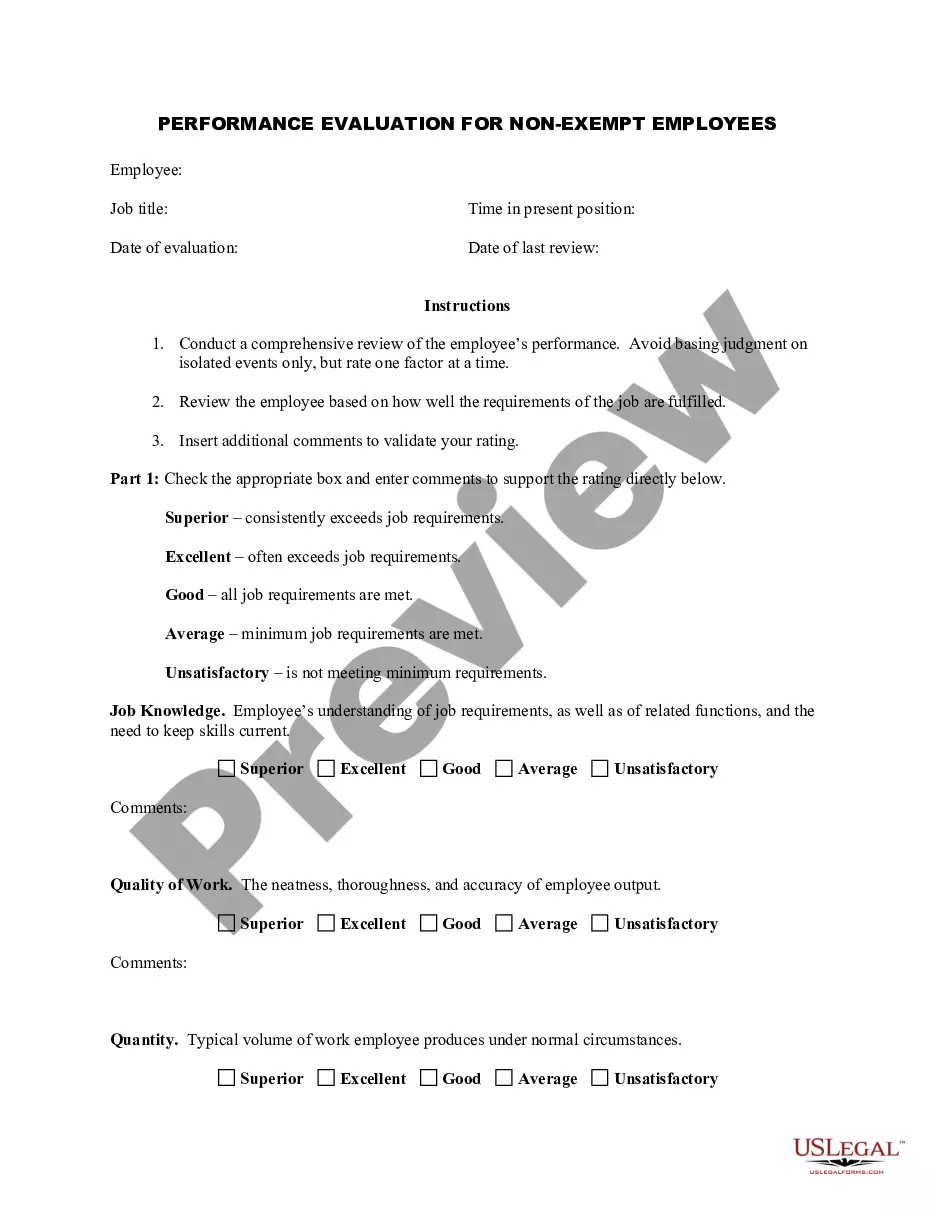
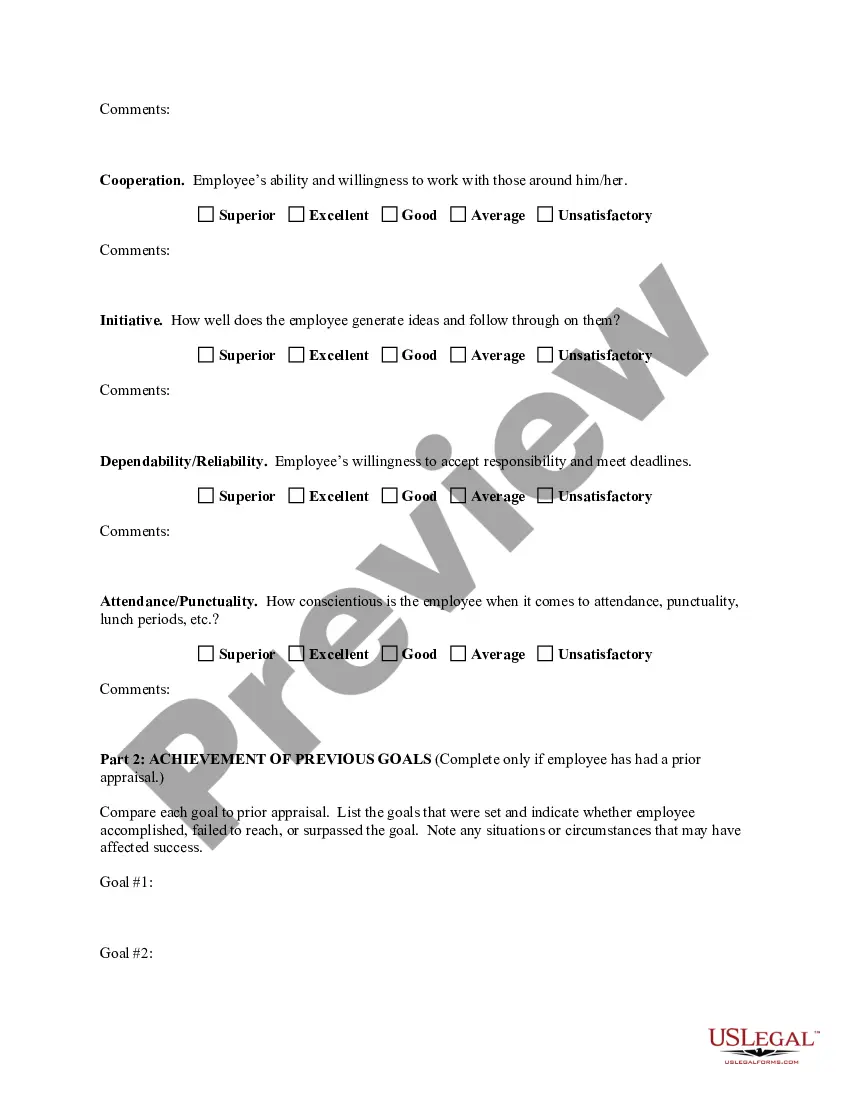
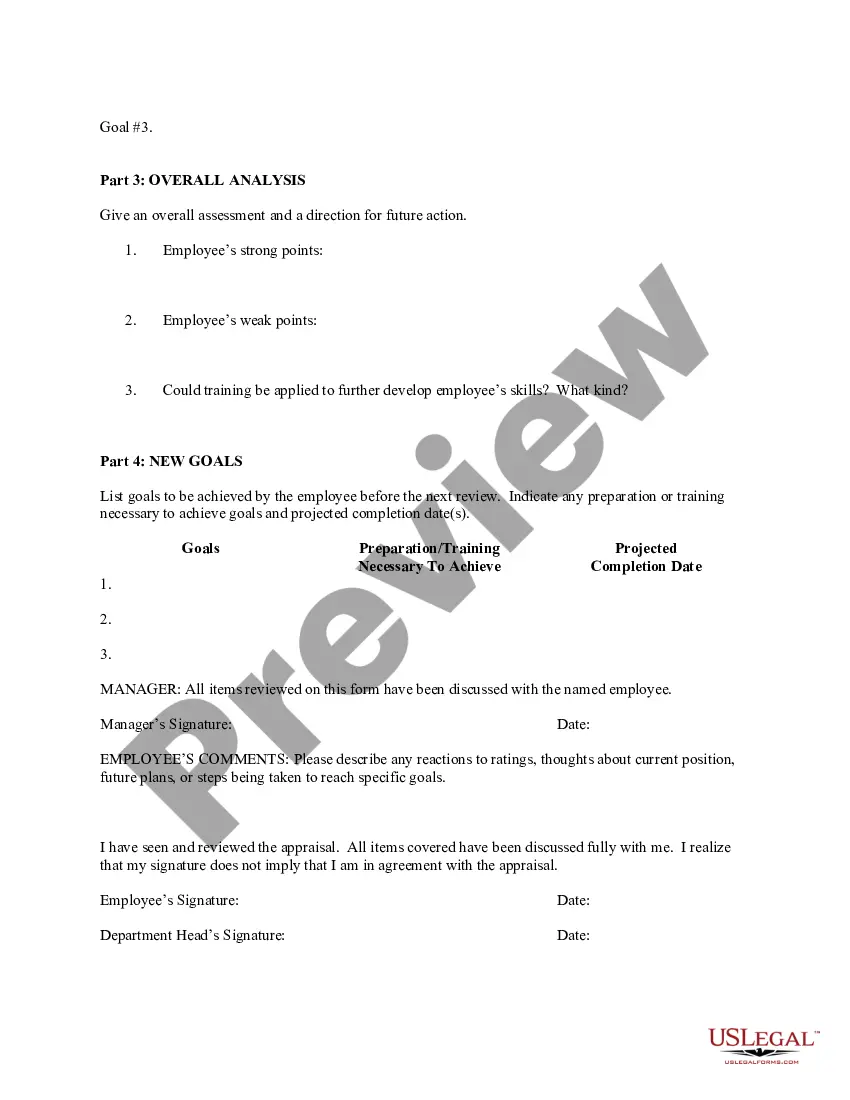
Get your form ready online
Our built-in tools help you complete, sign, share, and store your documents in one place.
Make edits, fill in missing information, and update formatting in US Legal Forms—just like you would in MS Word.
Download a copy, print it, send it by email, or mail it via USPS—whatever works best for your next step.
Sign and collect signatures with our SignNow integration. Send to multiple recipients, set reminders, and more. Go Premium to unlock E-Sign.
If this form requires notarization, complete it online through a secure video call—no need to meet a notary in person or wait for an appointment.
We protect your documents and personal data by following strict security and privacy standards.

Make edits, fill in missing information, and update formatting in US Legal Forms—just like you would in MS Word.

Download a copy, print it, send it by email, or mail it via USPS—whatever works best for your next step.

Sign and collect signatures with our SignNow integration. Send to multiple recipients, set reminders, and more. Go Premium to unlock E-Sign.

If this form requires notarization, complete it online through a secure video call—no need to meet a notary in person or wait for an appointment.

We protect your documents and personal data by following strict security and privacy standards.
Looking for another form?
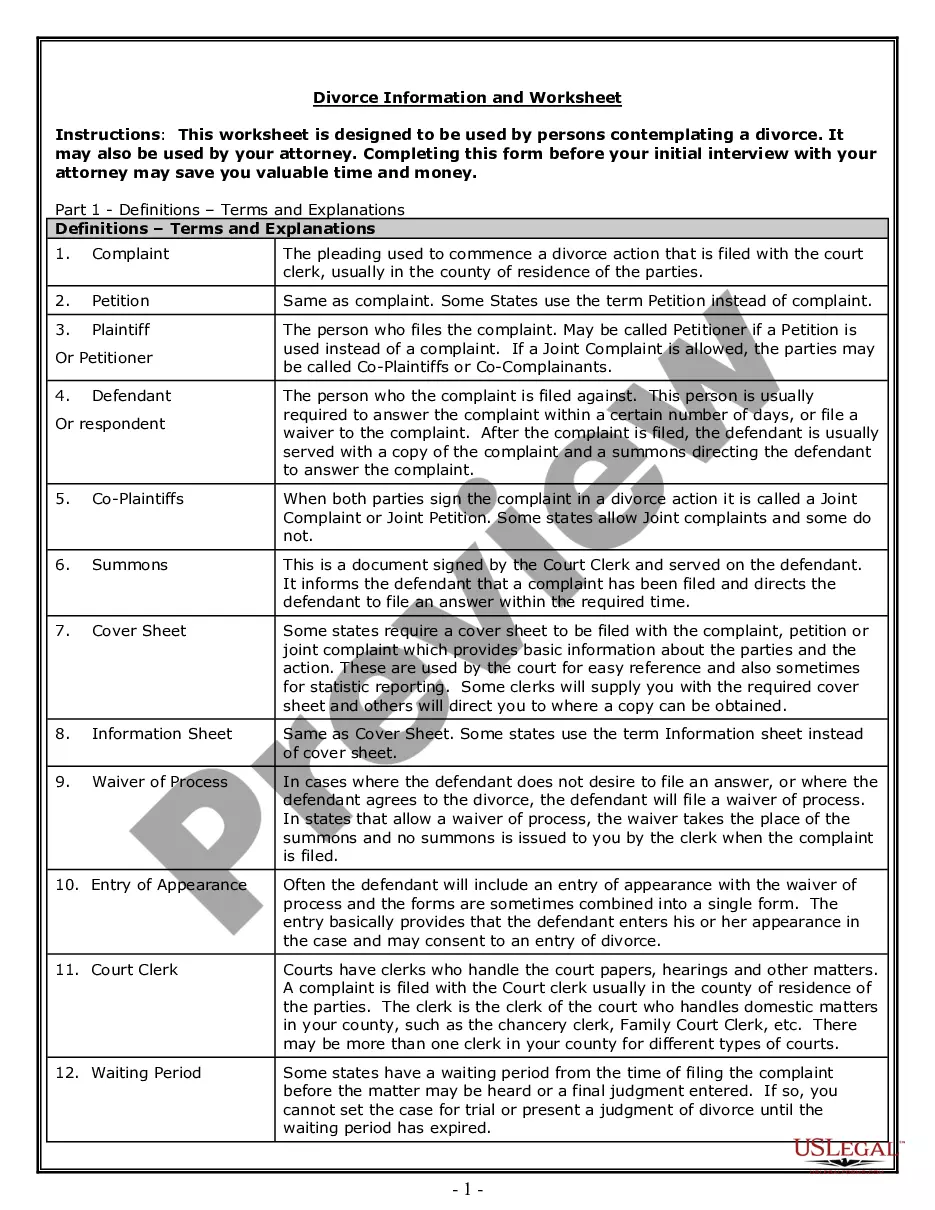
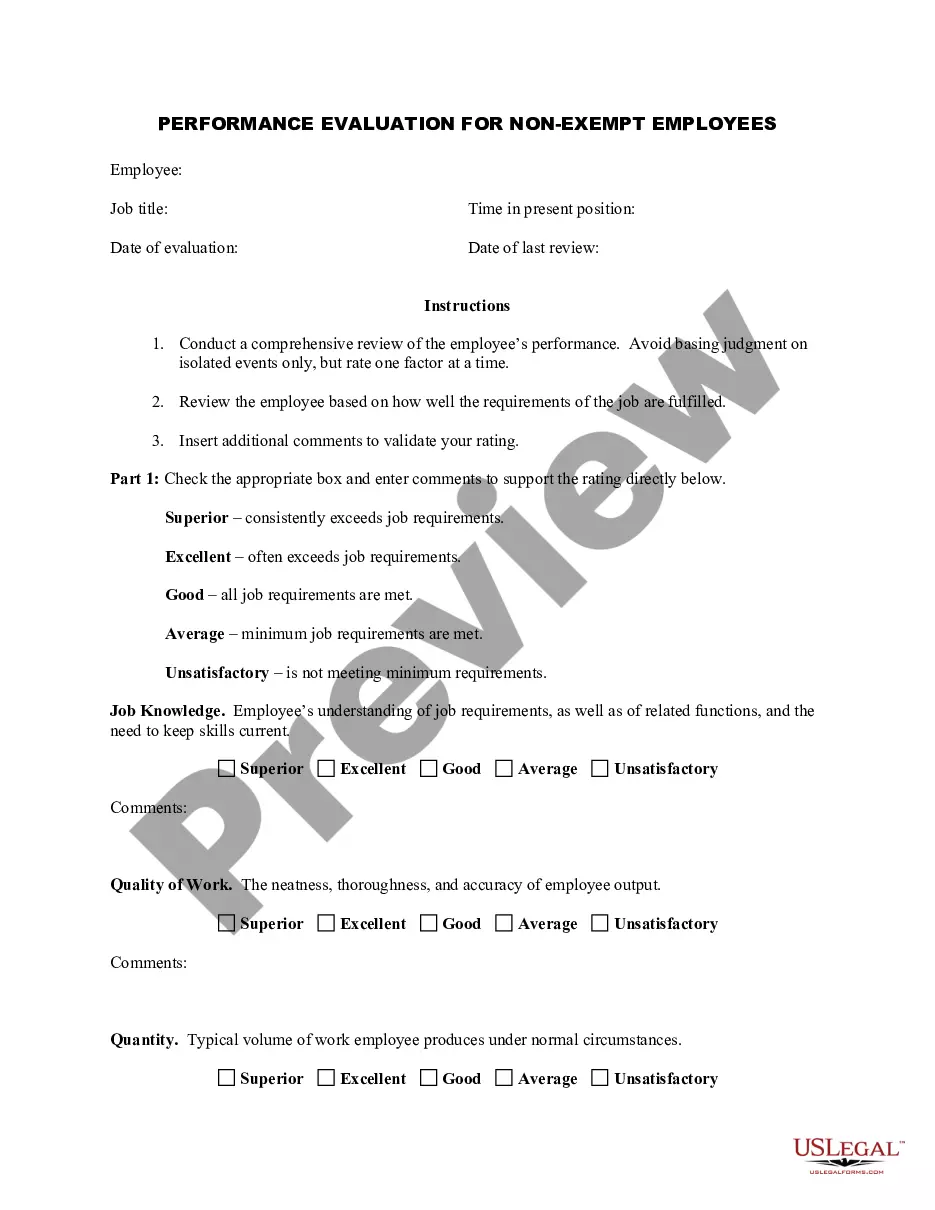
How to fill out Employee Evaluation Form For Chef?
Legal management can be perplexing, even for seasoned professionals.
When you are looking for a Chef Assessment Form With Assistant and lack the time to search for the right and current version, the processes may become daunting.
US Legal Forms accommodates any requirement you may possess, ranging from personal to business documents, all consolidated in one location.
Leverage innovative tools to create and manage your Chef Assessment Form With Assistant.
Here are the steps you should take after acquiring the necessary form: Verify that it is the correct document by previewing it and reviewing the details, ensure that the template is accepted in your state or county, select Buy Now when you are ready, choose a subscription option, and select your desired file format, then Download, fill out, sign, print, and submit your document. Benefit from the US Legal Forms online library, backed by 25 years of expertise and reliability. Streamline your day-to-day document management into a straightforward and user-friendly experience today.
- Access a valuable repository of articles, tutorials, guides, and materials pertinent to your circumstances and requirements.
- Save time and effort seeking the documents you require, utilizing US Legal Forms’ advanced search and Preview feature to find Chef Assessment Form With Assistant and obtain it.
- If you are a member, Log In to your US Legal Forms account, search for the form, and retrieve it.
- Check your My documents section to view the documents you have previously downloaded and manage your folders accordingly.
- If it's your first time using US Legal Forms, create a free account to gain unlimited access to all the library's benefits.
- Employ a robust online form library to transform how you manage these situations efficiently.
- US Legal Forms stands as a frontrunner in online legal documents, featuring over 85,000 state-specific legal forms available to you at any time.
- With US Legal Forms, you can access tailored legal and business forms specific to your state or county.
Form popularity
FAQ
Assess their communication skills, receptiveness to your needs, and overall professionalism. A good chef should not only be skilled in the kitchen but also someone you feel comfortable working with.
Please rate the chef based on your overall experience in terms of food quality, presentation and how they ran the meal. Feel free to not only comment on the food but also the interpersonal style of the chef so that other customers gain an understanding of what it is like to have this chef in your home.
How to write an effective performance evaluation comment Review past and present performance. If you only do formal reviews once a year, it's easy to provide feedback only for things that are fresh in your mind. ... Be honest and clear. ... Provide concrete examples. ... Choose your words carefully. ... End on a positive note.
When you fill the form: Be honest and critical. Analyze your failures and mention the reasons for it. ... Keep the words minimal. ... Identify weaknesses. ... Mention your achievements. ... Link achievements to the job description and the organization's goals. ... Set the goals for the next review period. ... Resolve conflicts and grievances.
"I am proud of my ability to lead by example and consistently demonstrate a positive attitude and strong work ethic. I have inspired my team to work towards common goals, increasing productivity and morale." "I have successfully led multiple projects this year, ensuring they were completed on time and within budget.