Sample Of Evaluation Form For Training Courses
Description
Get your form ready online
Our built-in tools help you complete, sign, share, and store your documents in one place.
Make edits, fill in missing information, and update formatting in US Legal Forms—just like you would in MS Word.
Download a copy, print it, send it by email, or mail it via USPS—whatever works best for your next step.
Sign and collect signatures with our SignNow integration. Send to multiple recipients, set reminders, and more. Go Premium to unlock E-Sign.
If this form requires notarization, complete it online through a secure video call—no need to meet a notary in person or wait for an appointment.
We protect your documents and personal data by following strict security and privacy standards.

Make edits, fill in missing information, and update formatting in US Legal Forms—just like you would in MS Word.

Download a copy, print it, send it by email, or mail it via USPS—whatever works best for your next step.

Sign and collect signatures with our SignNow integration. Send to multiple recipients, set reminders, and more. Go Premium to unlock E-Sign.

If this form requires notarization, complete it online through a secure video call—no need to meet a notary in person or wait for an appointment.

We protect your documents and personal data by following strict security and privacy standards.
Looking for another form?








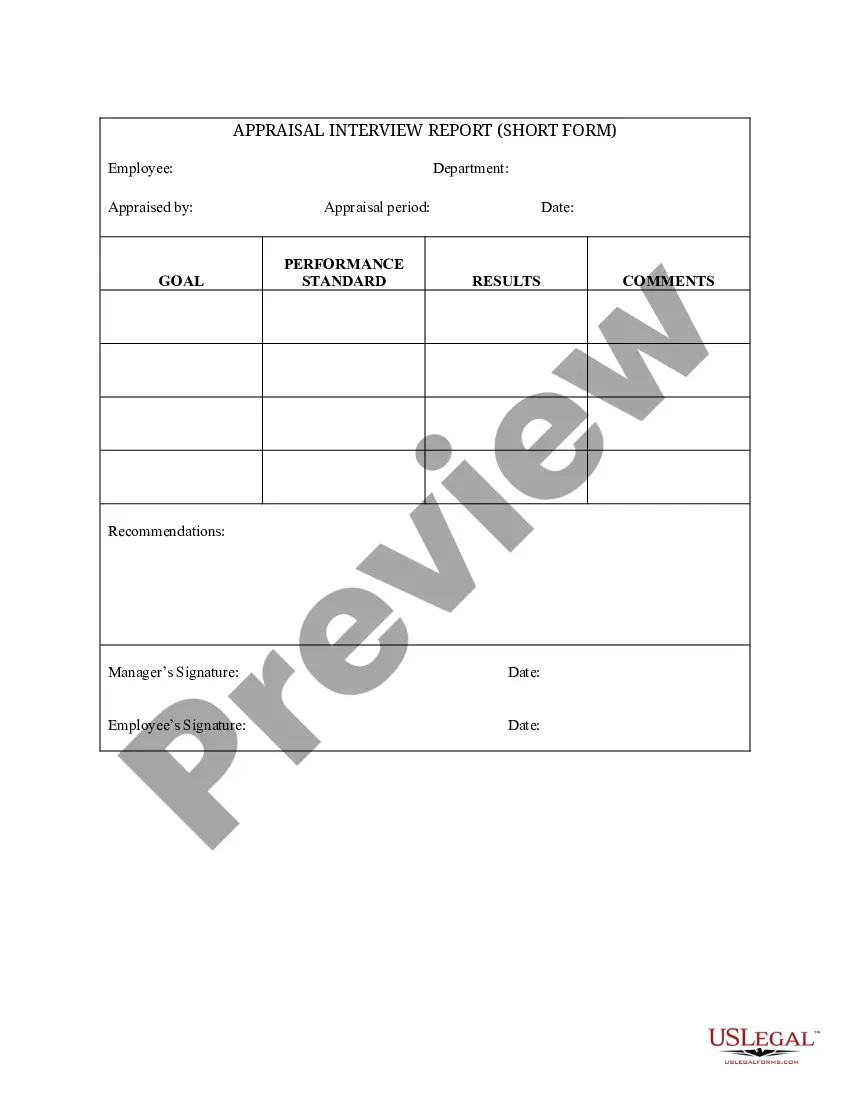
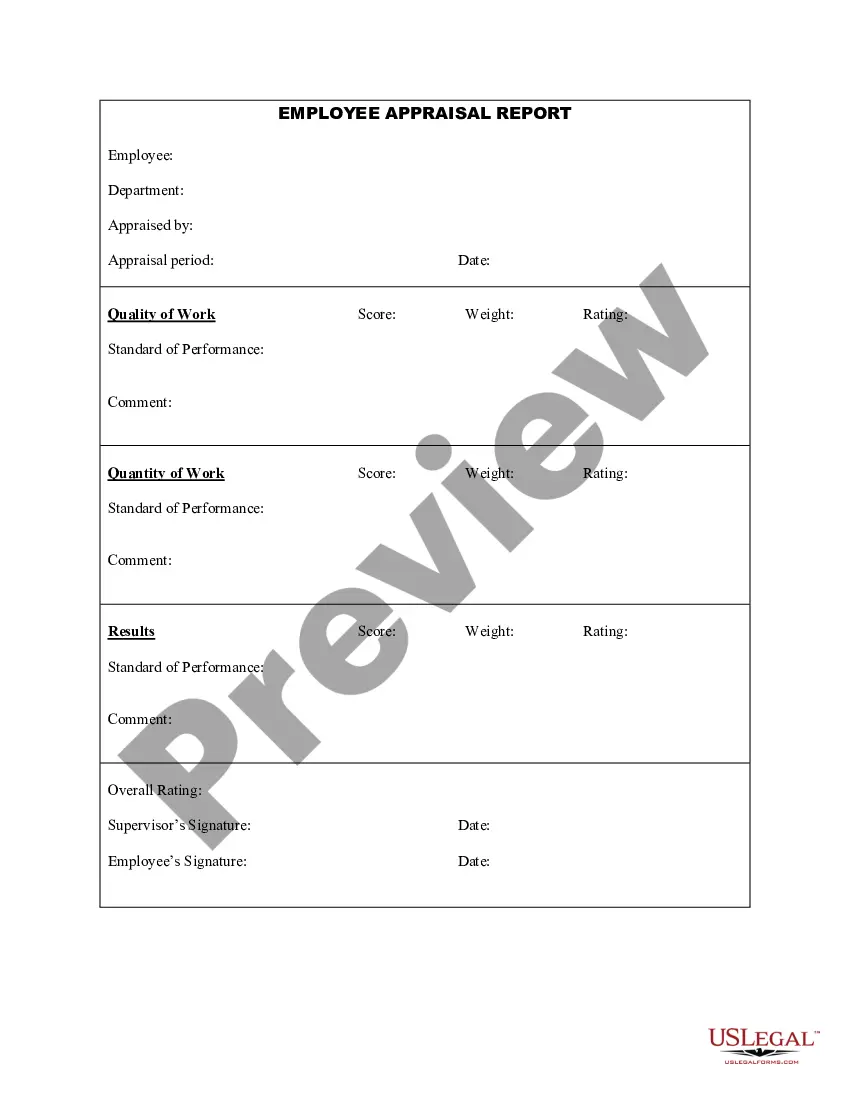
How to fill out Appraisal Interview Report (Short Form)?
Finding a go-to place to access the most recent and relevant legal templates is half the struggle of handling bureaucracy. Discovering the right legal files demands accuracy and attention to detail, which is why it is very important to take samples of Sample Of Evaluation Form For Training Courses only from reputable sources, like US Legal Forms. A wrong template will waste your time and delay the situation you are in. With US Legal Forms, you have very little to be concerned about. You can access and see all the details regarding the document’s use and relevance for your situation and in your state or region.
Consider the following steps to finish your Sample Of Evaluation Form For Training Courses:
- Use the library navigation or search field to find your template.
- View the form’s description to see if it matches the requirements of your state and area.
- View the form preview, if there is one, to make sure the form is the one you are looking for.
- Return to the search and find the proper template if the Sample Of Evaluation Form For Training Courses does not match your needs.
- When you are positive about the form’s relevance, download it.
- If you are a registered customer, click Log in to authenticate and access your selected forms in My Forms.
- If you do not have a profile yet, click Buy now to get the template.
- Select the pricing plan that fits your requirements.
- Go on to the registration to complete your purchase.
- Complete your purchase by picking a transaction method (credit card or PayPal).
- Select the document format for downloading Sample Of Evaluation Form For Training Courses.
- Once you have the form on your gadget, you may alter it with the editor or print it and complete it manually.
Eliminate the inconvenience that accompanies your legal paperwork. Explore the extensive US Legal Forms catalog to find legal templates, check their relevance to your situation, and download them immediately.
Form popularity
FAQ
Training Evaluation Form Conduct an evaluation on the program objectives, course content, facilitator and training facility. Add detailed notes or comments. Provide your final thoughts on the overall training experience. Add notes or comments where necessary. Sign off with digital signature from evaluator.
Evaluation Forms Examples Employee Evaluation Form. Customer Service Evaluation Form. Peer Evaluation Form. Performance Improvement Plan Form. Event Evaluation Form. Training Course Feedback Template.
There are a number of different evaluation metrics you can use to measure learner outcomes, such as: test scores, course completion rates, job satisfaction, and task performance. Process measures can include things like hours of training completed, trainer satisfaction, and participant engagement.
Evaluation categories address training components and issues such as session content; what strategies, materials, and activities were used; trainer's approach; pace of training; and how well participants learned.
Evaluate how the training has influenced the learner's performance and delivery at work by using a combination of these methods: Self-assessment questionnaires. Informal feedback from peers and managers. Focus groups. On-the-job observation. Actual job performance key performance indicators (KPIs)