Pay Records Online With Paypal
Description

Get your form ready online
Our built-in tools help you complete, sign, share, and store your documents in one place.
Make edits, fill in missing information, and update formatting in US Legal Forms—just like you would in MS Word.
Download a copy, print it, send it by email, or mail it via USPS—whatever works best for your next step.
Sign and collect signatures with our SignNow integration. Send to multiple recipients, set reminders, and more. Go Premium to unlock E-Sign.
If this form requires notarization, complete it online through a secure video call—no need to meet a notary in person or wait for an appointment.
We protect your documents and personal data by following strict security and privacy standards.

Make edits, fill in missing information, and update formatting in US Legal Forms—just like you would in MS Word.

Download a copy, print it, send it by email, or mail it via USPS—whatever works best for your next step.

Sign and collect signatures with our SignNow integration. Send to multiple recipients, set reminders, and more. Go Premium to unlock E-Sign.

If this form requires notarization, complete it online through a secure video call—no need to meet a notary in person or wait for an appointment.

We protect your documents and personal data by following strict security and privacy standards.
Looking for another form?
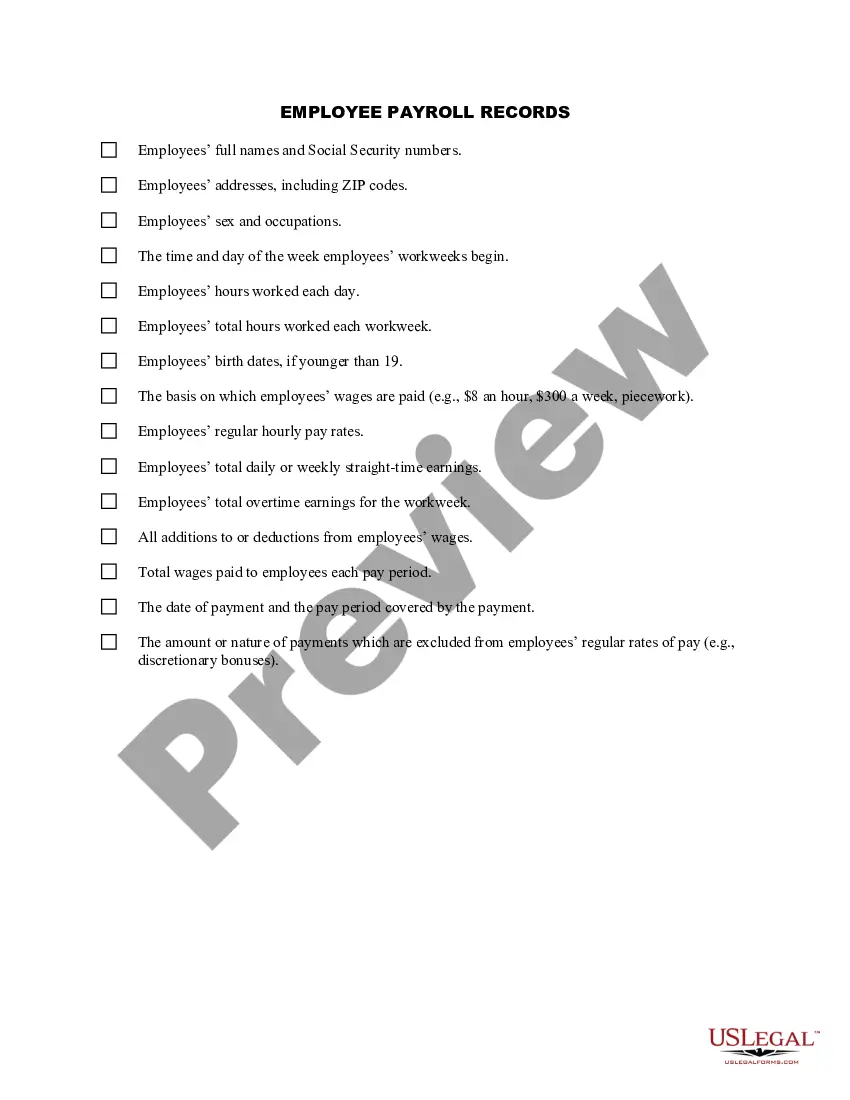
How to fill out Employee Payroll Records Checklist?
Dealing with legal documents and processes can be a lengthy addition to your day.
Pay Records Online With Paypal and similar forms generally require you to search for them and comprehend how to fill them out correctly.
For this reason, whether you are handling financial, legal, or personal affairs, having a comprehensive and accessible online repository of forms at your disposal will greatly assist.
US Legal Forms is the premier online platform for legal documents, boasting over 85,000 state-specific forms and several tools to help you finalize your paperwork swiftly.
Is this your first time using US Legal Forms? Register and create your account in a few moments, and you’ll gain access to the form library and Pay Records Online With Paypal. Then, follow the steps below to complete your form: Ensure you have identified the correct form using the Preview feature and reviewing the form description. Select Buy Now when ready, and choose the monthly subscription plan that meets your requirements. Click Download, then fill out, eSign, and print the form. US Legal Forms has 25 years of experience helping users manage their legal documents. Acquire the form you need today and streamline any process effortlessly.
- Browse the collection of pertinent documents available with just one click.
- US Legal Forms provides state- and county-specific forms available at any time for download.
- Protect your document management processes with a top-notch service that enables you to compile any form within minutes without additional or concealed fees.
- Simply Log In to your account, find Pay Records Online With Paypal, and retrieve it instantly from the My documents section.
- You can also access previously downloaded forms.
Form popularity
FAQ
You will receive a 1099-K from PayPal for the 2022 tax year if you received over $20,000 in total payments for goods and services and had 200 or more transactions on the platform. Beginning with the 2023 tax season, you will receive a 1099-K from PayPal for over $600 in payments for goods and services on the platform.
Form 1099-K is a form you'll fill out and submit with your tax returns. Third-party payment processors ? like PayPal ? must send a 1099-K to merchants who meet the reporting requirements. Here is the information you can expect to include on a 1099-K: Your name, address and contact information.
To view and download statements and reports on the web: Go to Activity. Click the download button. ... Click Custom. Click Activity download under "Reports". Select the transaction type, date range, and file format. Click Customise report fields and select the fields you want to include in your report. Click Create Report.
Choose a username to create your PayPal.Me link. Share your link with your client to request payment. Your client will click on the link, log into PayPal, and complete the payment. The payment will be registered in your PayPal account.
But, if you have a side hustle where you buy items and resell them for a profit via PayPal or another digital payment app, then earnings over $600 will be considered taxable and reported to the IRS.