Sample Memo Employment With Attachments
Description
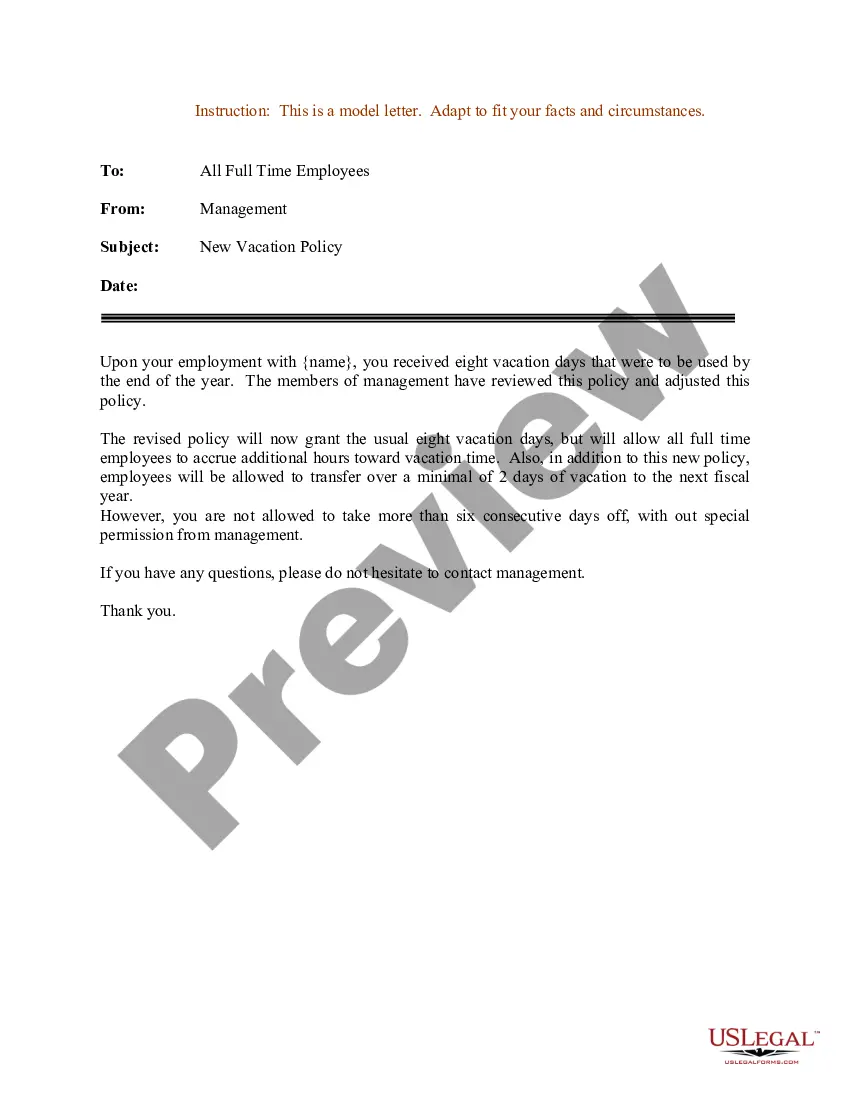
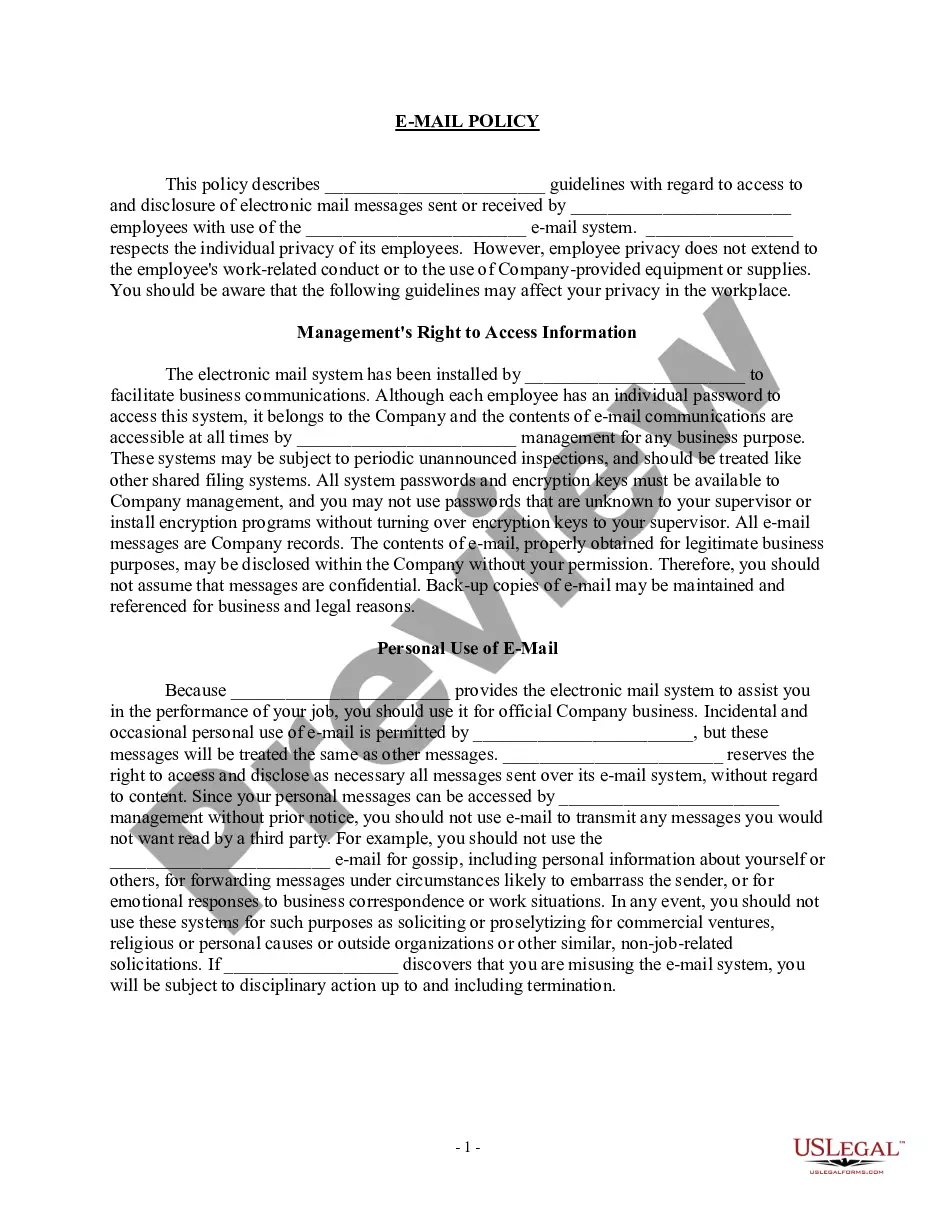
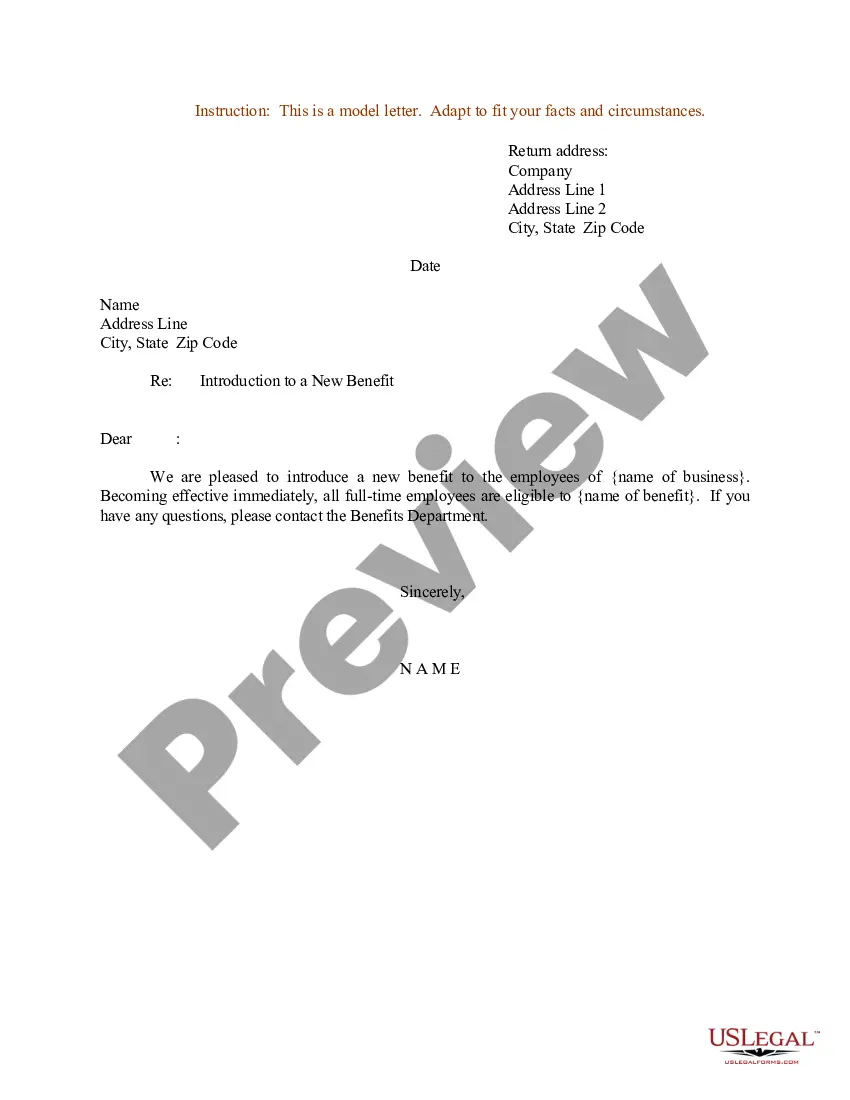
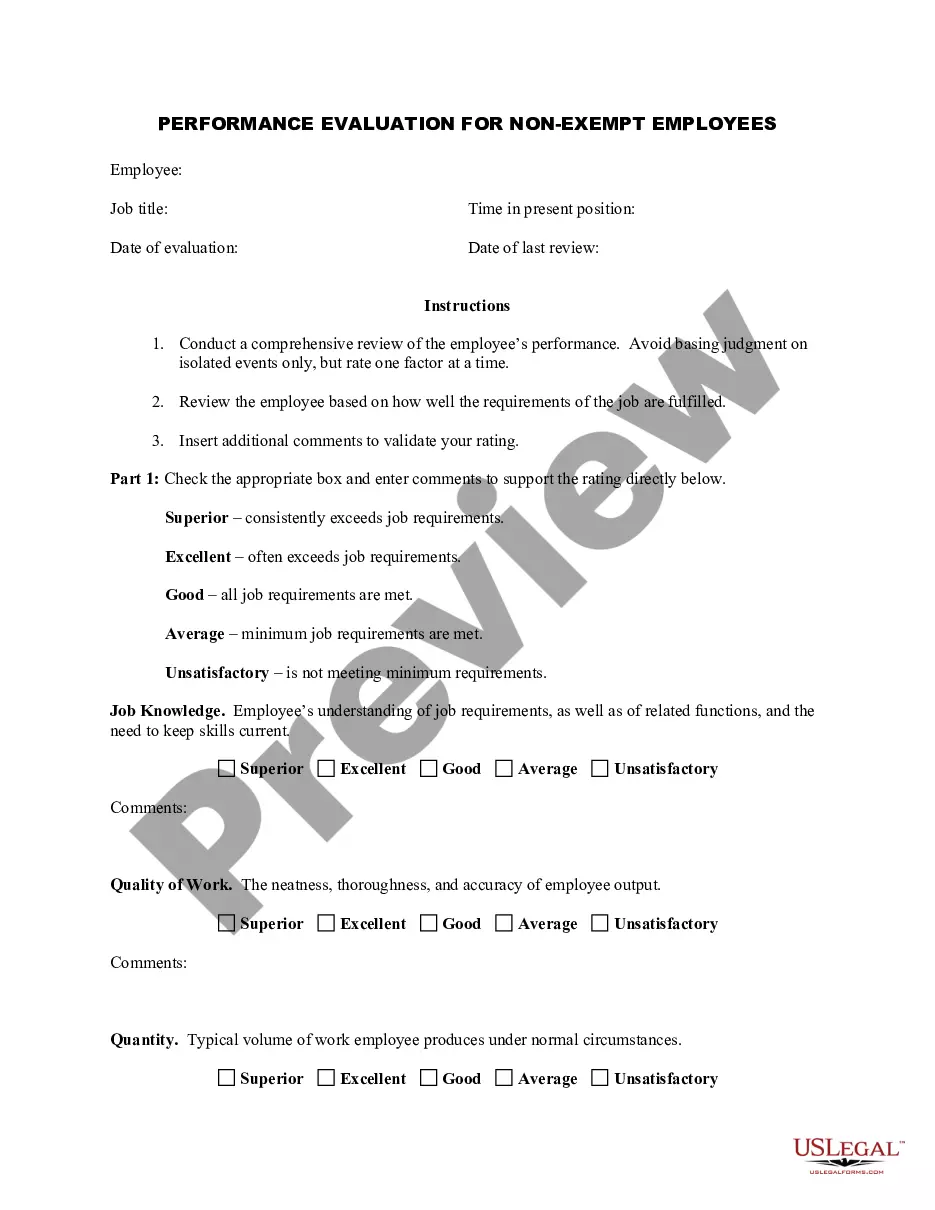

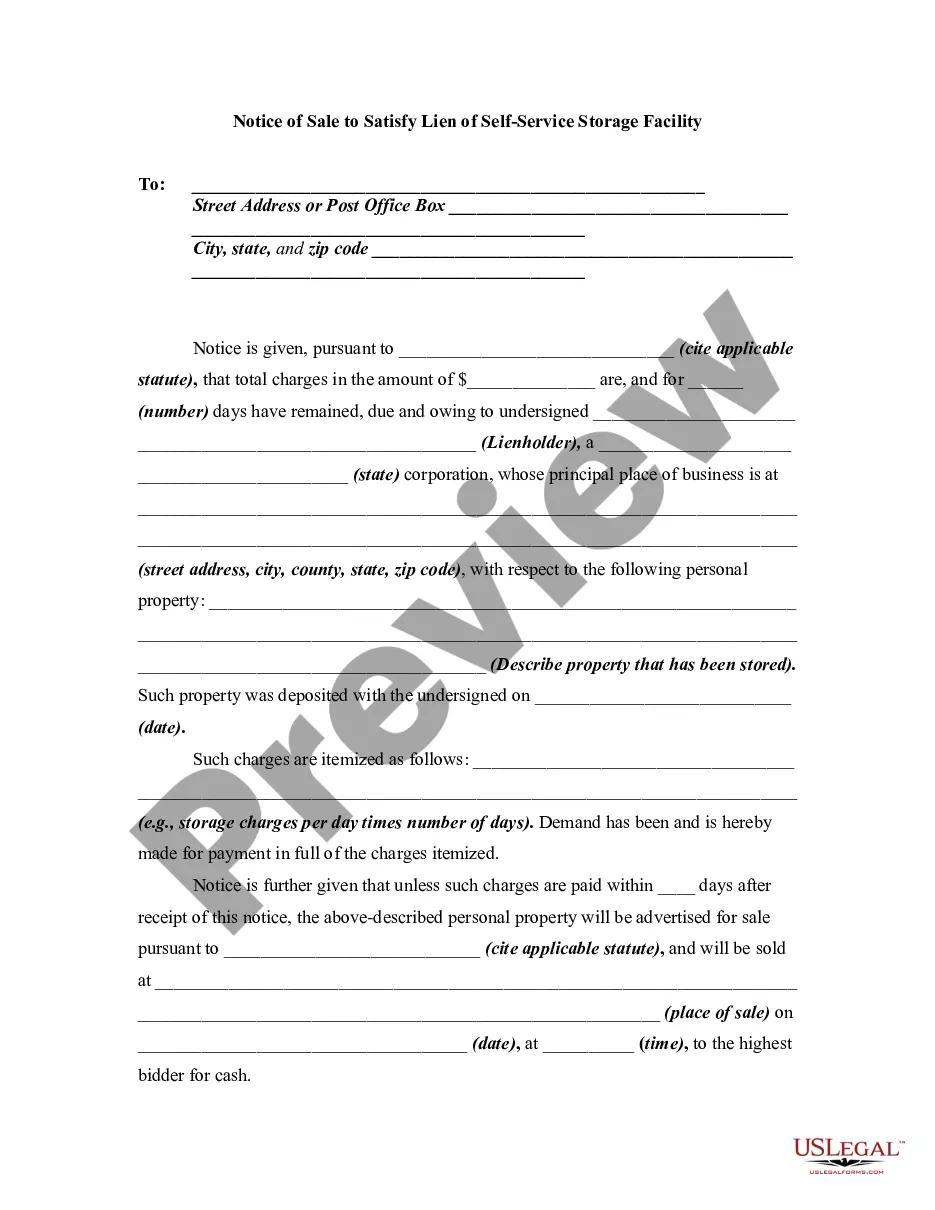
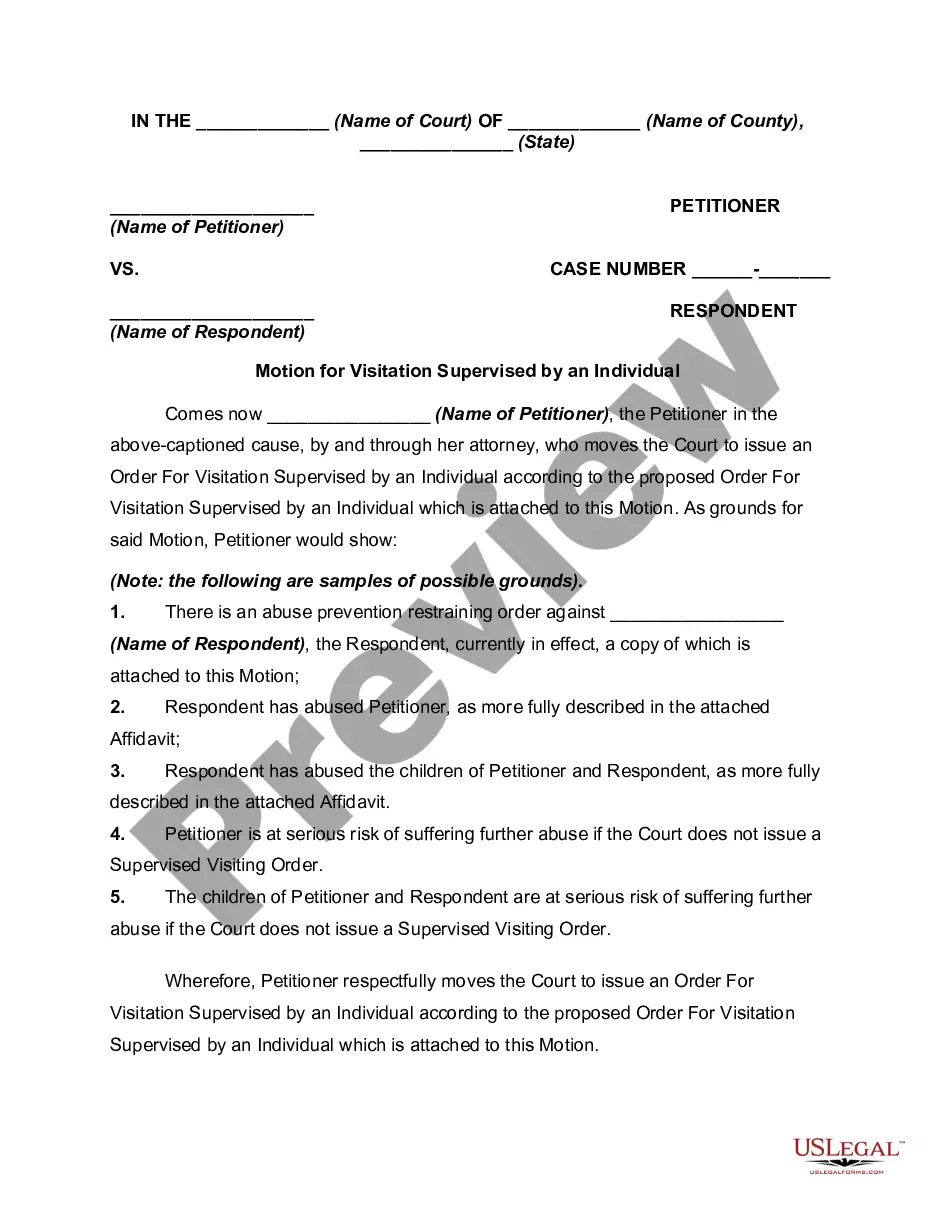



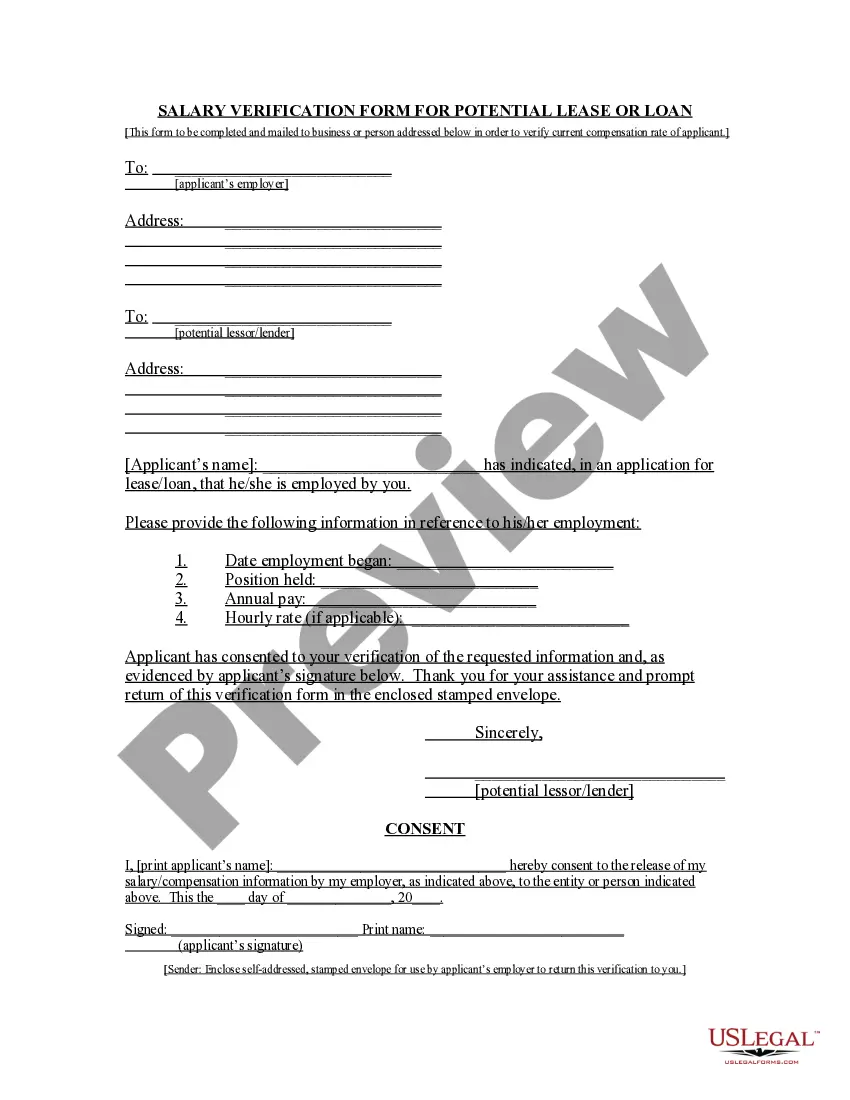
How to fill out Sample Memo Announcing A New Company Benefit?
The Sample Memo Employment With Attachments you see on this page is a multi-usable formal template drafted by professional lawyers in compliance with federal and state laws and regulations. For more than 25 years, US Legal Forms has provided individuals, companies, and attorneys with more than 85,000 verified, state-specific forms for any business and personal scenario. It’s the quickest, most straightforward and most trustworthy way to obtain the paperwork you need, as the service guarantees the highest level of data security and anti-malware protection.
Acquiring this Sample Memo Employment With Attachments will take you only a few simple steps:
- Look for the document you need and review it. Look through the file you searched and preview it or review the form description to verify it satisfies your requirements. If it does not, use the search bar to find the appropriate one. Click Buy Now once you have found the template you need.
- Subscribe and log in. Choose the pricing plan that suits you and create an account. Use PayPal or a credit card to make a quick payment. If you already have an account, log in and check your subscription to continue.
- Acquire the fillable template. Pick the format you want for your Sample Memo Employment With Attachments (PDF, Word, RTF) and save the sample on your device.
- Fill out and sign the document. Print out the template to complete it by hand. Alternatively, use an online multi-functional PDF editor to rapidly and accurately fill out and sign your form with a legally-binding] {electronic signature.
- Download your paperwork again. Utilize the same document again whenever needed. Open the My Forms tab in your profile to redownload any previously downloaded forms.
Subscribe to US Legal Forms to have verified legal templates for all of life’s circumstances at your disposal.
Form popularity
FAQ
Generally, an internal memo format includes names of recipients and senders, date and time, subject, the body or message, a signature, additional recipients, and attachments such as a timecard or documents that need signatures.
How to Write an Email with an Attachment Identify the Files You Want to Send. Before drafting the email, you should know what files you want to attach to your message and where they are located on your device. ... Craft an Email Subject Line. ... Draft the Email Body. ... Add Attachments Files. ... Proofread and Send Your Email.
Dear employees, I am writing to inform you of a new policy that will be implemented at [Company Name] effective [Date]. The purpose of this policy is to [state the purpose of the policy]. [Include a brief explanation of the policy and what it entails.
There are two ways to format attachments in a memo. You can either mention the attachments in the memo's body, or you can list them separately at the end, with a label such as "Attachments" or "Enclosures." Title the attachment so that it's relevant to the content.