Qualifying Notice Employer Withholding Guide
Description
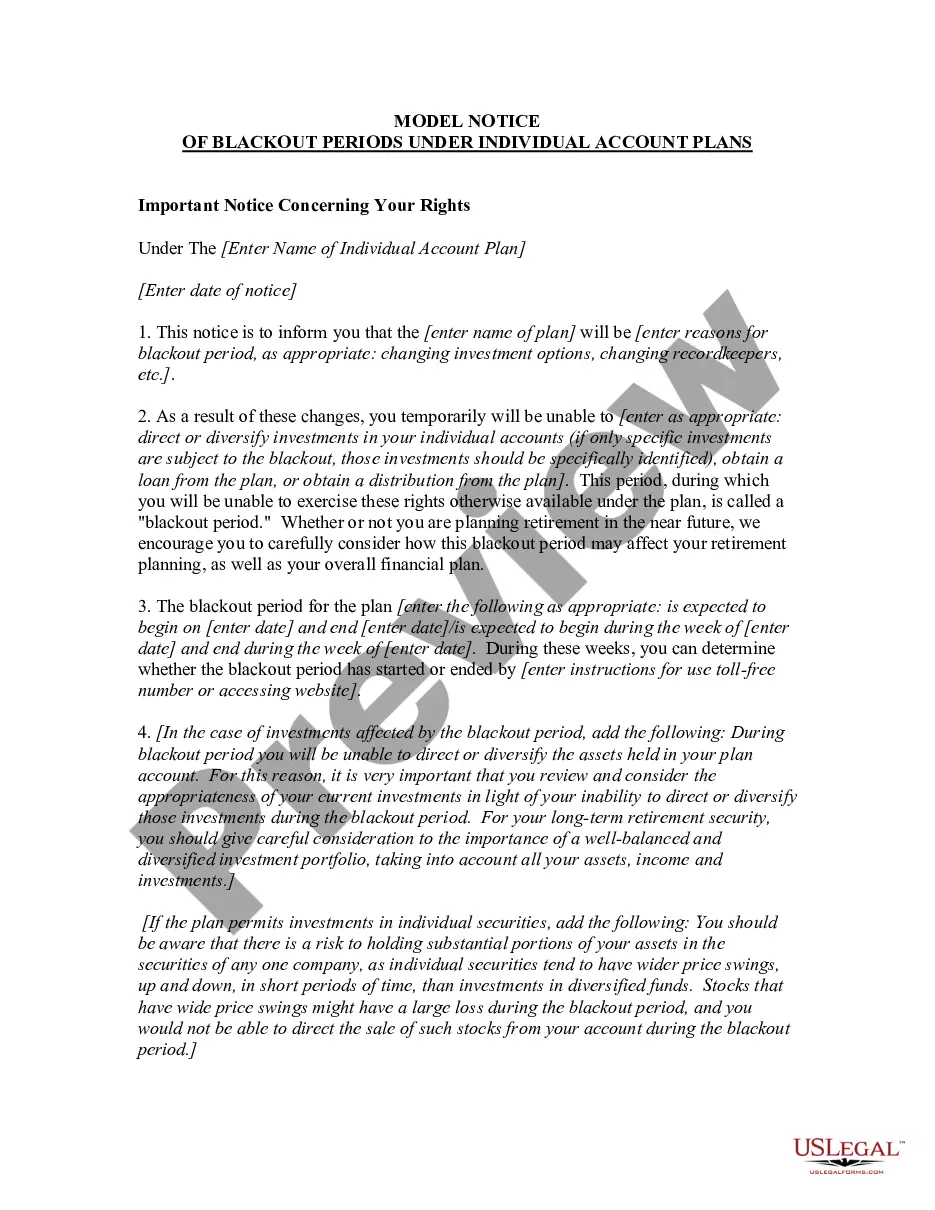
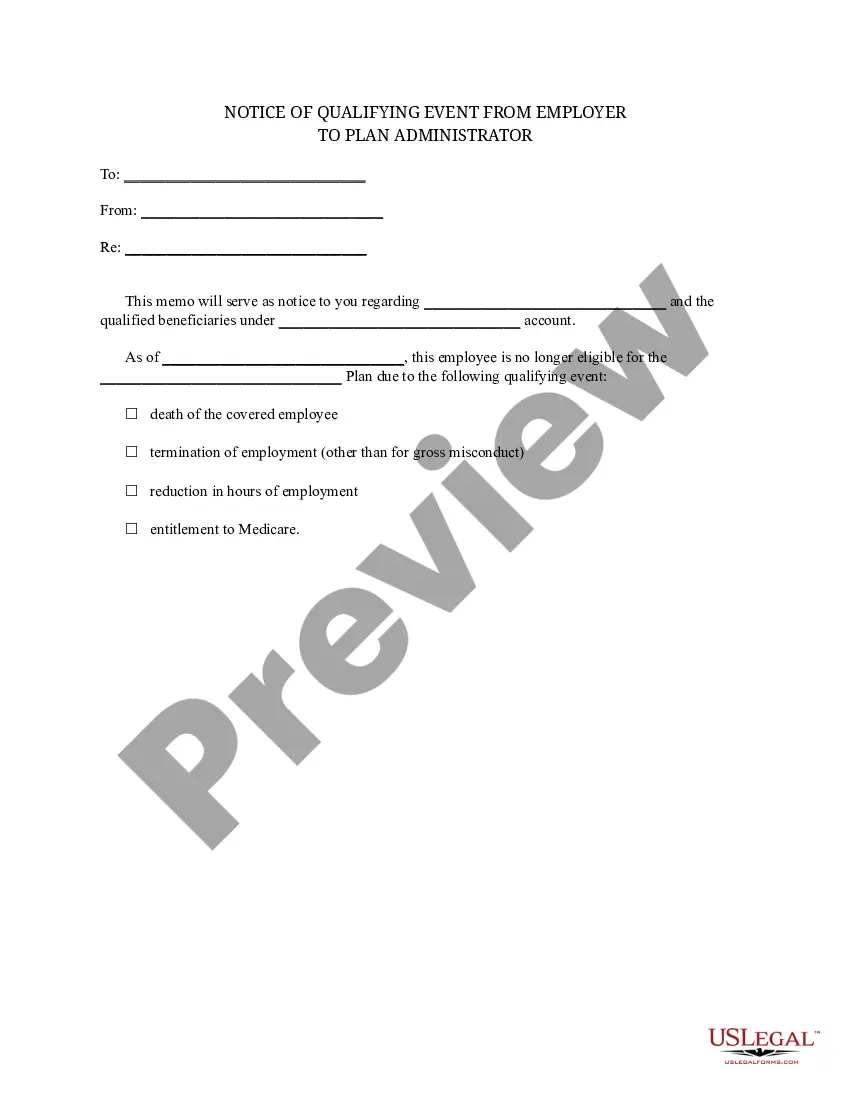

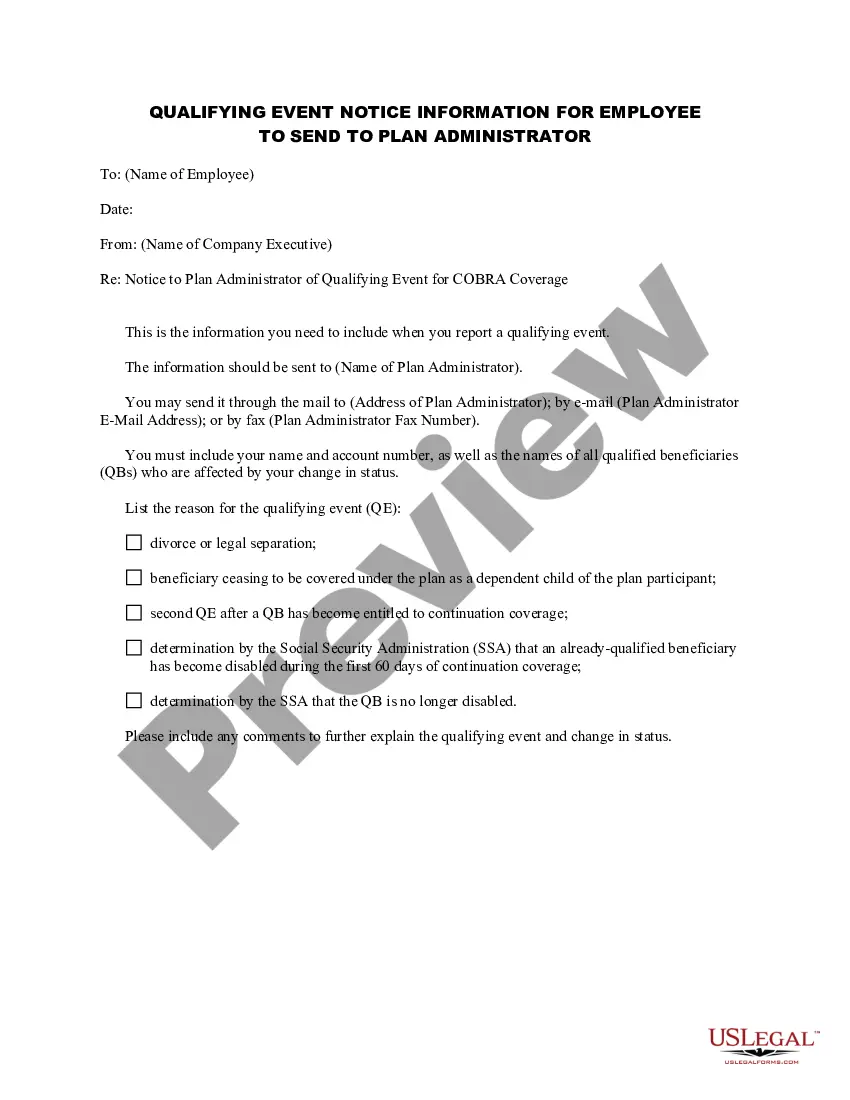
How to fill out Qualifying Event Notice Information For Employer To Plan Administrator?
Whether for commercial reasons or for personal issues, everyone must confront legal matters at some point in their life.
Filling out legal documents requires meticulous care, starting with choosing the correct form template.
With a vast US Legal Forms catalog available, you do not have to waste time searching for the right template online. Utilize the library’s user-friendly navigation to locate the appropriate form for any circumstance.
- For instance, if you choose an incorrect version of the Qualifying Notice Employer Withholding Guide, it will be declined when you submit it.
- Thus, it is crucial to have a reliable source of legal documents like US Legal Forms.
- If you need to obtain a Qualifying Notice Employer Withholding Guide template, follow these simple steps.
- Access the template you require by using the search box or catalog navigation.
- Review the form’s description to confirm it fits your circumstances, state, and area.
- Click on the form’s preview to examine it.
- If it is the wrong document, return to the search feature to find the Qualifying Notice Employer Withholding Guide sample you need.
- Download the file when it aligns with your specifications.
- If you possess a US Legal Forms account, simply click Log in to retrieve previously saved documents in My documents.
- If you don’t have an account yet, you can obtain the form by clicking Buy now.
- Choose the appropriate pricing option.
- Fill out the account registration form.
- Choose your payment method: you can use a credit card or PayPal account.
- Select the document format you desire and download the Qualifying Notice Employer Withholding Guide.
- Once it is saved, you can fill out the form using editing software or print it and complete it by hand.
Form popularity
FAQ
Do I Report My Box 40 Amount on My Tax Return? Although the amount in Box 40 is already included in Box 14, entering it again will not affect your tax return or add it again to your total income. It is for information purposes only.
If an employer does not withhold deductions, or if it makes deductions but does not remit them, it becomes liable for the amount that should have been remitted. The CRA can go as far as taking legal action, such as garnishing your salary or other sources of income or seizing and selling property.
Sec. 6672(a) imposes a 100% civil penalty on responsible officers in cases of failure to withhold and/or pay over employment taxes. Sec. 7202 makes failing to meet employment tax obligations a felony, punishable by a fine of not more than $10,000, prison for up to five years, or both.
Identification and pre-numbered boxes Employer's name. Enter your operating or trade name. ... Employee's name and address. ... Year. ... Box 10 ? Province of employment. ... Box 12 ? Social insurance number. ... Box 14 ? Employment income. ... Boxes 16 and 17 ? Employee's CPP or QPP contributions. ... Box 18 ? Employee's EI premiums.
How to fill out Year. ... Employer's account number. ... Name and address of employer. ... Line 88 ? Total number of T4 slips filed. ... Line 14 ? Employment income. ... Line 20 ? Registered pension plan (RPP) contributions. ... Line 52 ? Pension adjustment. ... Line 16 ? Employee's CPP contributions.