Credit Background Video
Description


Get your form ready online
Our built-in tools help you complete, sign, share, and store your documents in one place.
Make edits, fill in missing information, and update formatting in US Legal Forms—just like you would in MS Word.
Download a copy, print it, send it by email, or mail it via USPS—whatever works best for your next step.
Sign and collect signatures with our SignNow integration. Send to multiple recipients, set reminders, and more. Go Premium to unlock E-Sign.
If this form requires notarization, complete it online through a secure video call—no need to meet a notary in person or wait for an appointment.
We protect your documents and personal data by following strict security and privacy standards.

Make edits, fill in missing information, and update formatting in US Legal Forms—just like you would in MS Word.

Download a copy, print it, send it by email, or mail it via USPS—whatever works best for your next step.

Sign and collect signatures with our SignNow integration. Send to multiple recipients, set reminders, and more. Go Premium to unlock E-Sign.

If this form requires notarization, complete it online through a secure video call—no need to meet a notary in person or wait for an appointment.

We protect your documents and personal data by following strict security and privacy standards.
Looking for another form?






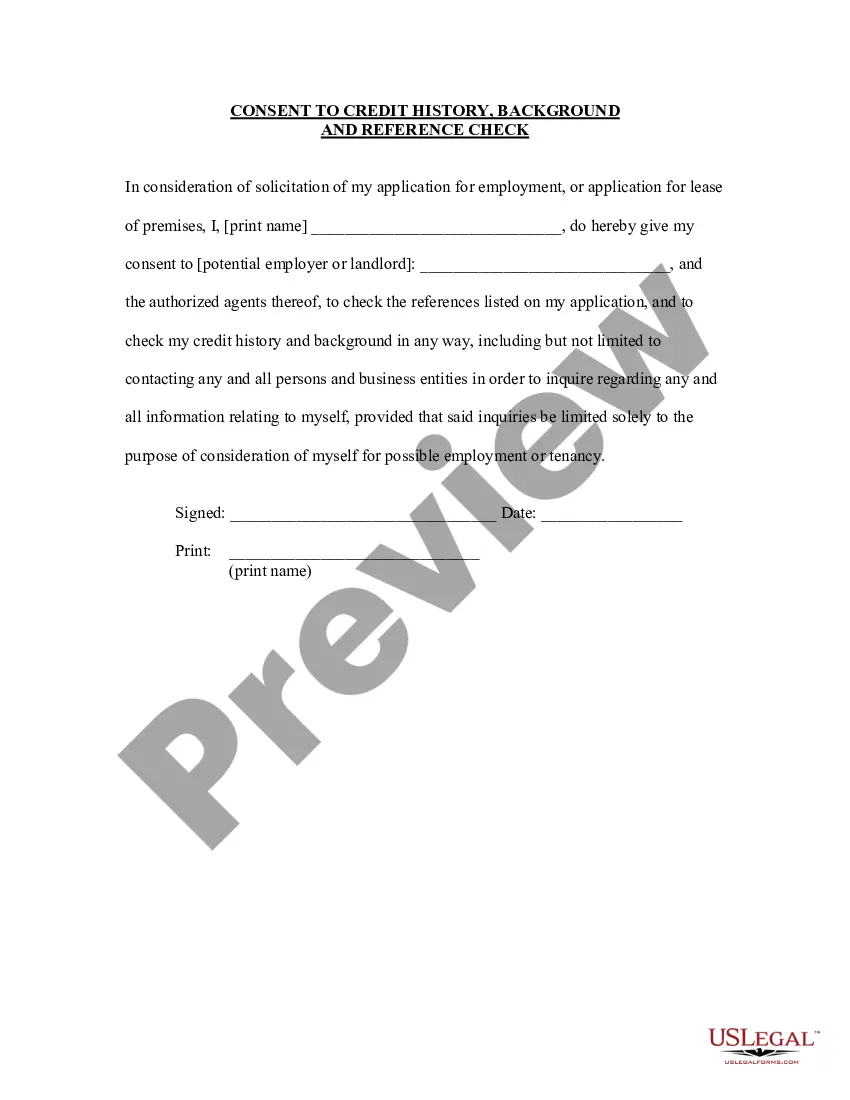
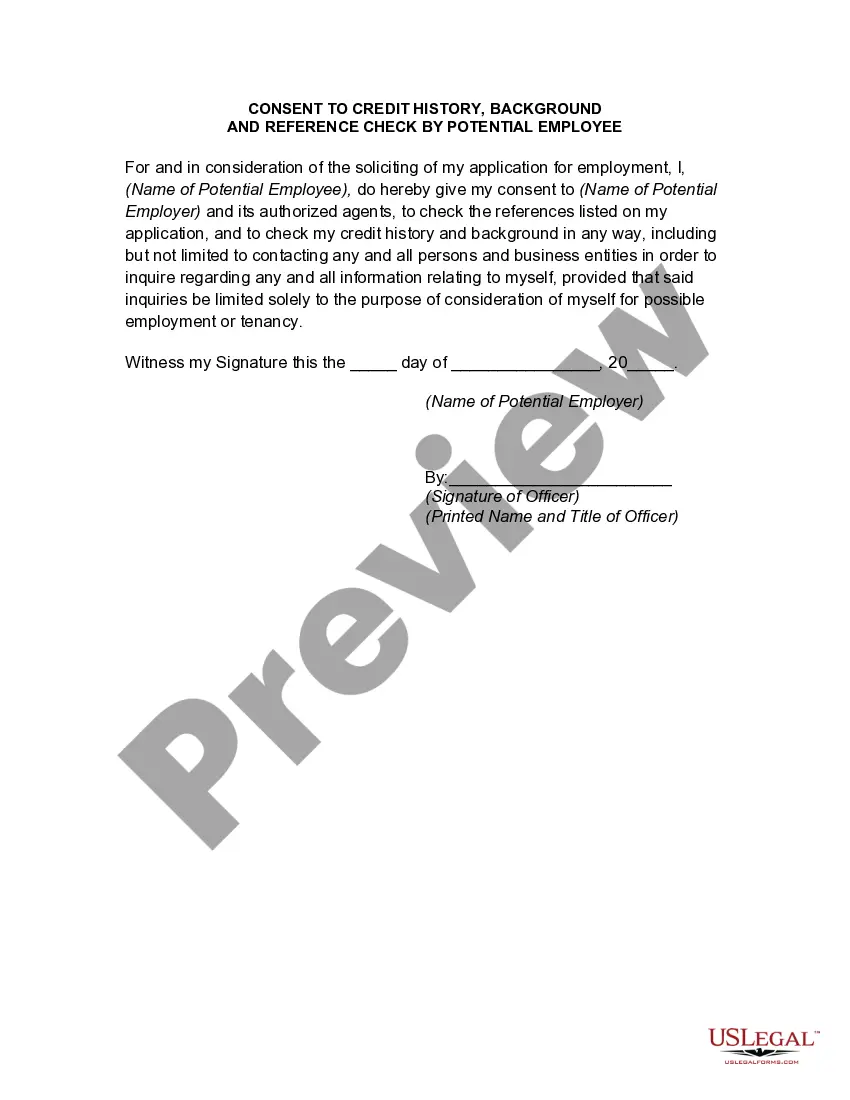
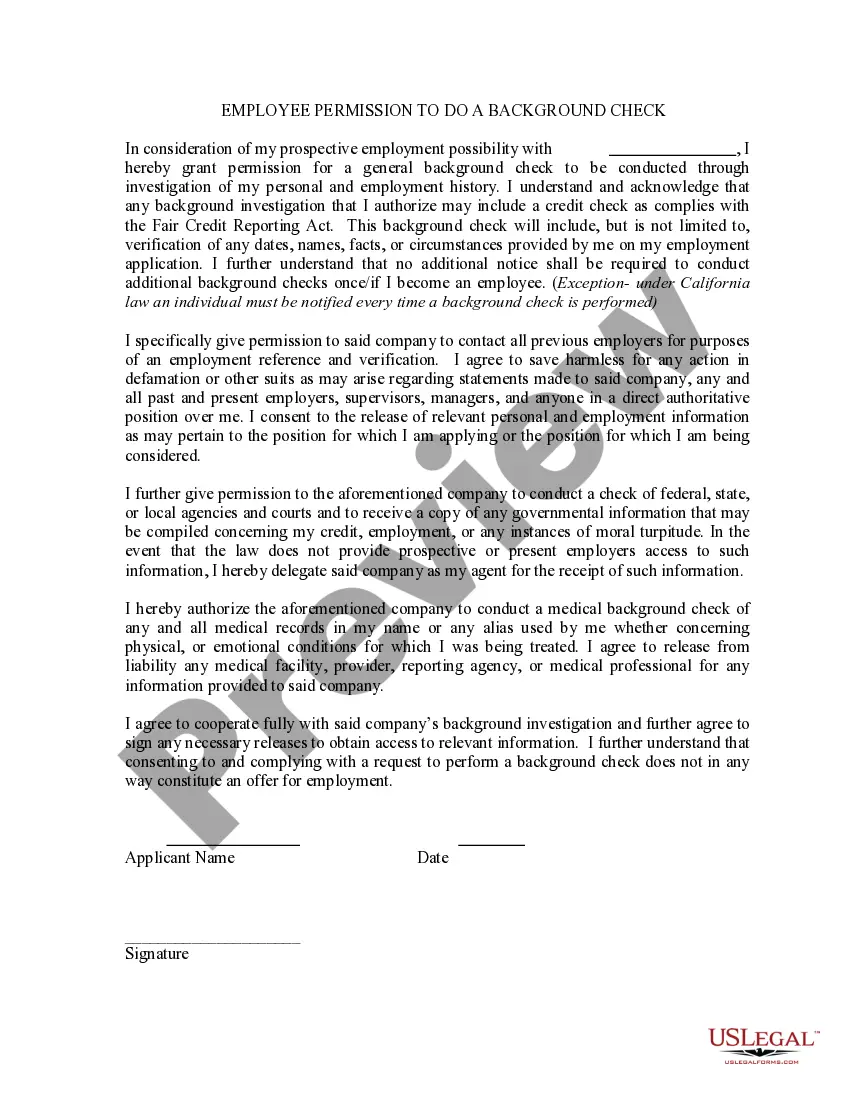
How to fill out Consent To Credit History Background And Reference Check?
- If you're a returning user, log into your account and select the form template you need for download. Confirm that your subscription is active; if not, renew it as per your current payment plan.
- For first-time users, start by previewing your preferred form. Take your time to read the description and verify that it aligns with your requirements and local laws.
- If you need a different template, use the Search bar at the top to find a suitable alternative. Make sure it meets all your needs before proceeding.
- Once you've identified the appropriate document, click on the Buy Now button. Choose your desired subscription plan and create an account to unlock access to the full library.
- Complete the purchase process by entering your credit card or PayPal details to finalize your subscription.
- After purchase, download the form to your device. You can easily access it later in the My Forms section of your profile portfolio.
By utilizing US Legal Forms, you're not only streamlining your legal documentation process but also gaining access to over 85,000 fillable forms. With the ability to consult premium experts on form completion, you ensure that your documents are precise and legally sound.
Don't let legal paperwork overwhelm you. Explore US Legal Forms today and take advantage of their comprehensive library to streamline your documentation needs!
Form popularity
FAQ
Reading a credit report video involves following visual cues and explanations that guide you through the report’s sections. Look for key terms and concepts that help illustrate the importance of each part of the report. Many videos emphasize metrics like credit scores and utilization ratios. Engaging with a credit background video can make this process easier and more informative.
In video terminology, credit refers to acknowledging the contributions of individuals or entities involved in the production. This includes cast, crew, and any additional support. Proper credits not only give recognition but also enhance the professional appeal of your video. Watching a credit background video can provide clarity on how to effectively list credits in your own productions.
The five main components of a credit report include personal information, credit accounts, payment history, inquiries, and public records. Personal information lists your name and address, while credit accounts show your credit usage. Payment history reflects your on-time or late payments. Inquiries detail who has accessed your report, and public records might include bankruptcies. For a better visual understanding of these components, check out a credit background video.
Writing credits for a video involves listing all the contributors, including directors, producers, writers, and actors. You should ensure that this information is clear and correctly formatted, often appearing in a dedicated section at the end of the video. Consider referencing style guides to maintain consistency. Utilizing a credit background video can also inspire your credit design and formatting.
A credit report video is an educational resource that explains the components and significance of a credit report. It visually presents how to interpret credit information, helping viewers understand its impact on their financial decisions. By using engaging graphics and straightforward explanations, these videos can simplify complex concepts. Watching a credit background video can enhance your understanding even further.
To give credit for a video, you should mention the creator's name and any relevant information about their work. This can be done in the video's description or through text overlays in the video itself. Proper credit not only respects the creator's work but also adds credibility to your content. A credit background video might provide examples of how to do this effectively.
A credit report is a detailed record of your credit history. It includes information about your credit accounts, payment history, and any outstanding debts. Understanding this report is essential for managing your financial life and can impact your ability to secure loans or credit cards. For a visual guide, consider watching a credit background video for deeper insights.
To do credits for a video, create a list that includes everyone who contributed to the project, such as editors, writers, and other collaborators. Display these credits at the beginning or end of the video, or in the video description. This comprehensive approach ensures recognition for all participants, especially when producing a credit background video.
To credit the owner of a video, you might say something like, 'Video created by Owner’s Name.' Adding this information in the description or at the start or end of the video is important. This practice is essential for transparency, particularly in detailed projects like your credit background video.
To give video credit to someone, incorporate their name and a link to their work in the video description. You can also add a dedicated credits section in the video itself. This step shows appreciation for their effort, especially in projects like your credit background video.