Attendance Sheet For Office
Description




Get your form ready online
Our built-in tools help you complete, sign, share, and store your documents in one place.
Make edits, fill in missing information, and update formatting in US Legal Forms—just like you would in MS Word.
Download a copy, print it, send it by email, or mail it via USPS—whatever works best for your next step.
Sign and collect signatures with our SignNow integration. Send to multiple recipients, set reminders, and more. Go Premium to unlock E-Sign.
If this form requires notarization, complete it online through a secure video call—no need to meet a notary in person or wait for an appointment.
We protect your documents and personal data by following strict security and privacy standards.

Make edits, fill in missing information, and update formatting in US Legal Forms—just like you would in MS Word.

Download a copy, print it, send it by email, or mail it via USPS—whatever works best for your next step.

Sign and collect signatures with our SignNow integration. Send to multiple recipients, set reminders, and more. Go Premium to unlock E-Sign.

If this form requires notarization, complete it online through a secure video call—no need to meet a notary in person or wait for an appointment.

We protect your documents and personal data by following strict security and privacy standards.
Looking for another form?







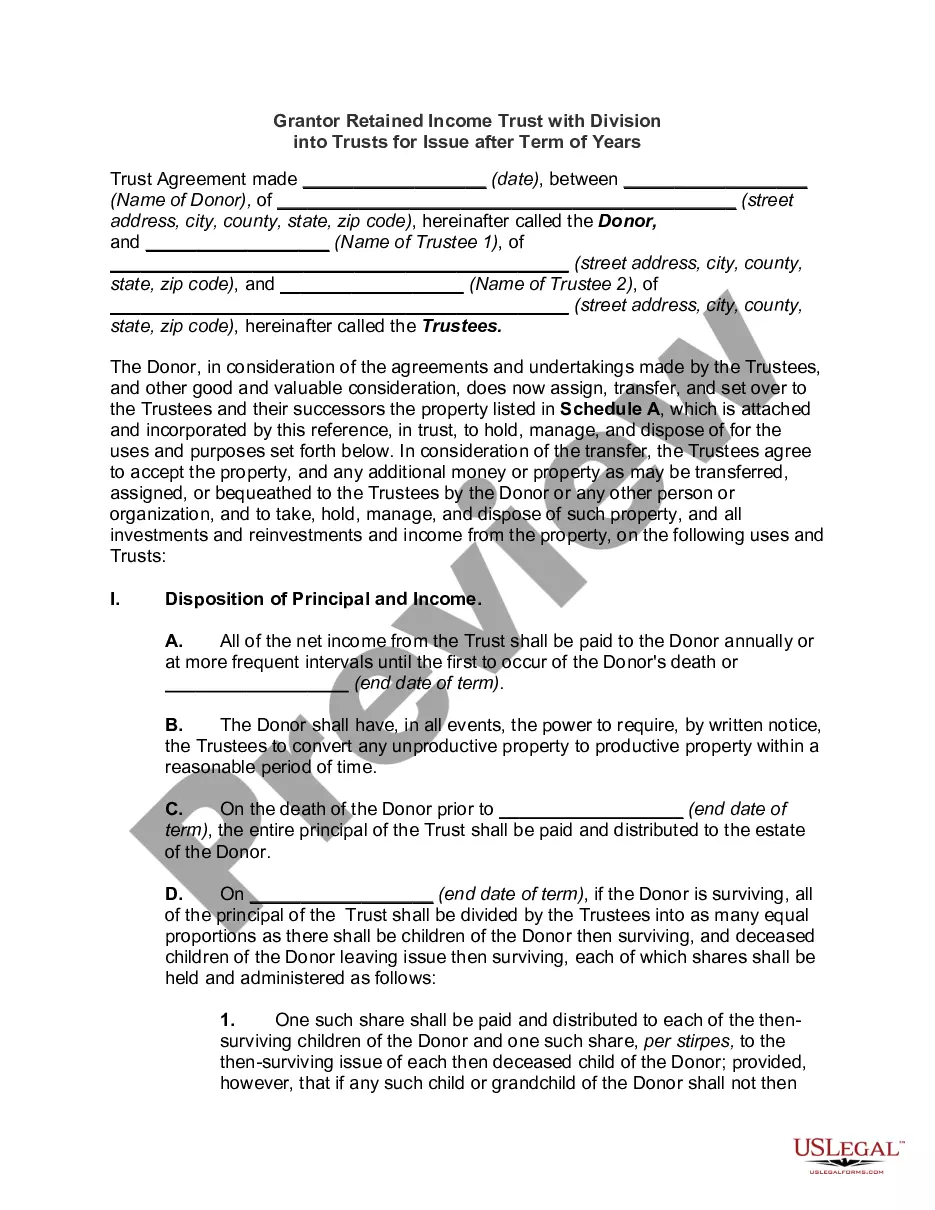

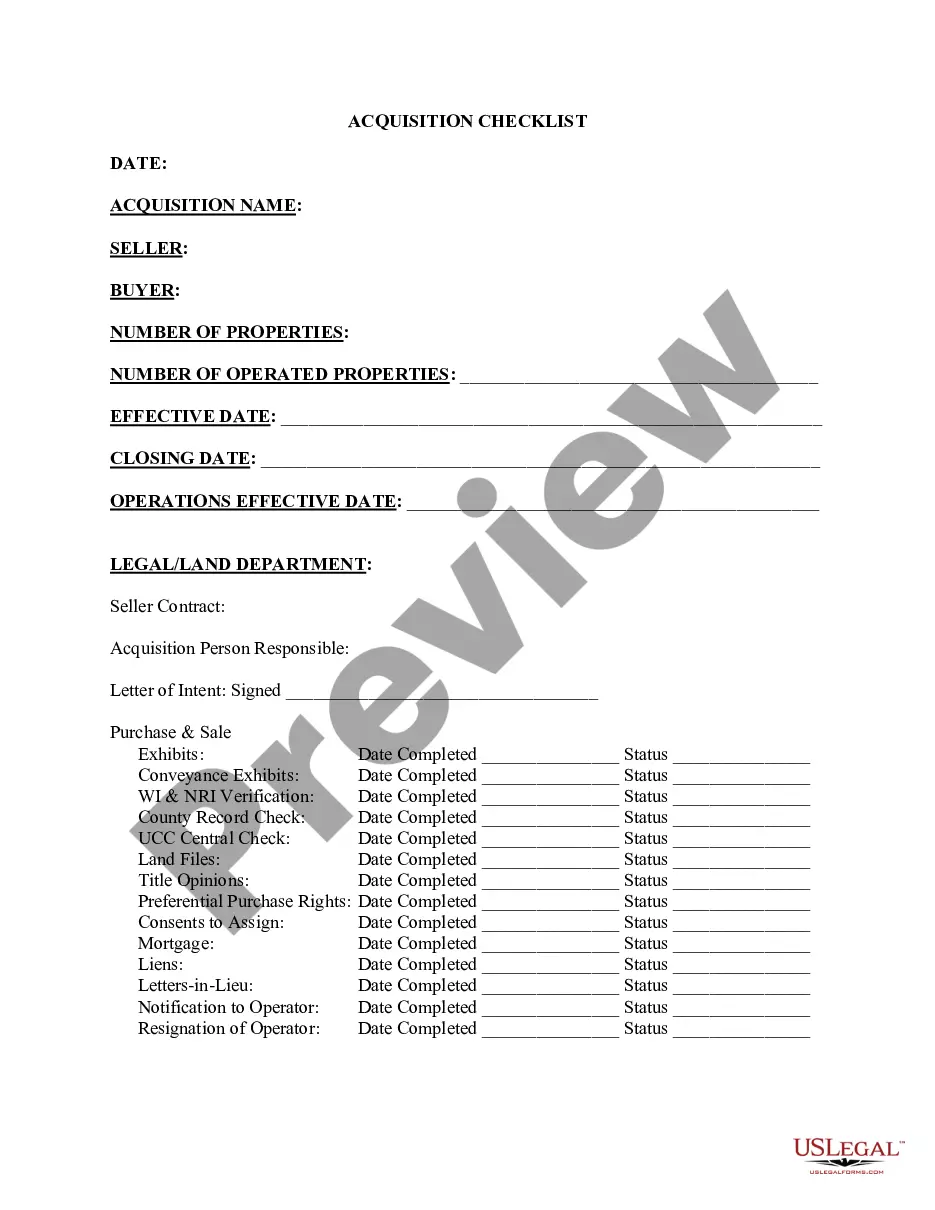
How to fill out Employee Attendance Sheet?
- Log in to your US Legal Forms account if you have one; otherwise, create a new account.
- In the form library, search for 'Attendance sheet for office' and review the available templates in preview mode to ensure they meet your needs.
- If necessary, explore additional templates using the Search tab until you find the perfect match for your local jurisdiction.
- Once you find the right document, click on the 'Buy Now' button and choose your preferred subscription plan to access the library.
- Complete your purchase by entering your payment details, whether credit card or PayPal.
- Finally, download your attendance sheet for office and save it on your device, allowing easy access anytime through the 'My Forms' section.
US Legal Forms provides individuals and attorneys with a remarkably extensive library of legal documents, including over 85,000 templates. By utilizing their services, you can ensure that your documents are both accurate and legally sound, as premium experts are available to assist you in completing the forms correctly.
In conclusion, obtaining an attendance sheet for office use has never been easier thanks to US Legal Forms. Start simplifying your documentation process today by visiting their site and finding the right form for your needs!
Form popularity
FAQ
To record employee attendance effectively, use an attendance sheet for office that captures important data like employee names, dates, and attendance type. You can choose between manual recording or automated solutions such as time-tracking software. Make sure to review records periodically to identify trends and address any attendance concerns promptly.
The best way to record employee attendance is by utilizing a comprehensive attendance sheet for office, which tracks daily presence and absence. Consider integrating this sheet with payroll systems to streamline processes and reduce errors. An effective record-keeping method fosters accountability and supports efficient workforce management.
Making an attendance record involves setting up a structured attendance sheet for office. Include essential information such as employee names, dates, and attendance status. Update this record daily, and ensure it is easily accessible for both management and employees to encourage transparency.
Documenting employee attendance issues can be efficiently done using an attendance sheet for office. Start by noting the dates and details of repeated absences or lateness. This documentation should be clear and factual, allowing you to address concerns proactively, and providing a basis for performance discussions.
Keeping track of employee attendance requires a systematic approach, such as using an attendance sheet for office. A physical or digital sheet can be used to record daily attendance and track patterns over time. Regularly review this data to manage attendance issues and promote accountability within your team.
To maintain an attendance sheet for office in Excel, start by creating a template with columns for employee names, dates, and attendance status. You can use formulas to automate calculations for total days present, absent, or late. Regularly update this sheet based on daily attendance, ensuring accuracy and accessibility for all authorized personnel.
To create an attendance sheet in Google Sheets, open Sheets and start a new document. Add columns for important elements such as dates and status, then format the sheet for clarity. Leveraging this online tool creates an efficient attendance sheet for office use that can be readily shared among staff.
Filling an attendance sheet in Excel involves inputting data into the designated cells under each header. Record the attendance for each employee daily by marking them as 'Present', 'Absent', or 'Late'. This method allows you to maintain a structured attendance sheet for office and generate insights over time.
An attendance sheet for office should include essential columns such as the employee's name, date, attendance status, and notes for any special circumstances. Including these details aids in accurate record-keeping. Additionally, you might want to track tardiness or early departures in a comments section for a comprehensive view.
To make an attendance sheet in Google Sheets, create a new spreadsheet and set up your columns with headers like 'Date', 'Employee Name', and 'Status'. You can use drop-down lists for attendance options to streamline data entry. This organized structure forms a reliable attendance sheet for office use.